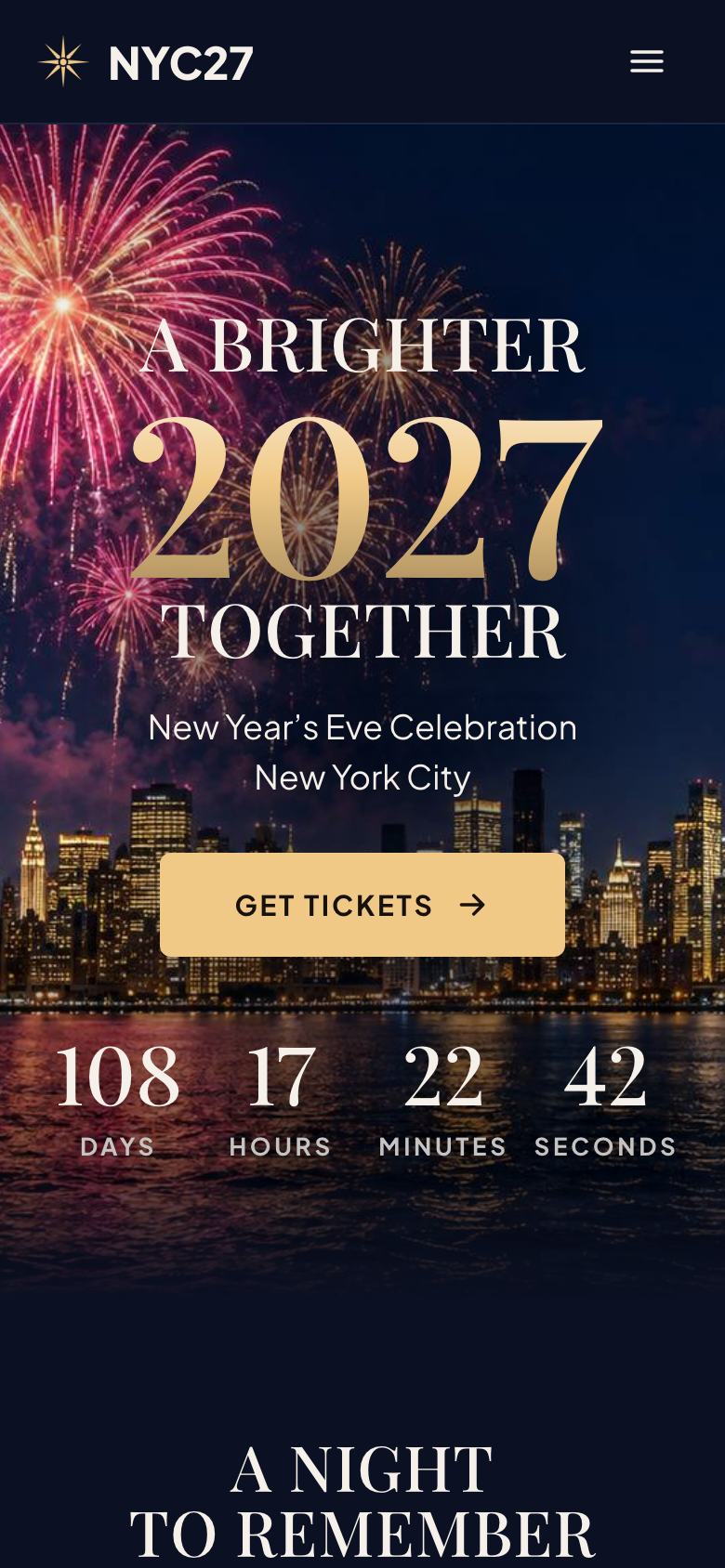
Six finished landing pages for events: one-night concerts and meetups, professional conferences, camping festivals, theatre runs, races and trade shows. Each opens in the editor with its layout, photos and sample copy at no credit cost.


An event has a date, and everything on the page should move people towards it. Visitors need to know what happens, who is involved, where it is, what it costs and whether it is worth travelling for. The best event pages treat the programme as the product and the practical details as the reassurance.
The event as a poster. Name, date, venue and one line on what it is.
What is on. Line-up, speakers, agenda or course, with times.
Tickets. Prices, phases and inclusions, with the date the price rises.
Getting there. Transport, parking, accessibility and accommodation.
Proof. Attendance and ratings from the last edition.
Rules. Refunds, age limits and a code of conduct.
A single date. Event for concerts, meetups and launches with free registration.
Professional events. Tech Conference for ticketed conferences with tracks; Trade Expo Floor Plan for trade shows with visitors and exhibitors.
Festivals and performance. Music Festival for camping and outdoor weekends; Theatre Show for runs with performance dates and seats.
Participation. City Marathon Race Day for races, sportives and charity runs.
Burying the date. It belongs at the top, with the time zone if tickets sell internationally.
Announcing acts or speakers before they are confirmed. Update the line-up as it firms up.
Fake scarcity. Places-left counts must be accurate or removed.
Event pages differ most in what the visitor has to decide. For a free, single-date event, the decision is whether to register, so Event keeps the page short: a poster hero, a line-up, a running order to the minute, what the free wristband includes and a registration form. For a paid professional event, the decision is whether the programme is worth a day away from work, so Tech Conference gives most of its space to speakers, tracks and an agenda with rooms and times.
Where visitors travel and stay, logistics decide as much as the line-up. Music Festival adds camping, a site map and the weekend from arrival to departure. For participation events, the course and the cut-off matter most, which is why City Marathon Race Day draws the route and the elevation. Theatre Show is organised around choosing a date and a seat, and Trade Expo Floor Plan serves visitors and exhibitors with one form and a floor plan.
Event copy should read like a well-edited programme. Start with the facts people share with friends: the name, the date with the day of the week, the city and the venue. Then describe what happens in plain terms, such as “seven hours of music on the river, gates at 16:00” or “two days, three tracks, every talk thirty minutes”. Avoid words like “unmissable” and “epic”, which every event uses.
Write the practical sections as if answering a message from a first-time guest: how to get there, what to bring, what is not allowed, whether children are welcome, how accessible the venue is and what happens if it rains. For professional events, add who attends by role and why speakers were chosen. For ticketed events, state every price phase with its end date, and whether fees and taxes are included.
The most persuasive images for an event are from the last edition: a full room, a crowd at dusk, a speaker mid-talk, runners crossing a bridge. If this is the first edition, use photographs of the venue and the people involved rather than stock crowds. Numbers from previous years, such as attendance, ratings, sell-out times or funds raised, work as proof when they come with the year. Quotes from past attendees are stronger when they mention something specific that happened.
For free events, ask only for what the entry check needs: a name, a mobile number or email, and how many people are coming. For paid tickets, the checkout collects payment details, so the page itself can stay simple. Races need emergency contacts and expected finish times, conferences may ask for job roles to plan sessions, and exhibitor enquiries need company name, sector and preferred stand size. State when confirmations are sent and in what form, such as a QR code by text or a PDF ticket.
Event traffic comes in waves: at the announcement, at each line-up reveal, before each price rise and in the final week. Plan updates to the page for each moment, and send people to it from social posts, partner newsletters, speaker and artist channels, and local listings. Give partners and speakers their own links, so registrations arrive with their source and you can see who actually brings an audience. After the event, keep the page live with a note on the next date and a way to hear first.
Events change up to the last hour. Speakers drop out, set times move, a venue entrance closes, the weather turns. Decide who can update the page and how quickly, and keep a changelog for anything that affects attendees, such as times, locations and access. For major changes, update the page first and then email registered guests with a link, so the page stays the single source of truth.
After the event, update the page within a day: thank attendees, publish attendance and any money raised, add photographs and link to recordings if they exist. The page then becomes proof for the next edition and a place to collect early interest.
Organisers running several events, such as a conference in two cities or a race series, should create a page for each rather than one page with many dates. Each event has its own programme, venue, prices and audience, and separate pages let you see which city or race sells best from each campaign. Link them from a simple overview so visitors can move between them.
Pick a template and it opens in the editor with its layout and sample copy. Update the programme, prices and venue details in place, or tick “Write the text for my business” for about 20 credits and the AI rewrites the copy while keeping the design. Registrations arrive in your inbox with their source.
Starting from any template costs no credits. Or describe what you sell and the AI draws a page for your business, usually in about two minutes.