A page for a Christmas market that sells the night itself
Someone searching for a Christmas Market Event needs more than a list of stalls. They need to know when it happens, what makes that night worth leaving home for, who is appearing, how the programme works and how to reserve a place. This design does that through a full-bleed opening, a countdown, performers, a night-by-night schedule, ticket choices and venue information.
It is built for an event where music, lights, food, makers and a shared seasonal occasion belong together. A generic business page can make a market sound like a directory. This template gives the event a beginning, a date-led middle and a clear route towards a reservation. It also leaves room for a closing message about the cause or local partner behind the event.
The reservation route holds tickets and sends a payment link by email. If the main job is promoting a food-led festival rather than a wider Christmas event, Food Festival Tickets is the closer starting point.
From first impression to a reserved night
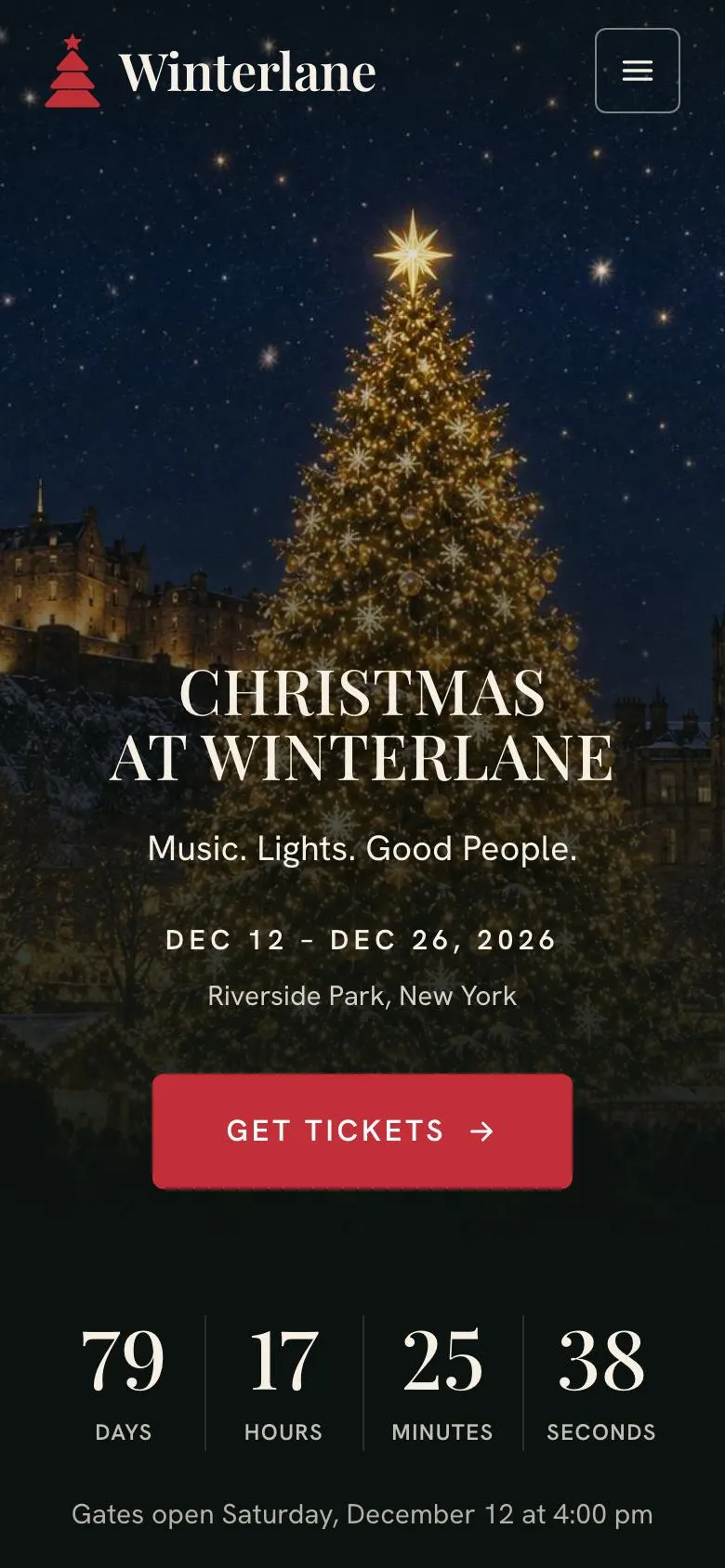
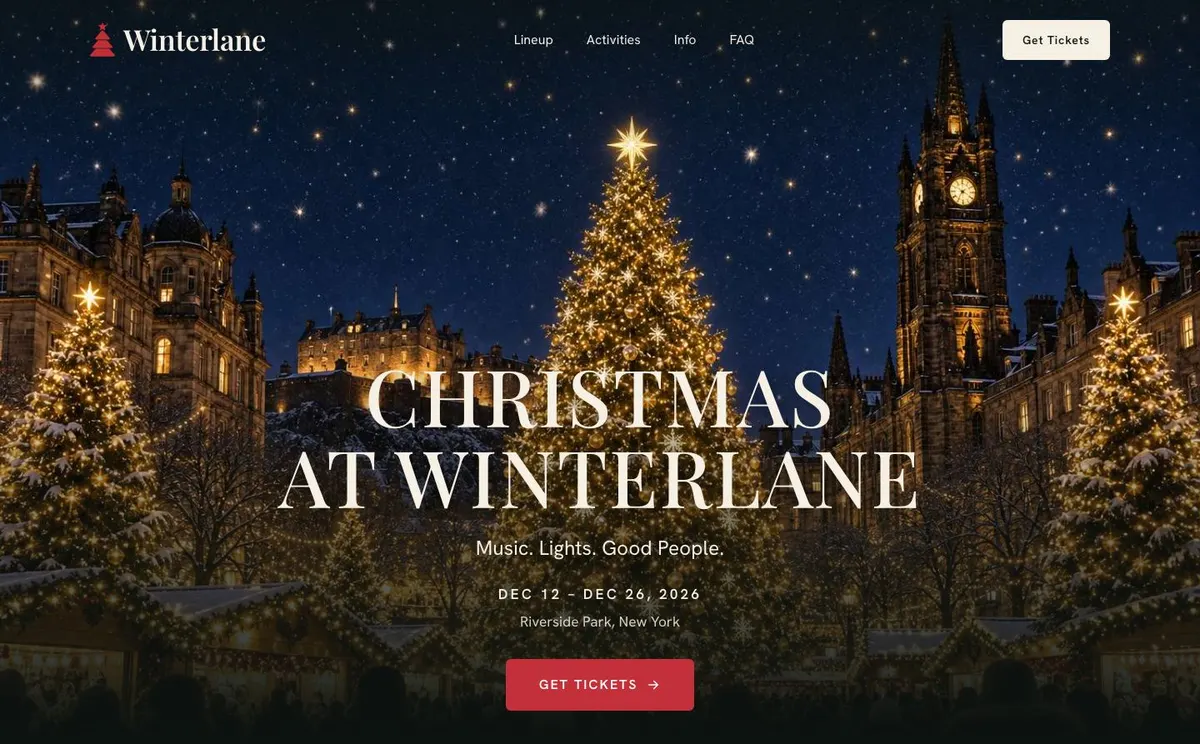
The page starts with the Hero, headed “Christmas at Winterlane”. Its short line, “Music. Lights. Good People.”, establishes the kind of evening being offered, while the ticket button gives the opening a direct action. Replace the example name with the event name, then write a line that names the real draw: perhaps choir performances, lantern trails, independent makers or a late-night market.
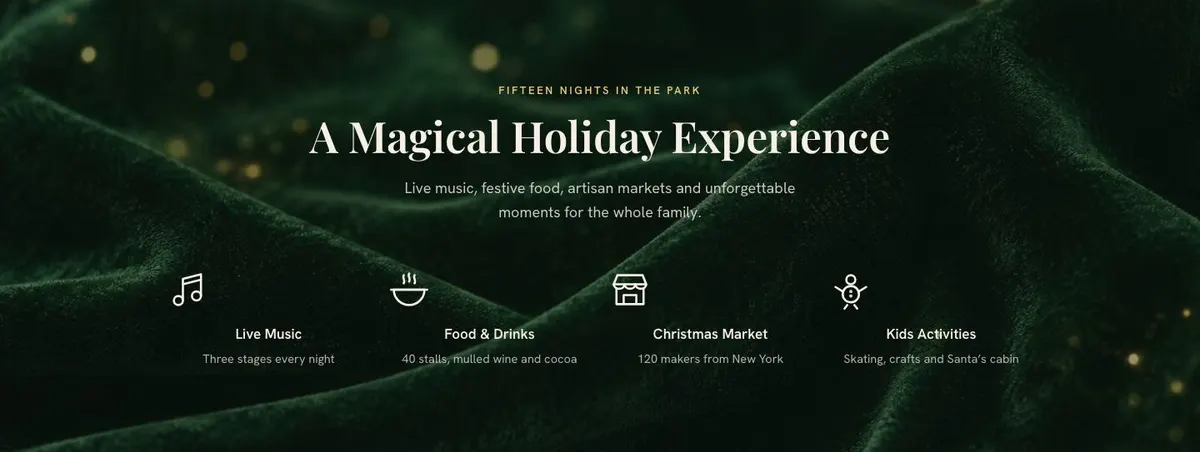
The countdown follows straight after. It gives the date a visible role before visitors reach the detail. It needs the correct opening date and time, so it should be checked again if the programme changes. The Activities band then explains the experience in plain terms. Its heading, “A Magical Holiday Experience”, should become a more specific promise about what families, groups or local visitors can expect.
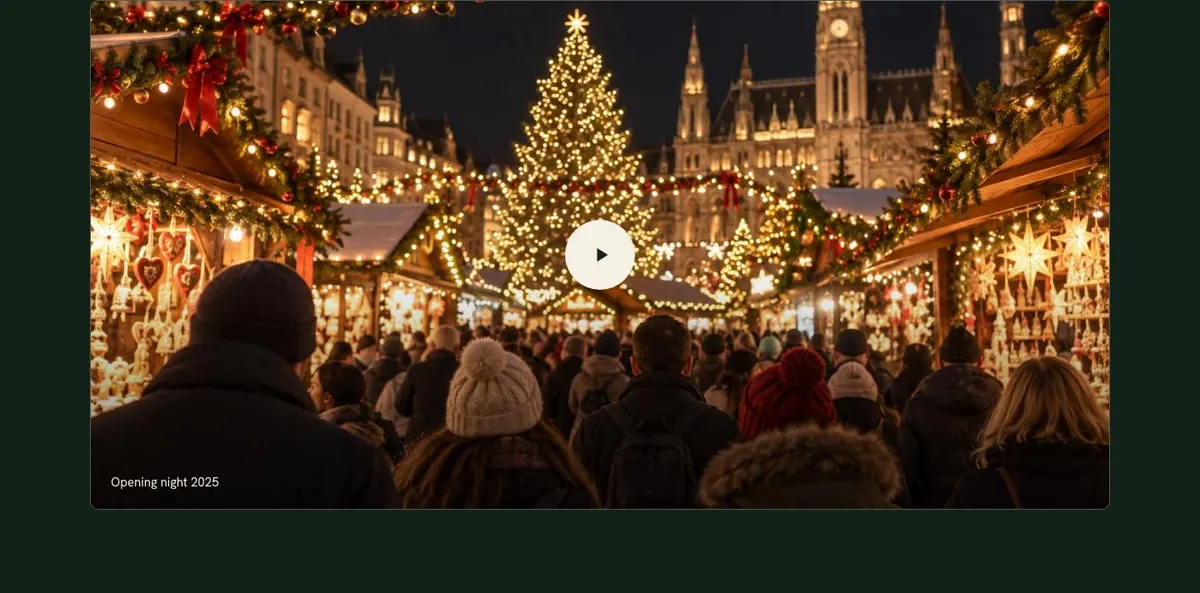
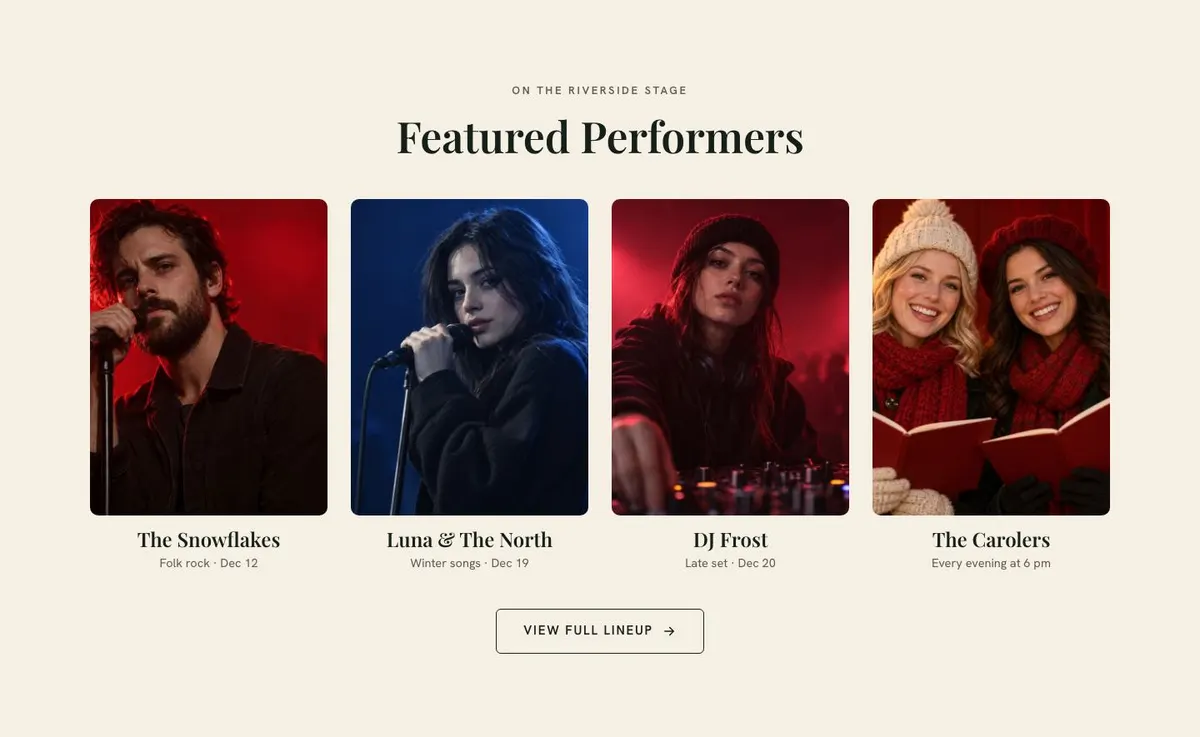
Opening night 2025 creates a separate moment for the lead image or announcement around the first night. The Lineup band introduces featured performers and sends people to “View Full Lineup”. Use it only if there is a genuine performer list or programme page to support that action. Name the acts, hosts or musical groups that people can actually see.
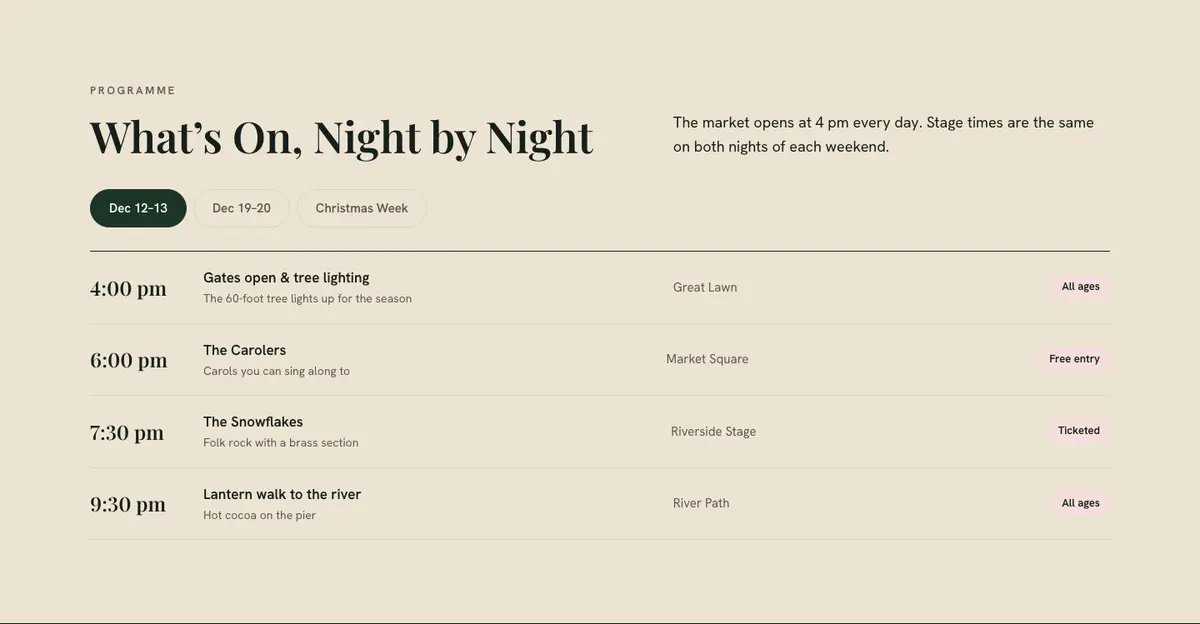
The Schedule band, “What’s On, Night by Night”, is where the page becomes practical. Its weekend tabs or slider suit a programme that changes across dates. Write the opening time, then prepare the stage times and market activity for each listed night. Do not use the existing claim about matching weekend times unless that is true for the event.
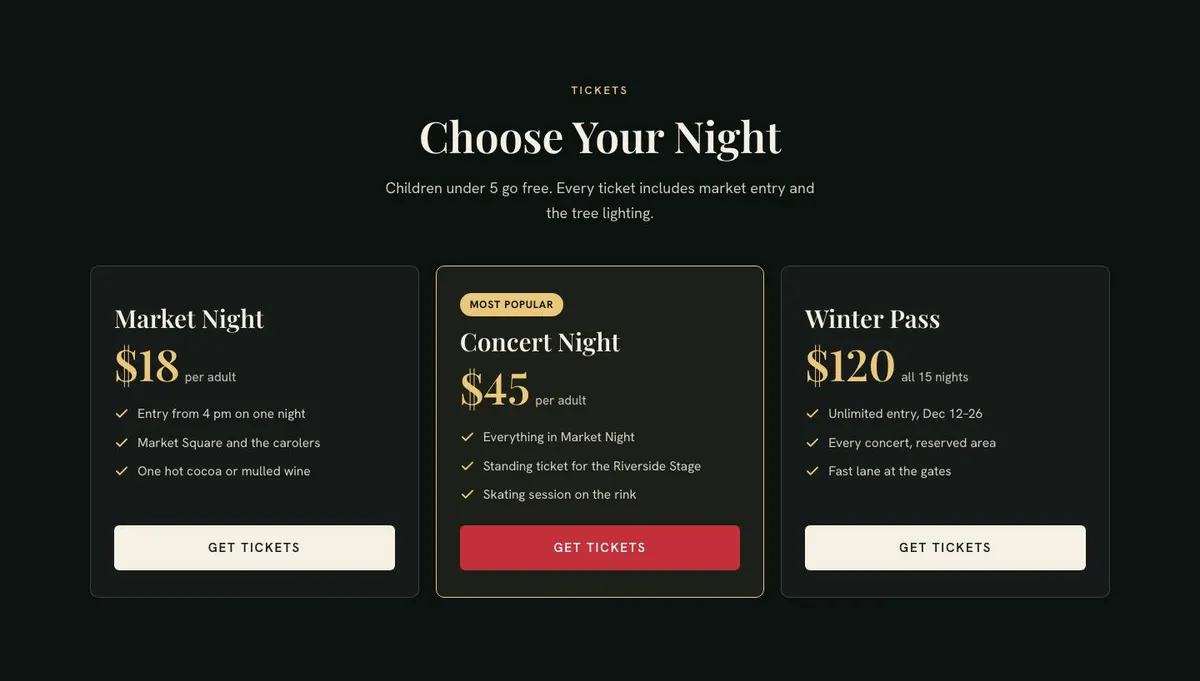
Passes asks visitors to “Choose Your Night”. It is the place for ticket types, eligibility and what each pass includes. The example mentions free entry for children under five, market entry and a tree lighting; replace every part of that with the actual ticket terms. The “Get Tickets” action then returns to the reservation route.
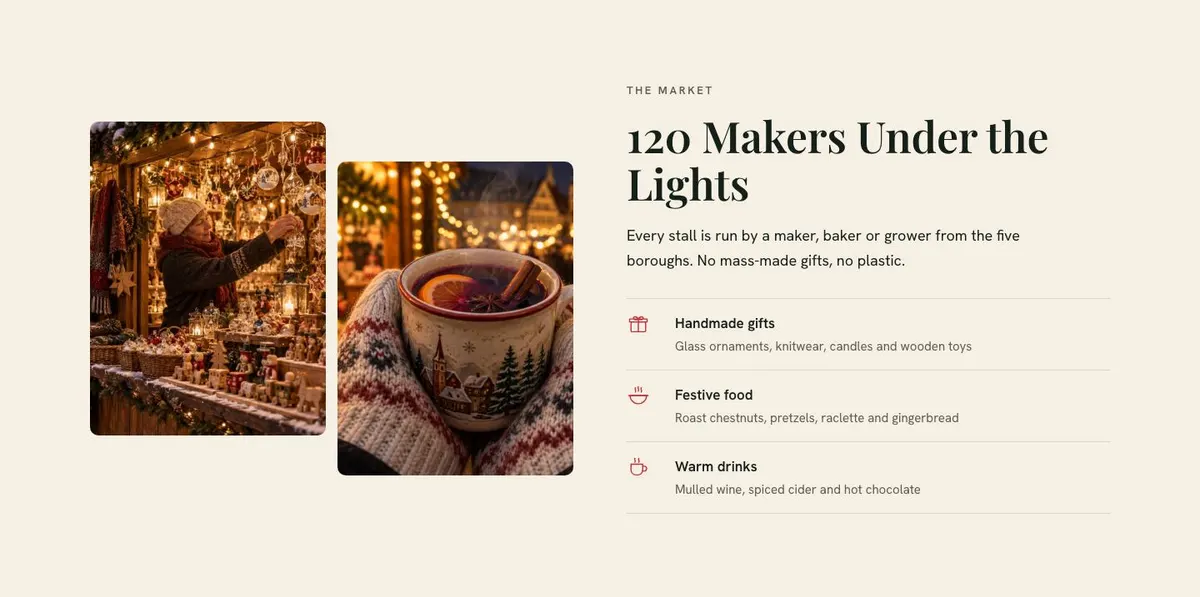
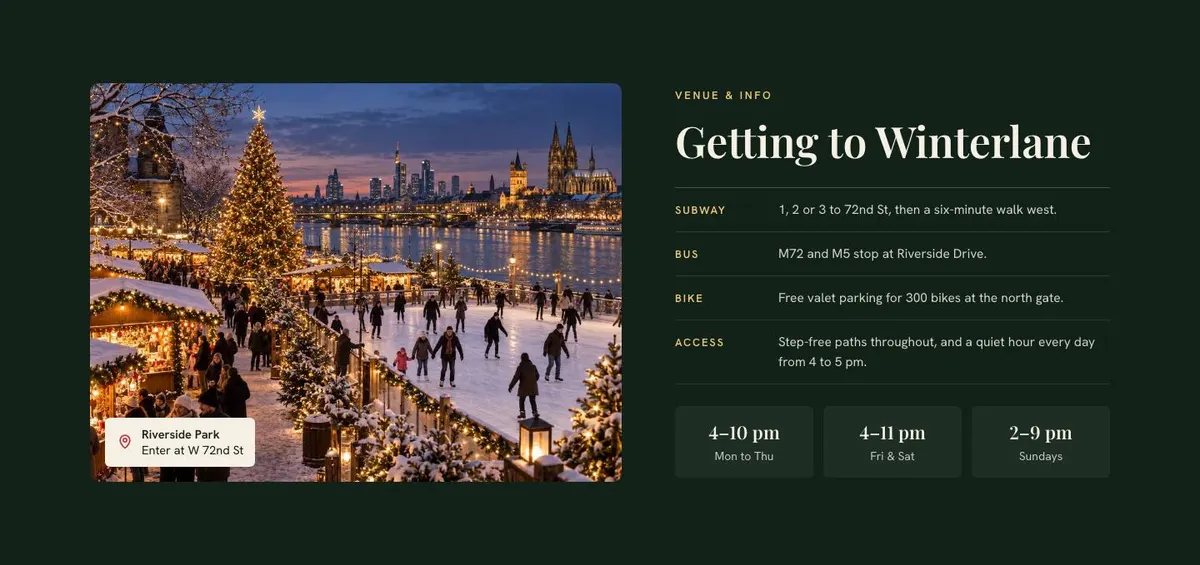
The Market band makes the stallholder offer part of the event story. “120 Makers Under the Lights” is a useful model for a clear, local claim, but the number, area and rules must be changed to match the market. The Venue band follows with getting-there information. Add the real location, travel directions, access details and opening hours that visitors need before they commit.
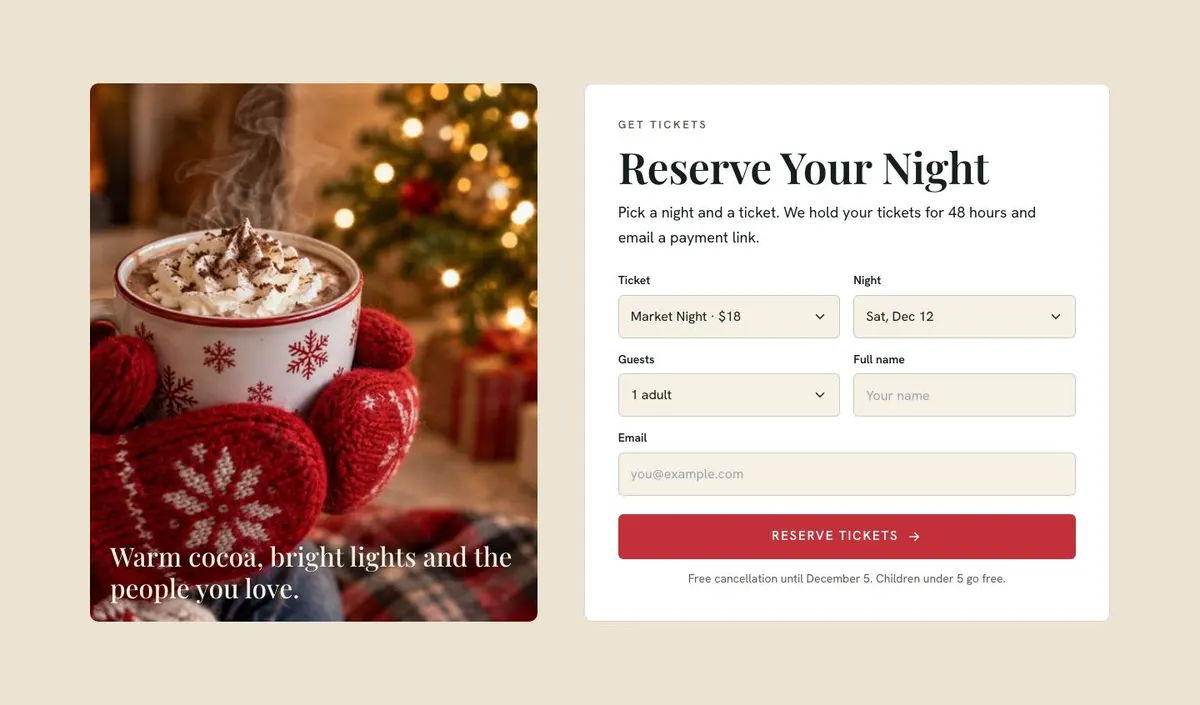
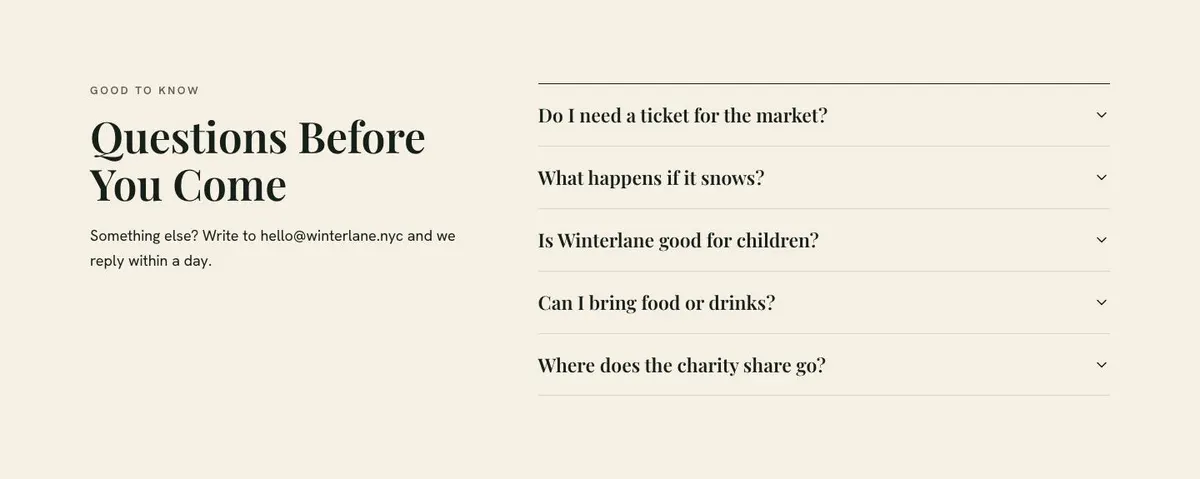
Tickets, headed “Reserve Your Night”, contains the enquiry form. Its wording makes clear that a chosen night and ticket are held for 48 hours before a payment link is emailed. The Questions accordion answers the final concerns before a visit, with a contact email for anything not covered. The final charity band, “More Than an Event, a Brighter Community”, can explain a real donation, partner or community purpose, with “Learn More” and another ticket action.
Adapting the design without losing its seasonal pace
The available colour schemes are Holly red, Gold, Fir green and Midnight. Choose one that fits the event identity and the photographs already available, rather than trying to make every seasonal colour appear at once. The type pairing shown is Playfair Display for display text and Hanken Grotesk for body copy. Alternatives include Cormorant Garamond with Hanken Grotesk, or Mulish with Hanken Grotesk.
The template needs 14 photographs. Two sit in the Hero; one supports Activities; one is used for Opening night; four accompany the featured performers; two appear in Market; one supports Venue; one sits with Tickets; and two close the page with the community message. Plan these as a set before publishing, so the event, performers, market and venue all look like the same occasion.
Writing it for the actual event
Starting from this template costs no credits. Rewriting the copy with AI costs about 20 credits. A useful brief names the event, dates, place, audience, programme, ticket types, terms, stallholder offer, travel information and reservation goal. It should also say what must not be claimed, especially where timings, age rules or charity support are still being confirmed.
Give the AI the facts in usable language. A short list of performer names is better than saying there will be “live entertainment”. Exact opening times are better than asking it to make the schedule sound busy. The resulting page can still have warmth, but it should not promise an activity, ticket inclusion or access arrangement that the organiser cannot provide.
What to prepare before publishing
Start with the event name, date range, opening time and venue address. Then prepare the schedule by night, including any fixed stage times. Gather the confirmed performer names and decide whether “View Full Lineup” has a destination worth linking to.
Write each ticket option in full: who it is for, what it includes, whether children receive different terms and how the 48-hour hold should be explained. Prepare the enquiry email and the answers for the accordion, particularly the questions that affect a visitor’s decision to come. Finally, collect the 14 photographs and write the market description using real maker, baker or grower information rather than broad seasonal language.
Ways to take it into nearby event trades
For a winter light festival, make Activities and the schedule about installations, timed moments and the route through the venue. Keep the countdown, pass choices and travel information, but replace performer photography with images of the experience where appropriate.
For a holiday concert series, use the Lineup band for artists and make the schedule clearly distinguish each concert night. The Market band can describe food, merchandise or supporting local traders only if they are genuinely part of the event.
For an Easter or spring fair, retain the reservation, venue and questions structure while changing the seasonal copy, imagery and charity message. The page works best when the programme and ticket choices still give people a reason to select a particular date.
When another event template fits better
For a single New Year celebration, New Year Party is the more direct option. For an event centred on speakers and creators rather than a market programme, use Creator Conference. For a themed October occasion, see Halloween Manor Party. Browse the wider events template collection for other starting points.
Before publishing
- Check the countdown against the confirmed opening date and time.
- Make every programme entry match the selected night.
- Confirm ticket terms and the 48-hour reservation wording.
- Replace all example names, claims and contact details.