Choose a page that matches the booking decision
The main decision is whether a visitor can buy now or needs to make an enquiry first. Choose a direct-order or product-led page when the offer is clear and time-sensitive, such as a seasonal deal or a defined stay. Choose an enquiry-led page when the stay, trip or itinerary needs personal discussion. Cabin rentals, tailored travel and specialist departures often need this route because the visitor may have questions before committing.
Start with the thing the visitor is choosing. A hotel or motel page should centre on rooms and the character of the stay. A resort page can lead with atmosphere alongside its rooms or collections. A travel planning page should make the journey, destination or trip plan easy to understand. For tours and destination travel, the page should establish the destination first, then show the expertise, guides or judgement behind the trip.
Show enough detail to support the decision
Travel and stays are purchased with a clear picture in mind. The page must show what the visitor will book, where it takes place and what form the next step takes. If you offer named cabins, identify the cabins. If you sell a timed offer, make the offer and its seasonal context clear. If you plan tailored journeys, explain that the enquiry starts a personal planning process rather than presenting it as an instant booking.
- Use rooms, stays, destinations or journeys as the main subject of the page.
- Bring forward the relevant context: coastal experiences, road stories, local guides, a named host or travel expertise.
- Make the call to action match the outcome: direct order, booking enquiry or personal trip enquiry.
- Keep the page focused on one type of stay, deal or journey where possible.
Do not leave the next step unclear
The mistake most likely to lose an enquiry or sale is asking visitors to act before they understand what they are acting on. A button alone cannot explain whether someone is ordering a deal, enquiring about a room or beginning a tailored trip plan. Place the action after the visitor has seen the stay, journey or offer, and name the action plainly.
Choose the visual direction from the business itself. Quiet stays can foreground atmosphere and rooms. Roadside stays can use road stories and rooms. A destination specialist can foreground trips and local guides. The page does not need to represent every possible service; it needs to make one booking decision feel clear.
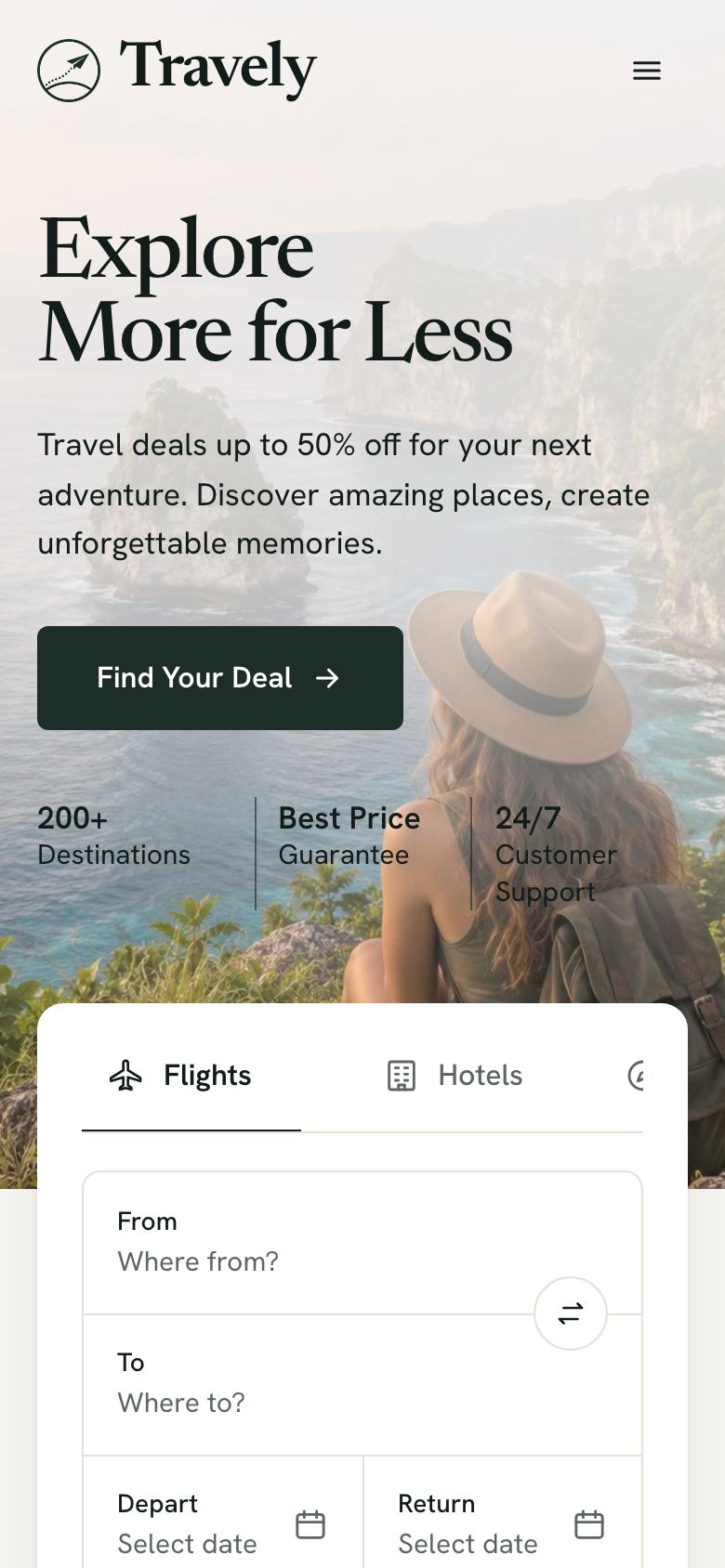
 Drawn for this trade.