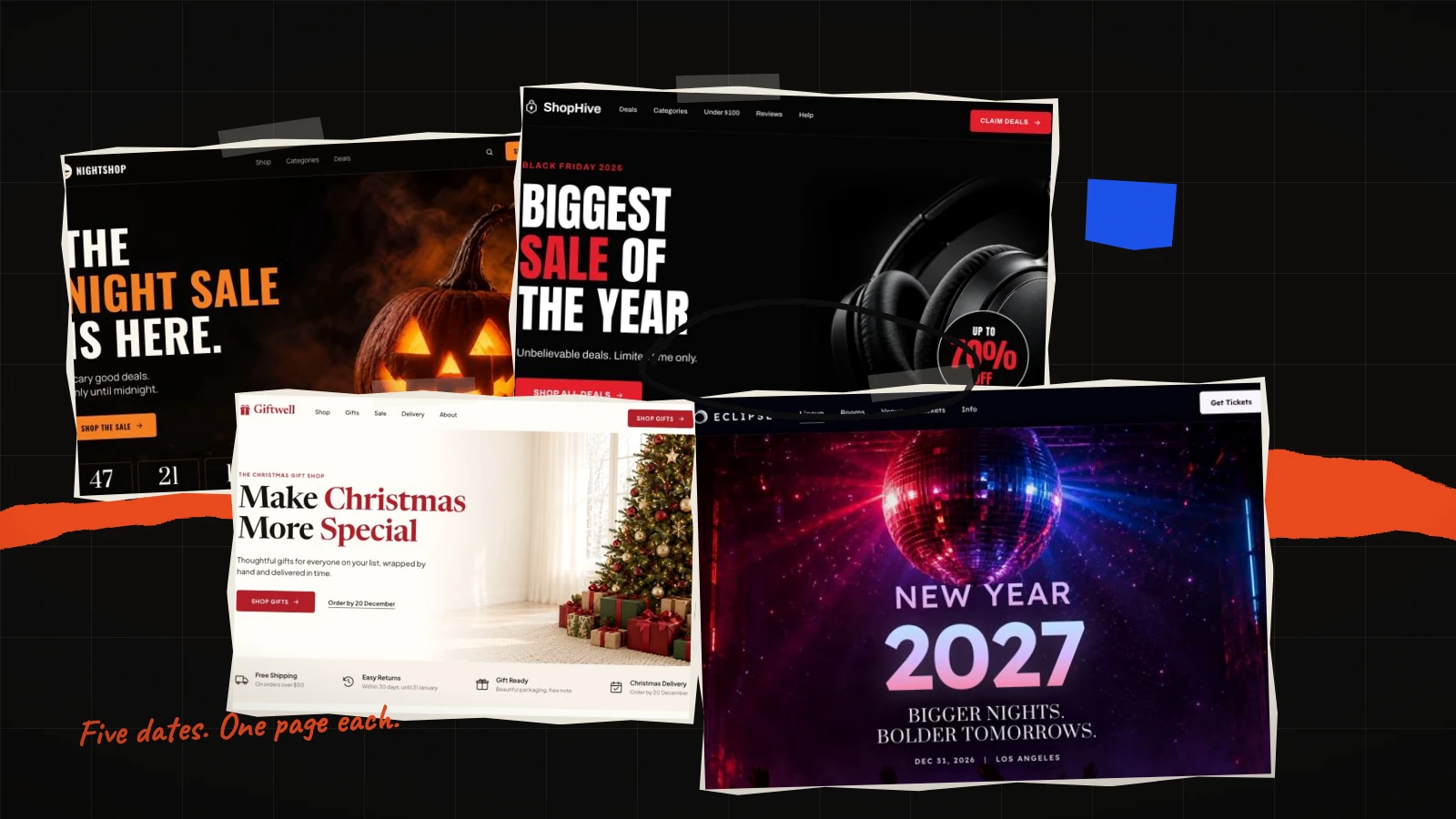
Five dates decide most of the fourth quarter, and every one of them needs a page that did not exist in September. This is the calendar we work back from: the dates, what each one is actually asking of the page, how long it really takes to build, and which of the 196 templates fits.
The dates, in order
- Saturday 31 October 2026 — Halloween. A weekend Halloween, which matters: ticketed nights and parties do materially better than they do midweek, and costume buying pulls forward by several days.
- Wednesday 11 November 2026 — 11.11. Larger than Black Friday across Vietnam and much of South-East Asia, and for many shops the real opening of the season.
- Friday 27 November 2026 — Black Friday, with Thanksgiving on the 26th and Cyber Monday on the 30th. One trading week, not one day.
- Friday 25 December 2026 — Christmas. The date that governs the page is not the 25th, it is your last posting day.
- Friday 1 January 2027 — New Year. The only one of the five where the page keeps working for a month afterwards.
How long a seasonal page actually takes
Starting from a template costs no credits and puts a finished page in the editor immediately — layout, photographs and sample text all in place. What takes time is your material, and there is one number that predicts it.
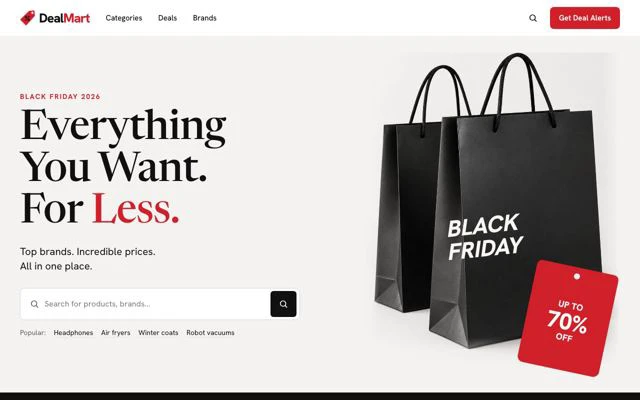
Every template page states its photograph count before you begin. For the seasonal set that ranges from nine to thirty-seven. Black Friday Marketplace wants thirty-seven images; New Year Countdown wants nine. That number, not the design, decides whether you can ship this week, and it is the first thing to read.
A workable order, whichever season you are building for:
- Choose the template and read its photograph count. Treat that as the project plan.
- Gather the images before you write anything. A page waiting on photography is a page that misses the date.
- Write the offer in plain words — what it is, what it costs, when it ends. Or tick write the text for my business when you start and the AI fits the copy to what you sell for about 20 credits, keeping the design as drawn.
- Publish a fortnight before the date, so the page has time to be found and you have time to fix what the first hundred visitors show you.
What changes between the five
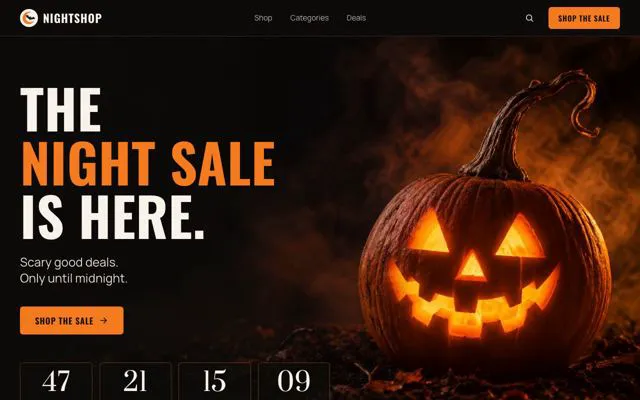
Halloween and Black Friday pages are read fast and decided fast. Big type, a clear price, a countdown telling the truth. The visitor already knows what the date means; the page's job is to be unambiguous.
Christmas pages are read carefully, usually by someone buying for another person. That means more explaining — sizes, materials, delivery dates, whether it arrives gift-wrapped — which is why almost every Christmas template is light and set in a serif. Light layouts carry more text before the reader tires.
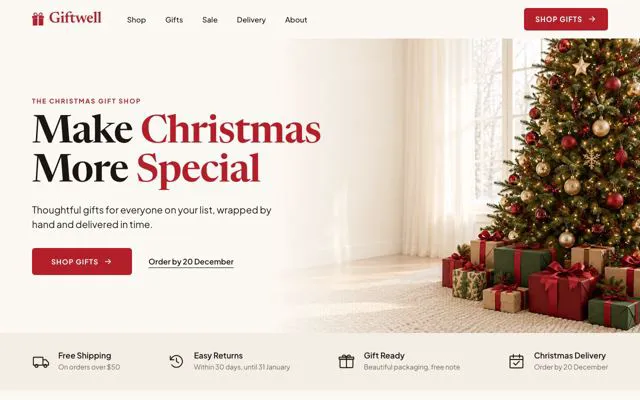
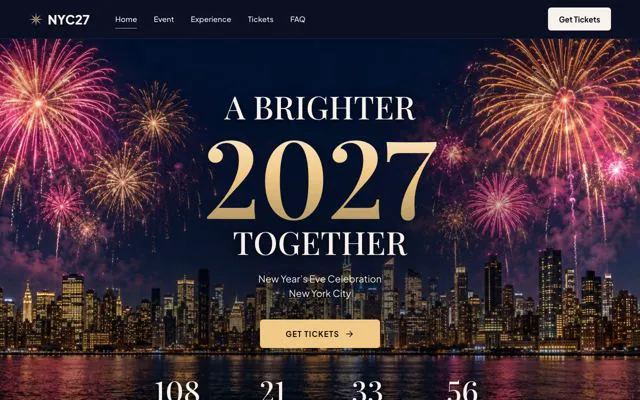
New Year pages sell a decision rather than an object, and they keep converting well into February. They are the only pages of the five worth leaving up.

The one rule all five share
A date on the page is a promise. A countdown that expires and leaves the offer live does more damage than no countdown at all, because it teaches every returning visitor that your deadlines are decoration. Decide, before you publish, what the page says when the clock reaches zero — a second offer, a waitlist, or an honest notice that it has ended.
Order form or enquiry form
The other decision that runs through all five. Can someone complete the transaction on the page? If yes, you want an order form. If the thing is a group booking, a private hire, a quoted stay or a time slot that has to be confirmed, you want an enquiry form.
Each template page states which it carries. Getting it wrong is quiet and expensive: an order form on a page that cannot take the order sends people to a checkout that does not apply to them, and they leave without telling you they were interested.
The four guides
- Halloween landing page templates for 2026 — seven templates, split between selling a product and filling a room, and why the dark ones are not always the right ones.
- Black Friday and 11.11 landing page templates for 2026 — nine pages ordered by how much photography they demand, from ten images to thirty-seven.
- Christmas landing page templates for 2026 — order pages, gift shops and two event pages, plus the three logistics facts a Christmas page has to state.
- New Year landing page templates for 2027 — the night and the January intake, and why this page outlives the date.
If none of them is quite it
Nearly every template above carries a countdown, and the whole set is on the Countdown shelf. The Bold shelf is where the sale pages live; Luxury is the quieter end of the same job. Anything that has to take money on the page is on Sells products.
Or start at the full library of 196 templates and filter from there — by trade, by look, or by what the page has to do.