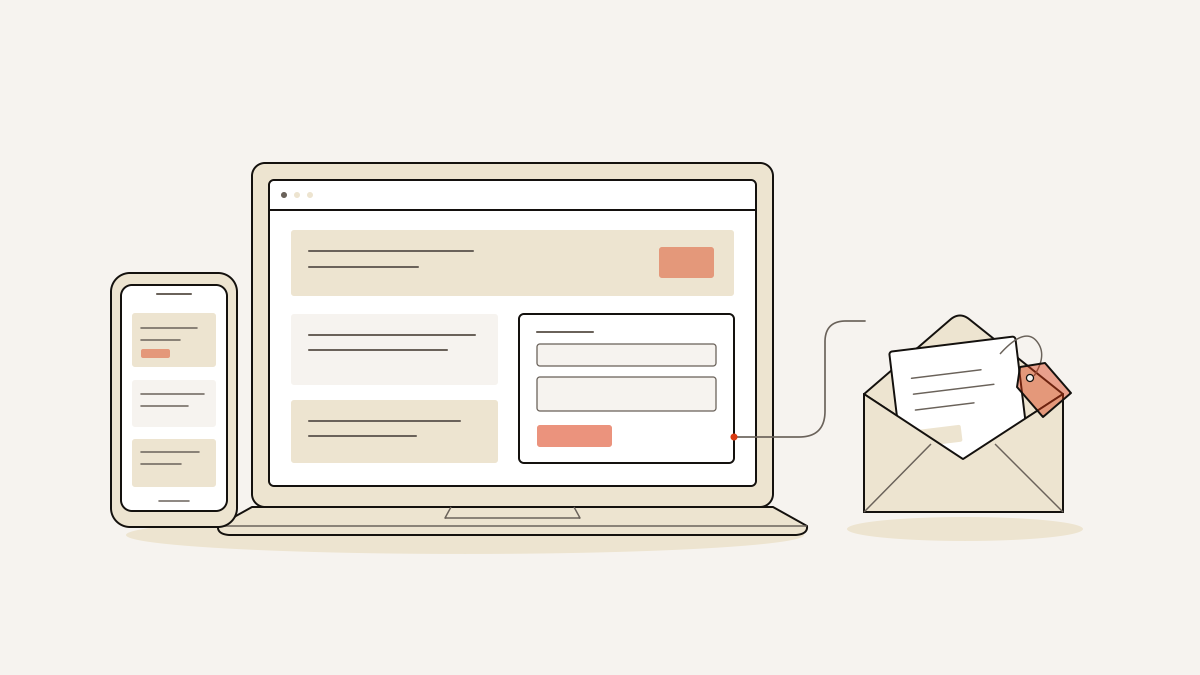
Start with Sparkle, Pochita or Siren Song. A personal page gives visitors space to browse your work or interests. An enquiry page helps them understand your offer and send you their details.
What a free template gives you—and what collects the lead
Visitors need an offer they understand, a form to respond through and a clear next step. A design suits an enquiry page when it makes that sequence easy to follow.
The starting designs serve different purposes:
- Sparkle suits a personal anime page, with a mobile-friendly design inspired by Your Name.
- Pochita suits a single-muse site: a page centred on one character. Its layout is mobile-friendly. You can customise it, but the author’s credit must remain.
- Siren Song is free to obtain, with optional Pay What You Want support.
Sparkle, Pochita and Siren Song all work with free accounts. Other designs can be free to obtain while requiring a paid account to use their features.
A gallery lets someone view your work. A social link sends them elsewhere. Neither records an enquiry on its own.
For lead collection, give the page one conversion goal (the action you want the visitor to take) and one lead form. The offer belongs before the form so visitors have a reason to respond. An explanation of what follows submission, such as a reply about availability, tells them what to expect once they do.
Choose by the job, not just the aesthetic
- For a personal page, choose a layout that gives your work, biography or interests the space they need. Reading and browsing are useful outcomes here; you do not need to organise everything around a form.
- For enquiries, the page should help visitors understand the offer and submit their details without detouring through unrelated content. Judge the design by how easily someone can complete those steps. A gallery preview will not tell you that.
- Record the source and campaign details alongside each enquiry. These tell you where the visitor came from and which campaign brought them to your page.
For further layout guidance, see “One page templates for a page that collects leads”.
Check the whole enquiry journey before publishing
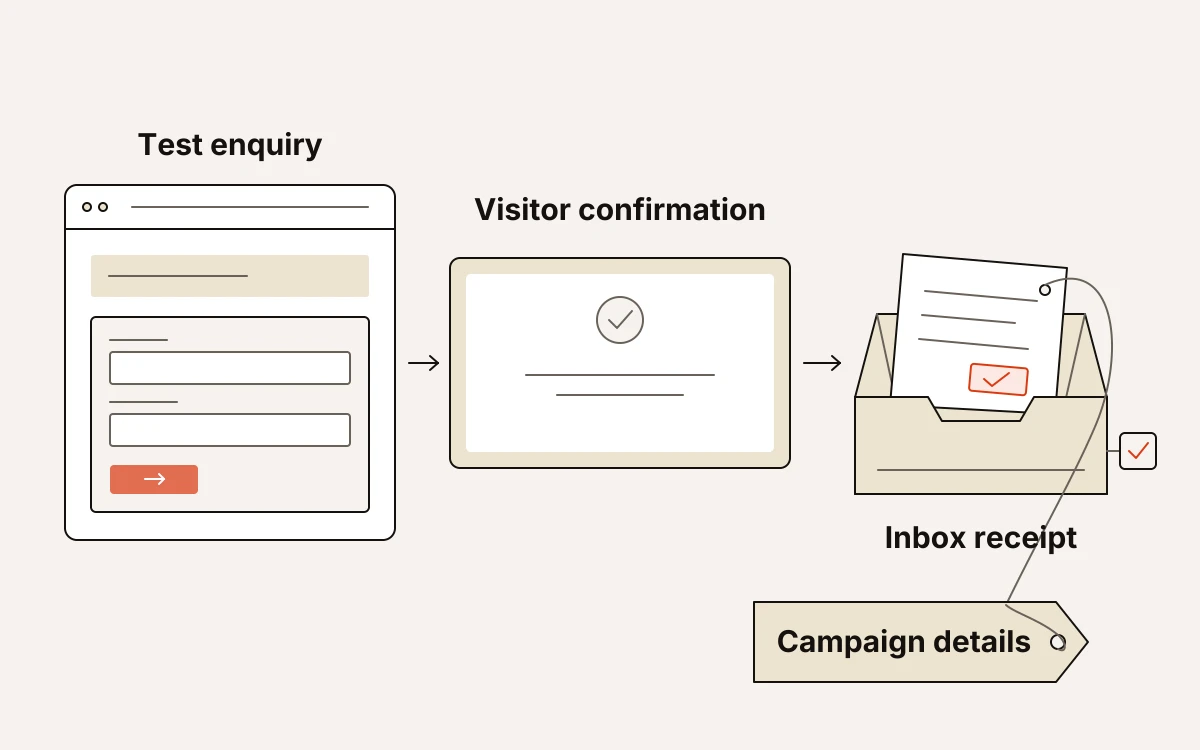
Publish only after a test enquiry reaches your inbox with the campaign details attached. The page’s confirmation message shows what the visitor sees. You also need to check what arrives in your inbox.
- Replace the sample content with your own text and photographs before publishing.
- Review the page on your phone. The offer should be clear, images should load, and links should go where you expect. The form needs to be easy to use. Its button text should describe the action you want someone to take.
- Submit an enquiry through a campaign-tagged link: a link that includes details of your campaign. Use test details you can easily spot in your inbox. The recorded source and campaign should match the link you used. The enquiry should also contain the contact details you need to reply.
Starting from any of our 196 finished landing page templates costs no credits on any plan and opens its layout, photographs and sample text in the editor.
Before publication, we check that the form saves enquiries to the inbox before any tracking pixel—code that records visitor activity—fires.