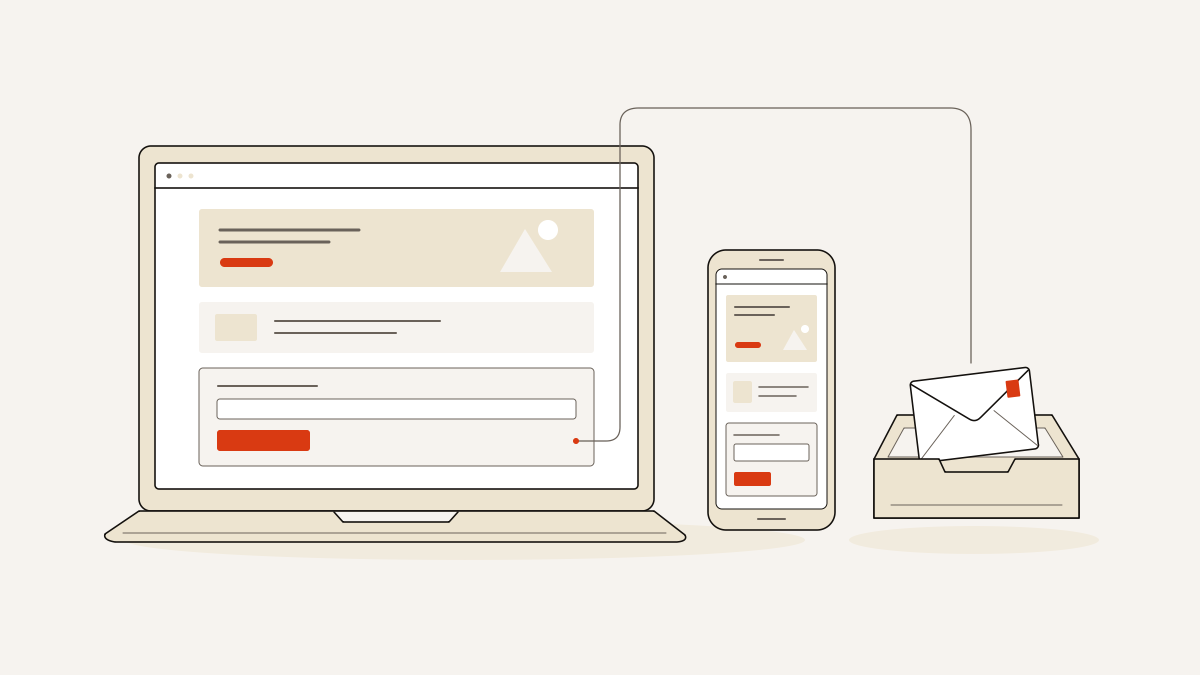
For collecting leads, choose one page templates that put one offer, one clear action and a working form on the page. The layout needs to fit the content you have and how you handle enquiries. Appearance alone won’t tell you whether it fits.
If your offer leaves gaps in the layout, choose one you can fill. Before you publish, check what “free to start” includes and confirm that an enquiry reaches your inbox. That gives you a page you can finish and a reliable way to receive leads.
How a single page turns interest into an enquiry
A page built to collect enquiries guides visitors through one offer towards sharing their contact details. Each section should help them decide whether it is worth doing so.
Before the form, explain what you provide and who it suits. Say what happens after an enquiry. Visitors need to know what they will receive for their name, email address or phone number. A button labelled “Request a quote” makes a clearer promise than “Submit”.
Moving your About, Team and Services content onto one scrolling page changes how visitors move around it. They may still have to choose between unrelated offers, however long the page is. To collect enquiries, give the page one goal: the action you want visitors to take. Use one form to collect their details.
An enquiry form suits work that needs a conversation before you agree to it. Use an order form when visitors can specify what they want to buy.
If your services meet different needs and each needs its own explanation, use multiple pages. Each offer then has room to make its case. Visitors can read about what they need without reading through the whole business.
Choose a template your offer can fill
Choose by the sections you can fill and the action your visitor is ready to take. Colours and fonts are easier to change than a layout that needs material you do not have.
- A service description, customer quote and pricing explanation should support the same request through the form. Remove any section that introduces an unrelated offer. Competing requests leave visitors to work out what the page is for.
- The form should match what happens next. For an enquiry, ask for the details you need to begin a useful conversation. For an order, ask visitors to specify what they want to buy. The template states its form type, so you can check whether it fits before rewriting its text.
- Count the sections and photographs before choosing. Compare what the layout needs with the text and images you have. If you cannot fill a section with useful information, choose a shorter layout rather than stretching the text. The photo guide gives the same advice: choose for the photographs you have, rather than those you hope to commission.
- “Free to start” does not promise downloadable HTML, the code that makes up a web page. If you want a download, check what opens in the editor and what publishing requires before choosing.
The 196 designer-drawn landflow templates include photographs, sample text, a working form, four colour schemes and two paired fonts. Starting a template in the editor costs zero credits on any plan. Separately, the web free plan includes 200 credits a month and publishing on a yourname.landflow.site subdomain. It requires no credit card and retains every lead. These web-plan terms do not apply to Shopify.
Check the page and its lead path before publishing
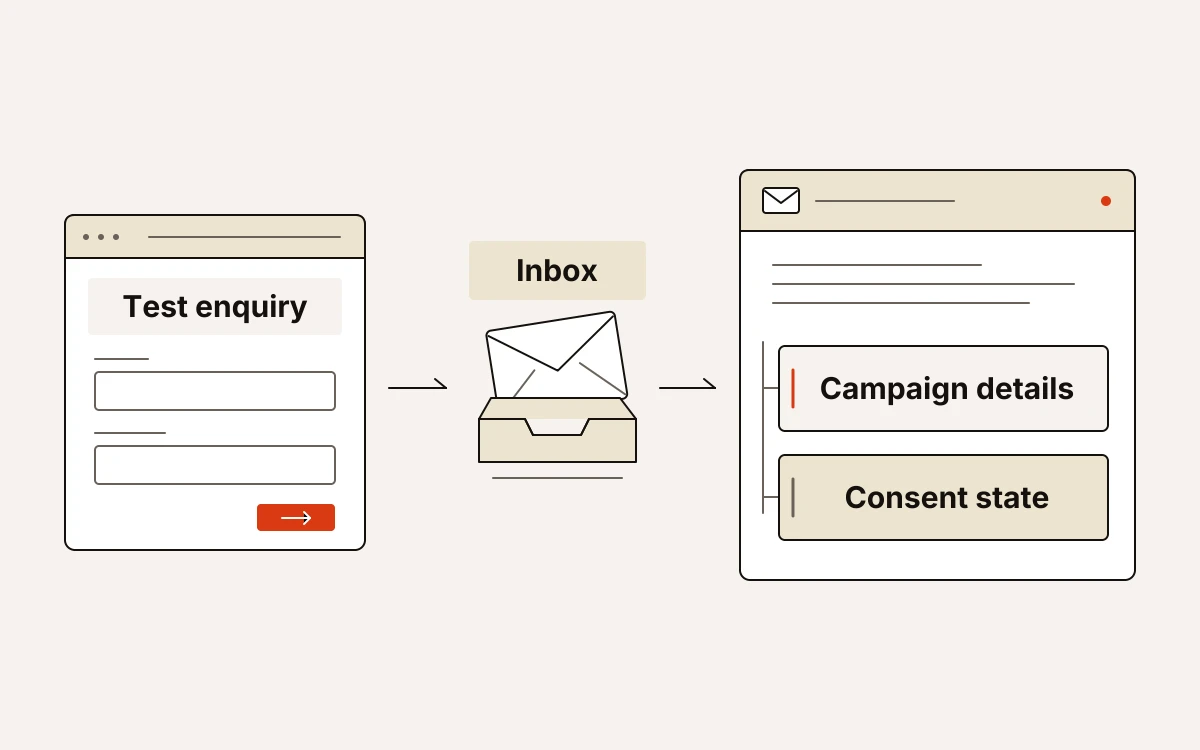
A page is ready when its layout works and form entries reach the inbox. Before sending visitors, submit a test enquiry. Check that it arrives with campaign details and consent state: whether the visitor agreed to tracking.
- Confirm there is exactly one lead form. Every call-to-action button, which asks visitors to act, must lead to it.
- Click every link meant to move visitors to a section on the page. Each should reach that section rather than leave the visitor at the top.
- Every photograph needs permission for use, and the images must be hosted on your domain.
- Open the finished page on a phone and try it as a visitor. Read the offer, tap the buttons and complete the form, watching for cropped text and fields you cannot reach.
- The title, description and share image should all be present and describe the offer you are publishing.
- Submit through a campaign-tagged link, which carries details of the campaign that sent the visitor. Check the enquiry in the inbox for those details and its consent state. The lead must be saved before any tracking pixel, a tool that records visits or actions, runs.
For WordPress publishing, the landflow Connector plugin requires WordPress 6.4 or newer and your approval in wp-admin, the WordPress admin area. It displays the page on your domain and sends form entries to your inbox. The server stamps every submission with its source (where the visitor came from), medium (the channel), campaign and click ID (the click’s identifier). It also records the landing URL (the page address) and consent state.