Built for a night with one fixed moment
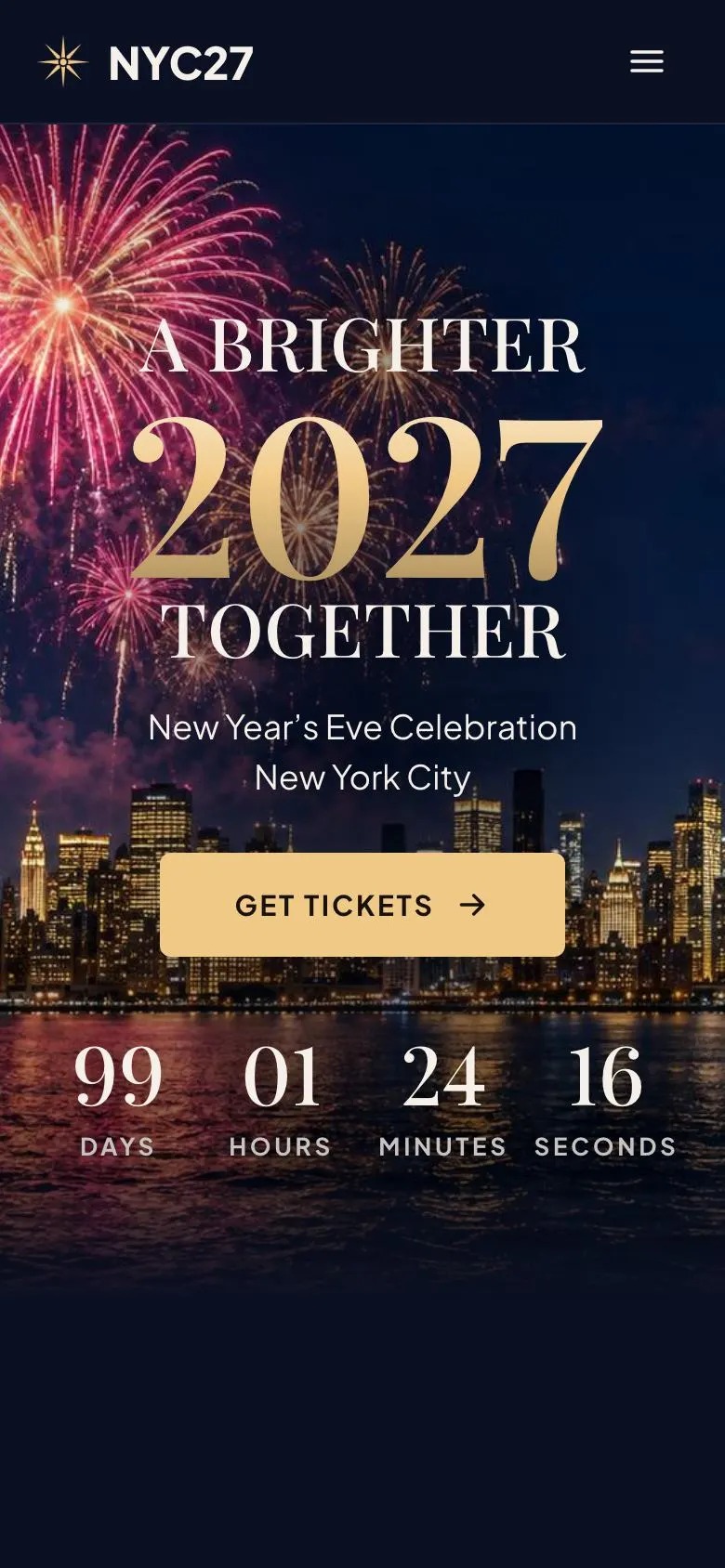
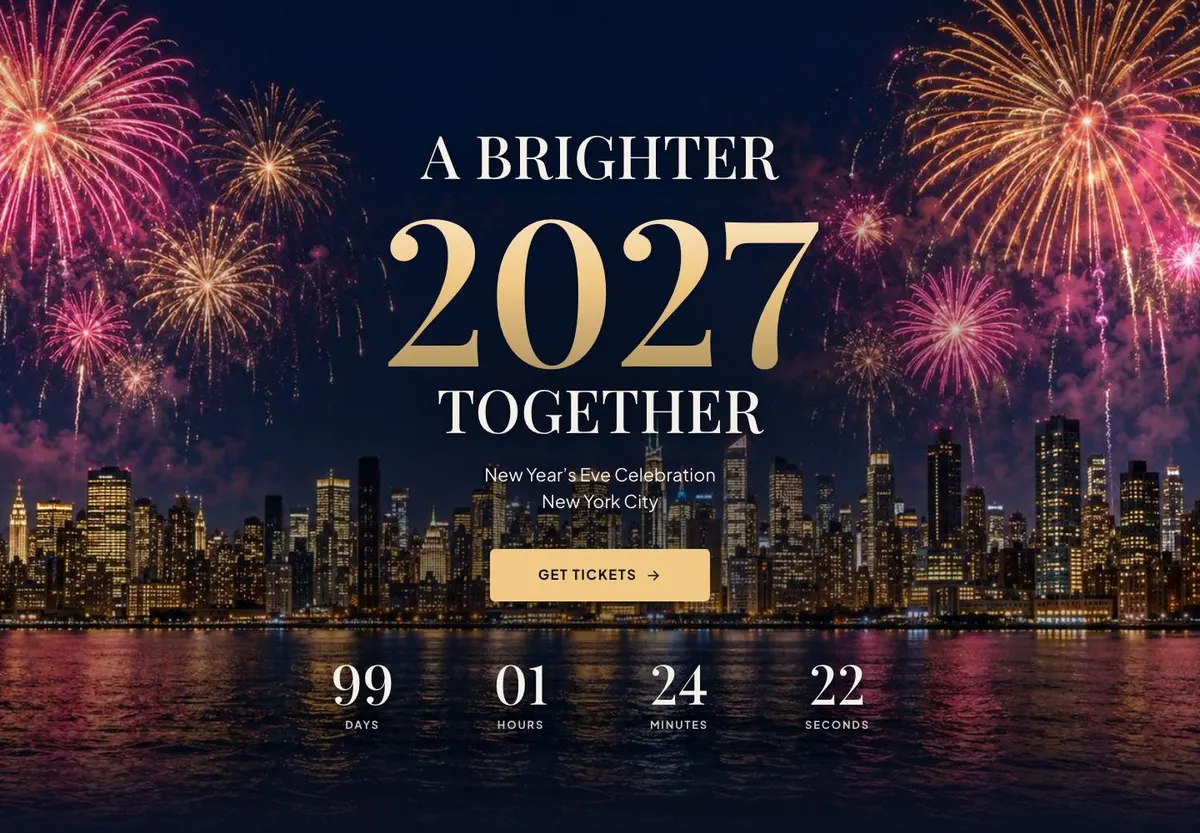
This template is for a ticketed event that leads towards midnight. It fits a New Year’s Eve party, a rooftop countdown, a city celebration with fireworks, an anniversary gala or a launch night with a set date and a clear reason to attend.
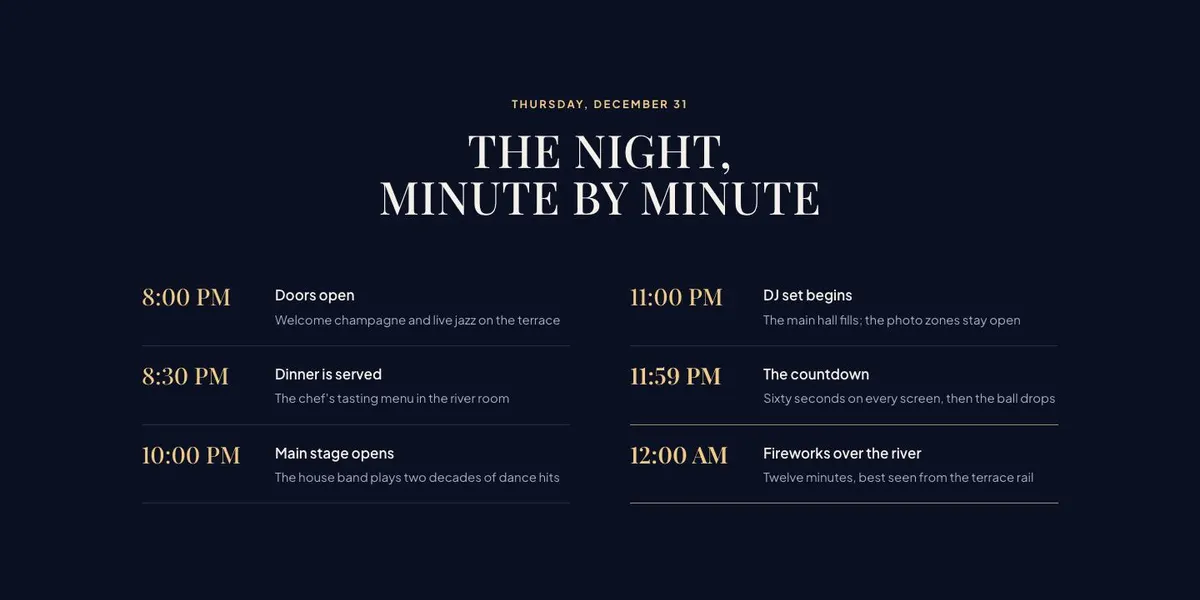
A generic event page can make the night feel interchangeable. This layout gives the clock a proper role from the first band, then explains what happens before it reaches midnight. It also makes room for the practical decisions guests need to make: where the event is held, what their ticket covers, which ticket to choose and how to reserve.
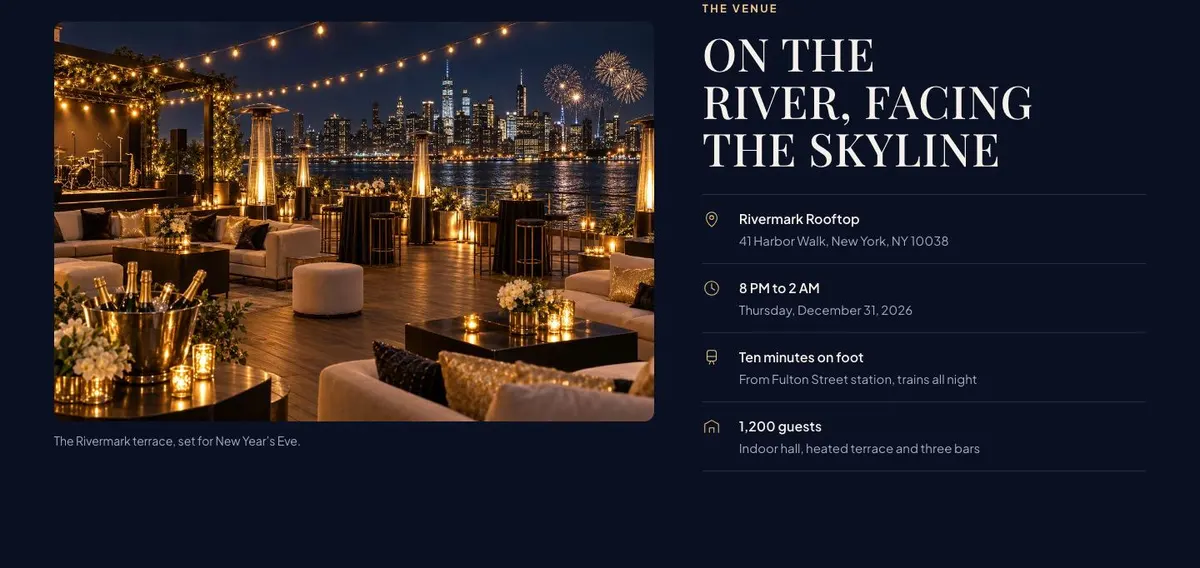
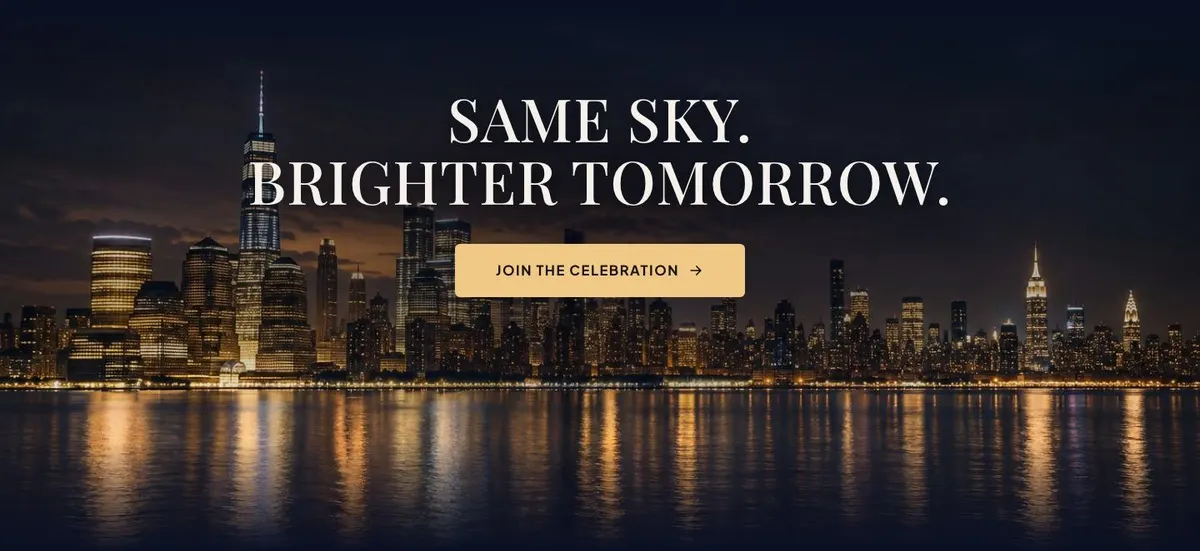
The page is particularly useful where the view is part of the offer. The template’s example is framed around a skyline and a riverside venue, but the same structure can support a roof terrace, hotel ballroom, harbour, country house or another setting. The important thing is to state the actual setting and make the promised night believable.
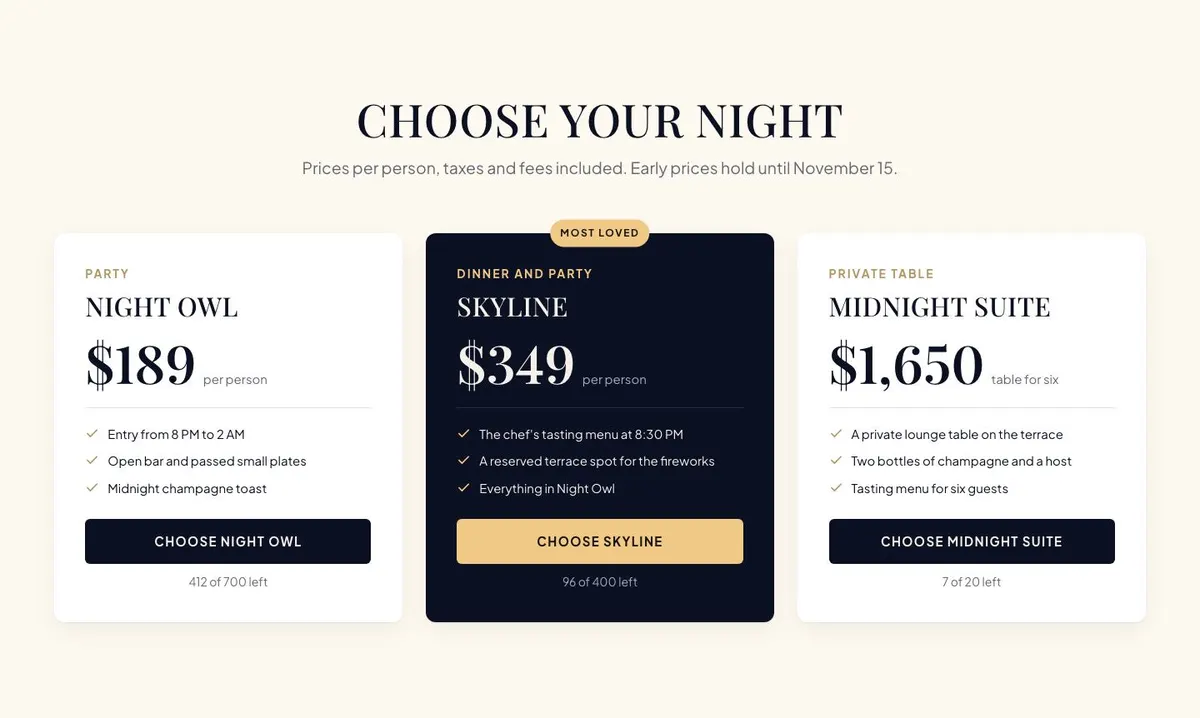
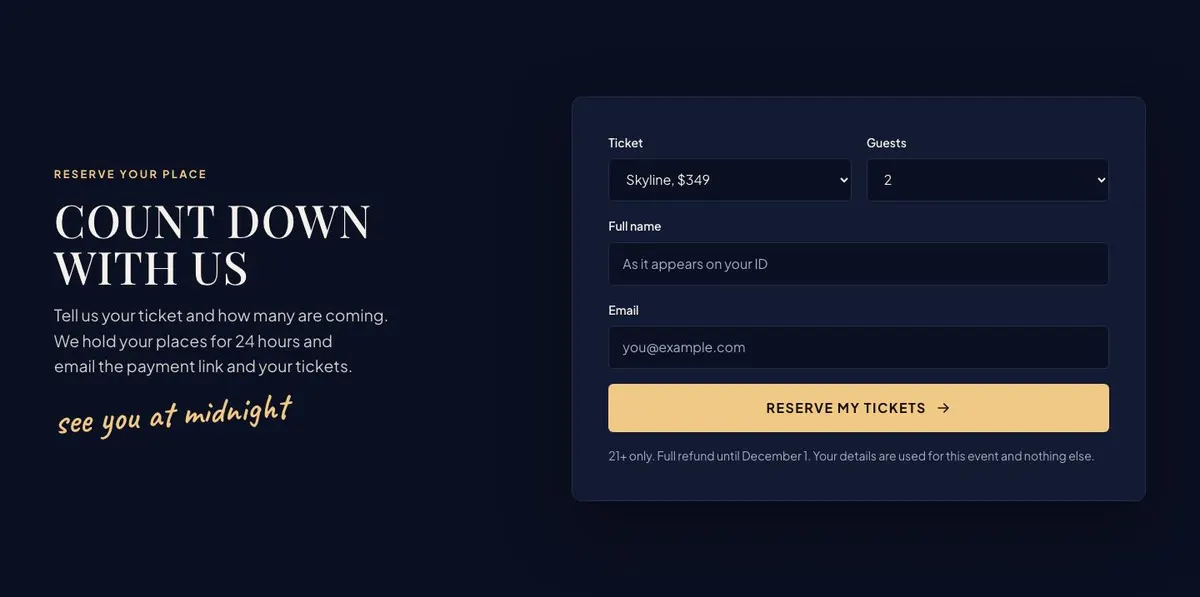
It is designed for an event that sells tickets rather than a loose invitation. The ticket section and the reserve form both need a real process behind them. Before choosing this template, the organiser should know what guests can buy, how places are held and what happens after an enquiry or reservation is sent.
Adapting the design to the event
The template has four colour schemes: Midnight gold, Rose firework, Ice blue and Ember. Choose one that supports the actual event identity and the photographs being used. A midnight celebration with dark exterior images may suit a darker route, while an event with a different established palette may need another scheme from the available set.
Its display typeface is Playfair Display and its body typeface is Plus Jakarta Sans. Alternative pairings include Caveat with Plus Jakarta Sans and Cormorant Garamond with Plus Jakarta Sans. Keep the display face for the large event statements and use the body face for the detail guests need to read carefully, especially ticket information, timings and booking notes.
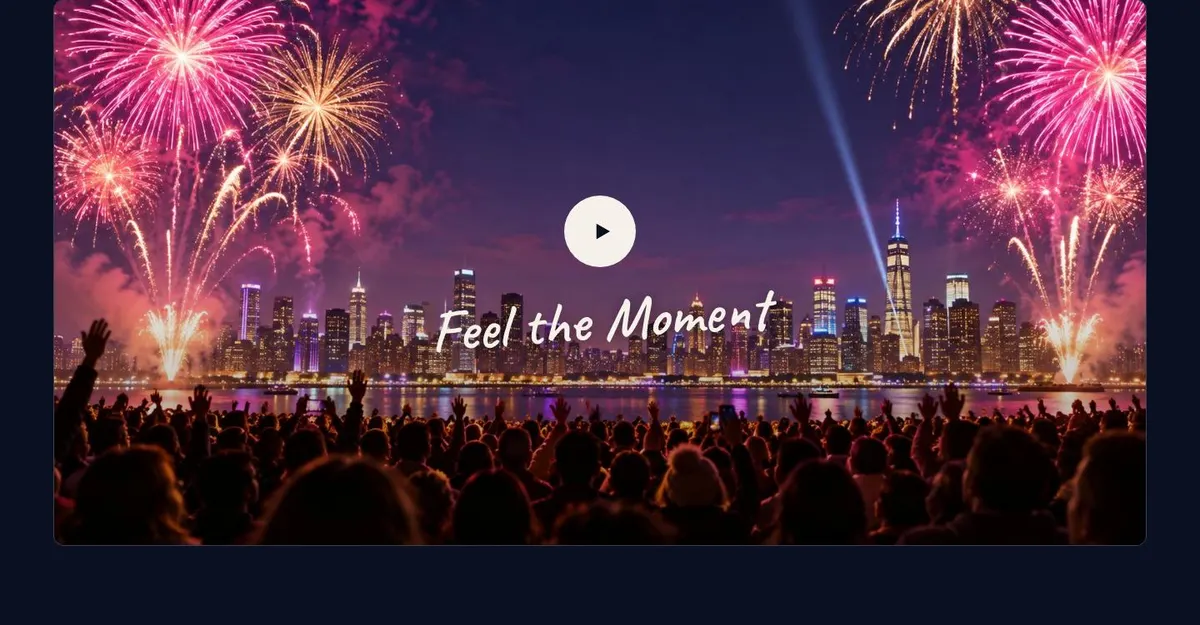
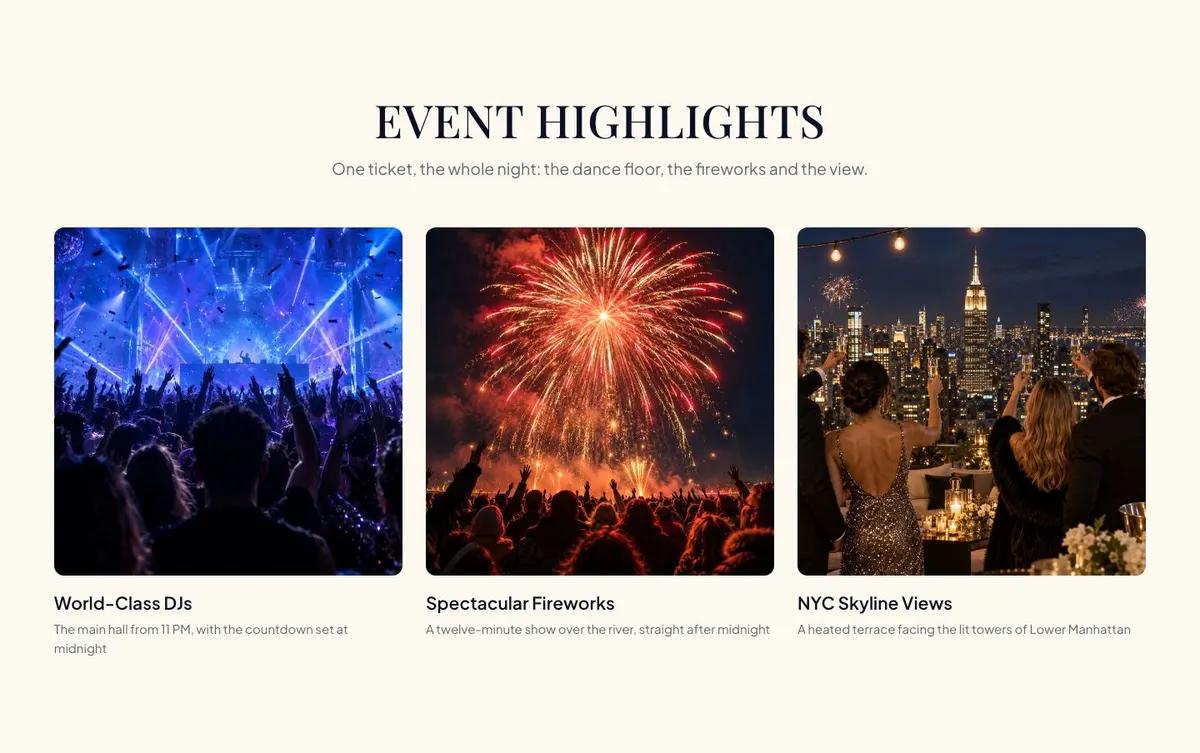
The page needs nine photographs. One appears in the Hero, one in Experience, three in Highlights, one in Venue and two in Join. Prepare images for those specific jobs rather than collecting nine similar skyline shots. The set should cover the headline moment, the atmosphere, the main attractions, the location and a final reason to attend.
Writing it for the business
Starting from this template costs no credits. Rewriting the copy with AI costs about 20 credits. A useful brief names the event, date, venue, ticket types, prices, guest capacity or party size rules where relevant, the confirmed programme and the booking process.
It should also name the tone of the event. A formal gala, a club-led rooftop party and a civic fireworks celebration can all use this template, but they should not sound alike. Give the AI the real phrases guests use to describe the event, alongside facts that must remain unchanged such as deadlines, venue details and what each ticket includes.
What to prepare before publishing
Write the event name, date and location first. Then prepare a schedule that can be published without guesswork. The ticket descriptions should be ready before the page is edited, including the differences between tiers, the price treatment and any early-price date.
Collect the nine photographs with their intended band in mind. Prepare the venue address and the practical notes guests need before reserving. Finally, write the reserve process in the same order it happens in real life, from the guest’s ticket choice through to the message or payment link they receive.
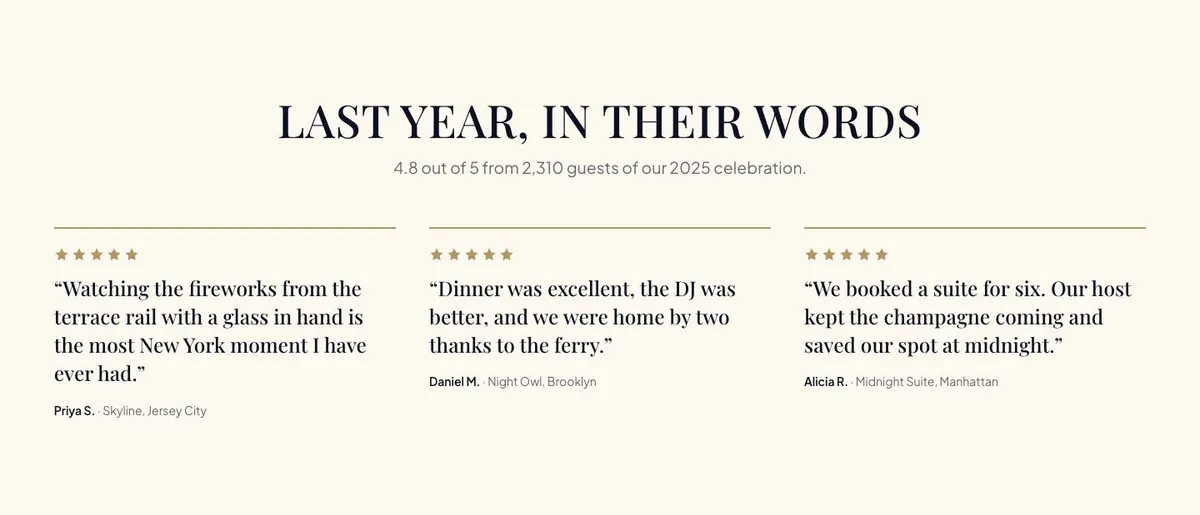
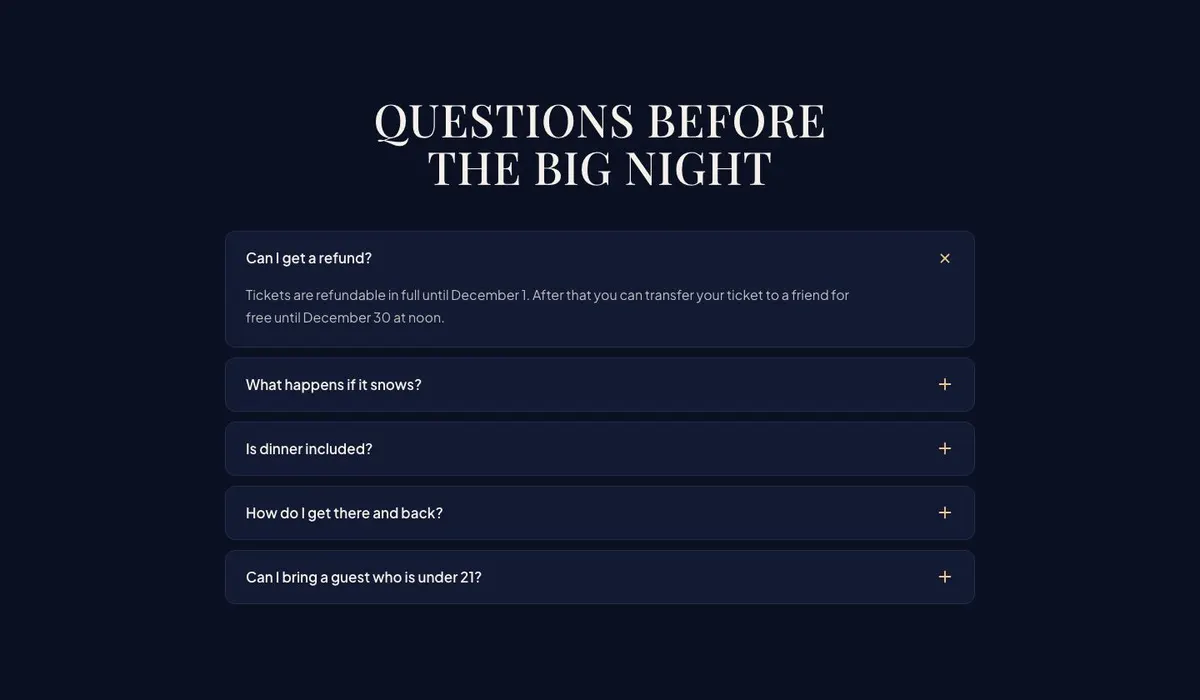
Have one genuine review ready if the Reviews band will remain on the page. The Questions band also needs answers to the issues that repeatedly stop guests from booking. Clear answers reduce uncertainty, but they must match the event’s actual policy and arrangements.
Variations for nearby event types
For a rooftop event, make the Venue band do more work. Explain the actual setting and use the photograph choices to show why the location matters. Keep the schedule focused on arrival, entertainment and the countdown.
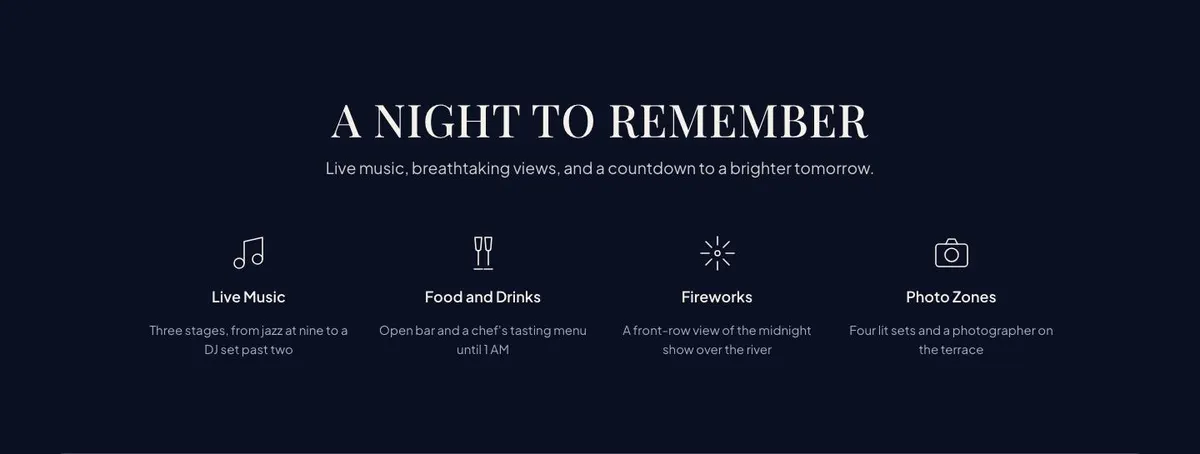
For a gala, use the Event and Highlights bands to explain the evening’s format. Ticket names can remain distinctive, but their descriptions need to make the differences clear. The photographs should show the parts of the event guests can expect rather than a general party scene.
For a city celebration, put the countdown and the defining public moment at the centre of the Hero and Schedule. Use Venue and Know for the location-specific information guests need before they reserve.
When another template fits better
If the event is specifically a New Year party with a different page structure, consider New Year Party. For an autumnal themed event, Halloween Manor Party is the closer starting point.
For a programme built around speakers and sessions rather than midnight, see Creator Conference. For a seasonal market format, use Christmas Market Event. Browse the wider events collection for other event templates.
Before you publish
- Check the countdown points to the correct event date and time.
- Check every ticket description matches what guests receive.
- Check the schedule, venue address and practical notes are current.
- Check the reserve process says exactly what happens after submission.