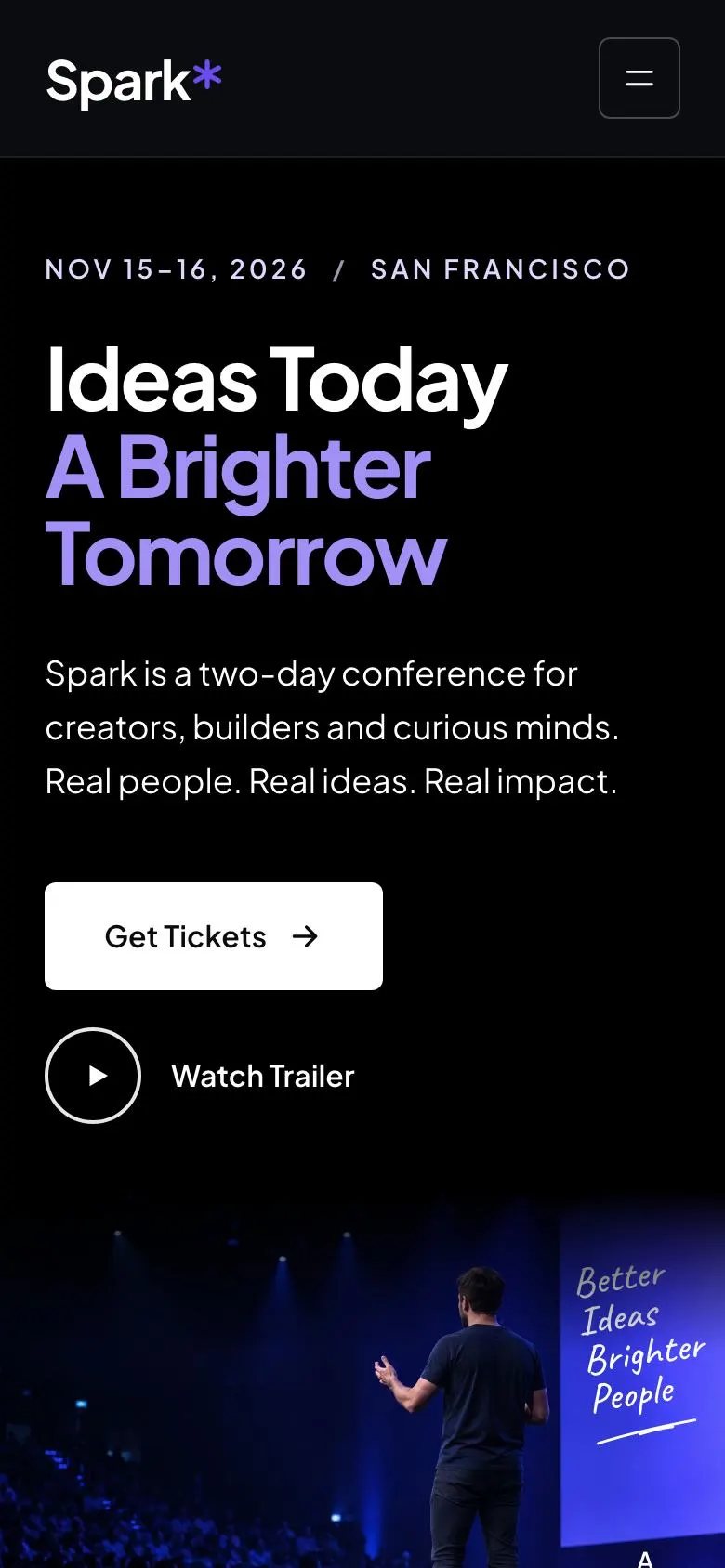
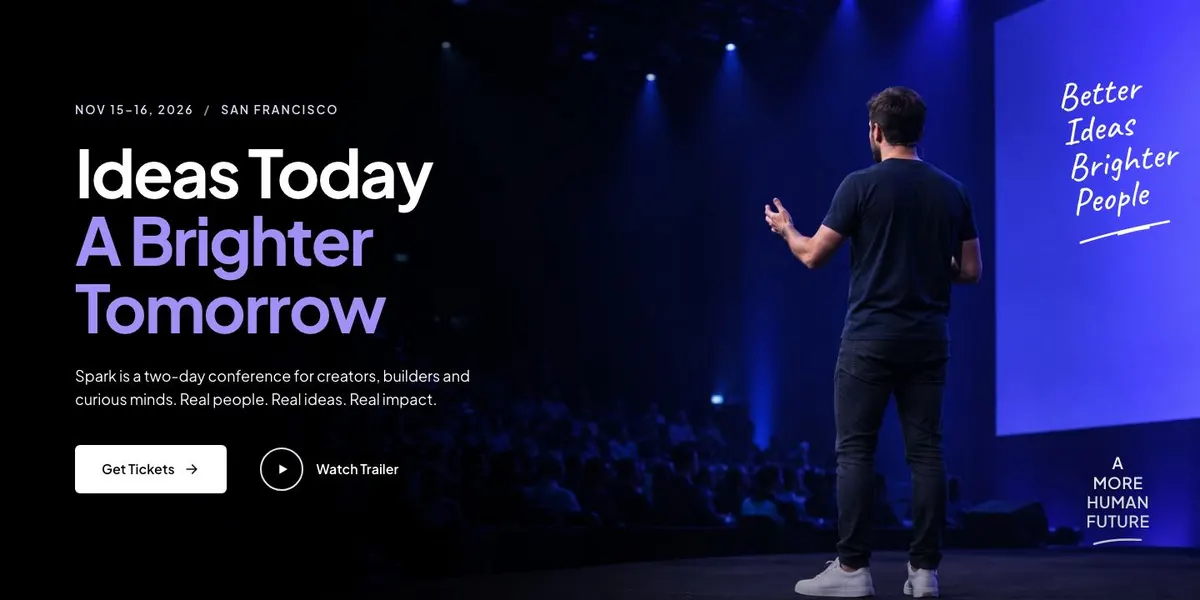
A conference page for an event people choose for its ideas
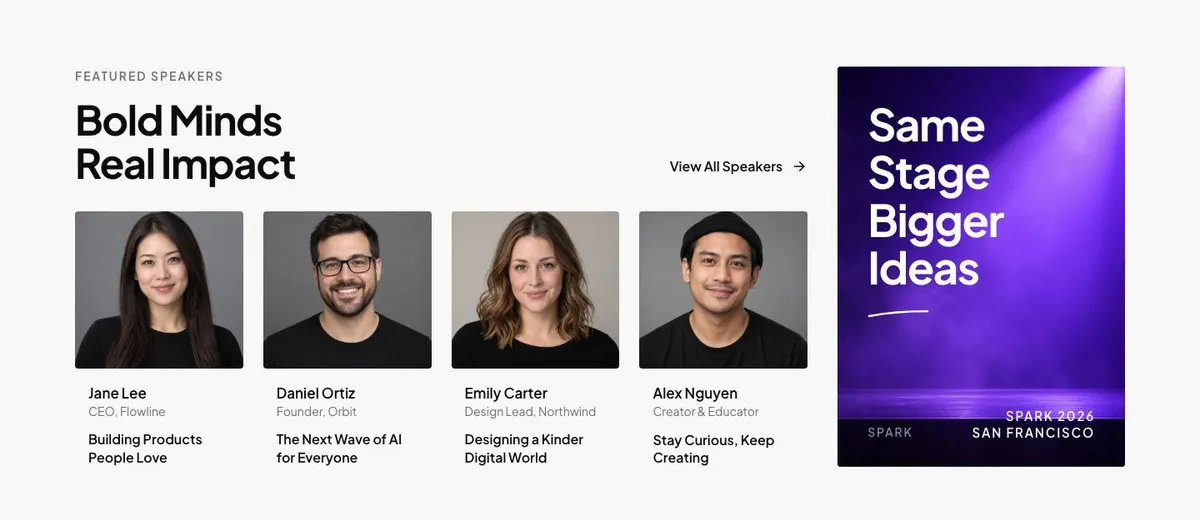
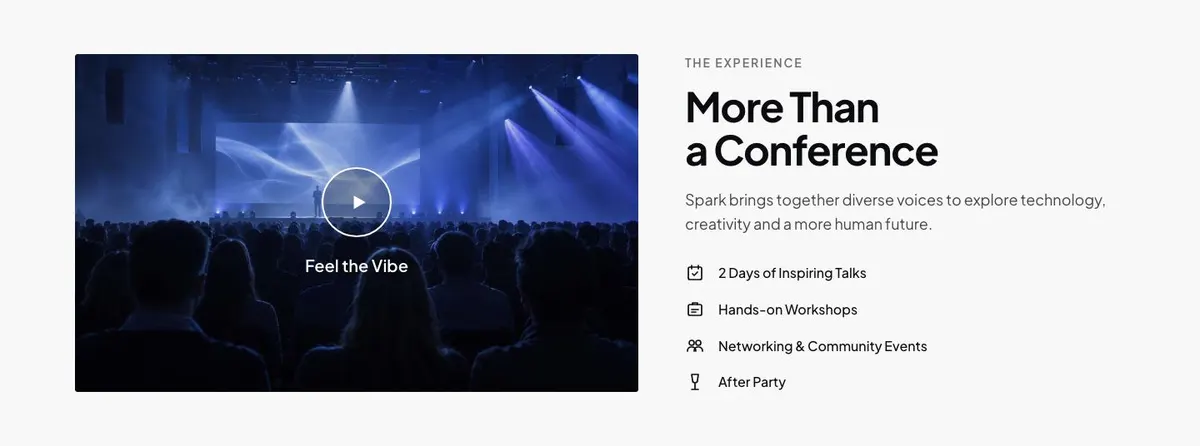
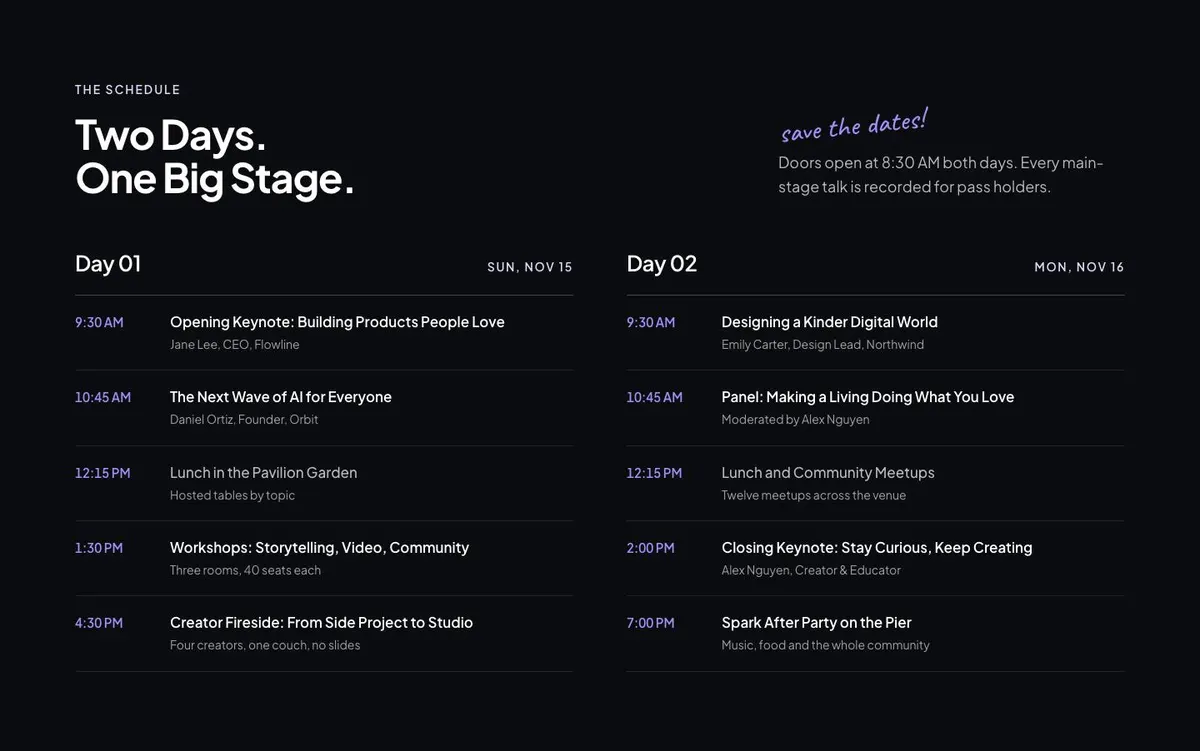
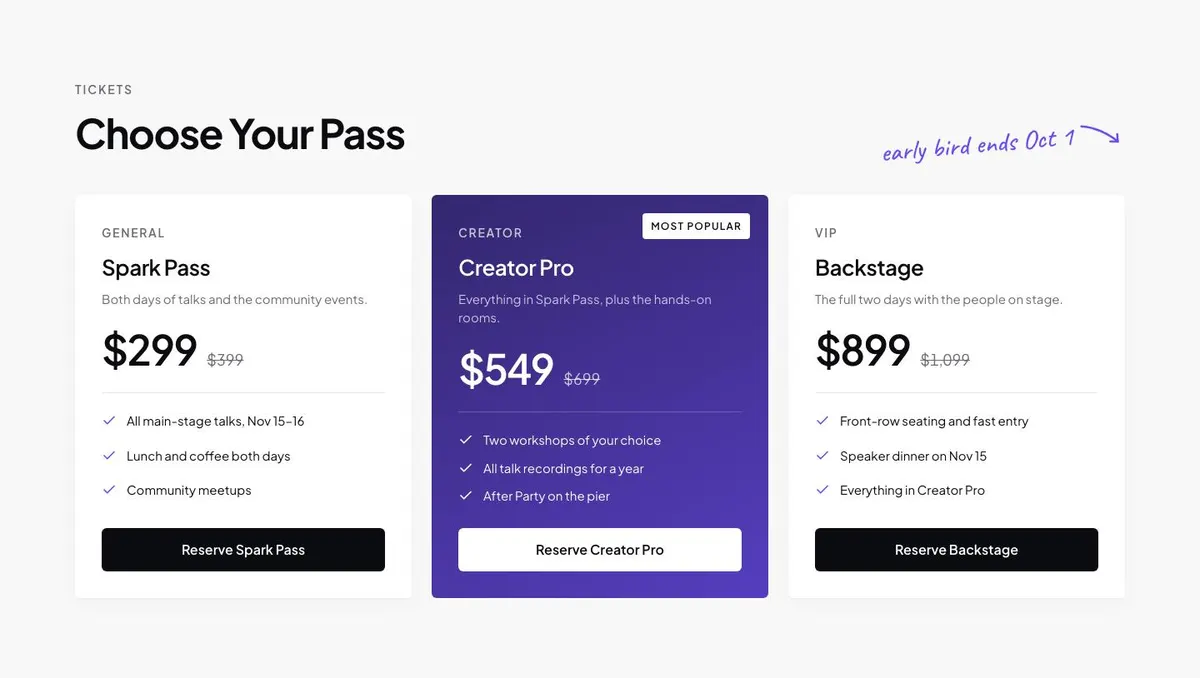
Someone searching for a Creator Conference landing page needs more than a date and a ticket link. They need a page that makes the event’s point of view clear, introduces the people on stage and gives prospective attendees enough detail to decide which pass to reserve. This design does that through a stage-led opening, speaker profiles, attendee stories, a two-day schedule and a clear tickets section.
It is a close fit for creator summits, founder gatherings, design conferences, community festivals and talk-based events. A generic event page can undersell this kind of programme by treating every session and guest as interchangeable. Here, the page gives the speakers, the theme and the shared experience room to matter.
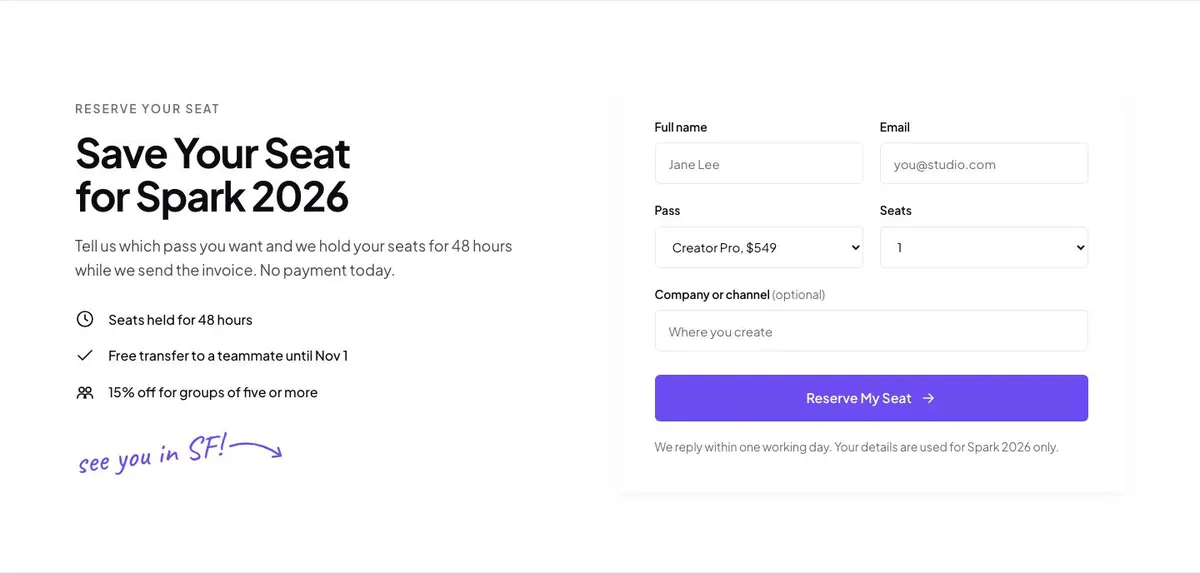
The template supports ticket choices and a reservation request. It does not show an immediate payment step in the form: the Reserve section says seats are held for 48 hours while an invoice is sent. If the event needs a page centred on a show-floor layout, Trade Expo Floor Plan is the more direct related starting point.
Adapting the design to the event identity
The template is available in Stage violet, Electric blue, Rose and Emerald schemes. Choose one that works with the conference identity and the photography already planned. The stage-led content matters more than forcing a colour choice that clashes with speaker portraits or venue images.
Plus Jakarta Sans is used for both display and body copy. Alternatives include Caveat with Plus Jakarta Sans, or Manrope with Plus Jakarta Sans. Caveat can suit a more informal creator-led programme; Manrope can suit a more restrained conference identity. Keep the type choice consistent across the page, tickets and event communications.
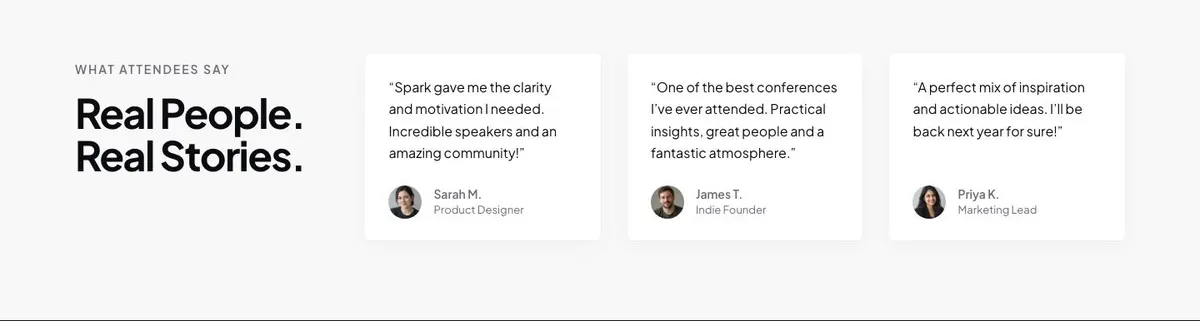
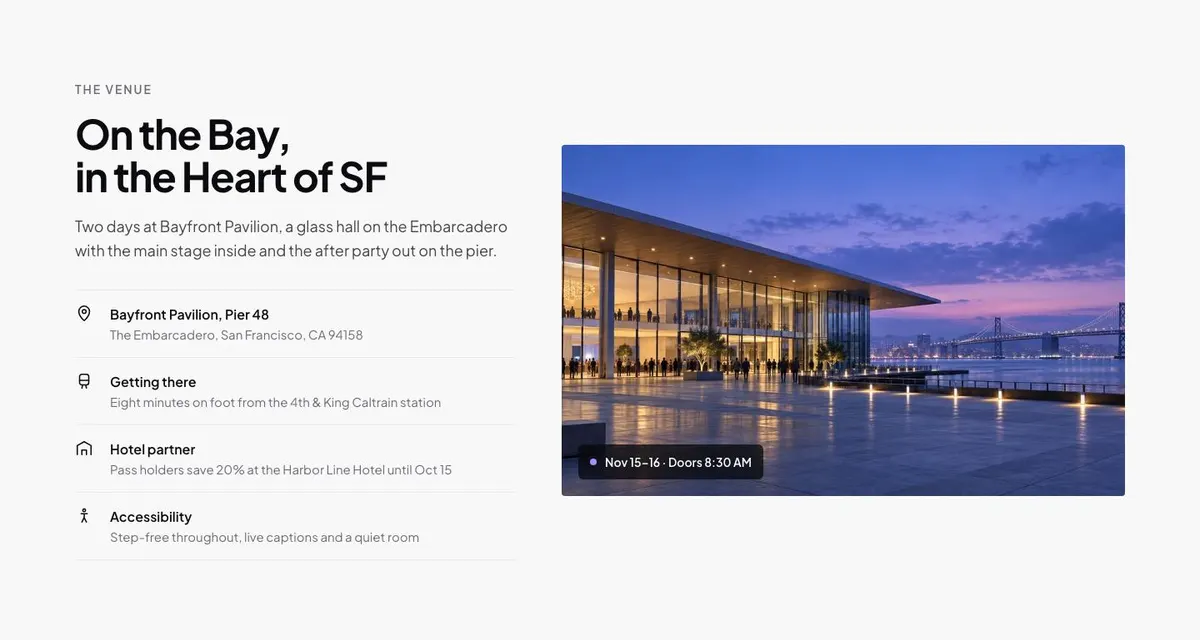
The page needs 20 photographs in total. One belongs in the Hero, five support the speaker section, one sits with About, three accompany Stories, one appears in Venue, six are used in Logos and two appear in Join. Plan these before building. Speaker portraits, attendee images and venue photography should all look like they belong to the same event.
Writing it for the business
Starting from this template costs no credits. Rewriting the copy with AI costs about 20 credits. A useful brief names the event, its audience, city, dates, programme theme, confirmed speakers, pass choices, reservation process and the action the page should drive.
It should also explain the tone. A creator conference may be candid and conversational; an executive summit may need plainer, more formal language. The AI can reshape the template copy, but it cannot confirm a speaker, pass benefit or deadline that the organiser has not supplied.
What to prepare before publishing
Start with the essentials: the event name, dates, location, audience and the single thought that holds the programme together. Prepare approved speaker names, biographies and photographs. Write the pass descriptions and make clear what separates each option.
Next, assemble the two-day schedule, venue details, partner logos and a real contact address for questions. Gather attendee quotes only where permission has been given. Finally, confirm how reservation requests are handled, who sends invoices and how quickly the team can respond while seats are being held.
Variations for nearby event formats
For a founder summit, make the speakers section about operators, investors and builders, then use the schedule to show the main subjects being addressed. For a design conference, place more weight on the creative work and perspective each speaker brings, while keeping the pass structure simple.
For a community ideas festival, use About to describe the local or shared purpose and Stories to reflect past attendees. For a brand-led creator gathering, partner logos can become an important proof point, but only include organisations that are genuinely involved.
When another template fits better
Trade Expo Floor Plan fits an event where exhibitors and navigating the floor are the central job of the page.
New Year Party is a better match for a single-night celebration rather than a speaker-led conference.
New Year Countdown suits an event whose main message is the approach to a fixed midnight moment.
Halloween Manor Party is for a themed party with a specific seasonal setting. See the full events collection for other event formats.
Before you publish
- Check that every speaker, date and venue detail is confirmed.
- Make each pass description match the reservation process.
- Replace all sample imagery with approved event photographs.
- Test that reservation enquiries reach the responsible person.