A Christmas shop page for buyers choosing gifts with care
This template is for a gift shop or small retailer running a Christmas and holiday store. It is built around the decisions that make seasonal buying different: who the gift is for, whether it will arrive in time, what it costs, and whether the shop will take care of the wrapping and sending.
A generic shop page can make every product feel equally important. That is less useful when visitors are trying to finish a list of gifts before a deadline. This page gives the business room to lead with a seasonal promise, organise products into categories, show bestsellers and explain the order dates clearly.
It works especially well where the business has products for different recipients or budgets. The page can speak to someone buying one considered present, as well as someone ordering several gifts. The tone can remain warm and practical rather than relying only on sale messaging.
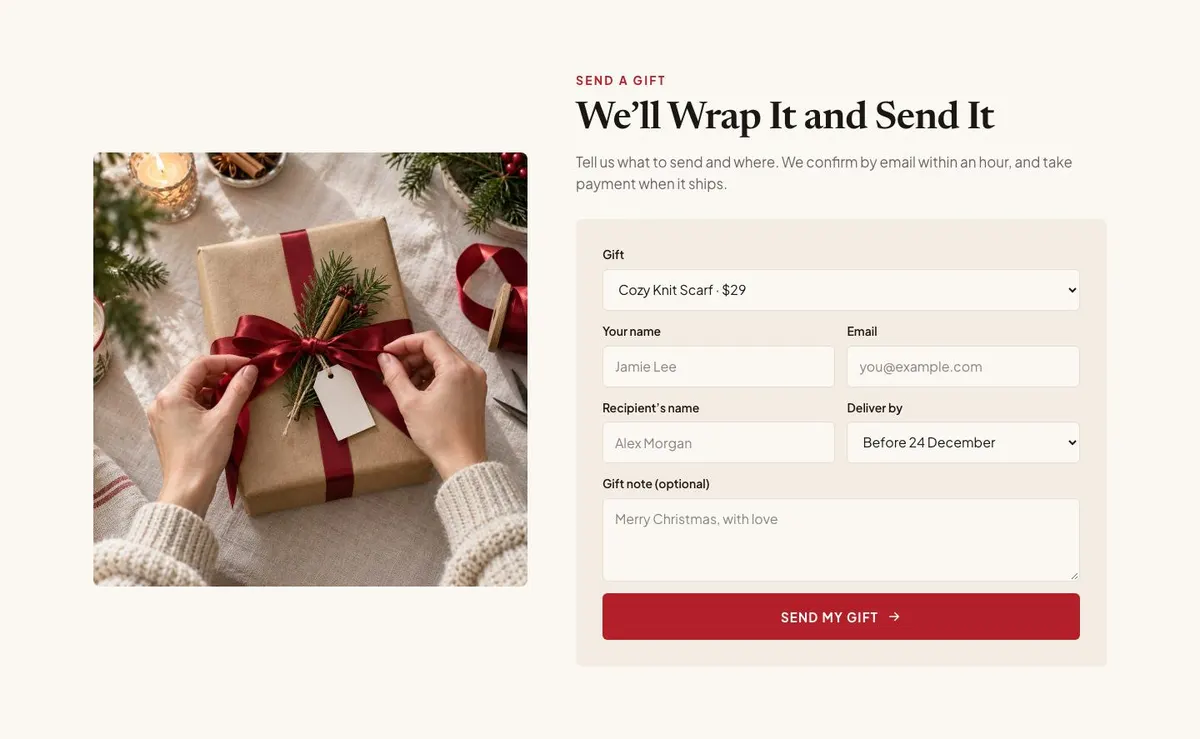
The main goal is a purchase. The Order section also supports a more considered route: the customer tells the business what to send and where, then receives confirmation by email. Payment is taken when the order ships, so the wording around that process needs to be accurate.
How the Christmas journey moves visitors towards an order
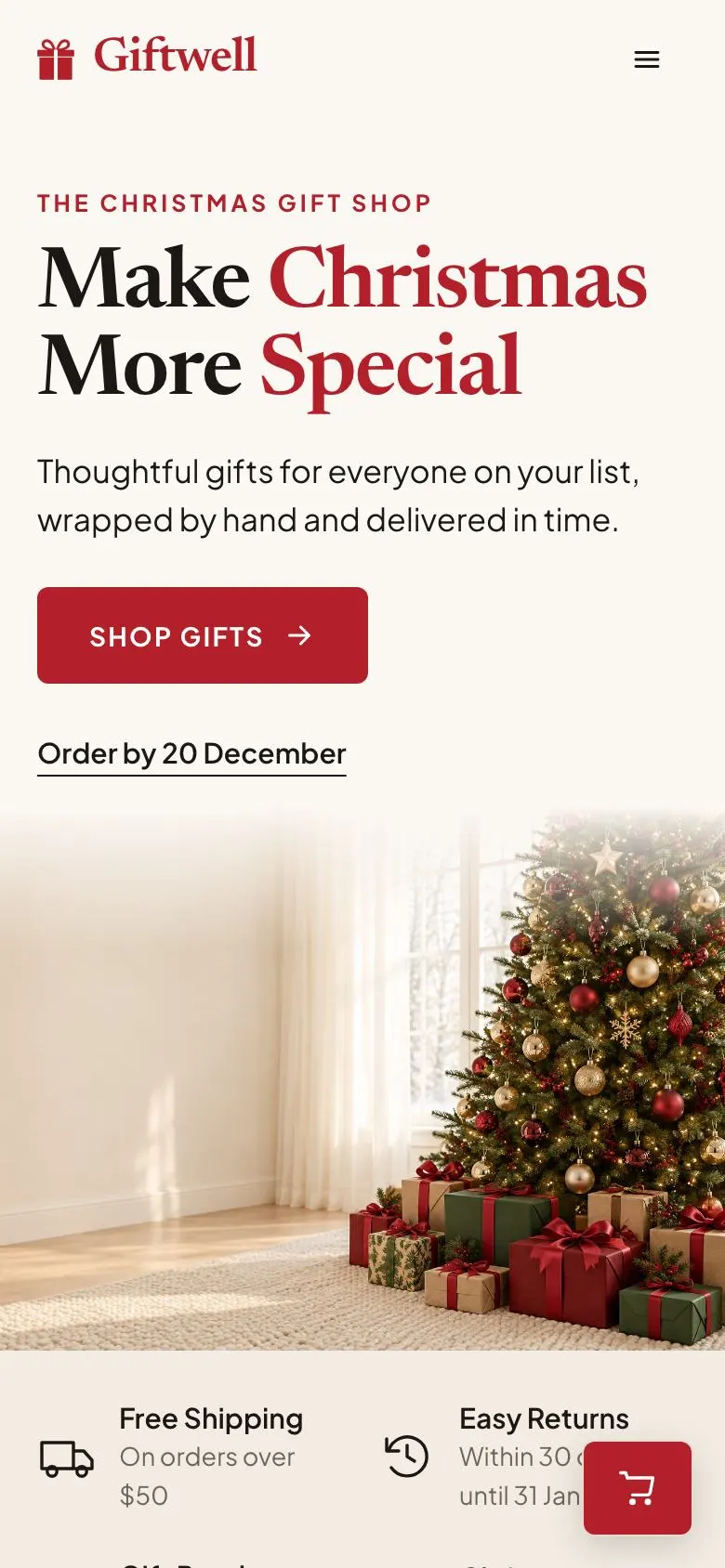
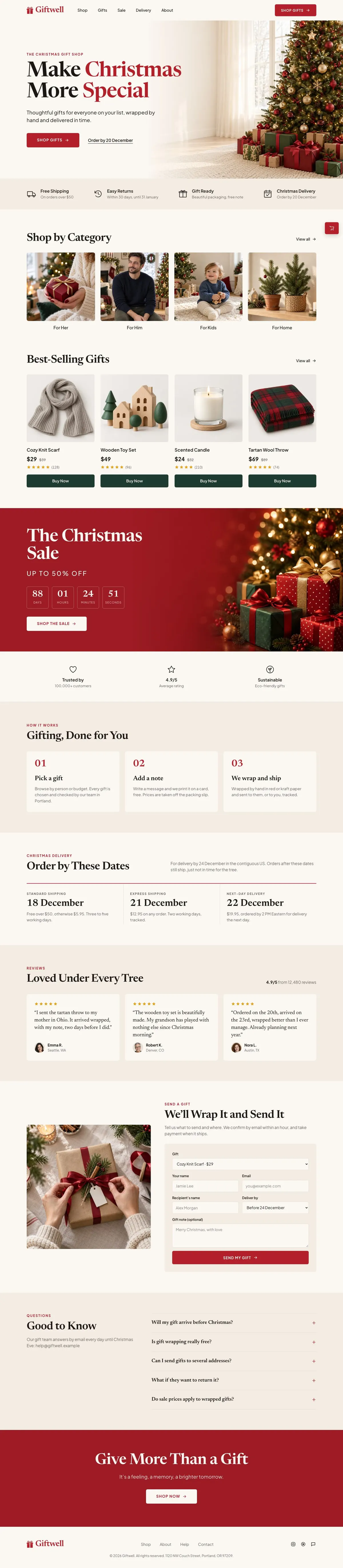
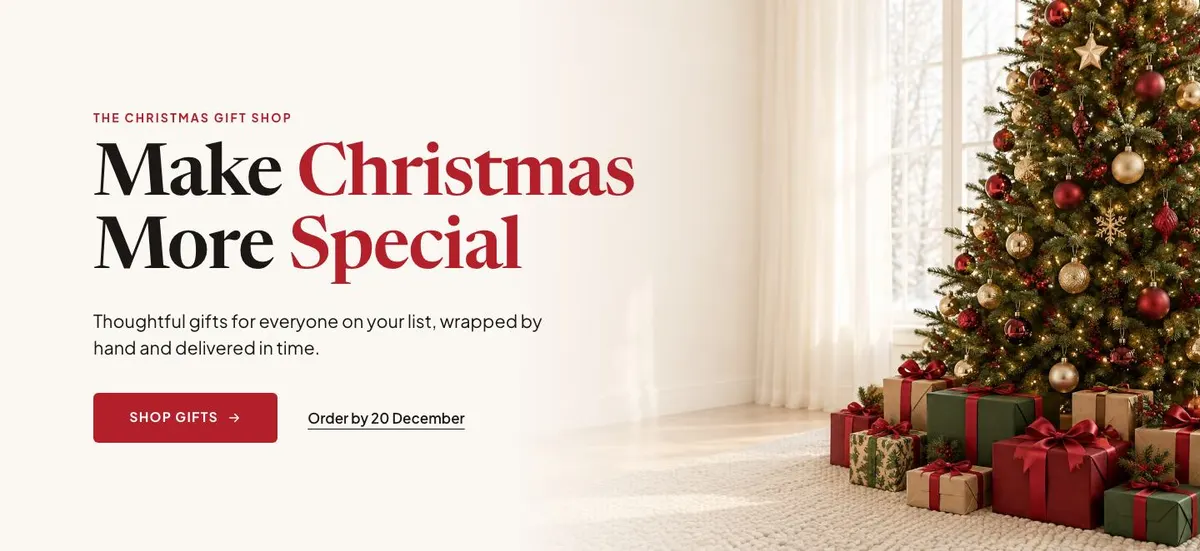
The Hero opens with “Make Christmas More Special”. Its supporting line promises thoughtful gifts, hand wrapping and delivery in time. Replace this with the business’s real seasonal promise. The “Shop Gifts” button should lead to the part of the offer that a visitor can actually browse or buy.
A Logo strip follows. Keep its content relevant to the shop’s own proof or associations, if those are available. It should support the first promise rather than introduce a separate message.
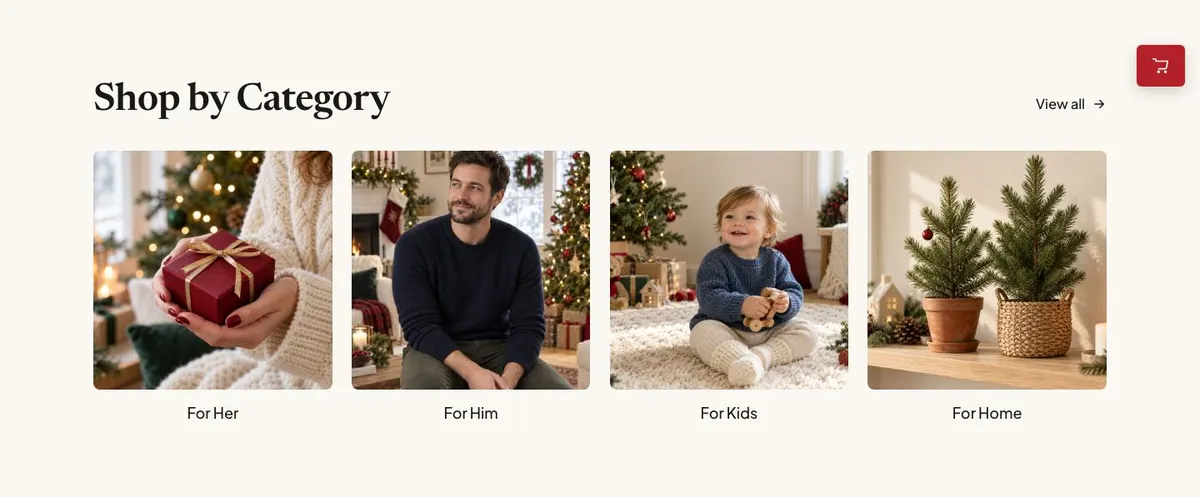
Categories comes next with “Shop by Category”. This is where the shop makes its range easier to navigate. Set the categories around how customers genuinely choose: recipient, type of product, budget, or another clear shopping route. The photographs need to make those routes recognisable at a glance.
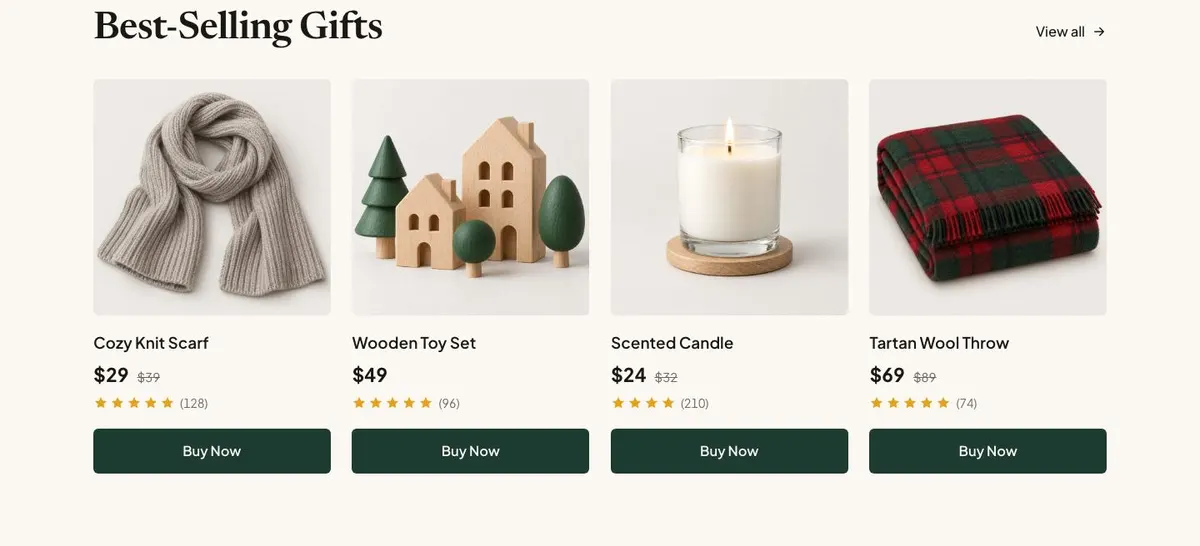
Bestsellers then puts “Best-Selling Gifts” in front of the visitor. It includes a was-and-now price treatment and a “Buy Now” action. Only show former prices where the business has a genuine previous price to state. Choose products that can be ordered now and make the product names, prices and purchase route consistent with the rest of the shop.
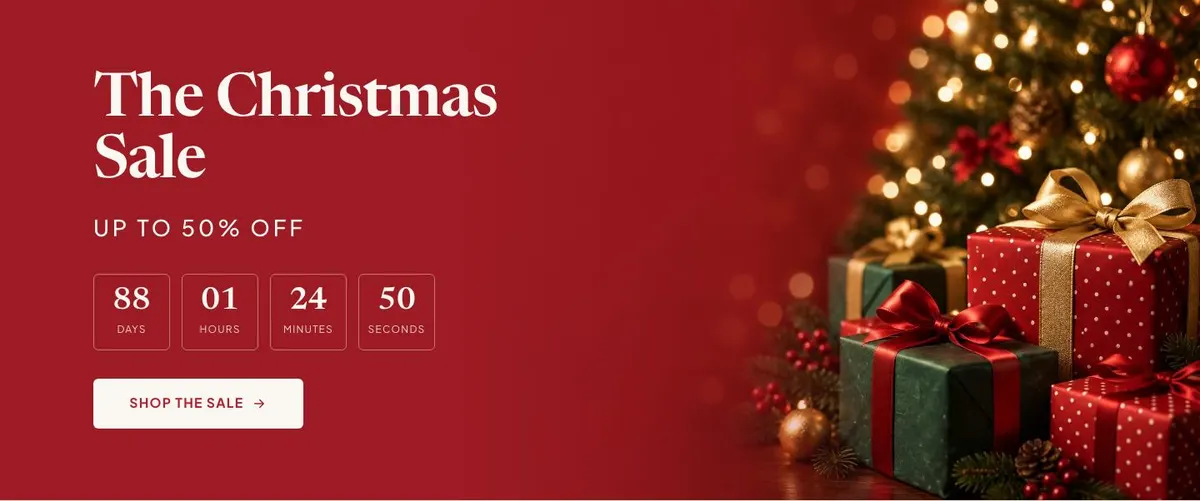
The Sale band is the more urgent seasonal moment. “The Christmas Sale” and “Up to 50% off” sit with a countdown and “Shop the Sale”. The owner needs a real offer, a clear end point for the countdown, and a sale collection that matches the claim. If there is no sale, this is the band to change rather than leaving an unsupported discount on the page.
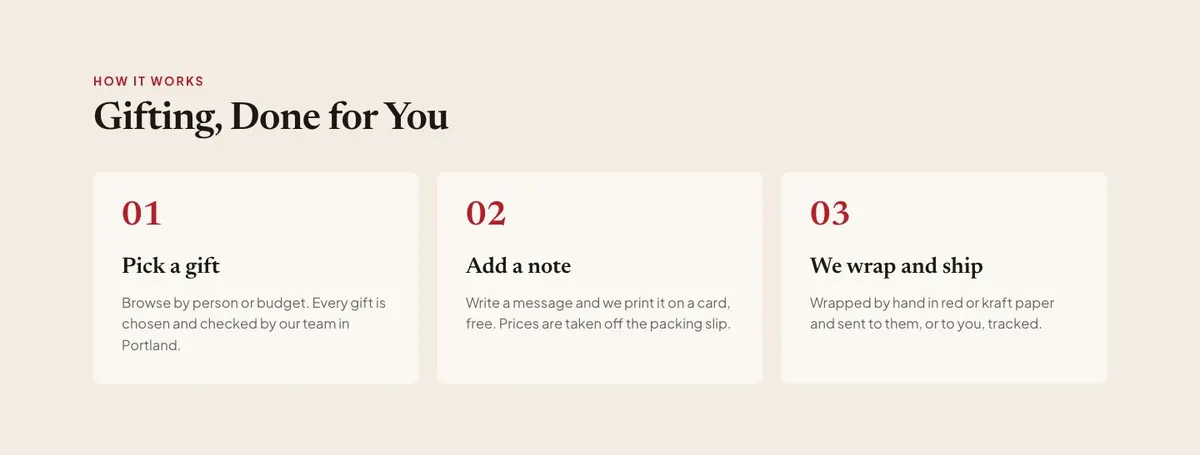
The second Logo strip gives the page another pause before the service information. Then How, headed “Gifting, Done for You”, explains the business’s process. The supplied direction is to browse by person or budget, with gifts chosen and checked by a team in Portland. Rewrite this to reflect the actual place, team and service. Its short list should cover the steps that matter to a buyer, not general claims about the business.
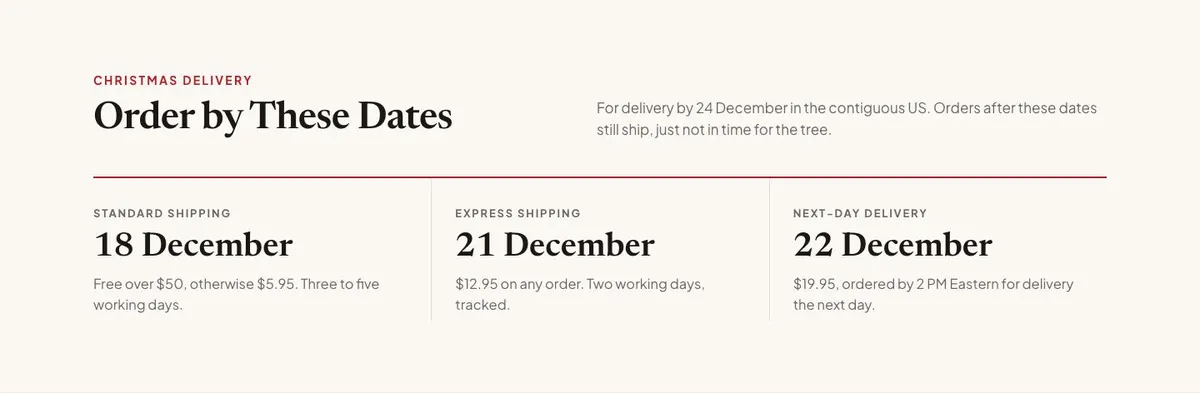
Delivery is one of the most important bands for this template. “Order by These Dates” sets expectations for arrival by 24 December in the contiguous US, while explaining that later orders still ship but may not arrive in time for the tree. Use the business’s own delivery area, final order dates and fulfilment position. Do not retain a Christmas arrival promise unless it can be met.
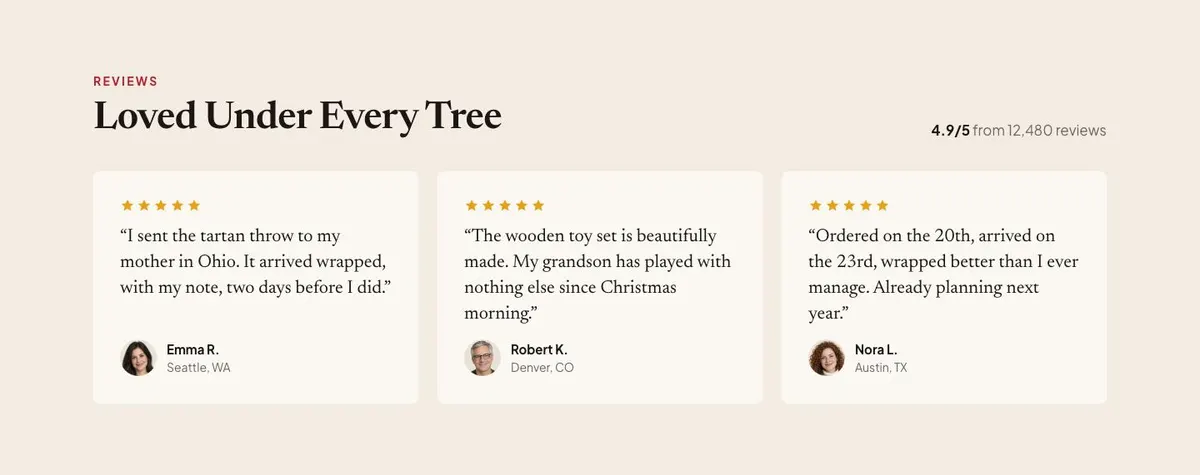
Reviews follows with “Loved Under Every Tree”, a review score and customer quotation. Use real review material and a score the business can support. The accompanying photographs should connect the praise to the products or gifting experience being described.
The Order band says “We’ll Wrap It and Send It”. Its form is for customers to provide sending details, with email confirmation within an hour and payment when the order ships. Keep this service promise only if the business can operate it. The form is not described as a payment checkout, so its surrounding copy should make the enquiry and confirmation process plain.
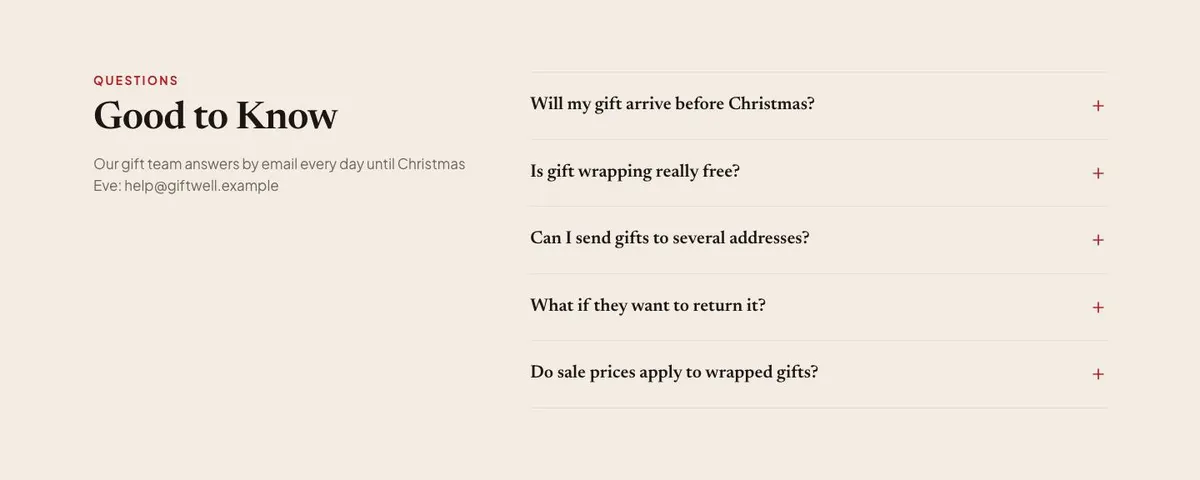
Questions is an accordion headed “Good to Know”. It gives the gift team email support until Christmas Eve. Fill it with the questions the shop repeatedly receives, including wrapping, delivery timing, order changes and the confirmation process where relevant. The final band, “Give More Than a Gift”, returns to the emotional reason for buying and ends with “Shop Now”. Use it to restate the real value of the range before the last shopping action.
Adapting the seasonal design without losing the point
The template offers Holly red, Pine, Gilded and Berry colour schemes. Choose one that works with the products and existing shop identity. A red-led scheme can support the sale and closing message, while the other schemes give room for a different seasonal direction without changing the page structure.
Its display typeface is Newsreader and its body typeface is Plus Jakarta Sans. The available font pairings also include Playfair Display with Plus Jakarta Sans, and Lora with Plus Jakarta Sans. Keep the display face for short seasonal statements and use the body face for delivery terms, ordering details and questions that customers need to read carefully.
Prepare 16 photographs for the page. They appear in the Hero, Categories, Bestsellers, Sale, Reviews, Order and closing band. Plan them as a set: a lead image for the first promise, category images that clarify the range, product images for bestsellers, and supporting images for the sale, customer proof, order service and final call to shop.
Writing it for the business
Starting from this template costs no credits. For about 20 credits, AI can rewrite the copy. A useful brief names the business, the products being sold, the people or occasions they suit, the delivery area, the last dates for Christmas delivery, the wrapping and sending service, and the action the shop wants customers to take.
It should also name any sale that will appear in “The Christmas Sale”, including what is included and when it ends. Give the AI real bestsellers and real prices. State whether the business confirms orders by email and when it takes payment, because those details shape the Order copy.
What to prepare before publishing
Write the seasonal promise first. It needs to be true of the products, wrapping and delivery service. Next, prepare category names, bestseller names and current prices, along with a valid sale offer if the Sale band will stay.
Confirm the delivery dates before publishing. The page specifically gives customers an order-by route to Christmas arrival, so this information cannot be vague. Prepare the email address and response process for customer questions, and write answers for the accordion from the questions staff receive most often.
Finally, gather the photographs, customer review material and wording for the order confirmation process. The strongest version of this page makes each claim easy for the business to carry out after an order arrives.
Variations for nearby seasonal retailers
A homeware shop can use Categories for table gifts, home fragrance, decorations and smaller presents. Bestsellers can focus on items that work as ready-made gifts, while the Order band explains any wrapping and direct-to-recipient service.
A seasonal retail pop-up can make Delivery more central, with its actual final dates and collection or shipping position. The sale band should only remain if there is a defined offer and a date that the countdown can honestly support.
A gift business specialising in curated boxes can use “Gifting, Done for You” to explain how boxes are chosen, checked and sent. The order form copy should then make clear what information the business needs before it confirms the order.
When another template fits better
For a gift range aimed at the next seasonal moment, see New Year Gift Shop.
For a sale-led retail event rather than a Christmas gifting page, see Black Friday Mega Sale.
For a shorter, time-specific promotion built around a flash sale, see 11.11 Flash Sale.
For a food gift offer rather than a general shop range, see Christmas Treats Bakery. Browse the wider ecommerce collection for other shop formats.
Before publishing
- Check that every delivery date matches the business’s current fulfilment plan.
- Check that bestseller prices and sale claims are current.
- Check that the order confirmation and payment wording reflects the real process.
- Check that every shopping button leads to an available offer.