A sale page for shoppers who are ready to compare and buy
This template is for a retailer or marketplace holding a dated mega-sale. It gives an 11.11-style event a clear beginning, a reason to act now and several ways to find products. Electronics can lead the campaign, while lifestyle and consumer-goods categories can sit alongside them.
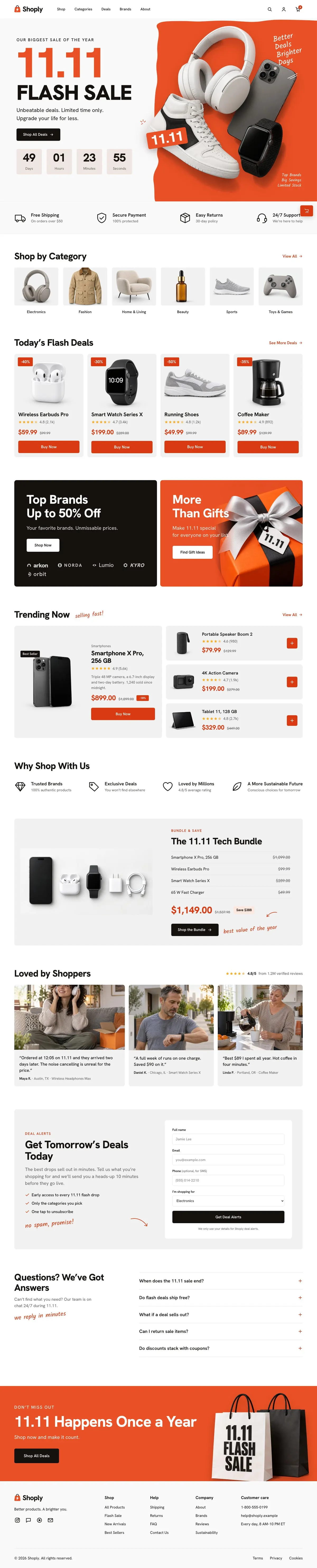
A generic shop page can make a major sale feel like an ordinary promotion. This template starts with the event itself, then moves shoppers through categories, flash deals, brands, trending products and a bundle. That structure matters when the catalogue is broad and customers may arrive looking for different things.
The page is built around a purchase goal. Its copy needs to make the date, the offer and the available products easy to understand. The strongest version has a real sale period, current product information and a clear decision about which deals deserve the most attention.
How 11.11 Flash Sale takes shoppers towards an order
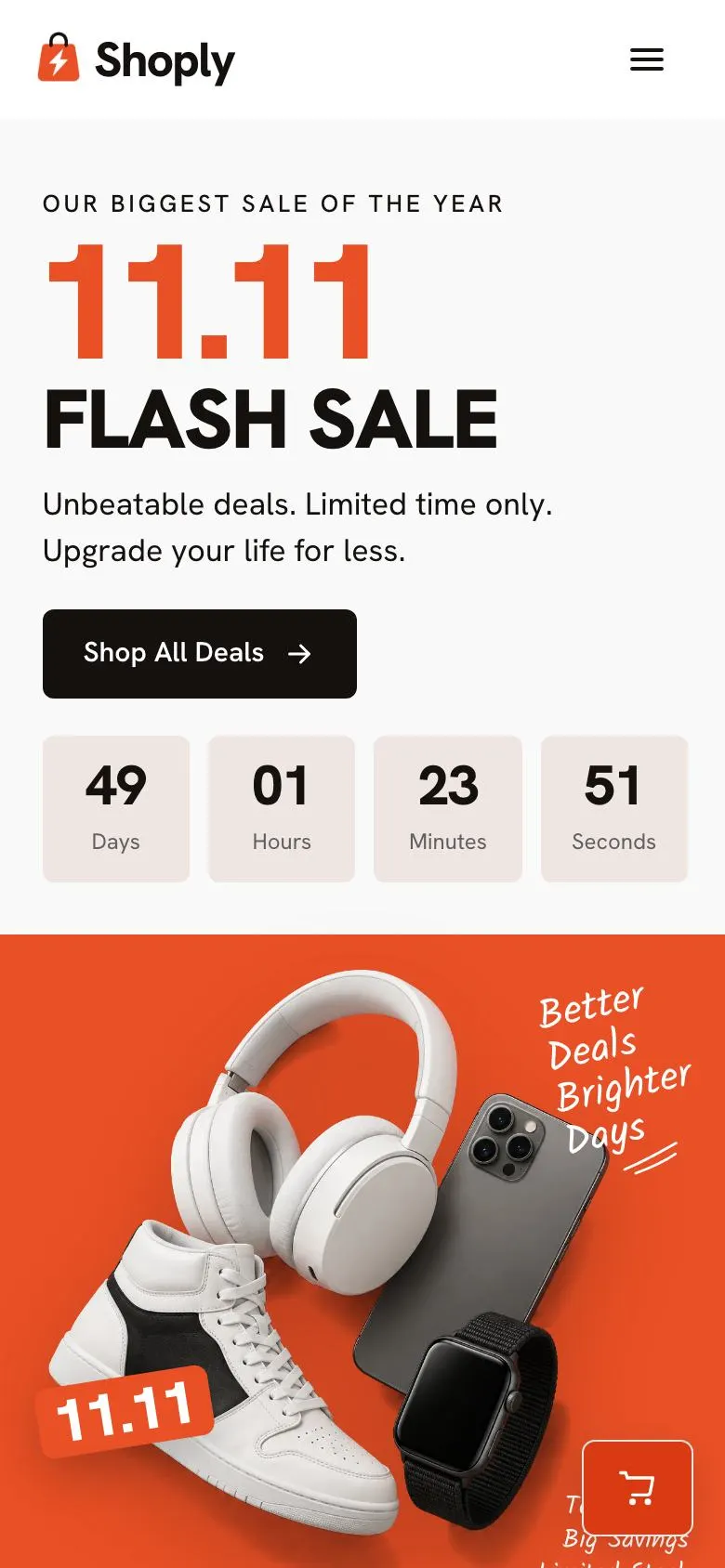
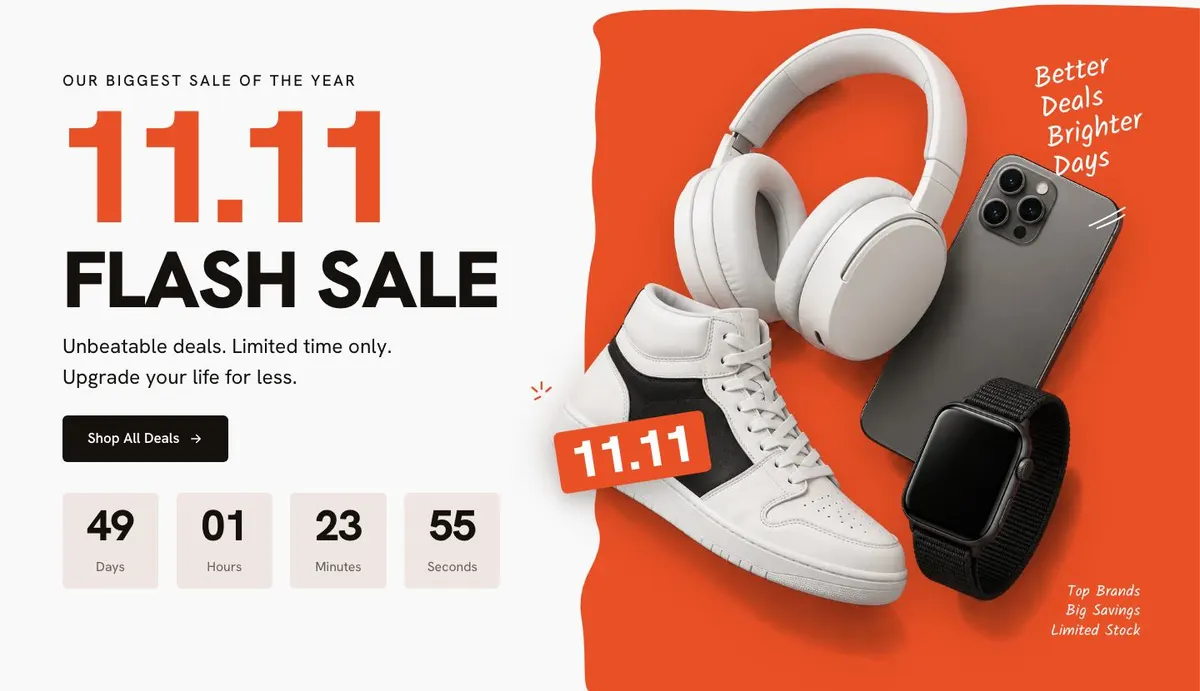
Hero opens with “11.11 Flash Sale”, a short sale message, a countdown and the “Shop All Deals” button. This is where the business sets the event date and states what makes the promotion worth visiting. The photograph should support the main sale message rather than introduce an unrelated product.
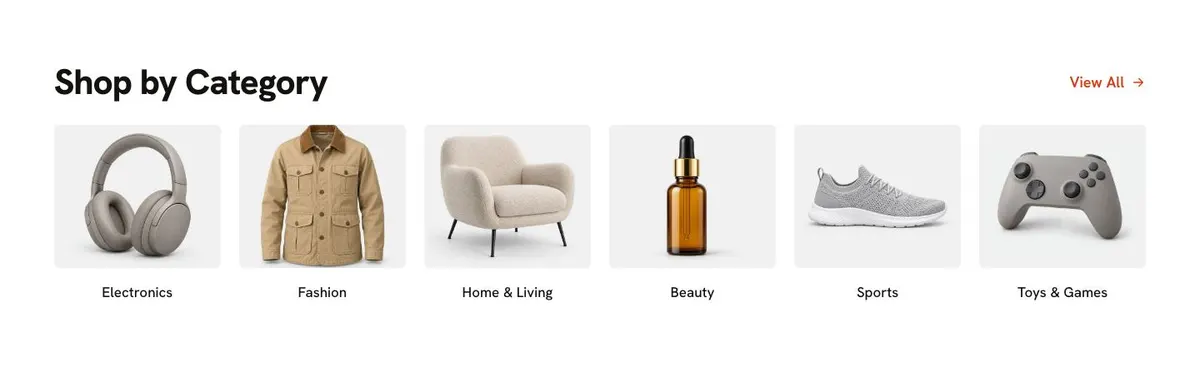
The Logo strip follows. It is the right place to present the business or the names that matter to the sale, without adding another competing offer. Categories, headed “Shop by Category”, then gives shoppers a route into the catalogue. The category photographs need to match the groupings a customer will actually see during the event.
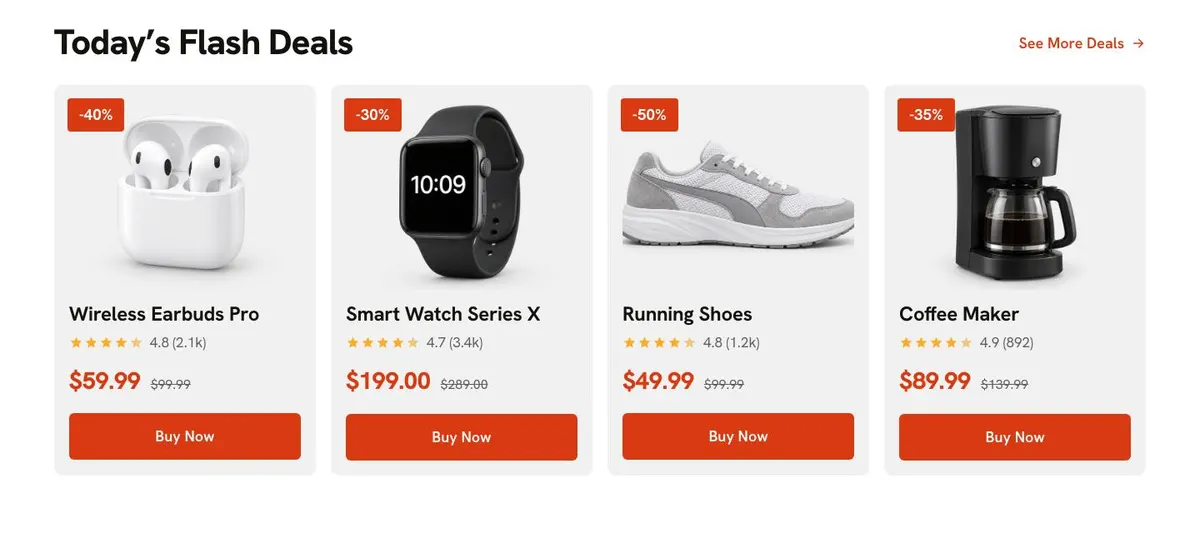
Today’s Flash Deals is for the offers that need the fastest action. It includes product photography and “Buy Now” prompts, alongside the displayed rating line. Use this area for items with a clear current price and a meaningful former price where applicable. It should not become a list of every discounted item; it needs the deals that define the day.
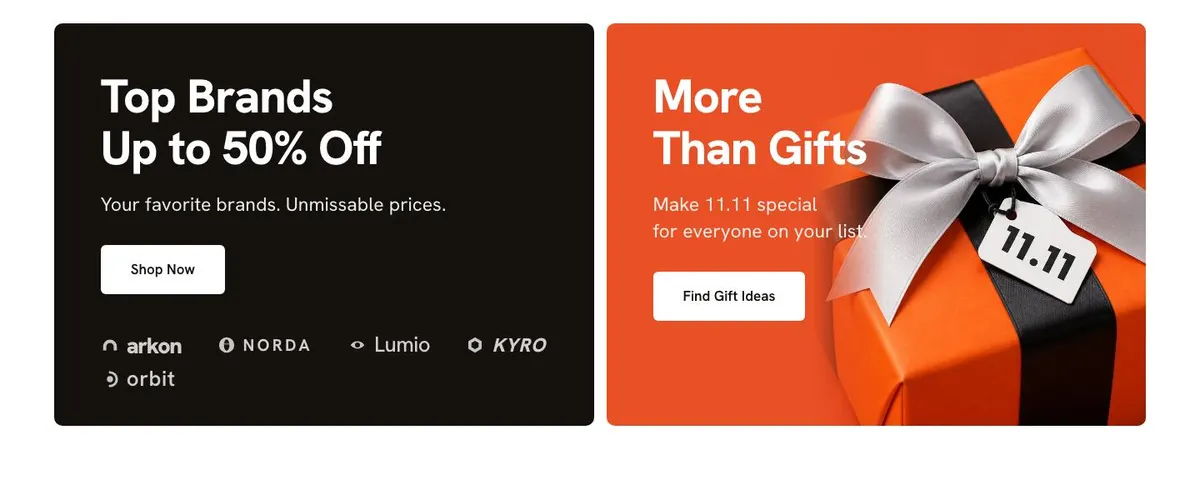
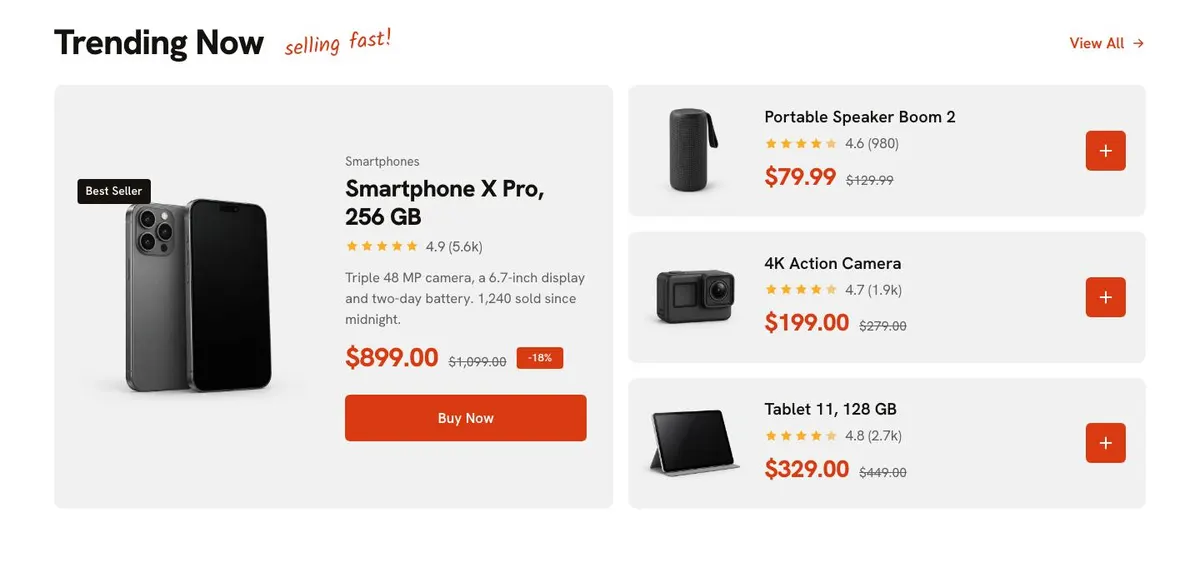
Top Brands Up to 50% Off introduces a brands-led offer and sits with a gift-ideas route. The “Shop Now” and “Find Gift Ideas” buttons mean the campaign needs both a direct shopping destination and a useful gift selection behind it. Trending Now continues the product-led journey with more “Buy Now” prompts and the message that items are selling fast.
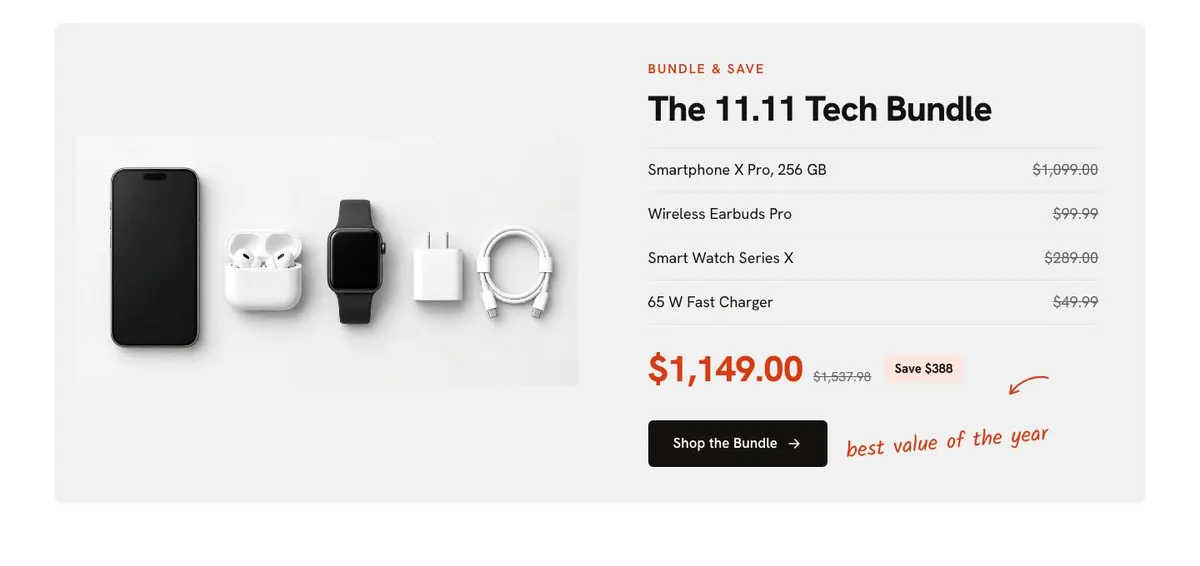
Why Shop With Us provides a pause from product promotion with the “Trusted Brands” message. Keep this section grounded in reasons the business can support. The 11.11 Tech Bundle then gives a combined offer its own place. Its list should explain what belongs in the bundle, and “Shop the Bundle” must lead to an offer that is ready to order.
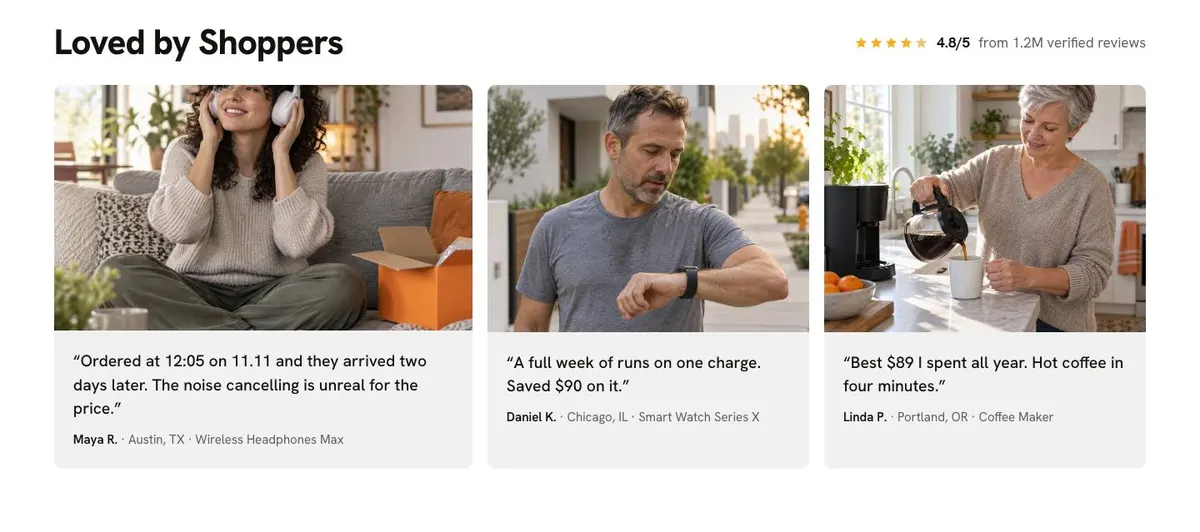
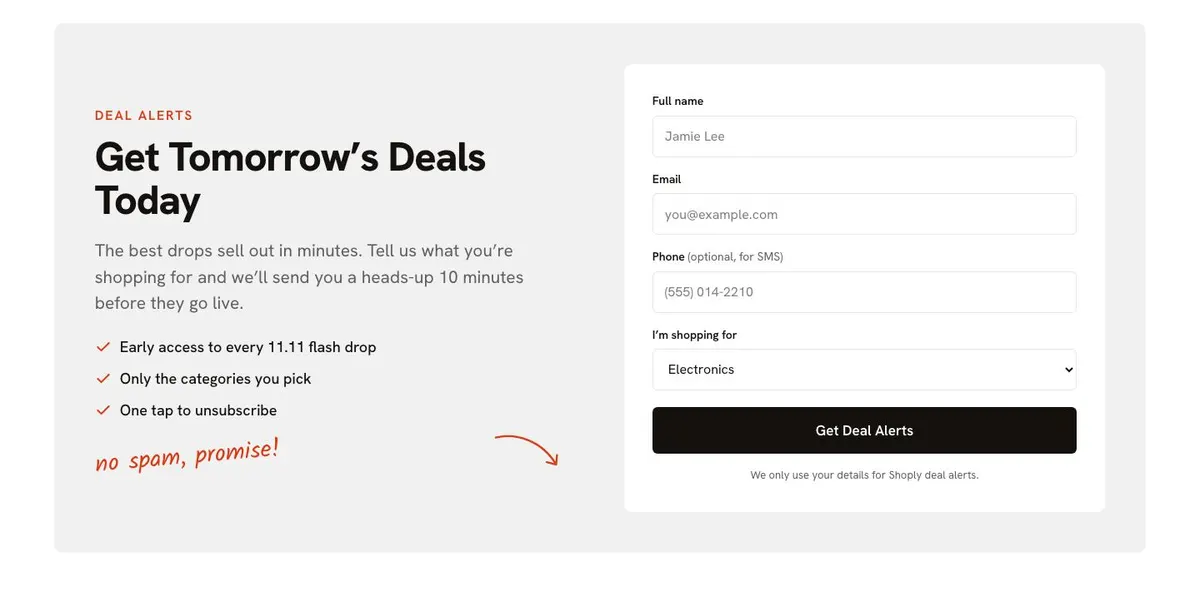
Loved by Shoppers uses customer photographs and the stated review message. It is for credible customer feedback, not vague praise written as if it came from buyers. Get Tomorrow’s Deals Today is the alert section. Its form asks shoppers about what they are shopping for so the business can send notice before the next deals go live.
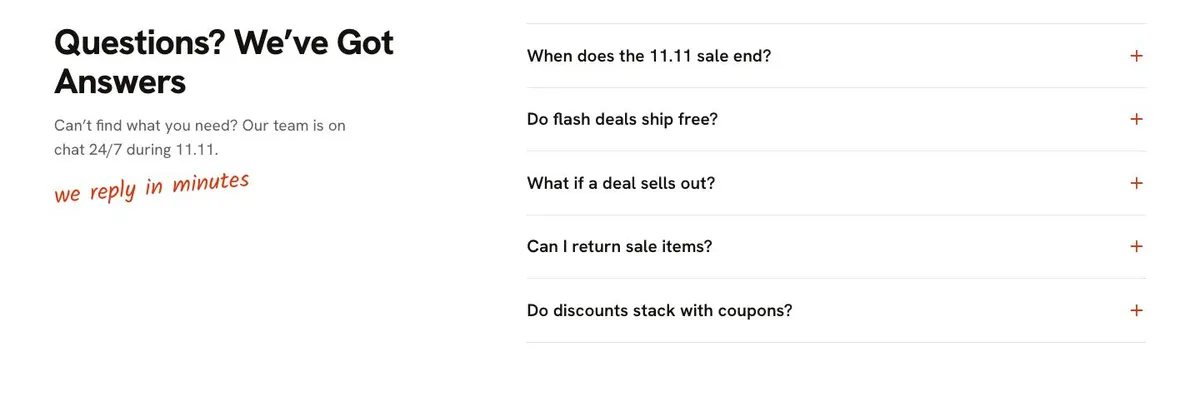
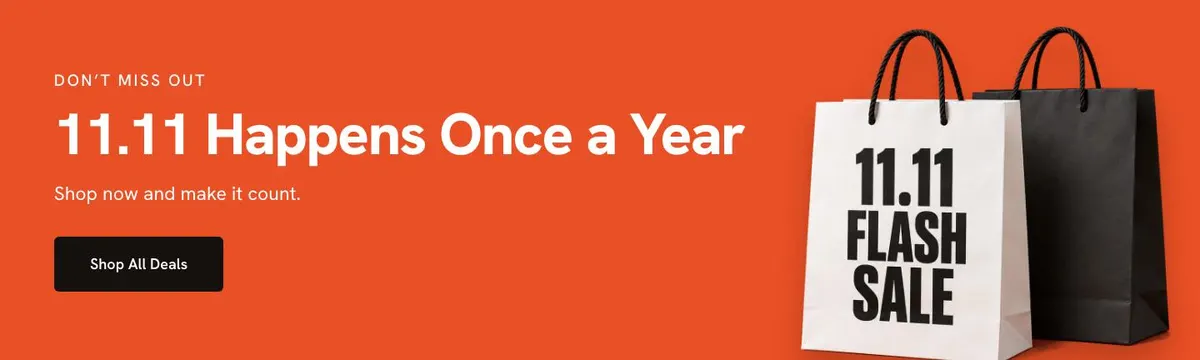
Questions? We’ve Got Answers is an accordion for the questions that could stop an order. The supporting text refers shoppers to chat during 11.11, so the team should only retain that promise if it can provide it. Finally, 11.11 Happens Once a Year closes the page with another “Shop All Deals” button and sale imagery. It should repeat the single next step, not introduce new conditions at the end.
Adapting the design to the sale
The template has four colour schemes: Flash orange, Crimson, Cobalt and Ink. Choose one that fits the campaign and use it consistently across the sale materials. The page uses Hanken Grotesk for both display and body text. The available font choices also include Kalam with Hanken Grotesk, and Archivo with Hanken Grotesk.
It needs 28 photographs across the page. They appear in the hero, category section, deal and trending product areas, brands section, bundle, reviews and closing call to action. Prepare them as one campaign set. Product shots should make categories and offers recognisable at a glance, while review photographs need to sit naturally with genuine customer comments.
The visual approach suits a sale with an obvious retail rhythm: event first, products next, reassurance later. Keep the written details concise enough that the products and dated offer remain the focus.
Writing it for the business
Starting from this template costs no credits. Rewriting the copy with AI costs about 20 credits. A good brief names the sale date, the products being promoted, the main categories, the brands or bundle involved, the offer limits and the action the business wants shoppers to take.
It should also explain which deals are available today and which are coming later. That gives the alert section a real purpose. Include the customer questions that staff hear before or during a promotion, so the accordion can deal with them plainly.
What to prepare before publishing
Write the event headline, the sale timing and the short promise for the hero. Select the category names and the products that belong in the flash-deal and trending areas. Check every product price, former price, discount message and purchase destination before the page goes live.
Prepare the brand-led offer and decide whether gift ideas are genuinely part of the campaign. Write the bundle contents and choose the feedback that will appear in the review section. Finally, plan the deal-alert message, the information collected through its form and the answers needed for the questions accordion.
Variations for nearby retail trades
An electronics retailer can make the Tech Bundle the campaign centre and organise categories around the main types of equipment it sells. It should reserve the flash-deal area for products where price comparisons are especially important.
A marketplace can use the category and brands sections to help shoppers choose between a wider mix of sellers and products. Its brief should be clear about which products qualify for the event and which offers are available at each point in the sale.
A consumer-goods retailer can keep the same timed-sale structure but use gift ideas and lifestyle categories more heavily. The product photographs should show the range clearly enough for customers to find the right kind of item without relying on the headline alone.
When another template fits better
For a broad Black Friday event, use Black Friday Mega Sale. For a marketplace campaign shaped specifically around Black Friday, see Black Friday Marketplace.
If the campaign is in its final hours, Black Friday Last Chance is the closer fit. For a seasonal October promotion, consider Halloween Night Sale. Browse the ecommerce template collection for other shop pages.
Before publishing
- Check that the sale date and countdown match the live event.
- Confirm every deal and bundle can be ordered.
- Use photographs that match the listed categories and products.
- Answer the questions customers are most likely to ask.