A course page for people choosing a creative way of working
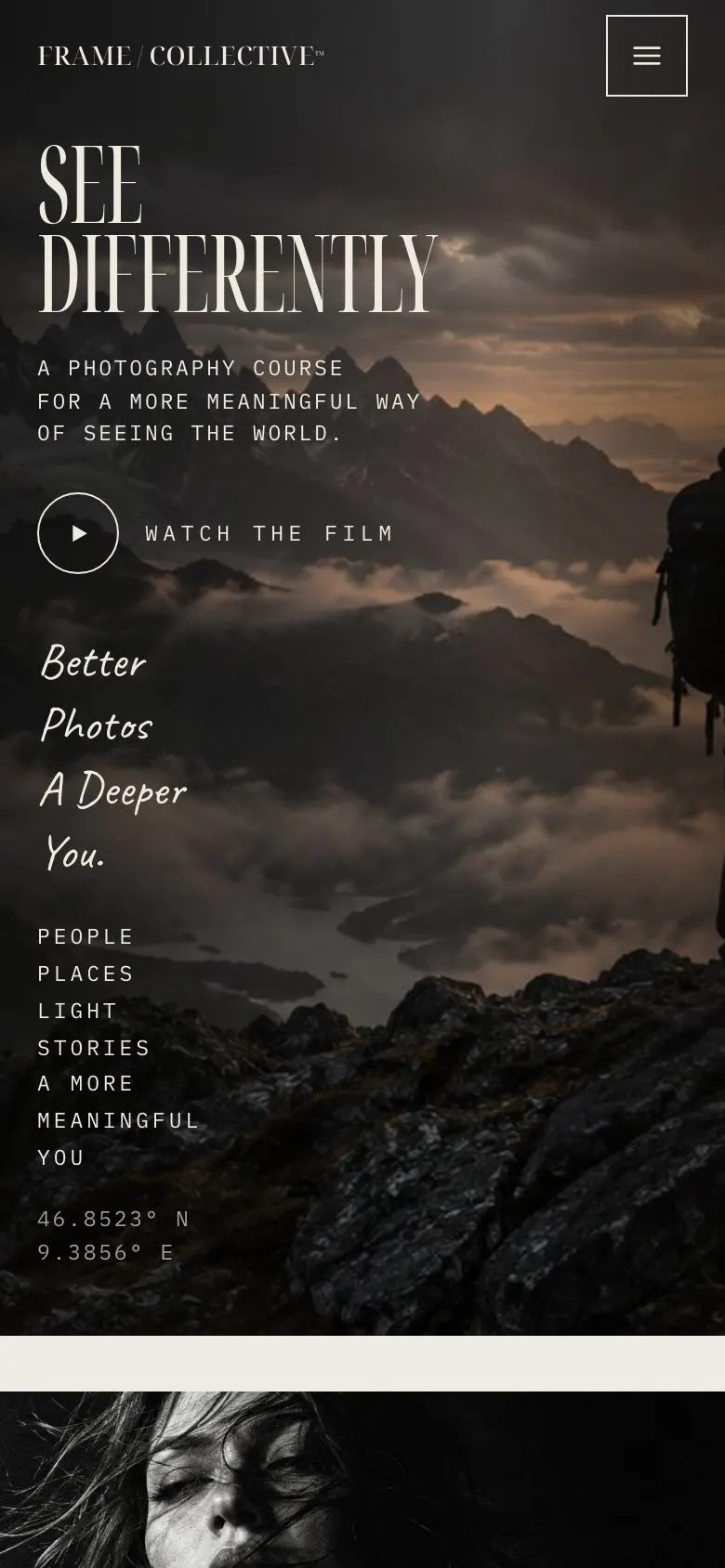
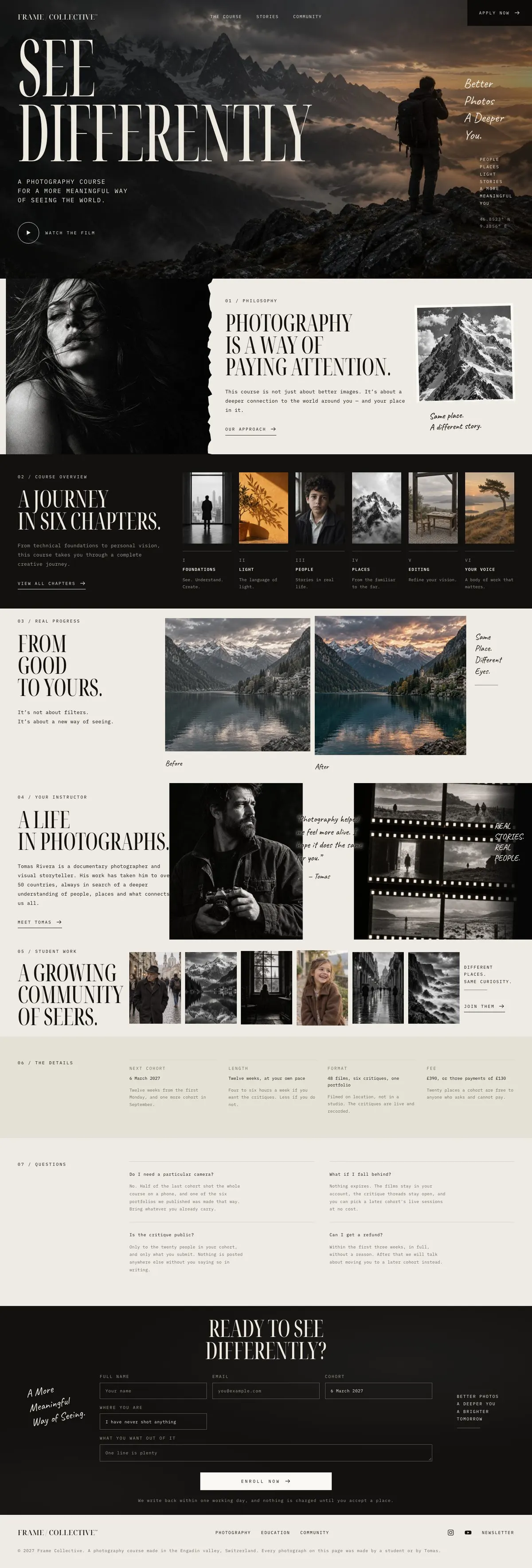
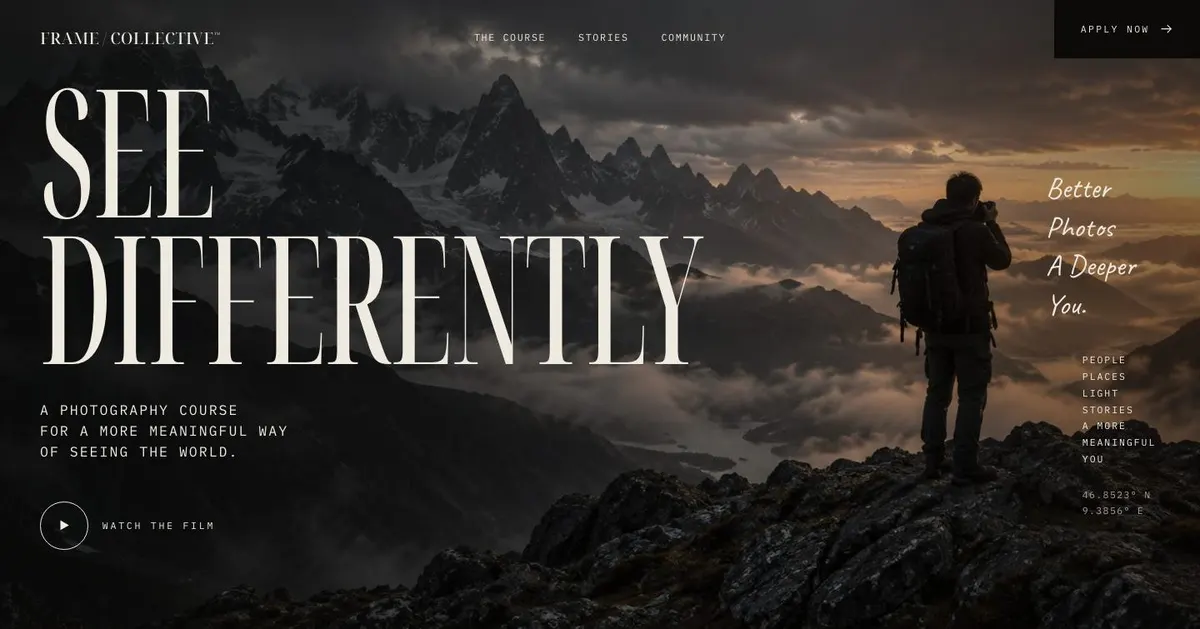
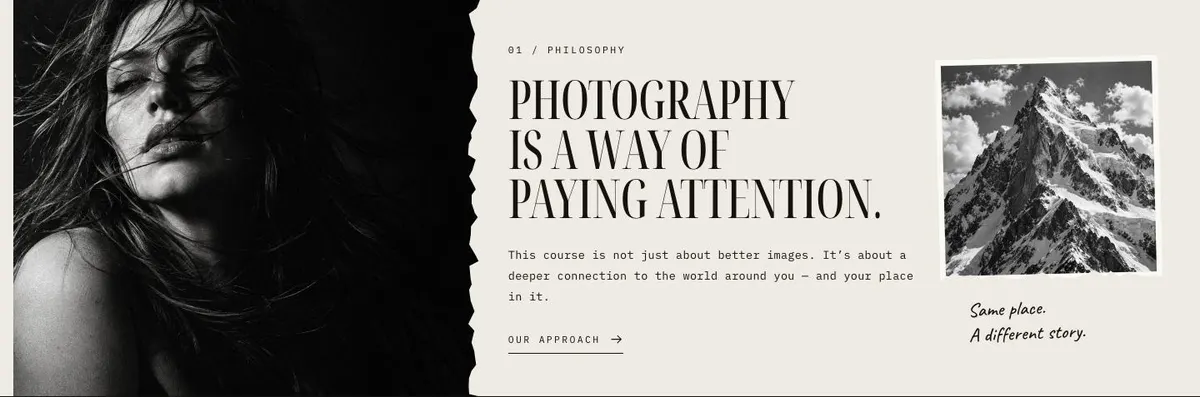
Someone searching for a Summer Camp page needs more than a list of activities. They need to understand what will be made, who will lead the work and why the experience is worth applying for. This design does that through a large opening image, a stated approach, a chapter-led course story and examples of work from the wider community.
It is especially suited to photography, film, illustration, writing, craft and other courses where the outcome can be shown. A generic education page can undersell that kind of offer by putting practical information first and leaving the teaching philosophy vague. Here, the page begins with the reason for joining, then builds evidence through images and a teacher’s story.
The mock-up is based around a photography course, but it is not limited to photography. A summer school might use the same structure for printmaking, documentary film or a creative writing retreat. The important part is having a point of view that can carry the page. The course needs to stand for something beyond a timetable.
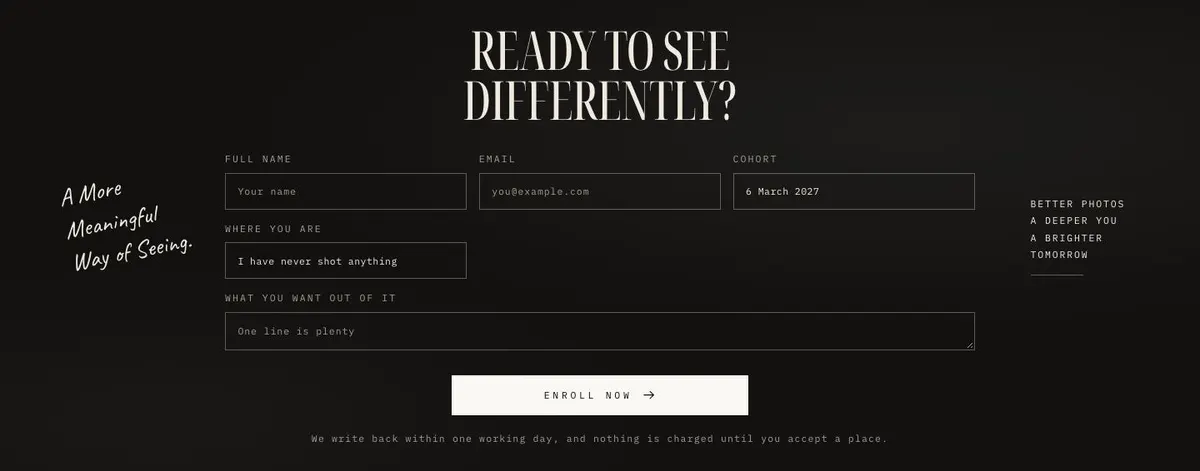
This template does not create a dedicated booking or payment journey. It ends with an enquiry form, so courses needing a fuller enrolment route should also consider Course Enrolment.
Adapting the design to the work being taught
The template offers Amber, Graphite, Moss and Rust colour schemes. Choose one that supports the course material and photography rather than competing with it. A field-based summer programme may suit Moss; a print, ceramics or editorial course may suit Amber or Rust; Graphite can suit a more restrained portfolio-led presentation.
Noto Serif Display is used for display text and IBM Plex Mono for body copy. This pairing gives the page an editorial structure: expressive headings alongside practical supporting information. Alternatives include Caveat with IBM Plex Mono, and Playfair Display with IBM Plex Mono. Keep the type choice consistent across the page, particularly when the course includes a strong written philosophy.
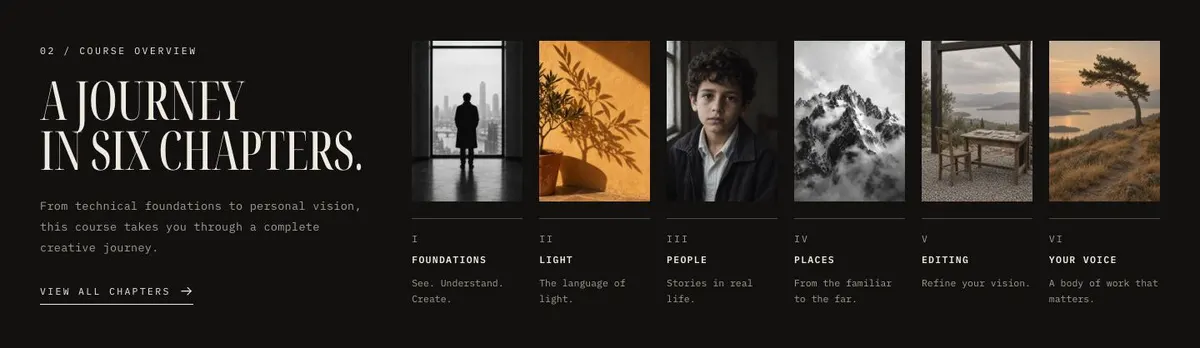
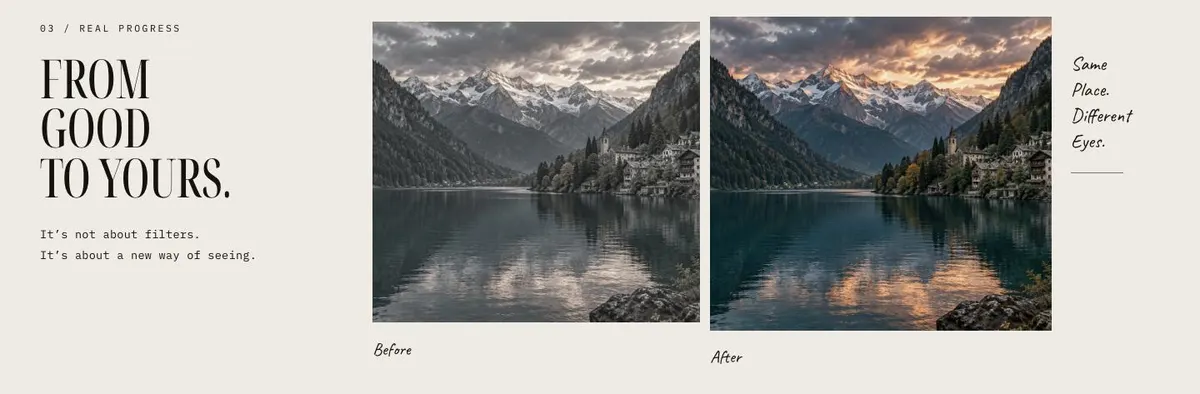
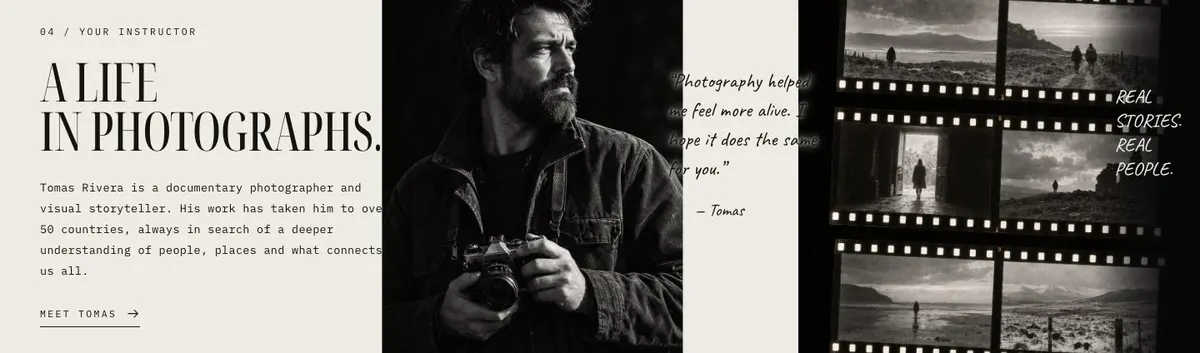
The page needs nineteen photographs in total. They appear in the Hero, Approach, Course, Progress, Stories and Community bands. Plan them as one set before building the page: an opening image, work that explains the approach, images for each chapter, a paired comparison, teacher material and student outcomes. Do not use the Community section as an afterthought. It is part of the case for applying.
Writing it for your business
Starting from this template costs no credits. Around 20 credits rewrites the copy with AI. A useful brief names the course, its audience, its subject, the teacher, the programme’s practical details and the enquiry goal. It should also explain the course philosophy in ordinary language.
Give the rewrite enough material to distinguish the offer from a generic creative class. Name what applicants bring, what they will do during the programme and what they leave with. If the course has several chapters, provide a sentence for each one. If it is a portfolio page instead, define the bodies of work that should replace those chapters.
What to prepare before publishing
Write the opening promise, the short course description and the approach statement first. Then prepare the chapter names and their explanations, a teacher biography, a usable quote and the practical information for Details. Gather the full set of photographs before making final copy decisions, since the images carry much of the page’s argument.
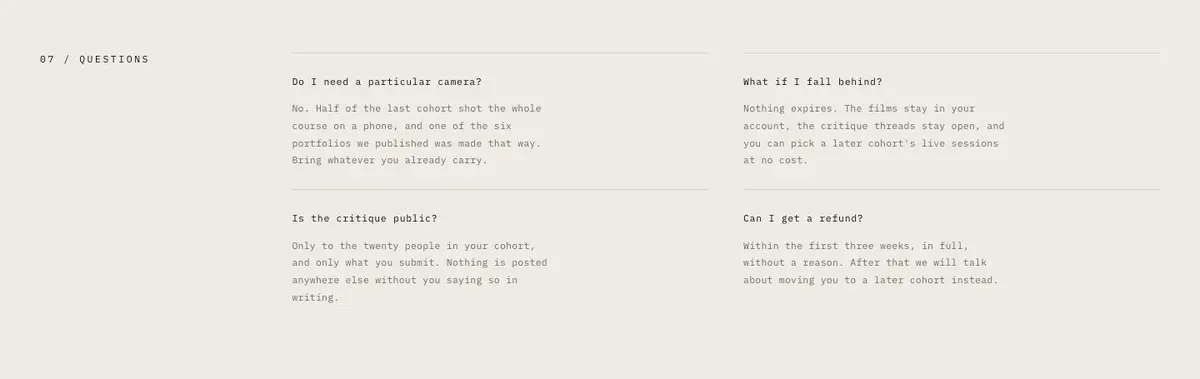
For the enquiry form, decide what response applicants should receive and who will handle it. Prepare answers for the Questions band from real applicant concerns. Finally, check that every student image can be used and that its connection to the programme is clear.
Variations for neighbouring creative trades
A photography summer school can retain the existing emphasis on seeing, with chapters covering technical practice, observation and personal projects. The Progress images can compare an early and later approach to the same subject.
A documentary film workshop can use the chapters for research, interviewing, shooting and editing. Stories can introduce the director or producer leading the workshop, while Community can show stills or project work from past participants.
An illustration or craft programme can make the process visible. The Approach copy can explain materials and ways of working, while Course and Community can show stages of making alongside finished work.
When another template fits better
Course Enrolment fits better when the main job is a more direct course sign-up route.
Learning Platform is a closer fit for an education offer centred on an ongoing learning platform rather than one creative programme.
Online Courses Daylight is worth considering for a course that is primarily delivered online.
Preschool is more appropriate for early-years education rather than a creative course for makers.
Browse the wider courses and education collection for related starting points.
Before you publish
- Check the opening photograph supports the course promise.
- Make the six chapters read as one journey.
- Add dates, length, format and fee to the practical copy.
- Test the enquiry route and its follow-up process.