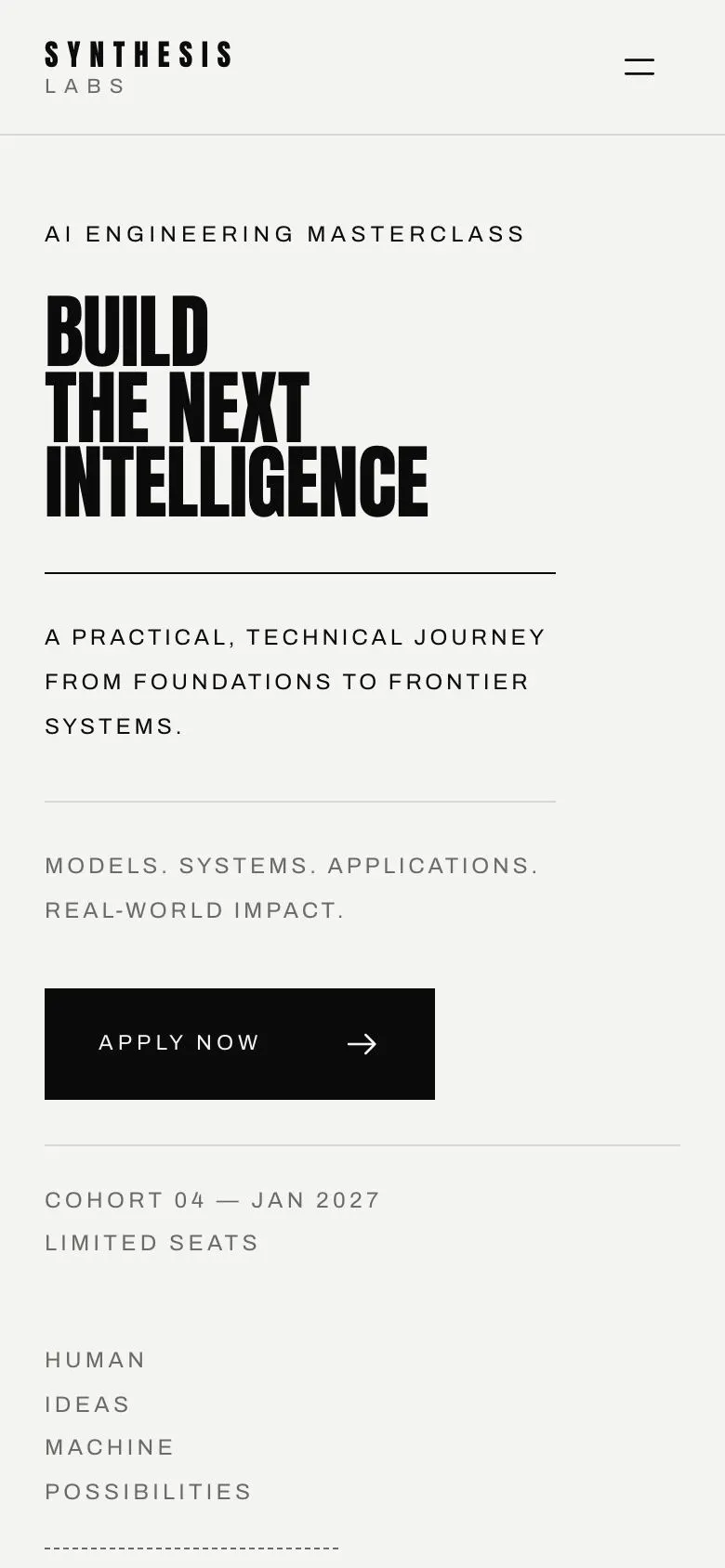
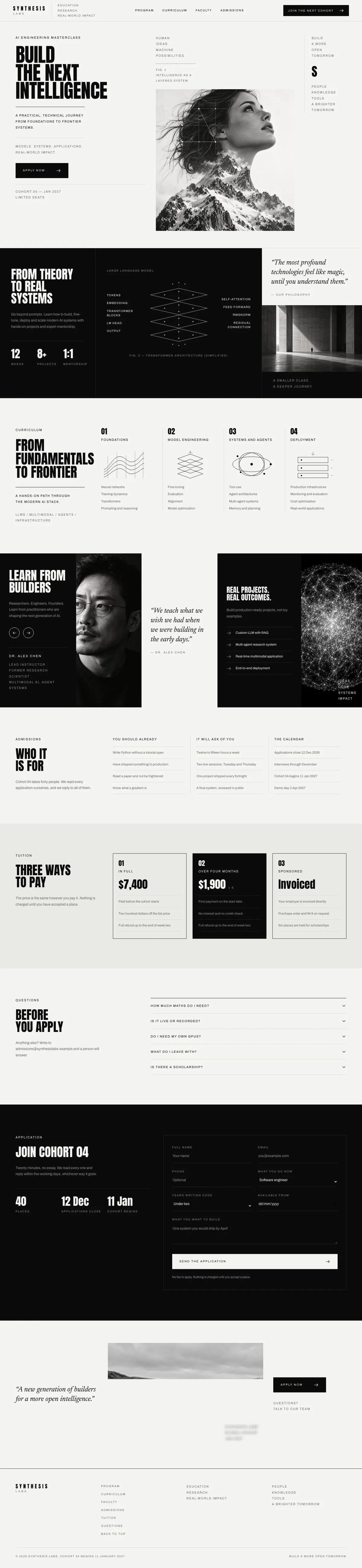
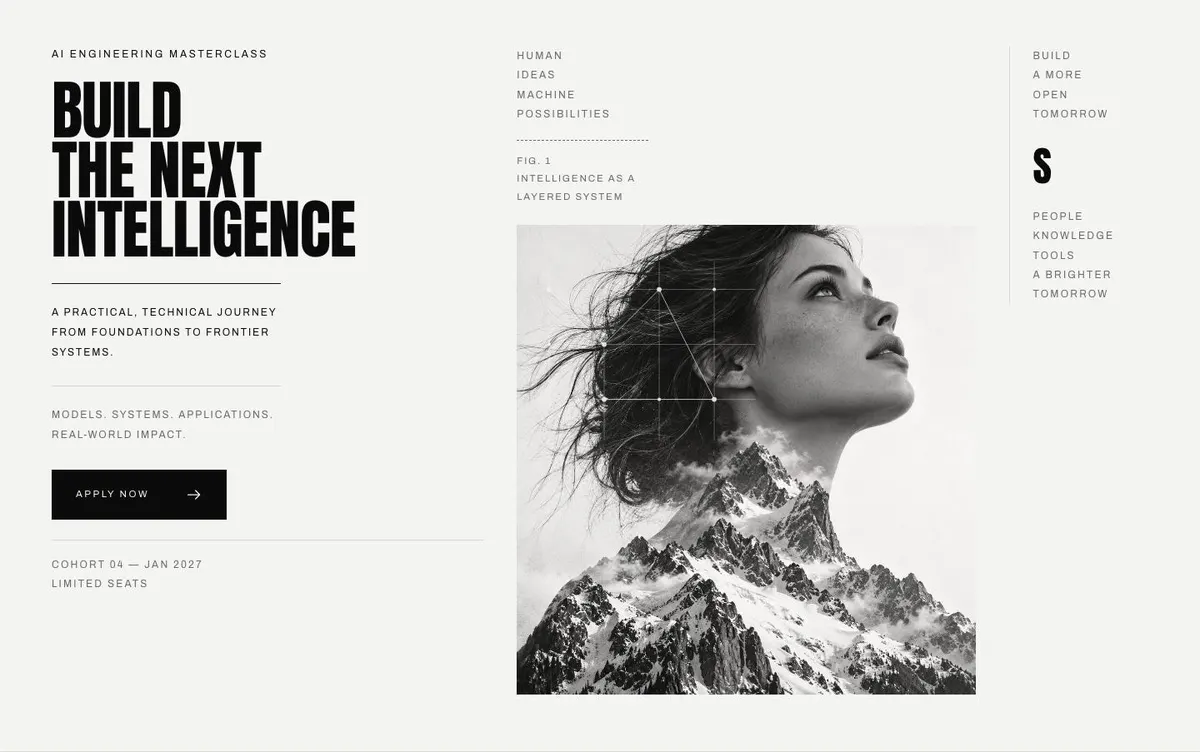
A learning platform page for a programme people choose carefully
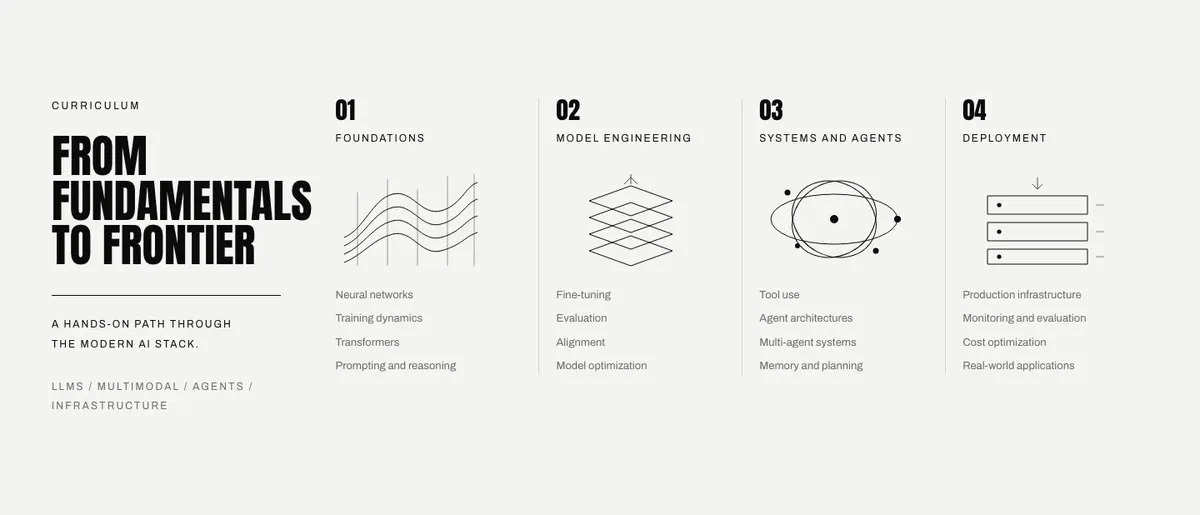
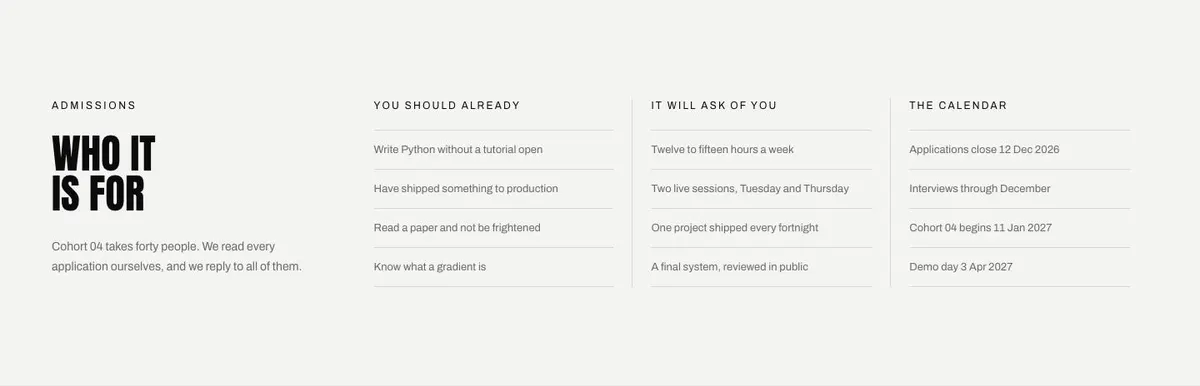
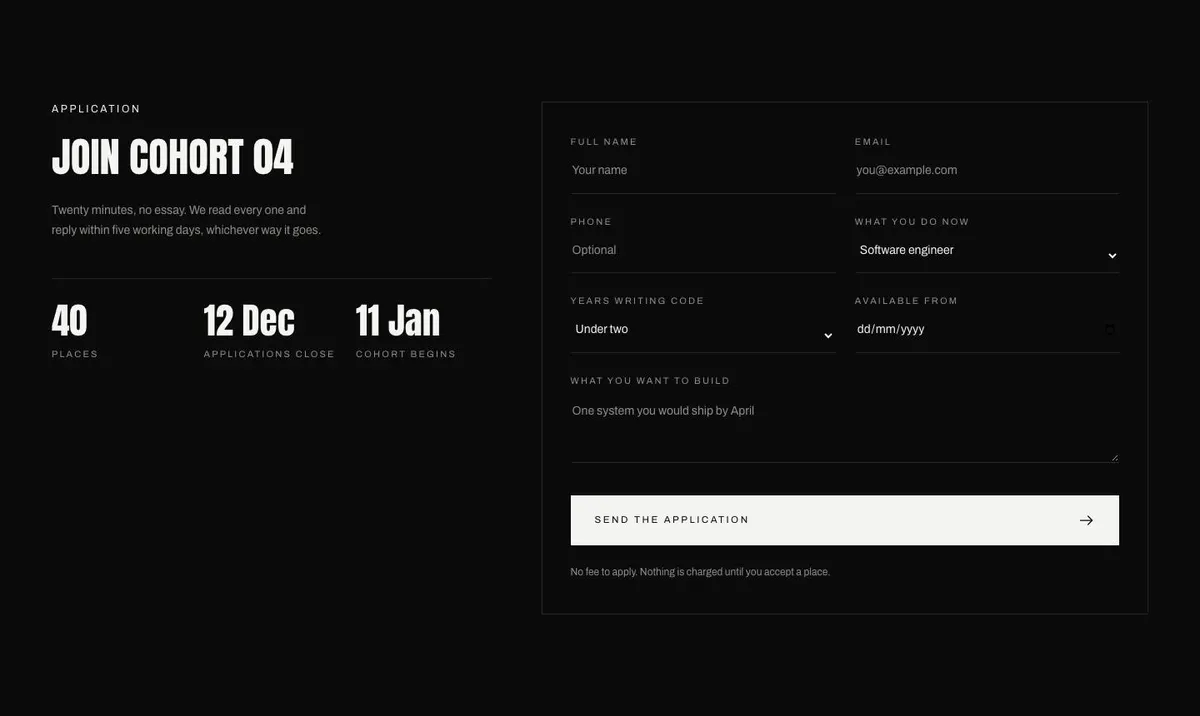
Someone searching for a Learning Platform needs more than a place to describe lessons. They need a page that makes a fixed programme understandable: what it covers, who teaches it, who it is intended for, what it asks of applicants and how to take the next step. This design does that through a clear editorial sequence, beginning with a large proposition and ending in an application.
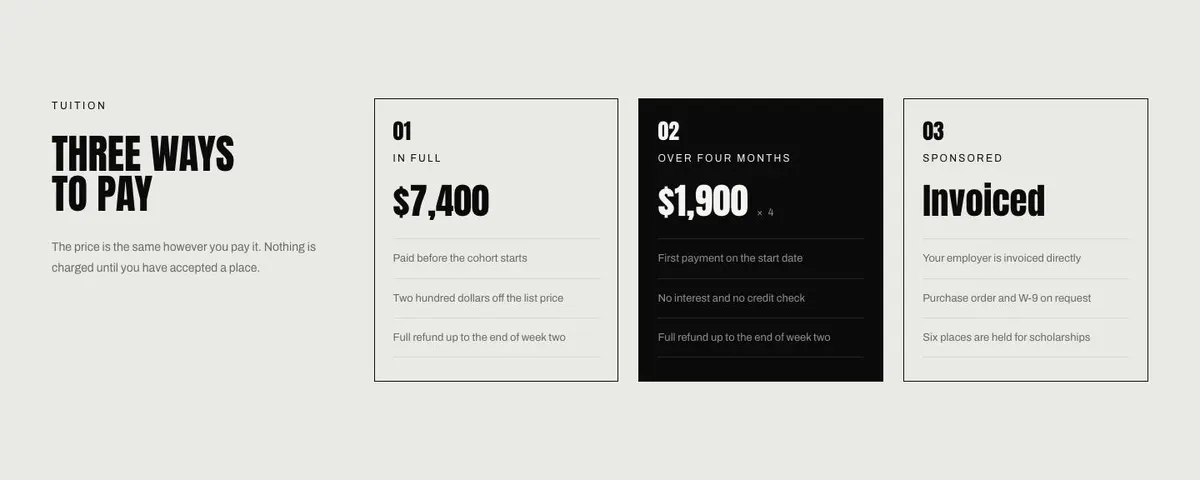
A generic course page can undersell this kind of offer. It may list topics without showing the level of work involved, or ask for an enquiry before explaining why the programme is worth the commitment. A cohort, fellowship or technical school usually needs more context. Prospective applicants need to understand the subject, the people behind it, the admissions fit and the payment options before they decide to proceed.
The template is especially appropriate where the work is technical, practical or research-led. It gives room for a programme to move from foundations into more advanced material, while retaining one clear route to Apply Now. It is built around an enquiry goal, so it is not a page for taking payment directly. If the main requirement is enrolment for a more conventional course, the Course Enrolment template is the closer choice.
Adapting the design to the programme
The available colour schemes are Mono, Signal, Ember and Moss. Choose one that supports the character of the subject and keep the written content responsible for explaining the offer. Mono may suit a restrained research or professional course. Signal, Ember and Moss offer other starting points without changing the page structure.
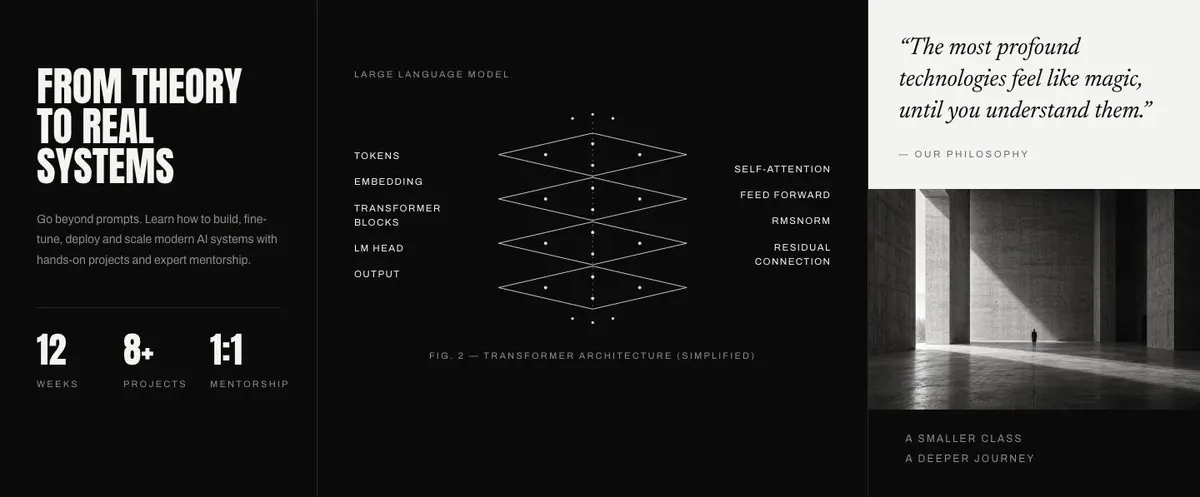
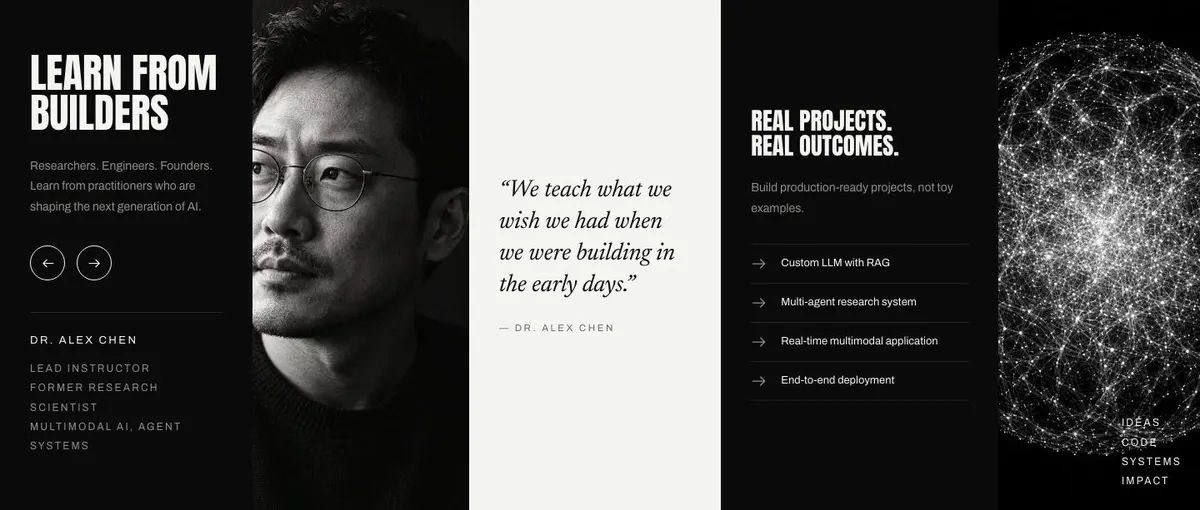
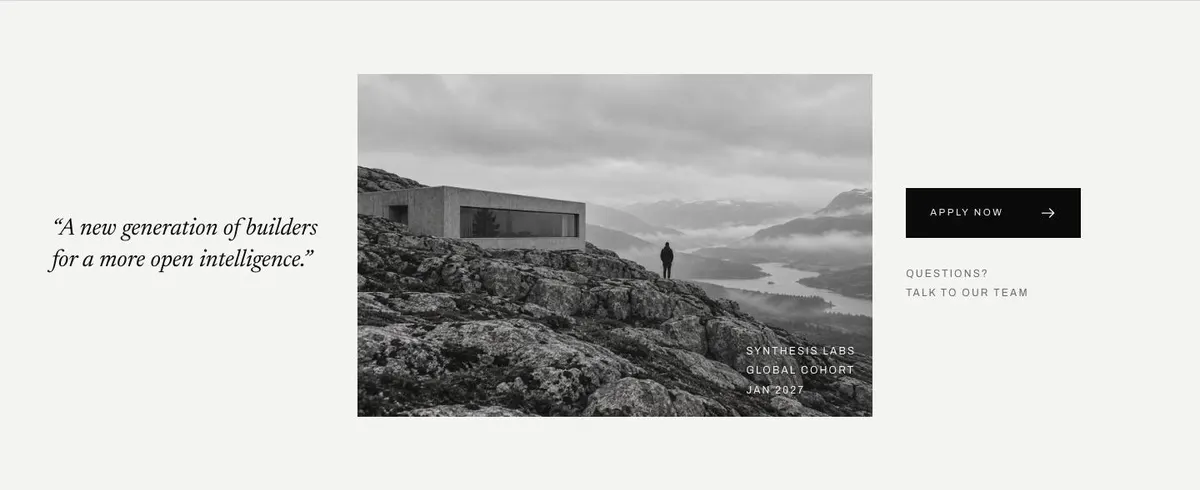
The display typeface is Anton and the body typeface is Archivo. Alternative pairings are Anton with Archivo, Newsreader with Archivo, and Oswald with Archivo. The page uses five photographs in total: one in the Hero, one in Program, two in Faculty and one in the Closing band. Prepare images that support those jobs. The faculty photographs should help distinguish the people teaching; the hero and closing images should carry the wider tone of the programme.
Writing it for your business
Starting from this template costs no credits. Rewriting the copy with AI costs about 20 credits. A useful brief names the programme, its subject, the type of participant sought, the calendar, the teaching team, the curriculum sequence, the admissions conditions and the three real payment options. It should also name the desired outcome for the page: in this case, a suitable enquiry or application.
Give the AI facts rather than general ambitions. Explain what applicants will make, study or practise. State which claims can be made about the faculty. Include the response time only if it is operationally realistic. The more exact the brief, the less likely the resulting page is to promise a format, outcome or payment arrangement your business does not provide.
What to prepare before publishing
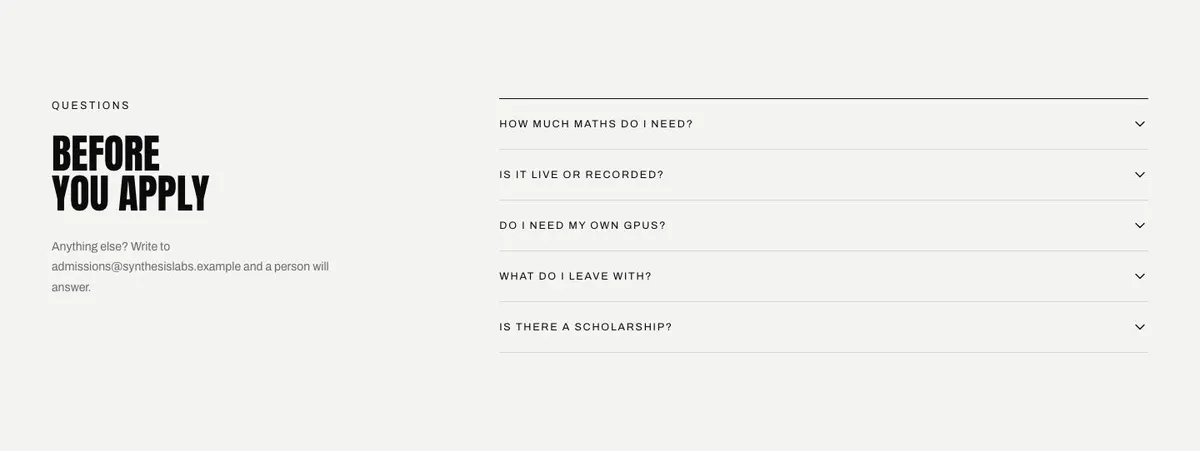
Write the main programme statement first. Then prepare the ordered curriculum, a short profile for every faculty member, the admissions criteria and the tuition wording. Confirm the calendar and the application decision process before writing the questions section, since these are the details applicants will look for before submitting an enquiry.
Collect five photographs with their positions in mind. Choose one image for the opening proposition, one that supports the programme in practice, two that represent the faculty, and one for the final call to apply. Prepare a quote for the Program band, a quote for the Closing band and an admissions contact that can answer follow-up questions.
Variations for nearby offers
An executive course can retain the curriculum structure but make the admissions section about seniority, responsibilities and the practical value of the work. Faculty profiles should focus on relevant leadership or delivery experience, not generic biographies.
A research lab school can use Program and Curriculum to set out the research questions, methods and progression through the work. Admissions should state the expected prior knowledge and the calendar clearly, while faculty profiles can identify the research or systems each person contributes.
A technical consultancy can use the modules as practice areas. Replace participant language with client language, use Faculty to introduce the practitioners, and make the enquiry form the route for discussing a project rather than joining a cohort.
When another template fits better
For a standard educational offer centred on joining a course, see the Course Enrolment template. For an offer where an early decision is central, see the Course Early-Bird Enrolment template. For a seasonal, younger-audience programme, see the Summer Camp template. For a technology service rather than a taught programme, see the IT Solutions template. Browse the courses and education templates for the wider set.
Before you publish
- Check that the headline states the actual programme outcome.
- Check that curriculum steps are in the right order.
- Check that admissions, calendar and payment wording agree.
- Check that the enquiry contact can respond as promised.