A website builder page that lets the work make the case
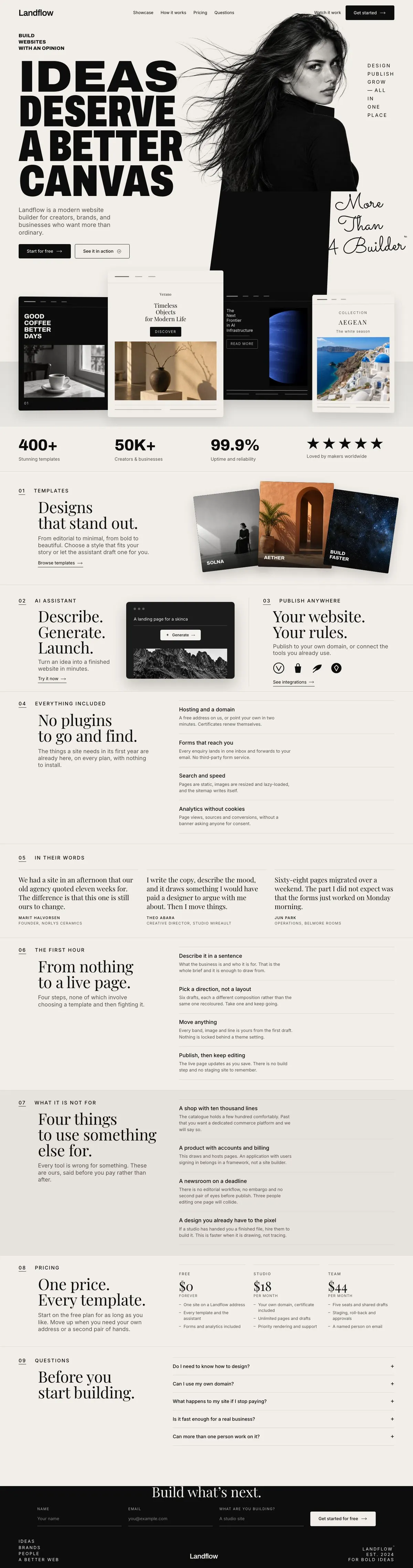
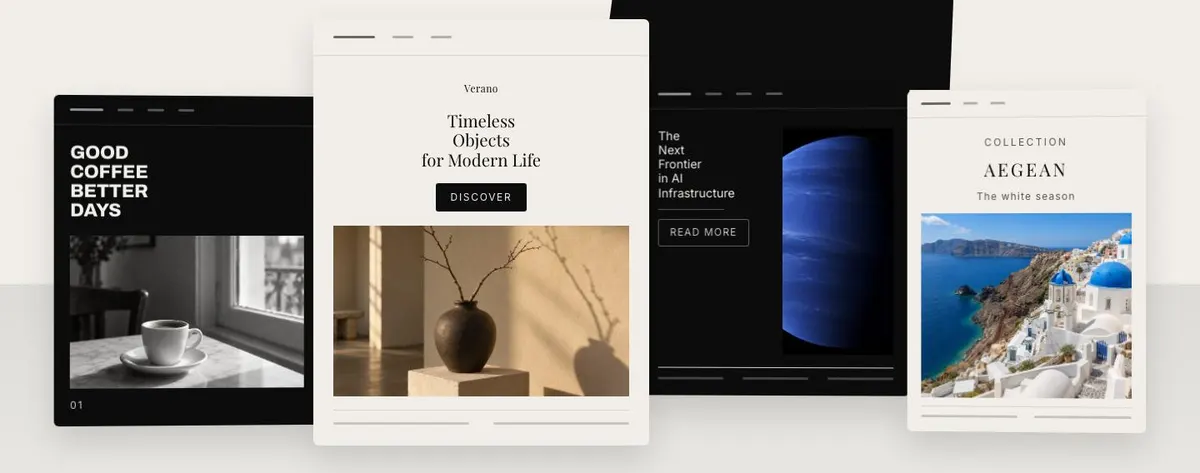
Someone searching for a Website Builder Studio needs more than a general software page. They need a page that explains why the system is worth using, shows the sort of work it can support, and gives prospective customers a clear next step. This design does that through an editorial masthead, a sequence of visual examples, product explanation, pricing and an enquiry form.
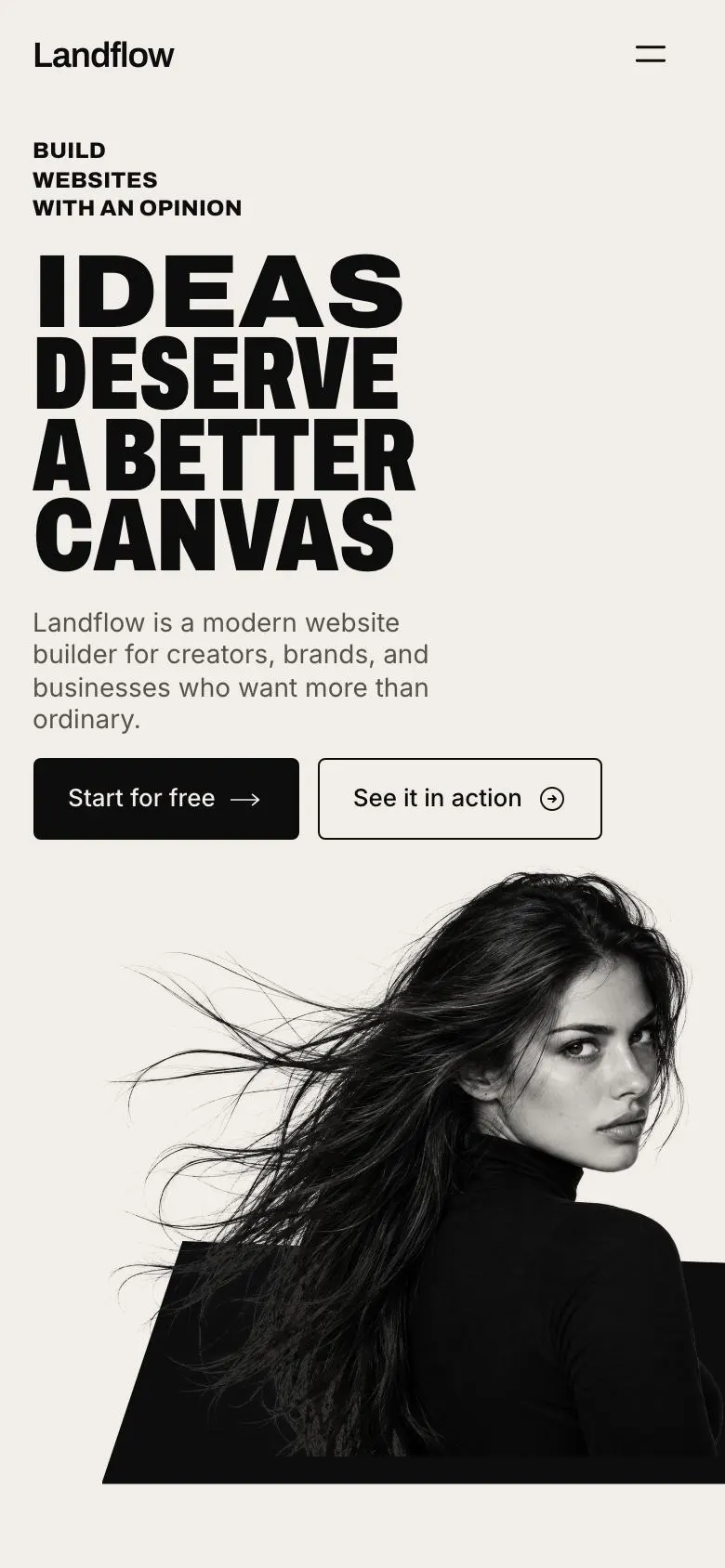
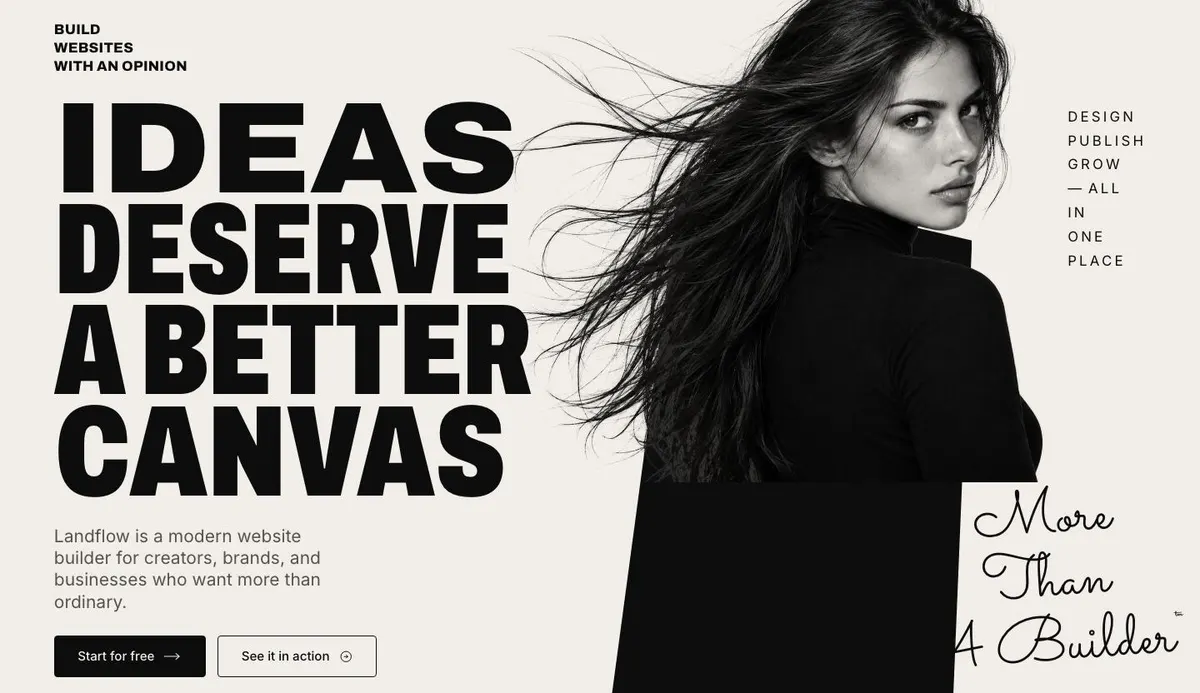
It is a close fit for a website builder studio, particularly one aimed at creators, brands and businesses that care how a finished site looks. The opening argument is not a technical checklist. It starts with a large statement about the quality of the canvas, supported by a photograph and two routes onwards: Start for free and See it in action.
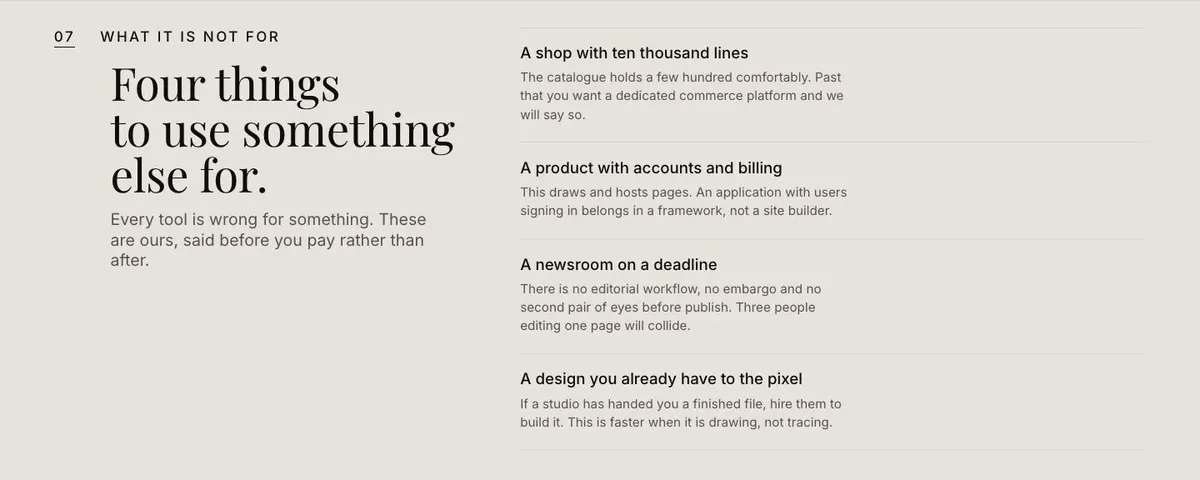
A generic page can undersell this kind of product by making every feature look equal. A builder, design tool or template marketplace needs to establish its point of view early. It needs enough examples for visitors to judge the output for themselves, then enough practical information for them to decide whether to enquire. This template has room for both. It also states where the product may not be the right choice, which can be useful when the offer has a clear boundary.
The page is designed around an enquiry rather than a payment journey. If the main job is immediate purchase without a conversation, another template may be a better starting point.
Adapting the design system
The available colour schemes are Ink, Graphite, Oxide and Pine. Choose one that belongs to the product and use it consistently across the page. The overall direction is light, photo-led, bold, editorial and minimal, so the imagery and copy need to carry the identity rather than relying on many competing messages.
The default display typeface is Archivo and the body typeface is Inter. The available pairings also include Playfair Display with Inter, and Sacramento with Inter. Archivo with Inter is the most direct choice for a product-led builder. The other pairings should only be chosen where they fit the business’s own visual language.
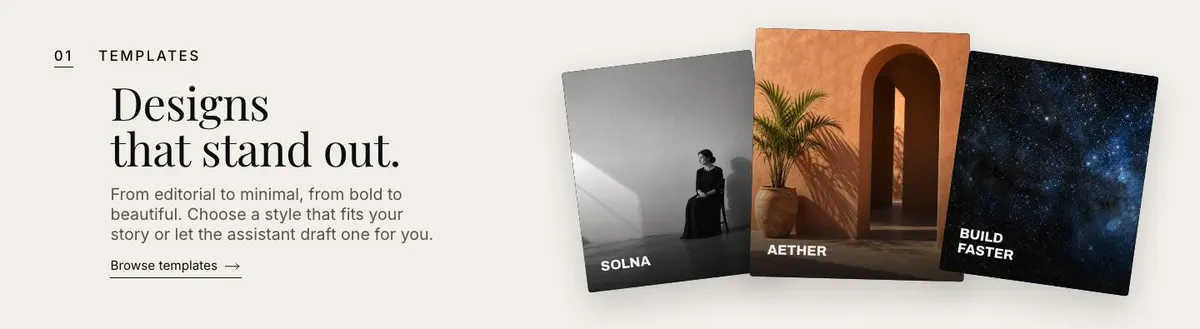
The template needs ten photographs in total. One appears in the Hero, four in Showcase, three in Templates, one in the AI assistant section and one in Get started. Prepare them as one visual set, with enough contrast between examples that the page demonstrates range.
Writing it for the business
Starting from this template costs no credits. Rewriting the copy with AI costs about 20 credits. A useful brief names the business, the audience, the type of sites or work it helps create, the product’s real limits, and the action the page should lead towards.
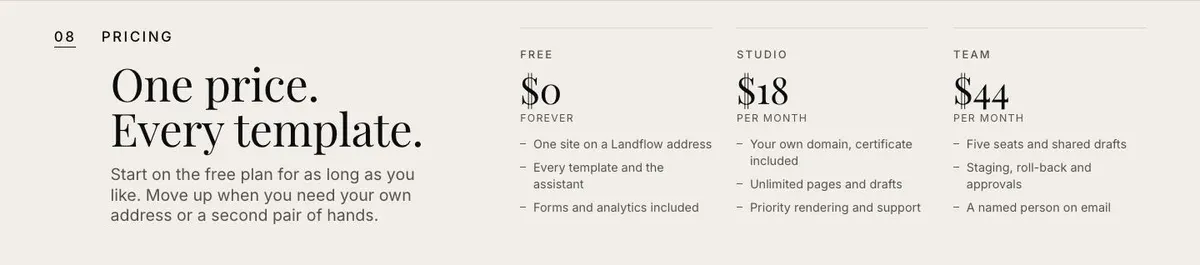
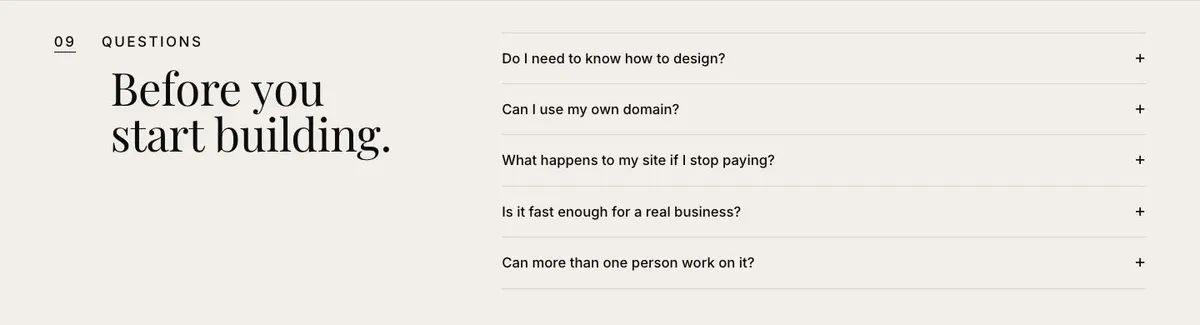
It should also name the free offer and the point at which a customer moves to a paid plan, if those are part of the business model. Include the subjects that belong in the first-hour steps and the questions prospects ask before they enquire. The AI can then rewrite the existing structure with a clear source of truth.
What to prepare before publishing
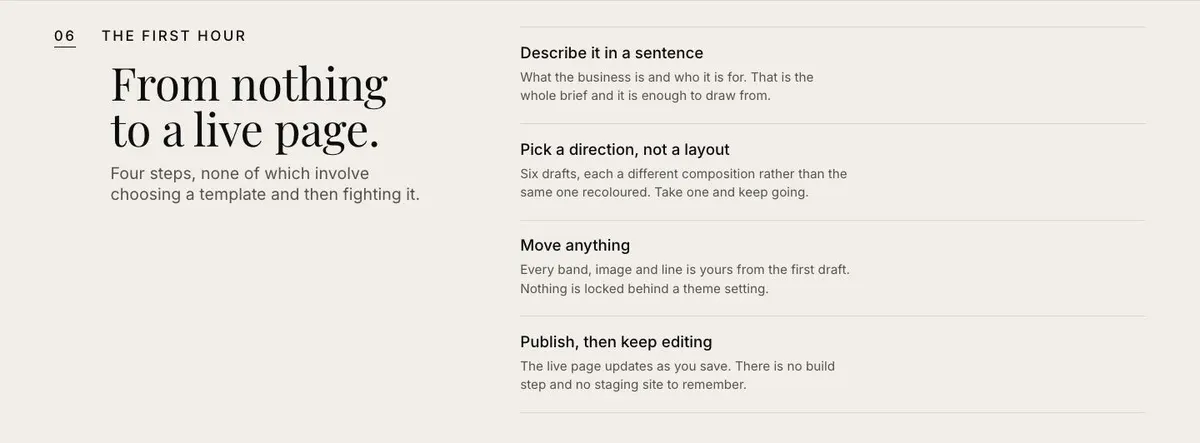
Write the main promise first. It needs to fit the Hero and say why this builder studio exists without borrowing the demo’s wording. Then prepare short supporting copy for the template range, the assisted workflow, what is included, the first-hour process and the product’s limits.
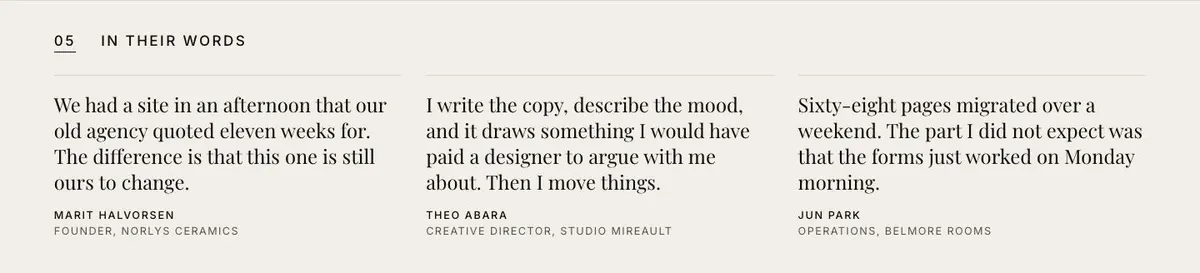
Gather the ten photographs before the page is finalised. Choose four Showcase examples that demonstrate the strongest finished work, then three more for Templates that show useful style differences. Prepare the pricing details, one approved customer quote, answers for the accordion, and the information needed to handle enquiries from the final form.
Variations for nearby offers
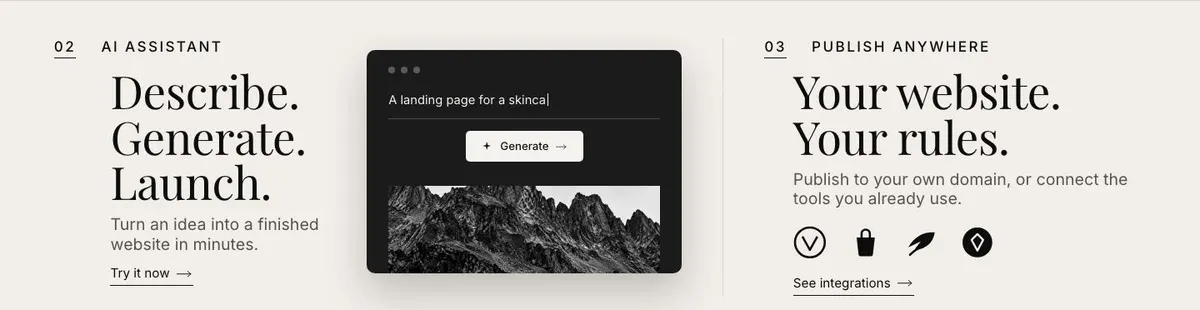
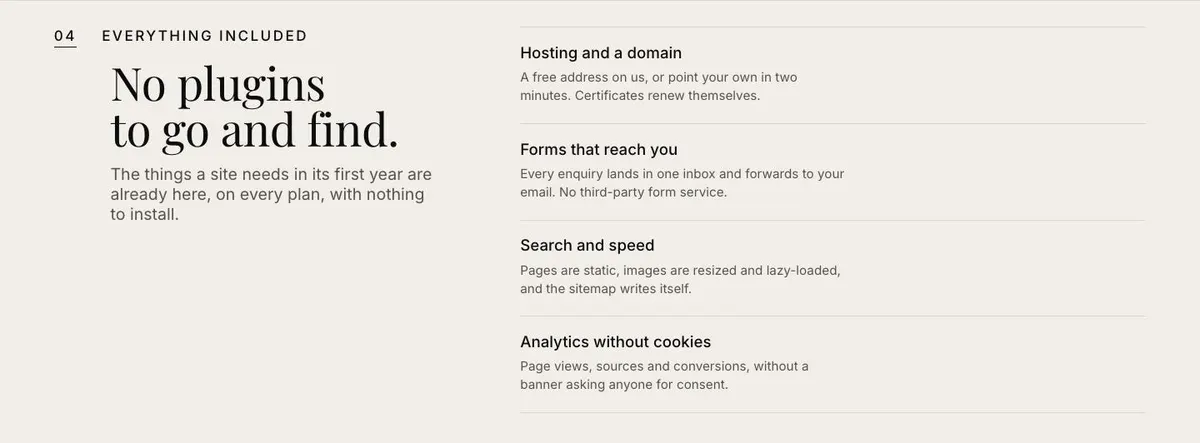
A design tool can use the Showcase and Templates bands for outputs made with the tool. Its AI assistant copy should describe the real drafting process, while Included should explain what a customer receives with the product.
A template marketplace can make Templates the central commercial argument. The visual examples should show the types of templates available, and Pricing should clearly distinguish the free plan from the point where customers need more.
An agency with its own system can use the page to explain a more defined offer. The Firsthour steps can describe the beginning of the agency process, while Notfor can make clear which work the studio does not take on.
When another template fits better
For a product centred on video creation, Creative Video AI may be a closer fit. For a technical product aimed at developers, see Developer Tool. If the product’s main job is handling incoming leads, consider AI Inbound Agent.
A business focused on training and structured learning may fit Learning Platform better. Browse the wider saas collection for other starting points.
Before you publish
- Check every button leads to the promised next step.
- Use only photographs that show the real offer.
- Match pricing and included items to the current plans.
- Answer the questions prospects raise before enquiring.