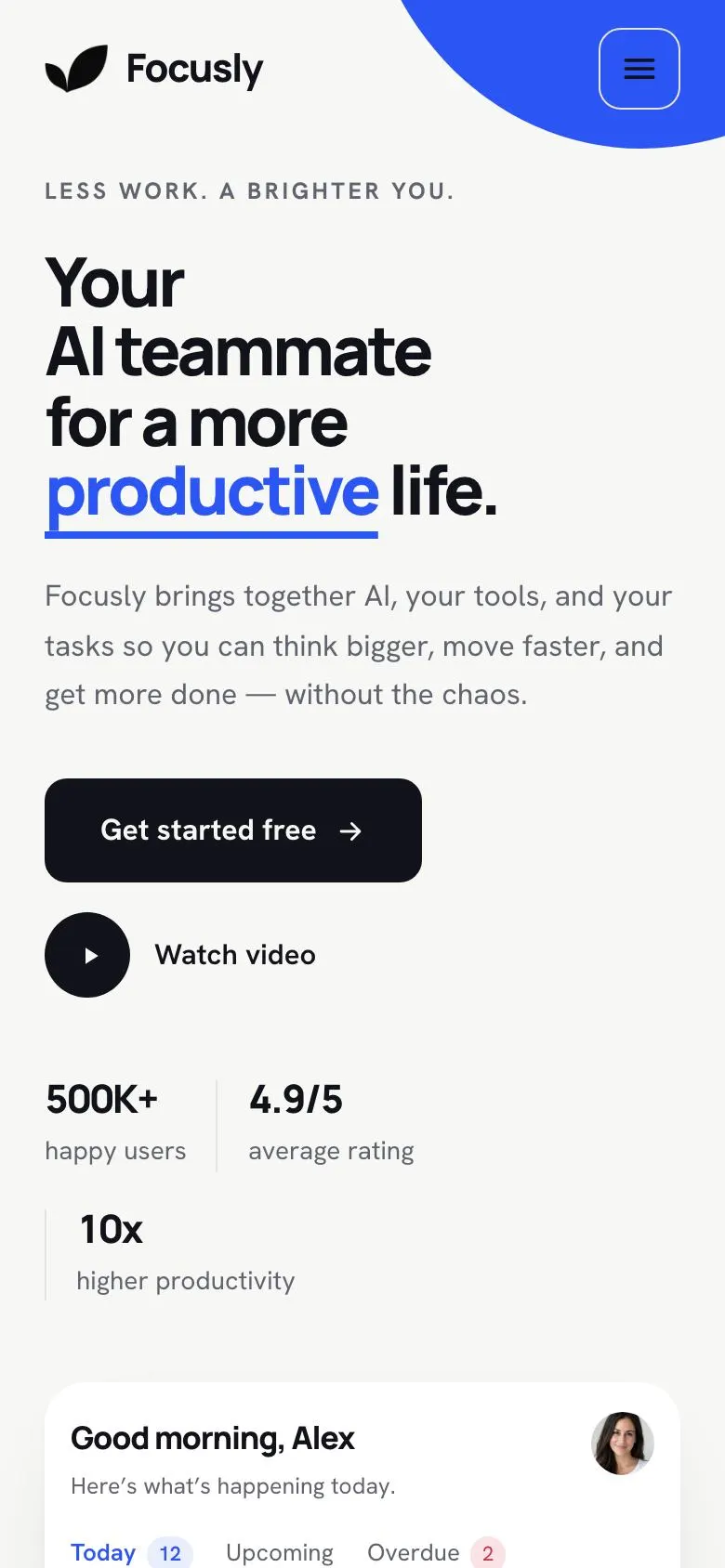
A Workspace Document page for a product people need to try in their own routine
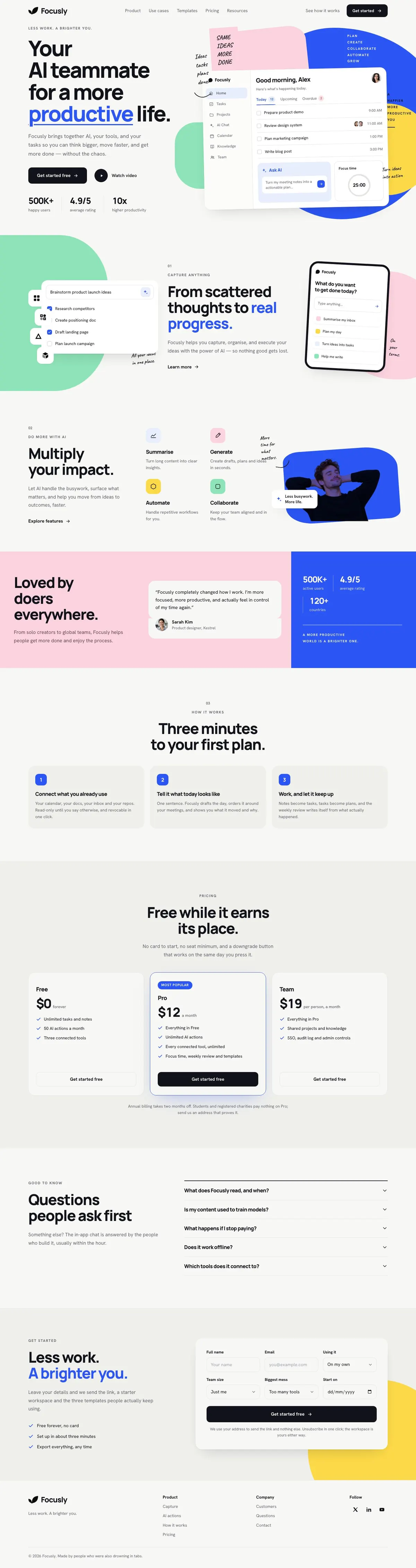
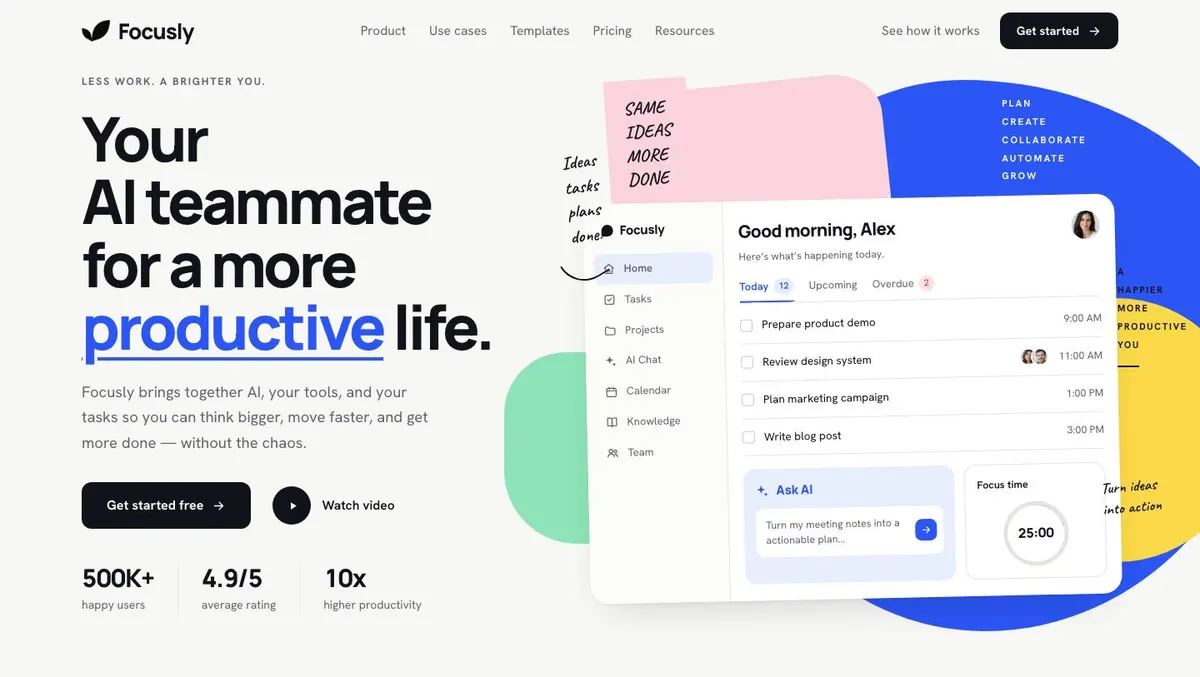
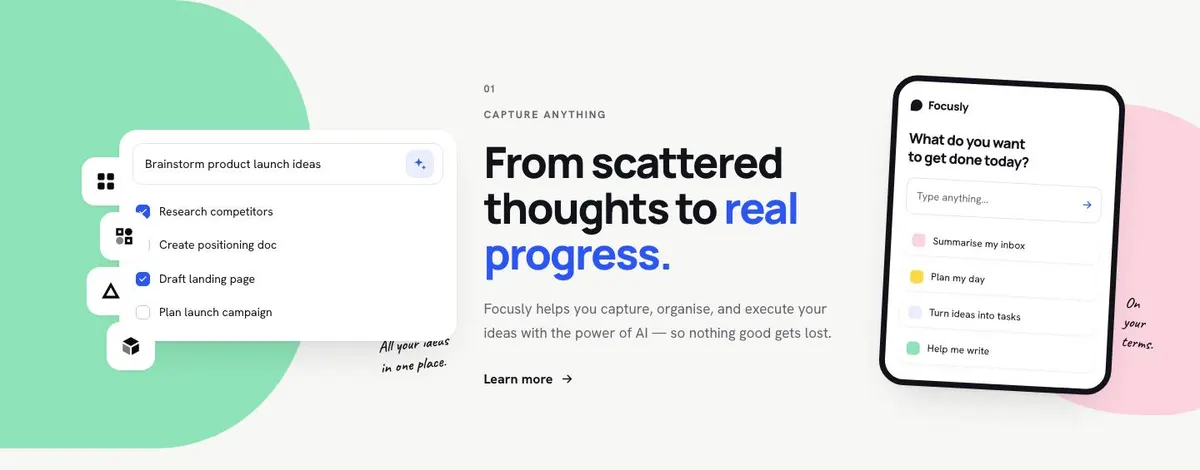
Someone searching for a Workspace Document needs more than a broad description of software. They need a page that shows how a tool fits between scattered notes, tasks and ideas, then gives people a clear route to begin. This template does that through a light, playful product story that moves from capture and progress to plans and a final enquiry.
It is a close fit for a workspace app, but it is not limited to that label. A productivity product, AI assistant, team tool, learning service or wellbeing subscription can use the same sequence if the product helps people organise something and take a next step. The page is built around a friendly tone rather than a formal software presentation.
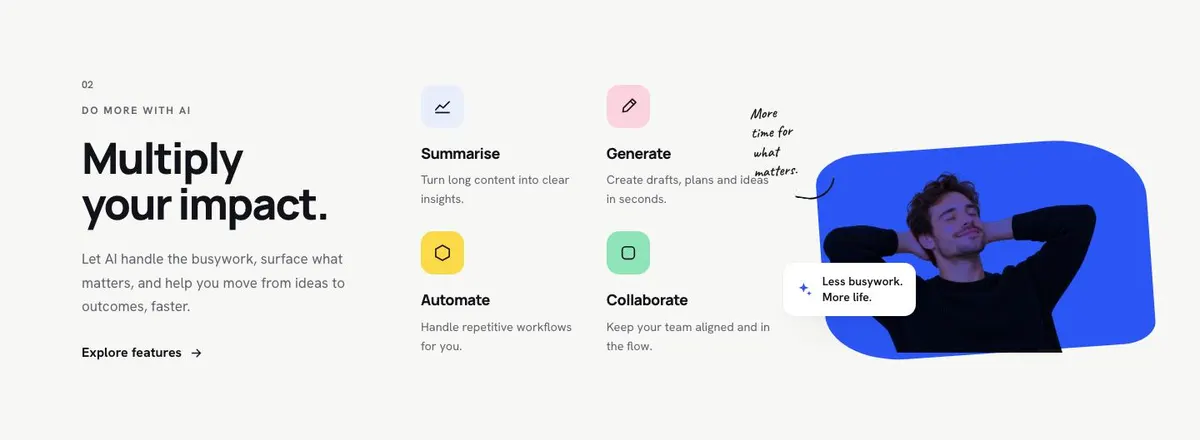
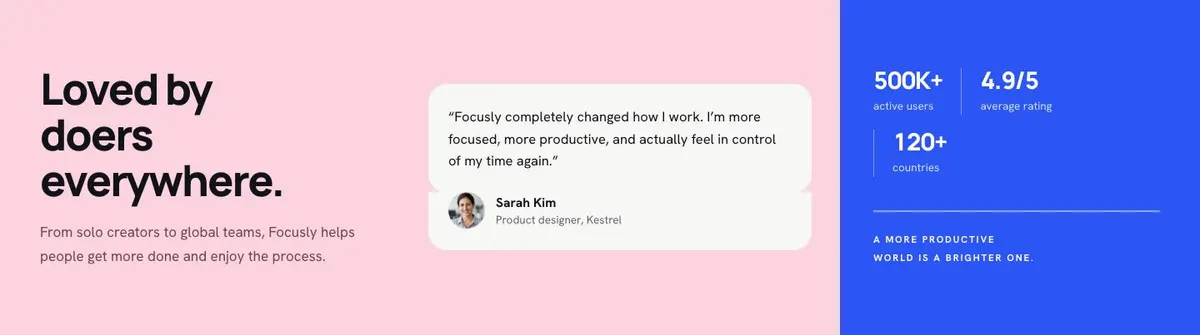
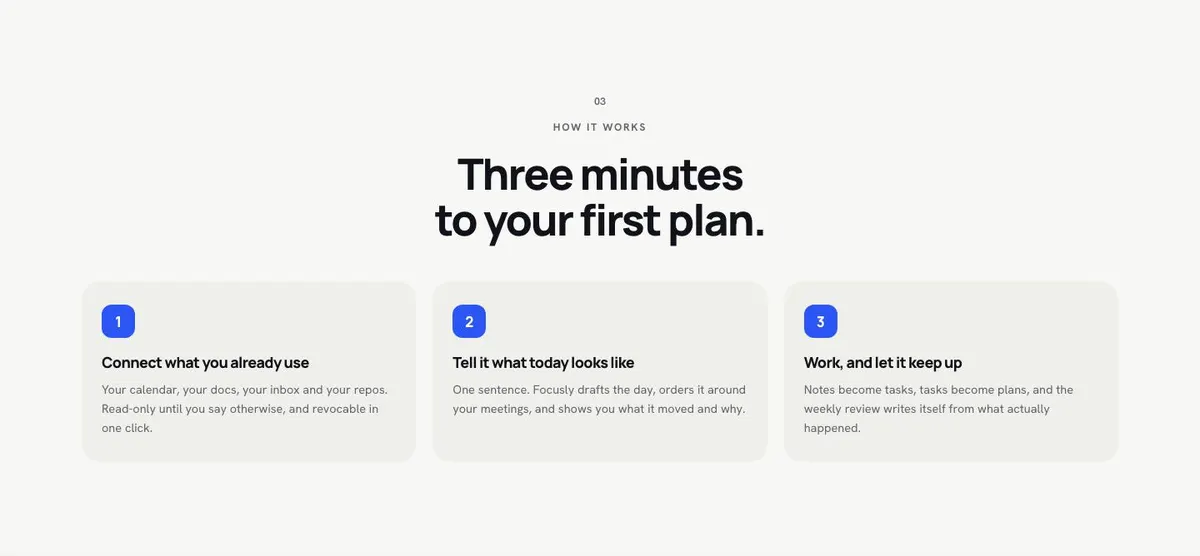
A generic software page can undersell this kind of offer by listing features before the visitor understands the change it makes. Here, the opening promise is about a more productive life. The following bands give that promise a practical shape: collect thoughts, turn them into progress, understand the effect, see a customer view, learn the first steps and decide whether to start.
The template leads to an enquiry. It does not show a payment journey. If the main job is to explain a specialist marketing platform instead, Marketing Tool SaaS is a related option to consider.
Adapting the design without losing its character
The visual direction is light, minimal and playful. It uses a near-white ground, with Electric blue, Violet, Coral and Pine available as colour schemes. Choose one based on the product’s own character, then make sure the coloured word used in each headline still supports clear reading rather than becoming a substitute for the message.
Manrope is the display face and Hanken Grotesk is the body face. The alternatives retain Hanken Grotesk for body copy and offer either Caveat or Plus Jakarta Sans alongside it. The handwritten notes and drawn arrows are part of the intended direction, so use them to support short thoughts, prompts or explanations already present in the copy. They should not introduce essential information that only appears as decoration.
The template needs eleven photographs in total. Four appear in Hero, four in Capture, and one each appears in Impact, Loved and Get started. Plan these before publishing. They can show the people, setting or product context that makes the service credible, but each image should earn its place in the story of starting, organising and moving forward.
Writing it for the business
Starting from this template costs no credits. Rewriting the copy with AI costs about 20 credits. A useful brief names the audience, the product’s real job, the first action a customer takes, the free offer if there is one, and what should happen after an enquiry.
It should also state which promises must not be made. If there is no in-app chat, no starter workspace or no set of three templates, say so. Give the AI the wording of any plan terms that must remain accurate. The better the brief describes the customer’s everyday problem, the less likely the revised page is to sound like generic software copy.
What to prepare first
Write the central promise in one sentence before editing the hero. Then prepare the real problem that customers begin with, the steps to their first useful result and a customer quote that has permission to be used. Gather the eleven photographs with the bands in mind, rather than treating them as a last-minute gallery.
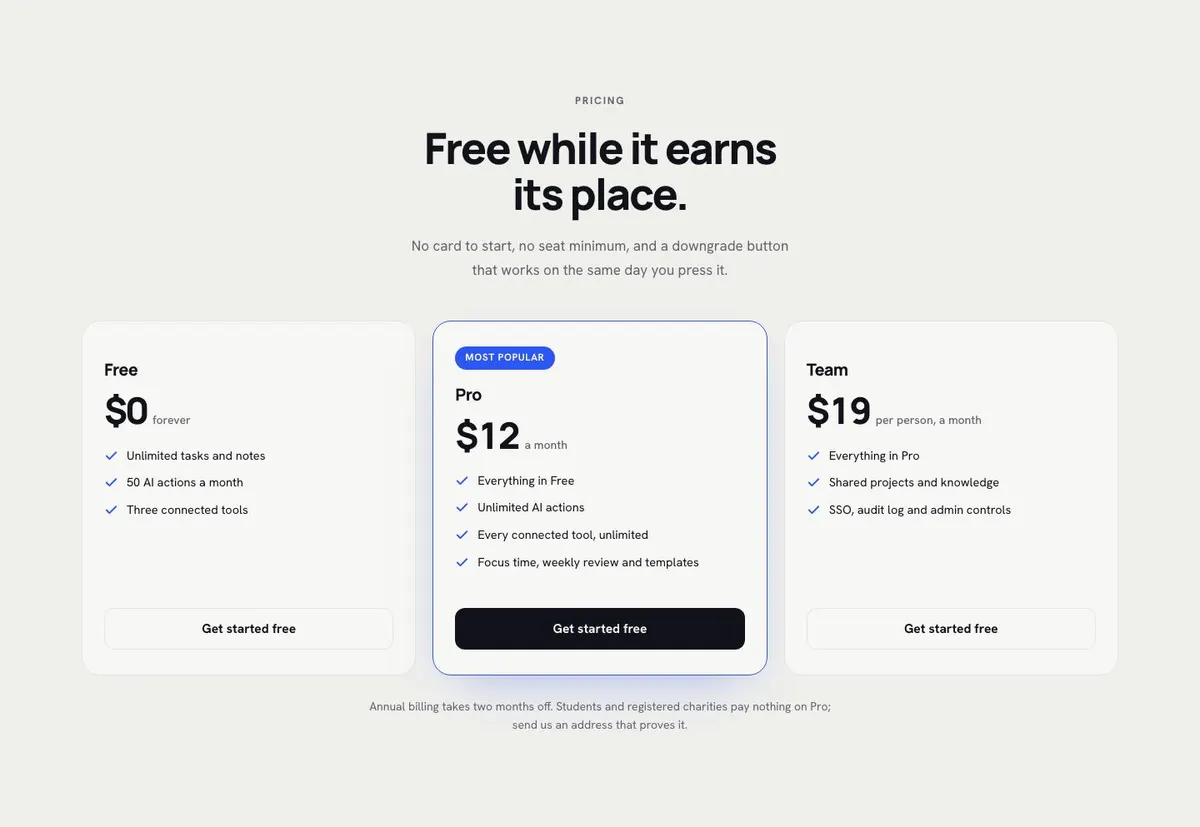
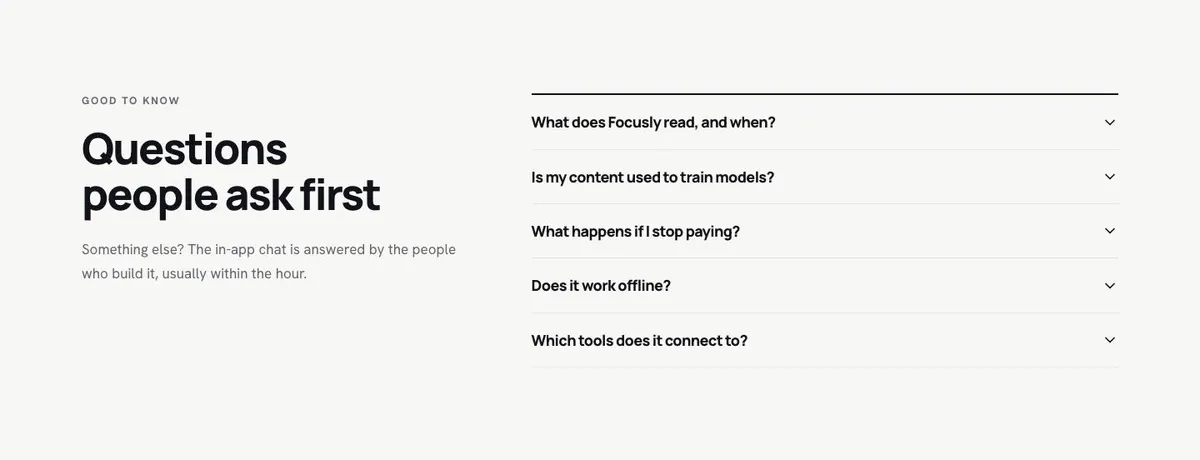
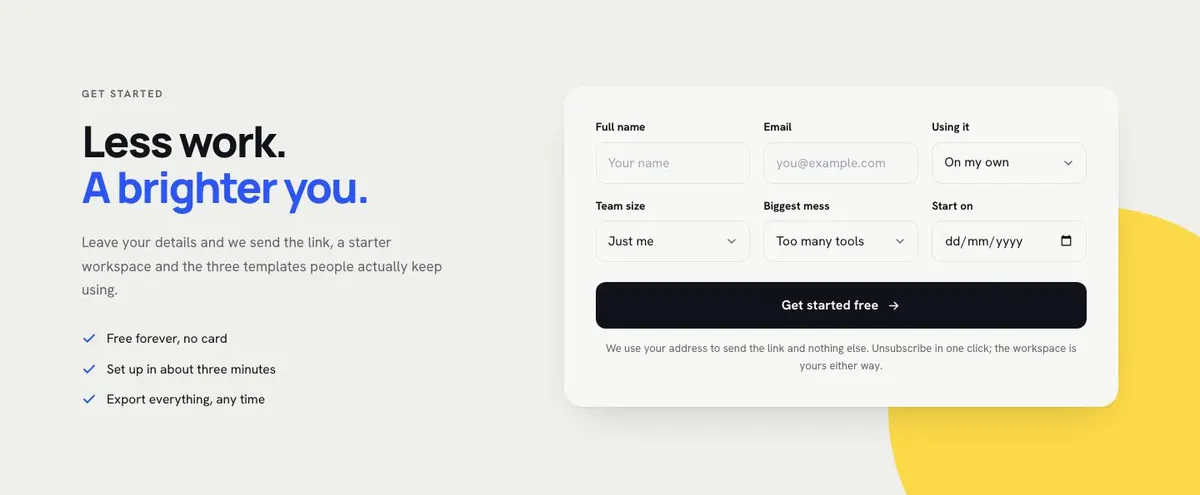
Decide the exact terms of the free start before working on Pricing. Prepare the questions support or sales teams hear most often for the accordion. Finally, write the response someone receives after submitting the enquiry form. The closing copy must match that real follow-up.
Variations for neighbouring offers
A productivity app can keep the current movement from thoughts to plans, but should replace broad AI language with the specific work it helps people organise. Make the How band describe the first plan a new user creates.
An AI-assisted team tool can use Capture for incoming requests and Impact for the work the team spends less time handling. The Loved quote should come from the type of team the product is intended to serve.
A learning service can frame Capture around topics, notes or goals, then make How the route to a first learning plan. Its final enquiry should explain the real next resource or link that the service sends.
When another template fits better
If the product centres on campaigns and marketing work, Marketing Tool SaaS may be the closer fit. If the offer is specifically an AI agent for inbound conversations, see AI Inbound Agent. For a technical product aimed at developers, consider Developer Tool. For a course-led offer, Learning Platform is worth comparing. Browse the wider saas template collection before choosing.
Before you publish
- Check that the hero promise matches the product’s actual first use.
- Check that every free-start statement is accurate.
- Check that the enquiry follow-up is stated plainly.
- Check that all eleven photographs support their band’s message.