What an AI inbound agent page needs to prove
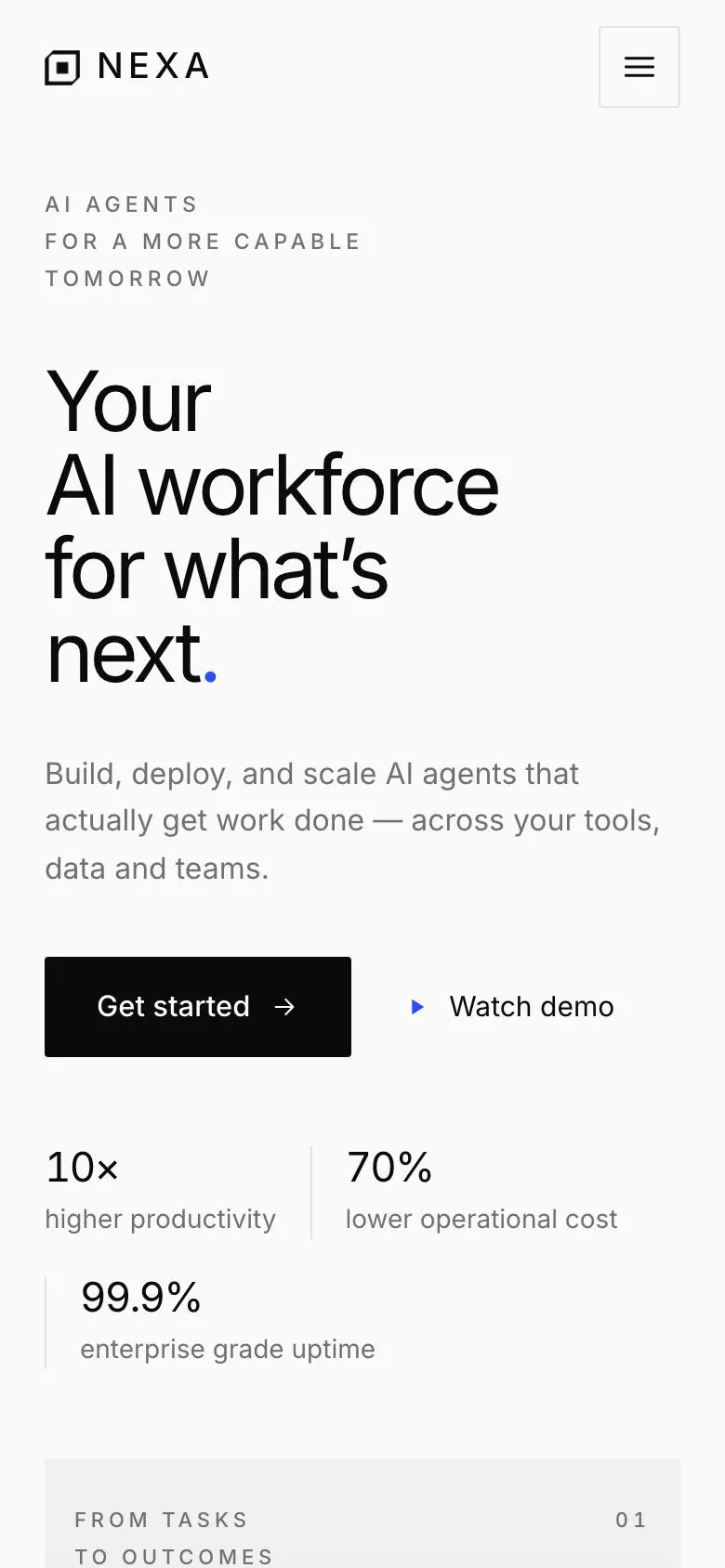
Someone searching for an AI Inbound Agent page is usually not looking for a broad introduction to artificial intelligence. They need a page that makes a specific product or service understandable: what work the agent handles, how it works with existing tools and data, what can be inspected, and what the next conversation is for.
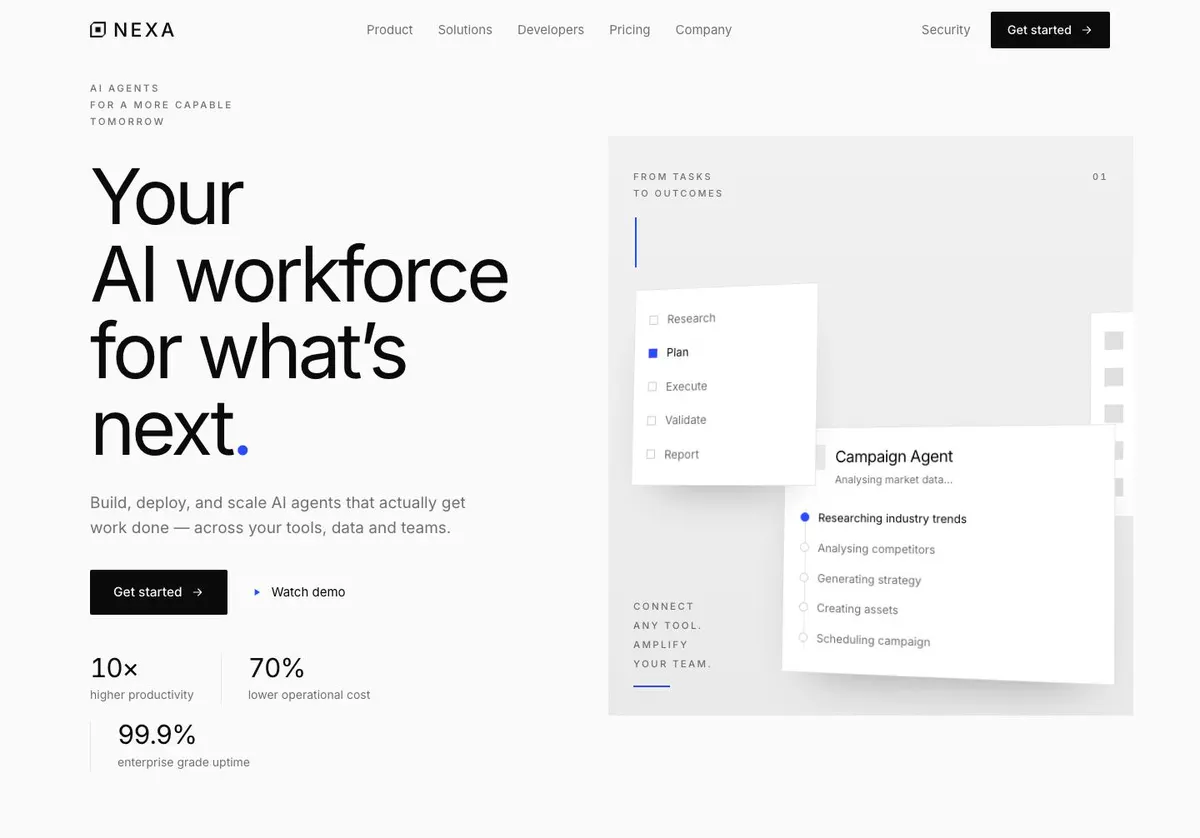
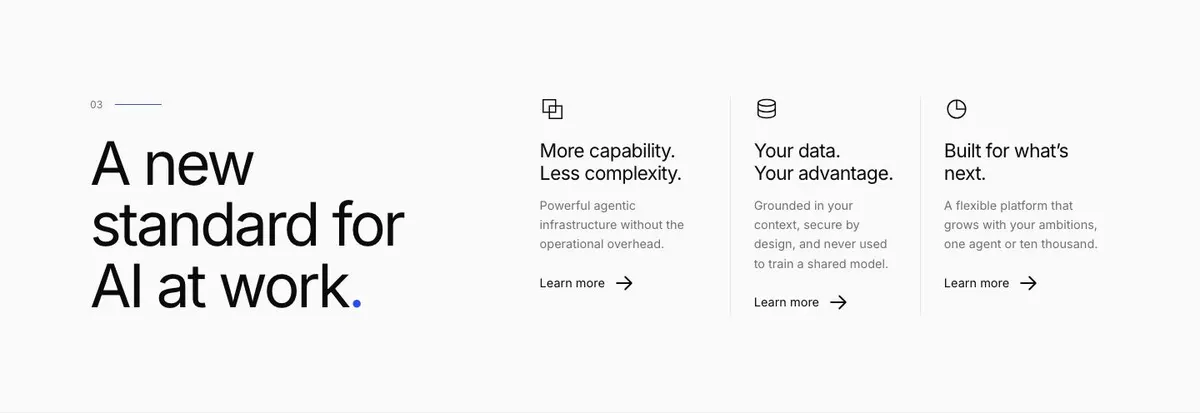
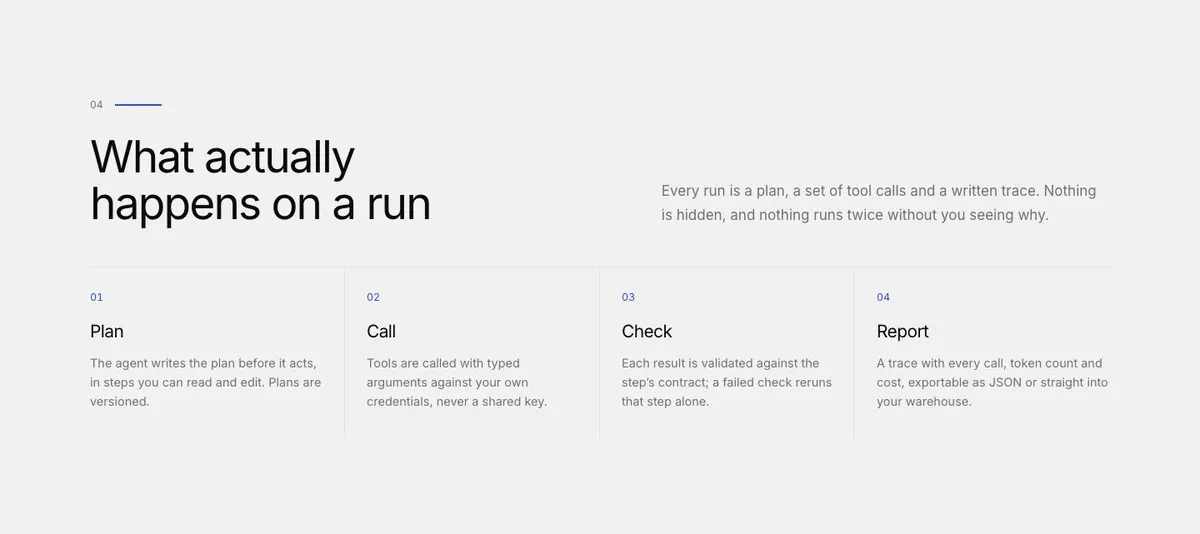
This design does that through a quiet technical structure. It gives the product room to be drawn and explained, then moves through capability, developer detail, pricing, security and questions before asking for an enquiry. That matters for buyers who are cautious about large claims and want a clear account of the work involved.
A generic software page can undersell this kind of offer by treating an agent as another feature. Here, the page can frame the agent around a workflow and the record of a run. It is particularly useful where the business needs to explain tools, data, context or usage without turning the first page into documentation.
The template does not include a dedicated comparison section for competing products. If comparison-led buying is central to the sale, the Developer Tool template may be a closer starting point.
Adapting the design
The available schemes are Electric blue, Signal red, Acid green and Ink. Choose one that fits the product’s existing identity and retain it as a point of emphasis rather than trying to make every section compete. The page is light, editorial and minimal in direction, with uppercase headings and a near-white paper ground.
Inter is the supplied display and body typeface. The alternatives are Inter, Familien Grotesk with Inter, or Barlow with Inter. Keep the pairing consistent across technical labels, customer evidence and the enquiry route so the page continues to read as one product argument.
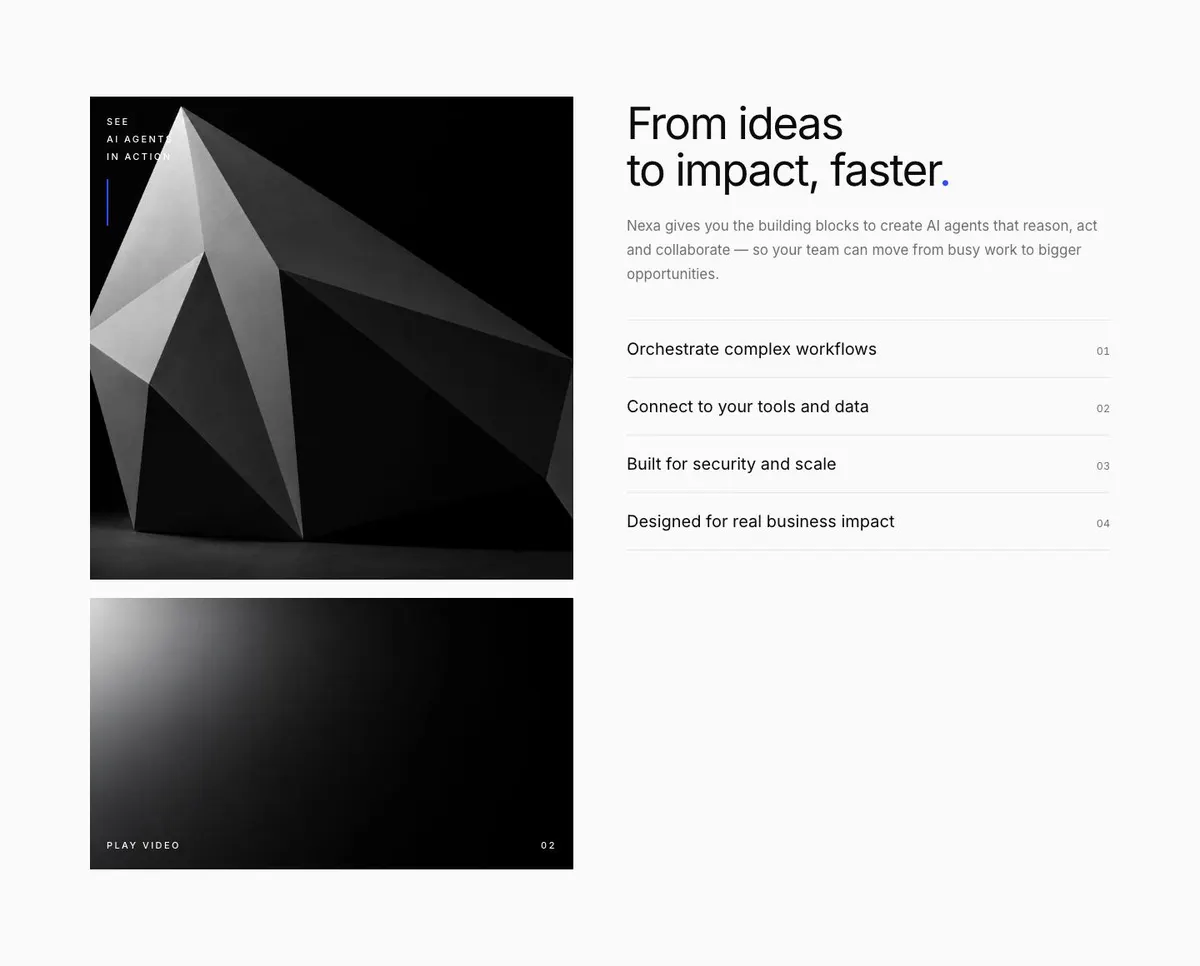
The template needs thirteen photographs in total. They appear in the Hero, Product, Logo strip, Quote and Closing band. Prepare them with their role in mind: product-facing material for the opening and product sections, credible recognition for the logo strip, approved customer material for quotes, and an image that can support the final call to action. The product itself can remain the main subject of the page rather than relying on photography to explain it.
Writing it for your business
Starting from this template costs no credits. Rewriting the copy with AI costs about 20 credits. A useful brief names the product, its buyer, the workflow being improved, the tools or data involved, the basis of pricing, the security facts that can be stated, and the action wanted from the visitor.
It should also distinguish facts from aspirations. If a workflow is still being developed, say so in the brief. If a customer result has been measured, provide the approved wording and number. The AI can shape the page around those details, but it should not be asked to invent security promises, customer outcomes or technical behaviour.
What to prepare first
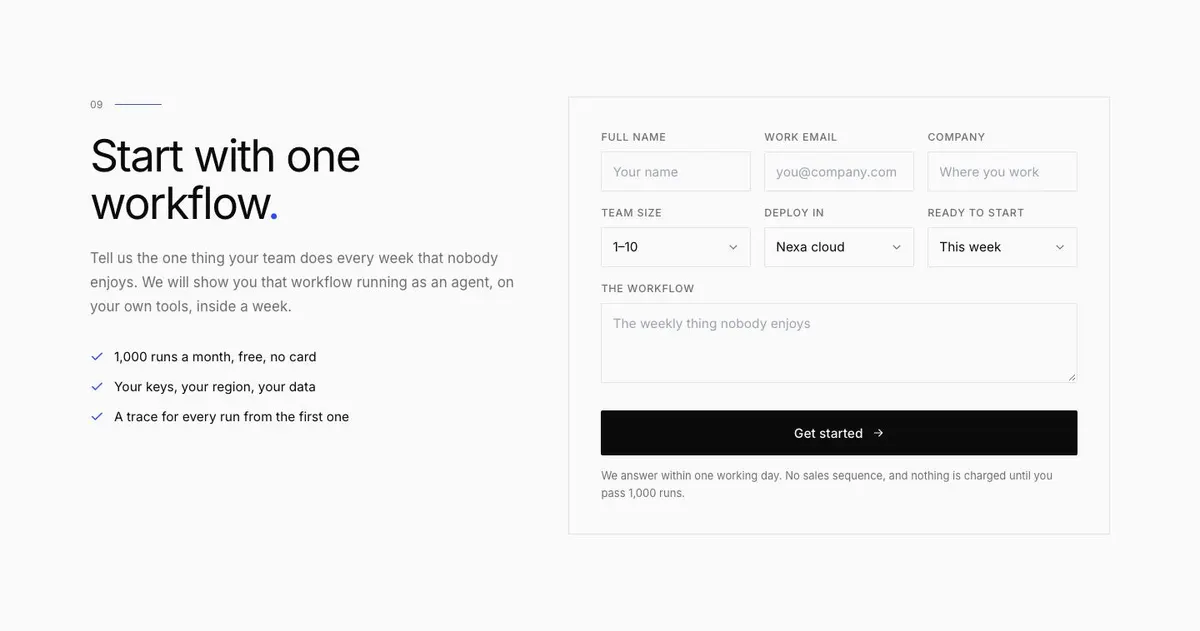
Write the one-sentence product promise for the Hero first. Then prepare the workflow that the enquiry form should invite people to discuss. It needs to be recognisable enough that a prospect can identify their own version of it.
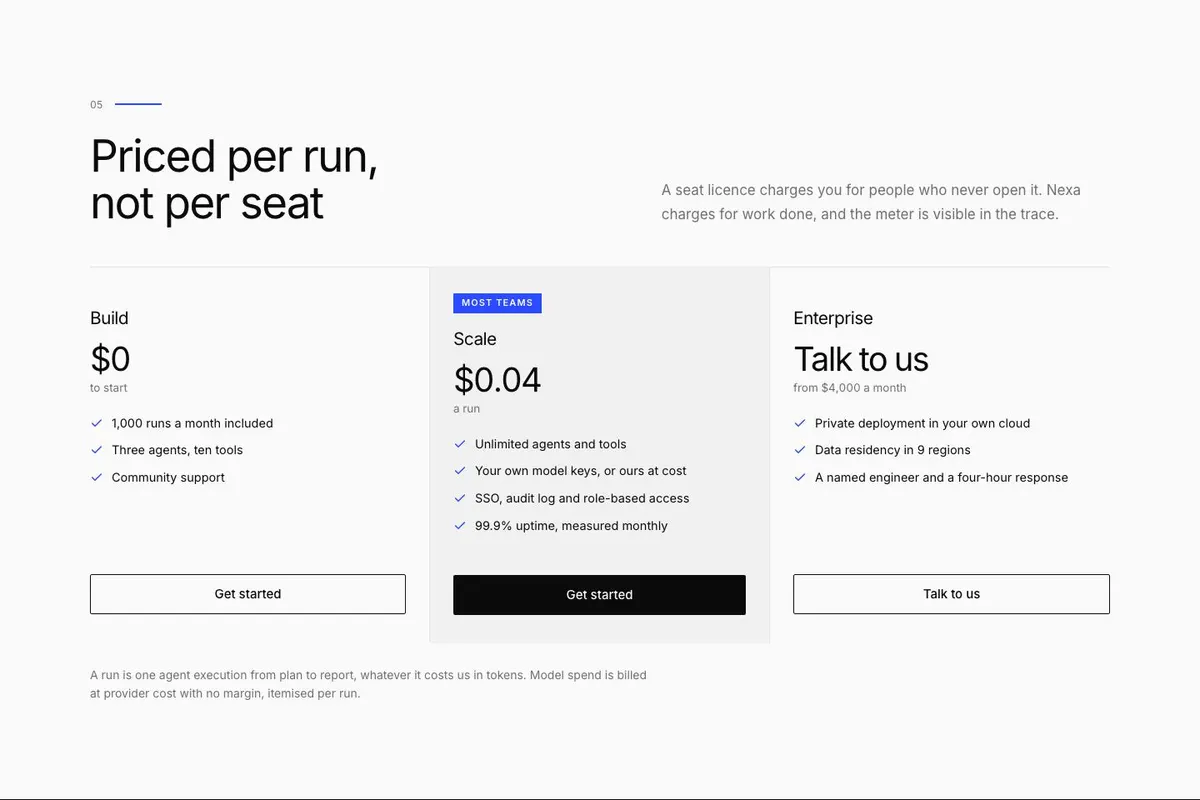
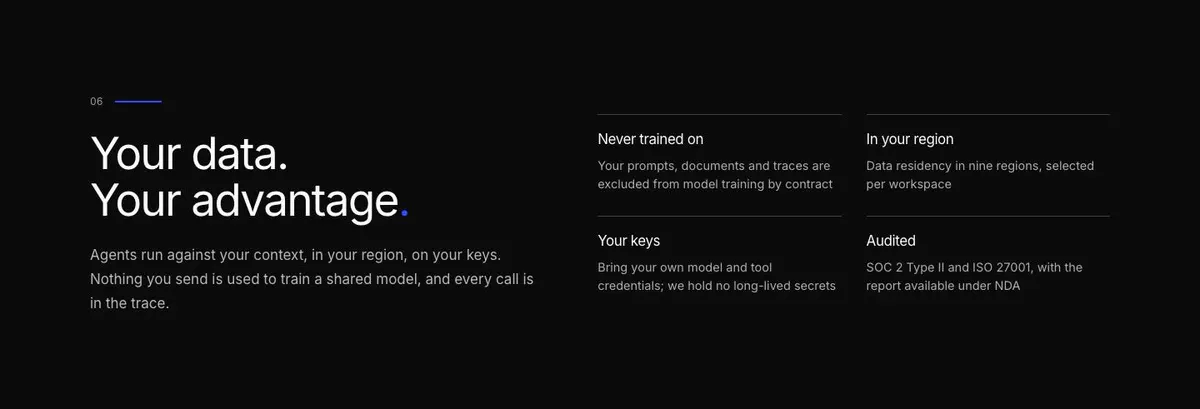
Next, define a run and explain what a buyer can see during or after one. Prepare the real components of the product, the use cases for Solutions, and a plain explanation of how pricing works. Security copy should be reviewed by the person responsible for the relevant systems before it appears on the page.
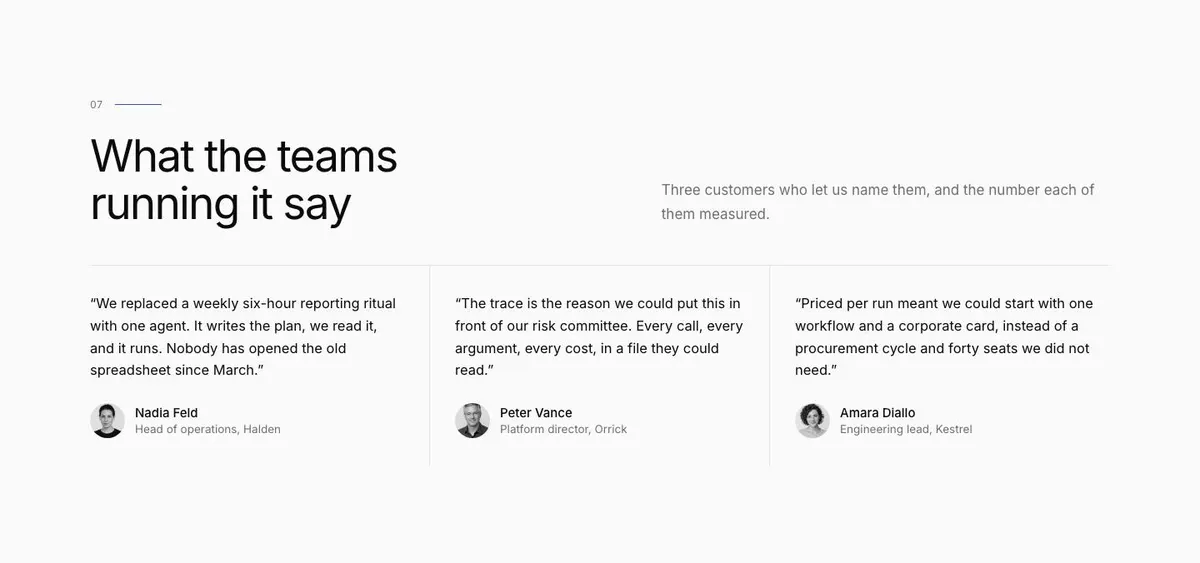
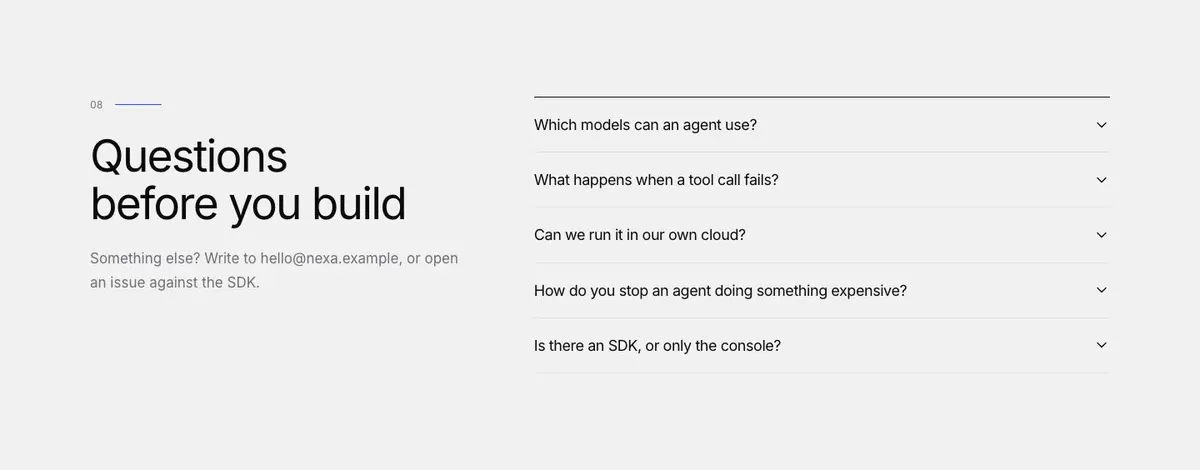
Gather the thirteen photographs, approved customer names and quotes, and measured results for the customer evidence. Finally, write the Questions accordion around genuine blockers: setup, SDK access, use of data, keys, regions, billing and the point at which a prospect should contact the business.
Variations for nearby technical trades
For a developer tool, make Developers the primary proof section. Use Product to explain the workflow around the tool, and use Questions to answer the implementation issues that come up before a team adopts it.
For a data platform, make the Hero promise about a defined data task rather than an AI workforce. Security should state the product’s actual data position, while Pricing should explain the unit that customers are being charged for.
For an AI consultancy, turn Solutions into a small set of repeatable engagements. The final enquiry should ask for the recurring process the client wants examined, while Quote should show only outcomes the consultancy is permitted to name.
When another template fits better
The Developer Tool template is a better fit when the implementation and developer experience need to lead the sale.
The Workspace Document template may suit a product centred on shared written work rather than runs and automation.
Choose Creative Video AI when the product’s output is creative video and that output needs to be the central proof.
The Swiss Grid template is worth considering for a more design-system-led technical presentation. Browse the wider saas template collection for other software starting points.
Before you publish
- Check that the Hero names one real workflow or product outcome.
- Check that a run and its pricing unit are explained plainly.
- Check that security and customer claims are approved.
- Check that the enquiry form leads to a response process the business can keep.