A Trade Operations Suite page for software buyers
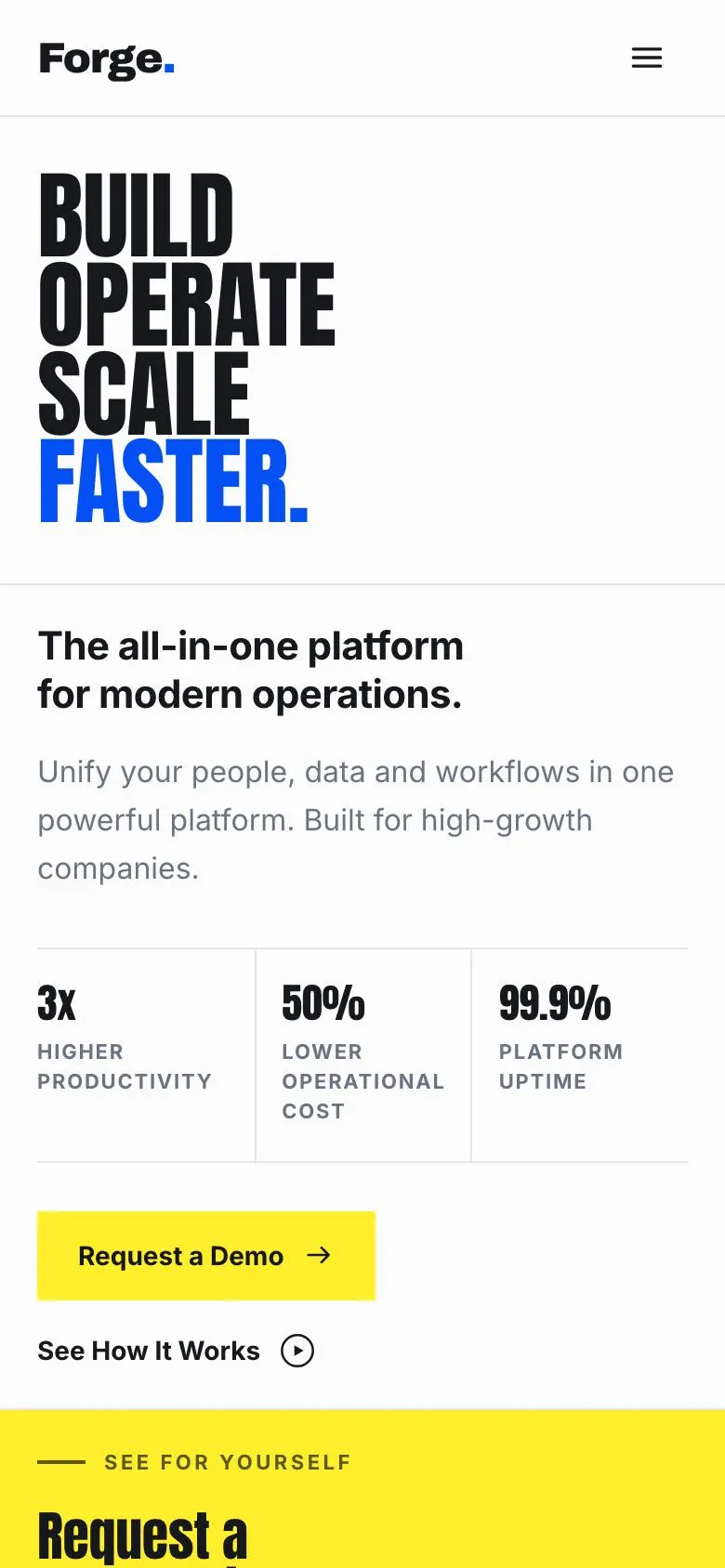
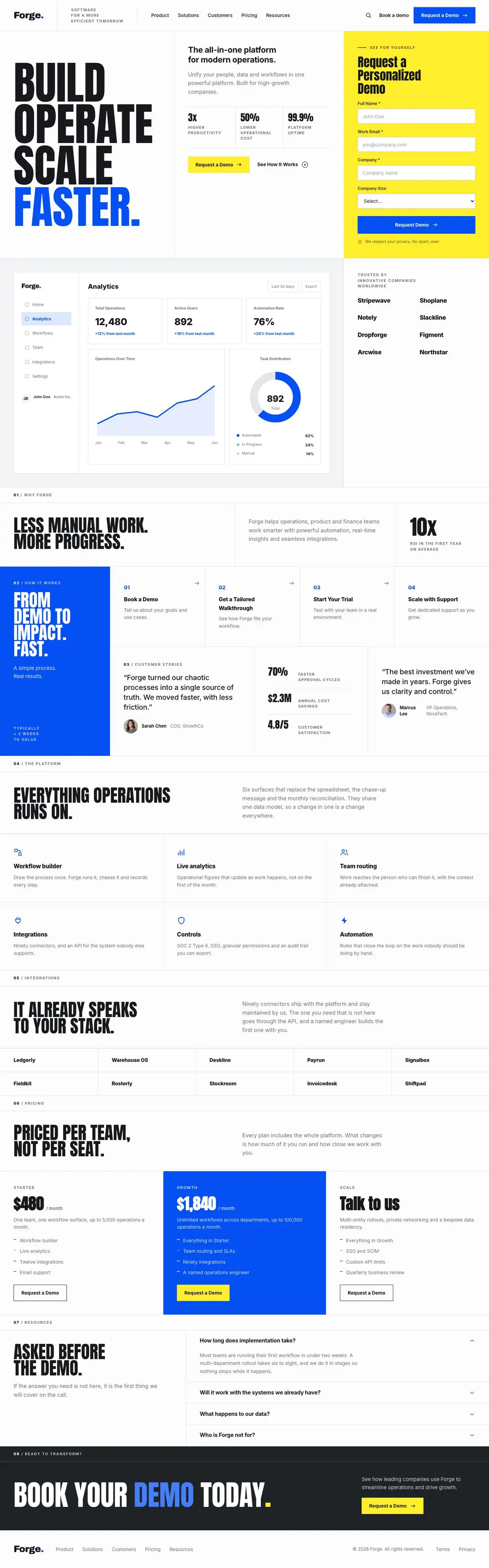
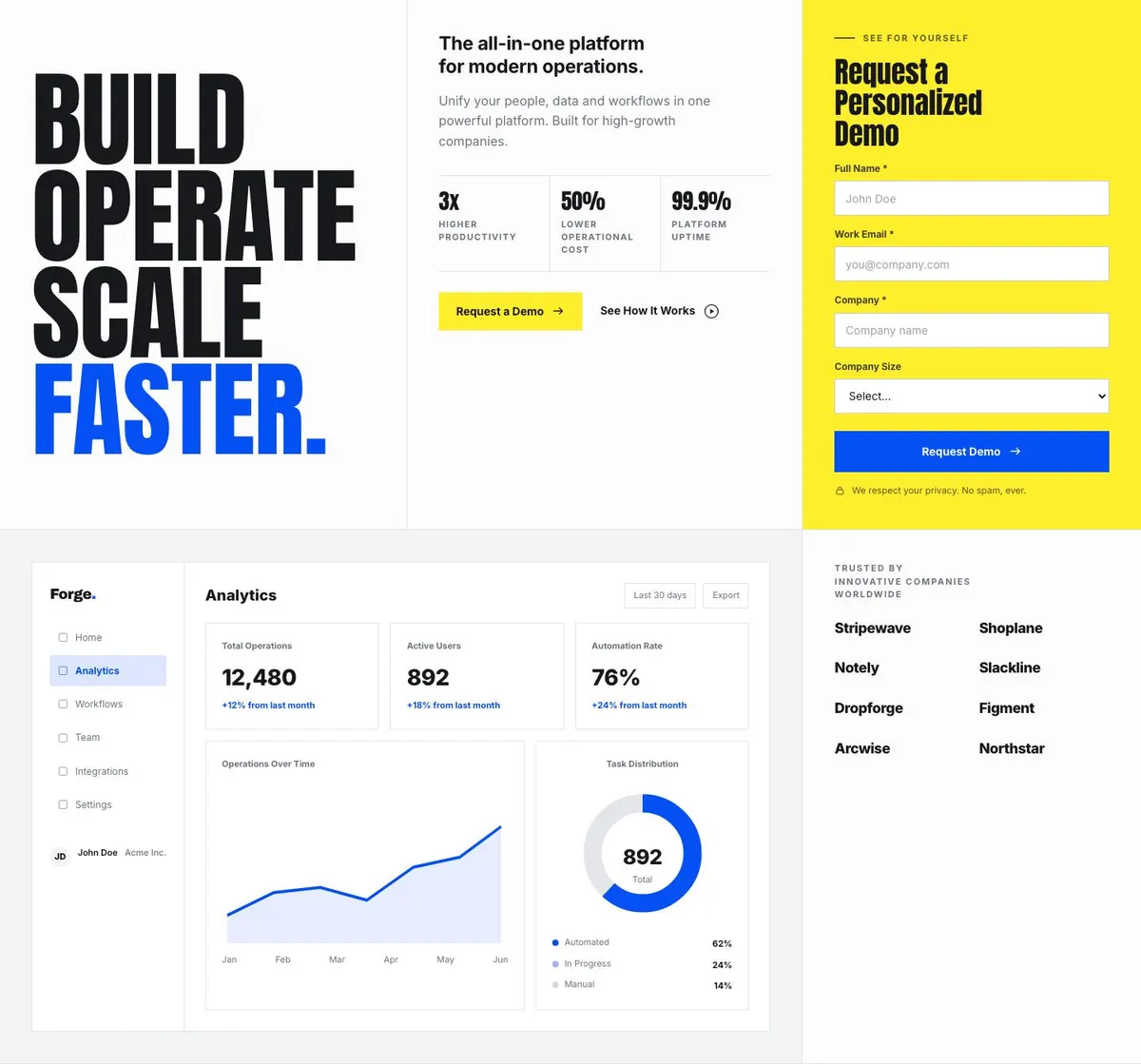
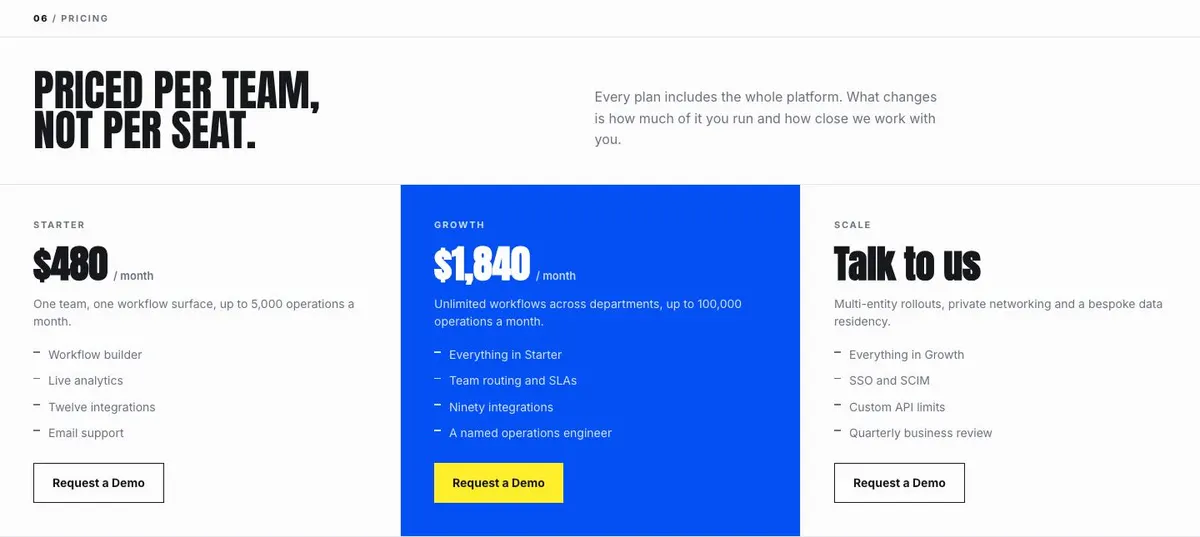
Someone searching for a Trade Operations Suite needs a page that explains what an operational product changes, who it is for and how to start a sales conversation. This design does that through a demo request in the opening section, a product explanation, integration detail, team-based pricing and questions before the call.
It is built for a company selling software to other companies. That may be a workflow automation platform, an internal-tools builder, a data operations product or finance operations software. A generic software page can undersell this kind of offer when it only describes broad benefits. Buyers in these teams need to understand the work the product brings together and the route from evaluation to use.
The page is not a self-serve checkout. Its stated goal is an enquiry, and the repeated action is Request a Demo. Businesses that need to sell directly online should use a template designed around that journey instead. This one is for a product where the next useful step is a conversation.
Adapting the design
The template is available in Light and Bold looks, with Signal blue, Ink, Signal green and Signal orange colour schemes. Choose a scheme that suits the company’s existing identity, then keep the product language more important than decoration. This is a bold-poster layout with uppercase headings, a light paper ground and a strong grid-led approach.
Its default display and body pairing is Anton and Inter. Alternatives include Archivo with Inter and IBM Plex Sans with Inter. Anton gives headings a direct, condensed presence; Archivo or IBM Plex Sans can be a better fit where the company needs a less condensed display face. Keep the body font easy to read because this page has to carry product, integration, pricing and FAQ detail.
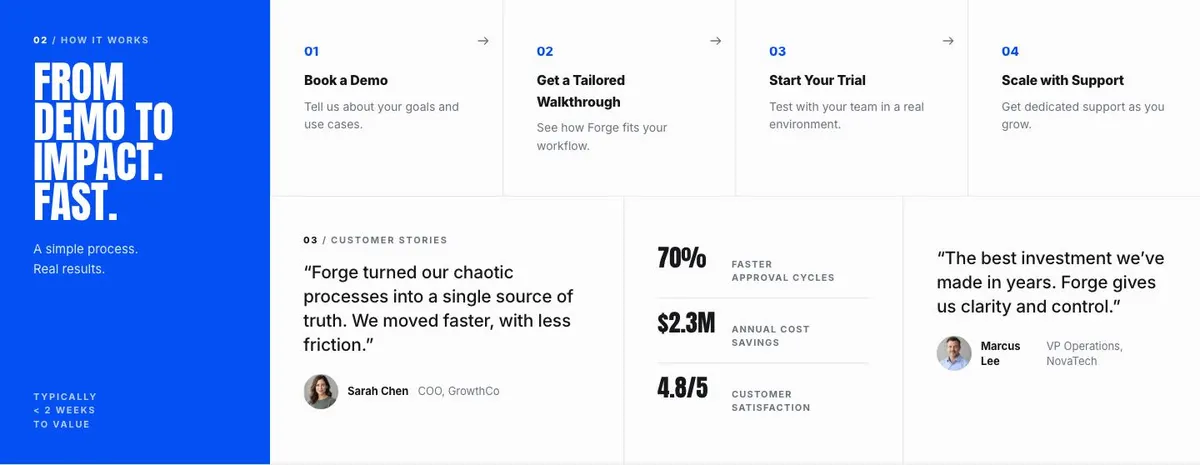
Two photographs are needed, both in the How band. Plan them before publication. They should support the customer account or the move from demo to impact, rather than pretending to be product imagery. The rest of the product explanation can remain in the page’s drawn product treatment.
Writing it for your business
Starting from this template costs no credits. Rewriting the copy with AI costs about 20 credits. A useful brief names the software category, the teams using it, the work that currently causes delay, the main product areas and the reason a prospect should request a demo.
It should also state the real pricing approach, the integrations that can safely be named and the point at which the product is not a fit. Give the AI language already used by customers where possible. A vague brief about “saving time” will produce vague copy; a brief about a specific operational process gives the page something useful to explain.
What to prepare first
Before publishing, prepare the central operational promise for the Hero and the exact wording of the demo offer. Write the Why section around the manual work your business can genuinely reduce. Set out the journey from demo to impact so the How band can describe a real process, and obtain a customer quote plus the two photographs needed there.
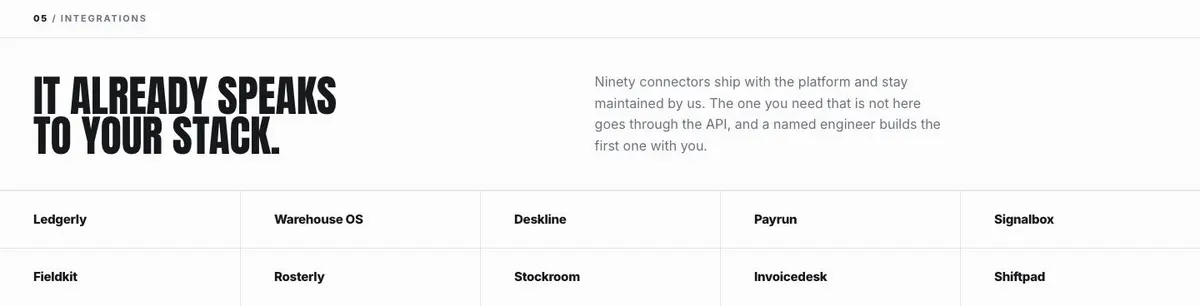
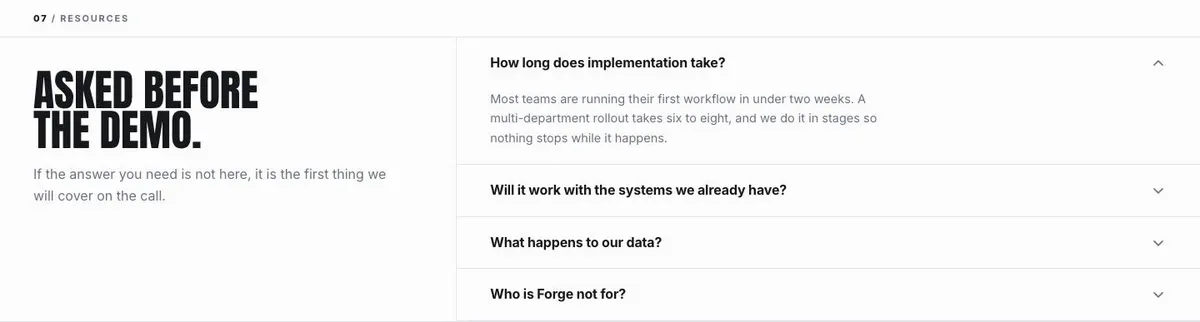
Prepare short, accurate descriptions of the connected product areas. Decide which integrations can be named and what the truthful answer is for systems outside that set. Finally, write the three plan positions, the questions a buyer asks before a demo and a direct answer on who should choose another kind of product.
Variations for nearby software trades
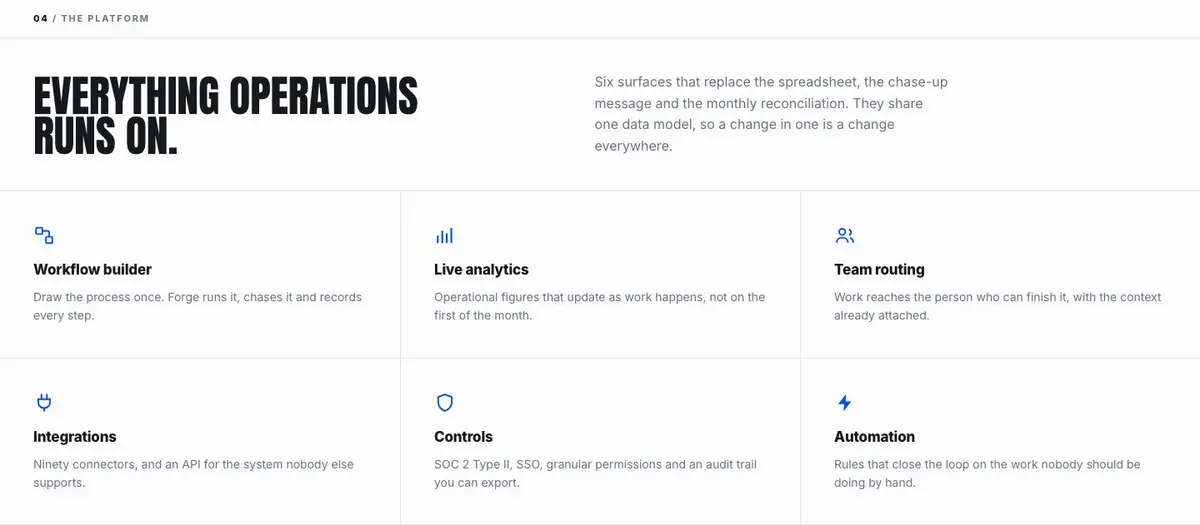
For workflow automation software, make the Hero and Why bands about the handoffs, approvals or repeatable processes the platform handles. In Product, describe the workflow parts that share information, then use Questions to clarify the complexity of work the product is designed for.
For an internal-tools builder, make Product about the operational tools teams can create and maintain. The Integrations band should focus only on the systems the builder can genuinely connect to. The pricing explanation should make clear how teams are grouped if the commercial model is not based on individual seats.
For a finance operations product, use Why to describe the recurring finance work that creates drag, and use How to explain the route from demo to early value. Keep all operational figures and product claims evidence-based. The FAQ is a useful place to set boundaries around the finance teams, processes or systems the product supports.
When another template fits better
Website Builder Studio is worth considering for a product centred on building websites rather than broad operations work.
Marketing Tool SaaS may fit a marketing product whose buyers and use cases sit outside operations, product and finance teams.
Developer Tool is the closer option when the core sale is to developers and technical implementation is central to the evaluation.
AI Inbound Agent is a better starting point for a product focused on handling inbound conversations. Browse the wider saas template collection for other software journeys.
Before you publish
- Check that every demo promise matches the real sales process.
- Check that the two photographs are cleared for use.
- Check that integration claims are current and specific.
- Check that pricing and FAQ answers match the business.