For professional services built on judgement
Someone searching for Warm B2B Workflow needs a page that makes a serious professional service understandable without reducing it to a standard product offer. Consulting, legal, finance and architecture firms are often hired for judgement: how they frame a problem, who is involved and whether the work can be trusted. A generic services page can list capabilities, but it can undersell the care behind an engagement.
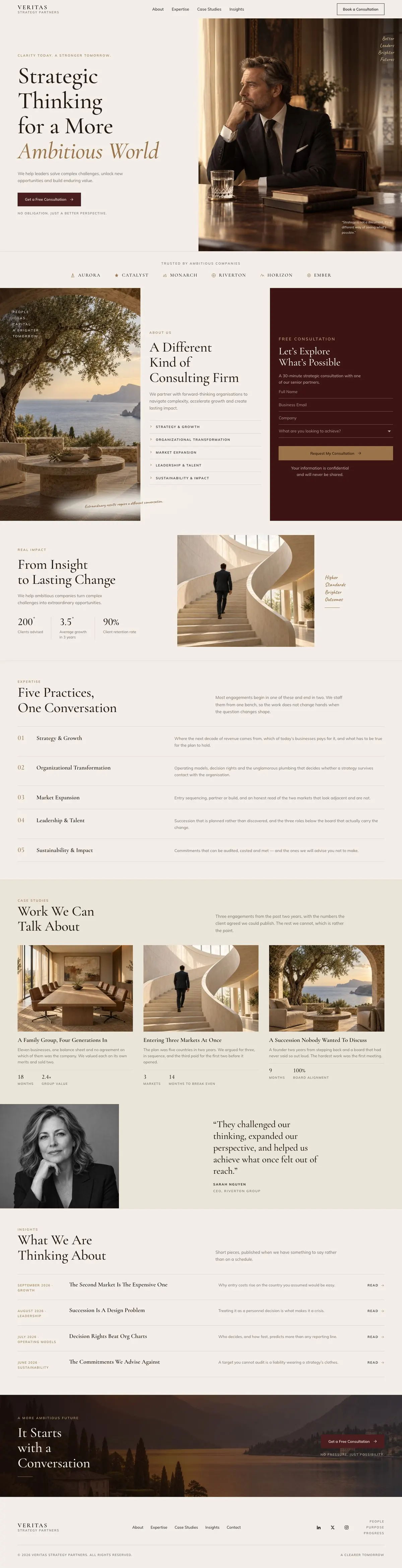
This design leads with strategic work, then makes room for the firm’s approach, its areas of expertise, selected case studies and current thinking. It closes with a conversation rather than a purchase. That makes it a close fit for firms whose next step is an enquiry or consultation. It does not include a payment route, so a business selling a fixed service online should choose a template designed around that transaction instead.
The page has an editorial structure. Its upper-case headings, serif display type and restrained sequence of sections support a considered message. The content still needs to be specific. Broad claims about excellence or transformation will not carry this template. It works when the firm can say what sorts of decisions it helps with, what evidence it can share and what a first conversation is for.
A route from first impression to enquiry
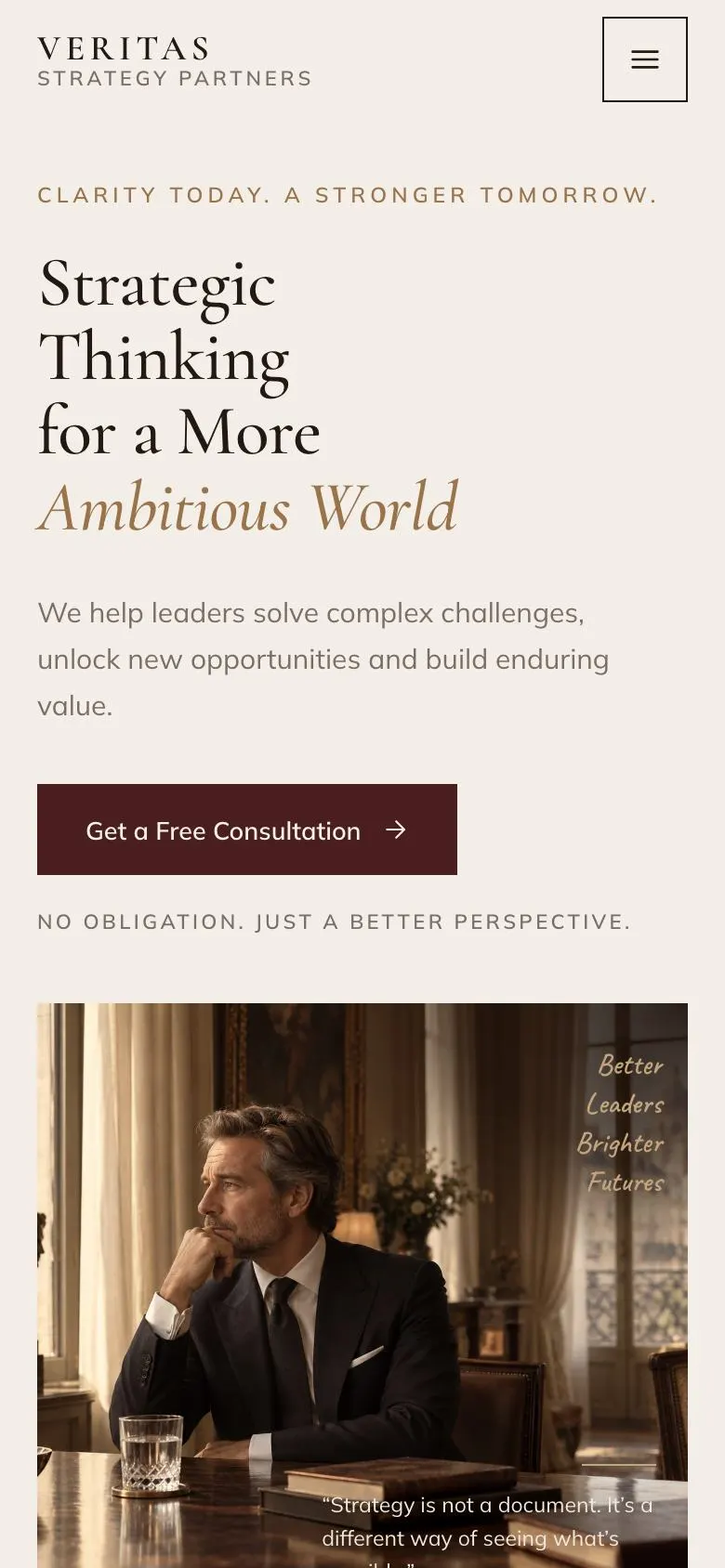
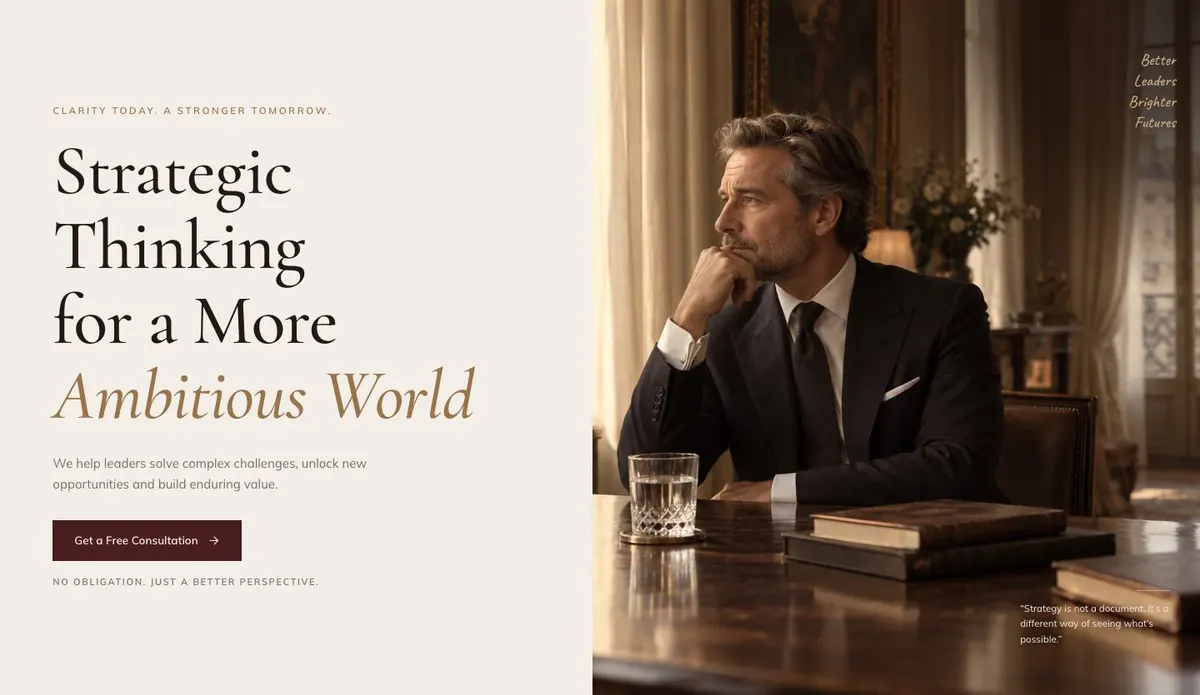
The Hero opens with the central proposition and a supporting statement about the work. It includes a photograph and leads to “Get a Free Consultation”. This is the place to name the kind of challenge the firm helps solve and the kind of organisation it works with. The promise should be clear enough that the consultation button feels like the natural next step, not an interruption.
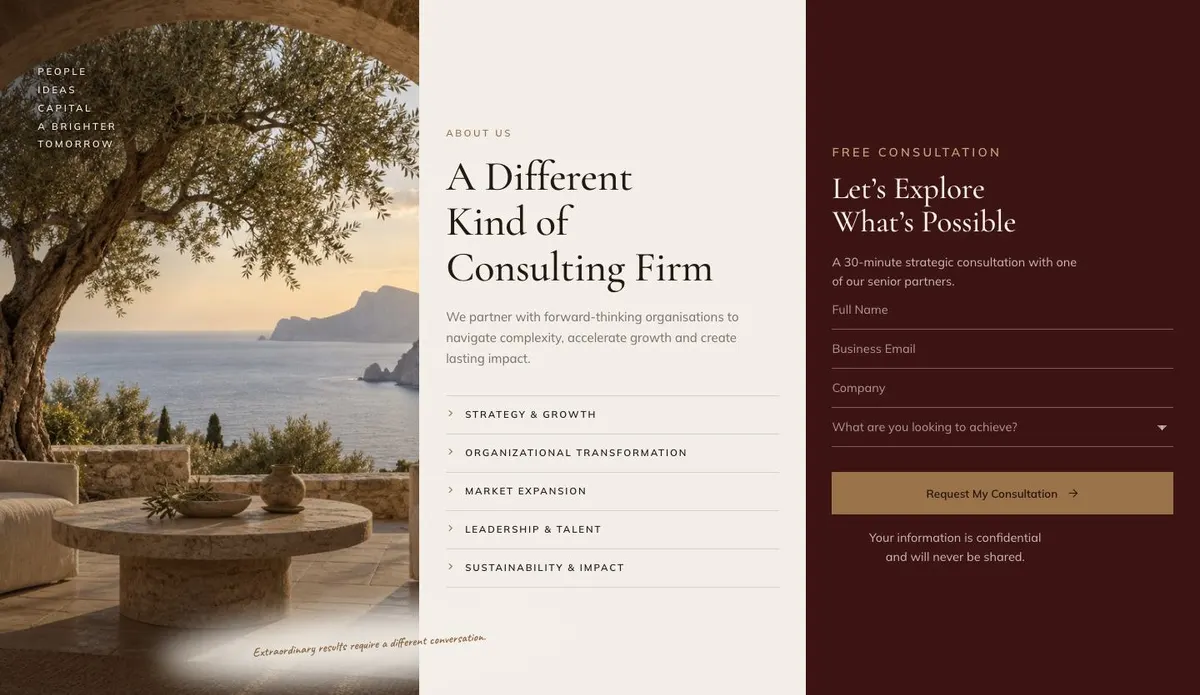
About follows with “A Different Kind of Consulting Firm”. It combines a photograph with the enquiry form, so the explanation beside it matters. Use it to explain how the firm works, what it values in an engagement and why its approach differs from a larger or more general alternative. Because the form appears here, the surrounding copy should help a visitor decide that the conversation is worth starting.
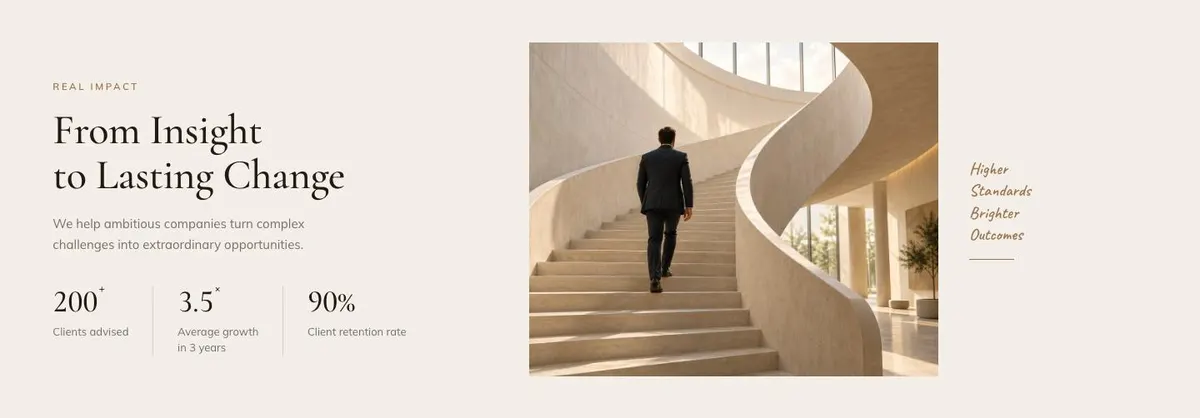
Impact is a short bridge between the firm’s position and its practical work. It has a photograph and a concise statement about the change the work is intended to create. Keep this focused on outcomes a client would recognise, rather than repeating the introduction in different language.
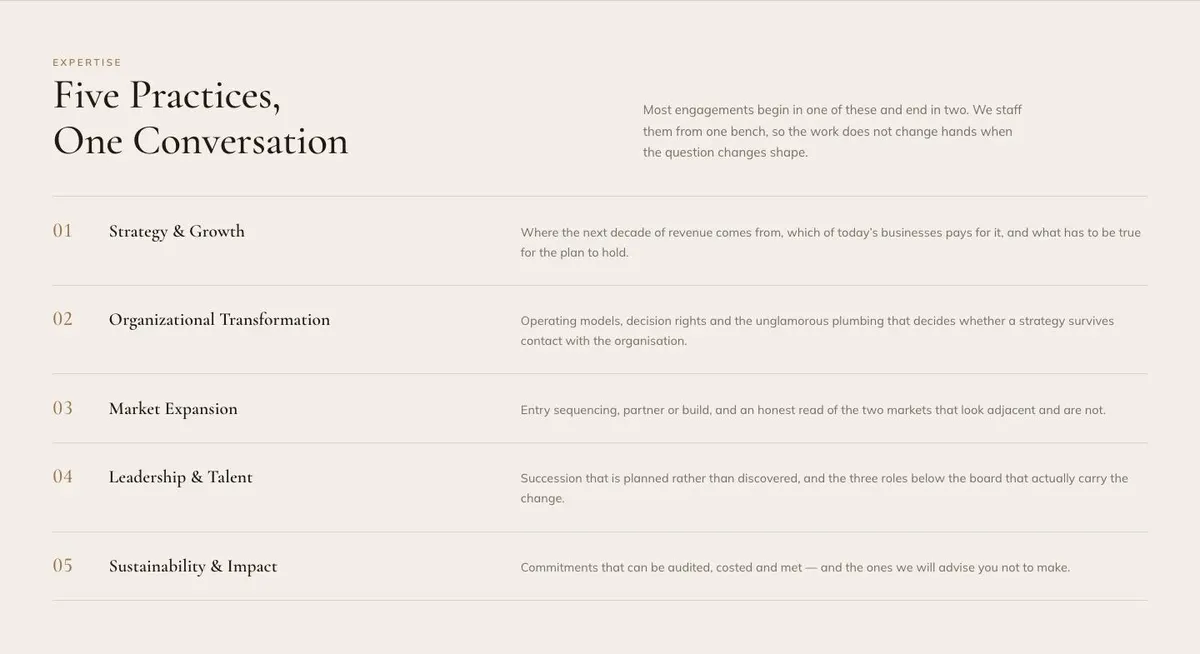
Expertise presents “Five Practices, One Conversation”. This is where the firm can set out its main areas of work while showing how they connect. The supplied idea is useful for businesses whose questions cross disciplines: a client may arrive with one issue and discover that another area needs attention. Name each practice plainly and make the links between them believable.
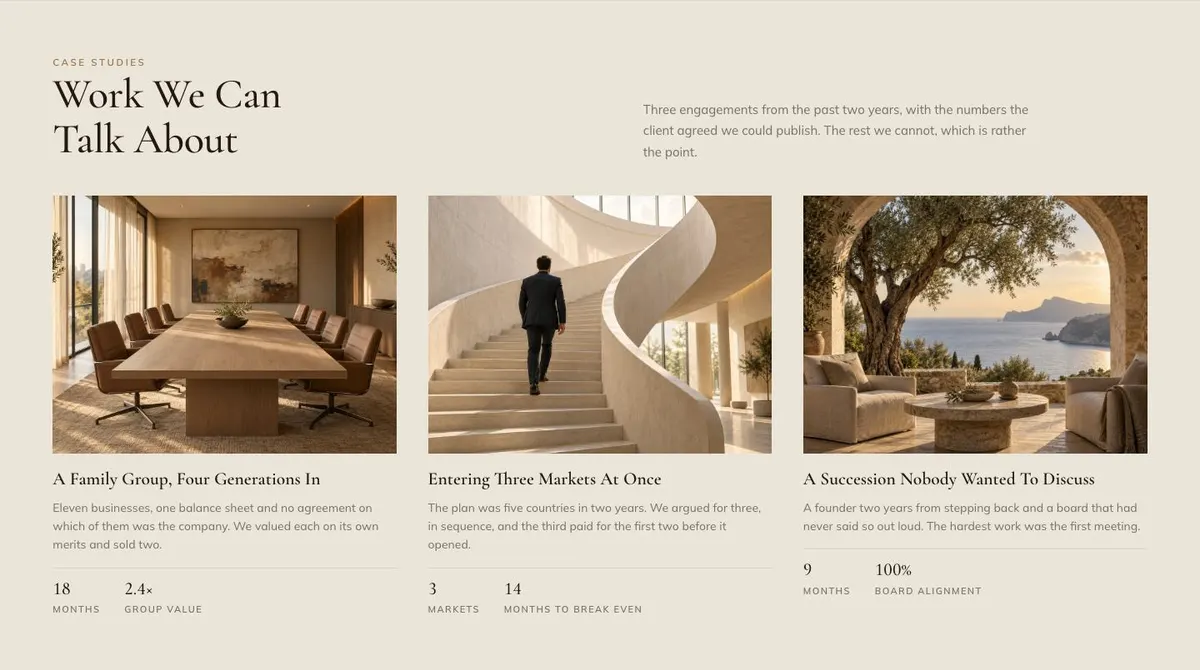
Case Studies gives the page its evidence. “Work We Can Talk About” is deliberately selective, with three illustrated engagements. Each story should describe the starting problem, the work undertaken and the result the client has agreed can be shared. If confidentiality limits what can be published, say only what is appropriate. The point is not to make every project public; it is to show the standard and shape of work the firm can discuss.
Reviews adds a client voice alongside a photograph. Choose a quote that says something useful about the working relationship or the value of the advice. A vague endorsement adds little here. One precise observation can reinforce the measured tone of the rest of the page.
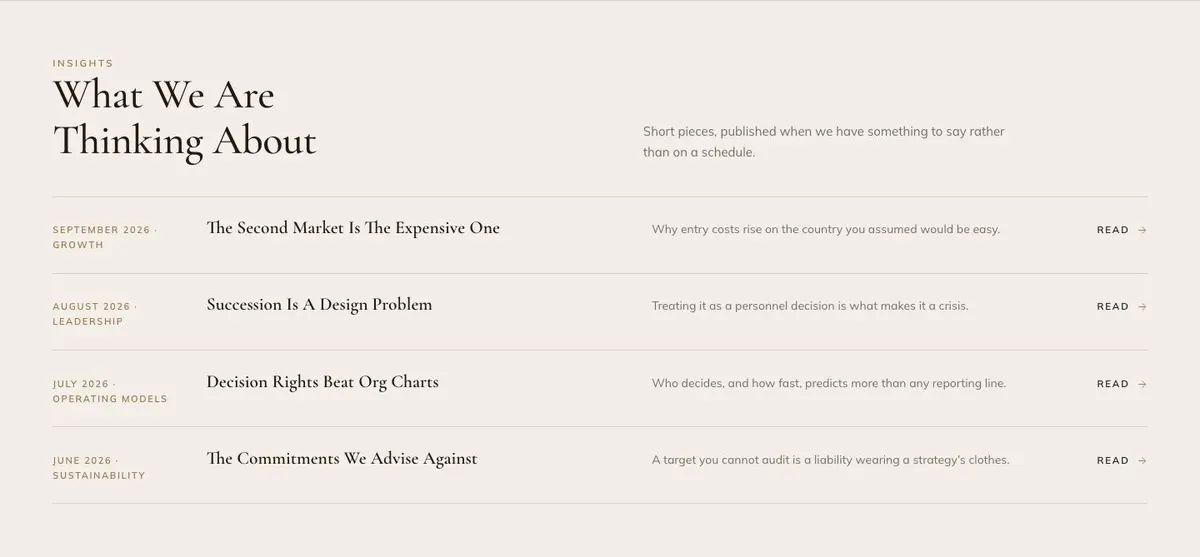
Insights, headed “What We Are Thinking About”, holds short pieces from the firm. It is for ideas worth sharing, not content published merely to fill a schedule. Use the four entries to show the questions the business is actively examining and the perspective it brings to them.
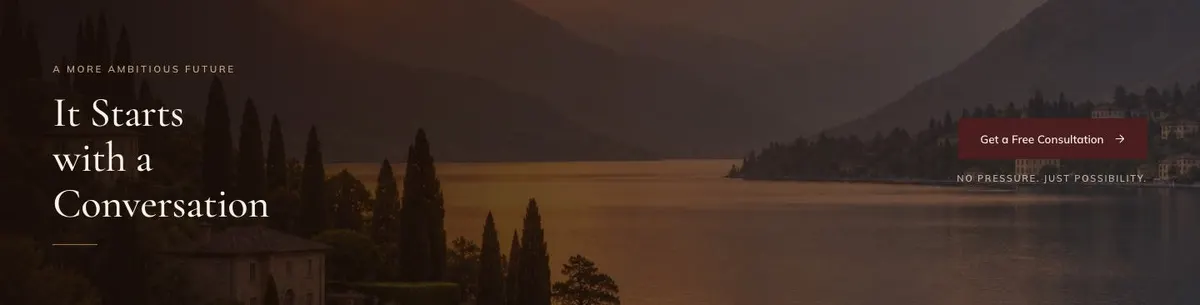
Contact returns to “It Starts with a Conversation”. It includes a photograph and offers both “Get a Free Consultation” and “Book a Consultation”. Make the distinction between those actions clear in the surrounding wording if both remain. This final band should tell a prospective client what to bring to the first discussion and what sort of enquiry the firm is ready to consider.
Adapting the visual direction
The template offers Oxblood, Deep forest, Indigo and Warm ink colour schemes. Choose one that fits the firm’s existing identity and apply it consistently to the page’s written material and photographs. The aim is not to make the page decorative. It is to give a calm frame to work that may involve difficult decisions and confidential matters.
Cormorant Garamond is the display face and Mulish is the body face. The available font pairings also include Cormorant Garamond with Mulish, Caveat with Mulish and Fraunces with Mulish. Keep readability ahead of personality, particularly where the page explains expertise and case studies.
The design needs eight photographs. One appears in the Hero, About, Impact, Reviews and Contact bands, while Case Studies uses three. Prepare images that can carry their section’s purpose: an opening image that sets the firm’s tone, working images where the approach is explained and project imagery that supports the case studies. Do not use photographs as proof of work unless they genuinely relate to the work being described.
Writing it for the business
Starting from a template costs no credits. Rewriting the copy with AI costs about 20 credits. A useful brief names the firm, its main clients, the decisions it helps them make and the language it would not use. It should also state the intended action: an enquiry, a free consultation or a booked consultation.
Include the actual practices that belong under Expertise, the case studies that may be published and the facts that can be stated safely. Name the tone required as well. A private office may need more discretion than a growth consultancy; an architecture practice may need more detail about the types of project it takes on. The better the brief, the less likely the revised page is to fall back on generic professional-services language.
What to prepare before publishing
Write the firm’s central proposition first. It should say who the work is for and what sort of challenge it addresses. Then prepare a short account of the approach for About, along with the five practice descriptions for Expertise.
Gather three case studies that can be discussed publicly. For each, agree what problem, contribution and result can be included. Choose one client quote with permission to use it, and prepare four insight titles or summaries that reflect genuine current thinking.
Finally, organise the eight photographs before finalising the page. The contact wording should state what happens when someone uses the consultation actions. That is particularly important where an initial conversation is exploratory rather than a commitment to take on work.
Variations for nearby professional trades
An executive search firm can make the practices about leadership questions, succession and assessment. Its case studies should focus on the nature of appointments it is permitted to discuss, while Reviews can speak to the quality of the search process.
A law practice can use the same sequence for specialist areas of advice, selected matters and legal commentary. It should keep the Hero and About copy precise about the kind of instruction sought, and only publish case material that can be shared.
An architecture practice can frame Expertise around project types or stages of work. Its case studies can use the three project photographs to explain the brief, the design response and the outcome, while the Insights section can cover questions shaping its current practice.
When another template fits better
For a firm that needs its trust and regulatory material to lead, Compliance Trust Page is the closer starting point. For a software business presenting its product through data, Data Panel is more appropriate.
If the offer is IT delivery rather than advisory work, consider IT Solutions. A finance-led business may prefer the quieter emphasis of Quiet Ledger. Browse the saas template hub for related starting points.
Before publishing
- Check that the Hero names a real client problem.
- Confirm every published case study is approved.
- Make the consultation actions match the intended next step.
- Use photographs that belong to their section’s story.