A landing page for technical work that needs explaining
Someone searching for an IT Solutions landing page usually needs more than a broad list of capabilities. They need to show what kind of technical problem the firm handles, how its people work and what a client receives along the way. A generic business page can make AI, data, security or engineering work sound interchangeable. This design gives those subjects room to be specific.
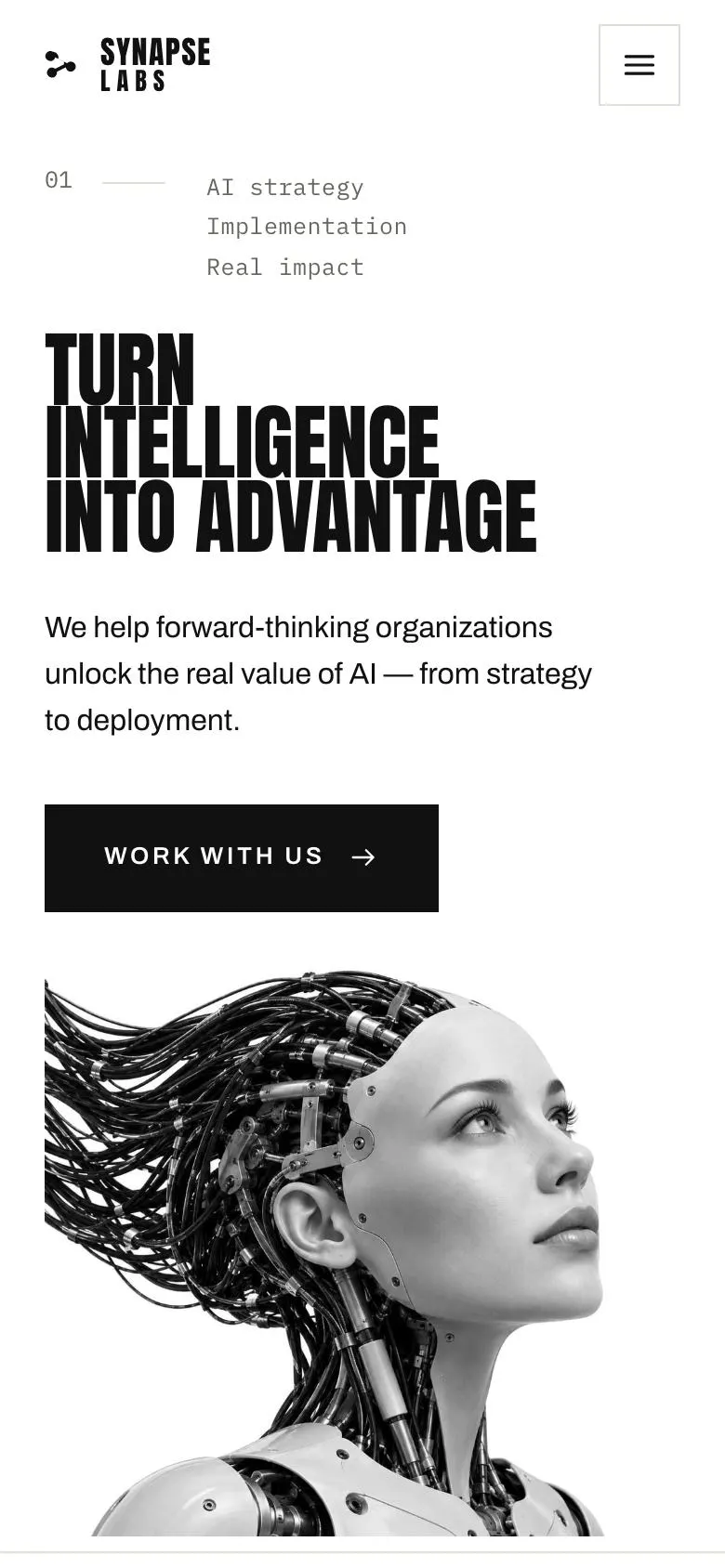
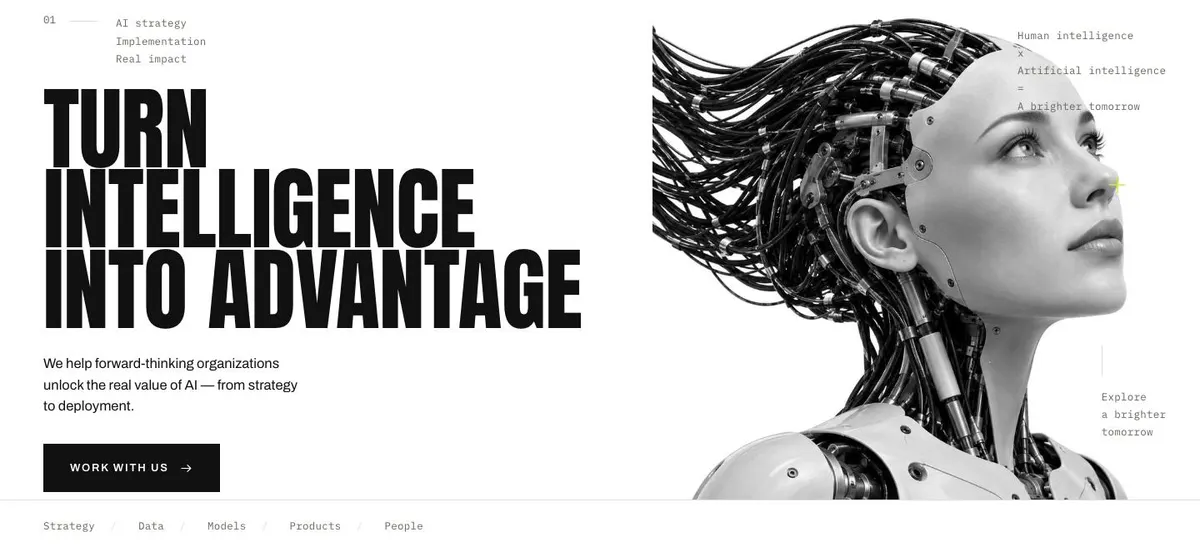
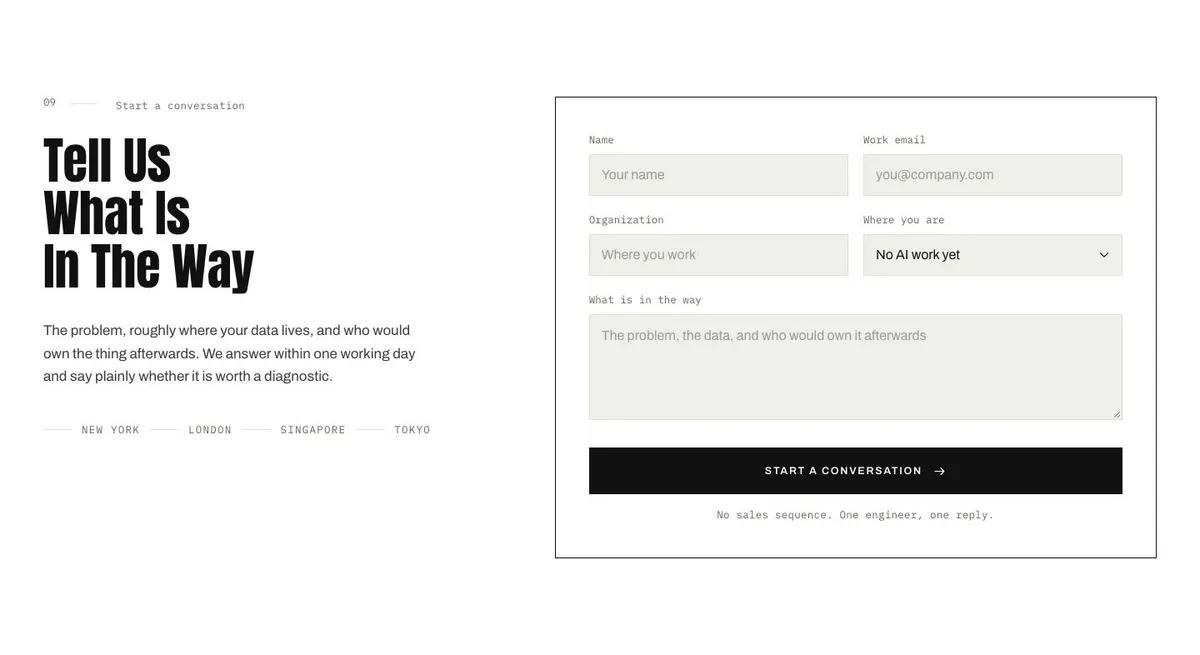
The template is built for firms selling technical judgement: an AI consultancy, data consultancy, research lab, platform team or deep-tech startup. It uses a bold editorial structure, with a heavy display statement, photographs and labelled detail. The page is designed around an enquiry rather than a purchase. It helps a prospective client reach the point where they can describe the problem and ask whether it is worth discussing.
It does not include a dedicated compliance or trust section. If the main job is presenting assurance material, policies and controls, the Compliance Trust Page may be the closer starting point.
Adapting the design
The template offers Acid, Signal blue, Magenta and Ink colour schemes. Choose one that suits the firm’s existing identity and technical subject, then keep the copy legible against it. The display and body pairing is Anton and Archivo. Alternatives include IBM Plex Mono with Archivo, or Oswald with Archivo. The display face should carry short assertions; the body face should carry the explanation.
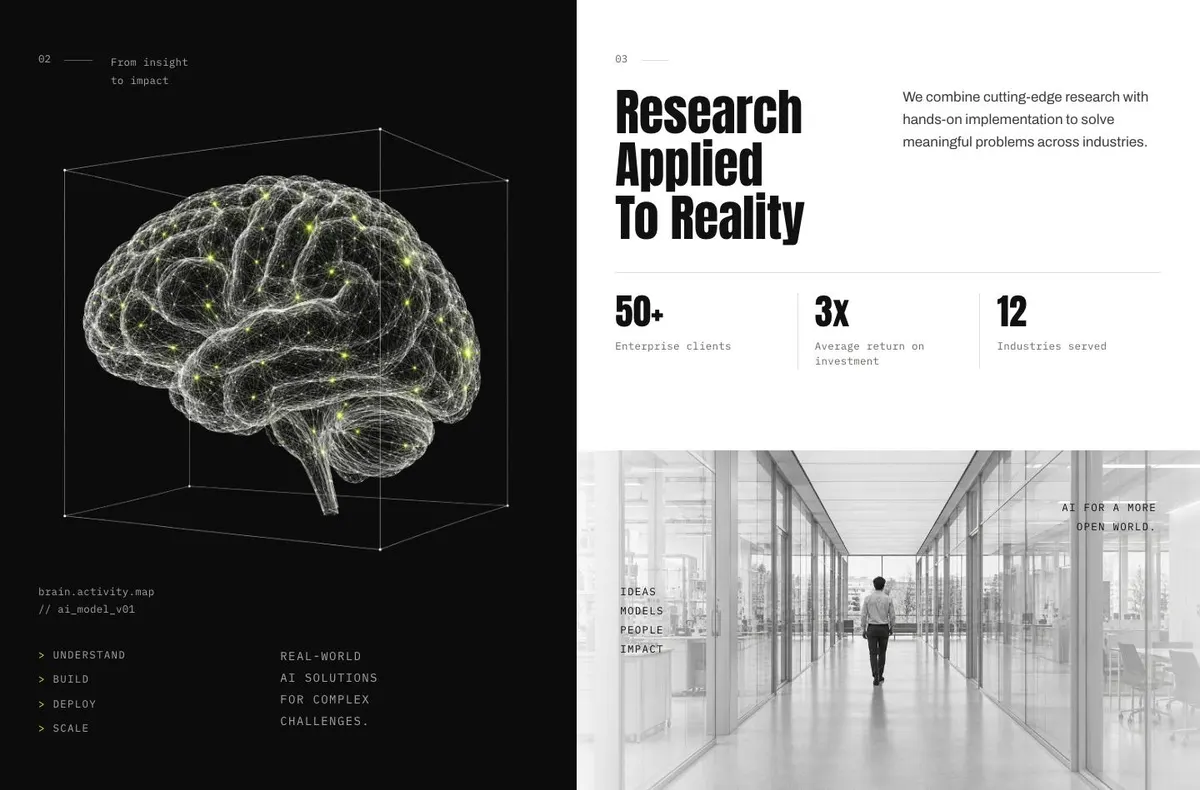
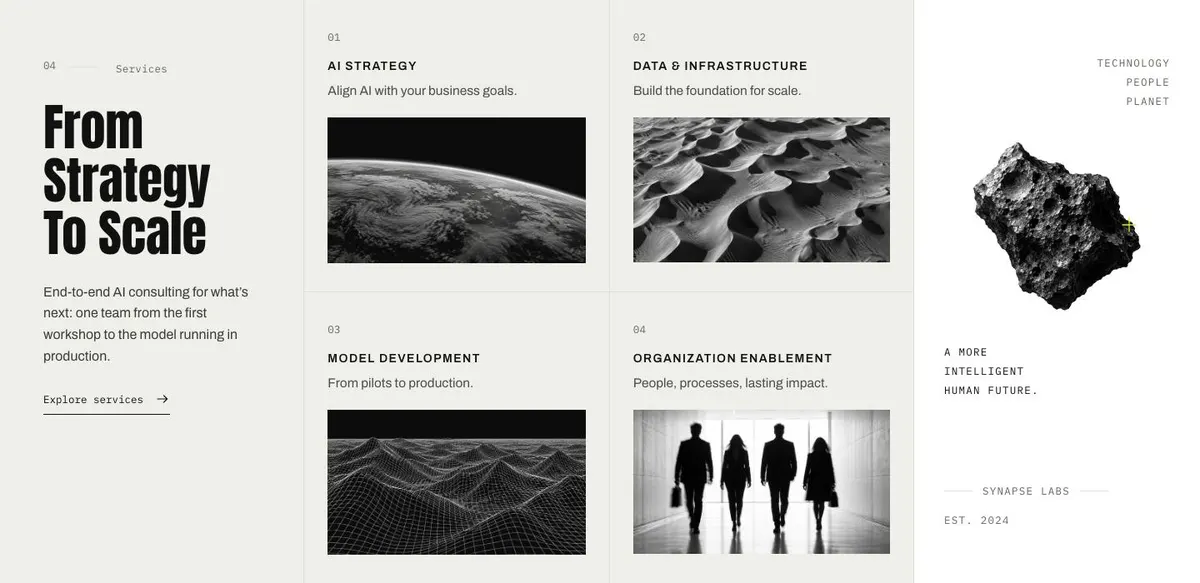
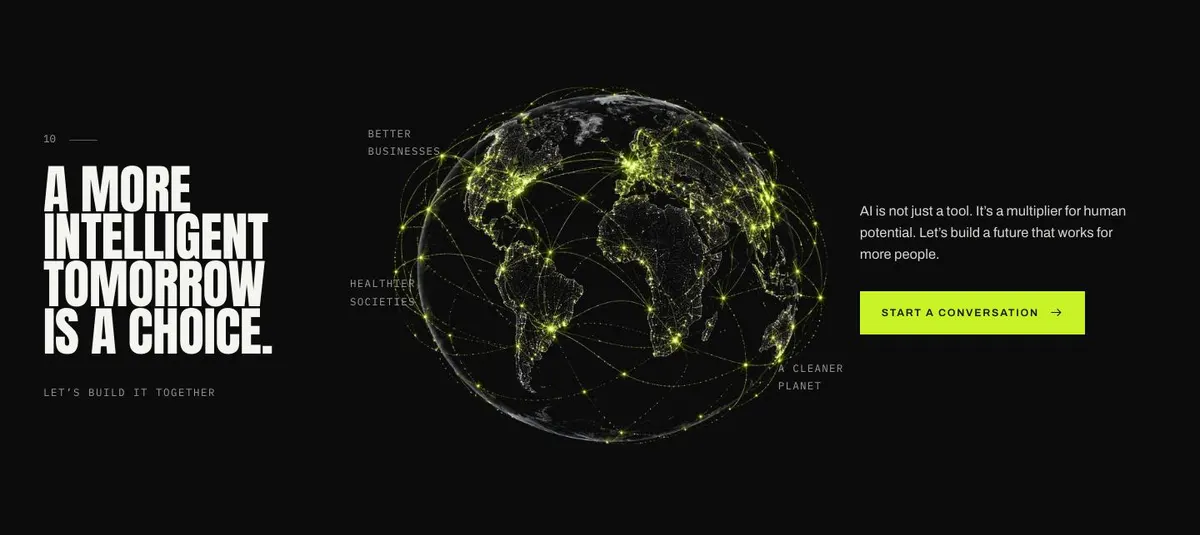
The page needs 20 photographs. They appear throughout the journey: the opening subject image, client imagery, research, services, cases, the review and the closing band. Prepare images as a set rather than selecting them one at a time. The page’s photo-led approach works when the people, equipment, settings or outputs shown are recognisably connected to the firm’s work.
Writing it for your business
Starting from this template costs no credits. Rewriting its copy with AI costs about 20 credits. A useful brief names the firm, its technical discipline, the client type, the problem it solves, the services it actually delivers and the desired enquiry. It should also identify any claims, case-study measures and process promises that must remain exact.
Do not ask the rewrite to make vague technical work sound larger. Ask it to make the existing offer easier to understand. The best result gives the AI enough detail to distinguish a data strategy engagement from model deployment, security engineering or research work.
What to prepare first
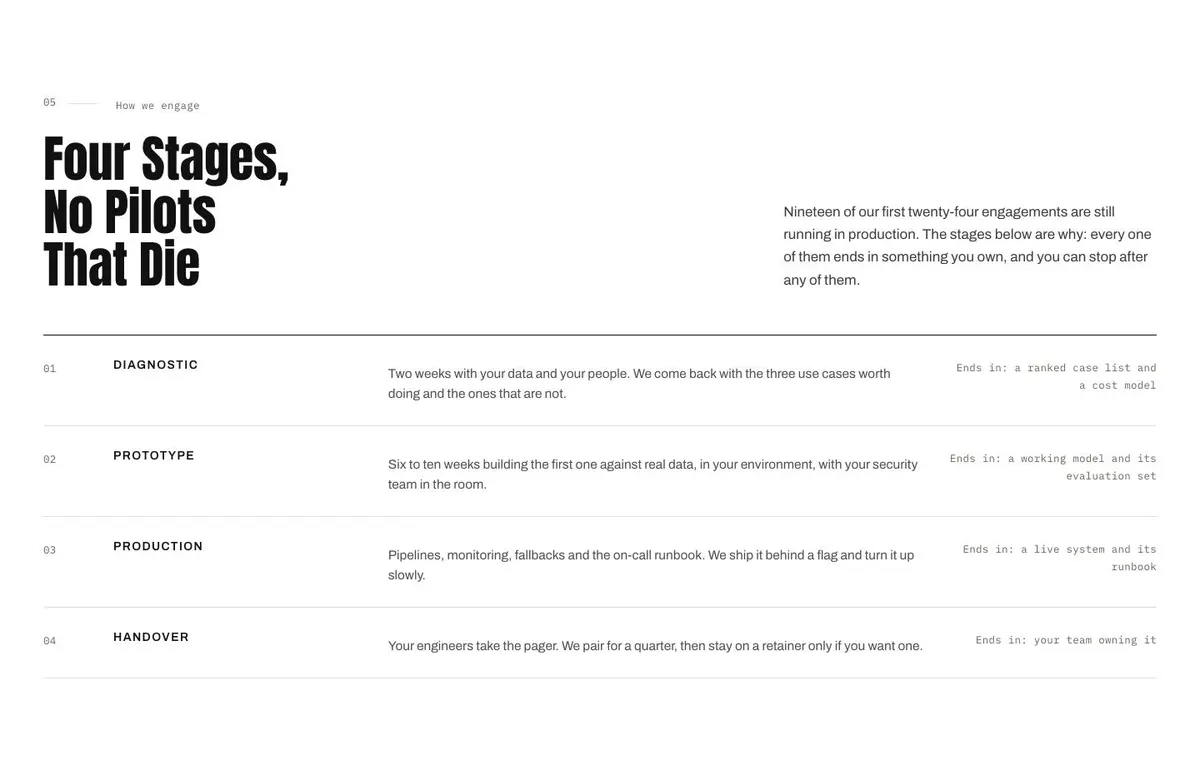
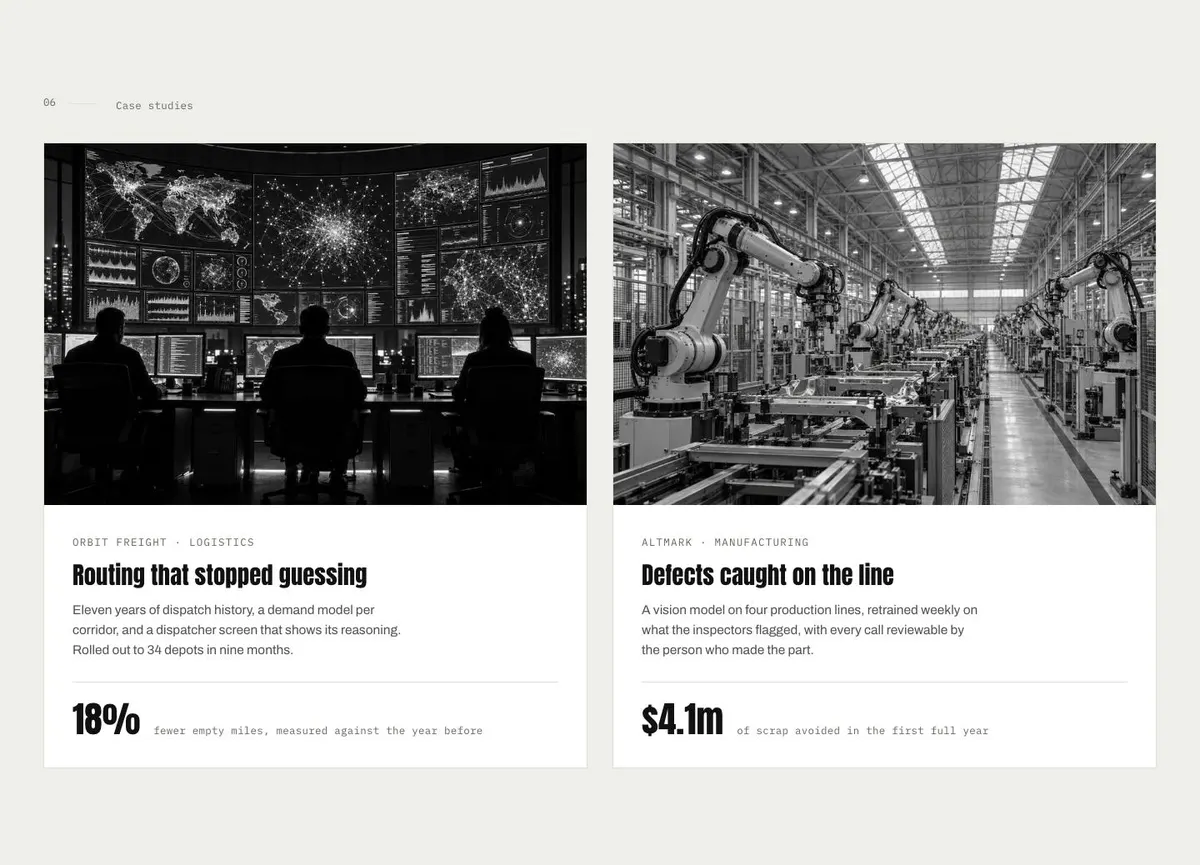
Before publishing, prepare one clear opening statement and a supporting explanation of what the firm does. Write the research and services descriptions in language a prospective client can recognise. Map the four engagement stages, including what the client receives after each one. Select two cases with enough detail to describe the problem, approach and result honestly.
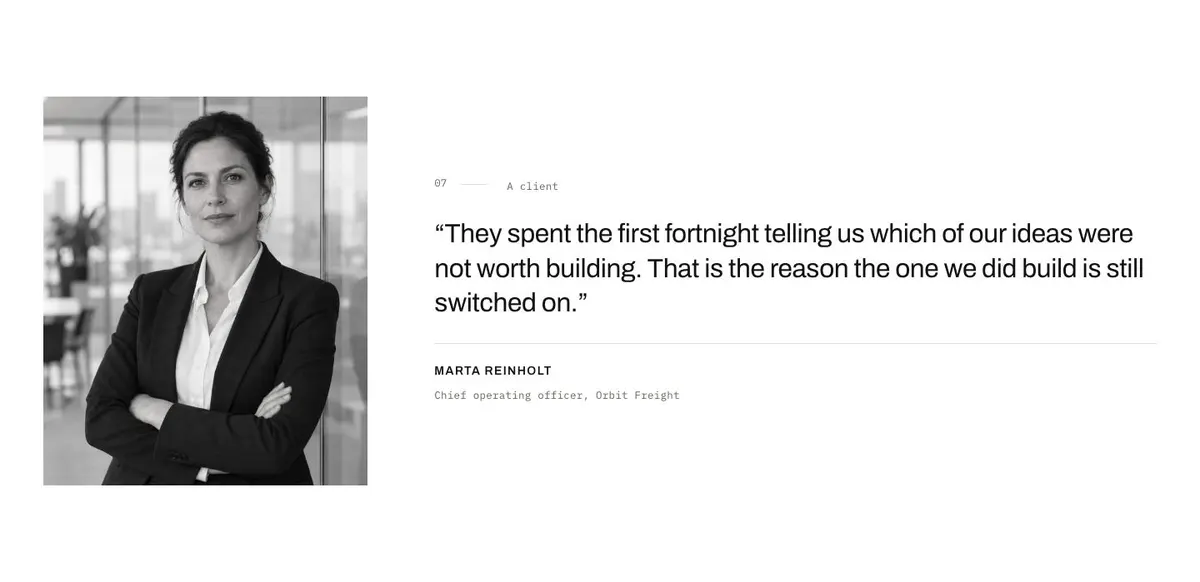
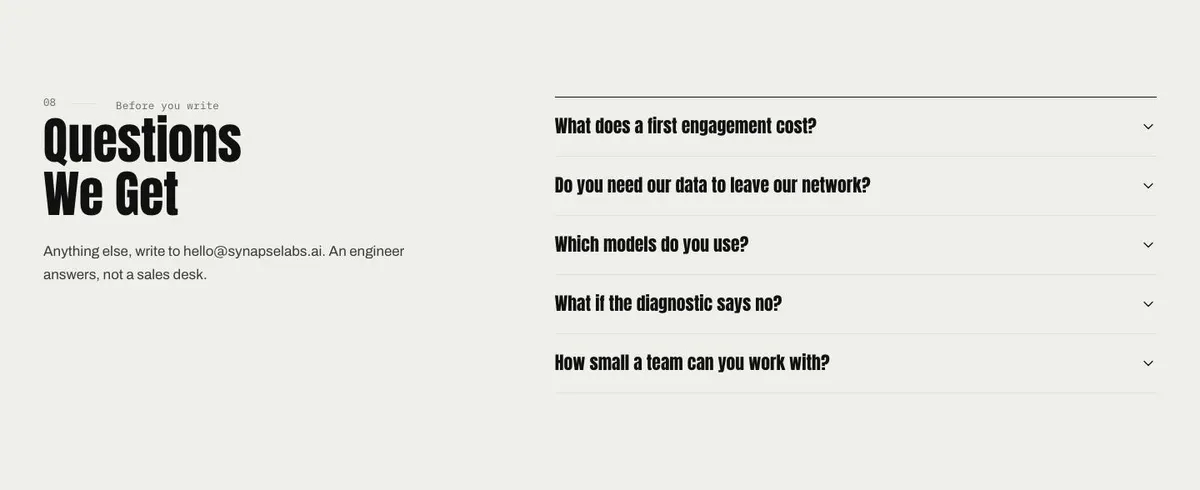
Also prepare a client quote, answers for the questions accordion and the contact response process. Gather the 20 photographs before the page is assembled, including images for clients, research, services, cases and the closing band. Decide who receives enquiries and whether the promised response time can be maintained.
Variations for neighbouring technical trades
A data consultancy can make Research about data quality, modelling and operational use, then make Cases about decisions or forecasting. An AI consultancy can focus Services on strategy, deployment and the work needed to run models in production. A research lab can give more weight to the research practice points, while still explaining what practical implementation looks like.
A security-focused firm can use the same structure for technical assessment and engineering work, but should replace AI-specific language throughout. The process stages and questions should reflect how that firm works rather than borrow claims from the demonstration copy.
When another template fits better
For an AI product that answers inbound enquiries, the AI Inbound Agent is worth considering. For a technical business whose main offer is building websites, see the Website Builder Studio.
For work centred on AI-made video, the Creative Video AI is a nearer subject match. For a more restrained grid-led presentation, consider Swiss Grid. Browse the wider saas template collection for other starting points.
Before you publish
- Check that every technical claim can be supported.
- Make each process stage end in a clear client outcome.
- Use photographs that belong to the work being described.
- Test who receives and answers the enquiry form.