For an early-bird course offer that needs a deadline
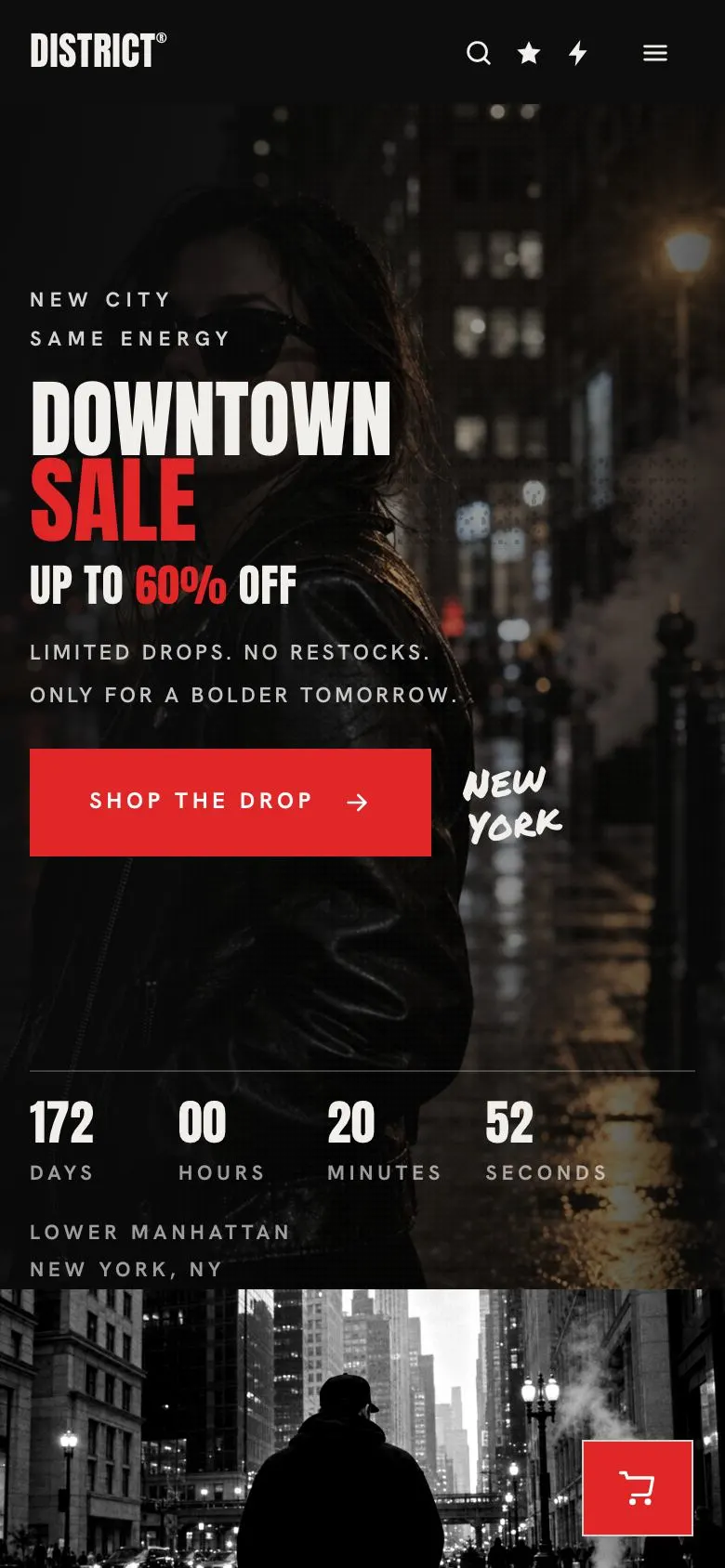
Someone searching for a Course Early-Bird Enrolment page needs one clear thing: a reason to enrol now rather than return later. They need to explain the course, state the saving or offer, and make the deadline credible. This design does that through a prominent opening offer, a countdown and repeated opportunities to move towards an order.
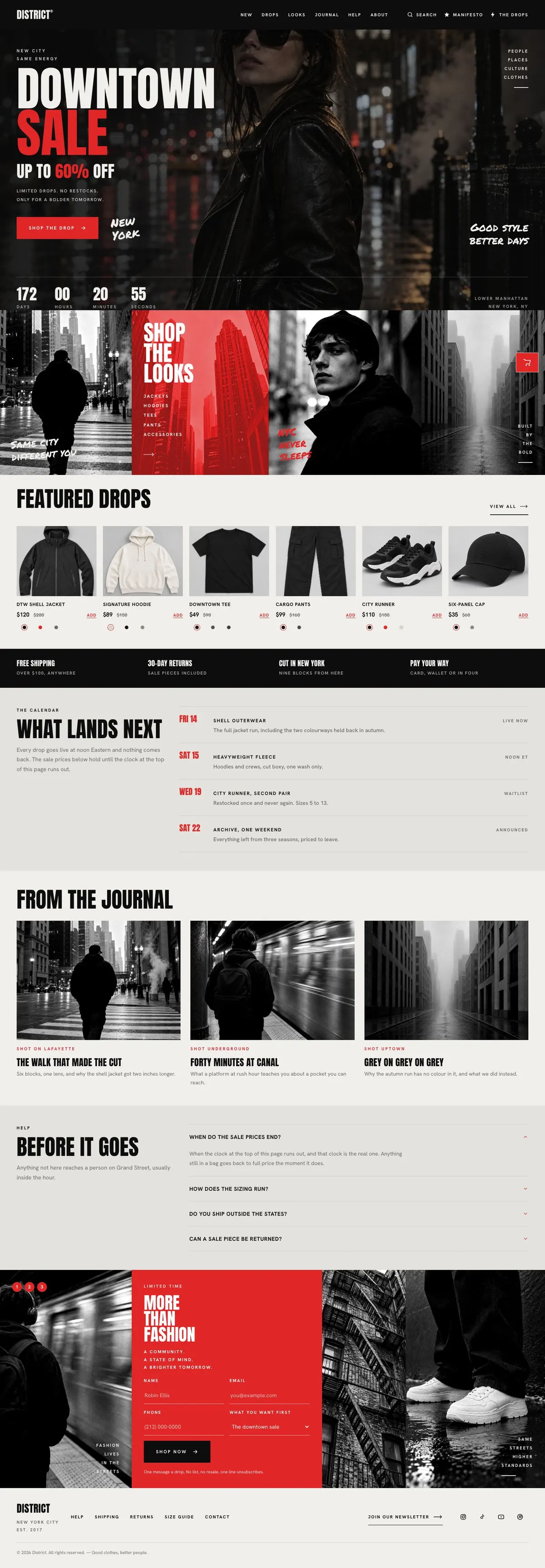
The demo behind this template was made for a sale or drop rather than education. That is worth knowing before starting. Its dark, poster-led approach can suit a course with a strong visual identity, such as a creative programme, coaching series, skills workshop or sports training intake. It is less natural for a course that needs detailed curriculum pages, staff profiles or a broad learning catalogue. For a more conventional education layout, see the Course Enrolment template.
A generic course page often treats the deadline as a small note beside a standard sign-up button. That undersells an early-bird offer. Here, the opening message and the clock give the offer a central role. The business still needs to earn that urgency with accurate dates, a real enrolment price and an explanation of what the learner receives.
Adapting the design
This is a poster-collage design with uppercase headings. It uses Anton for display text and Hanken Grotesk for body copy. The available font pairings also include Permanent Marker with Hanken Grotesk, and Oswald with Hanken Grotesk. Anton and Oswald can help keep short headings direct; Permanent Marker changes the tone and should fit the course subject before it is chosen.
There are Red, Cobalt, Violet and Amber colour schemes. Select one that works with the course materials and photographs, rather than choosing a colour only because it feels urgent. The design also uses rounded corners and a light ground, while its reference approach combines strong poster text with photographs placed closely together.
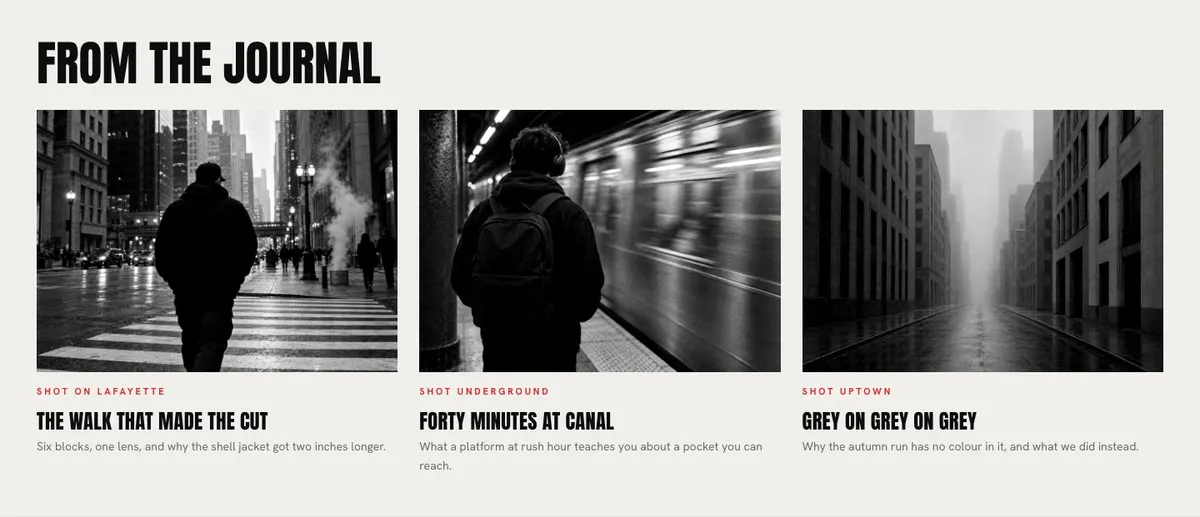
The finished page needs 17 photographs. They appear in the Hero, Looks, Drops, Journal and Manifesto bands. Plan them as one set rather than collecting images band by band. A course page will be more believable if the photographs show a consistent teaching environment, learner group, subject matter and visual tone.
Writing it for your business
Starting from a template costs no credits. Rewriting the copy with AI costs about 20 credits. A useful brief names the course, the intended learner, the intake date, the early-bird deadline, the price or saving, and the action the reader should take.
It should also name the facts that make the offer trustworthy. Include the course format, what the learner will work on, what happens at the end of the course and the questions the business receives most often. If the page uses a countdown, state exactly what ends when it reaches zero. The AI can then rewrite the sale-led demo language without leaving retail terms in an education page.
What to prepare first
Write the early-bird offer before choosing photographs. The business needs a short course name, a precise deadline, the enrolment route and a clear explanation of the next intake. Prepare the copy for the Hero, the practical promise, the timetable and the final form section.
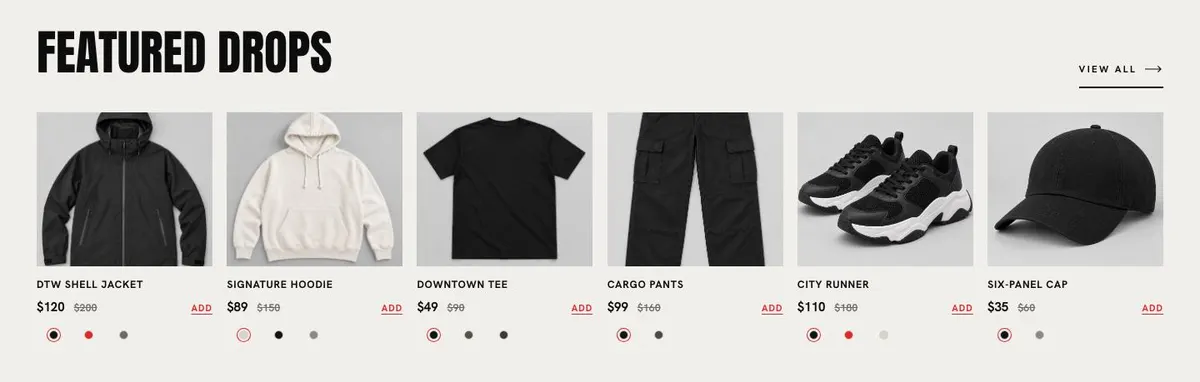
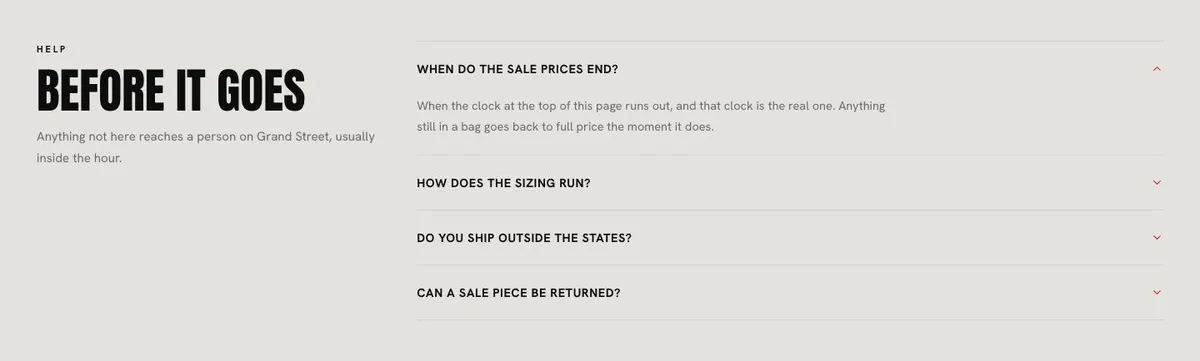
Gather the 17 photographs with their intended band in mind. Prepare images for the opening, the four-image course introduction, the featured enrolment area, the journal and the final section. Draft the accordion answers after listing the objections that commonly stop people from enrolling. Check that every answer agrees with the course terms and dates used above.
Variations for nearby offers
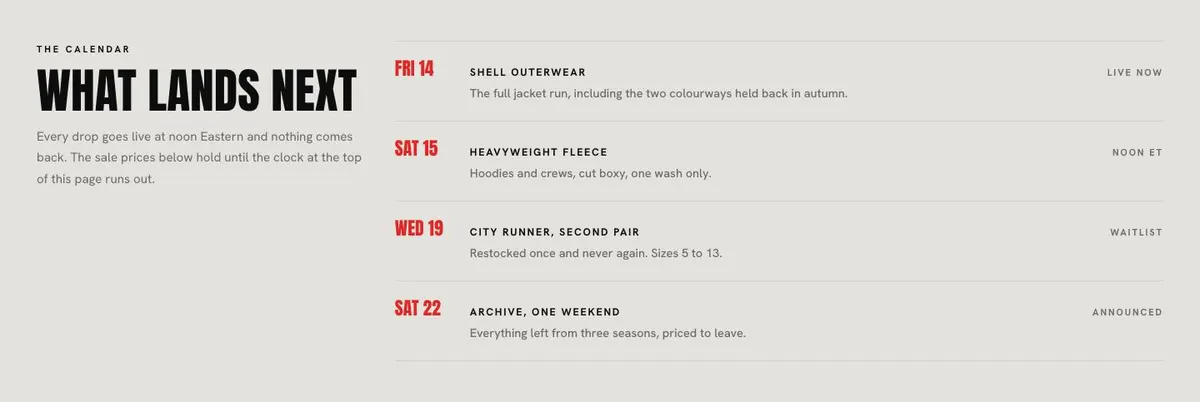
A creative workshop provider can use the page to make a forthcoming cohort feel immediate. The photographs should show the process and finished work, while Calendar should state the session dates clearly. A sports coaching programme can use the same structure for a seasonal intake, with images focused on training and the Questions section covering practical attendance concerns.
A live entertainment school or music tuition programme can frame the early offer around a new term. In that case, use Journal for performance or rehearsal material and make the order choice describe the actual available programme. If the business is selling a course bundle rather than a single early-bird place, the Bundle And Save template is a closer starting point.
When another template fits better
The Course Enrolment template is the better choice for a straightforward course sign-up page without the sale-led framing. The Learning Platform template fits a broader learning product. The Summer Camp template is worth considering for a seasonal programme aimed at younger learners. The Preschool template is more appropriate for an early-years setting. Browse the courses and education hub for related starting points.
Before you publish
- Check that the countdown ends at the stated early-bird deadline.
- Check that every order button leads to the intended enrolment action.
- Check that course dates match the Calendar copy and questions.
- Check that all photographs belong to the same course offer.