A Black Friday home sale page that gives the offer a deadline
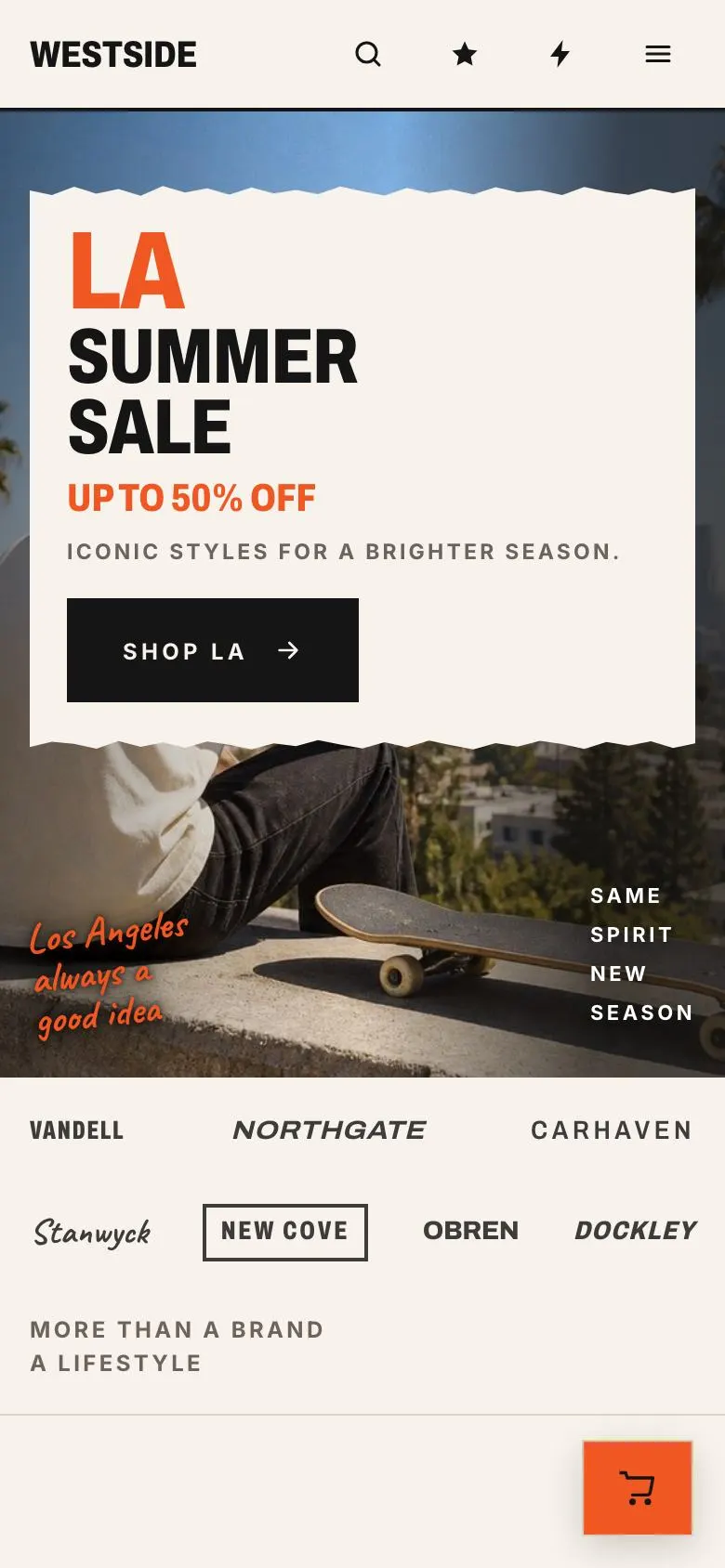
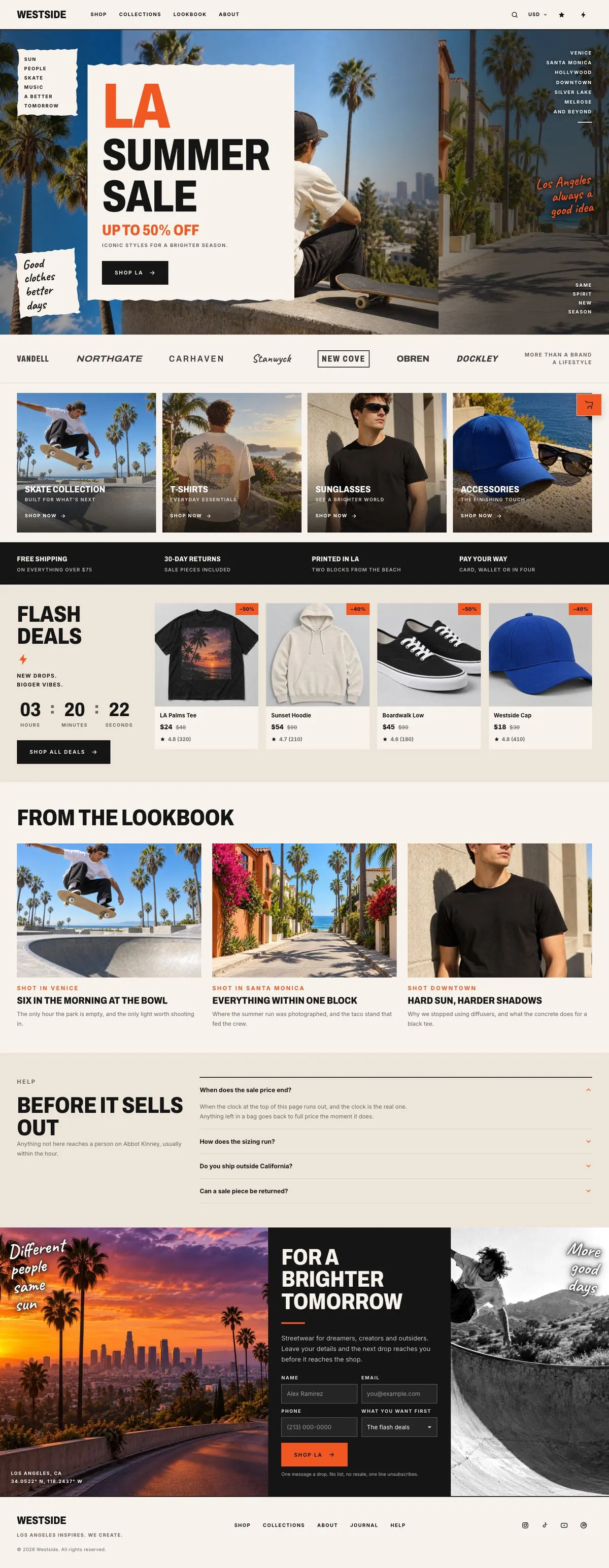
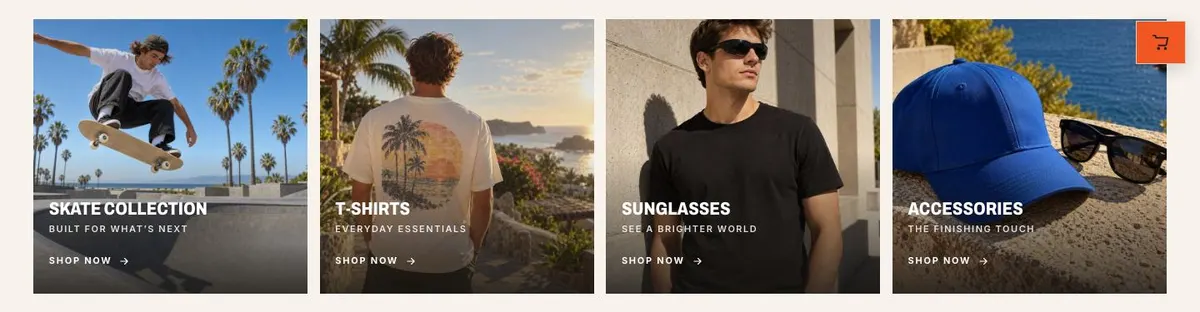
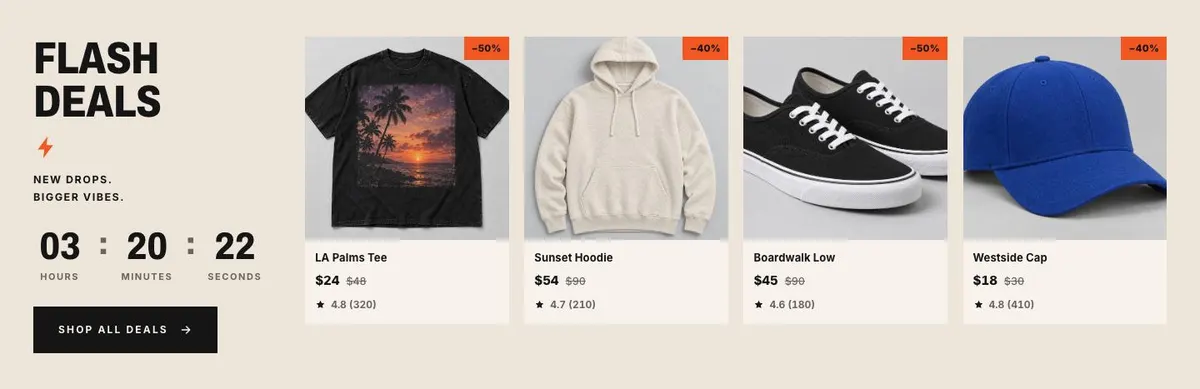
Someone searching for a Black Friday Home Sale page needs to make a temporary offer easy to understand and difficult to put off. They need to show what is reduced, where to start shopping and how long the sale remains open. This design does that through a sale-led opening, collection routes, product-led deals and a countdown.
The mock-up uses a streetwear setting, but the structure is not limited to clothing. It can serve a homeware clearance if the sale can be organised into clear collections and supported with product photographs. The page is built for a purchase journey and includes an order form. It does not provide a separate gift-focused route; for that, the Holiday Gift Sale template is the closer choice.
A generic shop page can make a Black Friday offer feel like one message among many. Here, the campaign has its own opening statement, its own deal area and its own time limit. That gives a retailer room to name the reduction plainly, direct visitors to the relevant stock and keep the campaign distinct from the rest of the catalogue.
Adapting the design to the sale
The template offers Sunset, Acid, Magenta and Electric colour schemes. Choose one that keeps the campaign recognisable while allowing the offer and product photography to remain clear. A homeware retailer may select the scheme that works best with its stock photography; a skate or music business may prefer the option that better matches an existing campaign identity.
Archivo is the display face and Inter is the body face. The alternatives are Archivo with Inter, Caveat with Inter, and Oswald with Inter. The display type is especially important here because the headings carry the campaign voice. Select a pairing, then write headings short enough for that voice to stay direct.
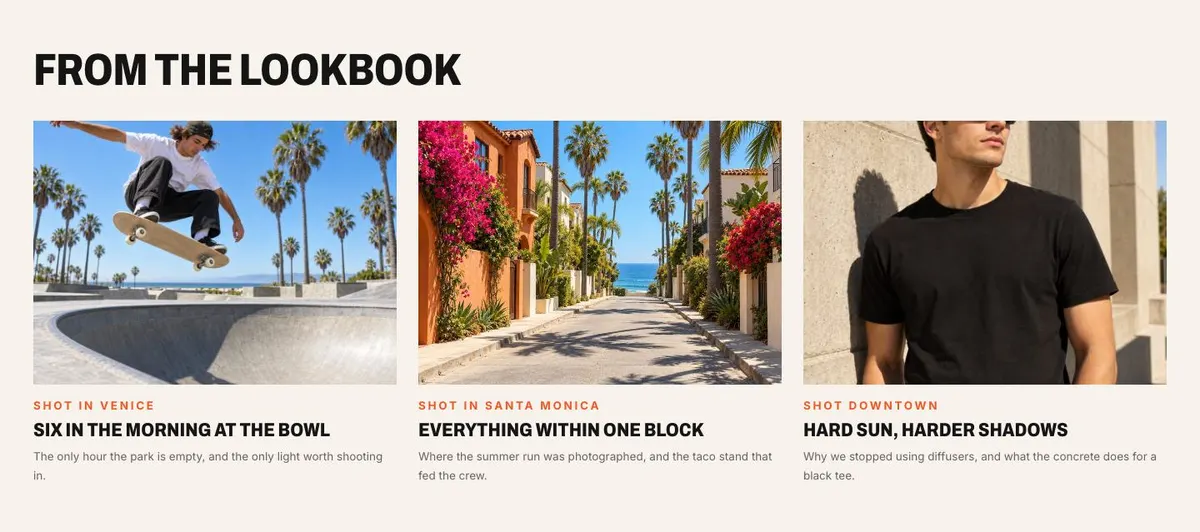
The page needs sixteen photographs. Three appear in Hero, four in Shop, four in Deals, three in Journal and two in Brighter. Prepare them as one campaign set rather than collecting unrelated product shots. The early images should make the range legible, the Deals images should make featured items desirable, and the later images should give the page a setting and a reason to remain in touch.
Writing it for your business
Starting from this template costs no credits. Rewriting the copy with AI costs about 20 credits. A useful brief names the business, the sale dates, the main offer, the included collections, the real delivery or order terms, and the deadline that should drive the countdown.
It should also say who the sale is for and what customers should do first. If the campaign has a particular tone, describe it in ordinary terms and provide existing phrases that must remain. Do not ask the copy to imply a saving, delivery offer or response time that the business cannot support.
For the final form band, name the kind of future update subscribers will receive. For Questions, list the genuine uncertainties customers raise before ordering. Good source material gives the page something definite to say at every stage.
What to prepare first
Start with the sale name, opening offer and the date and time the flash-deal countdown ends. Decide which collections appear in Shop and which products or ranges receive attention in Deals. Confirm that the button destinations match those choices.
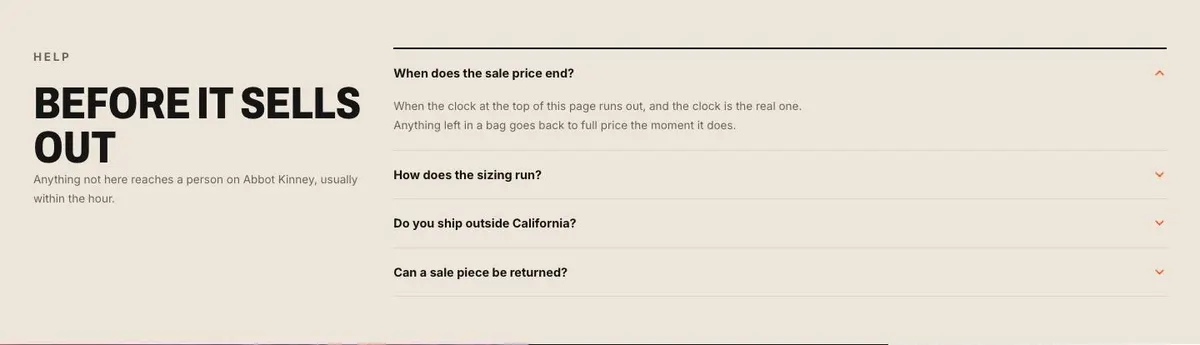
Then gather the sixteen photographs and assign them to their bands. Write the order promise for Promises, only using terms that apply to this campaign. Prepare answers for the accordion, including stock, delivery, returns and sale conditions where relevant.
Finally, write the form invitation for Brighter. It should tell people why leaving their details is worthwhile after the Black Friday sale has finished. This is also the point to check that the next-drop message matches the business’s actual plans.
Variations for neighbouring trades
A homeware outlet can turn Shop into rooms or product types, such as seating, tables, lighting and textiles. Deals can then feature the clearest reductions, while Journal can show how the pieces sit together in a home.
A skate or bike brand can organise Shop around equipment, clothing and accessories, with Deals focused on selected stock. The lookbook can show the setting around the products, provided the sale remains the central message.
A record shop or gig-poster print seller can use collections for formats, artists, editions or poster ranges. The countdown becomes particularly useful when a limited promotion ends at a known time.
When another template fits better
Choose Bundle And Save when the offer depends on customers buying grouped products rather than browsing a sale. Choose Dated Flash Sale when the fixed end date is the main organising idea.
The Sneaker Release Campaign is a closer fit for one footwear launch rather than a broad markdown. The Music Release Promotion better suits a release-led campaign. Browse the ecommerce template collection for further shop pages.
Before you publish
- Check that the sale name, saving and end time agree across the page.
- Check that each collection and deal button leads to the promised stock.
- Check that delivery and sale terms are current.
- Check that every photograph belongs to the same campaign.