A Black Friday early-access page for the list before the sale
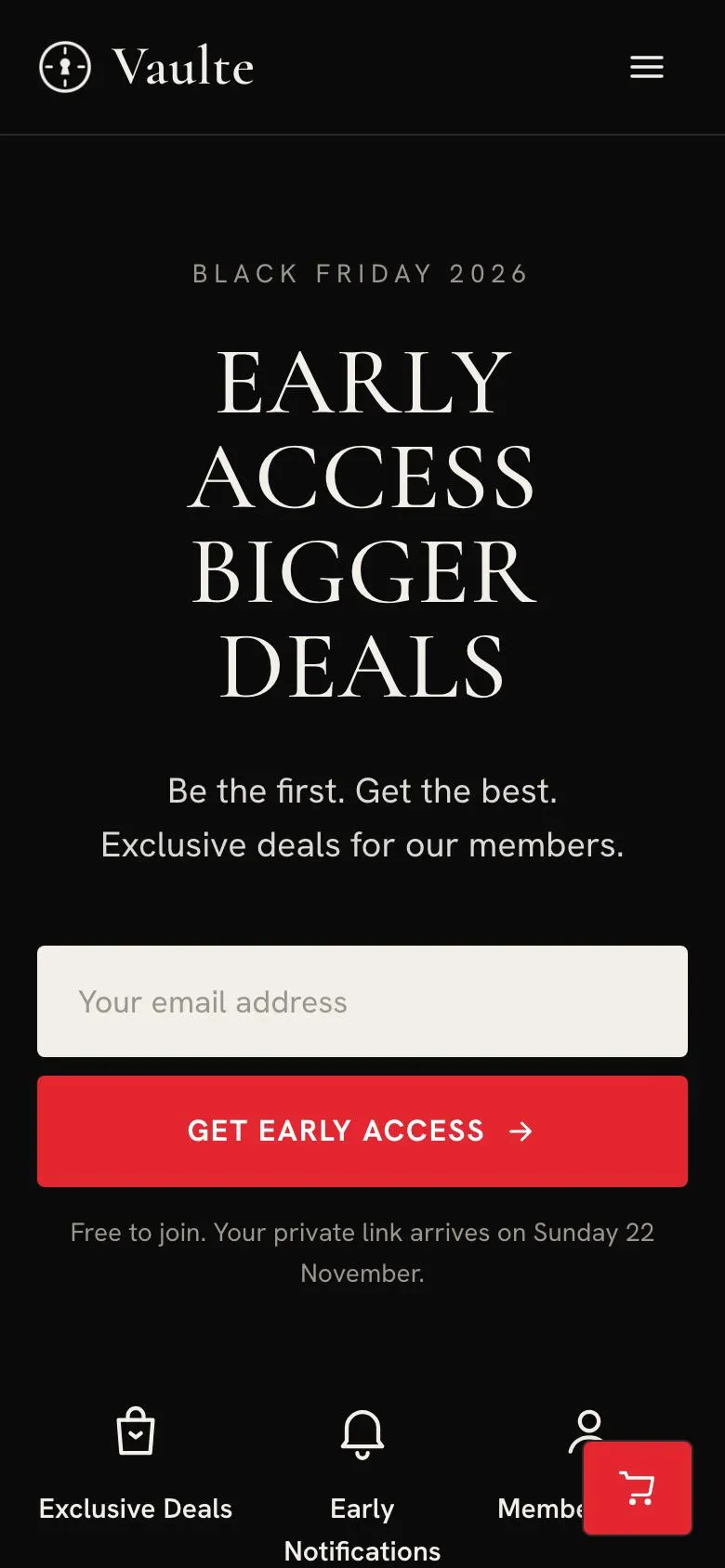
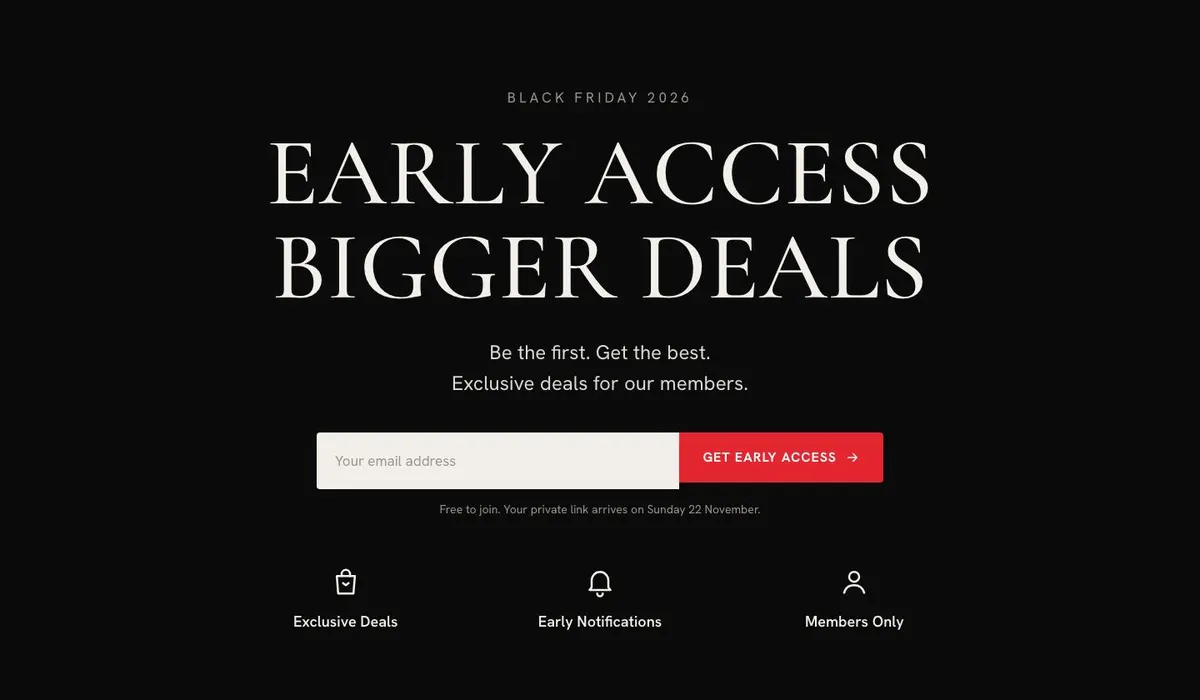
Someone searching for a Black Friday Early Access page needs more than a general sale announcement. They need to explain why joining now matters, what members receive before the public sale begins, and when the private window opens. This design does that through a quiet, member-led route from the opening promise to the final waitlist invitation.
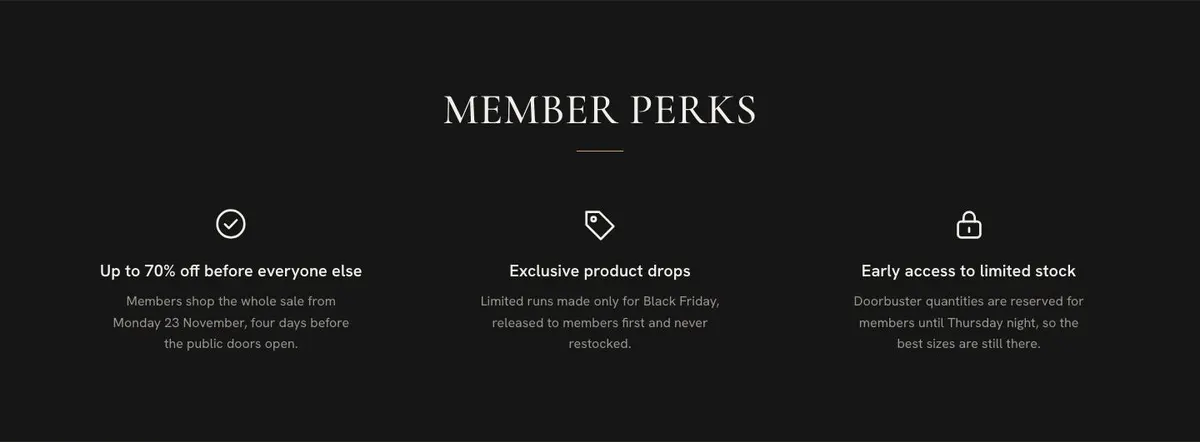
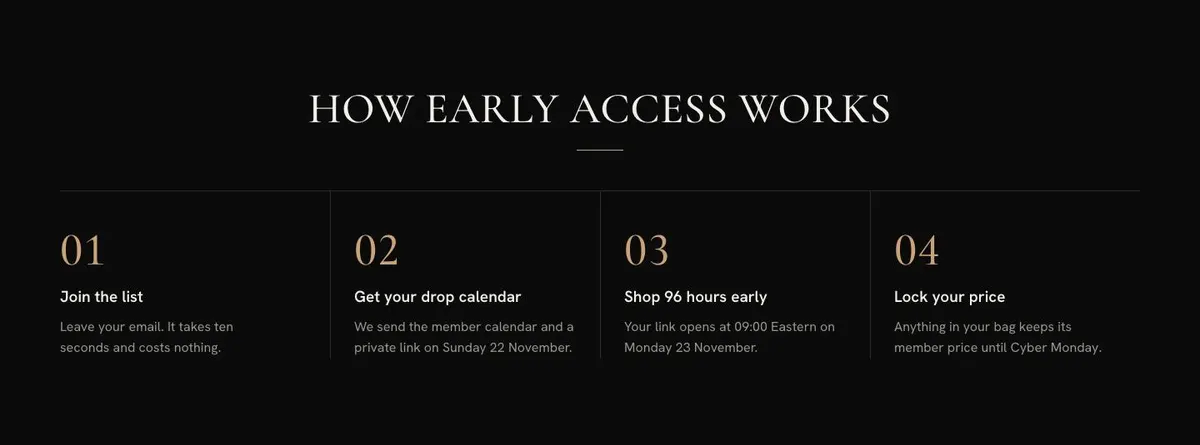
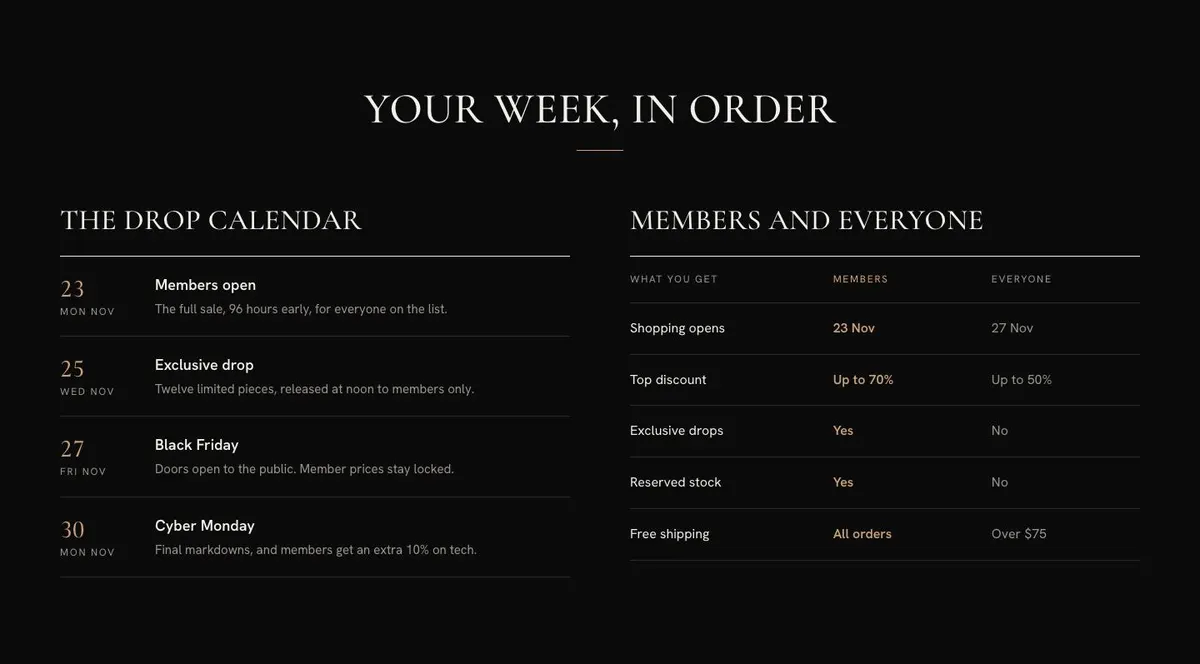
It is built for a retailer or brand with a sale worth planning for. The page gives space for an early-access message, a countdown, member perks, selected products, a schedule, participating houses and answers about the list. That matters when the offer is access before everyone else rather than a discount available to all visitors immediately.
The page does not provide a full marketplace-style shopping journey. If the sale needs a wider catalogue-led format from the start, consider the Black Friday Marketplace template instead.
Adapting the design to the sale
The template is available in Vault red, Champagne, Emerald and Ivory schemes. The existing direction uses a dark setting with a serif display face and a clean body face, which fits a restrained private-access message. Choose a scheme that supports the brand and the event, rather than changing colours simply to make the sale louder.
The default type pairing is Cormorant Garamond with Hanken Grotesk. Alternatives include Playfair Display with Hanken Grotesk, or Mulish with Hanken Grotesk. The display face should carry the key promise and section headings, while the body font should keep dates, access terms and pricing explanations clear.
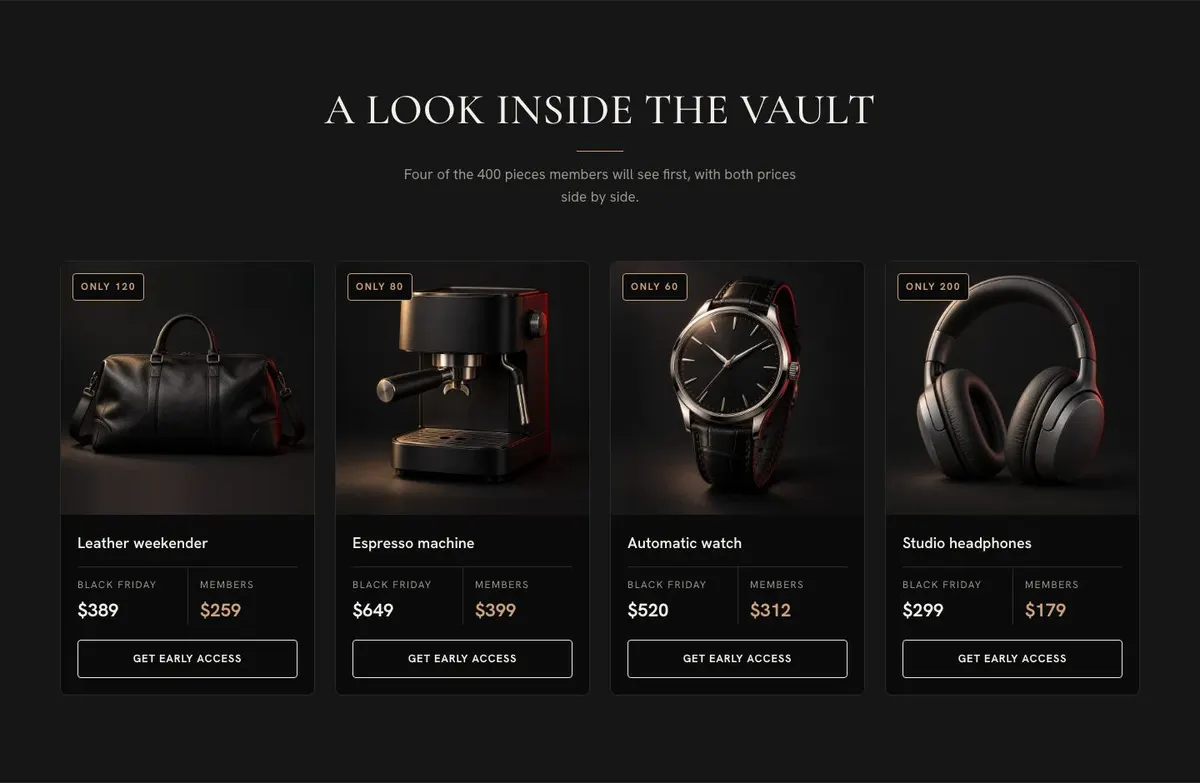
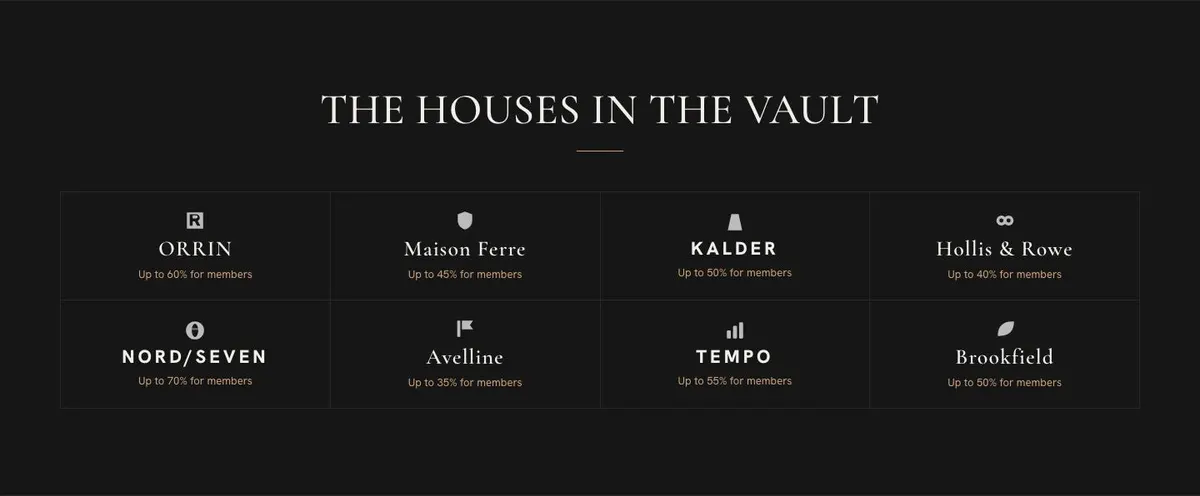
Prepare 16 photographs for the template. Images appear in the early Black Friday statement, the product preview, the houses section, the customer quote and the closing waitlist card. Prioritise product imagery that can support the preview and brand imagery that makes the sale range clear. Keep the image set consistent enough that the page feels like one event rather than a collection of unrelated campaign assets.
Writing it for your business
Starting from this template costs no credits. Rewriting the copy with AI costs about 20 credits. A useful brief names the business, the kind of sale, the true member benefit, the private and public dates, the products or brands involved, and the one action the page should drive.
It should also name any limits that need careful wording. For example, say whether the sale applies to selected lines, whether prices are member-only, and whether the list is for a preview, a private shopping window or a drop notification. The clearer the brief, the less likely the rewritten copy is to overstate the offer.
What to prepare before publishing
Write the opening access promise first. Then prepare the real dates for the countdown and calendar, the explanation of how access works, and the member benefits. Gather the products to feature with their correct comparison prices, plus the brands or collections that belong in the sale.
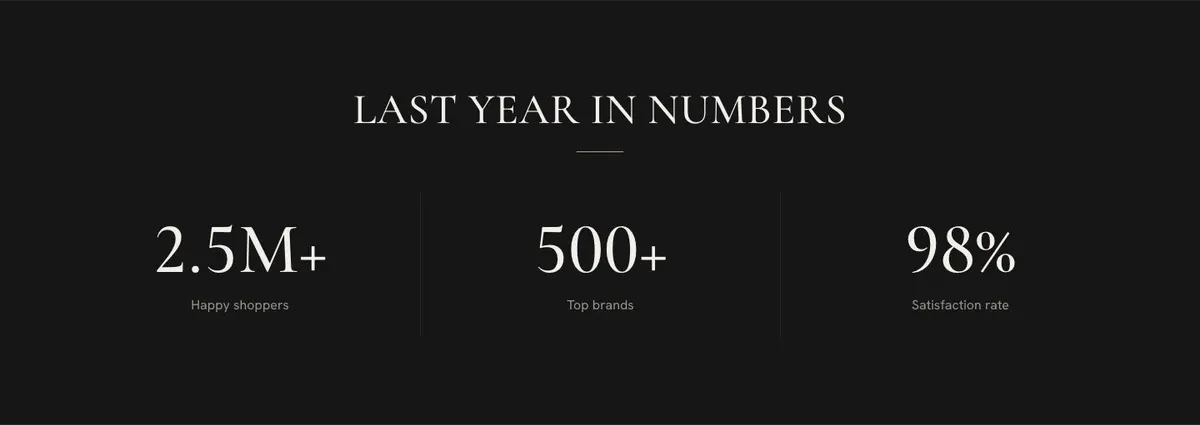
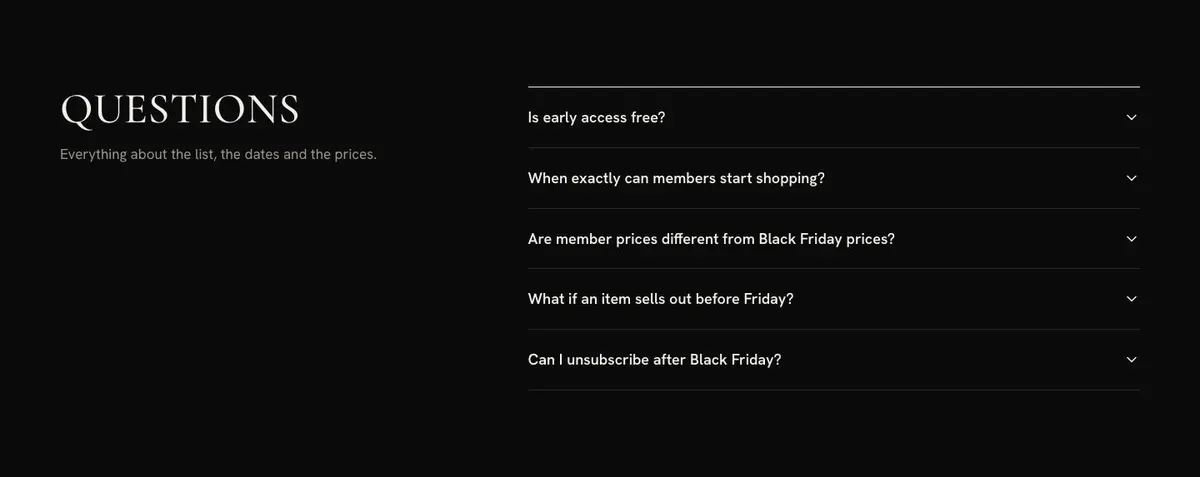
Prepare the photograph set before finalising the text, because the preview, houses, quote and final card all depend on it. Obtain approval for the testimonial and check any previous-sale figures used in “Last year in numbers”. Finally, write the FAQ around the questions customers genuinely ask about joining, timing and prices.
Variations for nearby retail offers
A fashion retailer can use the preview for the key categories or labels expected in the private sale, then use the houses section for participating designers. The calendar should make the first member shopping date unmistakable.
A direct-to-consumer brand can make the page about a product-drop waitlist rather than a broad multi-brand event. In that case, adapt the houses section into ranges or collections, and make the access process explain when drop information is sent.
A members club can keep the member-led language and use the calendar to show its private window. Its FAQ should be especially clear about who qualifies for access and how dates relate to the public sale.
When another template fits better
If the main message is a large public sale rather than a list, use Black Friday Mega Sale. If urgency is about the final opportunity rather than early entry, choose Black Friday Last Chance.
For a more premium brand-led event, see Black Friday Premium Brands. For access that is primarily about membership rather than Black Friday, consider Private Members Access. Browse the wider ecommerce collection for other retail formats.
Before you publish
- Check the countdown, calendar and access dates agree.
- Confirm every featured price and saving is correct.
- Make the member benefit specific and deliverable.
- Test the waitlist route behind both calls to action.