A holiday sale page for a release, not a discount rail
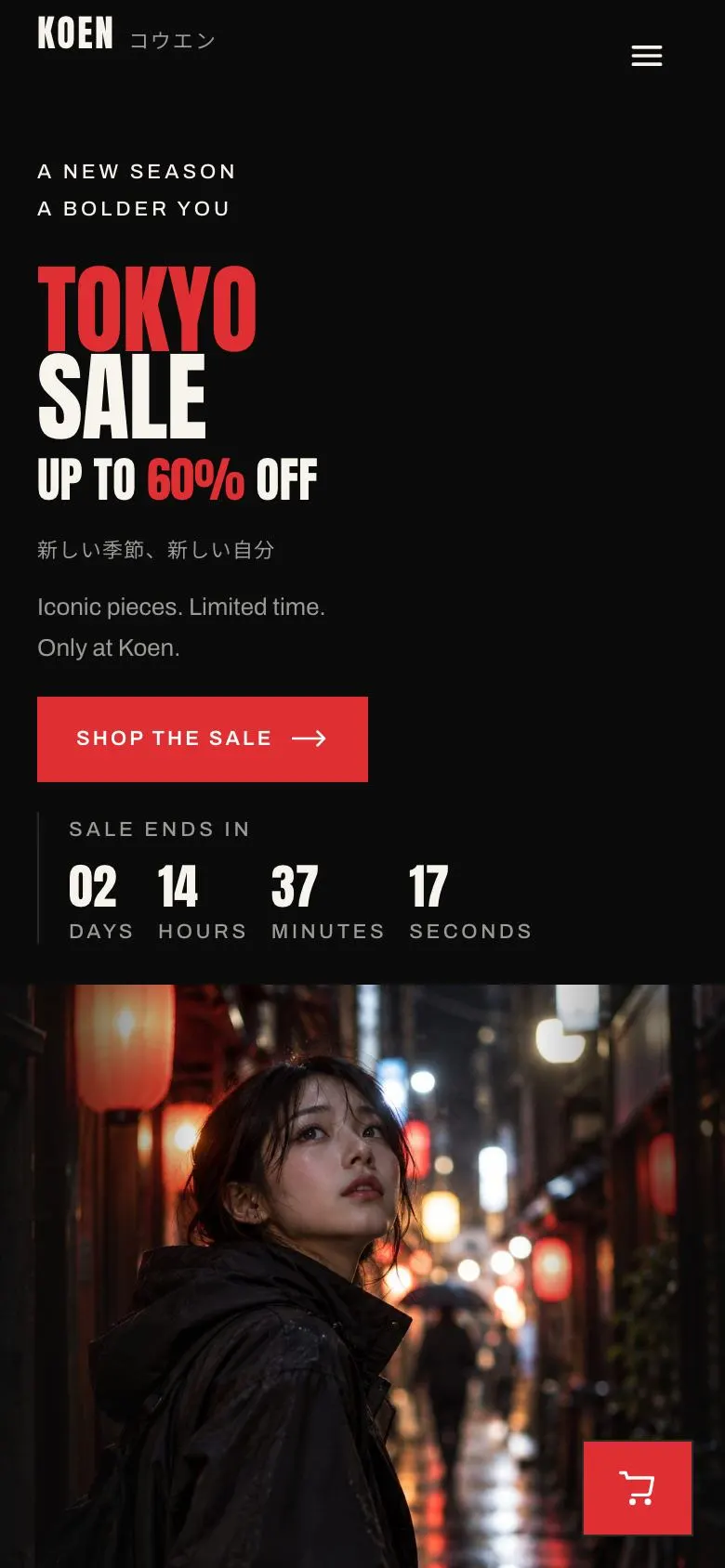
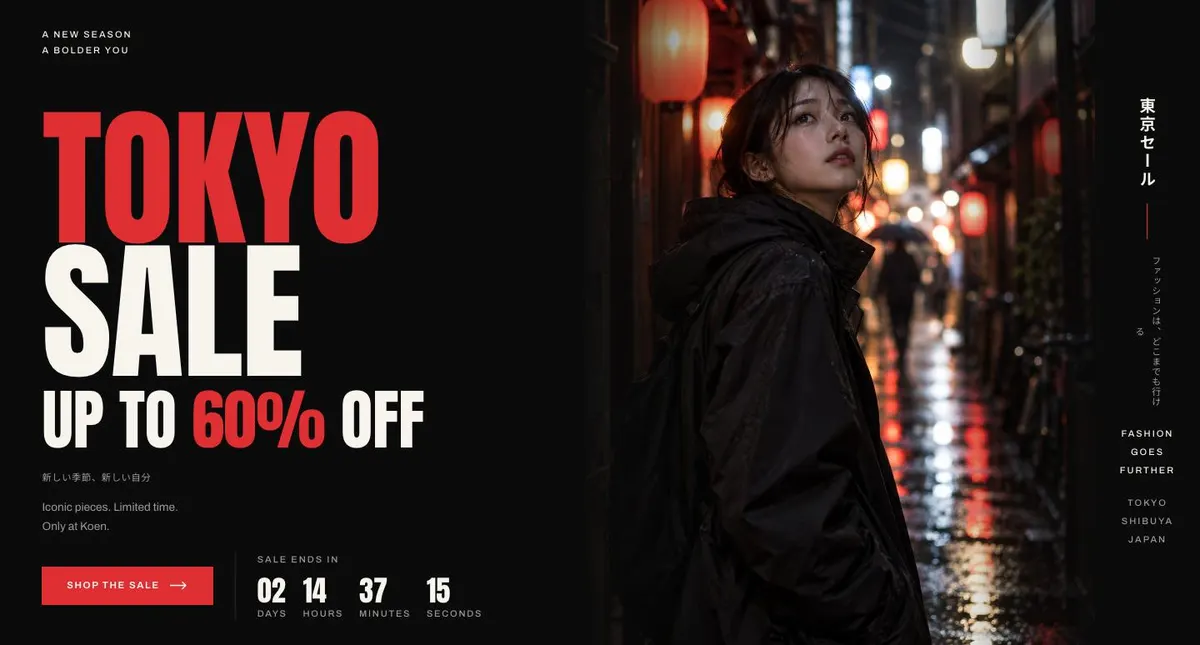
Someone searching for a Holiday Gift Sale page needs to make the offer clear before the seasonal noise takes over. Shoppers need to see what is reduced, how long the sale lasts and where to begin. This design does that with a large opening statement, a countdown and a direct route to the sale.
It is built for a label whose promotion has a point of view: streetwear, technical outerwear, sneakers, skate goods, music merchandise or limited-run objects. A generic shop page can place reduced items among everything else. That undersells a short sale with selected pieces, a fixed end point and a particular visual identity. Here, the sale has its own sequence and its own editorial space.
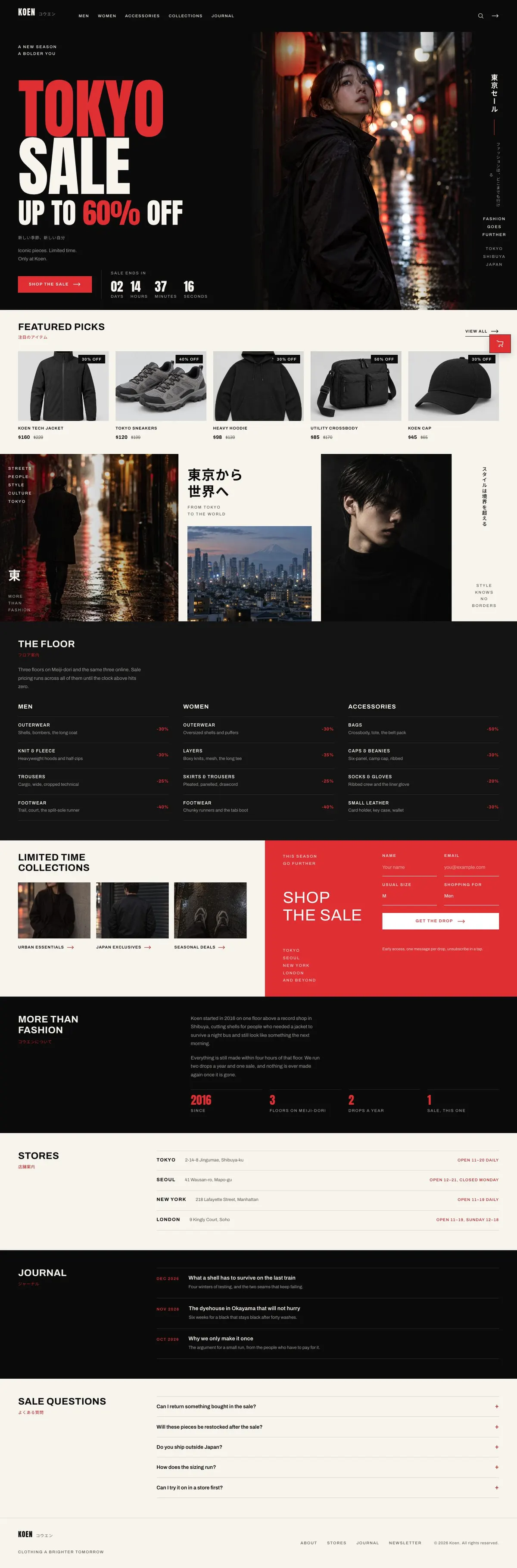
The mock-up uses a Tokyo streetwear setting, but the structure is not tied to that business. Replace the language, products, locations and photographs with the material that belongs to the sale. The page supports product selection and store information; it does not show a dedicated gift guide or gift-card section. If the main offer is a sneaker launch rather than a broader seasonal sale, the Sneaker Release Campaign template is the closer starting point.
Adapting the design without changing its purpose
The template is available in Crimson, Ember, Acid and Cyan. Each scheme keeps the same three-value approach, making the accent colour the main decision. Choose a colour that belongs to the sale campaign and remains consistent across the opening message, product imagery and final section.
Its display type is Anton and its body type is Archivo. The available pairings also include Noto Sans JP with Archivo and Oswald with Archivo. The large headings are uppercase, so short sale names and short collection labels will read more naturally than long sentences.
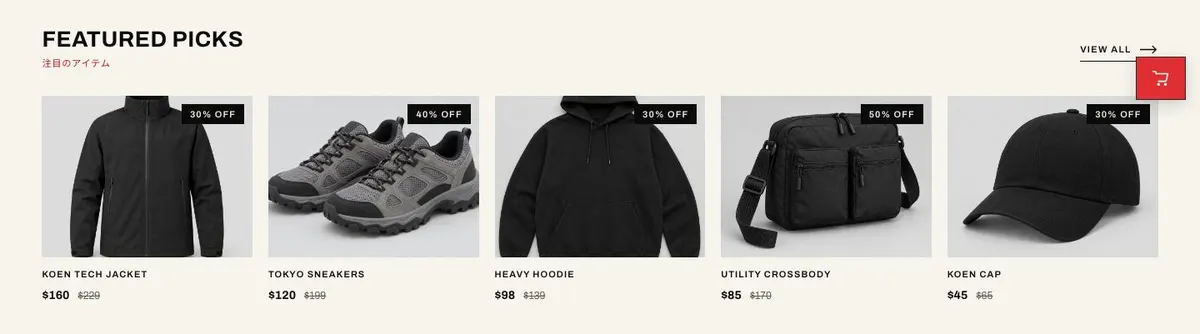
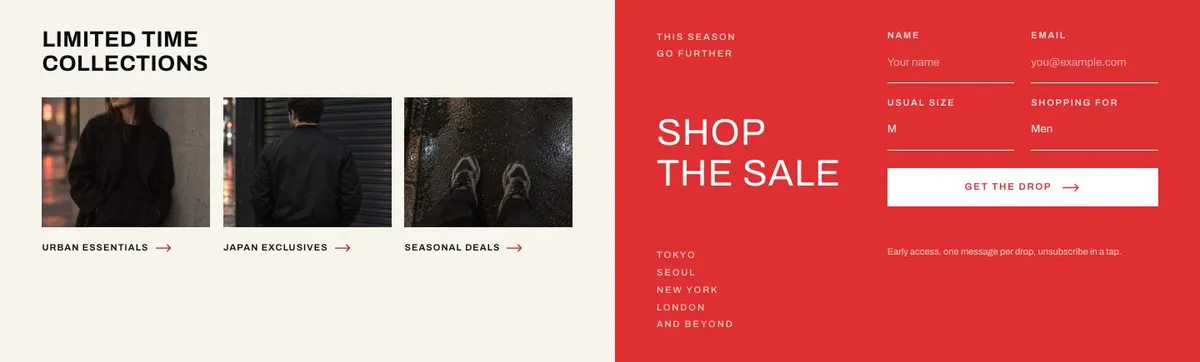
Prepare twelve photographs. One belongs in the Hero, five support the featured sale picks, three sit in the Logo strip and three are used for Collections. Plan them as one campaign set rather than gathering unrelated catalogue images. The page is dark and photo-led, with square corners, so image choice will do much of the work of making the release recognisable.
Writing it for your business
Starting from this template costs no credits. Rewriting the copy with AI costs about 20 credits. A useful brief names the business, the exact holiday sale, the saving or price approach, the products being featured, the end date, the stores and the tone of the campaign.
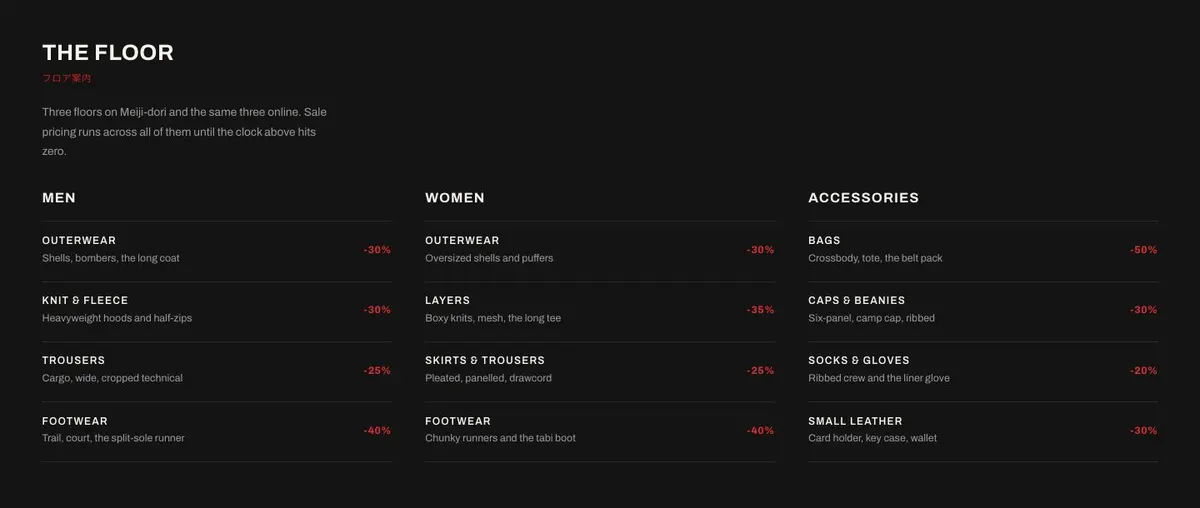
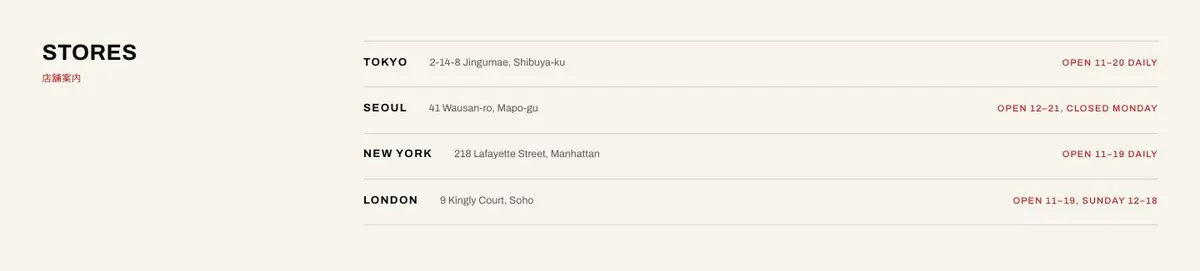
It should also say which parts of the mock-up do not apply. For example, a web-only maker may not need Floors or Stores, while a retailer with several branches should give the real details for each one. State whether the second language line is needed. Name the journal subjects if those links are staying in the page.
What to prepare first
Write the sale name and the sentence beneath it before working on the longer sections. Confirm the offer and the end point behind the countdown. Select the featured products only after their sale pricing and buying routes are settled.
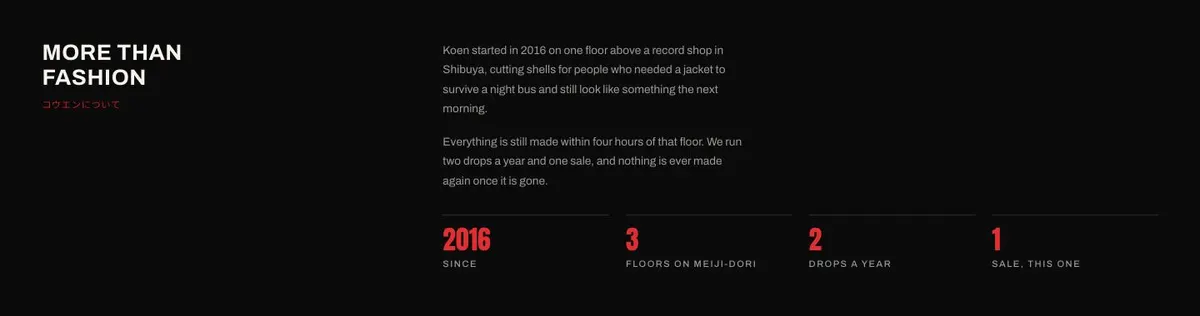
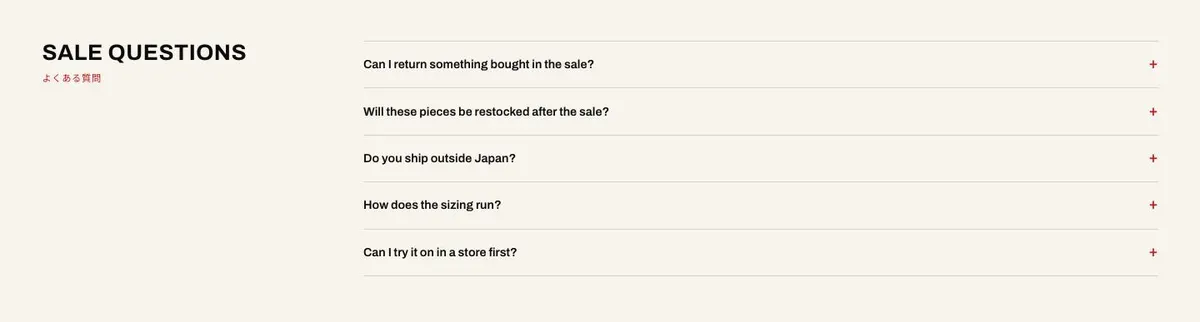
Then gather the campaign photographs and write the material that depends on real operations: collection names, the floor guide, store details and sale answers. The About section needs a few concrete statements about the business, not a history of every collection. Journal entries need titles and short descriptions that match published or planned content.
Finally, decide what the Collections form is for and supply the wording around it. Every claim on a sale page should match the promotion as it will run. This is particularly important where stock, shop locations and the closing time may change.
Variations for neighbouring trades
A sneaker shop can make the Hero about the seasonal reduction and use Featured picks for the pairs with confirmed sale prices. Collections can separate footwear, apparel and accessories. If the campaign is centred on one release date rather than a wider sale, use the Sneaker Release Campaign template instead.
A skate or music shop can use the Logo strip for scene imagery and Floors for the real division between decks, clothing, records, equipment or event areas. Journal can carry release notes and shop news. Store details become especially useful when stock is available in person.
A limited-drop maker can keep the product selection tight, use Collections for small related groups and make the Questions section precise about the sale. If the first task is collecting interest before the drop, rather than directing visitors to buy, the Waitlist Drop template better matches that job.
When another template fits better
The Nightlife Apparel Shop template is worth considering for apparel rooted in a nightlife setting rather than a single holiday promotion.
The Bundle And Save template is the better fit when the offer depends on grouped products and combined savings.
The Hotel Flash Deals template is for time-limited stay offers, not product sales.
For more retail starting points, visit the ecommerce template collection.
Before you publish
- Check that the countdown matches the sale end point.
- Confirm every featured product has its final sale details.
- Replace all store and floor information with current details.
- Read the sale questions against the terms of the promotion.