A sale page for a drop that has a deadline
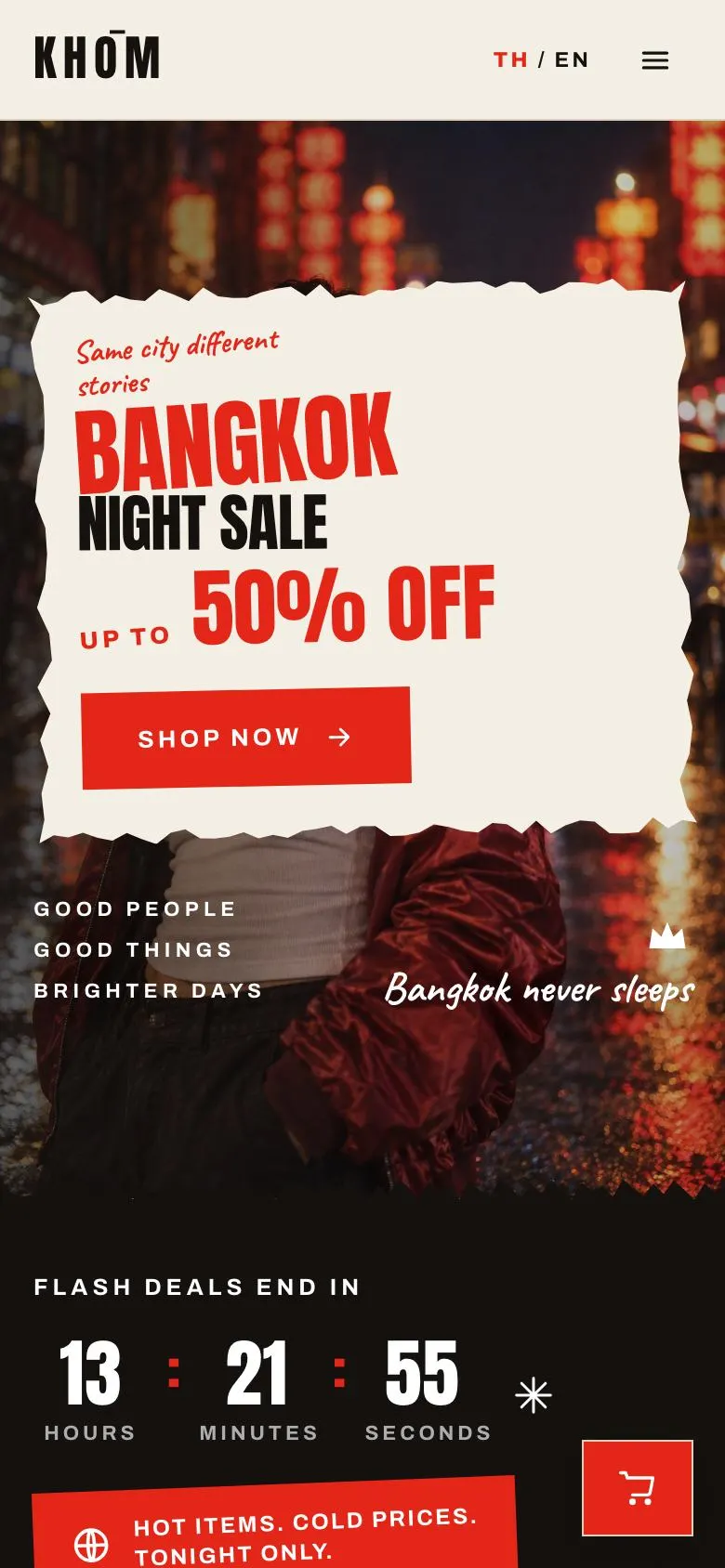
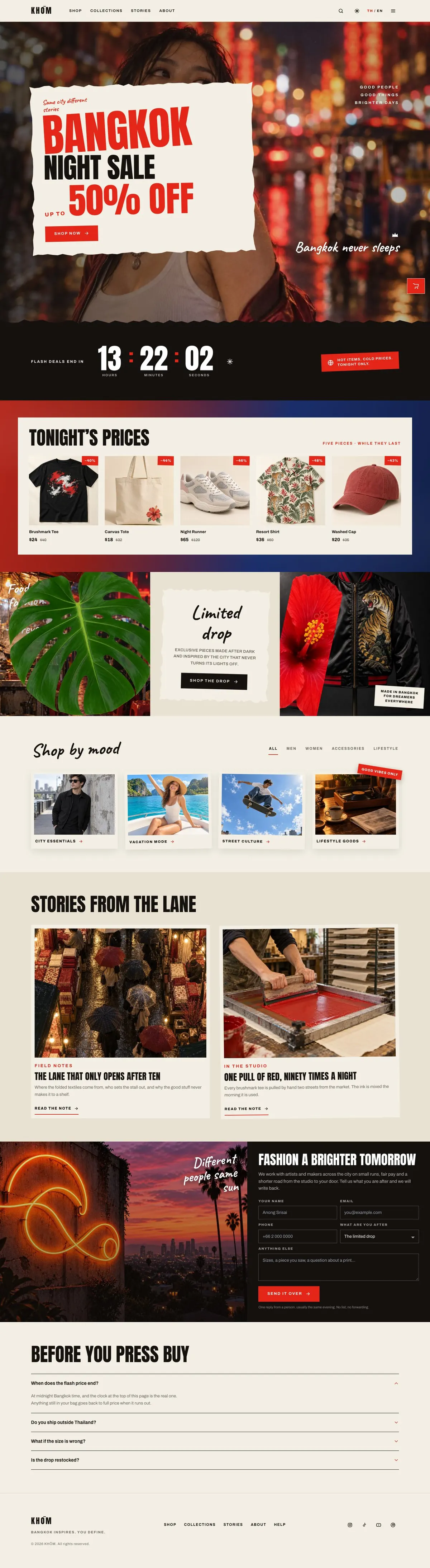
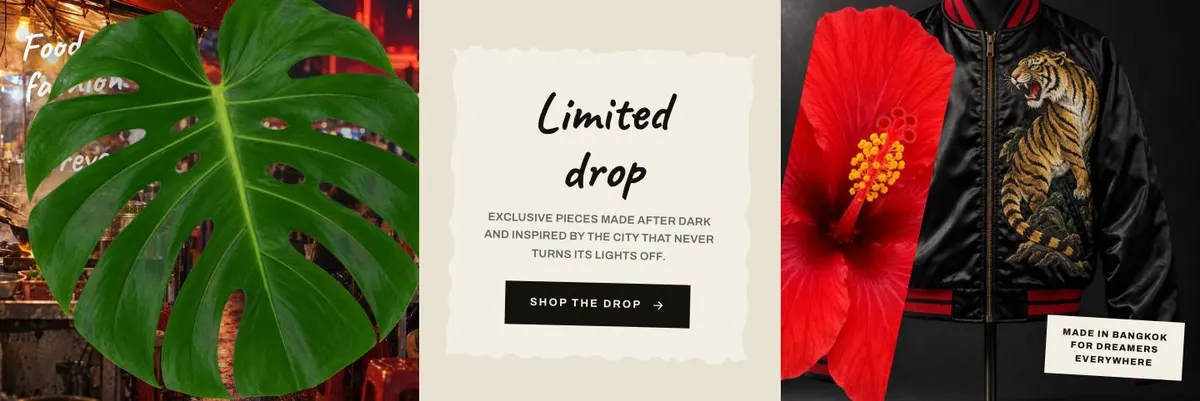
Someone searching for a Bundle And Save page needs more than a place to state a discount. The page needs to make the offer clear, show what is included, and give people a reason to act before the promotion ends. This design does that through a sale-led opening, a live countdown, product shopping and a limited-drop story.
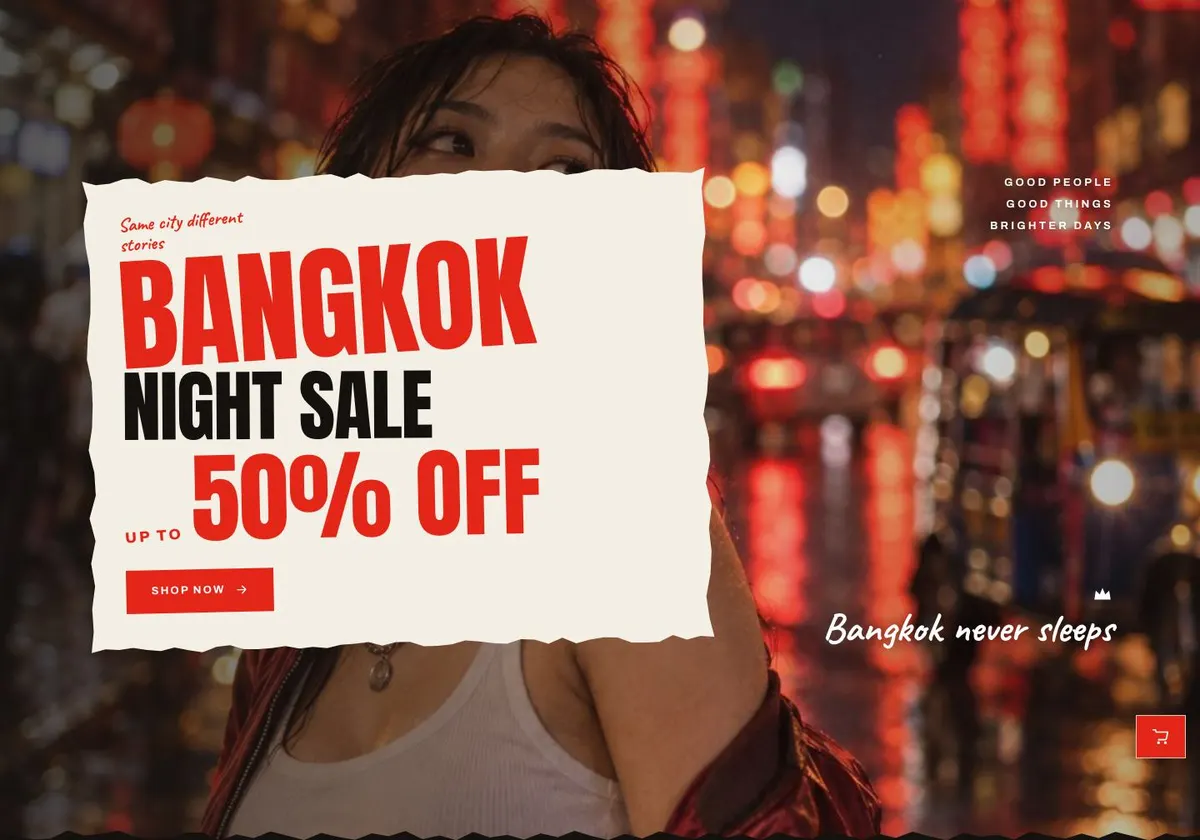
It is built for a streetwear or lifestyle label running a flash drop, night-market sale, city-themed capsule, festival promotion or anniversary event. A generic shop page can make the offer feel like one item among many. Here, the promotion is the subject from the first band onwards. The template gives the campaign a distinct frame while keeping buying at the centre.
The page is also a close fit for food, music and travel brands with a similarly time-bound offer. Its structure does not include a dedicated bundle builder or a separate discount-code mechanism. If the campaign needs a broader sale format, Black Friday Home Sale is a related option to consider.
Adapting the design to the campaign
The template is available in Neon Red, Amber, Jade and Indigo. The colour should suit the campaign rather than become a substitute for the offer. A short, high-energy sale can work with a stronger scheme; a more restrained collection can use the same layout with a different campaign voice.
Its display type is Anton and its body type is Archivo. Alternative pairings are Anton with Archivo, Caveat with Archivo, and Oswald with Archivo. Anton and Oswald keep the headlines direct. Caveat can bring a more informal note to a campaign where that fits the business. Headings are uppercase, so short titles will read better than long sentences.
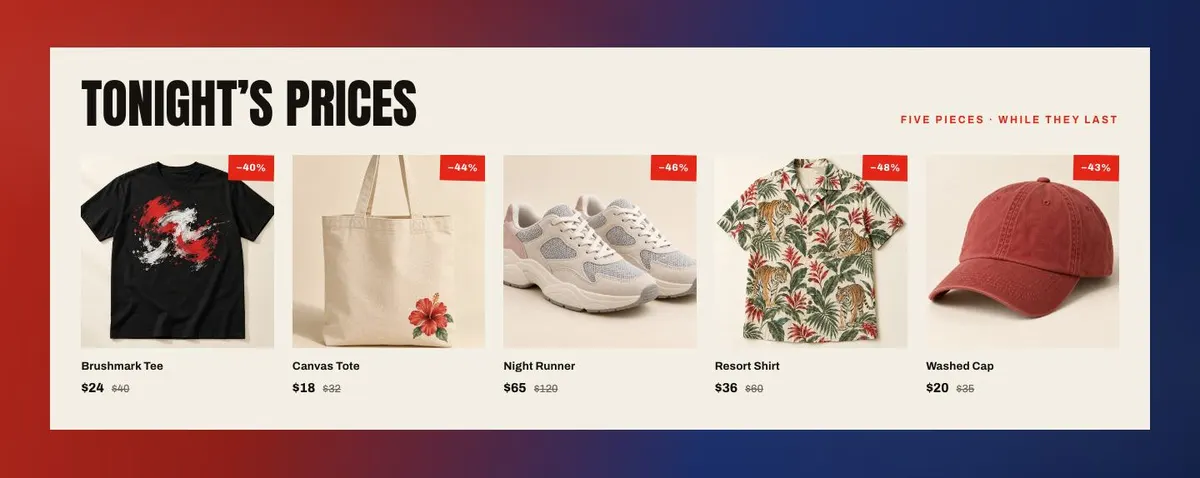
The page uses 29 photographs. They appear from the opening image through the products, the limited drop, mood-led browsing, stories and the closing contact area. The owner should plan the photography as one campaign set rather than gathering unrelated images. Product pictures need to make the sale range clear; the other images should give the release its setting and character.
Writing it for your business
Starting from this template costs no credits. Rewriting the copy with AI costs about 20 credits. A good brief names the business, the campaign, the saving or offer, the real deadline, the products involved and the intended customer. It should also state what the limited drop means in practice.
Include the words customers use when they search or shop. Name the location or occasion if it matters. Give the AI the practical terms it must not alter, particularly sale dates, stock conditions and delivery or returns information. The resulting copy still needs a final check against the shop’s actual offer.
What to prepare before publishing
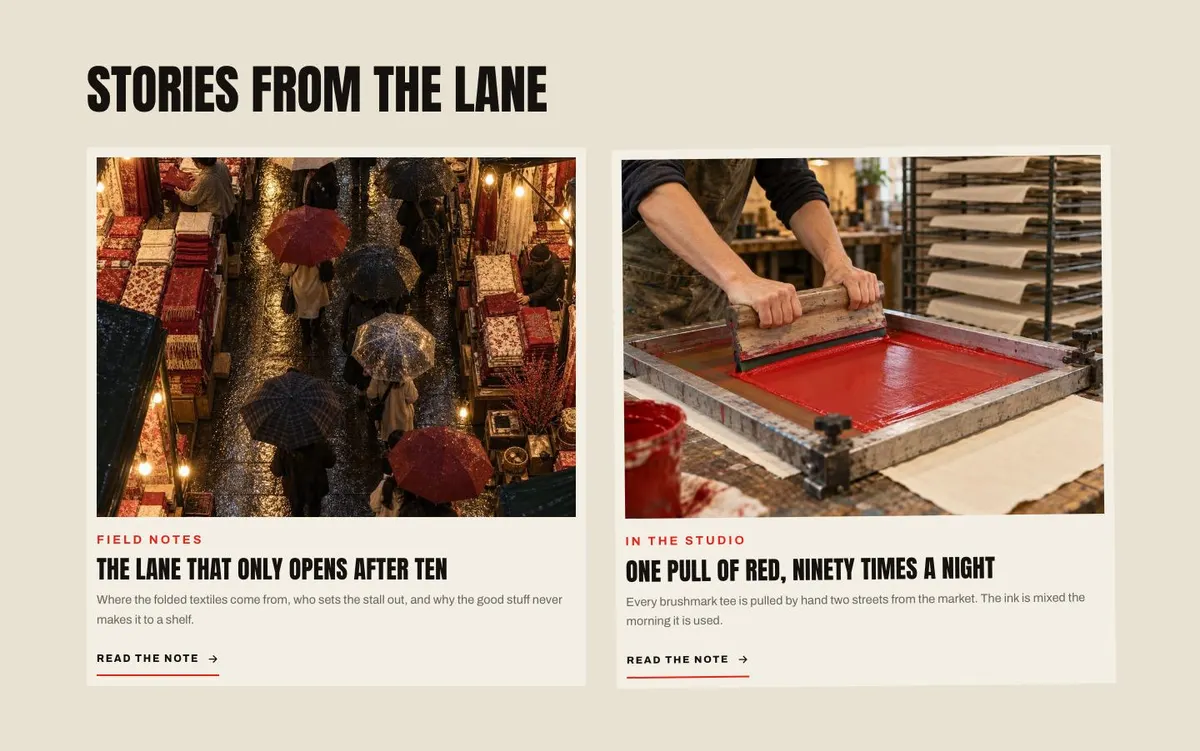
Prepare the campaign title, the main offer and the precise time at which the flash deal ends. Decide which products belong in “Tonight’s prices” and which belong in the limited drop. Write a short account of the collection or promotion for the Drop and Stories bands.
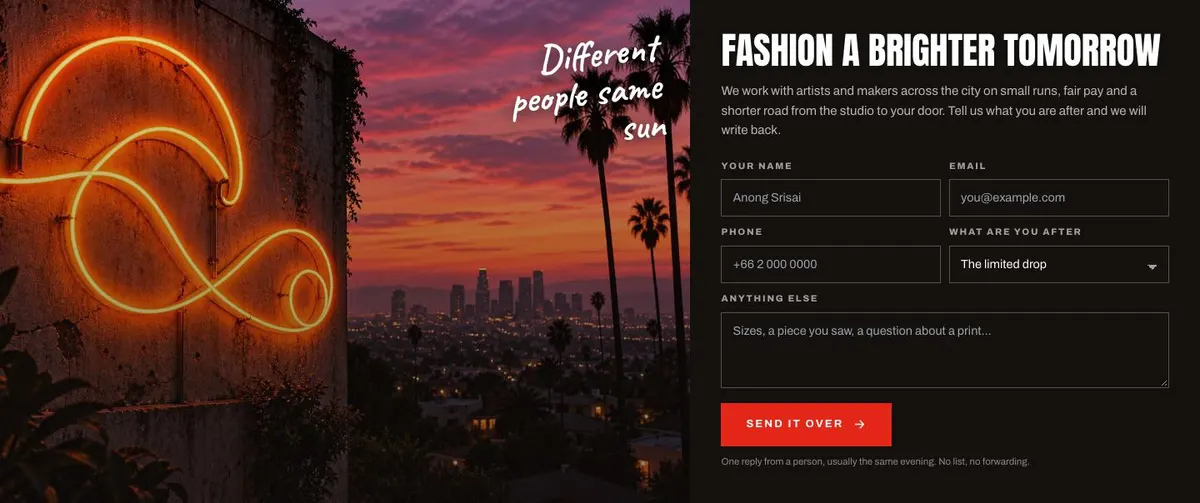
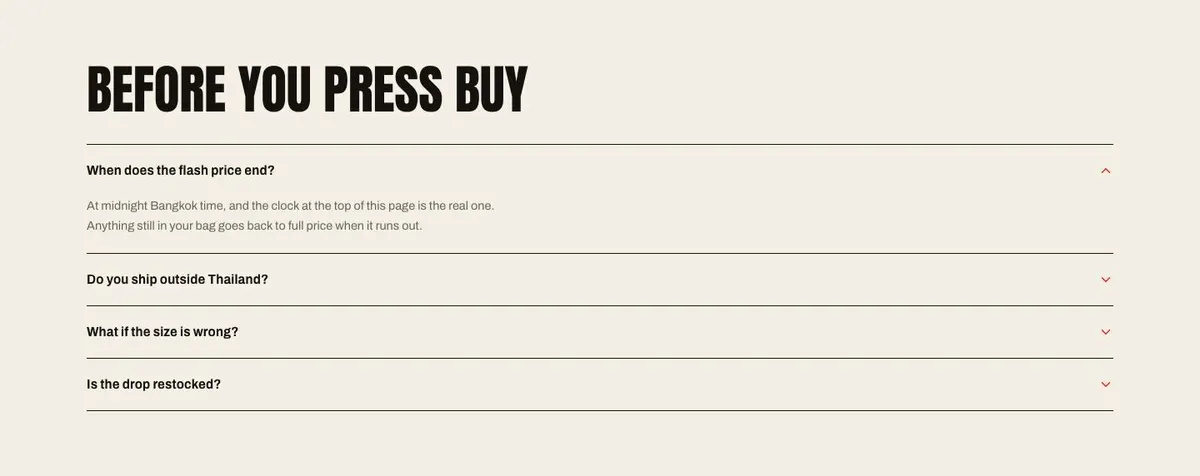
Gather the full photograph set before publishing, including a lead image, product imagery, collection imagery, mood imagery, story photographs and one image for the closing section. Write the customer questions that regularly arise before a sale order. Prepare accurate answers and the contact response the business can stand behind.
Variations for neighbouring trades
A food and drink business can use the structure for a limited menu, late-night event or anniversary offer. The Shop band can present the available items, while Drop and Stories explain the menu or collaboration. The deadline must still be genuine.
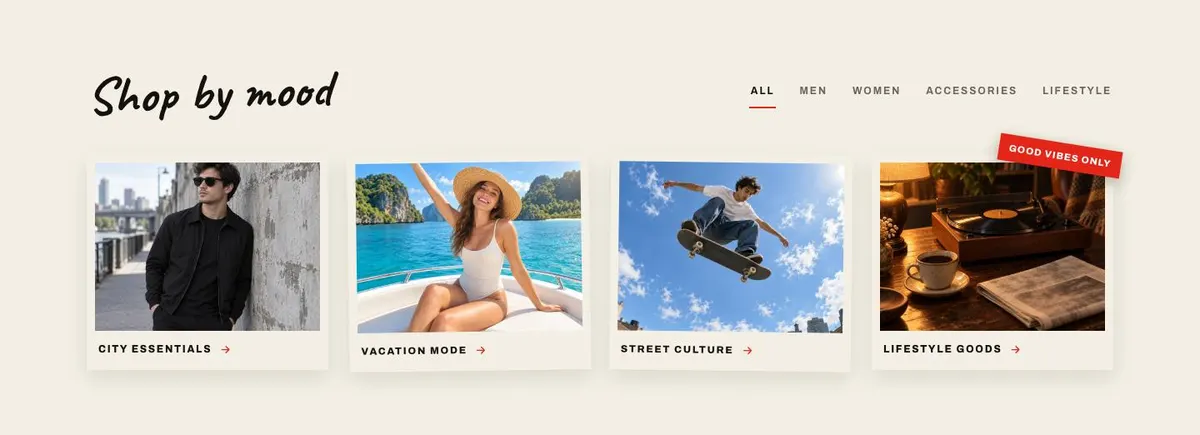
A music brand can make the drop a small release, event promotion or merchandise run. Mood can group the range by collection direction, while Stories can carry field notes from the release. A travel brand can use the same campaign structure for a time-limited themed offer, provided the products and offer terms are ready to buy.
When another template fits better
For a seasonal range that needs less urgency, see Seasonal Fashion Collection. For gifting around a holiday, Holiday Gift Sale may give the campaign a more suitable starting point. For a summer-led fashion promotion, Summer Fashion Sale is the closer route.
If the page is promoting a wider campaign rather than a product sale, consider Campaign Promotion. Browse the ecommerce templates hub for the wider set.
Before you publish
- Check that the saving and sale end time are accurate.
- Check that every featured product is available to buy.
- Check that the photographs belong to the same campaign.
- Check that the questions match the current shop terms.