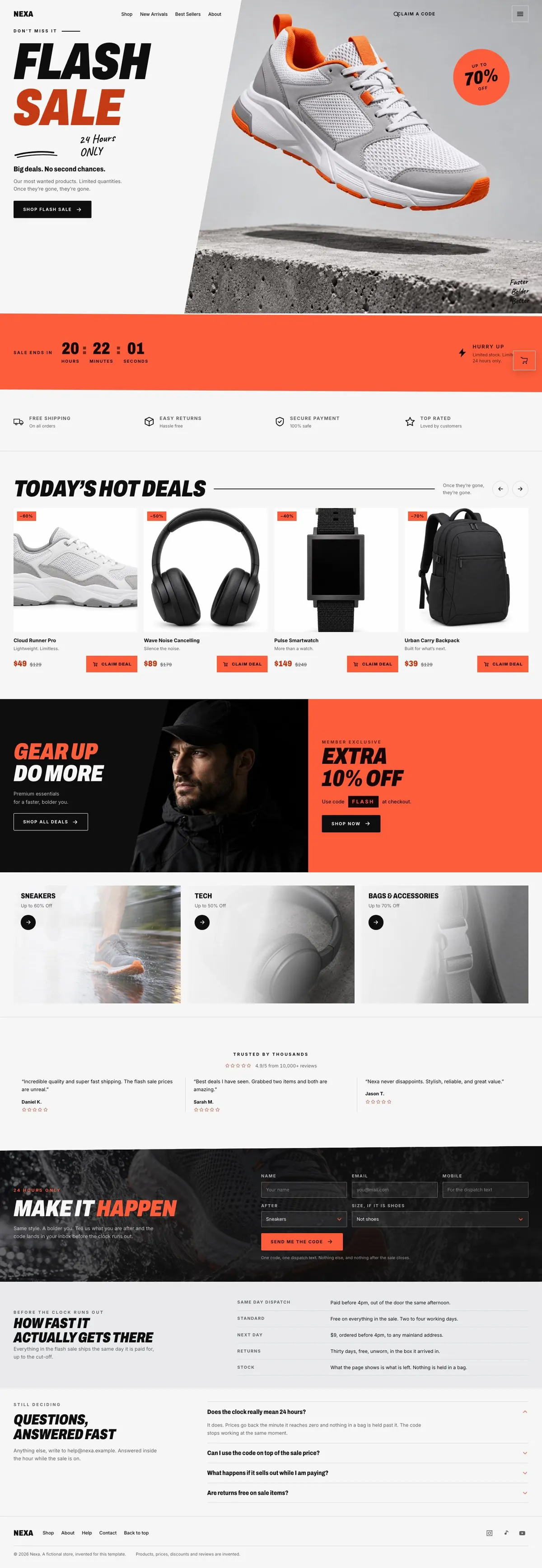
Dated Flash SaleLanding page template
Timed deals, product offers, claim form
A landing page for shops, drops and limited joining offers that need to put a deadline, selected deals and a clear order or code-claim action in front of visitors.
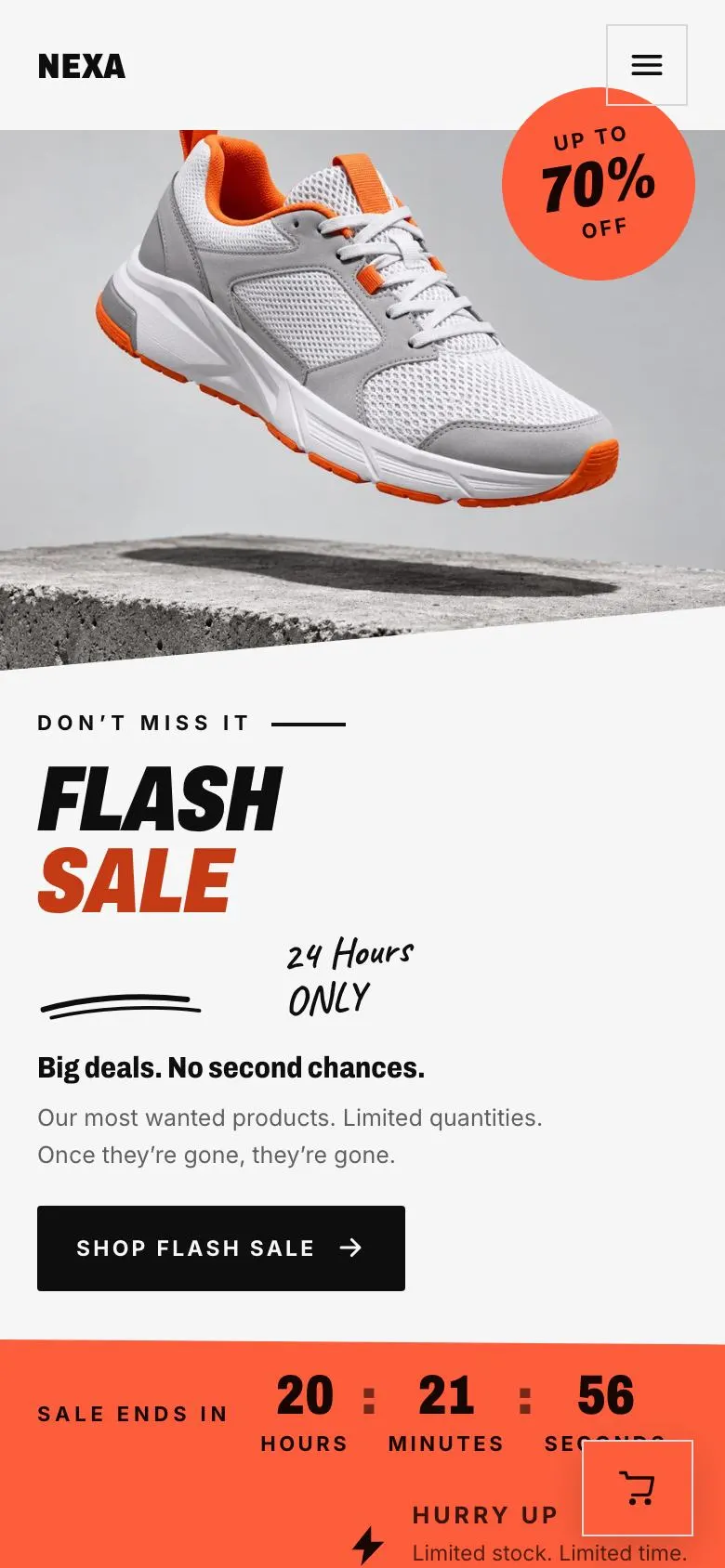
Timed deals, product offers, claim form
A landing page for shops, drops and limited joining offers that need to put a deadline, selected deals and a clear order or code-claim action in front of visitors.
Switch devices, scroll the full page, or open the live demo. This is the exact layout, photos and sample text a new page starts with.
The headings are the demo's own sample text. Your brief, or the AI copy pass, replaces them; the structure stays.
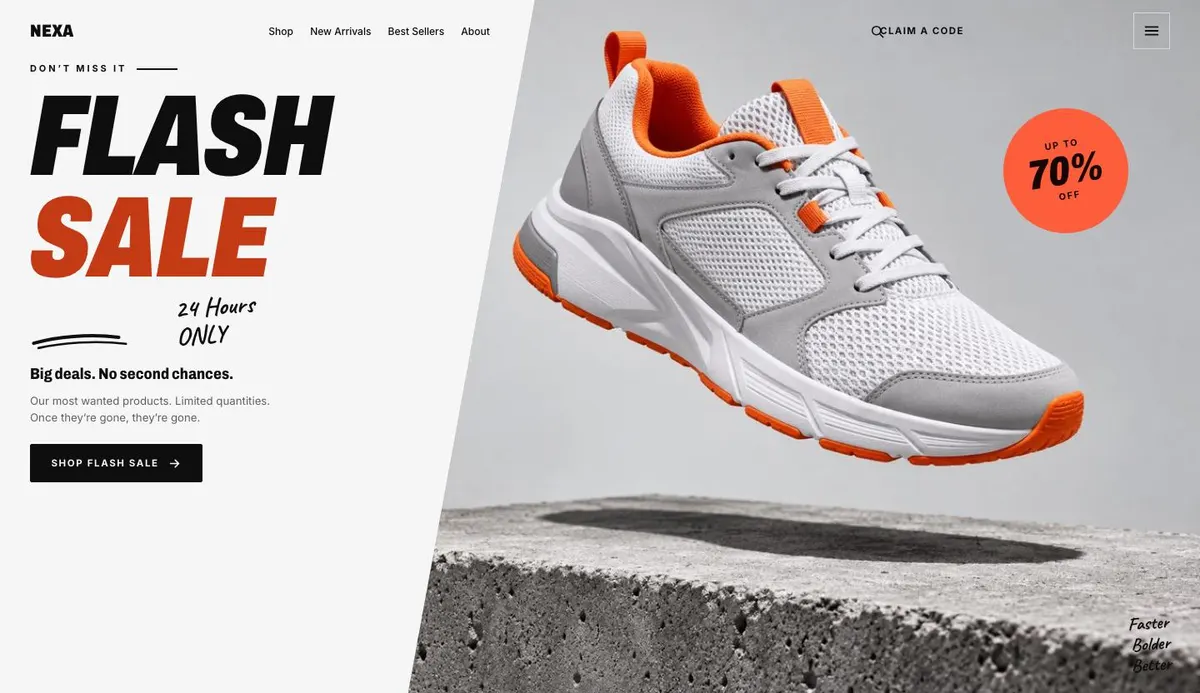
Flash Sale
Flash Sale introduces the 24-hour offer; supply one product photograph, sale dates, eligible items, truthful prices and a valid Shop Flash Sale destination.
Sale ends in
The sale-ending countdown needs a fixed end time, correct time zone and stock policy, so it never implies urgency beyond the actual offer.

Promises should state only commitments you can keep, with terms, exclusions and supporting operational details needed to make each one honest.

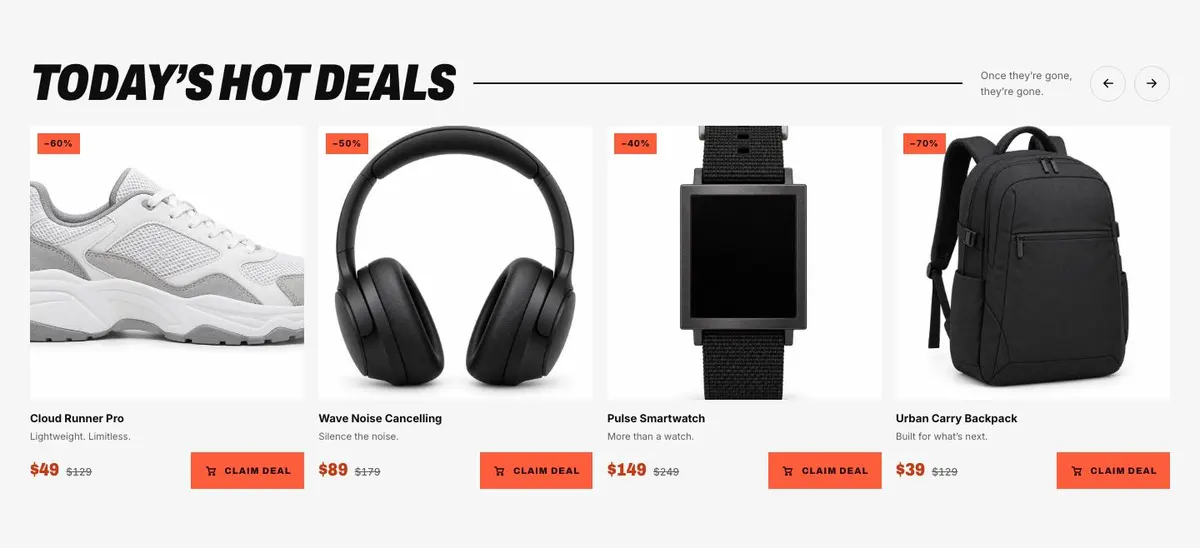
Today’s Hot Deals
Today’s Hot Deals requires four product photographs, accurate discounted prices, available quantities and a buy-button destination matching the stated limited-stock message.
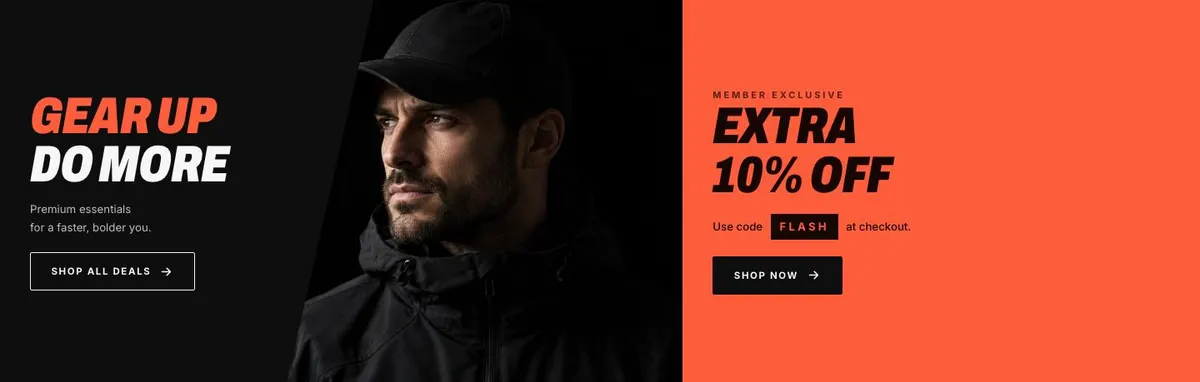
Gear Up Do More
Gear Up Do More needs one photograph, eligible products and destinations for both buttons; support any claims about premium quality or improved performance.
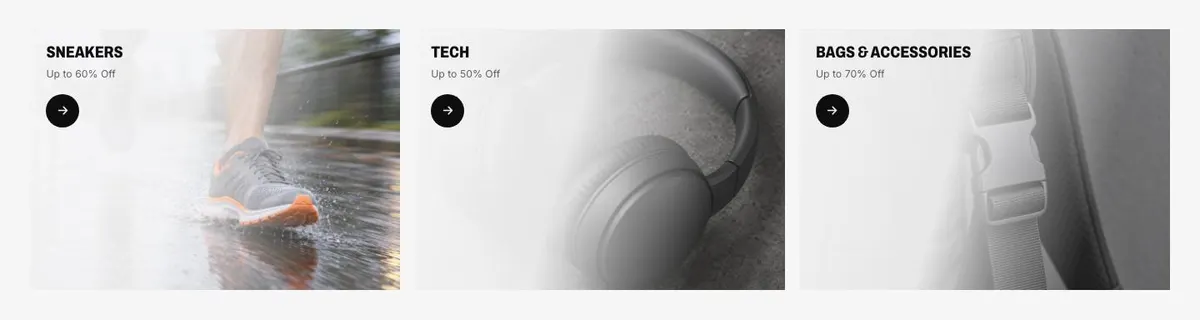
Sneakers
Sneakers lists three photographed items; provide original and sale prices, availability and evidence that any discount of up to 60% is genuine.
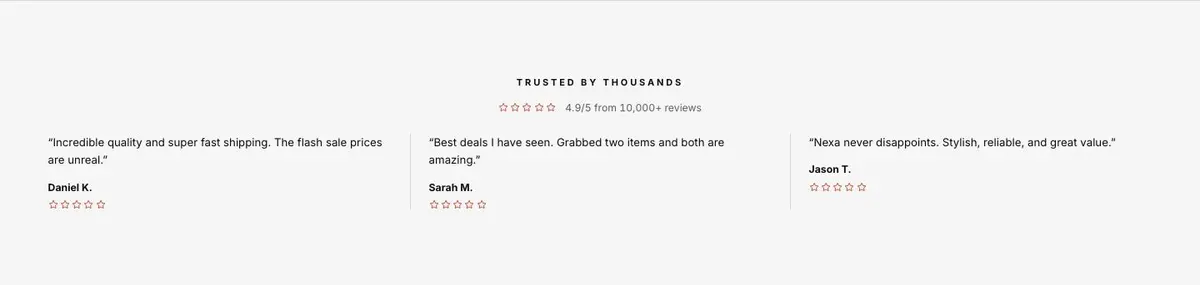
Trusted by thousands
Trusted by thousands must be supported by verifiable review records, the genuine 4.9/5 rating from 10,000+ reviews, and a real customer quote.
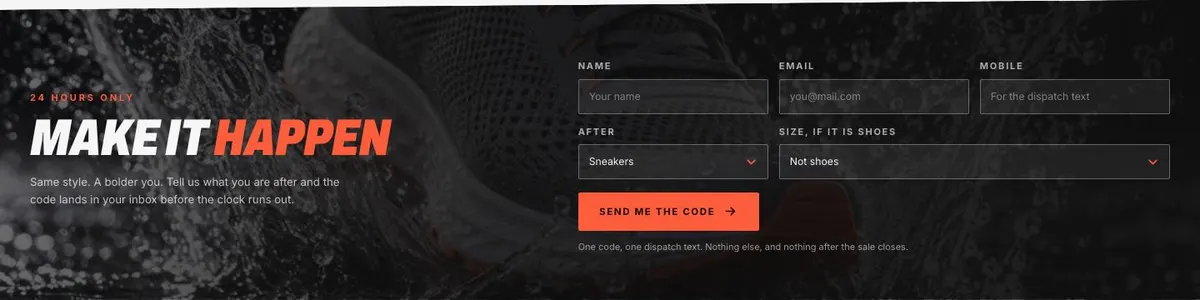
Make it Happen
Make It Happen requires one photograph, honest form information, a working email-code process and capacity to send codes before the stated deadline.
How fast it actually gets there
Delivery needs a complete table of destinations, cut-off times and dispatch terms; only promise same-day shipping where you can consistently meet it.

Questions, answered fast
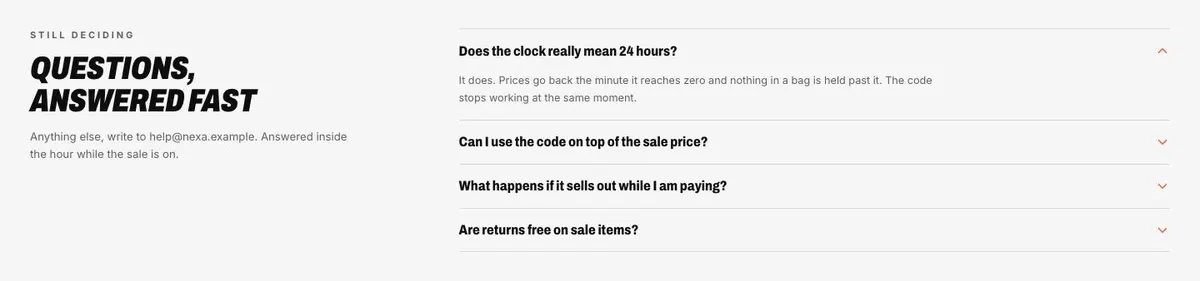
Questions, answered fast needs a countdown, accordion answers, the correct support email and staffed coverage; substantiate replies within an hour during the sale.
Someone searching for a Dated Flash Sale needs a page that makes one point clear: the offer has a deadline, and the visitor needs enough information to act before it passes. This template does that through a sale-led opening, a live countdown, featured deals and a closing claim form.
A generic shop page can show a catalogue, but it can leave the reason to buy today unclear. This design is built around a shorter decision. It gives the offer a stated time limit, brings selected items forward and repeats the route into the sale.
It is most useful where the business has a real date, a genuine reduction or limited offer, and a way to fulfil what is being promoted. The template includes an order form and a separate code-claim message. It does not replace the wider shop, stock management or payment journey that may sit behind the promotion.
For a broader promotion with a different campaign structure, Campaign Promotion may be a better starting point. For a date-led retail event specifically, this page keeps the emphasis on the clock and the deal selection.
The template offers Flame, Volt, Electric and Ink colour schemes. Choose one that fits the business’s existing identity and still keeps the sale easy to read. A time-limited event needs clear wording more than extra decoration.
The default type pairing is Archivo for display text and Inter for body copy. Alternatives include Archivo with Inter, Caveat with Inter, and Anton with Inter. The display face should support a short, forceful event name, while the body face should keep terms, delivery information and answers legible.
The page needs ten photographs in total. One appears in Hero, four support Deals, one appears in Gear, three sit in Shop, and one accompanies Claim. Prepare images that make each selected offer identifiable. Do not use a general brand image in place of every product or category image if visitors need to choose between deals.
Starting from this template costs no credits. Rewriting the copy with AI costs about 20 credits. A useful brief names the business, the sale date and end time, the offer, the selected products or packages, and the action the business wants visitors to take.
It should also name any limits that affect the promotion. That may include which items are included, the delivery cut-off, whether the offer is for new members only, and what happens after a code claim. The AI can then adapt the headings and supporting copy without making up the terms.
Start with the sale’s non-negotiable facts: its start and end point, the featured deals and where each buy action goes. Prepare the ten images before changing the page, so the Hero, deal selection, category area and Claim band all tell the same story.
Write the reassurance points for Promises, one credible customer quote for Reviews, and the delivery details needed for the table. Draft the Questions accordion from the messages the business already receives during sales. If the closing form is used to send a code, decide exactly who receives it and what the message will say.
A sneaker or electronics retailer can retain the product-led approach, replacing “Sneakers” with the sale category and using Deals for the four priority items. The delivery table should then cover the real fulfilment position for the event.
A gym can use the same clock for a joining offer. Deals can become membership options or a limited joining package, while Gear can explain the offer’s intended outcome. The Claim form should state what the prospective member is asking for.
An event organiser can use the page for a short ticket offer or timed release. The featured deals should become the relevant ticket choices, and Questions should answer the practical issues attendees need resolved before booking.
If the promotion needs a wider campaign story rather than a flash-sale structure, see Campaign Promotion.
For a sale built around the 11 November retail date, 11.11 Flash Sale is the closer match.
For a home-focused Black Friday offer, Black Friday Home Sale is more specific.
If the goal is to collect bookings for a sales conversation rather than sell an offer against a clock, use Booked Demo. Browse the wider ecommerce template collection for other shop-led starting points.
It opens in the editor with the layout, the photographs and the sample text you have just scrolled through. Starting from a theme costs no credits.