A preschool page that starts with what children can make
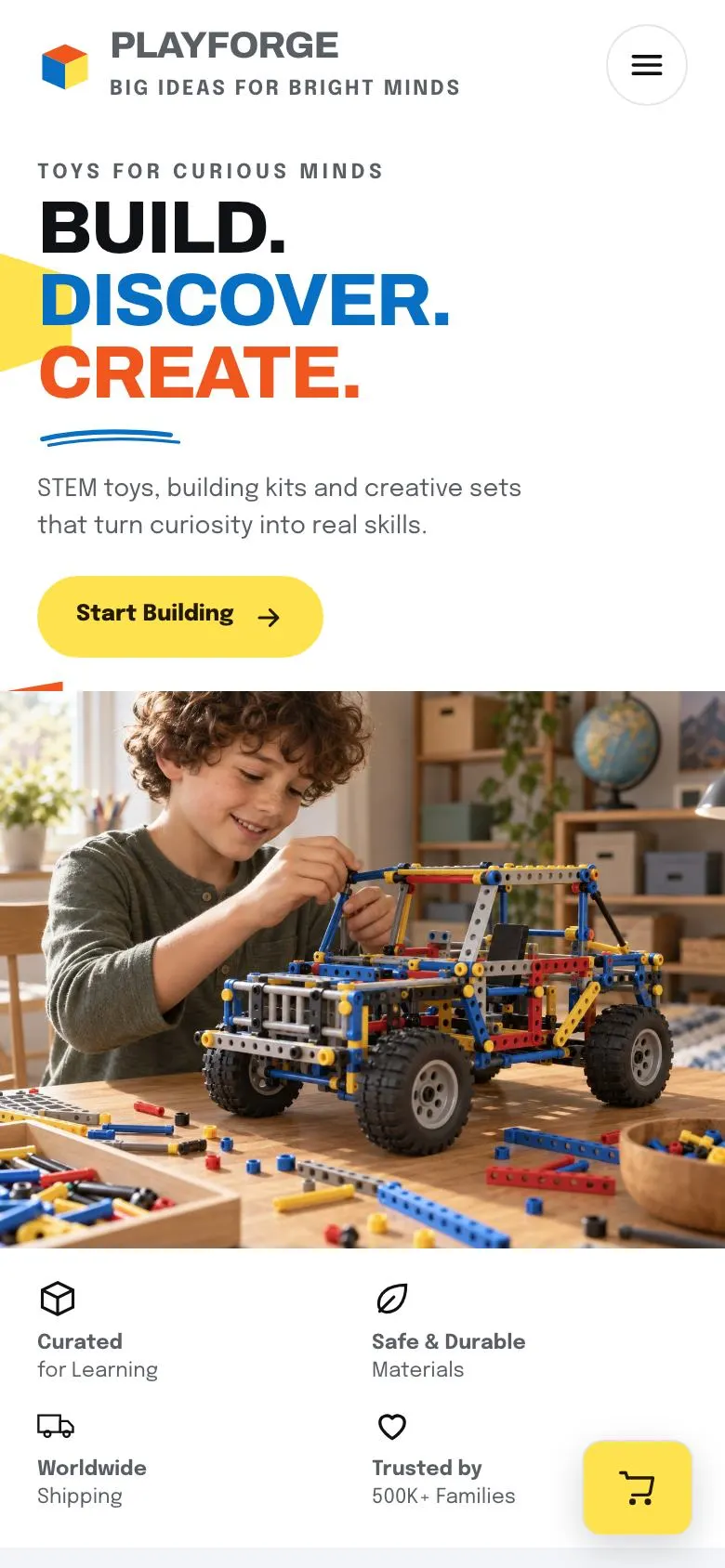
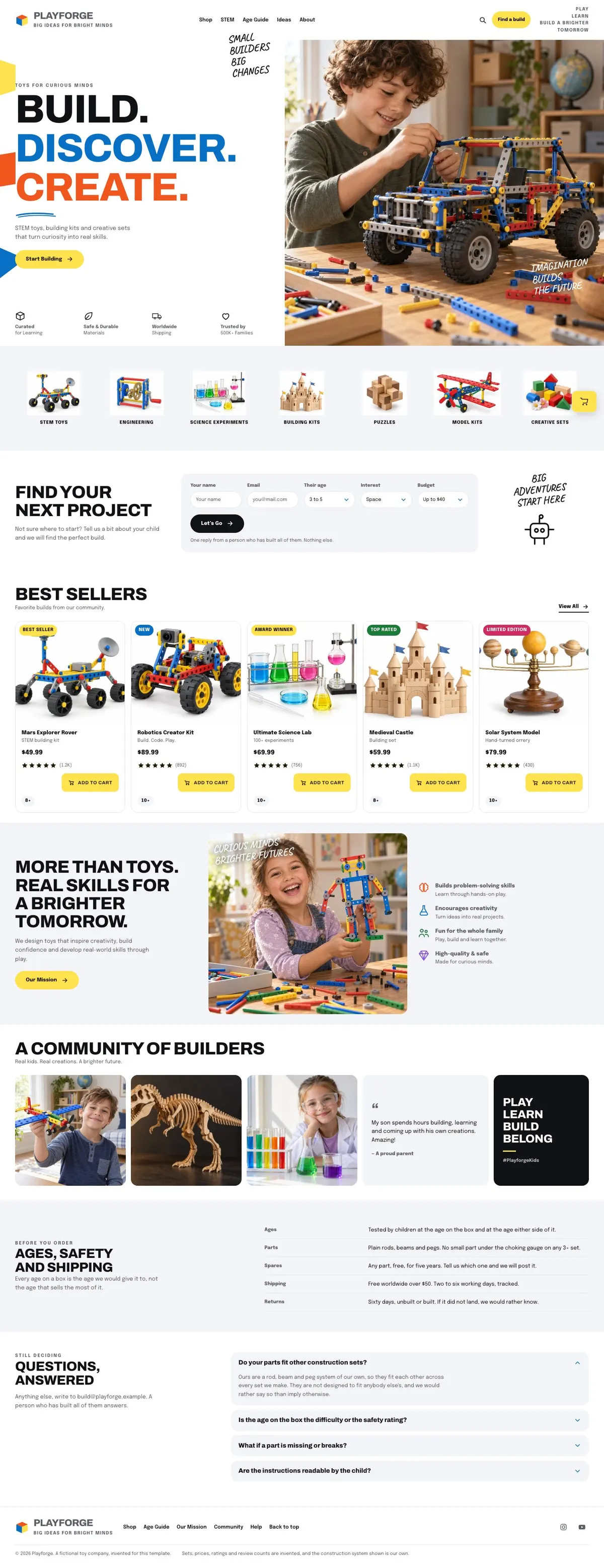
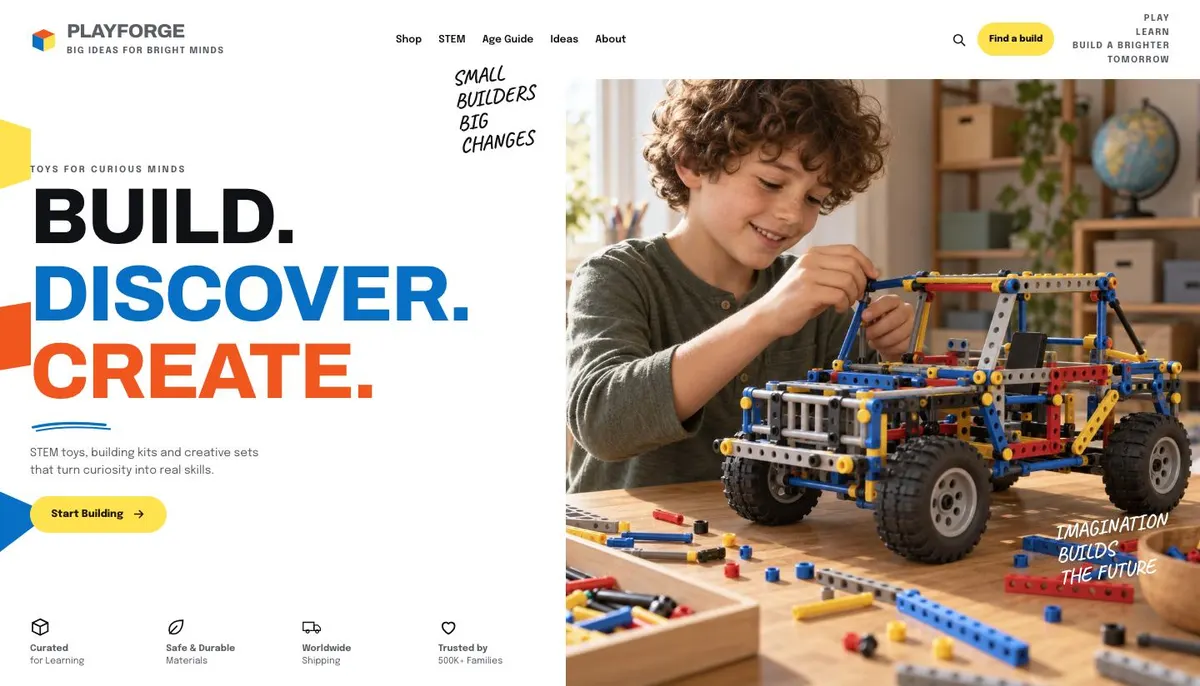
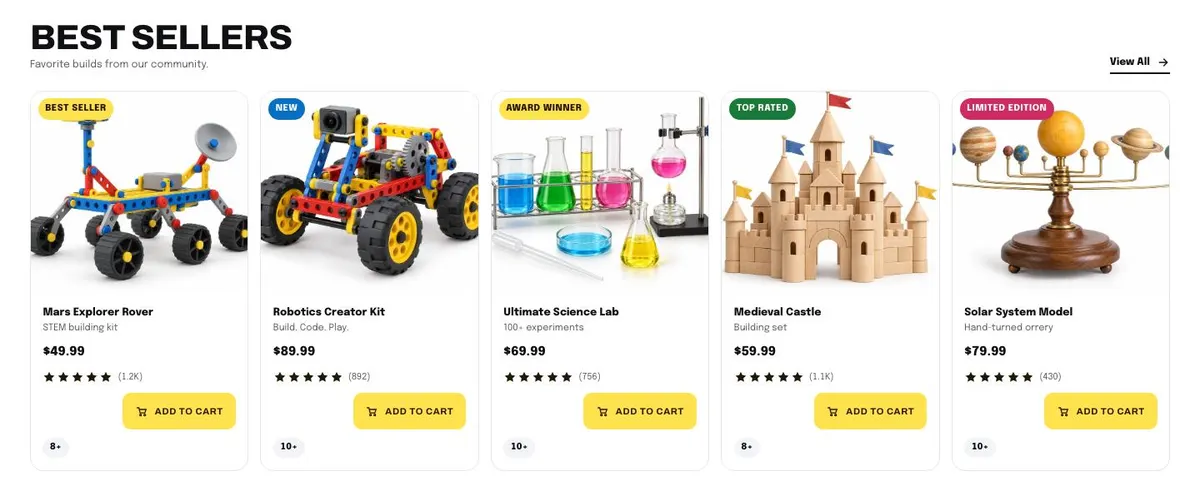
Someone searching for a preschool landing page needs a page that makes the learning offer understandable to families. They need to see what children will explore, what is suitable for their age, and what to do next. This design approaches that job through products and projects: its opening message is “Build. Discover. Create”, followed by STEM toys, building kits and creative sets.
That makes it a close fit for a preschool shop, a children’s activity club with a kit line, or a maker brand for younger children. A generic shop page can make every item look interchangeable. This template gives the products an educational purpose, then helps a parent find a suitable build. It is also useful for a bookshop, craft supplier or science museum shop where the value lies in what a child learns by doing.
It does not include a preschool admissions or place-enquiry journey. If the main aim is to collect enrolments rather than sell products, Course Enrolment is the better starting point.
Adapting the design without losing its purpose
The template offers Primary, Rocket, Sprout and Grape colour schemes. Select one that works with the products and the business’s existing identity, rather than changing the page into a different kind of shop. The overall direction is light and playful, with uppercase headings, pill-shaped corners and a white paper ground.
Archivo is the display face and Epilogue is the body face. Archivo with Epilogue is also available as a pairing, alongside Caveat with Epilogue and Anton with Epilogue. Keep the display type for short category names and clear statements; let the body type carry product explanations, practical guidance and answers.
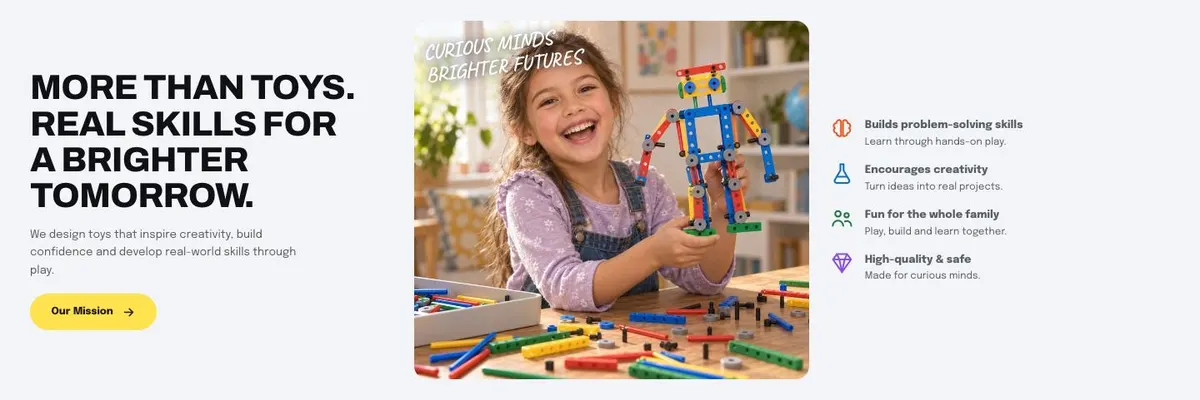
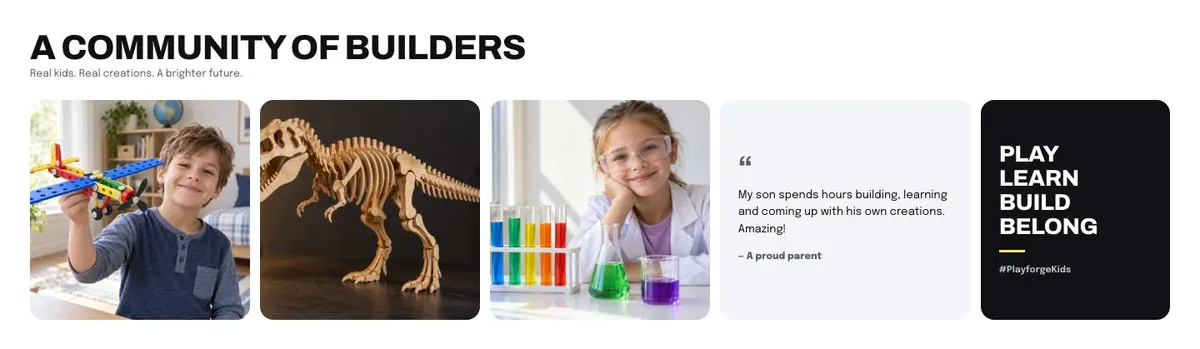
The page needs 17 photographs in total. They appear in the Hero, Shop, Best, Mission and Community bands. Prepare the category and product images before building the page, because those sections do much of the sorting and selling. The Community images should only be used where the business has suitable real material.
Writing it for your business
Starting from a template costs no credits. Around 20 credits rewrites the copy with AI. A useful brief names the business, the products sold, the age range the products are genuinely suited to, the main categories, the best sellers and the outcome the page should drive.
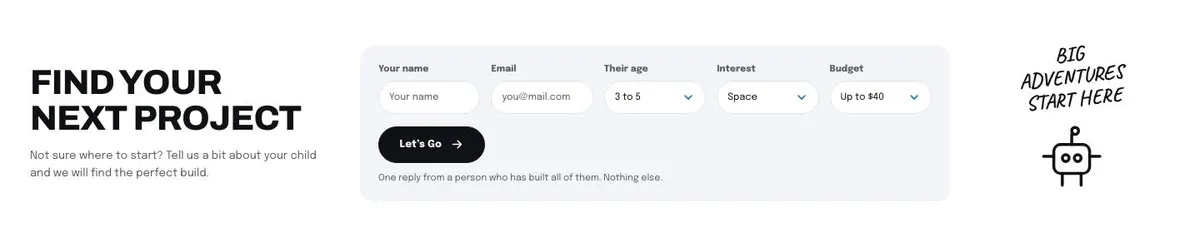
It should also state what the project finder may ask about and what recommendation the business can offer afterwards. Include the wording needed for delivery, safety and shipping, plus the questions families raise before buying. AI can shape the copy, but it cannot decide accurate age guidance or shop policy for the owner.
What to prepare first
Start with a short statement of what the products teach and why that matters. Write the hero line, category labels, product names and descriptions for the featured selection. Decide whether the community claim is appropriate, then collect the quote and photographs needed to support it.
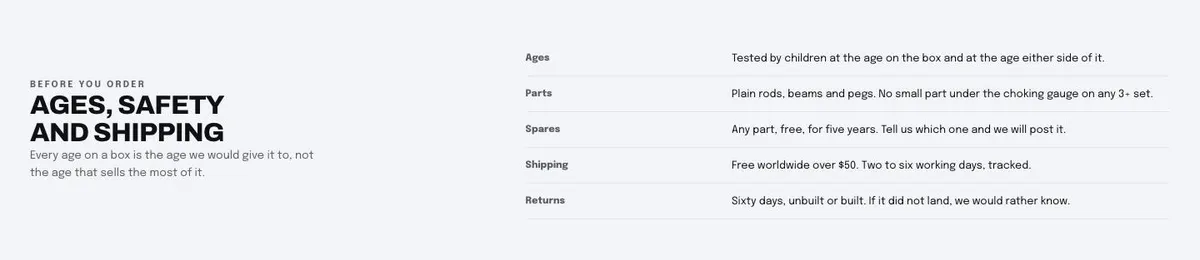
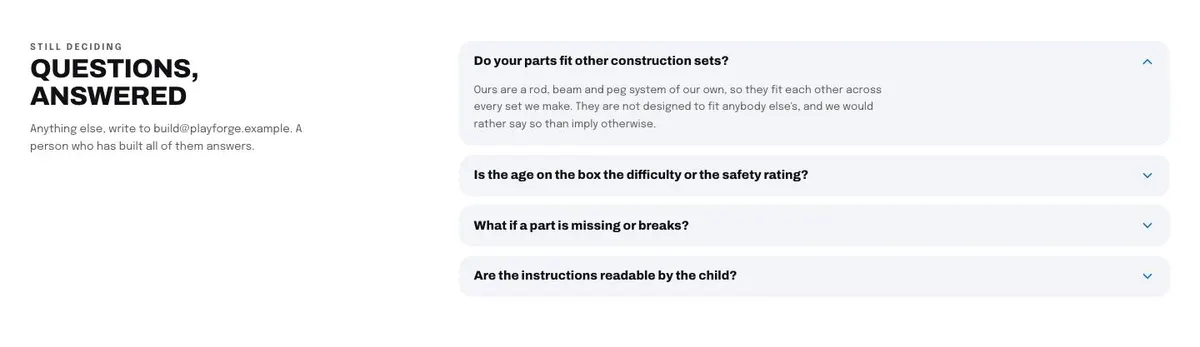
Next, prepare the information behind the chooser form. A parent should not be invited to share details unless the business can use them to make a useful suggestion. Write the age, safety and shipping guidance for the table in plain language. Finish with the contact address and the real answers for the accordion.
Variations for nearby businesses
A children’s bookshop can keep the project-led opening but make the Shop categories reflect its actual reading and activity ranges. The featured products should be books or related creative sets that the business sells, while the finder should help a parent choose an appropriate next read or activity.
A craft or hobby supplier can make the chooser about the kind of project a child wants to try. The Mission band can explain the role of making and confidence, while Delivery should set out the business’s own age, safety and shipping information.
A science museum shop can use the same structure for take-home kits and learning products. It should only use Community material that is genuinely available, and should make the featured selection reflect the real museum shop range.
When another template fits better
For a shop centred on family toys rather than a project finder, see Family Toy Shop. For a product range built around unusual merchandise, see Novelty Merchandise Shop. For a programme or ongoing learning service rather than products, see Learning Platform. For a seasonal children’s activity offer, see Summer Camp. Browse the courses and education hub for related starting points.
Before you publish
- Check that every featured product has a real buying route.
- Check that the finder promises only recommendations the business can make.
- Check age, safety and shipping guidance against current shop information.
- Replace the example email address and all demo wording.