A portfolio page for work that needs to be seen
Someone searching for Online Courses Daylight may need a page that explains a course and leads people towards enrolment. This design does something different. It is a portfolio-led page for one person selling their own creative work, using projects, experience and a written enquiry to help a prospective client decide whether to get in touch.
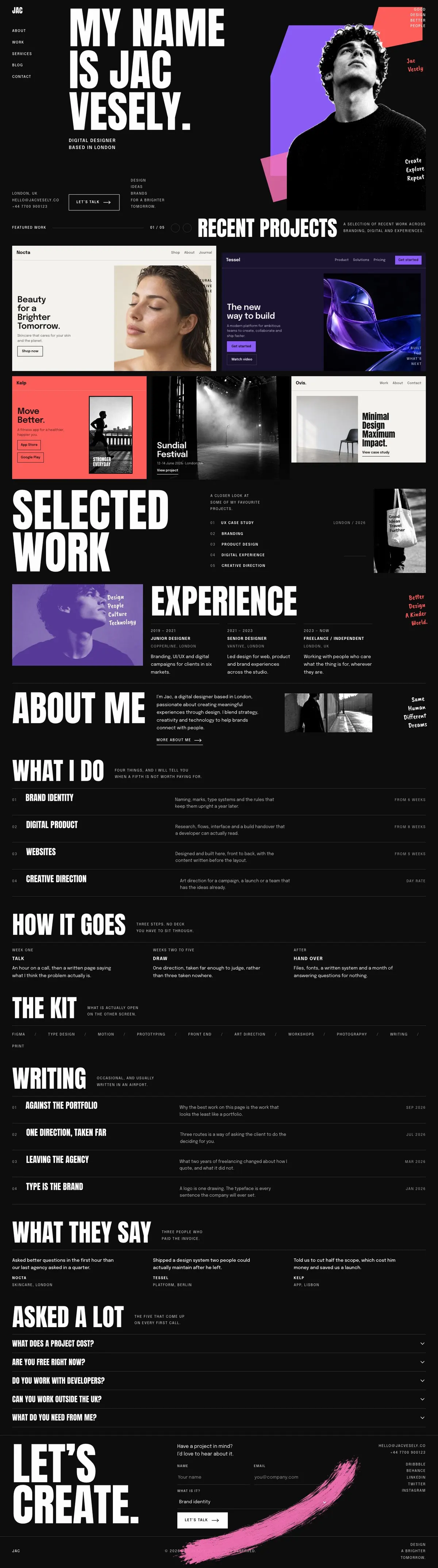
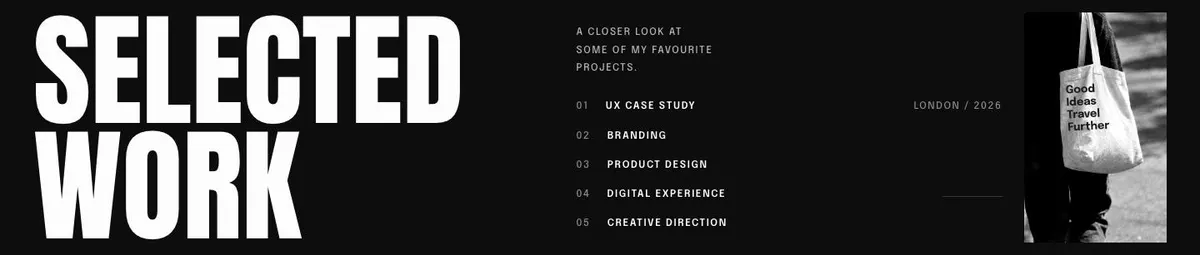
A generic page can undersell a creative practice when it treats every service as interchangeable. A freelance designer or photographer often needs the work to carry the argument first. This template makes room for that: recent projects appear early, selected work receives more attention, and the later sections explain the person, their offer and how a project begins.
It is therefore a close fit for the search term only if the course itself is part of a creative practice and the main outcome is an enquiry. It does not provide a course enrolment journey or a band setting out lessons and dates. For a page centred on joining a course, Course Enrolment is the more direct starting point.
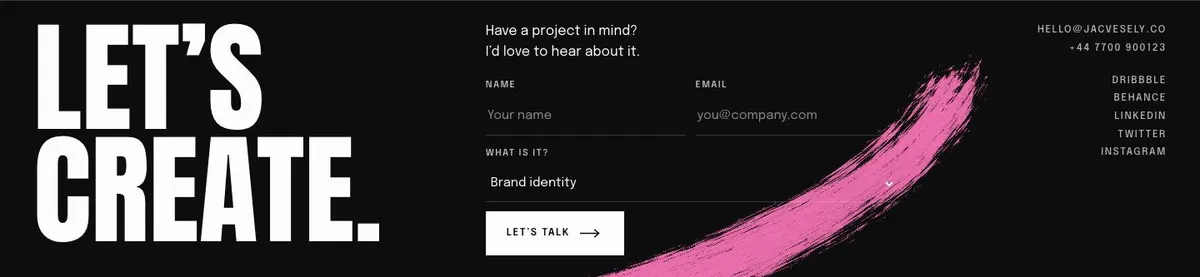
The template is particularly useful where the owner has a distinct body of work and wants to show it before discussing scope. It gives prospective clients several reasons to make contact without requiring a public price list. The final destination is an enquiry form, so the copy should help the right sort of project reach that point.
Adapting the design to the work
This is a dark template with four available colour schemes: Violet, Acid, Ember and Ice. Choose one that supports the existing portfolio material rather than attempting to make unrelated projects look alike. The page uses Anton for display text and Epilogue for body text. The available font pairings also include Caveat Brush with Epilogue and Oswald with Epilogue.
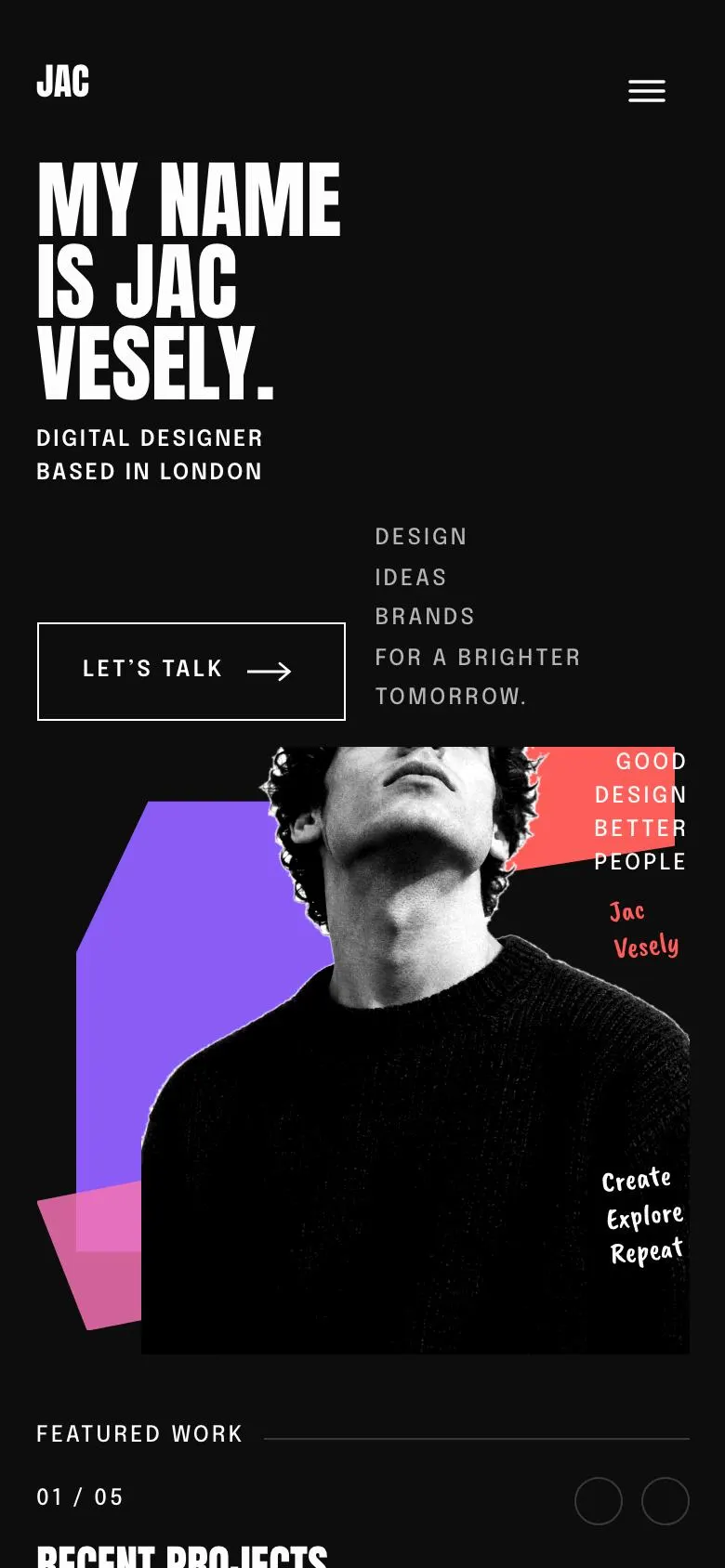
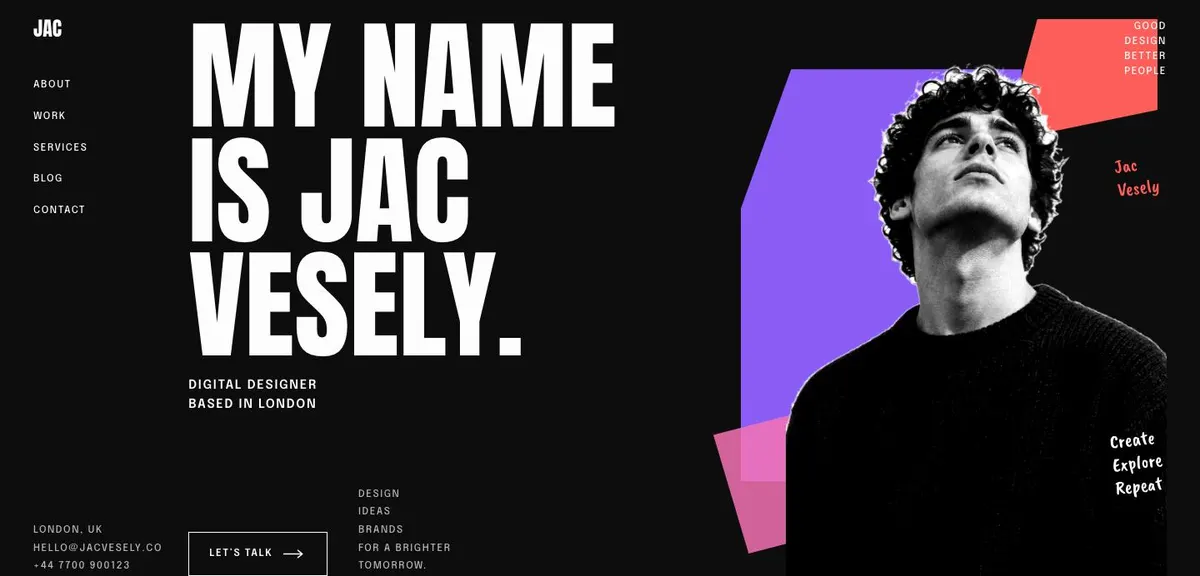
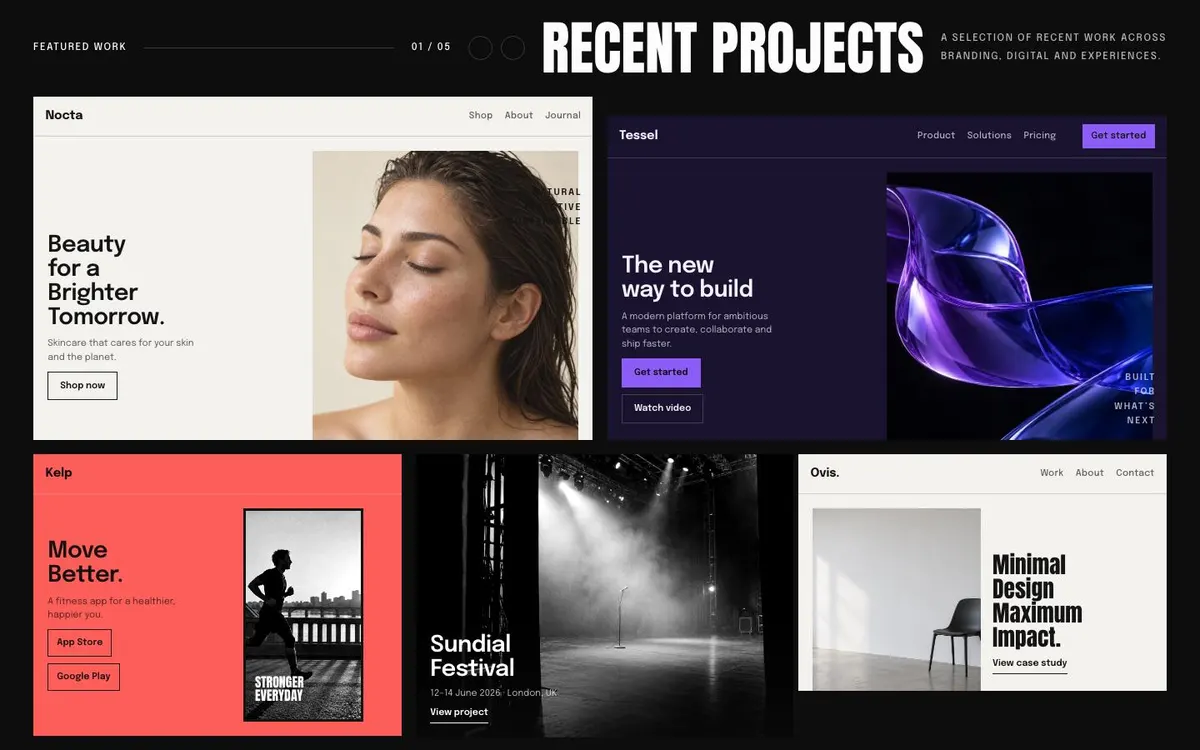
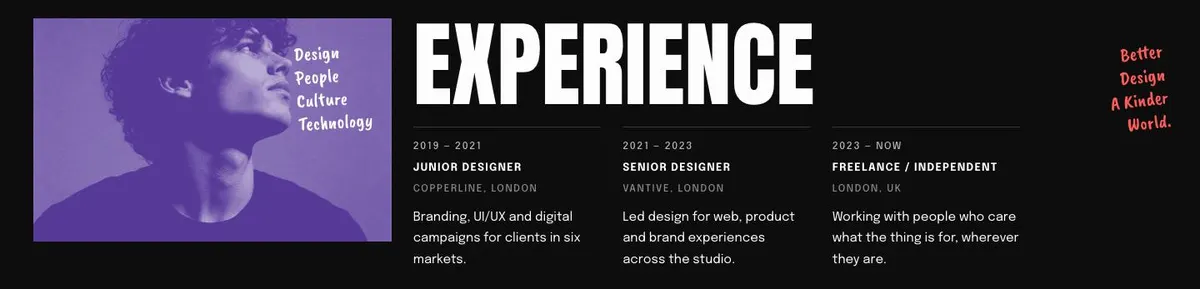
Prepare nine photographs in total. One belongs in the hero, five support Recent projects, and one appears in each of Selected work, Experience and About me. The work images should be chosen as a set, since they appear before the visitor reaches the service explanation. Portrait or personal images should help identify the owner without taking the place of project evidence.
Writing it for the business
Starting from this template costs no credits. Rewriting the copy with AI costs about 20 credits. A useful brief names the business, the owner’s role, location if it matters, the work they want to attract, the kinds of project they decline and the enquiry goal.
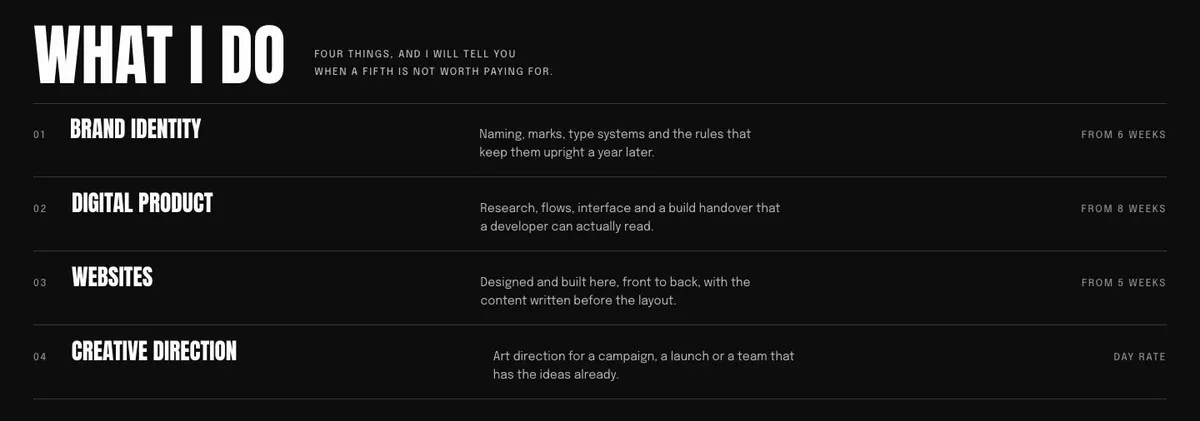
It should also name the projects that belong in Recent projects and Selected work, explain the experience timeline, list the four services and describe the three working steps. Give the AI the real language clients use in enquiries. That produces more useful copy than broad statements about being creative or passionate.
What to prepare before publishing
Start with the portfolio material. Select the nine photographs and decide which five projects lead the page. Write a concise introduction, the project names or supporting points for selected work, and the dated experience information. Then prepare a personal About statement that explains the practice in terms a client can understand.
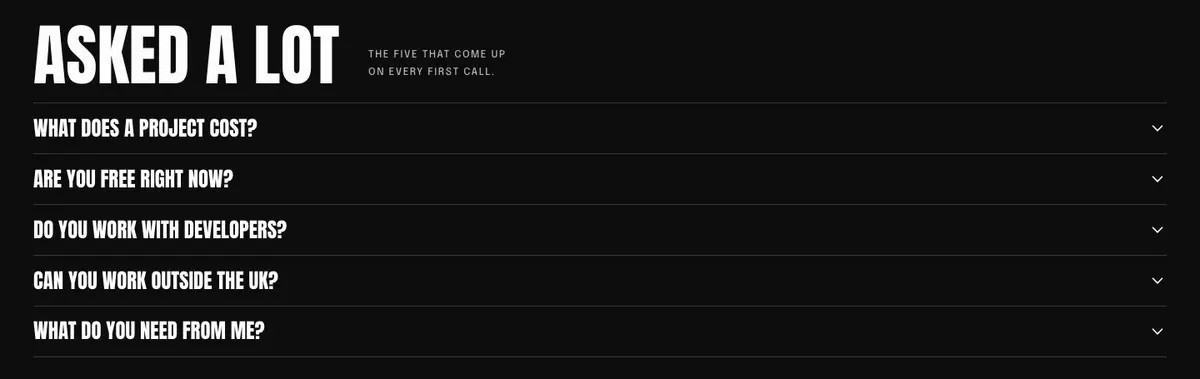
Before publishing, write the service descriptions, the three-step process and the relevant kit list. Gather one client quote with permission to use it. Finally, draft answers to the recurring first-call questions and decide what information a new enquiry needs to contain. The form works best when the surrounding page has already set expectations.
Variations for nearby creative trades
A freelance photographer can use Recent projects for shoots that match the work they want next, then use Selected work to explain the brief or subject behind a smaller set. The services section can distinguish the types of photography they accept, while the enquiry invitation can ask for the intended project.
An art director can make the project selection show work across branding, digital and experiences, then use Experience to establish the path into independent work. A freelance developer can use the same structure, but should make the services and process especially clear so a visitor understands where technical work begins and ends.
A small product-focused studio may need a page that speaks more directly about studio work. In that case, Product Design Studio is worth comparing before choosing this more personal portfolio format.
When another template fits better
Course Enrolment fits better when the page must focus on people joining a course rather than sending a project enquiry.
Course Early-Bird Enrolment is the better comparison when an early enrolment offer is central to the page.
Learning Platform is more suitable when the subject is a platform for learning rather than one person’s portfolio.
Growth Agency is worth considering for an agency offer rather than an independent creative practice. Browse the courses and education hub for related starting points.
Before you publish
- Check that the opening names the owner and the work they want.
- Check that every project image supports the current offer.
- Check that services and process match how projects actually run.
- Check that the enquiry invitation asks for useful project context.