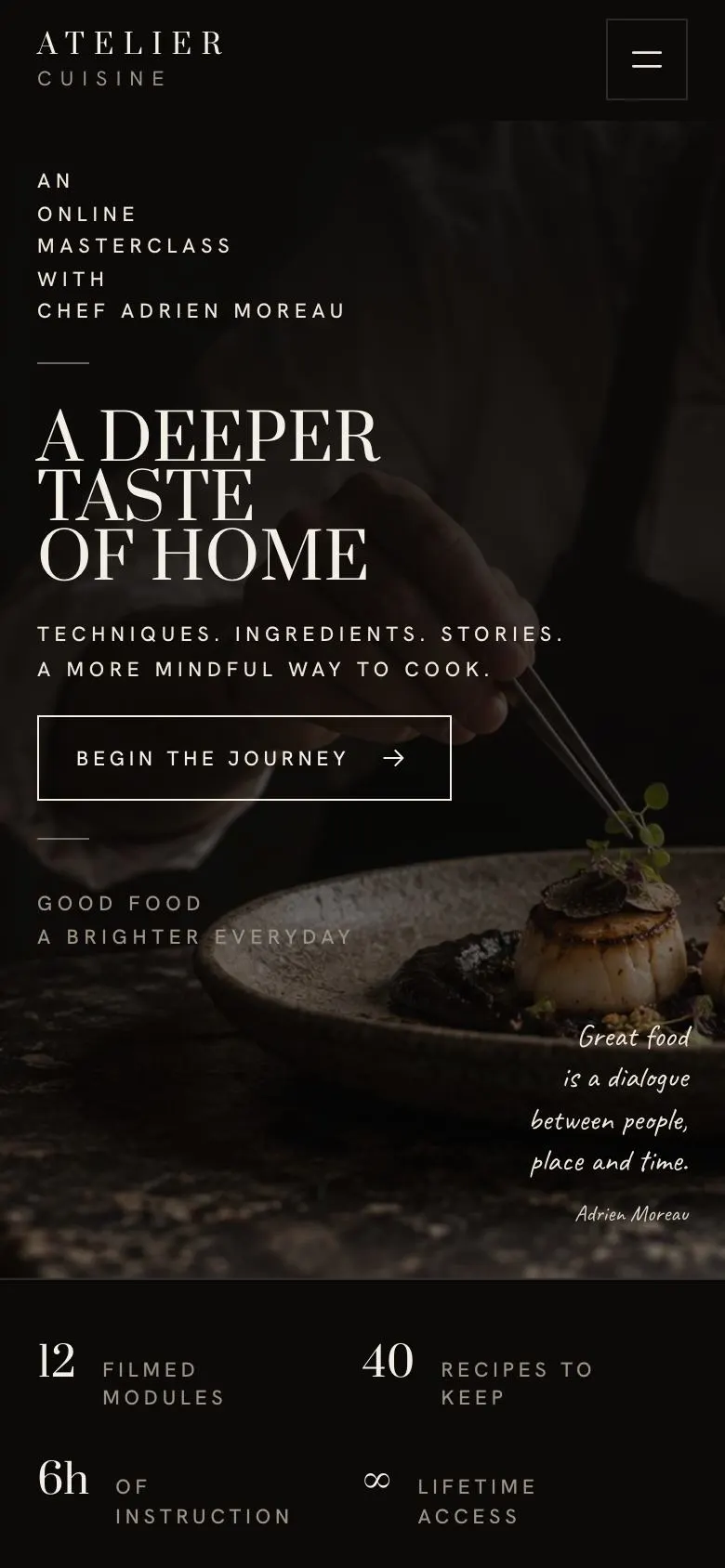
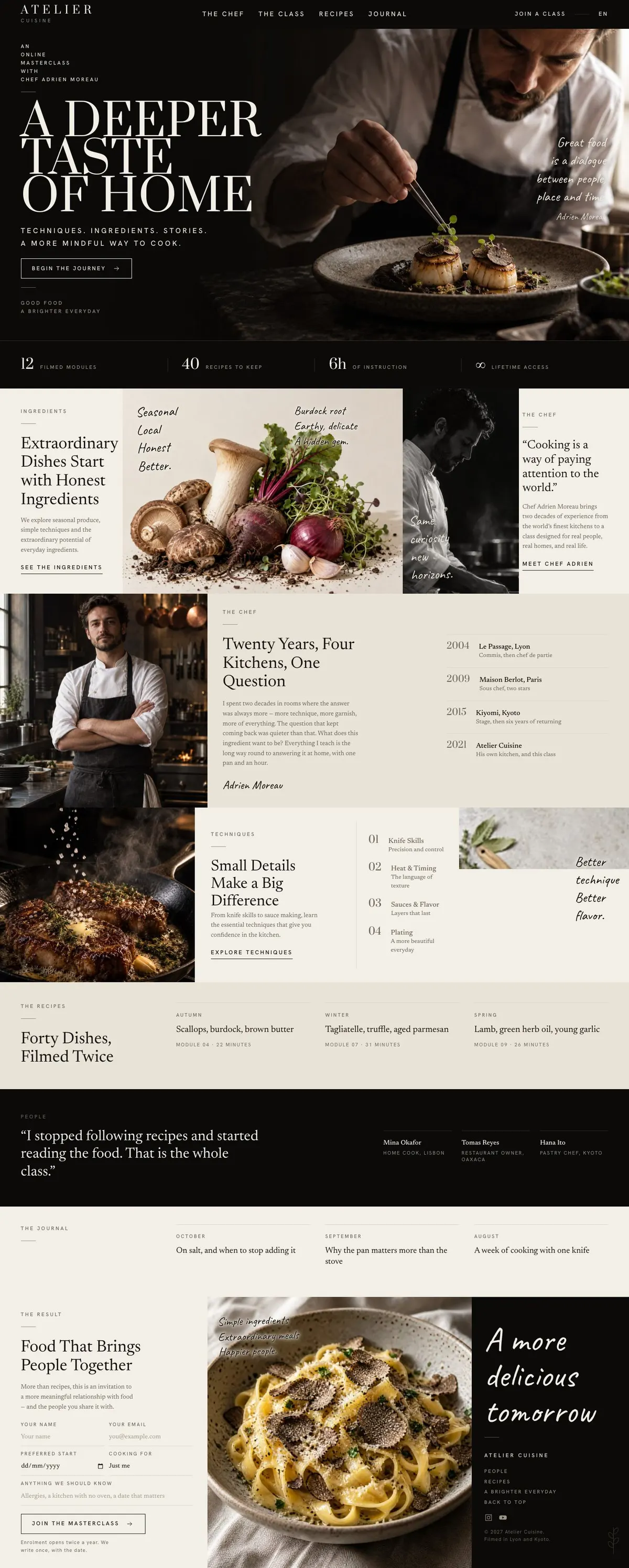
A course page for people choosing a teacher, not just a timetable
Someone searching for a course enrolment page needs more than a place to state that lessons exist. They need a page that explains the teacher’s point of view, makes the subject feel worth studying and gives prospective students a reason to enquire. This design does that through a quiet, photography-led course story.
It is built around the kind of course where the person teaching matters. That may be an online cooking masterclass, a craft school, a studio teaching a practical discipline or a maker sharing a method. A generic course page can reduce this work to dates, modules and a sign-up prompt. That undersells a course chosen for its sensibility, experience and material knowledge.
The original course subject is presented through food, but the structure is not limited to food. A photography school can treat recipes as projects. A ceramics teacher can use the same space to explain clay, firing and finished forms. A tailoring course can make the techniques and taught items about fit, construction and garments. The page is designed to make that translation possible without losing the focus on one teacher and one body of work.
This is an enquiry-led page. It does not show a timetable, payment route or student account area. If the course needs an early booking message, Course Early-Bird Enrolment is the closer fit for that part of the job.
Adapting the design without losing its character
The template has four colour schemes: Noir, Ember, Bronze and Sage. Pick one that supports the subject matter and the photographs already available. The page also offers Prata with Newsreader, Hanken Grotesk with Newsreader, and Caveat with Newsreader. Prata and Newsreader fit the editorial course format shown here; the alternatives give the same content a different voice without changing the page structure.
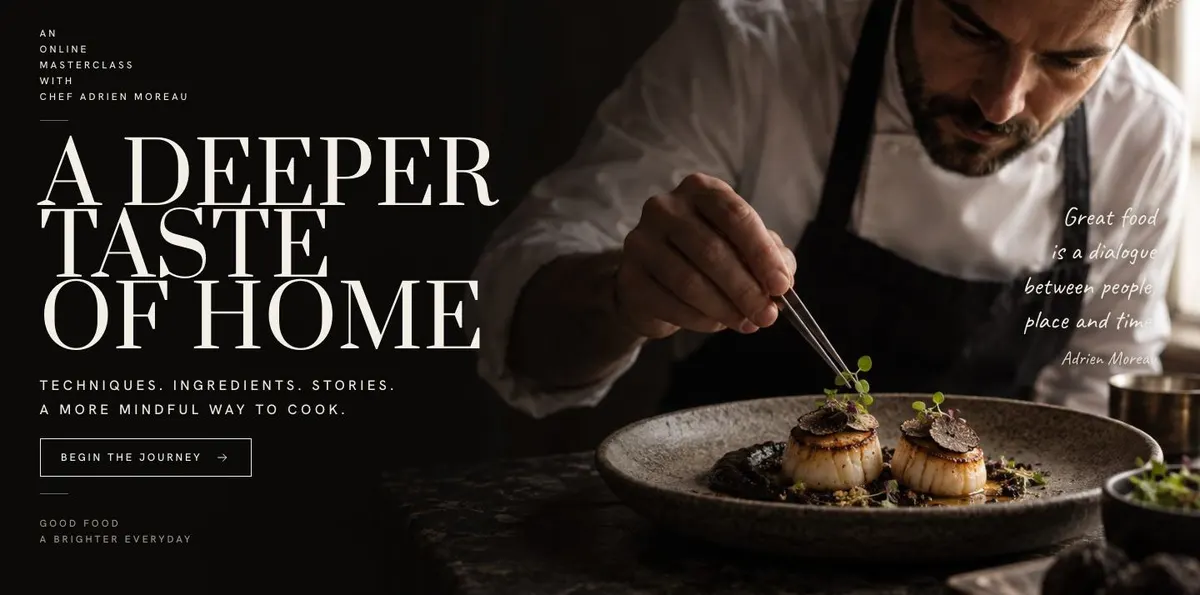
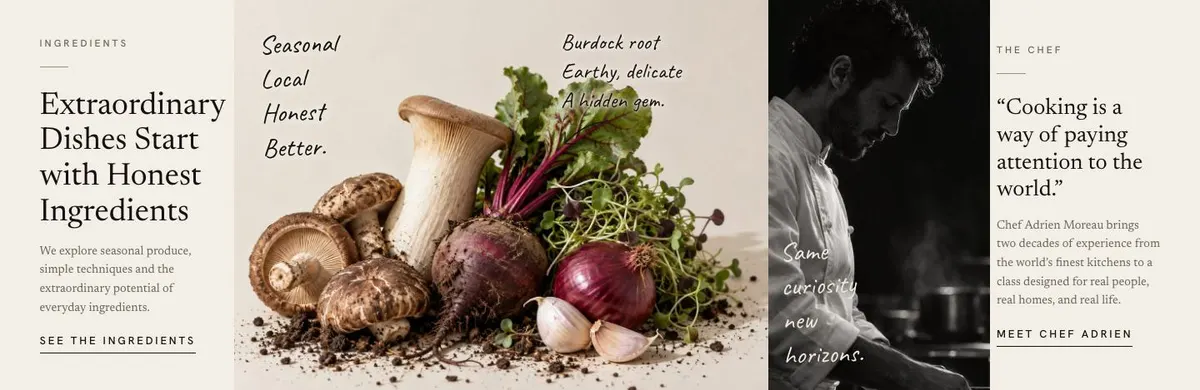
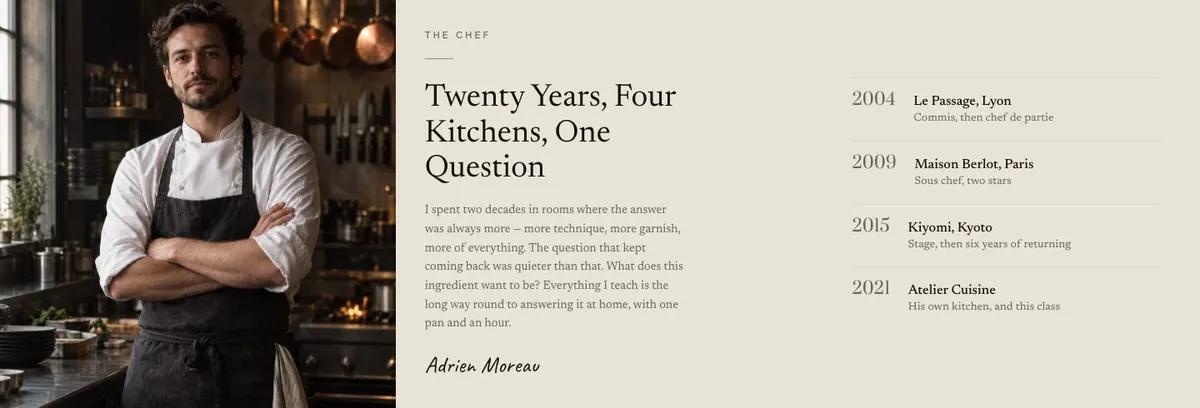
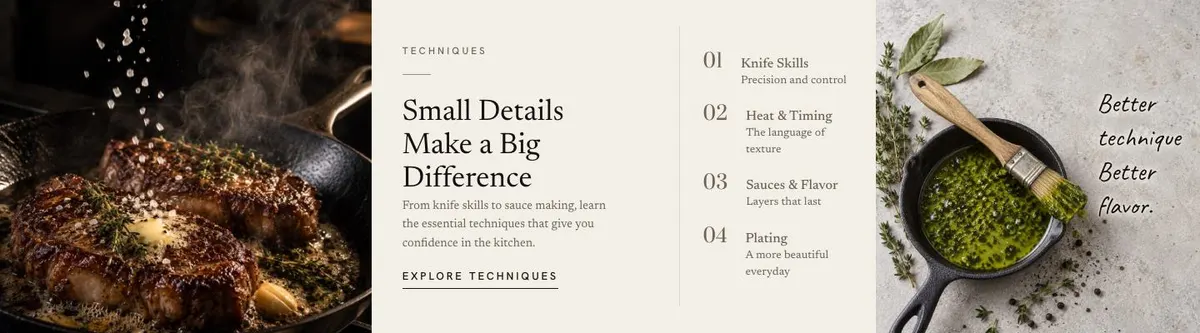
Photography carries much of the work. The template needs seven photographs in total. One introduces the course in the Hero. Ingredients uses two images, Chef uses one, Class uses two and Journal uses one. Prepare images that can do these separate jobs: an opening image with atmosphere, material or process images, a teacher portrait or working image, teaching images and a final image for the closing section. Do not use seven versions of the same pose. Each photograph should add information to the course story.
Writing it for your business
Starting from this template costs no credits. Rewriting the copy with AI costs about 20 credits. A useful brief names the business, the teacher, the course subject, the people it is for and the outcome they want. It should also give the real lesson or project count, the practical topics to cover, the teacher’s relevant background and the goal for the enquiry form.
Good source material lets the rewrite retain the page’s shape while replacing cooking language with the actual subject. It also prevents vague claims. If the course has a defined method, explain it. If students are beginners, say so. If the work assumes prior experience, say that instead. The page will be more convincing when the promise matches the teaching available.
What to prepare first
Before publishing, write the opening statement and the short factual summary of the course. Prepare the teacher story, the teaching points and the list of recipes, projects or other taught work. Gather genuine student comments for Reviews. Write the journal material and decide what an enquiry should lead to after submission.
Then select the seven photographs according to their role on the page. The teacher and class images need to show the practice being taught, not merely a finished result. The images in Ingredients should support the course’s materials or principles. This preparation will make the template feel like a course created by the business, rather than a course page with names changed.
Variations for neighbouring trades
A cooking school can keep the Ingredients, Chef, Class and Recipes structure close to its original purpose. The teacher story can centre on a culinary point of view, while the taught work names dishes and techniques that appear in the class.
A ceramics school can turn Ingredients into clay, tools and process, turn Chef into the maker’s practice, and use Recipes for projects or finished forms. The Class section should name the practical techniques students will use.
A photography or tailoring teacher can follow the same route. Replace food references with the materials, exercises and projects that define the course, while keeping the opening image and teacher story central.
When another template fits better
For a course page centred on early booking rather than a teacher-led course story, see Course Early-Bird Enrolment. For a broader educational product, see Learning Platform. For a programme aimed at children, see Summer Camp or Preschool. Browse the courses and education hub for related starting points.
Before you publish
- Check that the opening statement describes the real course.
- Check that every lesson, recipe or project named is available.
- Check that student comments are genuine and relevant.
- Check that the enquiry follow-up is ready before sharing the page.