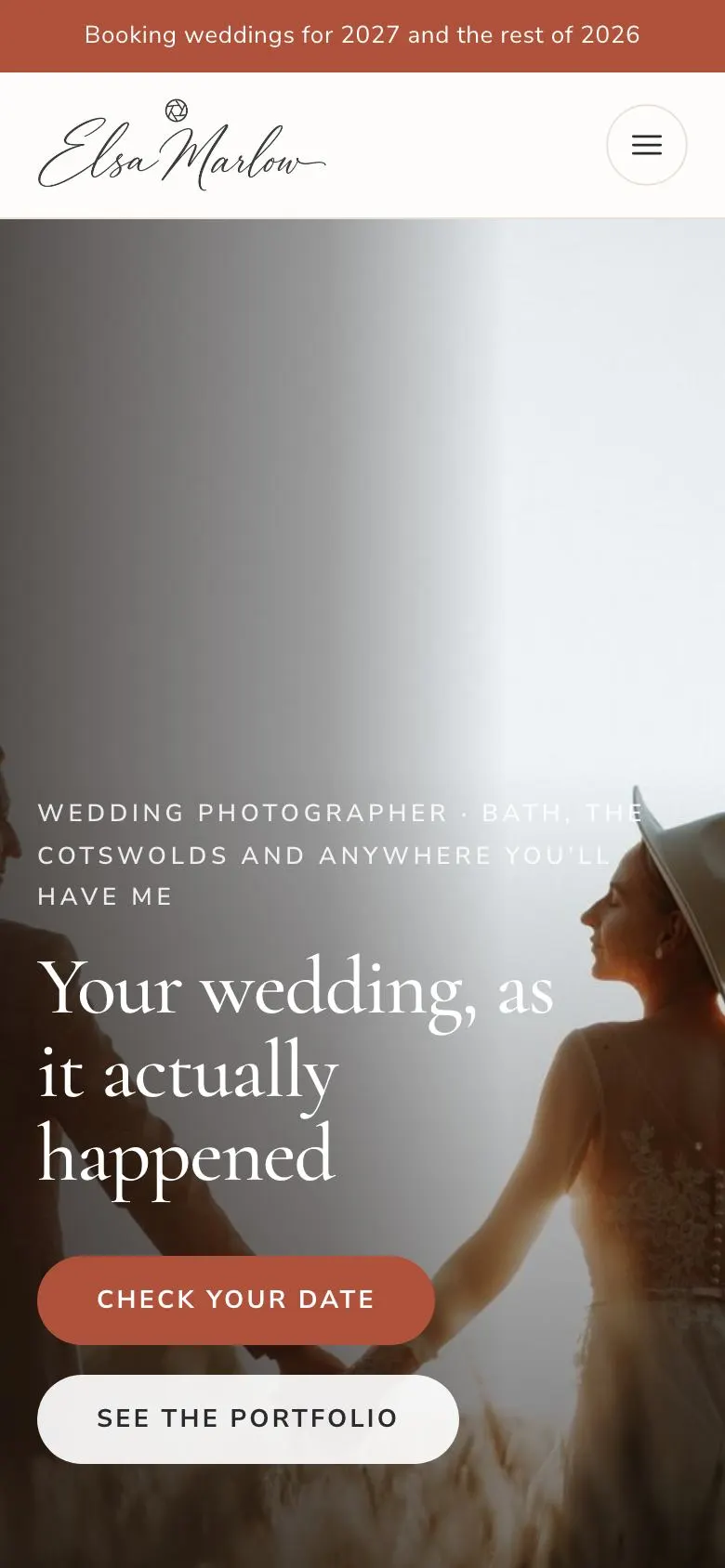
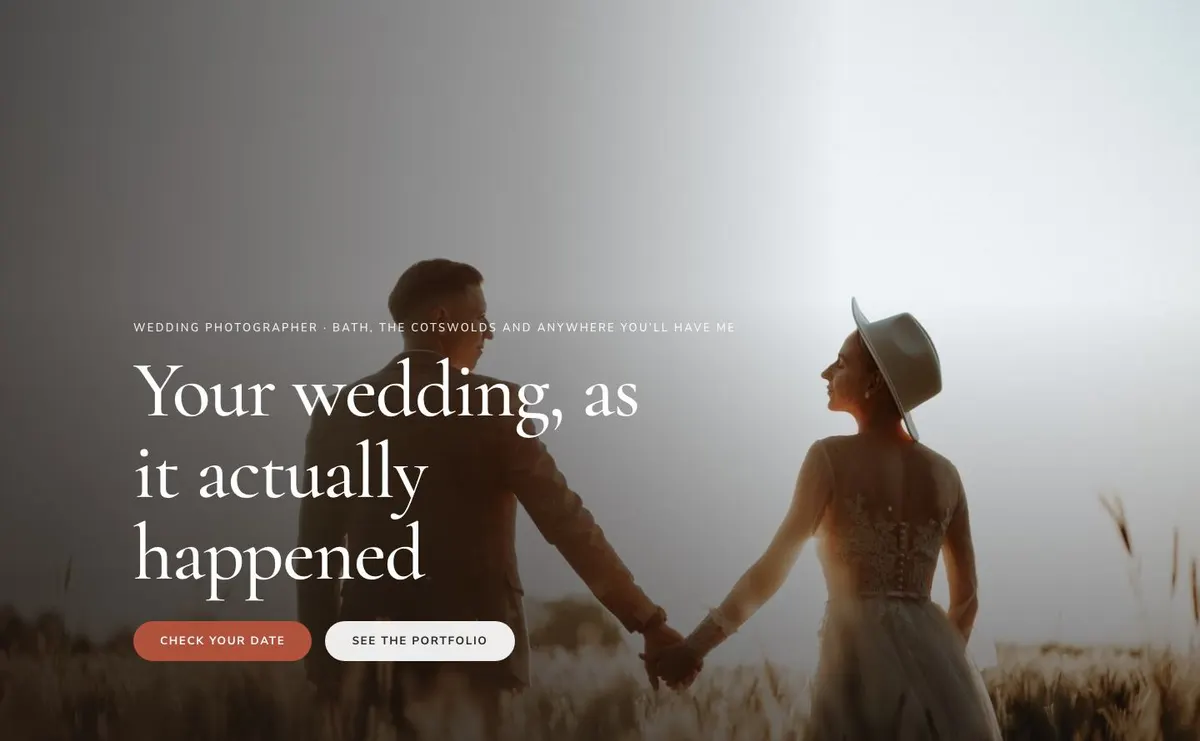
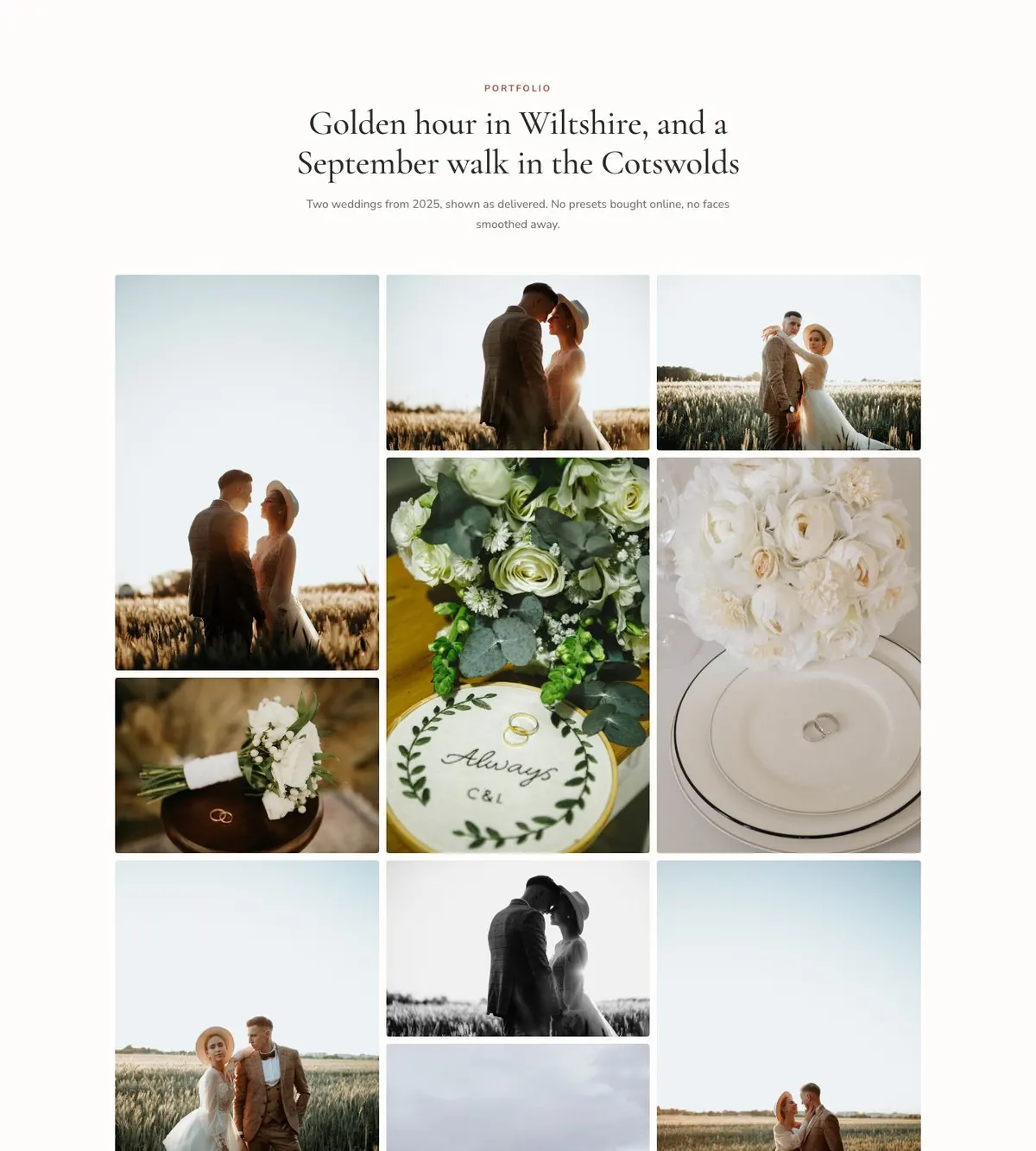
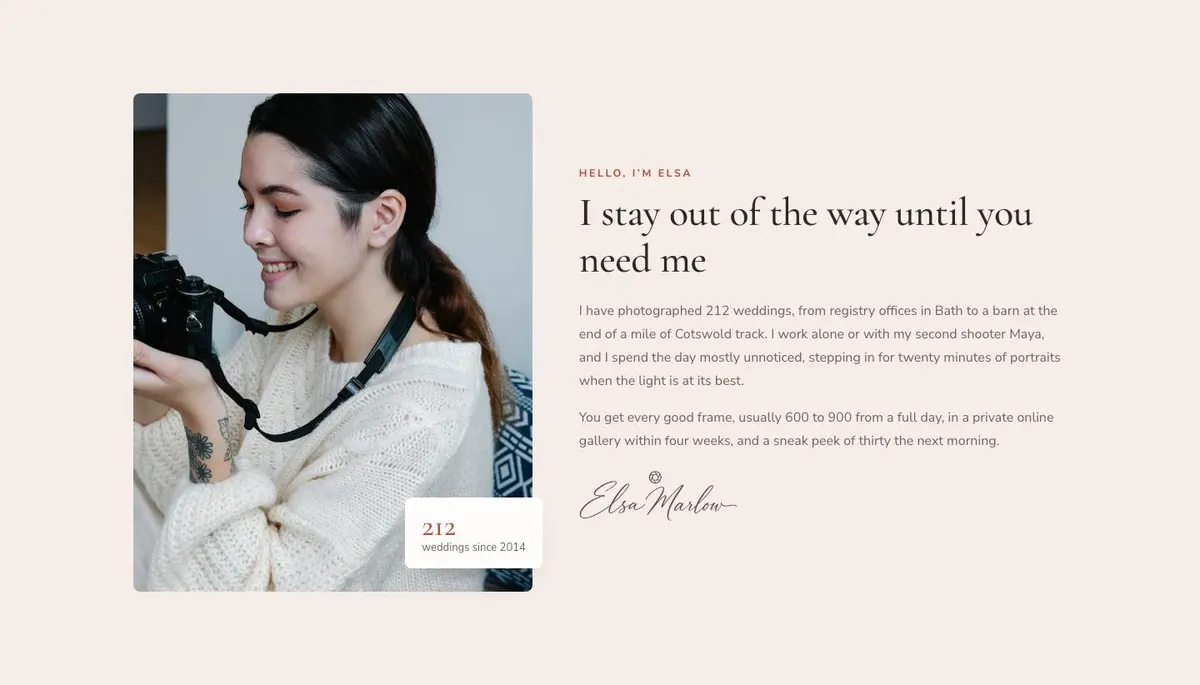
A page for work that has to be seen before it is bought
Wedding photography is chosen differently from many services. Couples are not only comparing coverage or a package list. They are looking for a record of a day they have not had yet, and they need to recognise themselves in the work before they make contact. A generic service page can describe experience, but it can leave the photographs doing too little.
This template is for photographers and visual storytellers selling work by the date or the session. That includes wedding and elopement photographers, family and newborn photographers, portrait and headshot photographers, wedding videographers and event photographers. It is built around the case for the work itself: a lead image, a substantial portfolio, an account of how the day is handled, packages and an enquiry route.
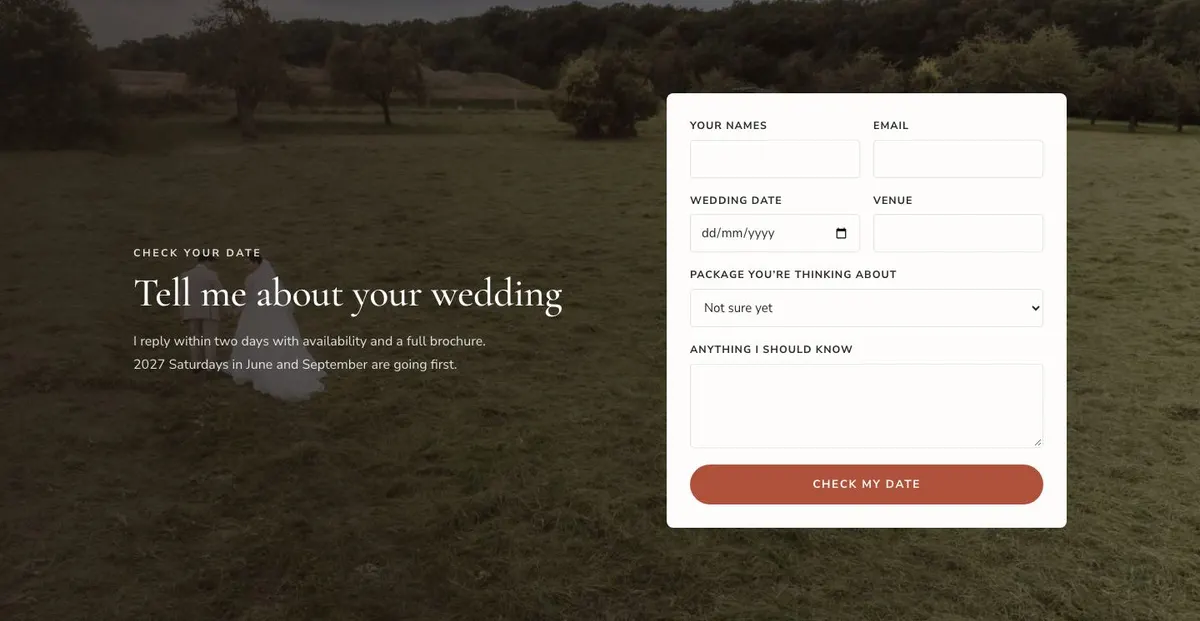
The page leads to an enquiry. It is not framed as a shop or a payment page. That matters when the booking depends on availability, the shape of the day and a conversation about what is needed. The owner needs to give visitors enough evidence to ask whether their date can be covered.
Adapting the design to the work
The template has four colour schemes: Terracotta, Dusty rose, Olive and Charcoal. Choose one that supports the existing work rather than attempting to correct a mismatched portfolio. The overall direction is light, with uppercase headings, Cormorant Garamond for display text and Nunito Sans for body copy. Alternative pairings are Cormorant Garamond with Nunito Sans, Playfair Display with Nunito Sans, and Mulish with Nunito Sans.
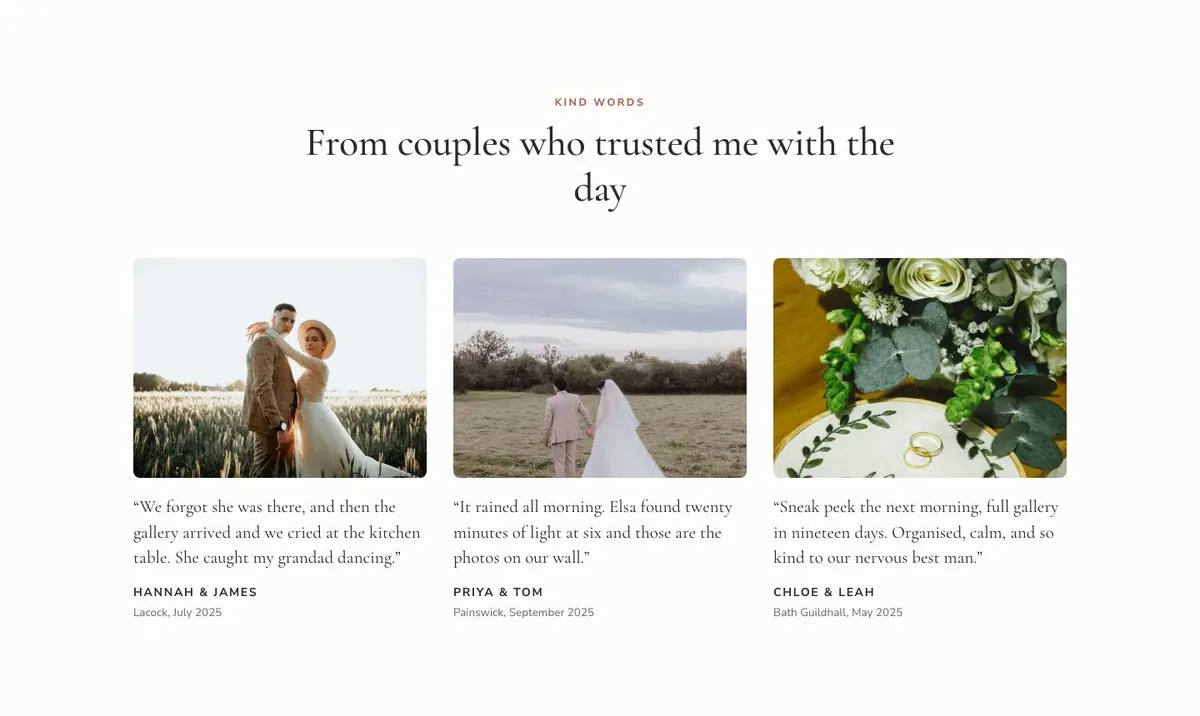
The page calls for 23 photographs. They appear across the Hero, Portfolio, About, Edit, Kit, Kind Words, Enquire and Questions bands. Prepare the work as a set. The portfolio carries the largest share, while the other image areas need photographs that suit their particular job: a lead image, supporting context, editing evidence, preparation, client experience, the enquiry prompt and booking questions.
Writing it for the business
Starting from this template costs no credits. Rewriting its copy with AI costs about 20 credits. A useful brief names the trade, the places served, the sort of dates or sessions wanted, the working approach, the package structure, delivery terms and the enquiry goal.
It should also name the facts that must not change. If the business works with a second shooter only on some bookings, say so. If travel is included only within a stated area, give that area. If a gallery or film is delivered on a particular timetable, provide the real timetable. The AI can reshape the page around those details, but it cannot supply them accurately without a clear brief.
What to prepare before publishing
Start with the portfolio. Select the photographs needed across the page and make sure the portfolio can show complete, delivered work from the kind of booking being sold. Then write the short account for About: experience, locations or service area, whether anyone else works alongside the owner, and how clients experience the day.
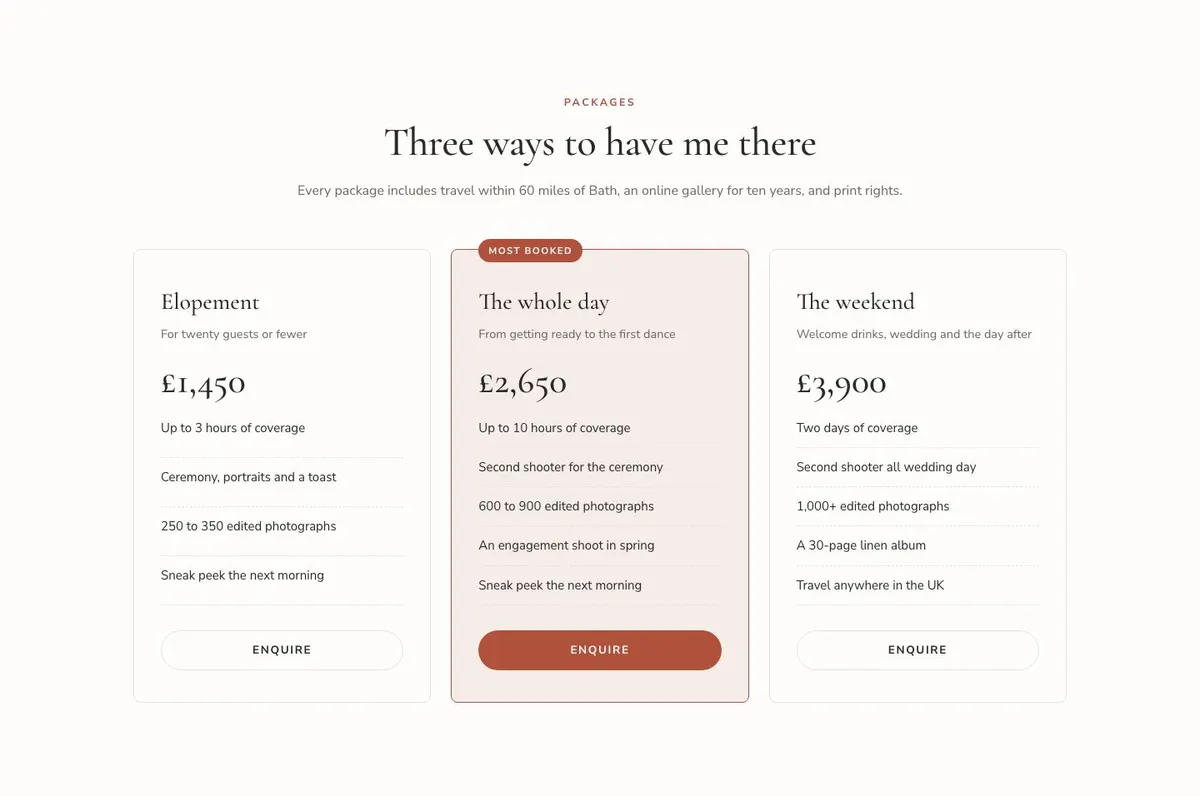
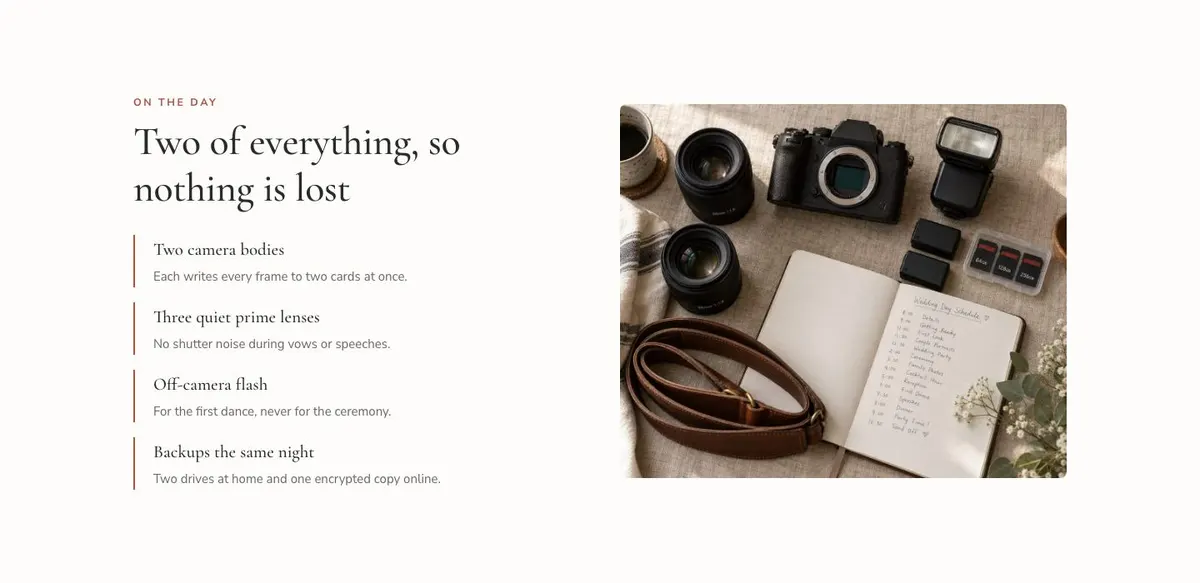
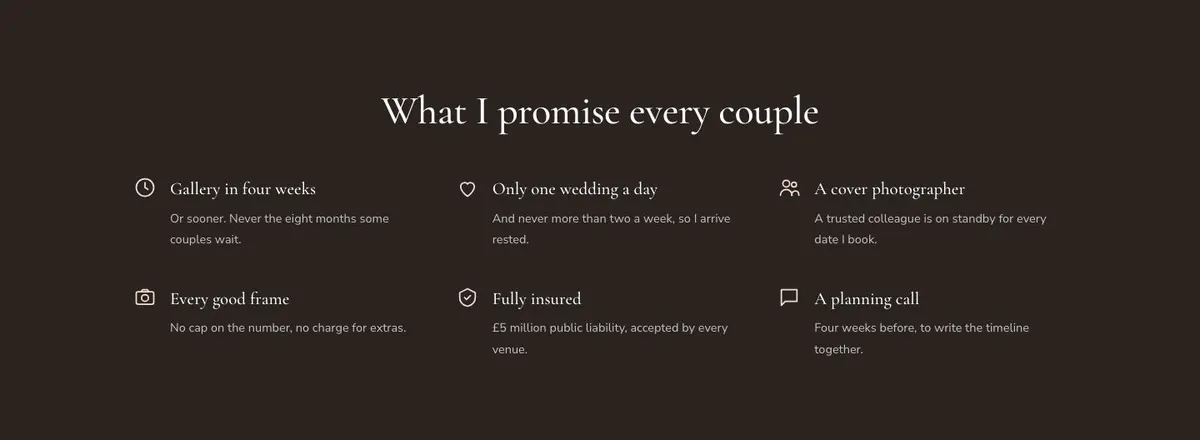
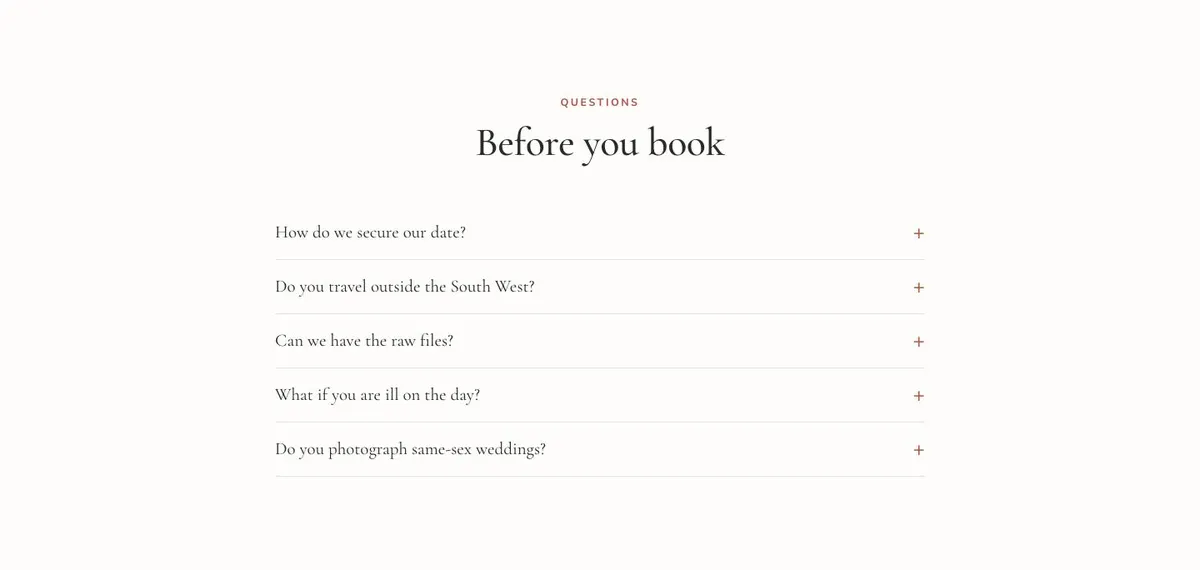
Prepare the three packages and their real terms. Write the editing approach, the practical preparation or kit information, and the promises that can be met every time. Gather a client quote with permission and choose the photographs that belong with it. Finally, decide what the enquiry reply includes, how quickly it is sent and which questions belong in the closing accordion.
Variations for neighbouring trades
A portrait photographer can keep the same journey but replace wedding coverage with a session. The portfolio should show the portrait work being offered, while Packages and Enquire should describe the session and the route to asking about a date.
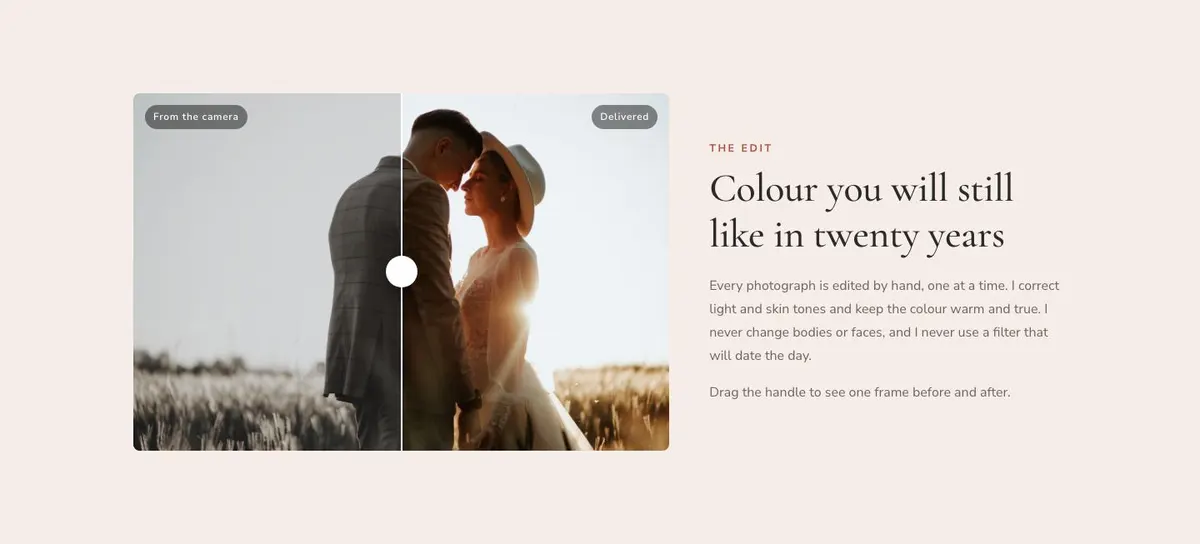
A wedding videographer can use the Edit band to explain the treatment of the finished film, and use About to describe how filming happens on the day. The portfolio should remain the central argument, using real work that reflects the intended bookings.
An event photographer can make the opening promise and enquiry copy date-led, then use Kit and Promises to explain readiness and delivery commitments that apply to their events. The questions should answer the practical points organisers ask before booking.
When another template fits better
Wedding Atelier is the closer alternative when the offer should be presented through a wedding atelier rather than a photographer’s portfolio-led page. Digital Studio suits a broader studio offer where the work is not centred on bookings by date. Product Design Studio is for a product design studio instead of an image-led event or session business. Studio Index is worth considering for a studio index. Browse the agencies and studios hub for related starting points.
Before you publish
- Check that every photograph reflects the work being sold now.
- Confirm the package terms and travel area are accurate.
- Make sure the stated reply and delivery times can be kept.
- Read every booking question as a prospective client would.