A Studio Index for work that needs context
Someone searching for a Studio Index needs more than a list of projects. They need a page that gives a practice a point of view, shows evidence of its work and makes it clear how a prospective client should begin a conversation. This design does that through a typographic opening, project photography, a services outline, a process and a written enquiry.
It is built for businesses where the commission is discussed before it is defined. Architecture, interiors, landscape work, galleries and design consultancies often need to explain the kind of work they take on before a client can decide whether to enquire. A generic business page can make those decisions look interchangeable. This one leaves room for the work, the studio and the questions behind a commission.
The page does not provide a route for buying a product or booking a time directly. If the main job is to gather interior-design project enquiries, Interior Design Enquiries may be the closer starting point.
A sequence from point of view to enquiry
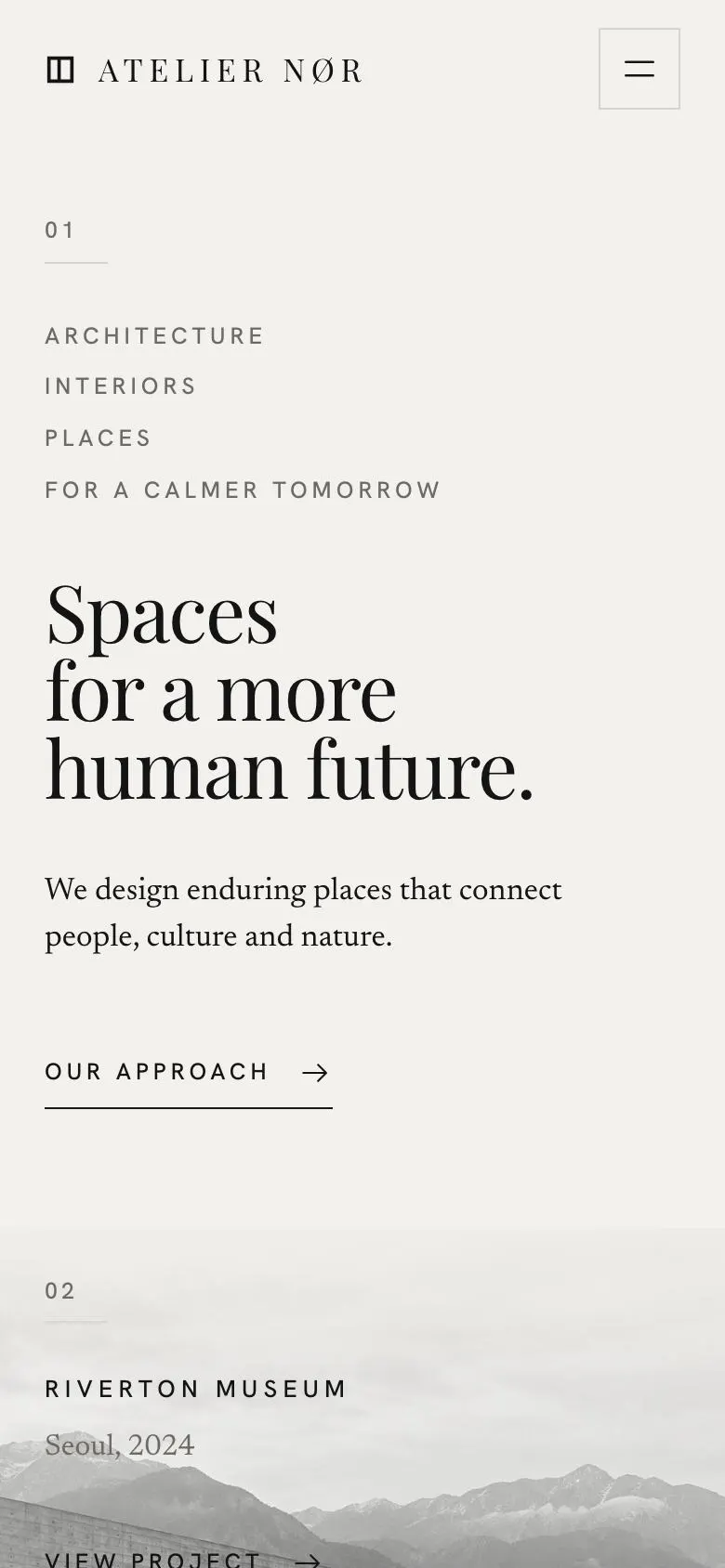
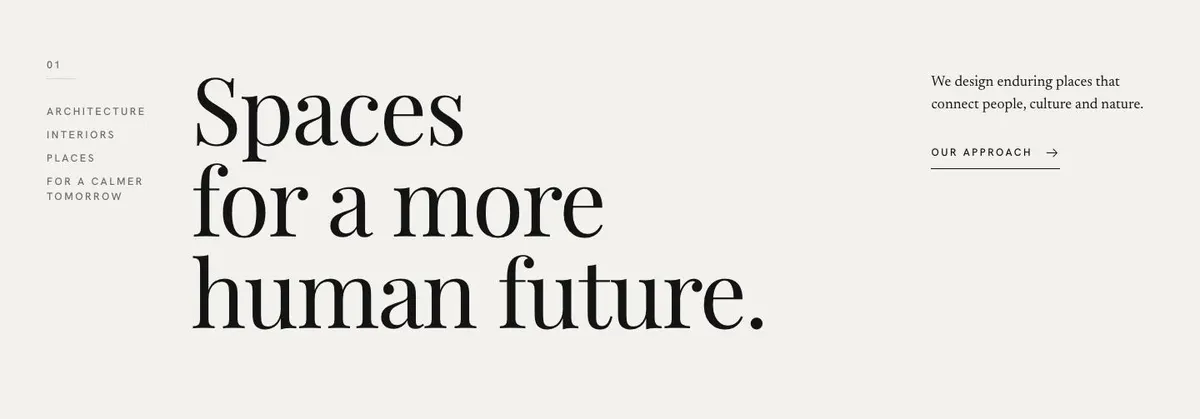
The Hero starts with a statement and a short supporting line. There is no photograph in this opening. That means the first writing matters. It should say what the practice is trying to make, preserve or change, without trying to describe every service. Use language that a prospective client can recognise in the work that follows.
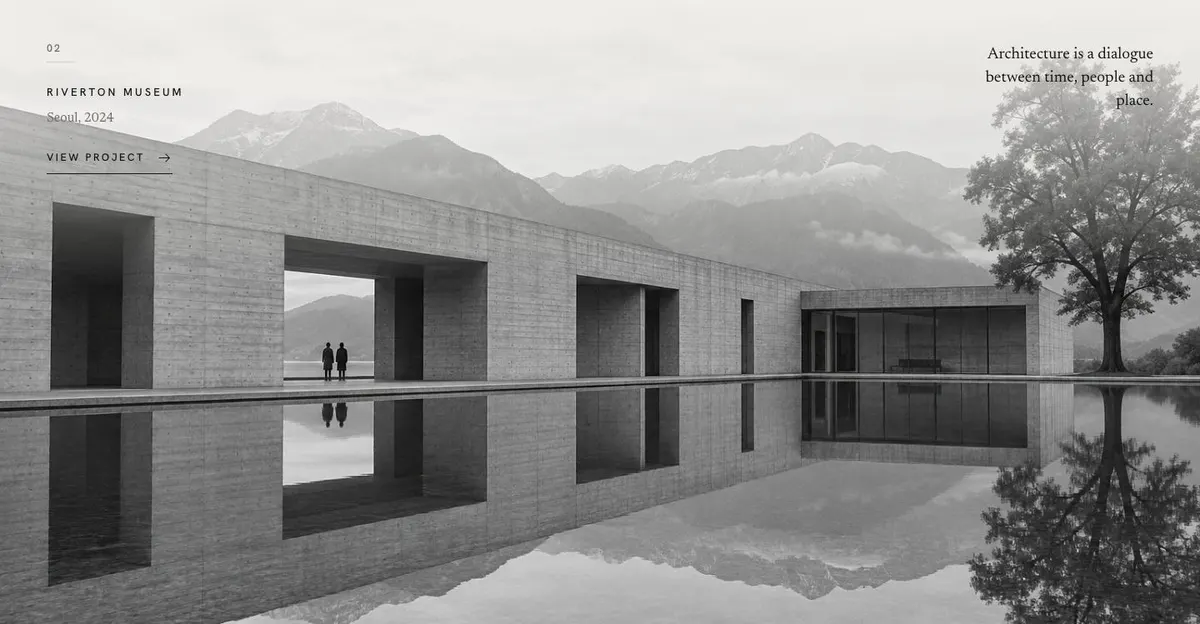
Work follows with a quote and a photograph. This is the place for one project that establishes the standard for the page. Its image and caption should identify the project plainly, while the quote can give the visitor a reason to pause before moving into the wider portfolio.
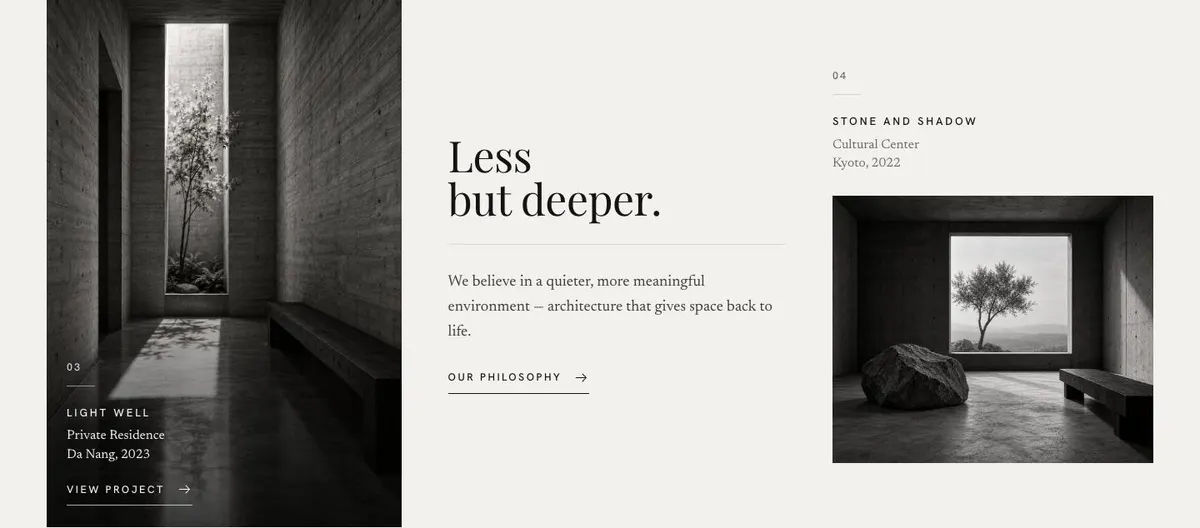
Approach gives the practice room to describe its working belief alongside two photographs. The existing structure supports a concise explanation of how decisions are made, what the studio values and what kind of result it is pursuing. Keep this distinct from the services list. Approach is about the judgement behind the work, not a list of deliverables.
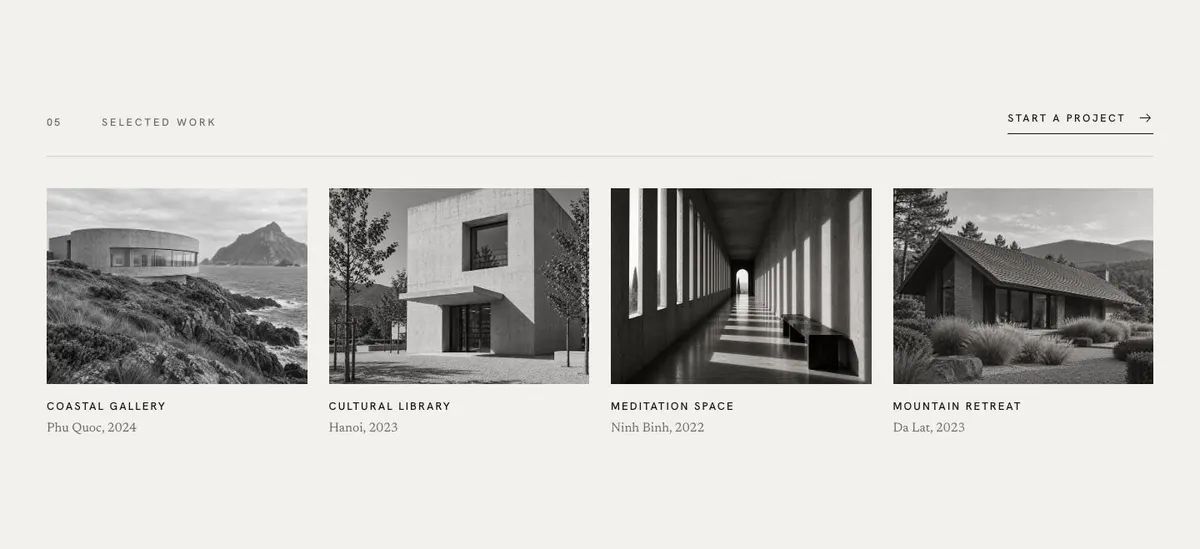
Projects then presents further work through photographs. Use this band to show range without losing coherence. Choose projects that make a useful set together: different scales, settings or brief types can work, provided each one supports the same practice position established at the start.
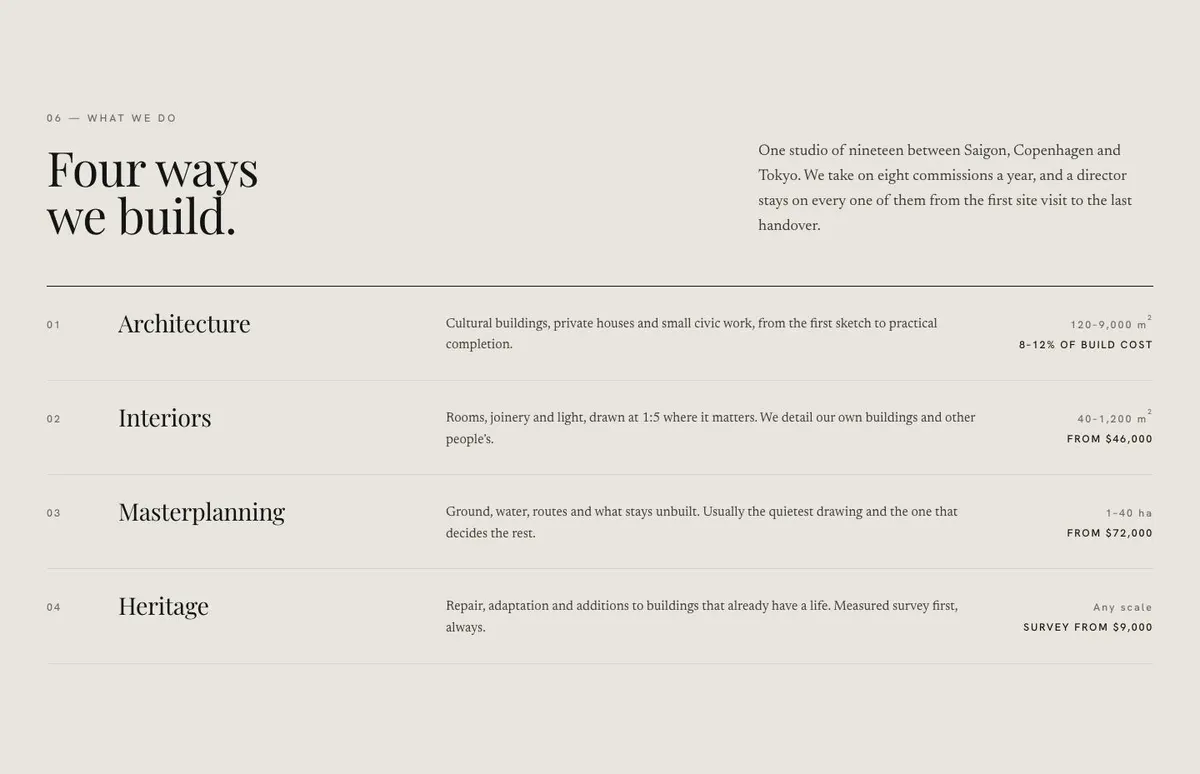
Services is where the offer becomes practical. Its heading, “Four ways we build”, introduces a disciplined list rather than an open-ended catalogue. For an architecture practice, this can distinguish types of commission or areas of work. For a gallery or design consultancy, it can name the kinds of engagement available. Write each service so a visitor can tell whether it applies to their situation and what basis the studio uses for taking it on.
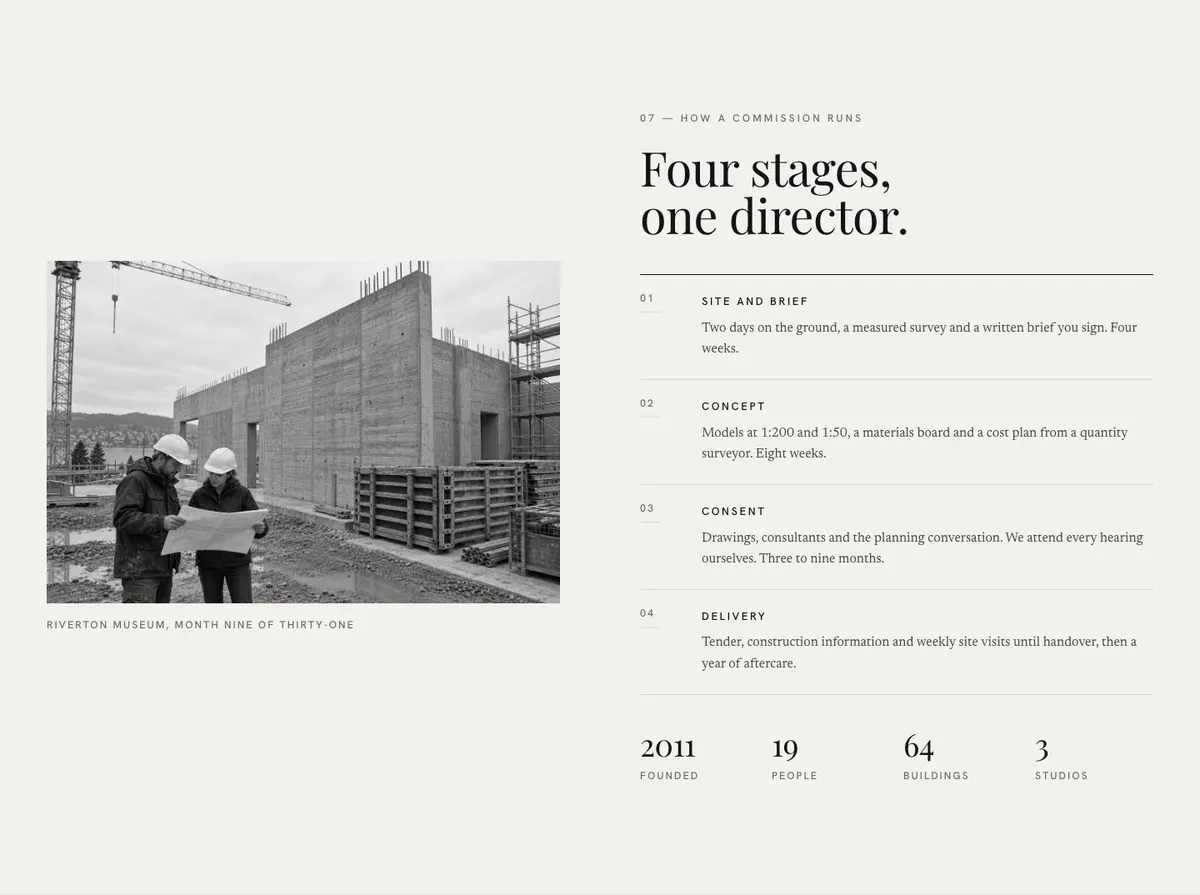
Process makes the next step less uncertain. The four stages and photograph allow the practice to show how a commission moves from an initial conversation to a completed piece of work. Name the stages in language clients understand. Avoid turning the section into internal studio terminology. It should help a client see when decisions, information and involvement are needed.
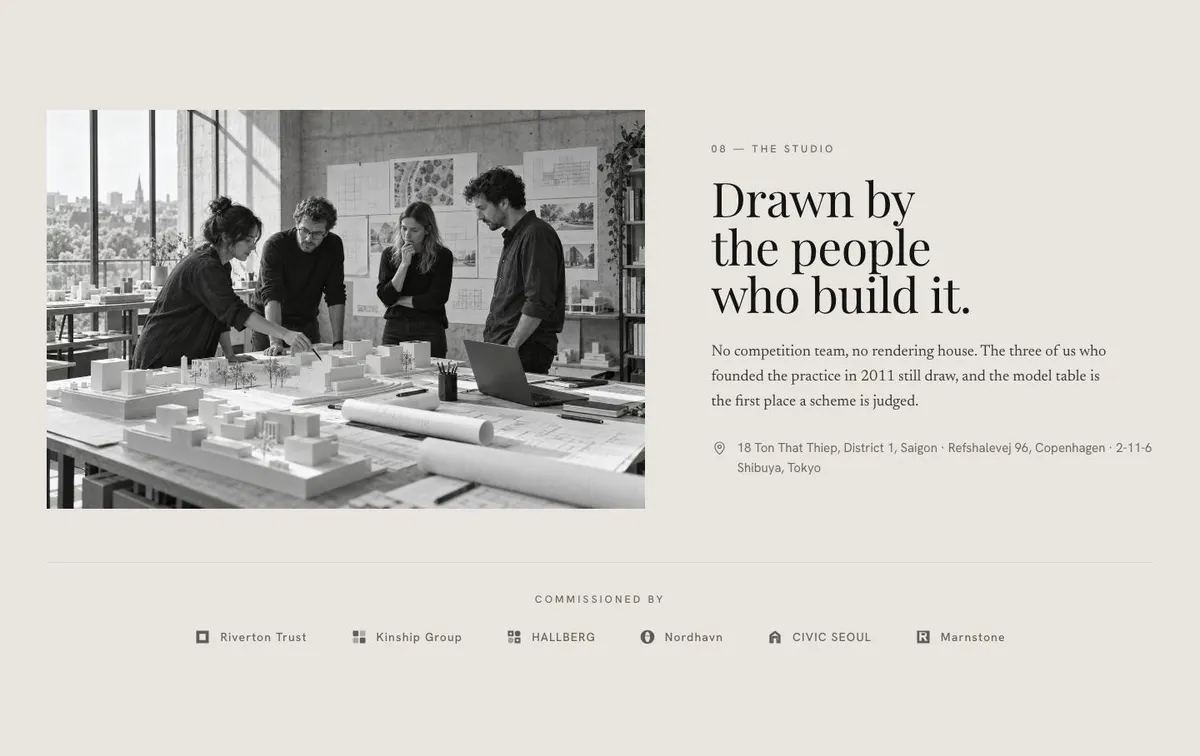
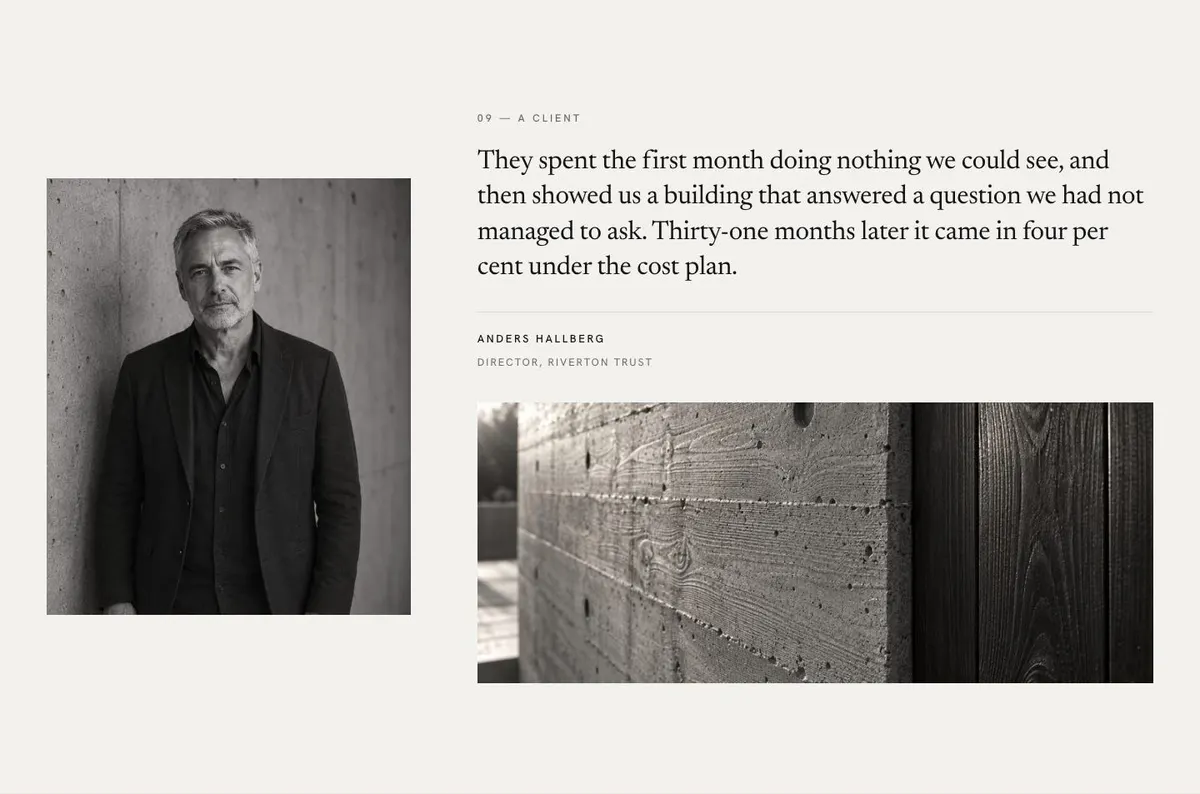
Studio brings the people behind the work into view through its copy and photographs. This is useful where clients are choosing a small practice because they want to know who will be responsible for the work. Show the people, working materials and setting that support the story already told. The following Reviews band adds a client quote with photographs, giving an outside account of the working relationship.
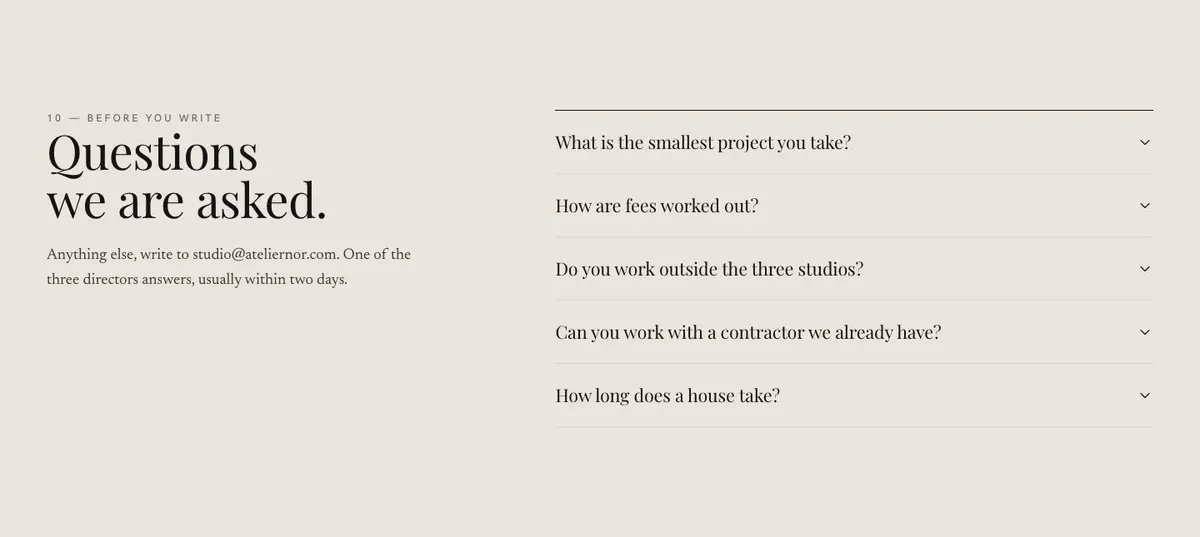
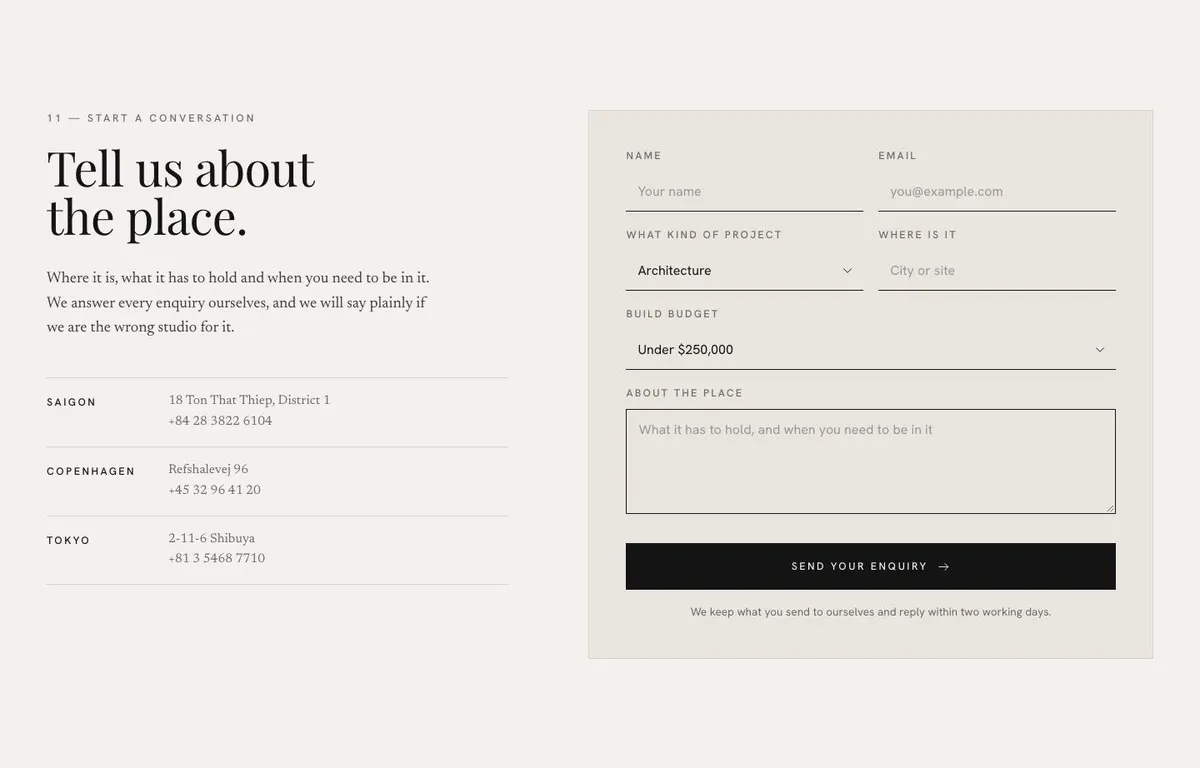
Questions uses an accordion for the practical points that might otherwise stop an enquiry. Answer the questions that recur in early conversations: fit, timing, location, scope or the information needed to start. The final Contact band asks visitors to describe the place, its requirements and their timing through an enquiry form. Its photograph can close the page with work or a studio image that belongs to the same visual world as the portfolio.
Adapting the visual system
The available schemes are Ink, Stone, Forest and Terracotta. Choose one that supports the work rather than competing with it. A practice with a restrained portfolio may prefer Ink or Stone; Forest or Terracotta can suit a studio whose existing materials and photography already carry those tones.
The template pairs Playfair Display with Hanken Grotesk. Alternatives retain Hanken Grotesk for body text while changing the display face to Newsreader or Prata. The display type should be used for the central statement and section headings with care. The body face needs to carry project context, service descriptions, process writing and answers in the Questions band.
The page calls for nineteen photographs across Work, Approach, Projects, Process, Studio, Reviews and Contact. Prepare them as a set, not as unrelated favourites. The Studio band carries the largest group, while the project-led bands need images that can explain completed work. Keep people, spaces, materials and project views consistent enough that the page reads as one practice.
Writing it for the business
Starting from this template costs no credits. Rewriting its copy with AI costs about 20 credits. A useful brief names the business, the work it wants more of, the places it serves and the kind of client it is trying to reach.
It should also state the central proposition, the services to include, the stages of the process and the questions that need answering before an enquiry. Give the AI real project names, locations, dates and the facts that can be published. Explain what should not be claimed. That gives the rewrite a clear boundary and keeps the resulting copy grounded in the practice.
What to prepare before publishing
Write the opening statement first. It should be short enough to lead the Hero and specific enough to rule out work that does not fit. Then prepare one featured project, the supporting project selection and the captions needed to make each project understandable.
Set out the four services and four process stages in plain language. Gather the studio photographs, the review material and the answers for Questions. Finally, decide what a useful first enquiry must explain: the location or setting, what the project has to hold, and when it is needed. The Contact copy should match that request.
Nearby uses for the same structure
An interior designer can make the project selection about homes, hospitality or workplaces, then use Services to distinguish the kinds of interior commission the studio accepts. The enquiry prompt should ask for the property, the intended use and the required timing.
A gallery can replace project language with exhibitions, represented work or commissions. Its Approach band can explain the curatorial position, while Questions can cover the practical matters visitors commonly ask before making contact.
A furniture maker can centre the page on completed pieces and the process of a commission. The Studio photographs become especially important here, because they can show the people and making context behind the work.
When another template fits better
Maison Monochrome is worth considering when a more focused, monochrome presentation better matches the work. Digital Studio is a closer fit for a studio whose main offer is digital work. Product Design Studio suits a practice centred on product design rather than spatial projects. Luxury Collection Showcase may suit a collection-led presentation. Browse further options for agencies and studios.
Before you publish
- Check that the Hero statement matches the work shown.
- Make every project caption clear and factual.
- Ensure services and process reflect how the practice actually works.
- Test the enquiry form with the details a client needs to provide.