landflow

Christmas Village StoryLanding page template

Visits, activities and seasonal ticket choices

For Christmas villages, winter parks and family attractions that need to turn a seasonal visit into a planned day, with activities, ticket options, visitor reassurance and an enquiry-led booking route.

12 sections 13 photos 4 colour schemes Enquiry form
Christmas Village Story landing page template, desktopChristmas Village Story landing page template on a phone
Opens ready. No credits.
01 preview

See the whole page before you start.

Switch devices, scroll the full page, or open the live demo. This is the exact layout, photos and sample text a new page starts with.

All templates
Christmas Village StoryEvents · 12 sections
Christmas Village Story template, the whole page on desktop
02 what's on the page

Every section, in the order a visitor meets it.

The headings are the demo's own sample text. Your brief, or the AI copy pass, replaces them; the structure stays.

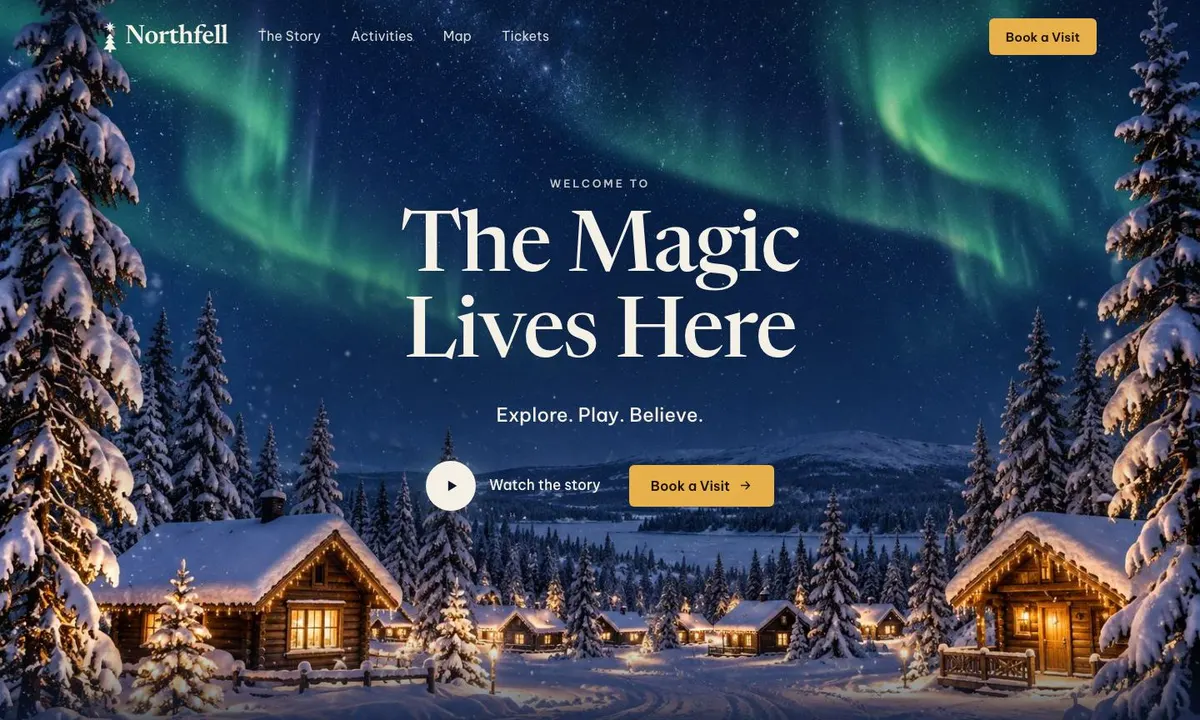
  1. 01 / 12 Hero

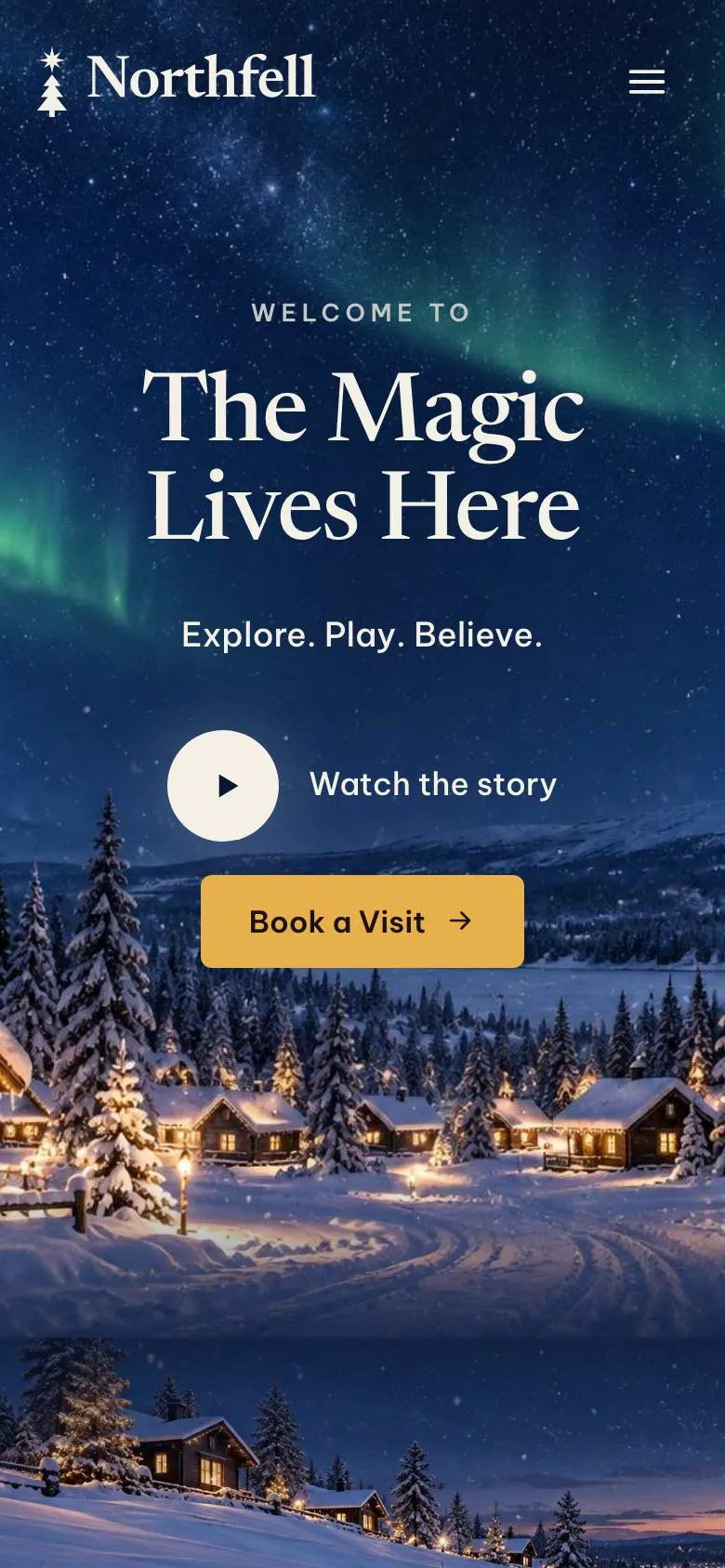
    The Magic Lives Here

    The magic lives here introduces the visit; provide one photograph and honest wording that matches the experience visitors can book.

    Christmas Village Story template — Hero section
  2. 02 / 12 Scroll to explore The journey starts

    The journey starts prompts visitors to continue; supply one photograph that truthfully represents the arrival or travel experience.

    Christmas Village Story template — Scroll to explore The journey starts section
  3. 03 / 12 Journey

    A Journey Through the Snowy North

    A journey through the Snowy North explains the setting; substantiate the forty-minute distance from Rovaniemi and provide accurate experience details.

    Christmas Village Story template — Journey section
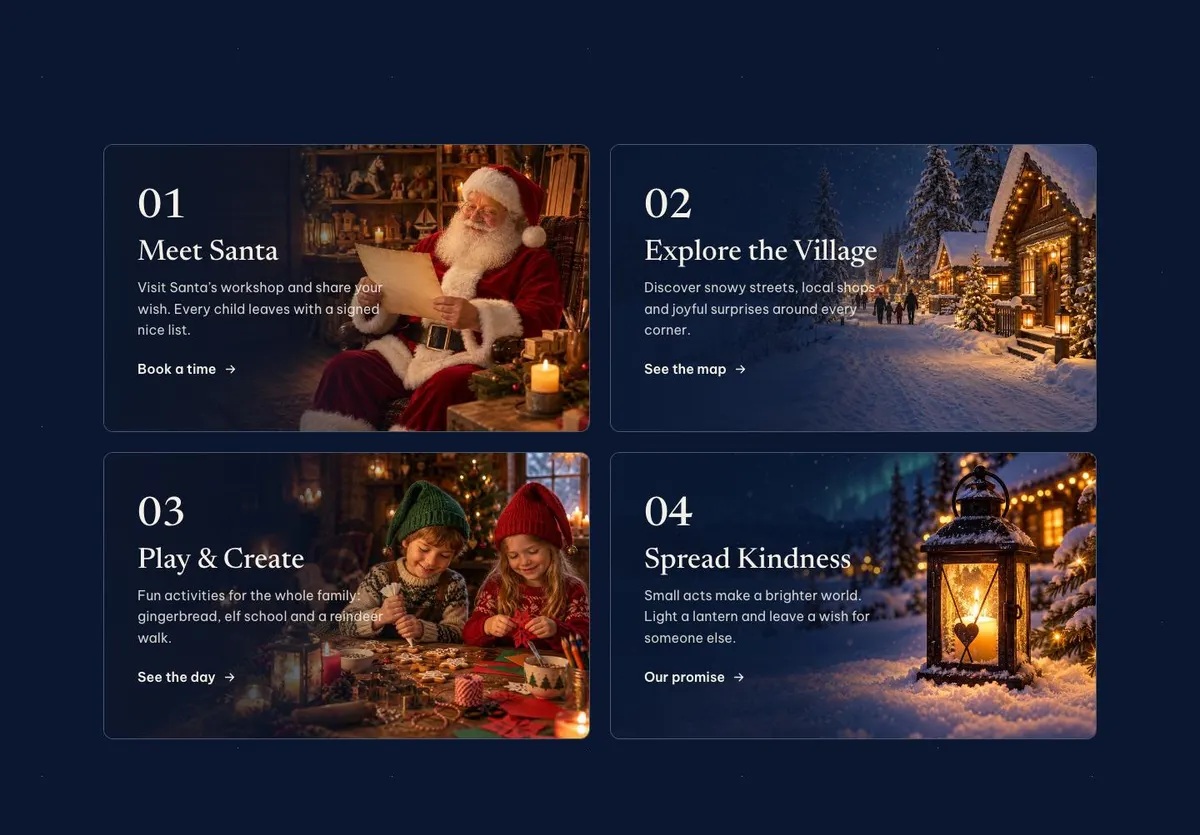
  4. 04 / 12 Chapters

    Meet Santa

    Meet Santa describes a child’s visit; provide four photographs and ensure every child genuinely receives the promised signed nice list.

    Christmas Village Story template — Chapters section
  5. 05 / 12 Countdown

    The countdown creates a reason to book before a stated moment; set it only for a real deadline or opening date.

    Christmas Village Story template — Countdown section
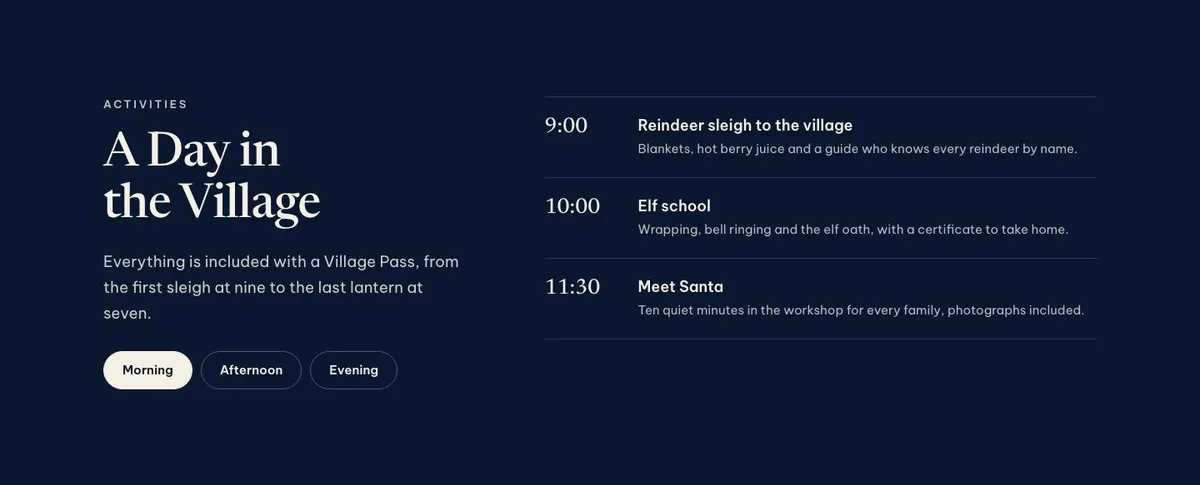
  6. 06 / 12 Day

    A Day in the Village

    A day in the village explains the pass itinerary; provide accurate activities and honour inclusion from 9 am until 7 pm.

    Christmas Village Story template — Day section
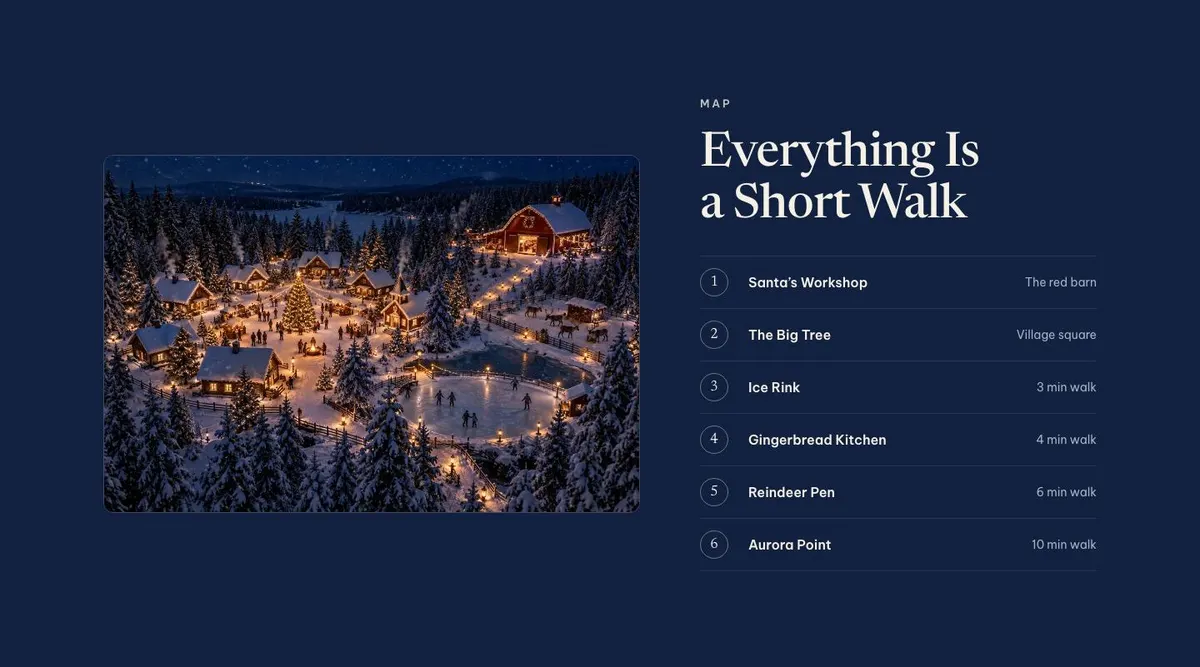
  7. 07 / 12 Map

    Everything Is a Short Walk

    Everything is a short walk helps visitors plan; provide one photograph and six accurate location labels with realistic walking expectations.

    Christmas Village Story template — Map section
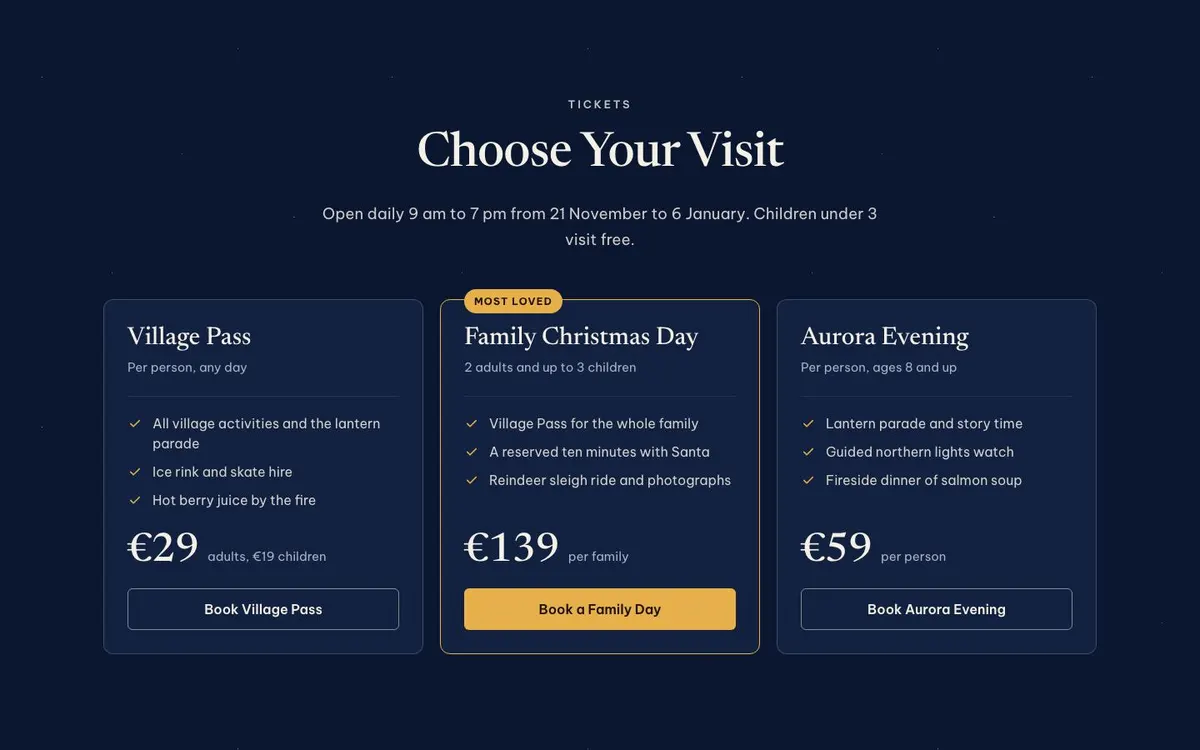
  8. 08 / 12 Tickets

    Choose Your Visit

    Choose your visit sets out nine ticket options; provide current prices, availability, dates, opening hours and terms for free under-threes.

    Christmas Village Story template — Tickets section
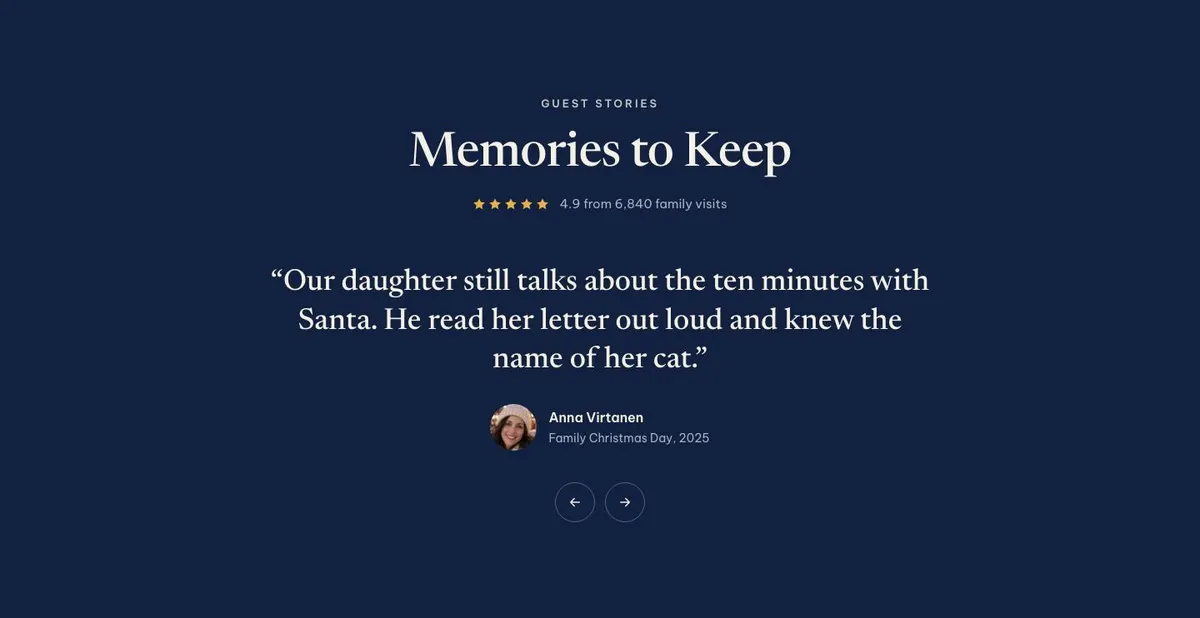
  9. 09 / 12 Reviews

    Memories to Keep

    Memories to keep presents visitor feedback; provide three photographs, genuine quotes and evidence supporting the 4.9 rating from 6,840 family visits.

    Christmas Village Story template — Reviews section
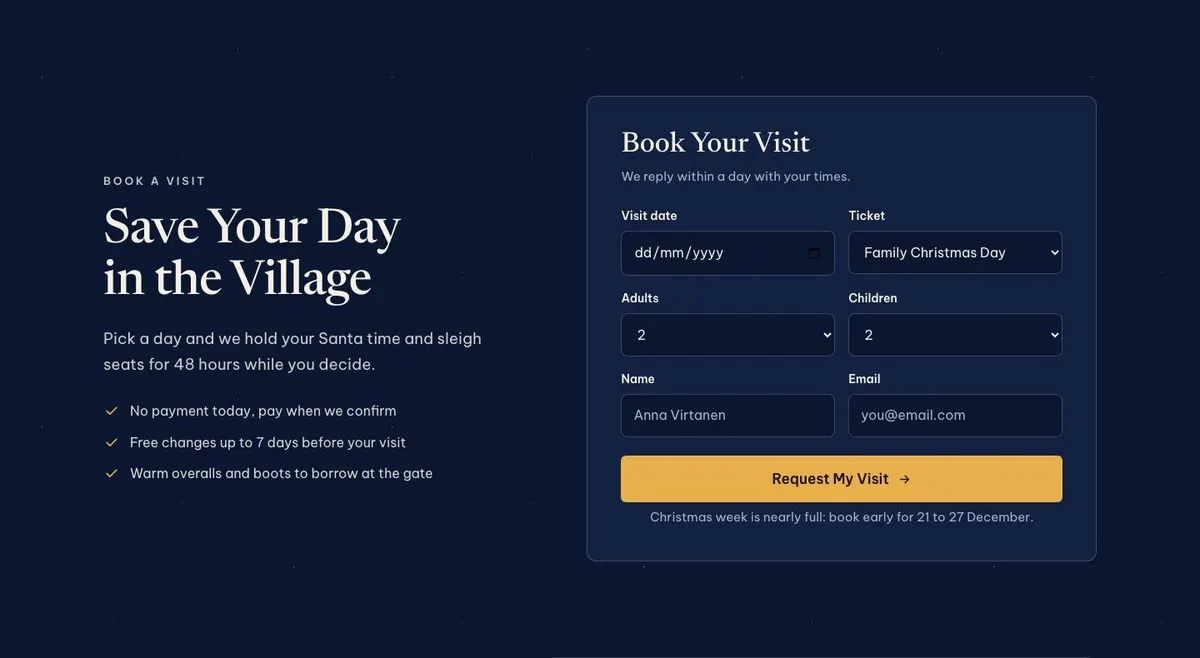
  10. 10 / 12 Book

    Save Your Day in the Village

    Save your day in the village collects enquiries; provide three booking details and honour held Santa and sleigh places for 48 hours.

    Christmas Village Story template — Book section
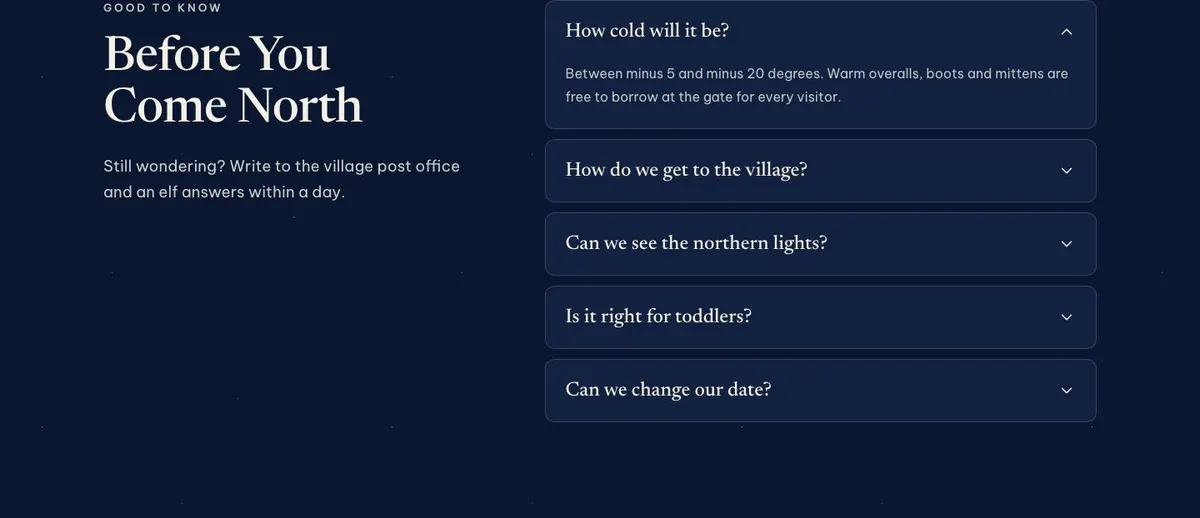
  11. 11 / 12 Questions

    Before You Come North

    Before you come north answers practical queries; supply accurate accordion answers and respond within a day only if the village can maintain it.

    Christmas Village Story template — Questions section
  12. 12 / 12 Believe

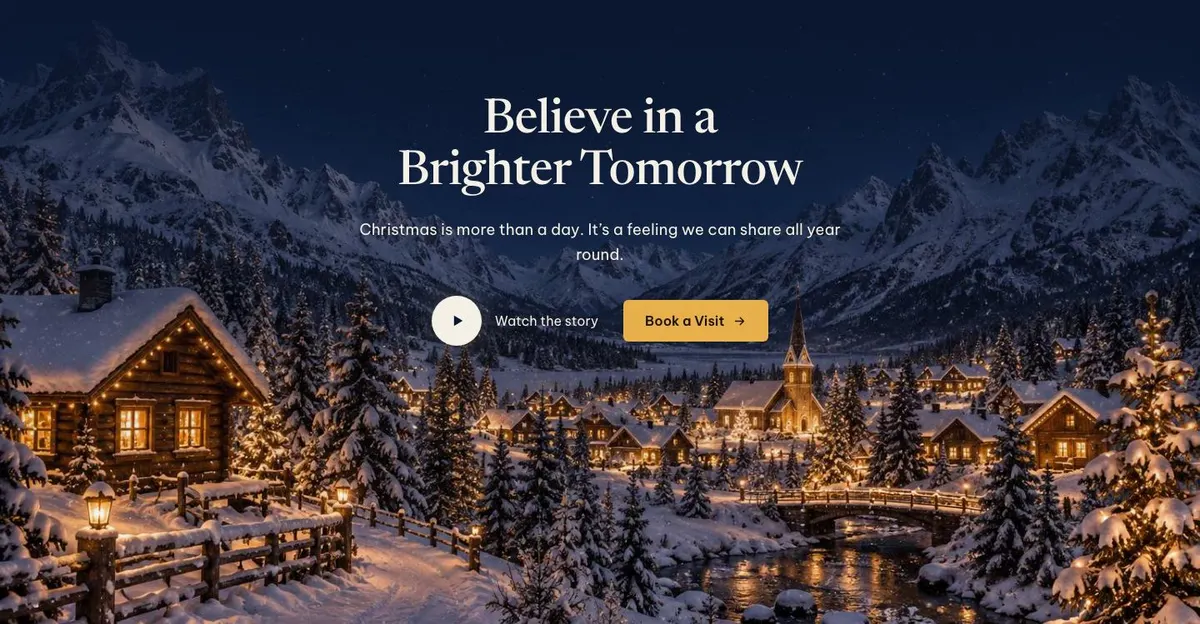
    Believe in a Brighter Tomorrow

    Believe in a brighter tomorrow closes the story; provide two photographs and wording that reflects the business’s genuine year-round purpose.

    Christmas Village Story template — Believe section
03 the template

How this page works, and how to make it yours

A page for selling a day in a Christmas village

Someone searching for a Christmas Village Story needs a page that makes a family visit feel clear before it asks for an enquiry. They need to see the promise of the day, understand what there is to do, find the available visit choices and know how to ask for a date. This design does that through a sequence of scenes, activities, map information, tickets, guest stories and a booking form.

A generic events page can undersell this kind of attraction. A Christmas village is not only a date and a venue. Parents are deciding whether the journey, the activities and the visit length work for their family. The page gives each part of that decision its own place. It also leaves room for the feeling behind the trip, rather than making the page read like a timetable alone.

The template is built around a seasonal family experience sold by the day. It can suit a Santa experience, winter park, lights trail, reindeer farm or holiday attraction with several activities. It does not provide a dedicated stallholder application route. For a market where vendor information is central, Christmas Market Event is the more direct starting point.

Adapting the design to the real attraction

The available colour schemes are Lantern, Holly, Aurora and Snow. Choose one that supports the real setting rather than forcing the site into a colour association it does not have. Lantern may suit an evening-led visit. Aurora may fit a northern or lights-focused experience. Snow can work where the winter landscape is central. Holly is a useful direction where traditional Christmas details lead the offer.

The display typeface is Newsreader and the body typeface is Be Vietnam Pro. Alternatives include Fraunces with Be Vietnam Pro, or Nunito Sans with Be Vietnam Pro. Keep the display face for the larger story-led statements and make practical information easy to scan in the body face.

The page needs thirteen photographs in total. Two appear before the Journey introduction. Four support the Chapters. One is used with the Map, three sit with Reviews, and two complete the Believe closing scene. Plan those images early. They should show the arrival, the central activities, the site layout where useful, real family moments and the final atmosphere of the visit.

Writing it for your business

Starting from a template costs no credits. Rewriting its copy with AI costs about 20 credits. A good brief names the attraction, its location, the season dates, the visitor groups, the main activities and the enquiry goal. It should also state which pass or visit types are real, what is included and what families need to know before travelling.

Give the AI facts, not broad claims. Include the actual opening hours, age rules, travel advice and the wording of any promise about reserving a visit. Mention the tone required: playful, quiet, traditional or activity-led. That gives the rewrite enough material to replace the mock-up’s Christmas village details without inventing operational information.

What to prepare before publishing

Prepare the visit story before changing the page. Write the short hero promise, the location introduction and four experience chapters. Set out the day in the order guests encounter it. Decide the real names of the places shown on the map and the ticket or pass choices visitors can ask about.

Gather the thirteen photographs and confirm permission to use guest images and reviews. Write answers for the Questions accordion based on the enquiries the team receives most often. Finally, check every date, hour, age condition, availability statement and booking hold message against the current operation. Seasonal information can become incorrect quickly.

Variations for nearby seasonal trades

For a reindeer farm, make the chapters centre on the animals, guided encounters and the practical shape of a visit. Use the map to orient visitors around the farm, and make the Questions section answer welfare, weather and arrival queries.

For a lights trail, use the hero and Believe photographs to show the evening setting. Change the Day section into the visitor journey through the trail, and make the ticket choices reflect the real entry arrangements.

For a Santa workshop, make the four chapters about the activities children complete and the Santa meeting. The Book section should be especially precise about the date request and any timed part of the experience.

When another template fits better

Christmas Market Event fits better when the main offer is a Christmas market rather than a structured family day.

Haunted House Story is a neighbouring story-led format for an autumn attraction with a different seasonal theme.

New Year Party is the better choice for a single New Year celebration rather than daytime family visits.

New Year Getaway is more appropriate when accommodation and a stay are the main reason to book. Browse further options in the events templates hub.

Before you publish

  • Check that every date, hour and age condition is current.
  • Match ticket names to real visit options.
  • Use photographs from the actual attraction.
  • Test that the enquiry route reaches the right team.
04 questions

Before you start

Is this only for a Christmas village?
No. The structure also suits winter parks, Santa experiences, lights trails and reindeer farms with a day of activities. The copy, chapters, map labels and ticket wording need to reflect the actual attraction.
Does the template take payment for tickets?
The supplied layout includes an enquiry form and booking calls to action. It should not be described as a payment system unless the business has a separate process in place.
Will this work if the attraction is open for only a few weeks?
Yes. The Countdown, Tickets and Book bands are useful places to make seasonal timing clear. Dates, hours and any availability wording need careful checking before the page goes live.
Is the page too story-led for parents who just want practical details?
The story is balanced with a day schedule area, map, ticket choices, questions and an enquiry form. The owner should write those practical sections plainly, especially travel information, what is included and how a visit is arranged.

Start from this page.

It opens in the editor with the layout, the photographs and the sample text you have just scrolled through. Starting from a theme costs no credits.

What happens when you start
  1. The page opens in the editorwith this exact layout, its photographs and its sample text
  2. Change anything visuallyclick a heading, a picture or a colour; no code, no credits
  3. Publish in minutesto yourname.landflow.site or a domain you already own
  4. Leads arrive stampedsource, campaign and landing URL on every row, in the inbox
See the rest of this industry →