landflow

Theatre ShowLanding page template

Atmosphere, programme details and opening-night enquiries

For theatre makers and promoters presenting one dated production, this editorial, photo-led page builds interest through the story, the people behind it and practical information before an enquiry form.

12 sections 13 photos 4 colour schemes Enquiry form
Theatre Show landing page template, desktopTheatre Show landing page template on a phone
Opens ready. No credits.
01 preview

See the whole page before you start.

Switch devices, scroll the full page, or open the live demo. This is the exact layout, photos and sample text a new page starts with.

All templates
Theatre ShowEvents · 12 sections
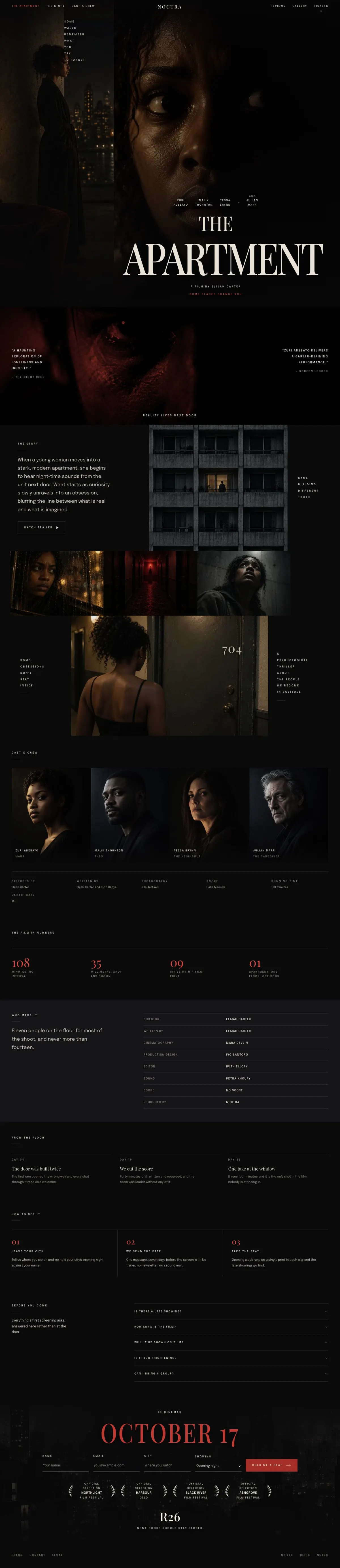
Theatre Show template, the whole page on desktop
02 what's on the page

Every section, in the order a visitor meets it.

The headings are the demo's own sample text. Your brief, or the AI copy pass, replaces them; the structure stays.

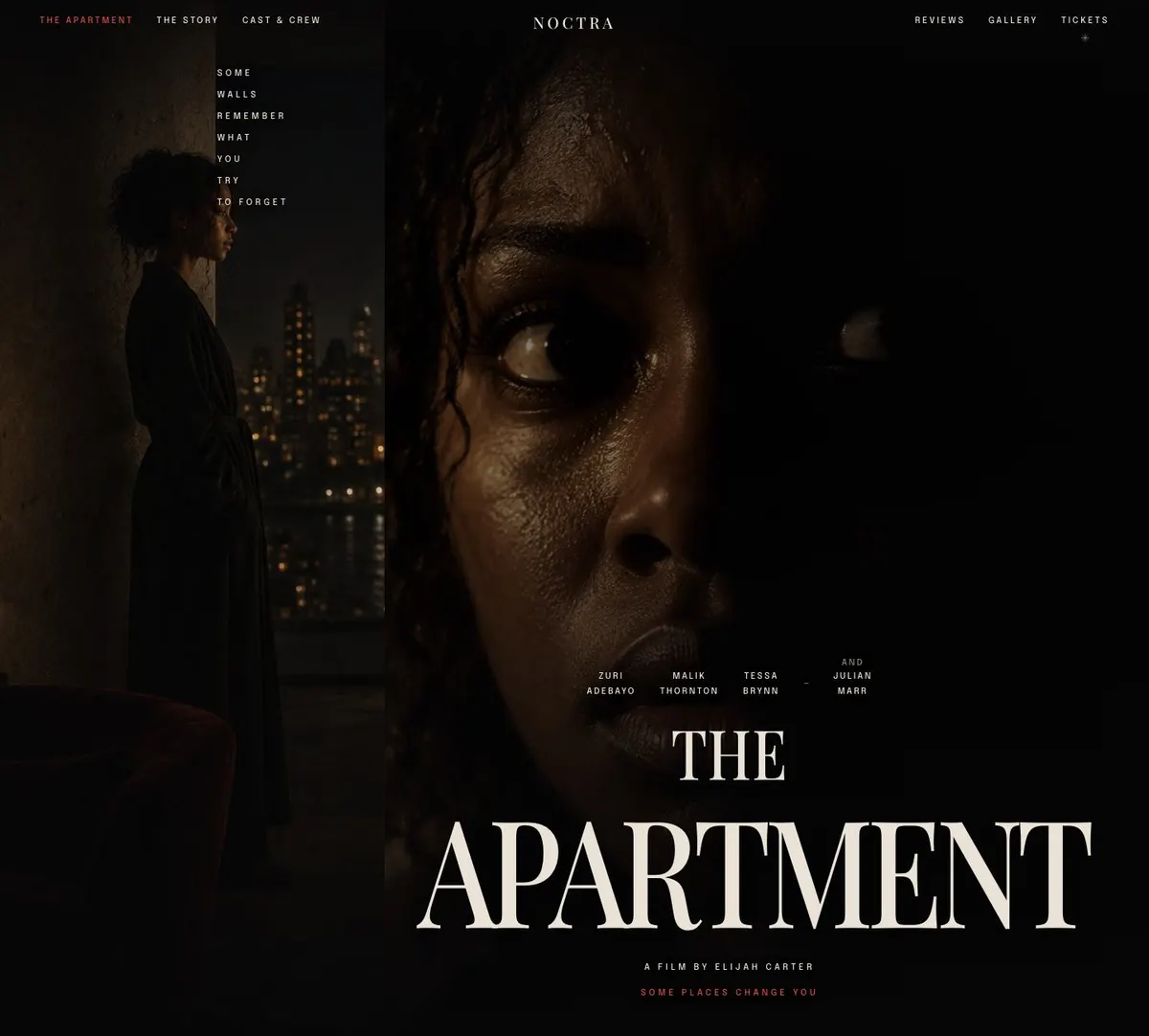
  1. 01 / 12 Hero

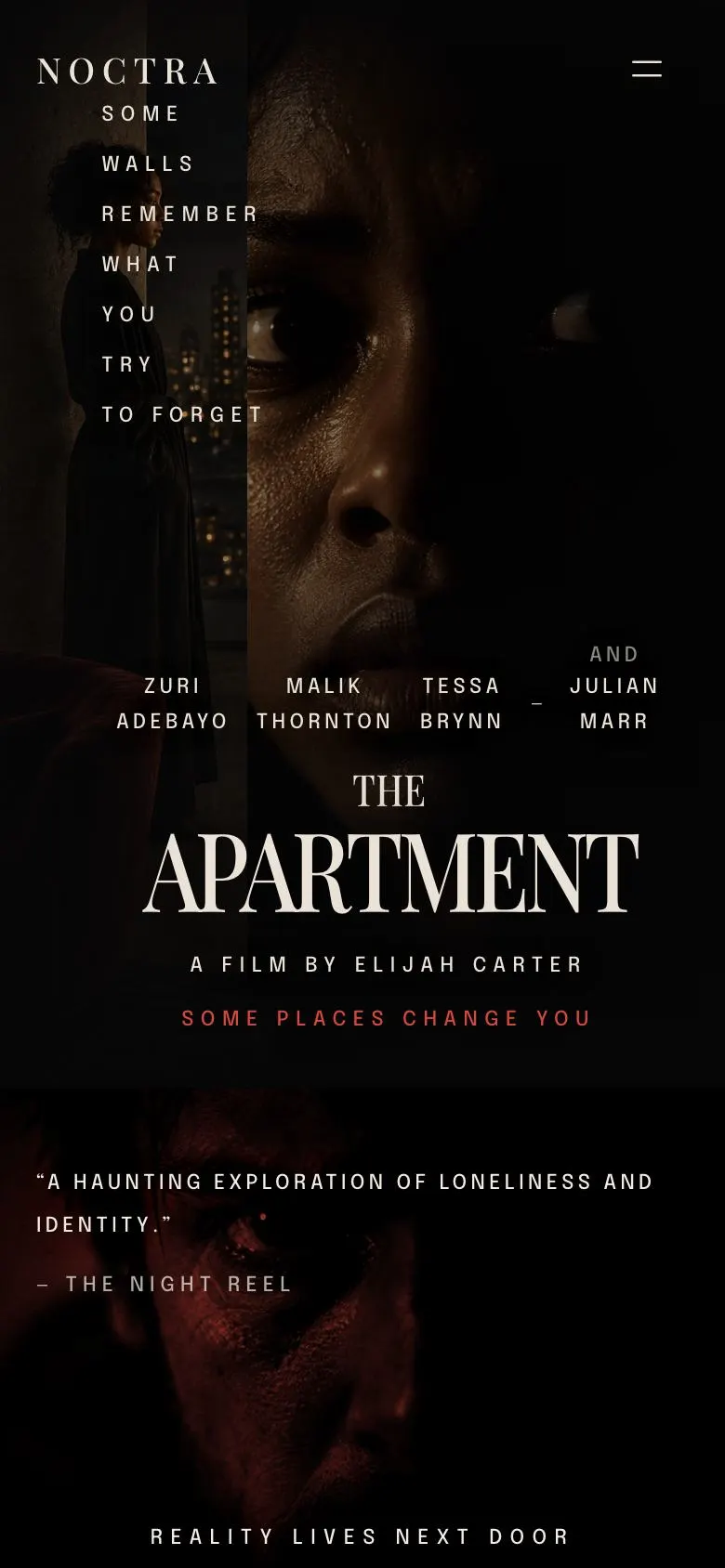
    The Apartment

    The Apartment introduces the film and its creator; supply the confirmed title, director credit and rights-cleared photographs.

    Theatre Show template — Hero section
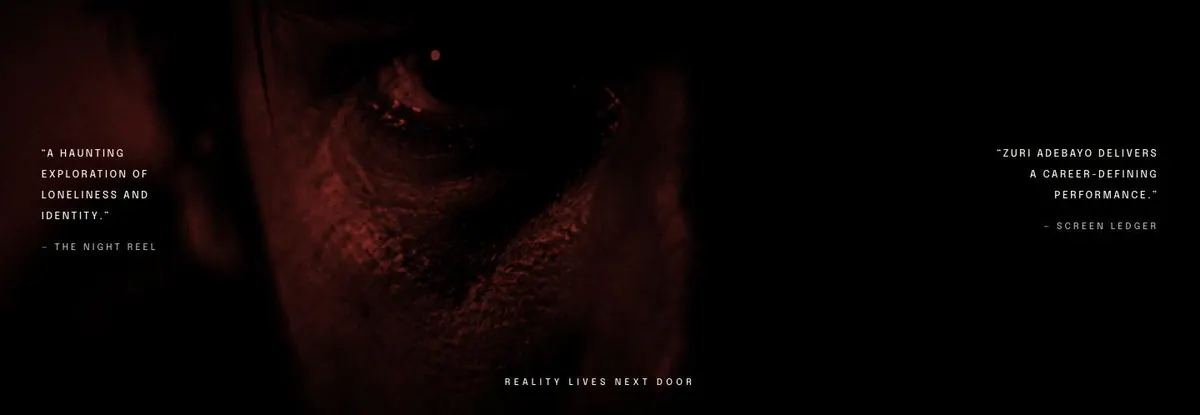
  2. 02 / 12 Press

    Press provides space for a publication quote; supply an accurate, attributable quotation, its source and permission to reproduce the accompanying photograph.

    Theatre Show template — Press section
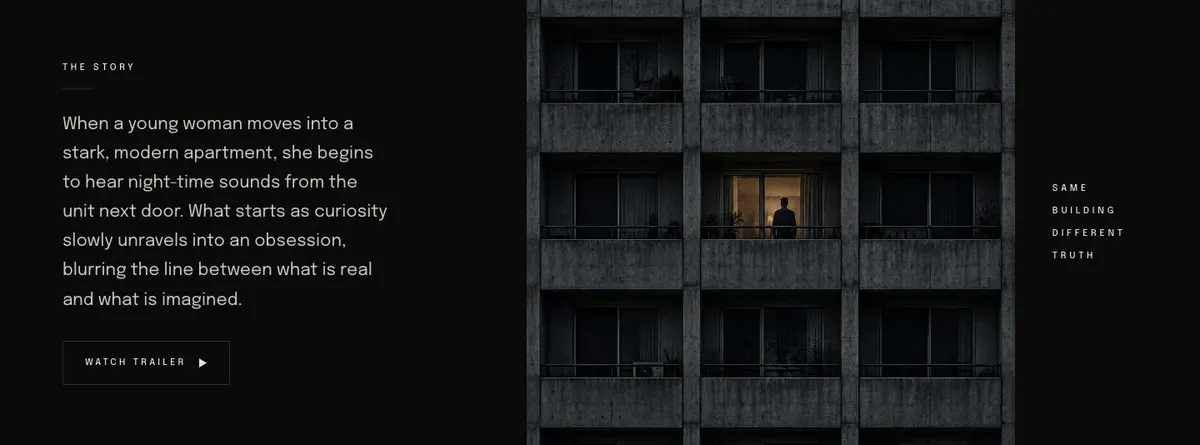
  3. 03 / 12 Story

    The Story

    The Story explains the premise and links to a trailer; provide an accurate synopsis, a working trailer destination and a rights-cleared photograph.

    Theatre Show template — Story section
  4. 04 / 12 Gallery

    Stills from the film

    Stills from the film collects three images; provide three rights-cleared production stills that represent the film honestly.

    Theatre Show template — Gallery section
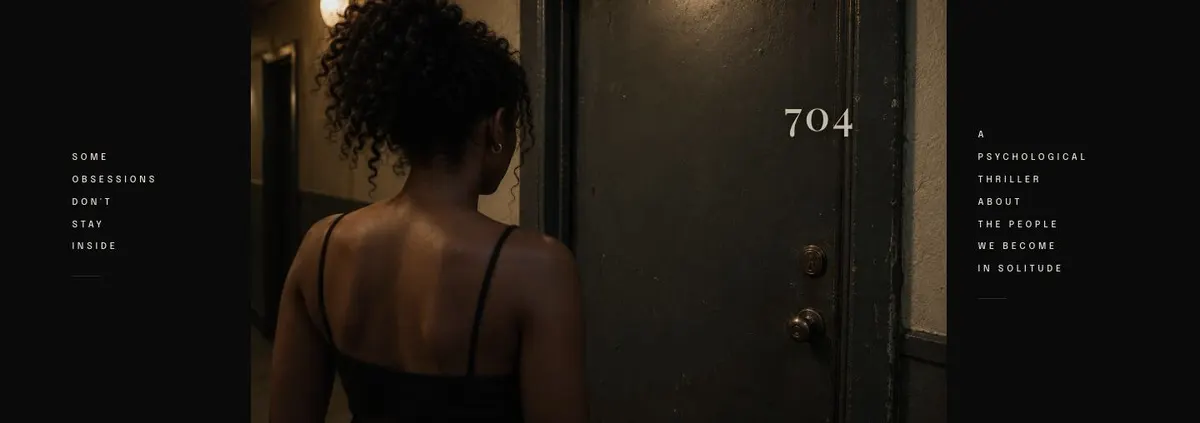
  5. 05 / 12 Some obsessions don't stay inside 704

    Some obsessions don't stay inside 704 supports a short film message; supply wording you can stand behind and one rights-cleared photograph.

    Theatre Show template — Some obsessions don't stay inside 704 section
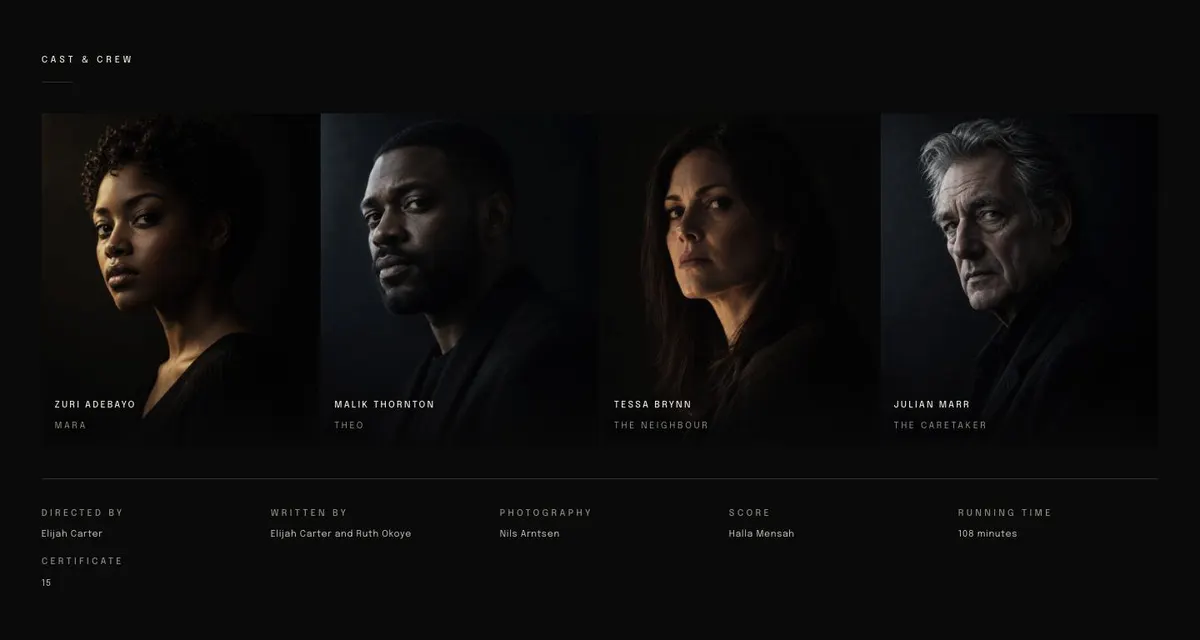
  6. 06 / 12 Cast

    Cast & Crew

    Cast & Crew identifies the people involved; provide accurate names, roles, credits and four photographs you are entitled to use.

    Theatre Show template — Cast section
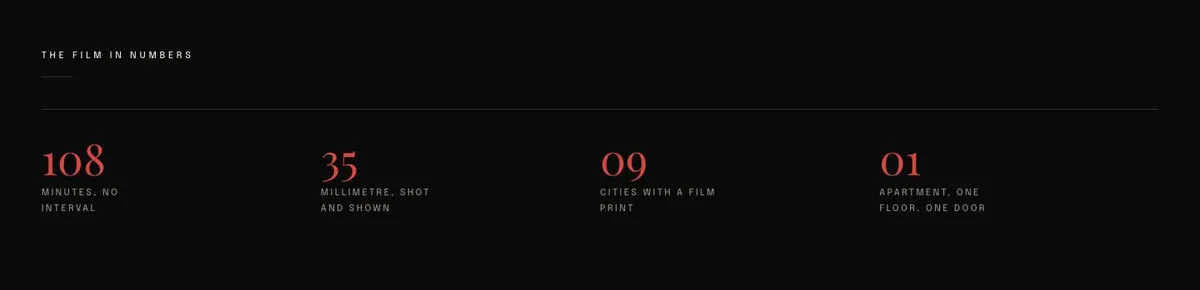
  7. 07 / 12 Numbers

    The film in numbers

    The film in numbers presents production statistics; supply figures that are correct, current and supported by your records.

    Theatre Show template — Numbers section
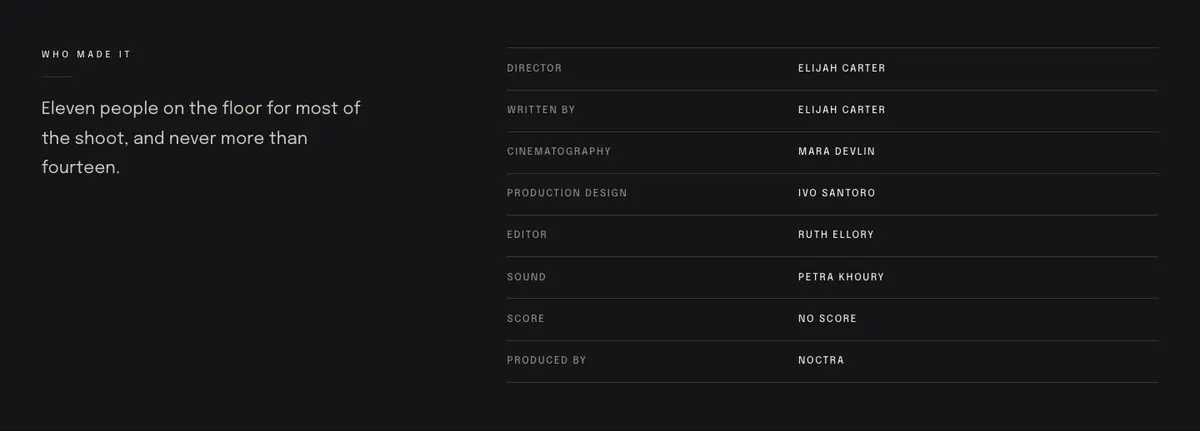
  8. 08 / 12 Crew

    Who made it

    Who made it lists eight crew details and states staffing levels; provide accurate credits and evidence for the claim about eleven to fourteen people.

    Theatre Show template — Crew section
  9. 09 / 12 Notes

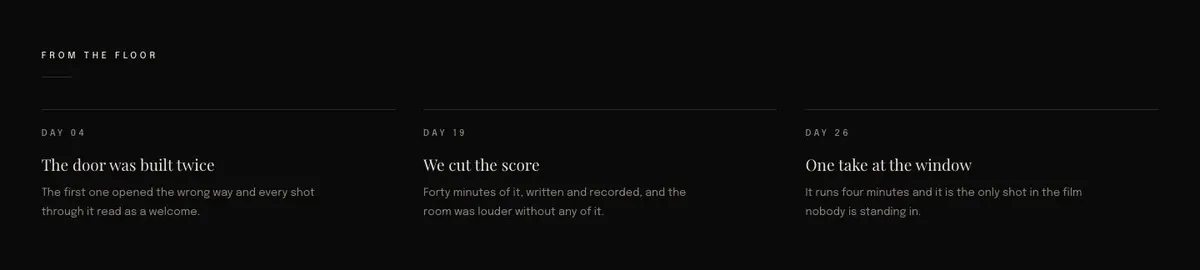
    From the floor

    From the floor records Day 04 production notes; supply a truthful account of that day, including only details you can substantiate.

    Theatre Show template — Notes section
  10. 10 / 12 How

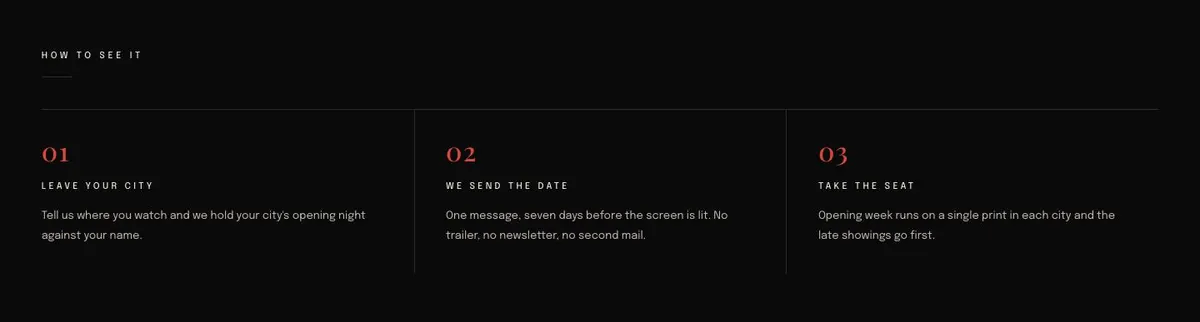
    How to see it

    How to see it explains viewing arrangements in three points; provide accurate locations, opening-night availability and the information needed to register interest.

    Theatre Show template — How section
  11. 11 / 12 Questions

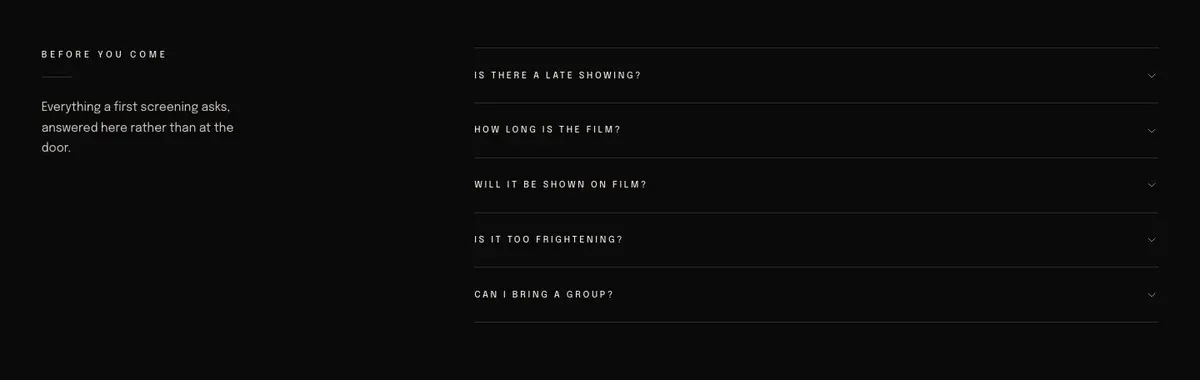
    Before you come

    Before you come answers common screening questions in an accordion; supply clear, current answers that attendees can rely on before arriving.

    Theatre Show template — Questions section
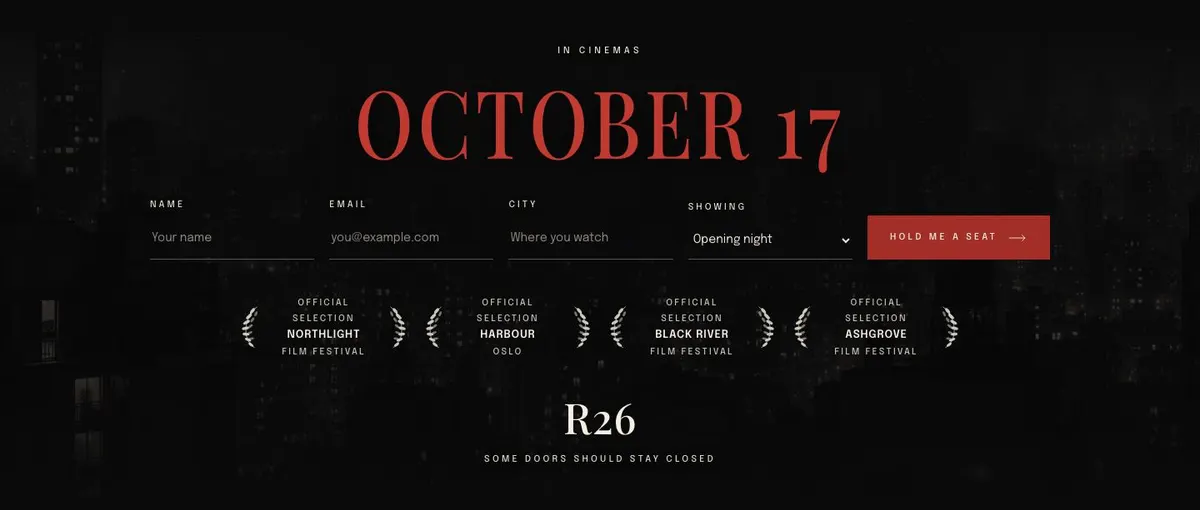
  12. 12 / 12 Tickets

    Tickets collects enquiries alongside a photograph; provide honest availability information, a destination for submitted enquiries and one rights-cleared image.

    Theatre Show template — Tickets section
03 the template

How this page works, and how to make it yours

A theatre show page for one production and one date

Someone searching for a Theatre Show landing page needs a page that gives the production a clear identity, explains what it is, introduces the people involved and tells visitors how they can attend. This design does that through a dark, editorial sequence built around photographs and short sections of programme information.

The mock-up is framed as a film release, so a theatre company should replace that language with the details of its own production. The underlying structure remains useful for a new play, a touring performance, a one-off premiere or an intimate run. It makes most sense where the argument is the atmosphere of one work and the significance of its dates, rather than a long season brochure.

The page ends with an enquiry form, not a ticket checkout. If the main job is selling tickets directly, Cultural Event Tickets is the closer related starting point.

Adapting the design

The available colour schemes are Ember, Bone, Cobalt and Brass. The supplied art direction uses a dark ground, pale ink and an Ember accent, which suits material with low-light rehearsal or production photography. A company should choose the scheme that lets its existing imagery and poster artwork remain legible, rather than treating colour as a separate decision.

The display typeface is Playfair Display and the body typeface is Epilogue. Alternative pairings are Playfair Display with Epilogue, Prata with Epilogue, and Hanken Grotesk with Epilogue. The headings are uppercase and the layout has an editorial, serif-led character. Keep display text short enough for this treatment; long titles and dense slogans will need editing.

The page needs thirteen photographs in all. They appear in the Hero, Press, Story, Gallery, the short statement band, Cast and Tickets. Prepare the images as a set, not as unrelated files. The cast images have a different job from the Hero images, while the Gallery needs three photographs that add to the story rather than repeat the opening.

Writing it for your business

Starting from a template costs no credits. Rewriting the copy with AI costs about 20 credits. A useful brief names the production, the company, the dates or opening night, the venue where known, the audience being invited and the enquiry goal.

It should also state what the visitor should understand after reading the page. Name the trailer if one exists. Provide the wording for any credited quote, the people to include in Cast and Crew, and the practical questions that need answering before attendance. The better the source material, the less likely the rewritten copy is to drift into generic theatre language.

What to prepare first

Begin with the title, a short company or writer credit and a concise account of the production. Write the Story section as an invitation to the work, not a full synopsis. Decide on the line for the image-led statement band and gather a credited quote for Press if one is available.

Next, prepare the thirteen photographs and confirm who can be named in the cast and crew material. Assemble the factual content for Numbers and the team list for Who made it. Finally, write the attendance information for How and the answers for Before you come. The enquiry form should be supported by a clear internal process for replying to the people who submit it.

Variations for nearby trades

A film premiere can retain much of the demo language, using the trailer, stills, cast and crew sections as they stand. A music release can turn Story into the background to the record, Gallery into artwork and studio images, and How into information about the release or listening event. For that route, Music Release Promotion is also worth comparing.

An exhibition opening can replace Cast with artists and contributors, use Notes for a curatorial note and make How specific to the opening. A small festival can use the structure for one featured event, but should choose another template if it needs to present a broad programme of separate sessions.

When another template fits better

Cultural Event Tickets is the better fit where ticketing is the central task. Thriller Film Release suits a screen release that needs a more specific thriller framing. Science Fiction Release is for a release with that genre at its centre. Nostalgic Film Release offers a different film-release direction. See the wider events templates collection for other event formats.

Before you publish

  • Check that the title, credit line and dates are correct.
  • Confirm that every photograph can be used on the page.
  • Only keep the trailer button if a trailer is ready.
  • Make the enquiry response and attendance information clear.
04 questions

Before you start

Is this template only for films?
No. The demo material is a film release, but the structure also suits a theatre run, premiere, music release or exhibition opening. Its sections need rewriting so that the production’s own story, people and attendance details are clear.
Can it sell theatre tickets directly?
The listed final action is an enquiry form, so this page should not be described as a ticket checkout. For a page centred on ticket sales, compare the Cultural Event Tickets template before starting.
How much photography does it need?
The template uses thirteen photographs across the opening, editorial sections, gallery, cast material and final enquiry area. It works best when those images have been planned as one visual set for the production.
What should go in the questions section?
Use “Before you come” for the practical questions that genuinely affect attendance. Write answers that match the production’s actual arrangements, rather than carrying over film screening copy from the demo.

Start from this page.

It opens in the editor with the layout, the photographs and the sample text you have just scrolled through. Starting from a theme costs no credits.

What happens when you start
  1. The page opens in the editorwith this exact layout, its photographs and its sample text
  2. Change anything visuallyclick a heading, a picture or a colour; no code, no credits
  3. Publish in minutesto yourname.landflow.site or a domain you already own
  4. Leads arrive stampedsource, campaign and landing URL on every row, in the inbox
See the rest of this industry →