Built for an event that needs to become the plan
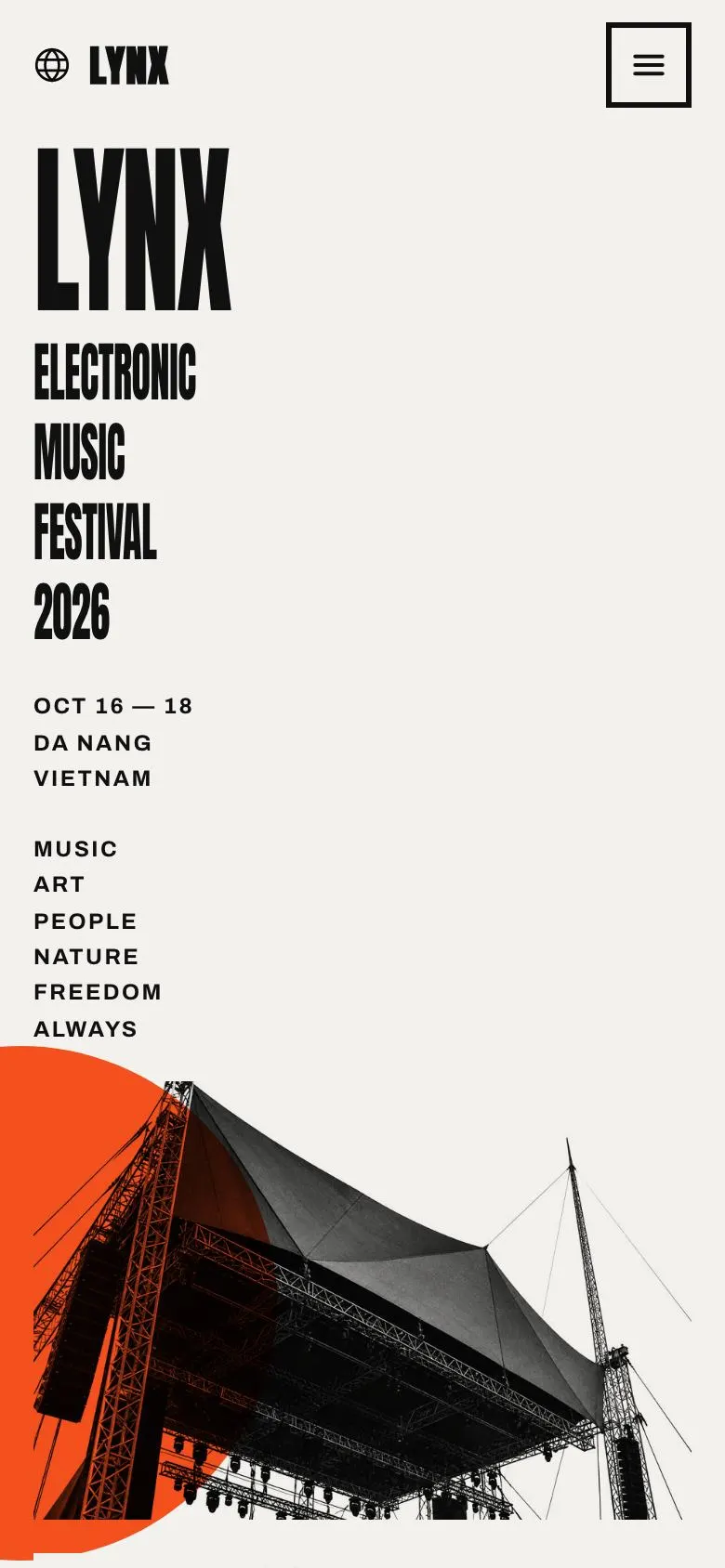
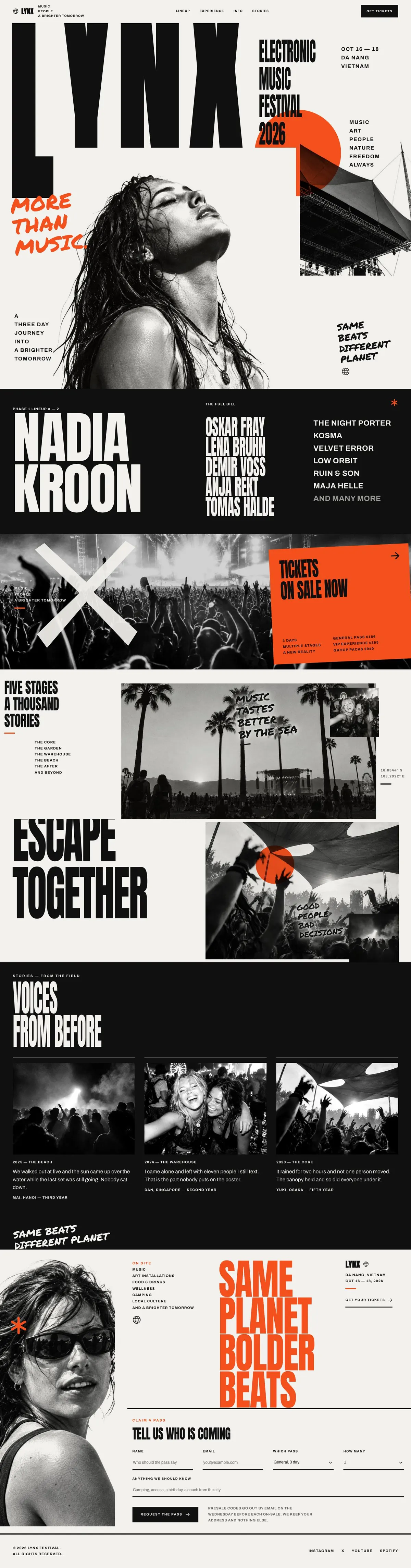
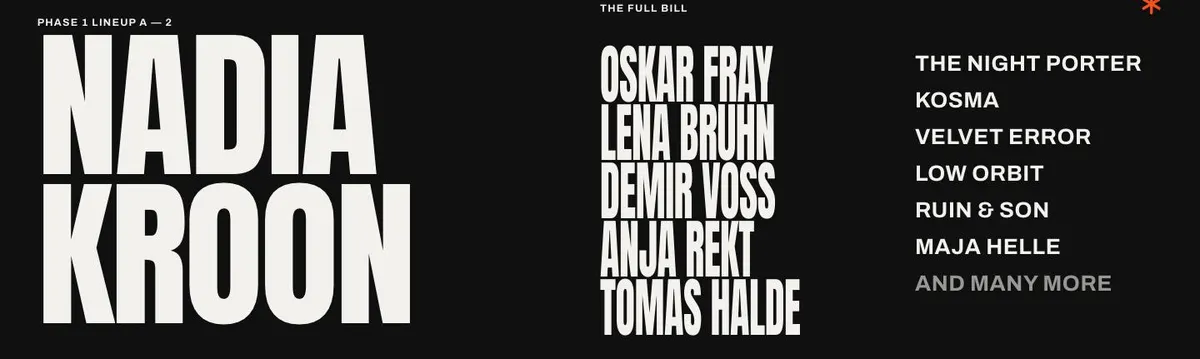
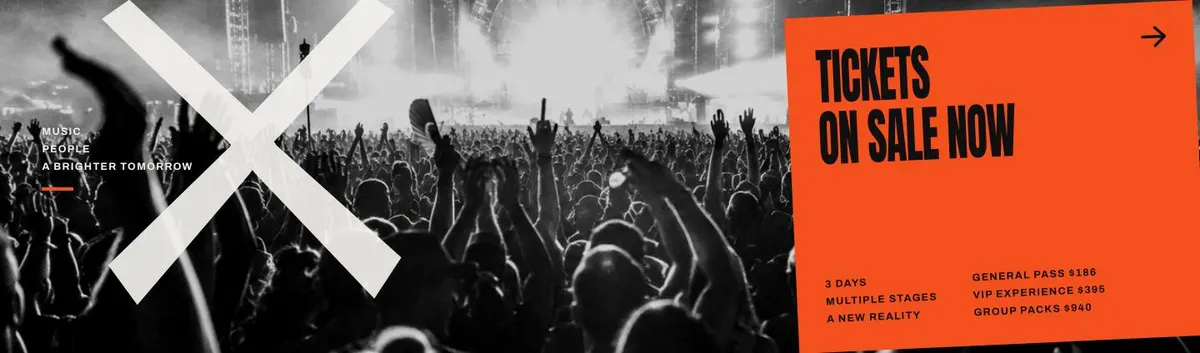
Someone searching for an Event landing page usually needs more than a date and a poster. They need a page that gives the event a name, establishes its atmosphere, makes the programme feel worth planning for and gives people one clear reason to leave their details. This design does that through large billing, artist and site content, ticket information and a final sign-up form.
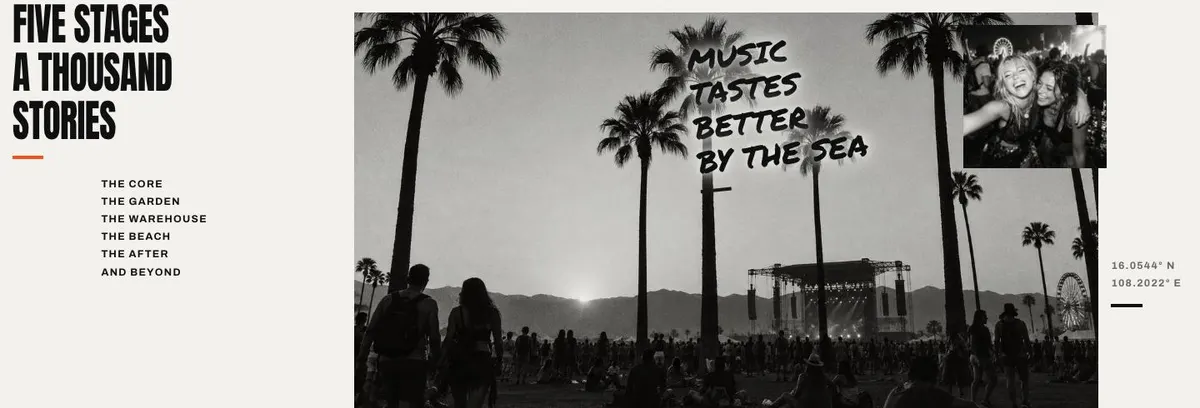
It is a close fit for festivals and culture-led events where the line-up, setting and shared experience are part of the decision. A generic business page can undersell this kind of event by treating the programme as a short service list. Here, the event gets room for its headliner, full bill, stages, site imagery, past voices and what happens on site.
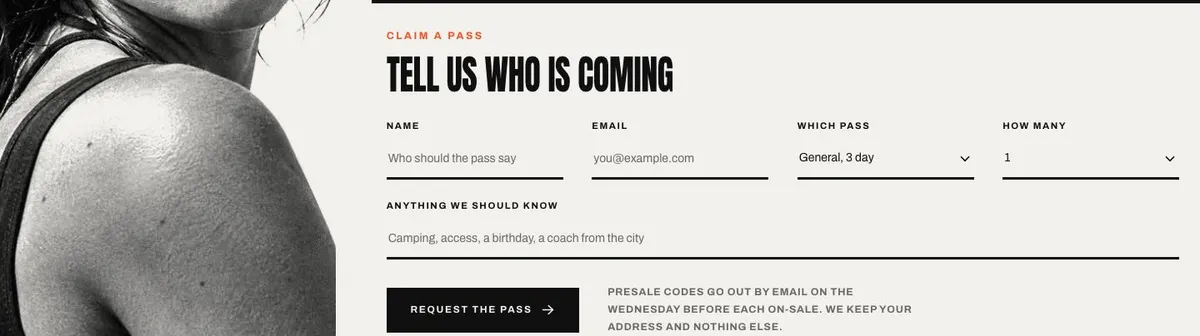
The page ends with an enquiry form headed “Tell us who is coming”, not a checkout. That makes it useful for presale lists, expressions of interest and the next announcement. If the main requirement is a ticket-focused page, Food Festival Tickets is a closer related starting point.
Adapting the design without losing its point
The template offers the Volt, Electric, Ember and Mono colour schemes. Choose one that suits the event identity and keep the same choice across posters, social artwork and the page where possible. The design is described as Light and Bold, with uppercase headings and a poster-led layout. That makes short, decisive headings more useful than long explanatory ones.
Anton is the display face and Archivo is the body face. The available font pairings also include Permanent Marker with Archivo and Oswald with Archivo. Anton and Archivo suit a direct festival or nightlife identity. Permanent Marker can suit a more informal cultural event. Oswald and Archivo may suit a programme that needs a narrower, more editorial tone.
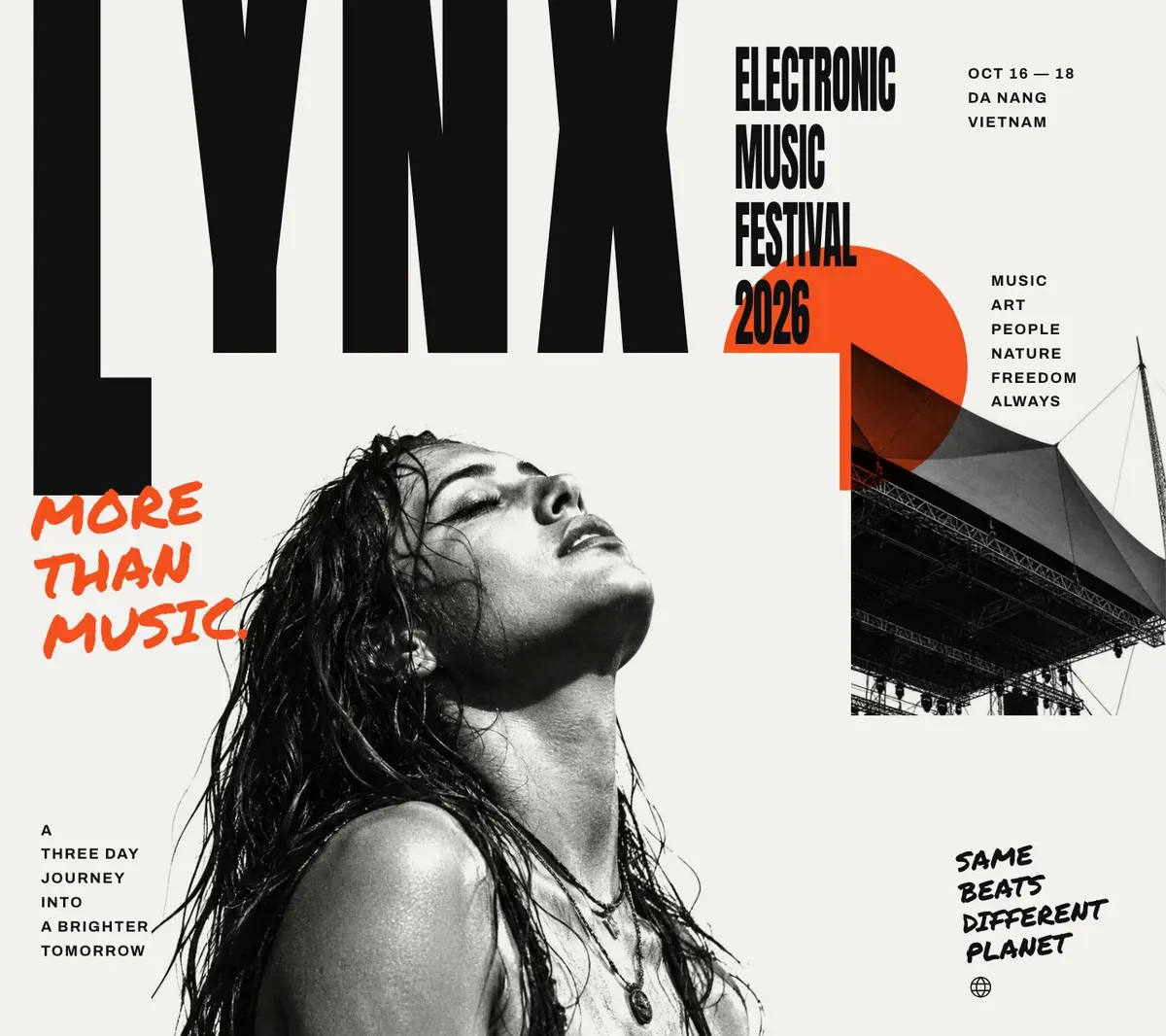
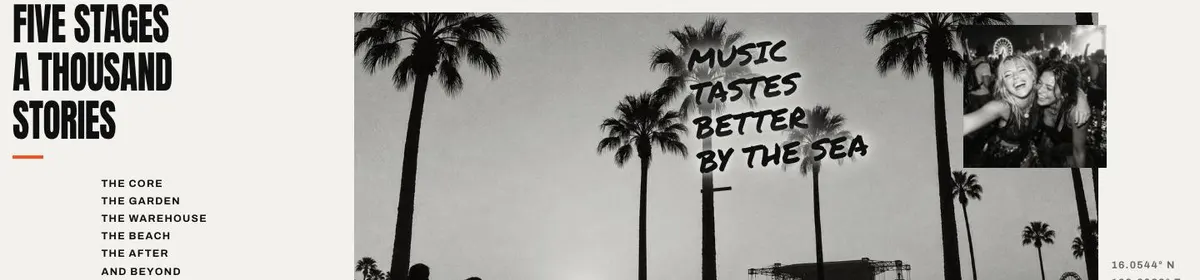
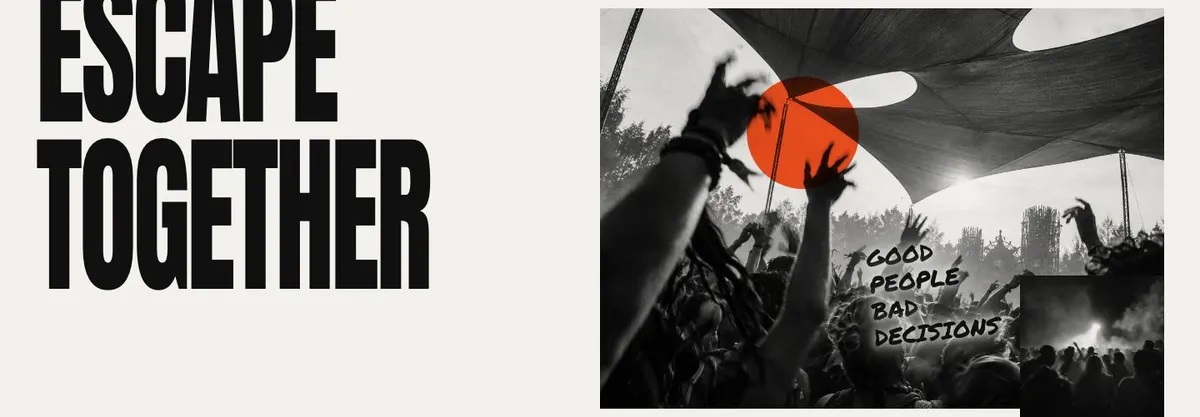
Prepare 12 photographs for the template. Photographs appear in the Hero, Bill, Site, Escape and Stories bands. The strongest set will include an opening image that can carry the event name, images of performers or contributors for the bill, useful views of the location, and material from a previous edition where that is available.
Writing it for your business
Starting from this template costs no credits. Rewriting the copy with AI costs about 20 credits. A good brief names the event, its date or season, location, leading names, the parts of the programme that are confirmed and the specific outcome required from the form.
It should also state what visitors need to know before they sign up. For example, say whether the form is for a presale code, early news, an enquiry about attendance or a future release. Give the AI the actual pass wording and stage names rather than asking it to invent them. The page will read more clearly when the brief separates confirmed details from ideas still being worked out.
What to prepare before publishing
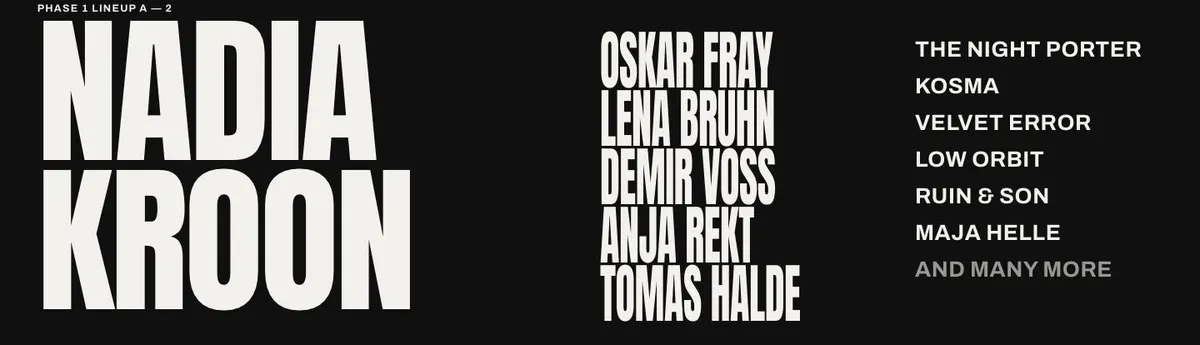
Start with the event name, a one-line description and the leading act, speaker or contributor. Then prepare the complete bill in the order it should be presented. The Tickets band needs the current ticket or pass information and a plain explanation of what each option means.
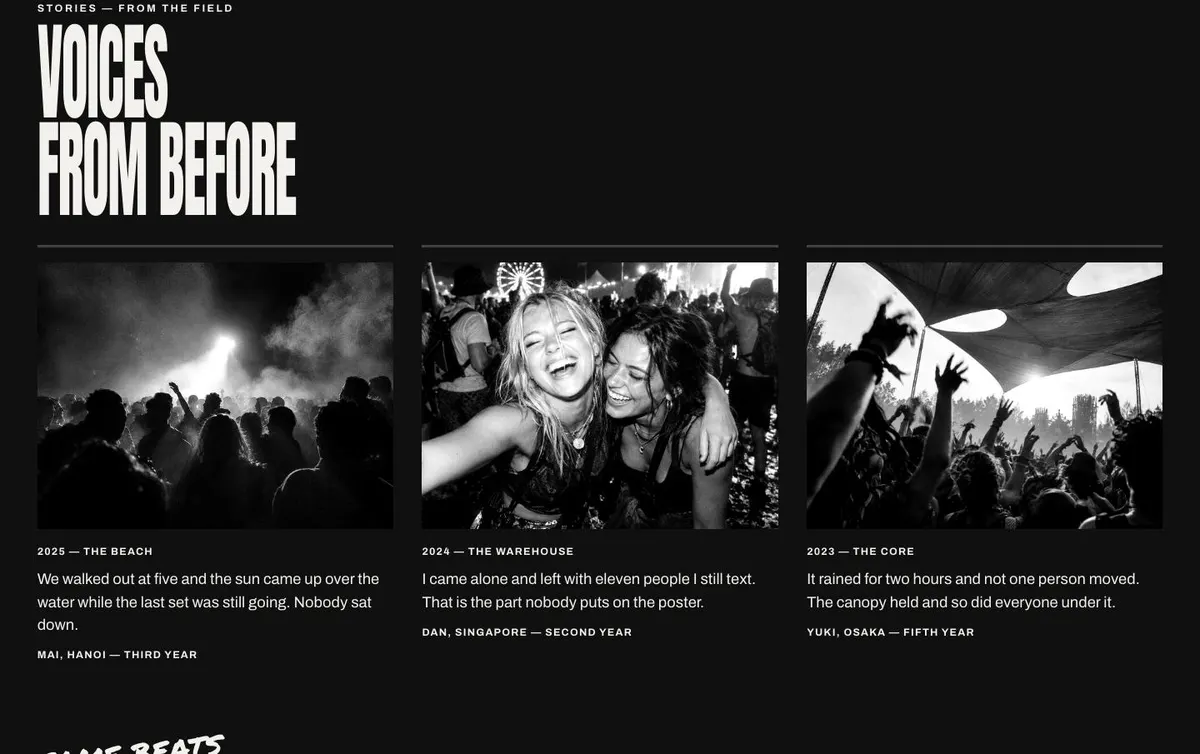
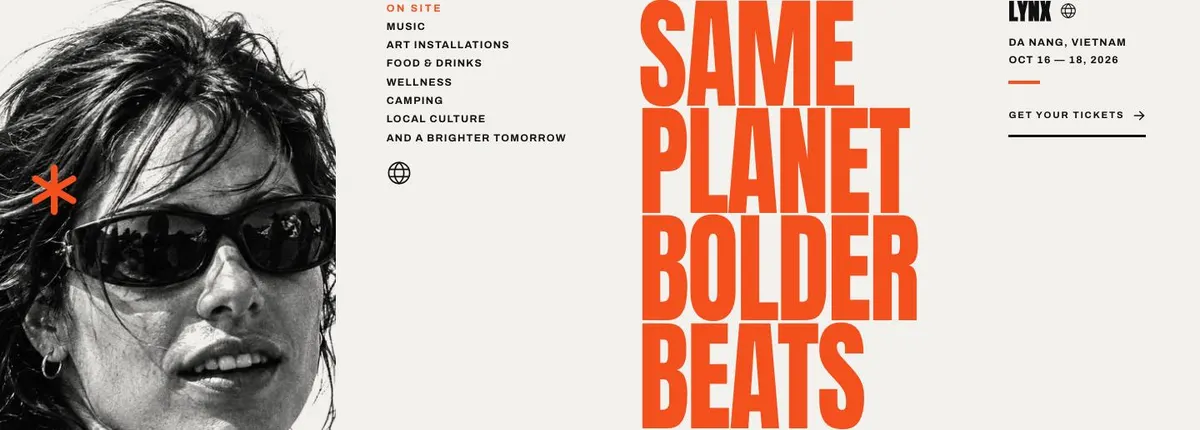
Write the stage or programme-area names, then gather the site information that people need to picture the event. Prepare the on-site offer as confirmed categories, not aspirational promises. For Stories, select a publishable quote and photographs from a prior event if there is one. Finish with the sign-up message: what people will hear about after submitting the form, and what they should expect next.
Useful variations for neighbouring event trades
For a music festival, make the Lineup and Bill bands the centre of the page. Use Stages for the different musical spaces, and use Stories to show the previous edition. Keep the Programme band focused on the parts of the site that change the festival experience.
For a club season, the leading artist can change to the next major booking while Bill carries the wider resident and guest programme. The Site band can introduce the venue, and Signup can collect names for future announcements. The same structure works for a recurring night without pretending that every date is a separate event page.
For an arts or film festival, use the named Lineup band for the lead artist, director, exhibition or keynote. Bill can carry participants, while Stages becomes venues, strands or screening spaces. Programme should explain the surrounding activity only where it is genuinely offered.
When another template fits better
Food Festival Tickets is worth considering when food is the main subject and ticket information needs to lead the story. Theatre Show is a better neighbouring option for a production built around a performance rather than a broad festival bill. Concert Tour Dates suits an act or show whose central information is its run of dates. Record Launch Campaign is more appropriate when the release, rather than an event programme, is the main announcement. Browse the wider events templates collection for other starting points.
Before you publish
- Check the event name, edition and description in the Hero.
- Put the leading act and full bill in the intended order.
- Make every ticket or pass statement match the current offer.
- State clearly what the final form sign-up is for.