A seasonal box page for an occasion-led purchase
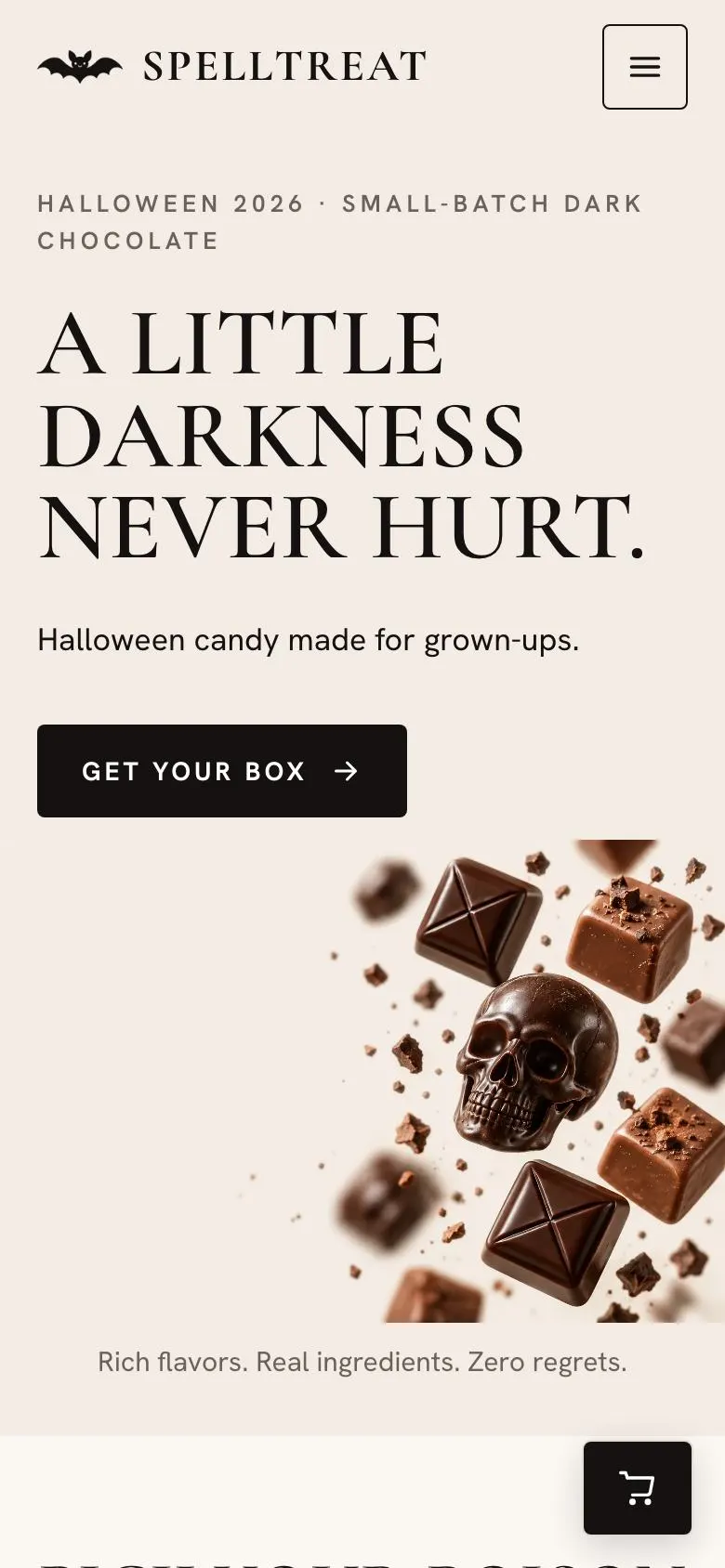
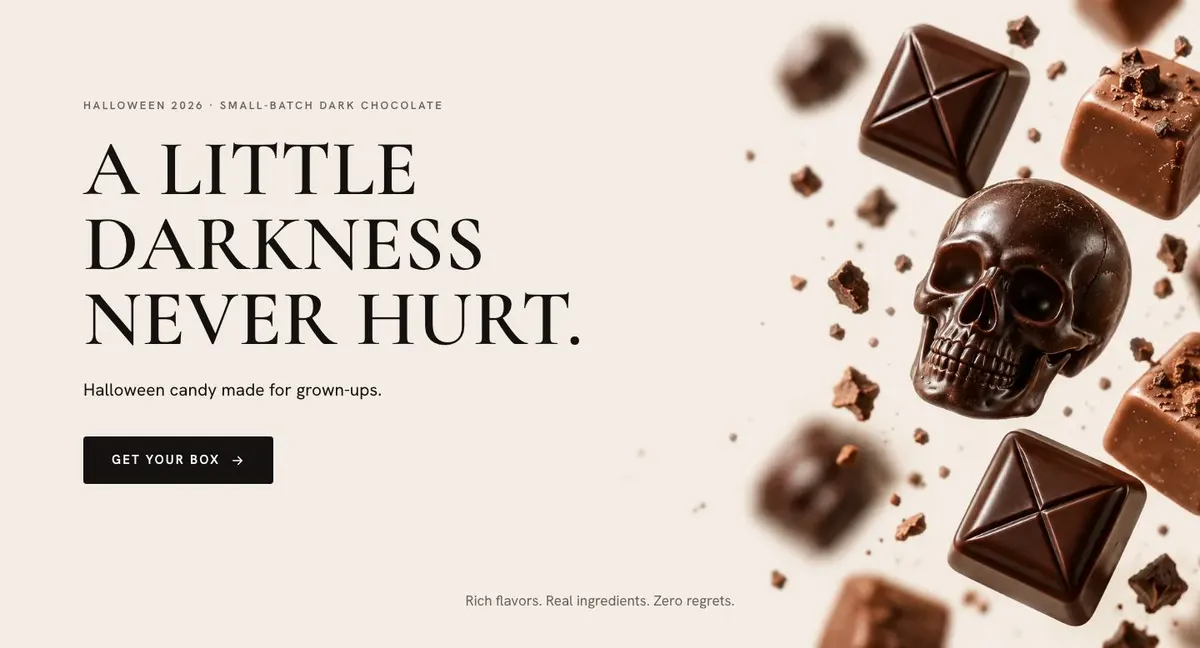
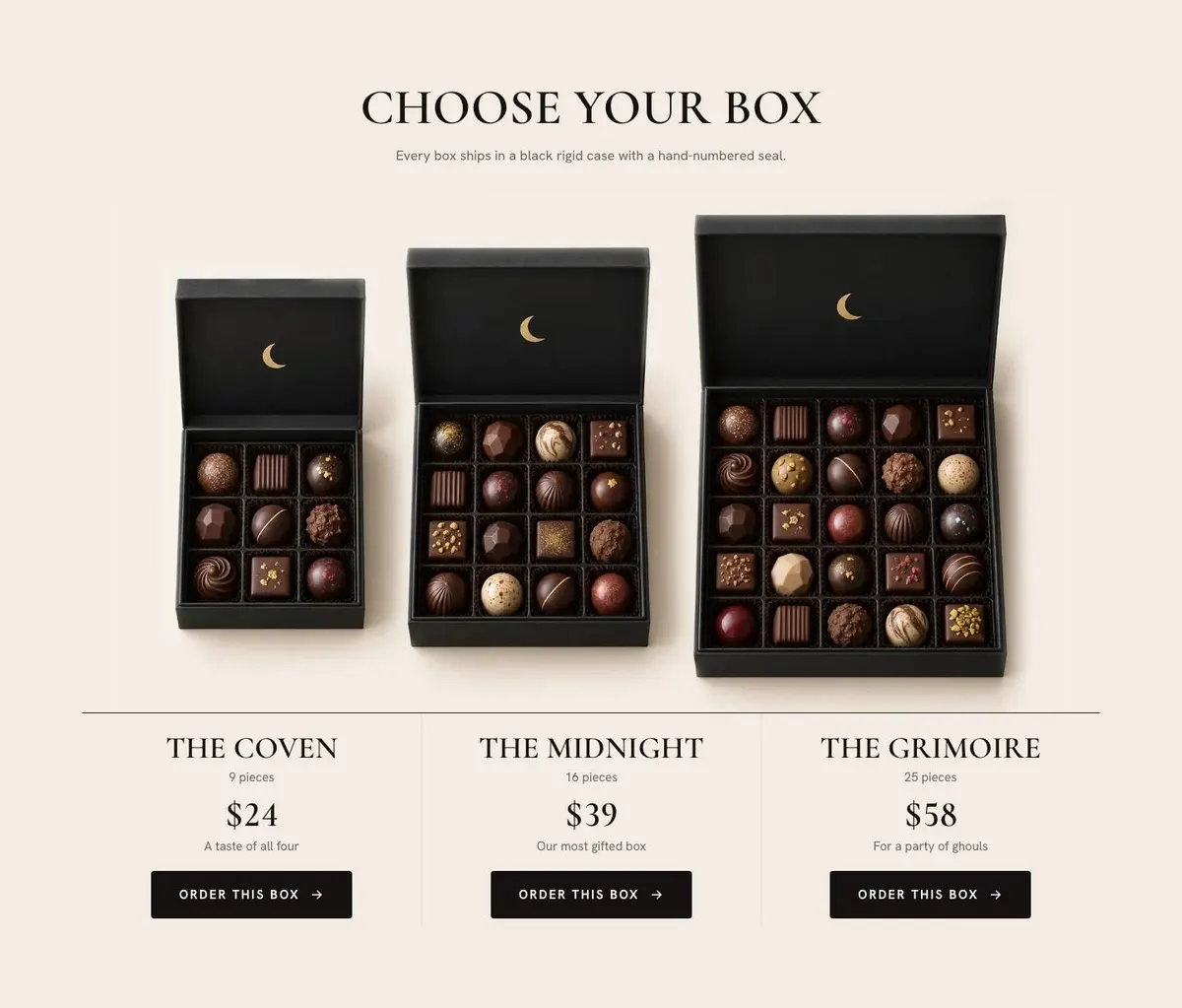
Someone searching for a Halloween Candy Brand page needs more than a general food website. The page needs to make a seasonal box understandable quickly: what is in it, which version to choose, when to order and how it will reach the recipient. This design does that through a product-led sequence that moves from the seasonal offer to the order form.
It is built for businesses selling chocolates, candy, cookies, cakes, tea or wine gift sets around Halloween, Christmas or Valentine’s. The page has room for the product itself, its flavours, its making and its use as a gift. A generic page can make a seasonal range feel like an afterthought. Here, the holiday deadline and the box are part of the structure.
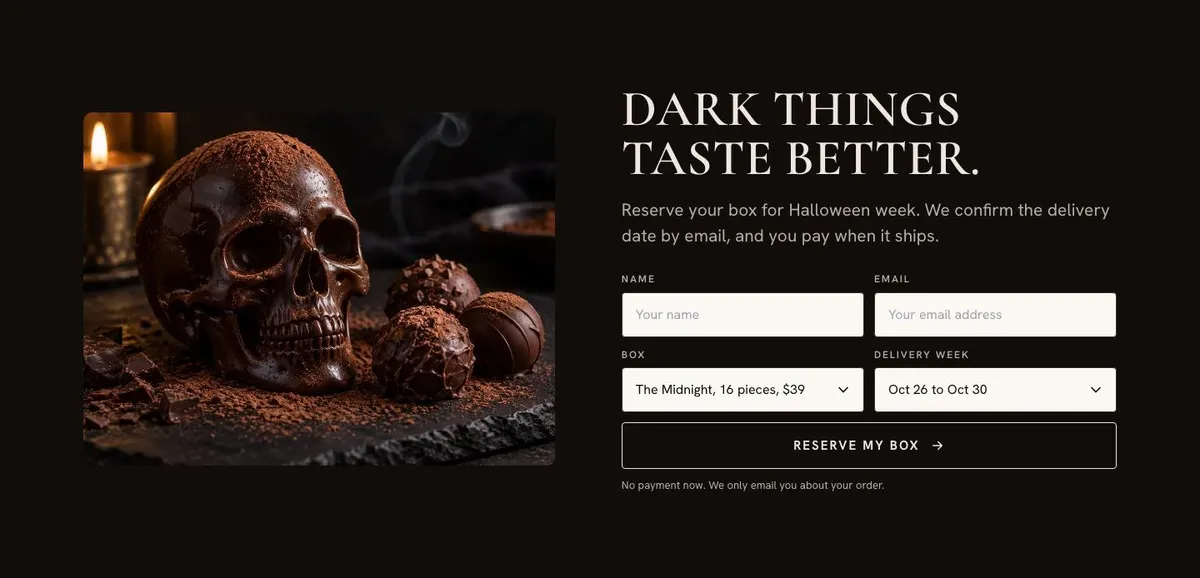
The template is designed around an order rather than a general enquiry. The final section reserves a box and confirms a delivery date by email, with payment made when it ships. If the business needs a page centred on a wider Halloween promotion rather than a box order, Halloween Night Sale is the closer starting point.
Adapting the design without losing the seasonal focus
The available colour schemes are Dark chocolate, Cocoa, Black cherry and Midnight gold. Choose one that supports the product and the occasion. A chocolate range may suit Dark chocolate or Cocoa; a fruit-led seasonal range may suit Black cherry. Midnight gold can fit a gift set where the product photography still remains the main evidence.
The default type pairing is Cormorant Garamond for display text and Hanken Grotesk for body copy. Alternatives include Playfair Display with Hanken Grotesk, or Mulish with Hanken Grotesk. Keep the display face for short product statements and section headings. Keep detailed flavour, delivery and allergen information easy to read in the body face.
The template needs twelve photographs. They appear in the Hero, Flavors, Box, Boxes, Craft, Gifts and Order bands. Plan them as a set before publishing: a lead product view, images for the flavour choices, the box, the making process, the gift presentation and the final order area. The images should answer the questions each band raises, not merely repeat the same box from different angles.
Writing it for the business
Starting from this template costs no credits. Rewriting the copy with AI costs about 20 credits. A useful brief names the product range, the holiday, the boxes available, real prices, flavour details, order dates, delivery rules and any ingredient or allergen wording that must remain exact.
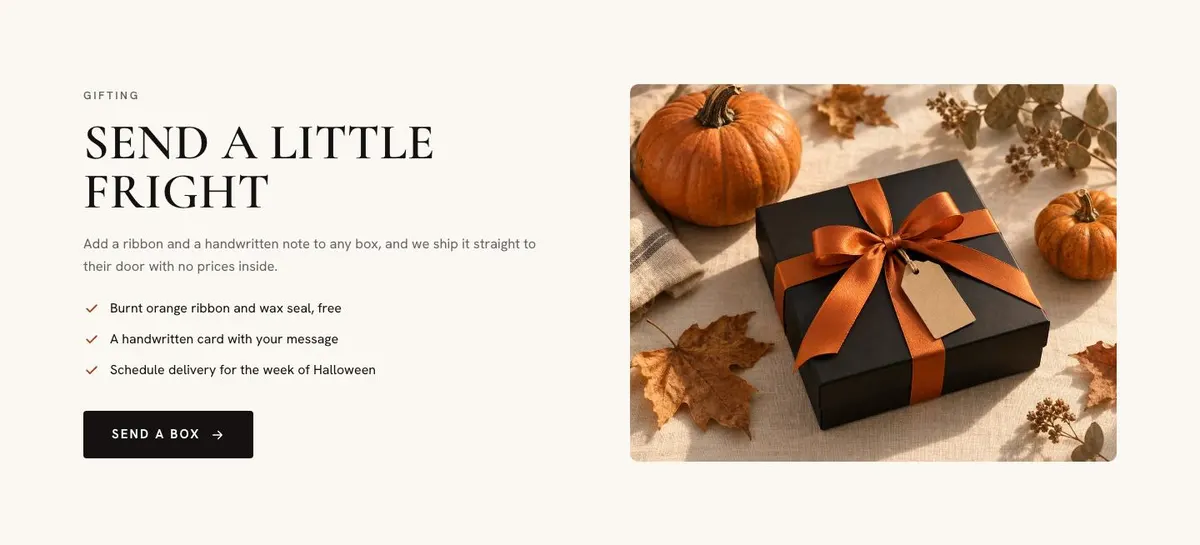
It should also name the intended buyer. A box bought for a colleague needs different language from one bought as a host gift or a personal treat. Include the gift options that genuinely exist, the tone to use and any claims the business must avoid. The AI can then reshape the existing page around the business rather than filling gaps with assumptions.
What to prepare before publishing
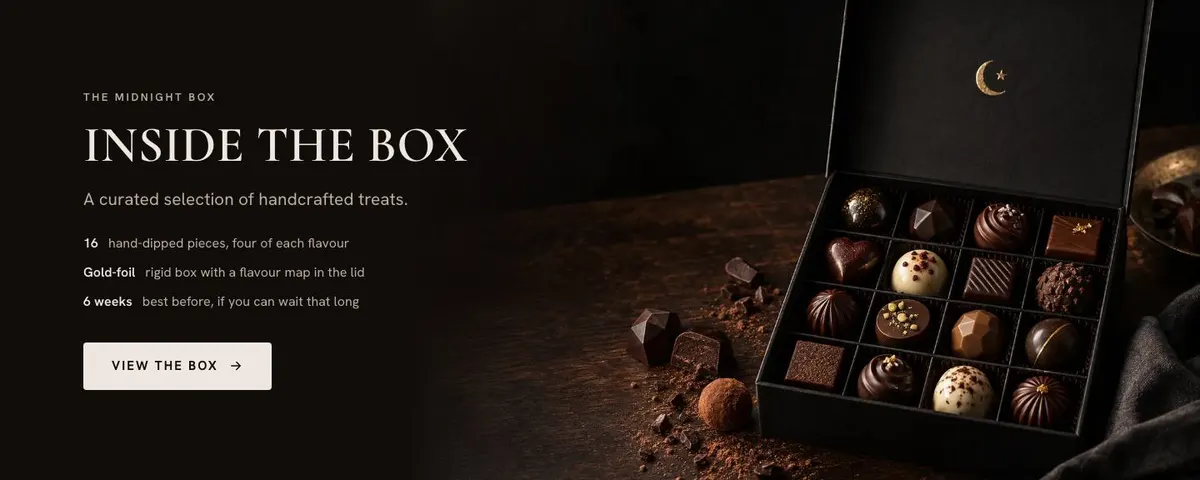
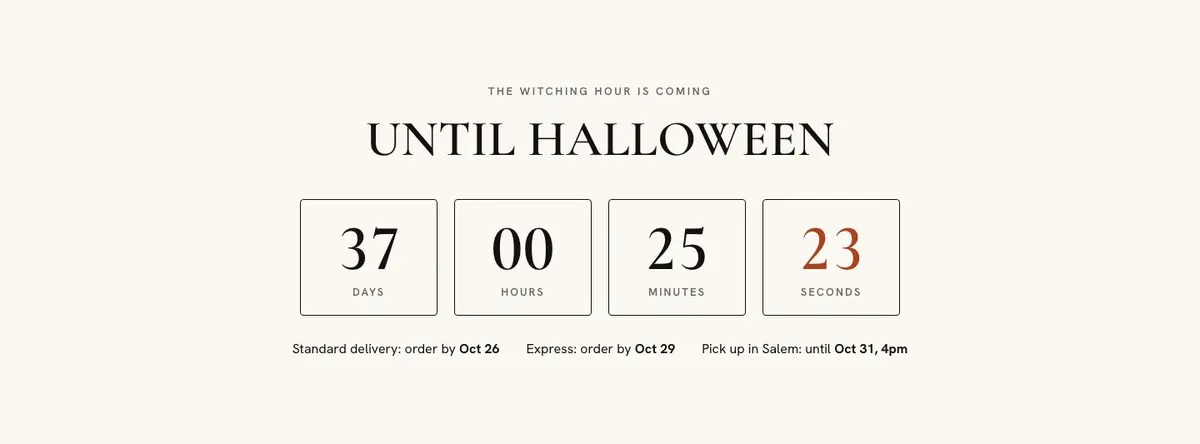
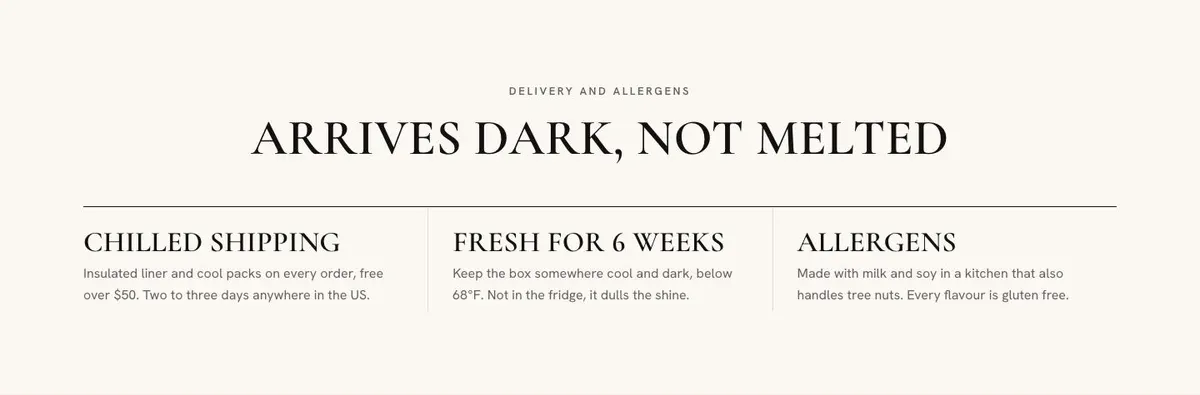
Write the hero offer first. Then prepare the flavour names and descriptions, a precise account of what each box contains, the sizes and prices, and the date the countdown should reach. Gather the delivery information customers need before they commit, including the actual order cut-off and how delivery dates are confirmed.
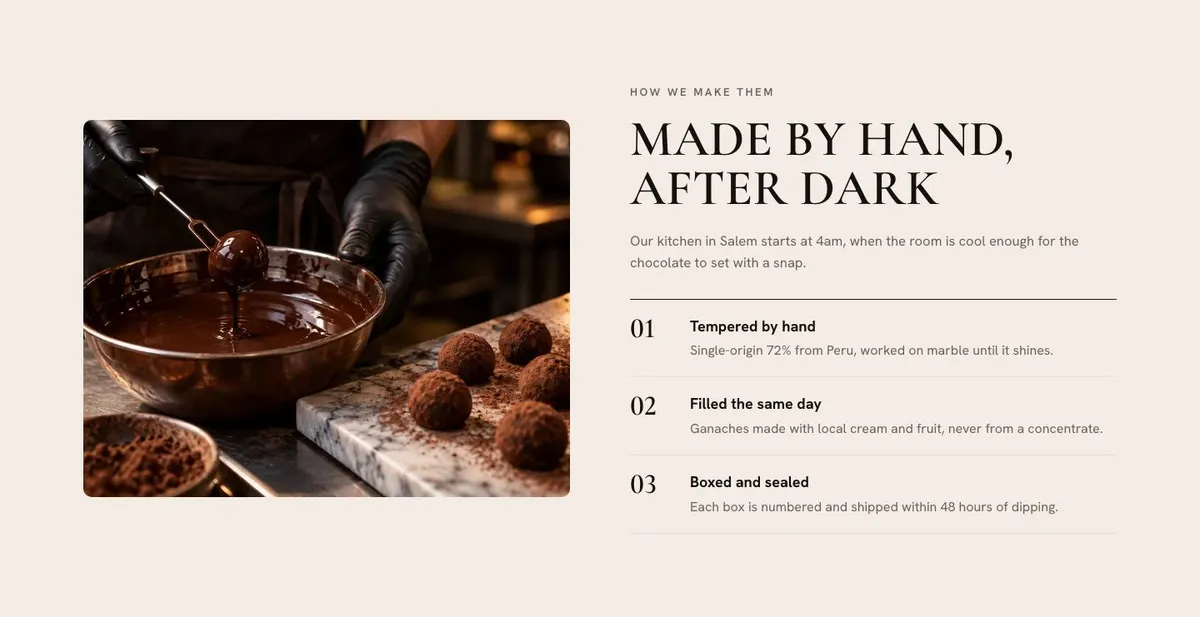
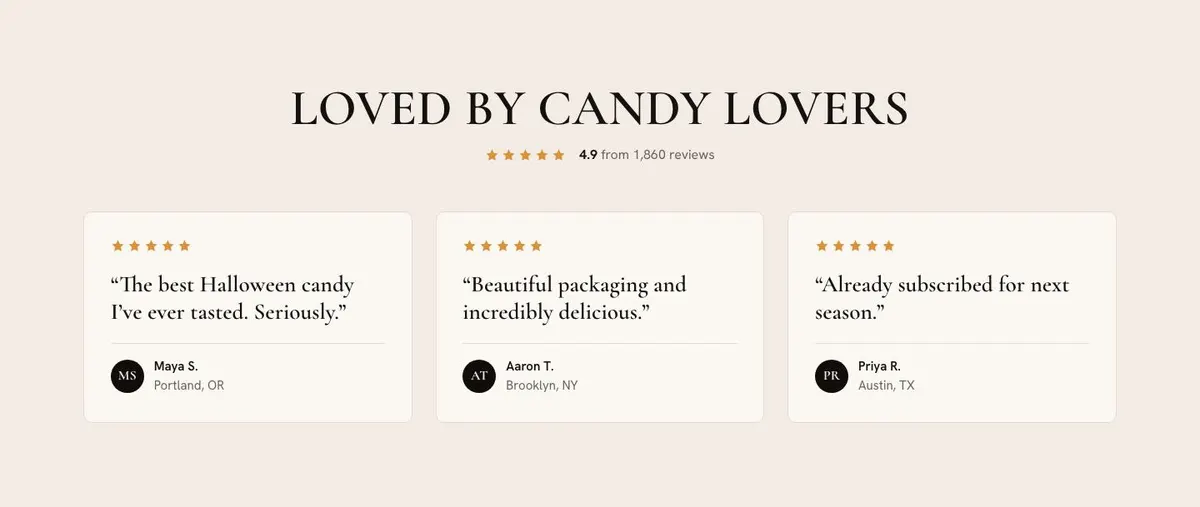
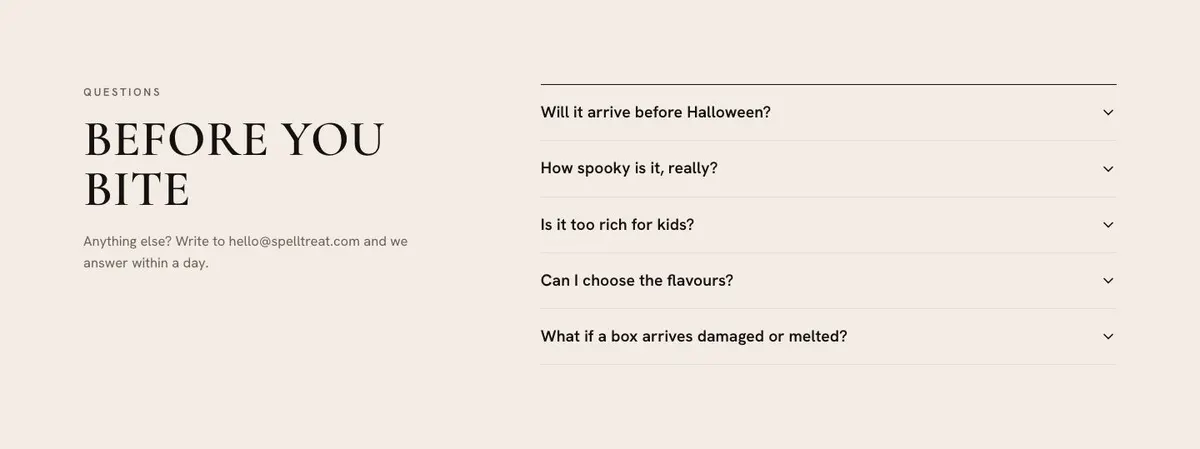
Prepare the making story only if it is true and useful. Collect a customer review that can be published, plus the questions the business receives most often. For food products, make the allergen and ingredient answers especially clear. Photograph the range after the final packaging and gift options are settled, so the product shown matches the product ordered.
Useful variations for nearby trades
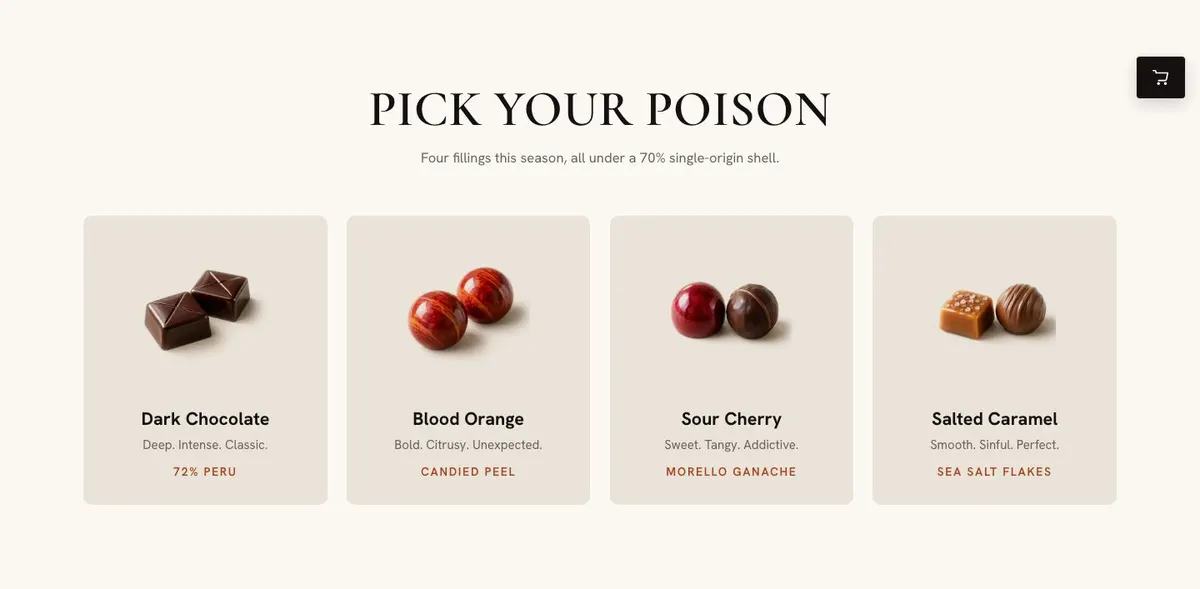
A chocolate maker can make Flavors the centre of the page, describing fillings and the box selection with care. Craft can then explain the chocolate-making process, while Delivery should give the real conditions required for sending chocolate.
A cookie or cake business can use the same flow for a seasonal collection. The box bands should distinguish quantities or assortments, and the Questions accordion should cover the information buyers ask before placing a food order. The holiday countdown should match the final date the business can fulfil.
A tea or wine gift-set business can focus the Hero and Gifts bands on the occasion and recipient. Flavors can become the place to describe the selections within the set. The business should revise the ingredients and delivery wording so that it only reflects what it actually sells and sends.
When another template fits better
For a Christmas-led range with a broader gift-shop direction, start with Christmas Gift Shop. For a confectionery business that needs a less holiday-specific presentation, use Luxury Confectionery Shop.
A bakery whose seasonal offer is centred on Christmas treats may be better served by Christmas Treats Bakery. Browse the wider ecommerce collection when the product or sales route differs from a seasonal gift box.
Before you publish
- Check that every box name, price and included item is current.
- Set the countdown and ordering dates to the real fulfilment schedule.
- Replace delivery, payment and gift claims with the business’s actual terms.
- Make sure the order form can support the orders being invited.