A grocer offers page built to end in a purchase
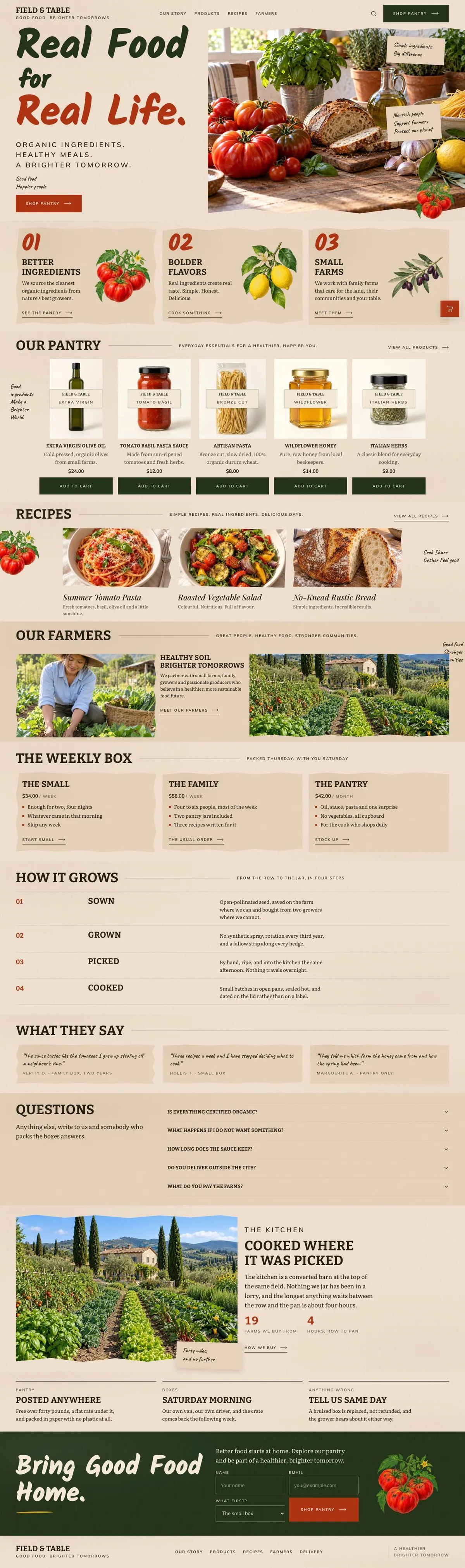
Someone searching for a Grocer Weekend Offers page needs more than a notice about what is available this week. They need a clear route from the food’s source to the products they can take home. This design does that through pantry products, recipes, farming information, a weekly box and a final order area.
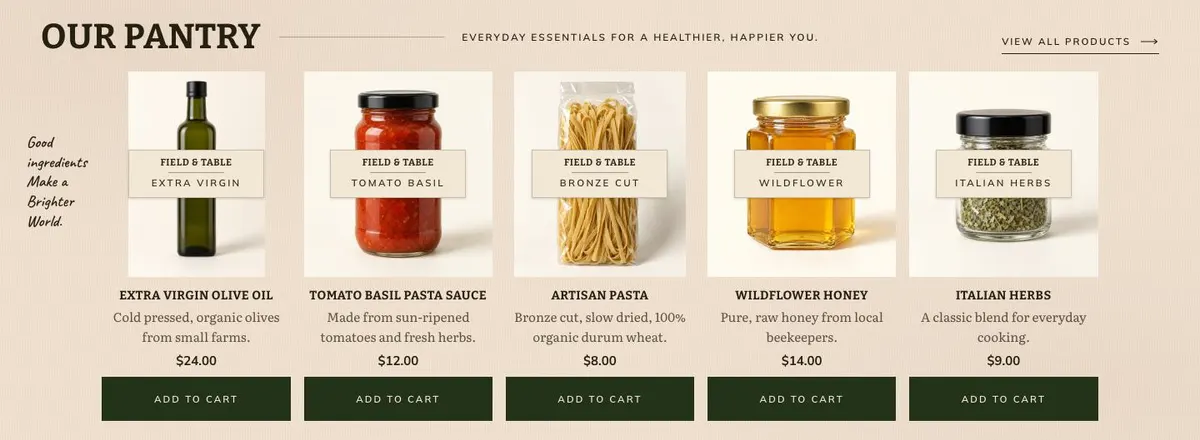
It is made for an organic grocer, farm shop or producer selling the jar rather than serving the plate. A generic food page can make the business sound broad while leaving the actual offer unclear. Here, the product range has its own Our Pantry band and the action is Shop Pantry or Add to Cart. That means the offer, product names and prices need to be ready before the page goes live.
The page can support weekend offers, but it does not include a separate timed promotion or countdown band. Use the hero and pantry copy to make the current selection clear, or choose a different page only if the offer needs a mechanism not shown here.
Adapting the design to the food being sold
The template has four colour schemes: Harvest, Field, Honey and Beet. Choose one that supports the food and packaging without making the products harder to recognise. The page uses Bitter for display text and Mulish for body copy. Alternatives include Bitter with Mulish, Kalam with Mulish, and Playfair Display with Mulish.
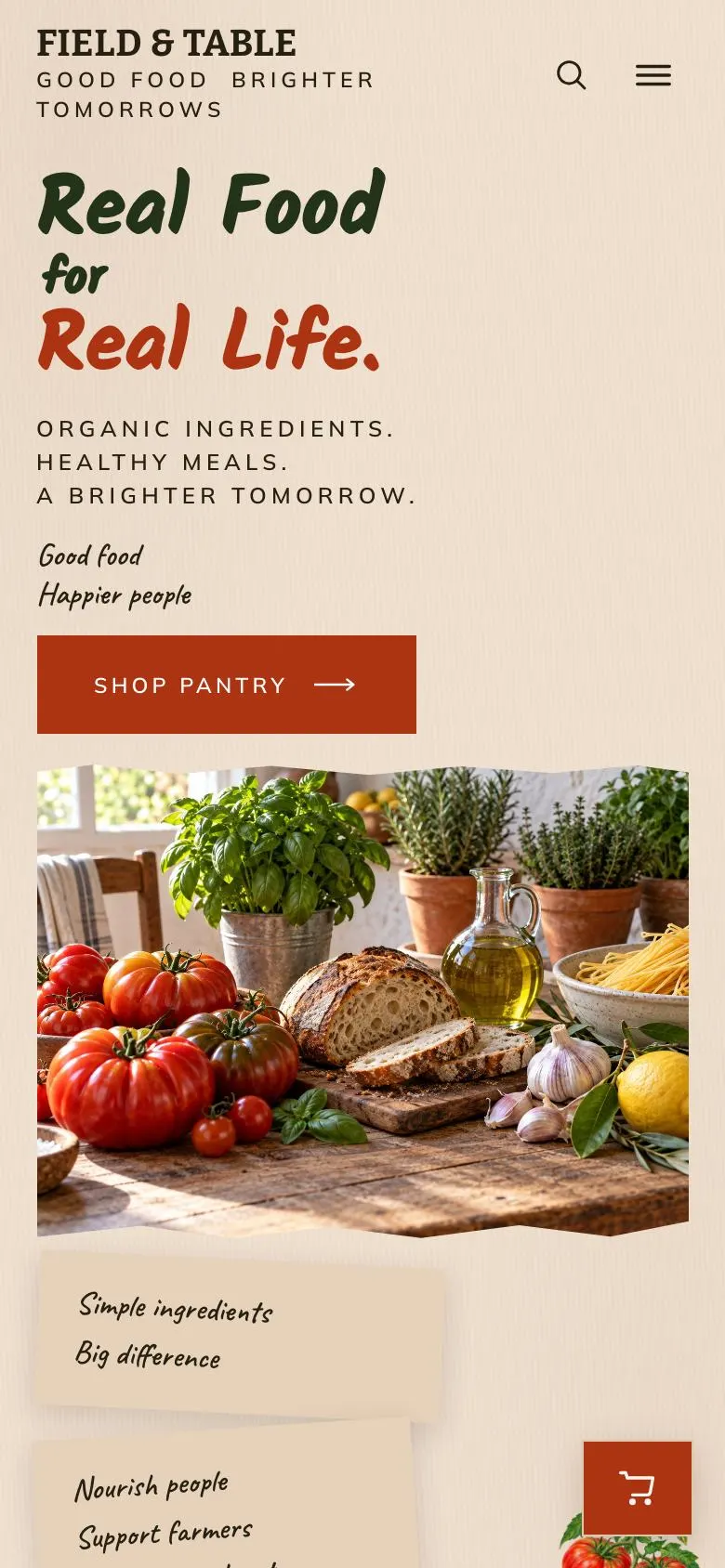
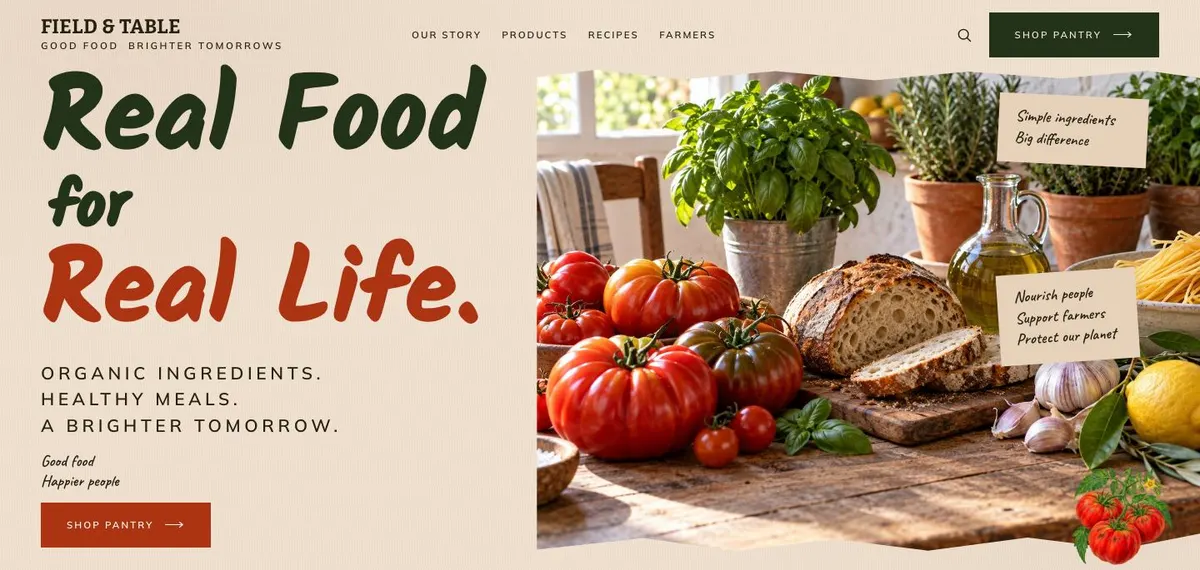
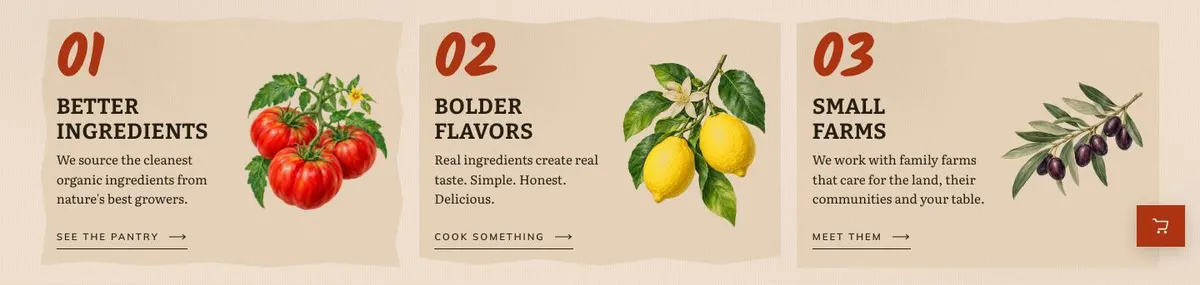
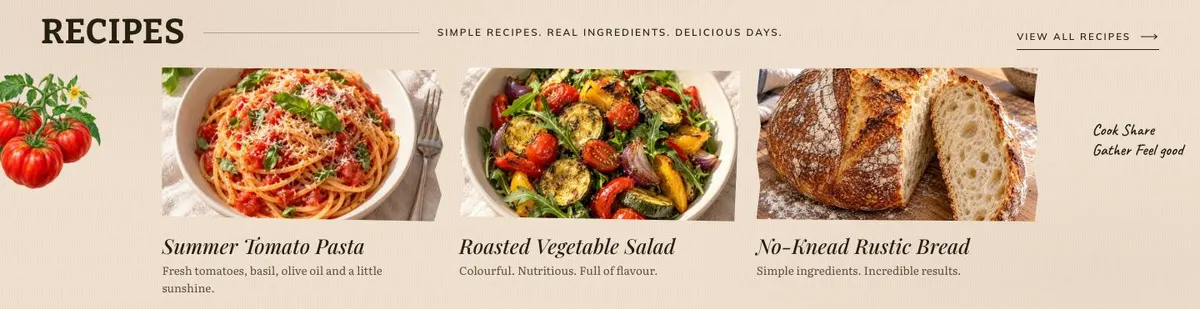
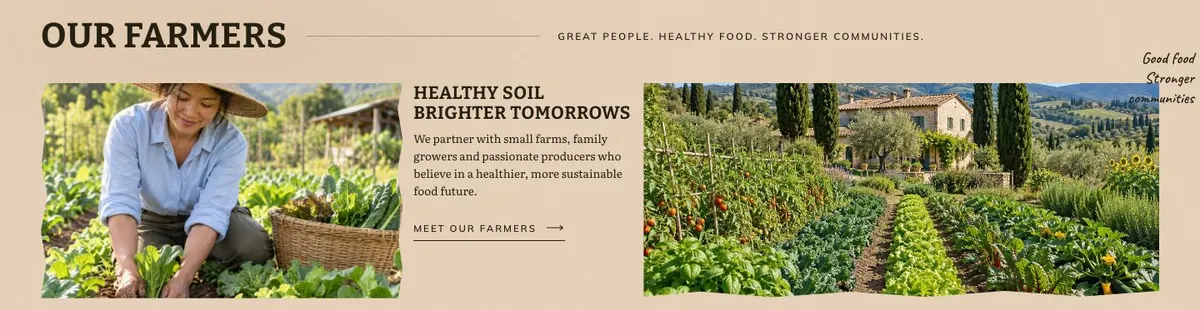
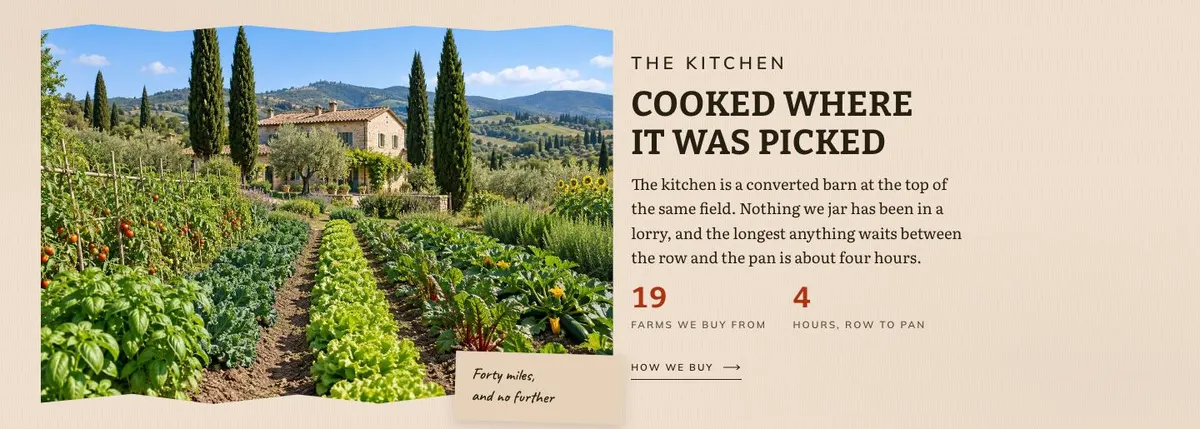
There are 18 photographs across the page. They appear in the Hero, Why, Pantry, Recipes, Farmers, Kitchen and Order bands. Plan these as a connected set: food and ingredients for the opening, products for the pantry, prepared dishes for recipes, people for farmers, then the kitchen and final order image. Reusing one image everywhere would make the sourcing and recipe sections less useful.
Writing it for your business
Starting from this template costs no credits. Rewriting the copy with AI costs about 20 credits. A good brief names the business, the food it sells, the products that should appear first, the weekly box arrangement if there is one, and the delivery terms that customers need to know.
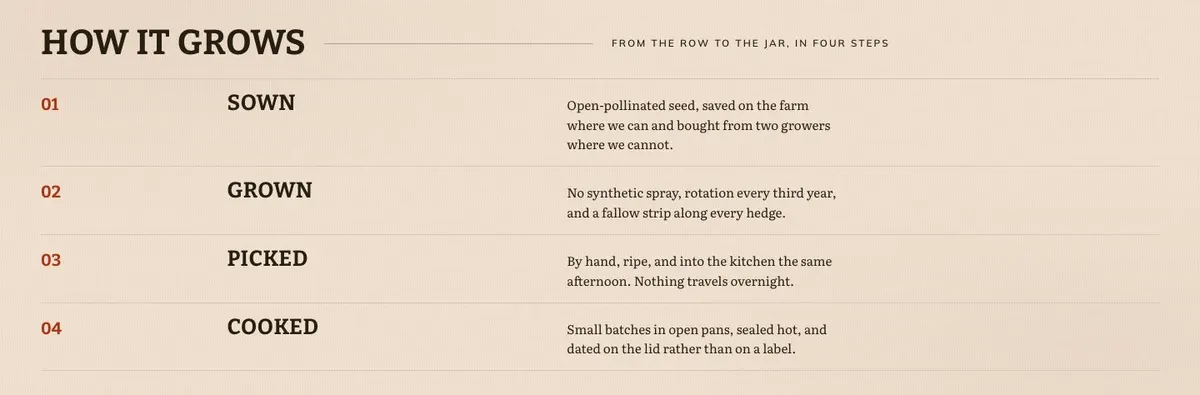
It should also name the grower or production details that can be stated honestly, the recipes worth featuring and the questions customers most often ask. The clearer the brief, the easier it is to turn headings such as Better Ingredients and How It Grows into copy that belongs to the business rather than generic food language.
What to prepare before publishing
Start with the pantry range. Write the product names, prices and short descriptions for the items that will sit behind Add to Cart. Decide which products are available for the weekend offer and make sure the shop action leads to an offer that exists.
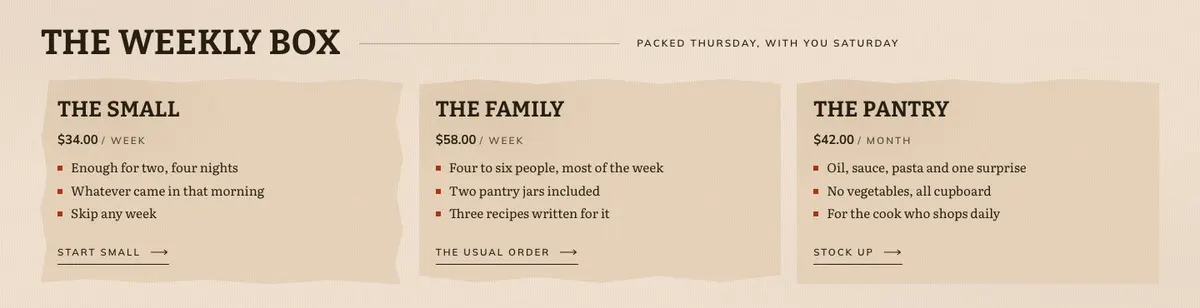
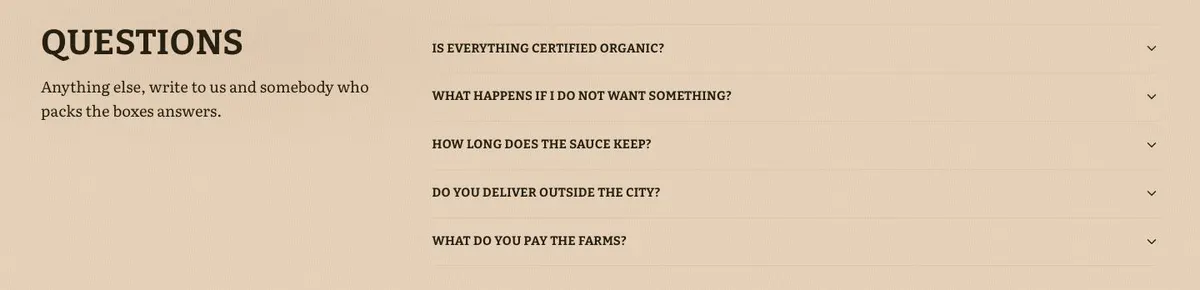
Then prepare the material that makes the range credible: the ingredient and grower story, four-step growing or making process, weekly box details, recipes, one customer quote, delivery wording and answers for the Questions accordion. Photograph the products, ingredients, recipes, growers and kitchen before building the page. The final order form also needs a clear internal process so enquiries can be answered.
Variations for nearby food trades
A farm shop can lead with seasonal pantry staples and use The Weekly Box for its regular produce selection. A preserve maker can make the jars the centre of Our Pantry, then use Recipes to show where each preserve belongs. A small organic retailer with goods from several producers can use Farmers to explain the people and sources behind the range.
When another template fits better
For confectionery rather than a broad pantry, see Artisan Chocolate Shop. For a coffee-led range, Coffee Bean Shop is the closer starting point. If the business sells skincare products instead of food, use Herbal Skincare Shop. For a place where customers need to reserve a table, choose Restaurant Table Bookings. Browse the wider ecommerce collection for other shop formats.
Before you publish
- Check that every pantry item and price is current.
- Check that Shop Pantry and Add to Cart lead to available products.
- Check the weekly box and delivery wording against current arrangements.
- Check that the order form has an owner responsible for replies.