A product-led book launch page for families
Someone searching for a Book Launch page usually needs more than an announcement. The page needs to make the book or related products easy to buy, give parents or carers a reason to trust the choice, and leave room for ideas that extend the experience after the purchase. This design does that through a shop-first structure: products appear early, the wider values are explained, and later sections support repeat visits.
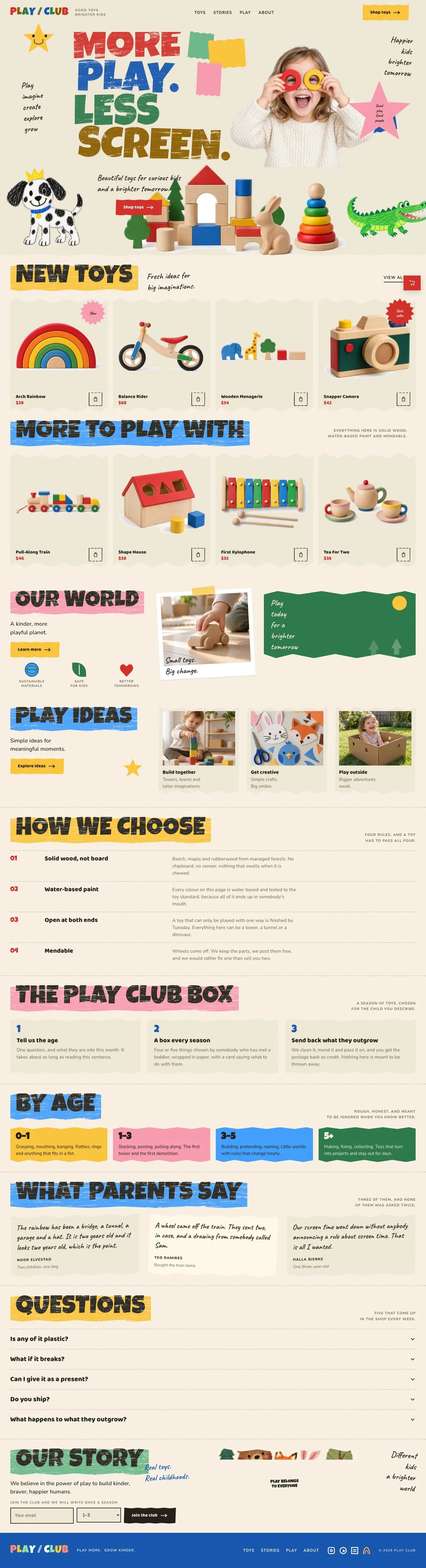
It is an especially close fit for a children’s book launch with accompanying toys, activity materials or gift items. A generic book page can make the title feel isolated. This template instead gives the launch a small world around it, with space for products, play ideas, age guidance, customer comments and common questions.
It does not include a dedicated author event, reading-date or ticket-booking section. If the main task is building out a broader children’s retail catalogue rather than presenting one launch, the Childrens Toy Shop template is the closer related starting point.
Adapting the design without losing its character
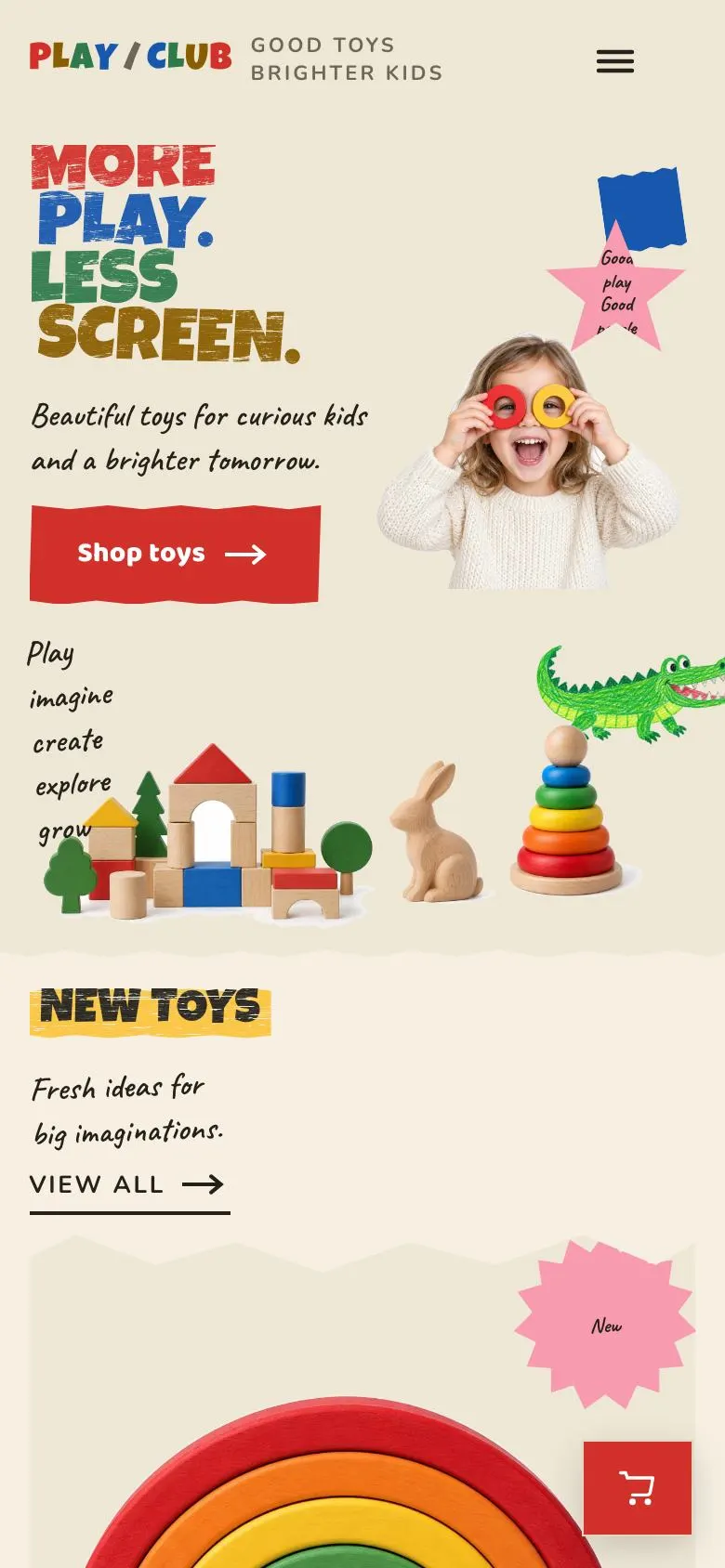
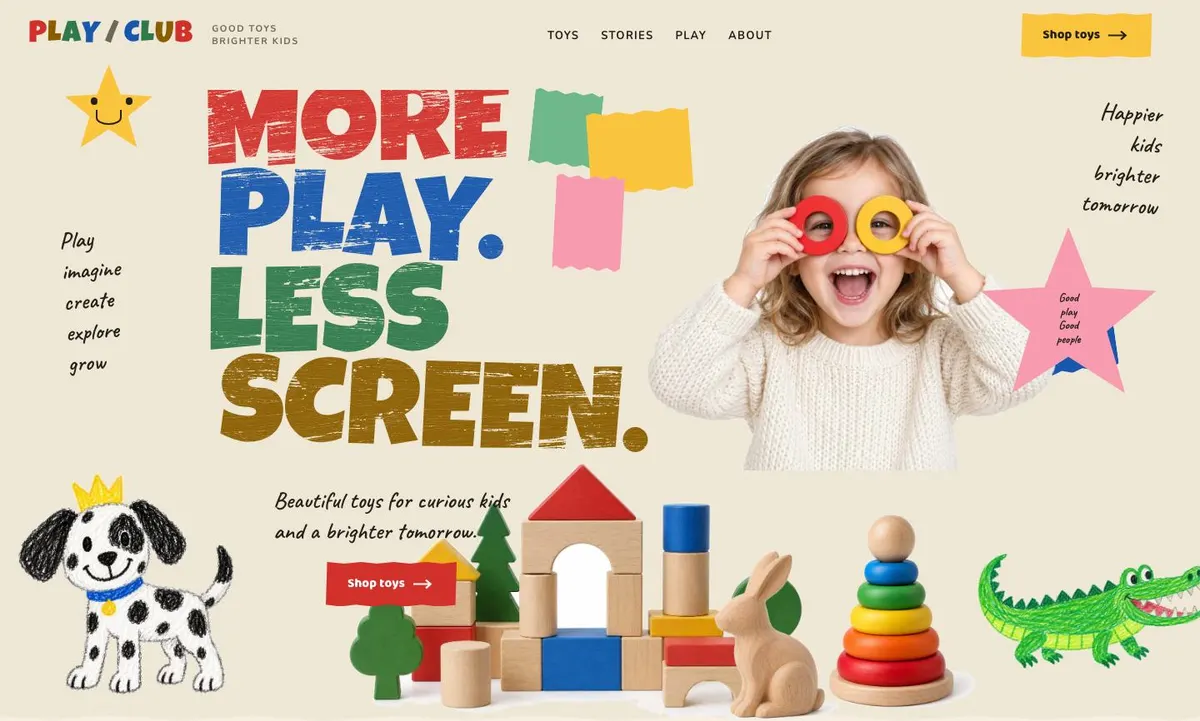
The design is built as a light paper collage. It uses a warm paper ground, painted uppercase headings and cut-out objects placed across the page. This makes it appropriate for businesses selling playful, tactile or family-centred things. It will be less suitable for a formal literary launch that depends on author credentials, reviews and publication information more than products.
There are four colour schemes: Poster, Orchard, Berry and Sky. Choose one that supports the actual cover, packaging or shop identity, then use the same scheme throughout. The display typeface is Baloo 2 and the body typeface is Nunito. The available font combinations also include Luckiest Guy with Nunito, and Caveat with Nunito. Keep body copy in the readable body face and reserve the display face for short headings.
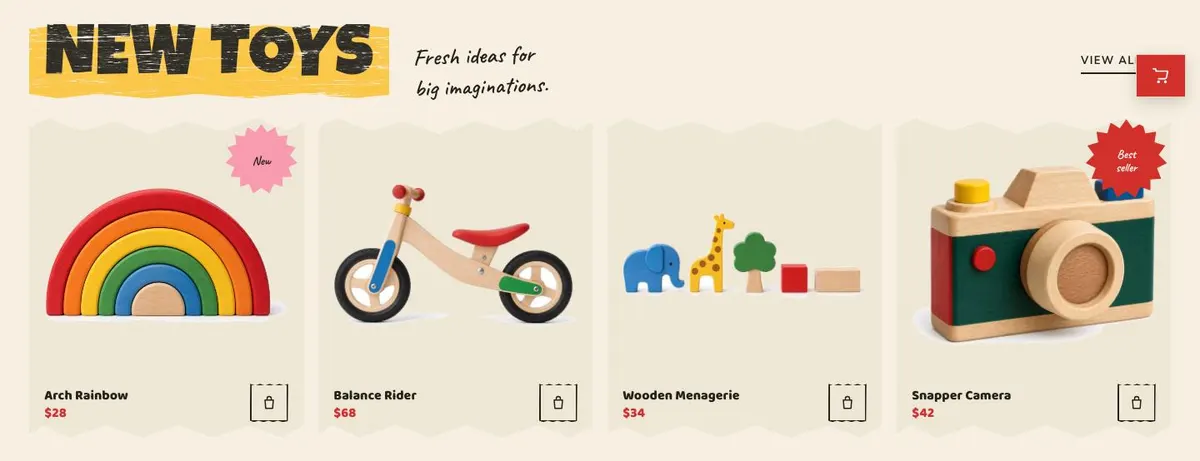
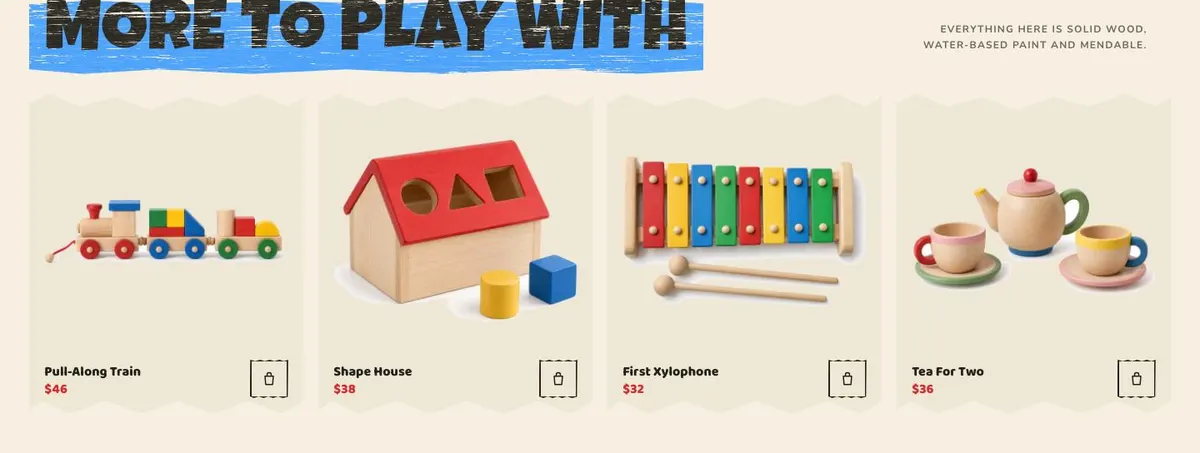
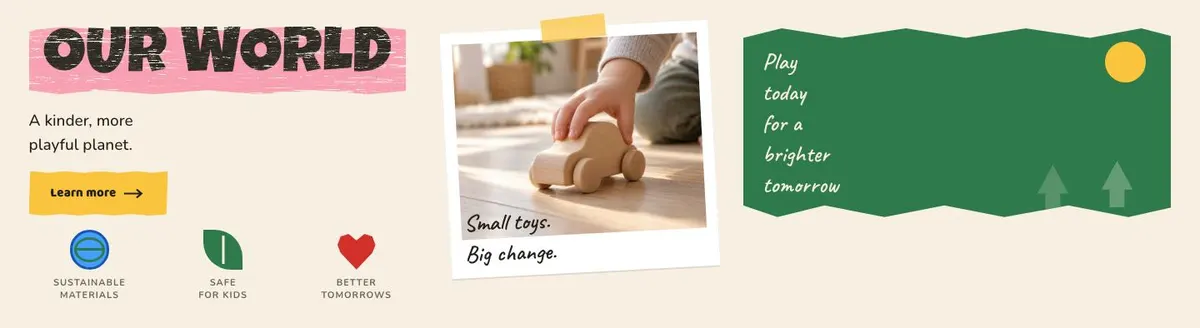
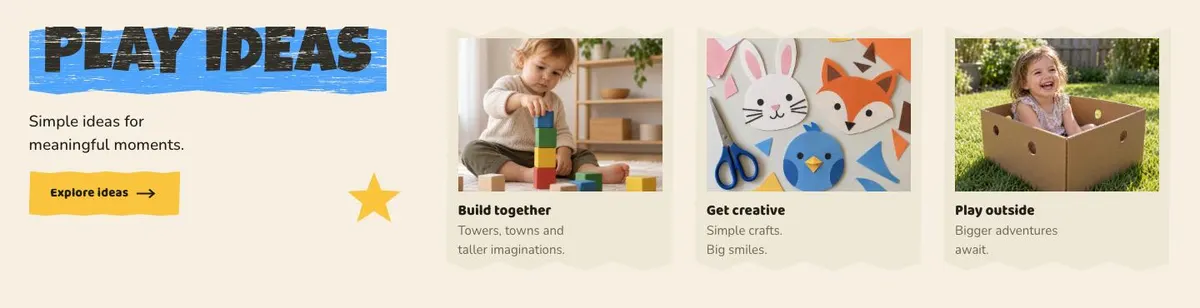
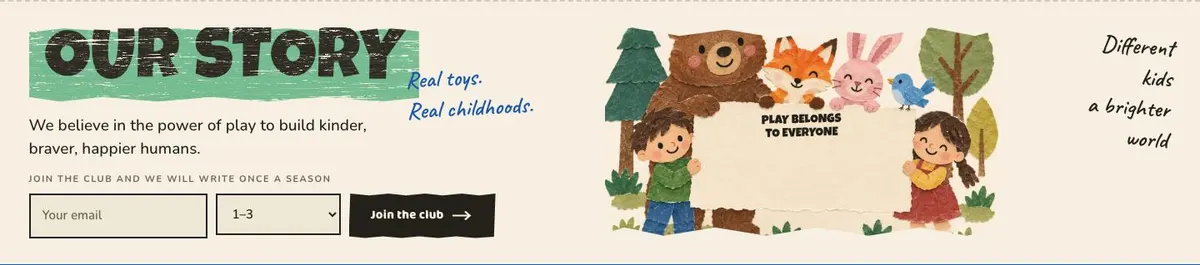
The template needs 19 photographs. Six appear in the Hero; four sit with New; four with More; one supports Our world; three support Play ideas; and one appears in Our story. Plan these as a single set before publishing. For a book launch, the set might cover the book, spreads or details where appropriate, related items, reading or play moments, and the people or place behind the business. The images need to support the words in their band, not simply repeat the same product view.
Writing it for your business
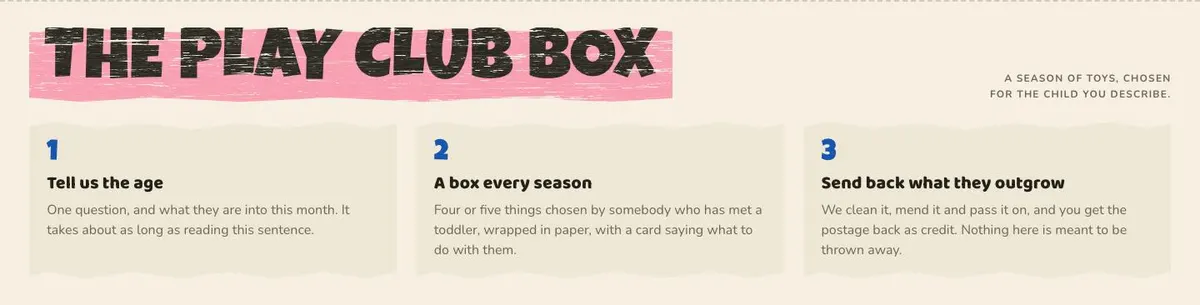
Starting from a template costs no credits. Rewriting the copy with AI costs about 20 credits. A useful brief names the business, the products that can be ordered, the audience, the tone, the main launch aim and the claims that are true. It should also state which bands need changing or removing, particularly the curated box if there is no subscription or seasonal offer.
Give the AI the real title names, prices, age guidance where used, selection rules and the wording needed for the order form. Explain whether “Join the club” should invite updates, and what the “Explore ideas” content will cover. The clearer the brief, the less likely the finished copy is to make a promise the business cannot keep.
What to prepare first
Start with the saleable range. Write the names, prices and short descriptions for the items that will appear in New and More. Decide the primary item that belongs in the opening message, and whether there is a genuine second action for visitors who are not ready to order.
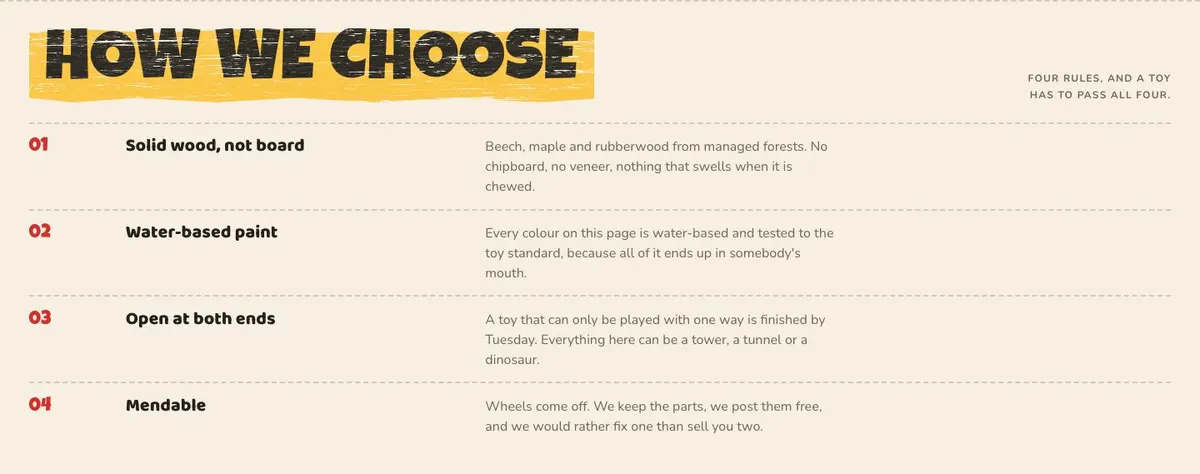
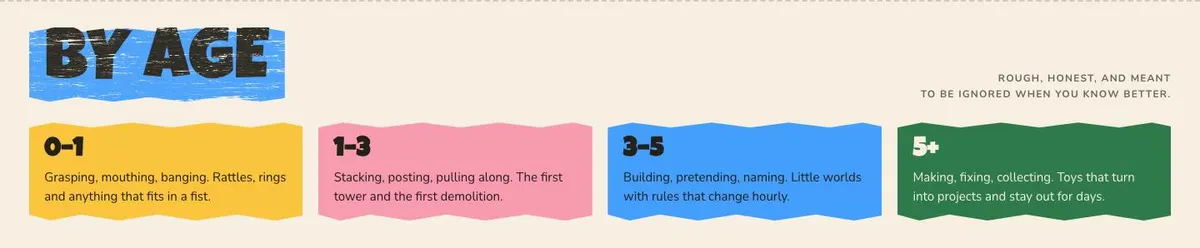
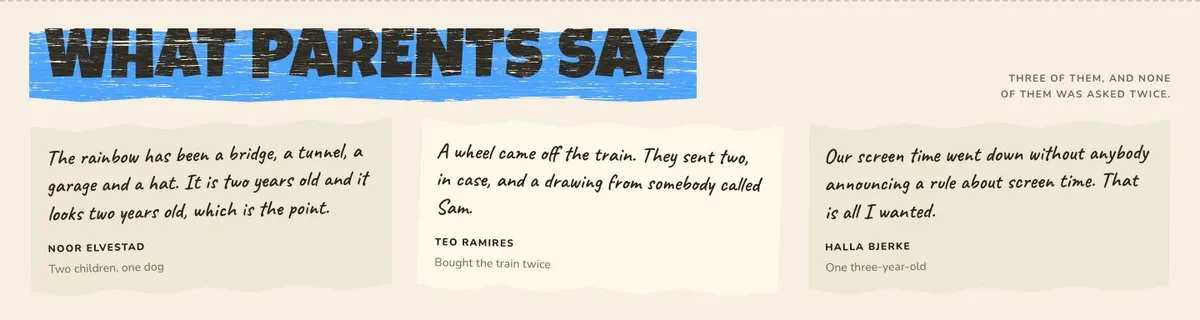
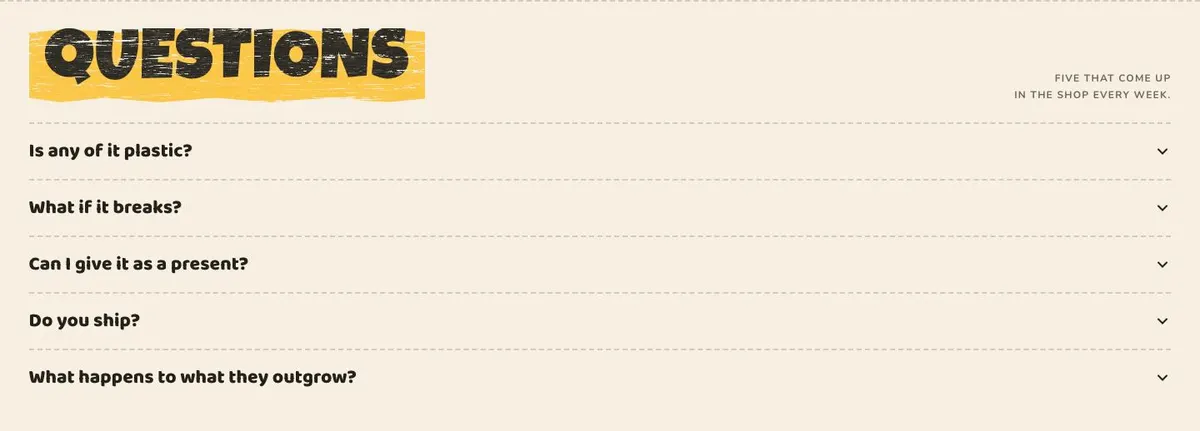
Next, prepare the substance behind the supporting bands: three play or reading ideas, four selection rules, realistic age guidance, a customer quote and the questions that repeatedly arise. Write the business story in its own words. Finally, gather the 19 photographs in the order the page uses them, and make sure the order form has a clear purpose before it goes live.
Variations for nearby trades
A children’s bookshop can make New the launch table, use More for backlist titles and gifts, and turn Play ideas into reading prompts. A toy shop can retain the product emphasis while using How we choose to explain its buying standards. A nursery can use the structure for a small recommended range, but should keep the product and order language only where it reflects a real offer.
When another template fits better
The Childrens Toy Shop template is the better related choice when the range itself is the centre of the business and needs a more direct toy-shop starting point.
The Wholesale Trade template is worth considering when the launch is aimed at stockists rather than individual customers.
The Preschool template is a better fit when the primary offer is nursery provision, not products for order.
For more product-selling starting points, visit the ecommerce template collection.
Before you publish
- Check every displayed product is available to order.
- Match each price and description to the real item.
- Replace every placeholder photograph with a relevant image.
- Read the order form wording as a customer would.