A wholesale trade page for goods people want to spend time with
Someone searching for a Wholesale Trade landing page needs to show what they sell, make the range easy to understand and give buyers a clear route towards an order. This design does the product and shop-story parts of that job well. It is built around a retail example, but its structure can suit a record shop, bookshop, roaster or another small trade selling physical objects.
A generic trade page can make every item feel interchangeable. That is a poor fit when customers choose by taste, condition, provenance, newness or the knowledge behind the counter. This template gives space to the goods themselves, then supports them with practical information and a reason to stay in touch.
The page leads with a large poster-like statement, warm photography and product sections rather than a corporate introduction. The result is useful for a business whose stock is the main reason people arrive. It also makes room for the quieter parts of shopkeeping: events, care advice, grading, customer comments and common questions.
There is one important limit. The supplied structure does not show trade account access, quantity breaks, minimum order information or a stockist application. If wholesale customers need those things before ordering, they must be handled elsewhere or added outside this template. For a coffee-focused shop alternative, see Coffee Bean Shop.
From first impression to an order
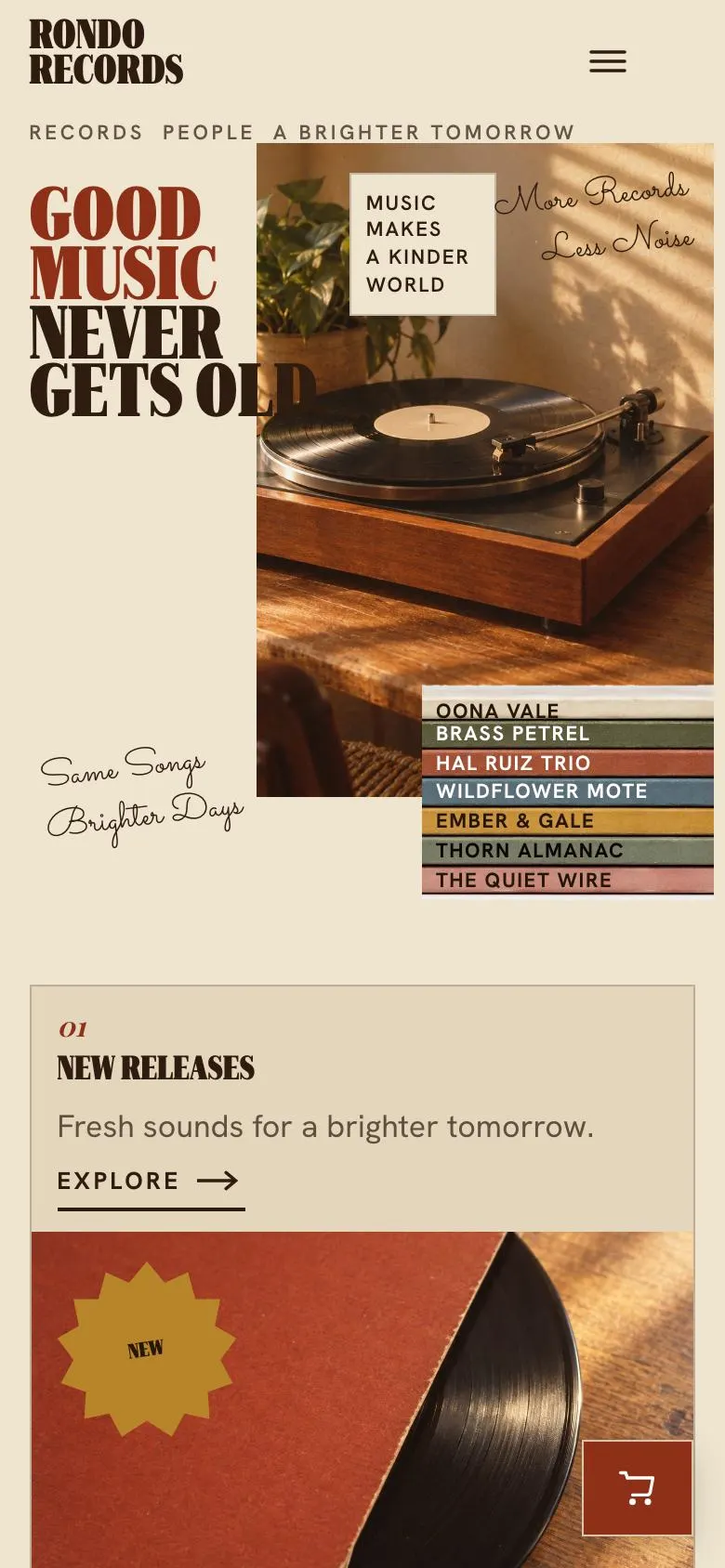
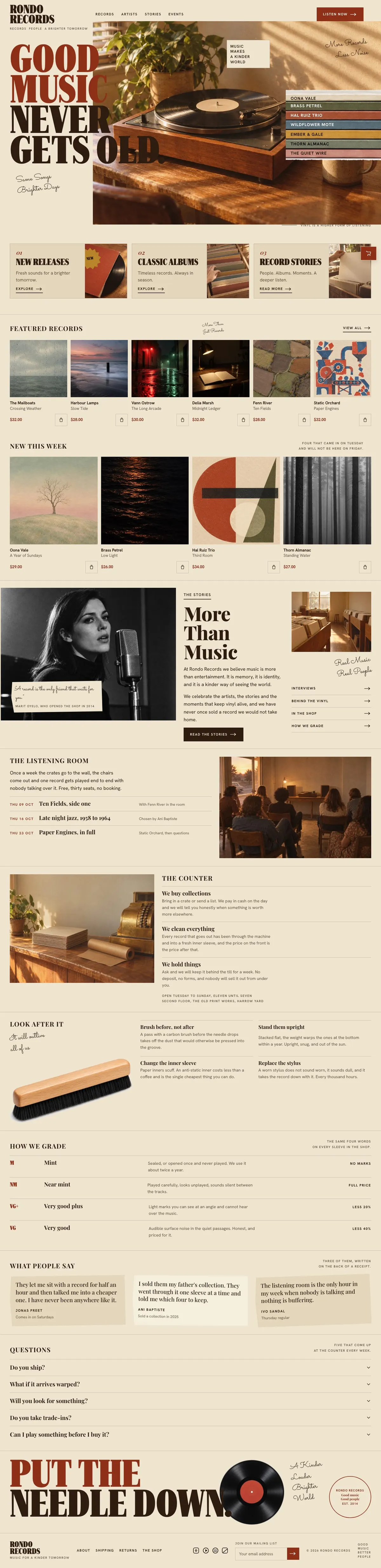
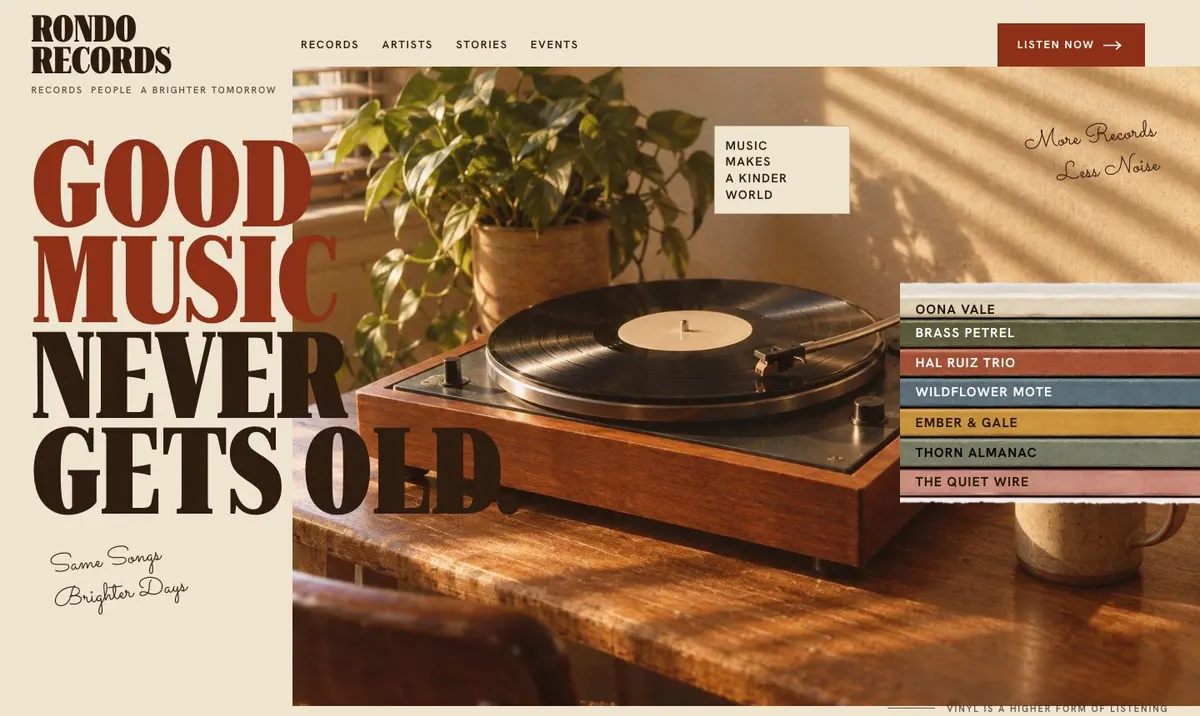
The page starts with Hero. Its current headline, “Good music never gets old”, shows the role of this band: it sets a point of view before asking for action. The short supporting line and two photographs give the opening a human, editorial feel. “Listen now” is the existing button label, so a different trade should replace it with an action that genuinely exists, such as viewing a collection or seeing current stock.
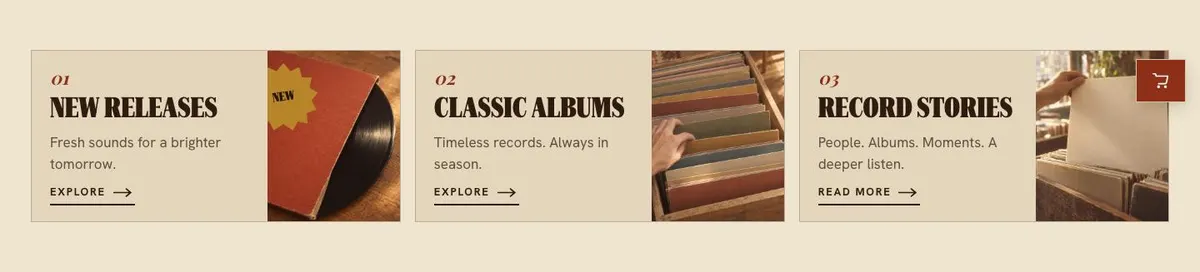
Browse follows with “New releases”. This is the first place to divide the offer into useful routes. A bookseller might use formats or subjects. A roaster might use blends, single origins and subscriptions only if those are actually sold. Keep the short line beneath the heading focused on what has just arrived or what makes these groups worth opening.
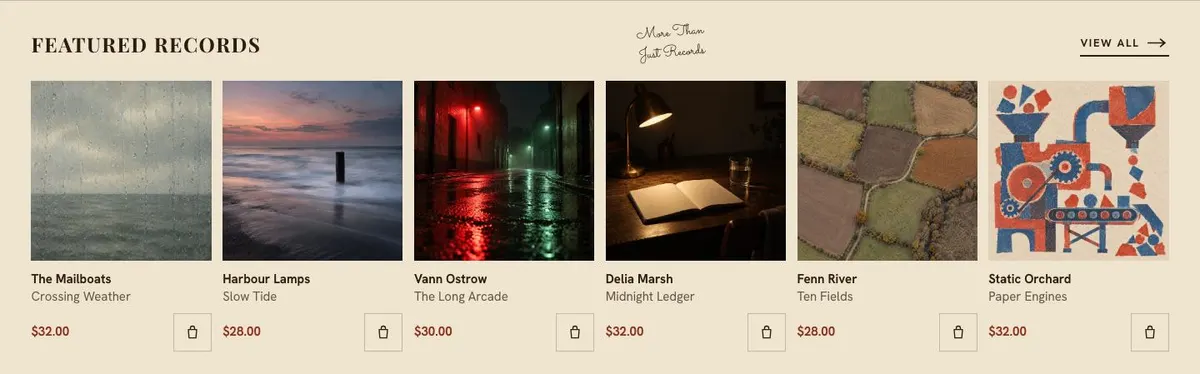
Featured is where the main range is sold. Its six product photographs and buy action make it the section for the items that deserve immediate attention. Each listing needs a clear product name, accurate price and a brief reason to choose it. The template already expects products to be bought from the page, so do not use this section for vague brand statements.
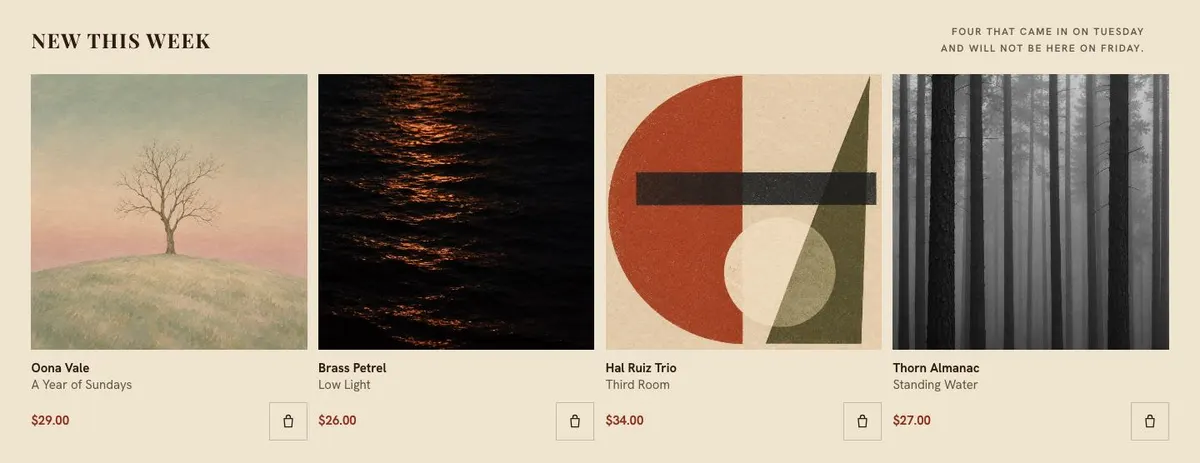
New, headed “New this week”, gives the page a second, smaller product moment. It is suited to recently received items, seasonal arrivals or a short rotating edit. The example’s language creates urgency through limited availability. Only write that sort of line when it is true for the stock being shown.
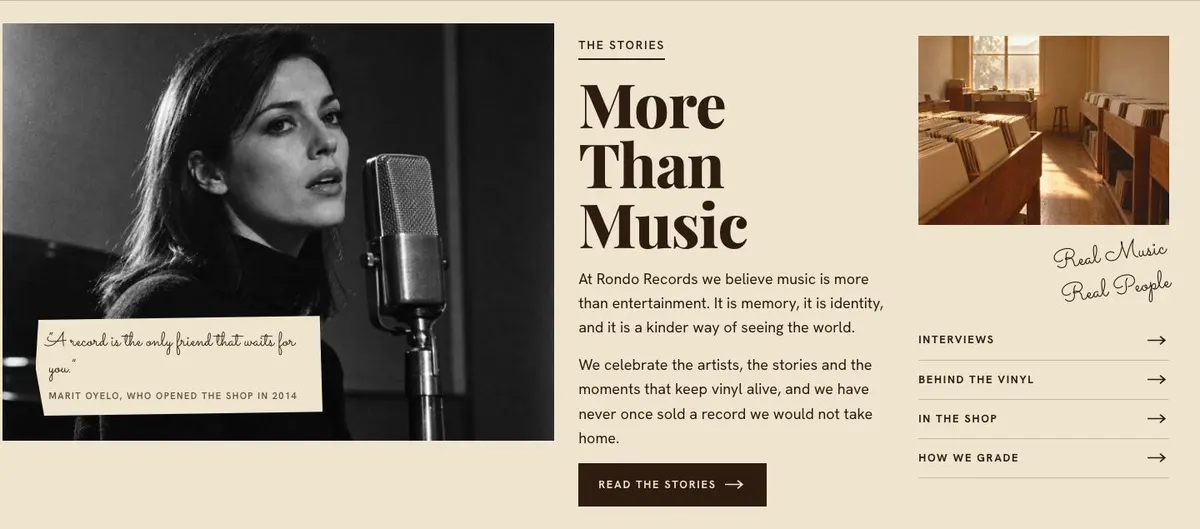
Stories moves from products to the business behind them. “More Than Music” currently introduces a belief about music, memory and identity, then offers “Read the stories”. For another trade, this is where to explain the selection process, a maker relationship, a local connection or the reason the range exists. The button needs material to lead to, so prepare stories before retaining that call to action.
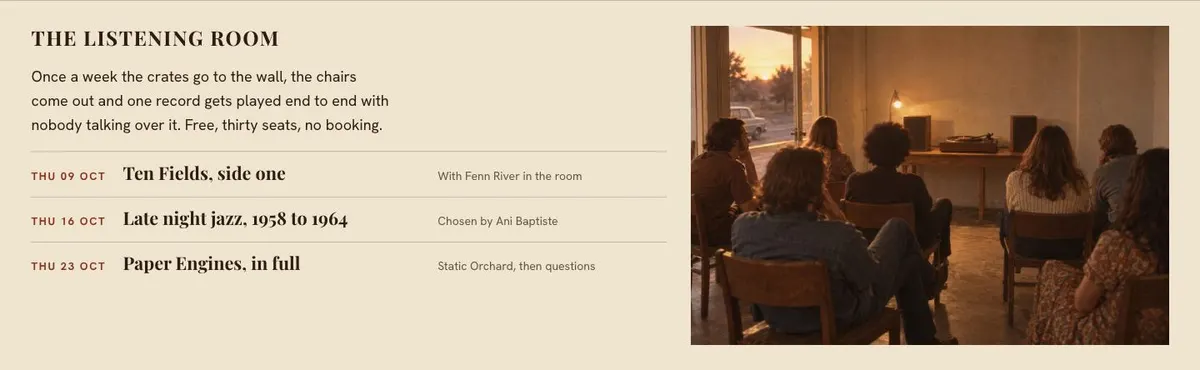
Sessions, called “The listening room”, is for a regular in-person moment. In the example it explains a weekly record listening event. A shop without events should not pretend to have one. It can instead describe a real tasting, reading, demonstration or other repeatable shop experience, provided the details are accurate.
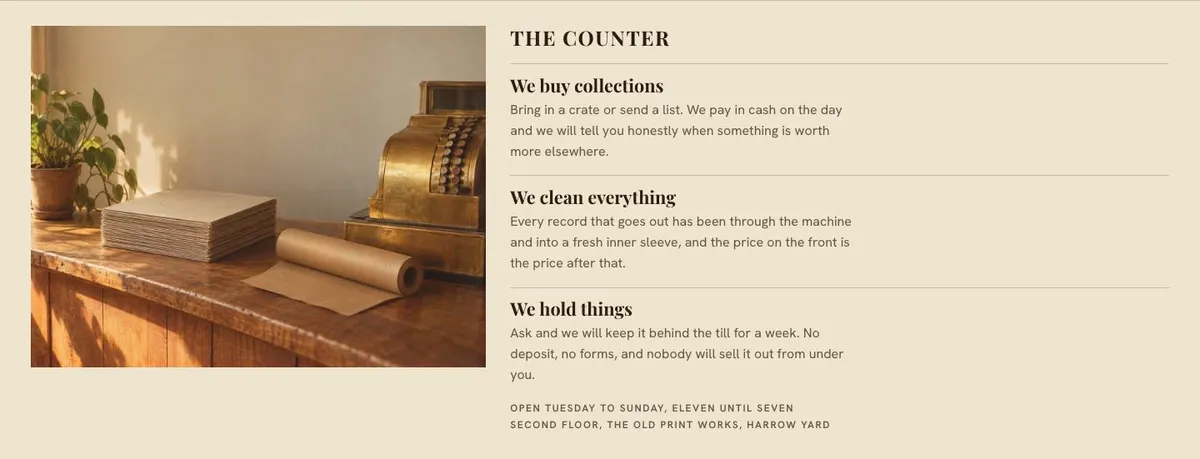
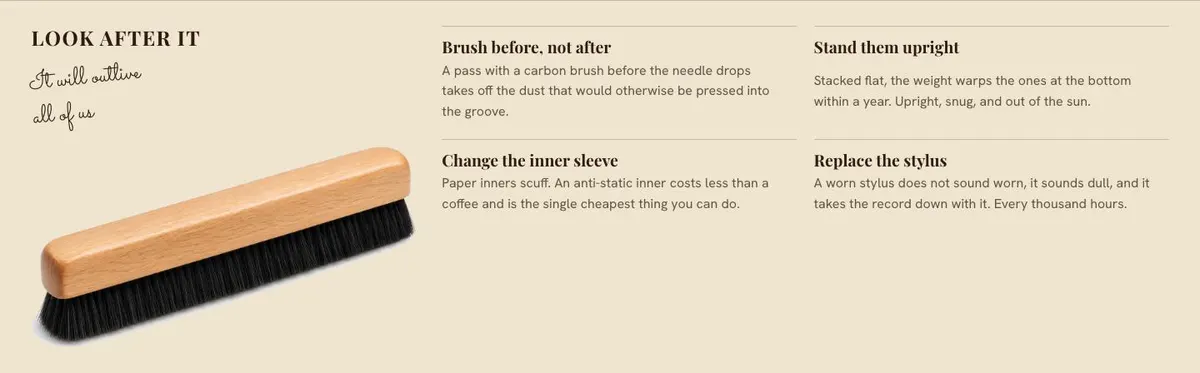
Counter gives room for the practical personality of the shop. Its photograph and supporting content can explain what happens when customers visit, ask a question or collect an item. Care then offers guidance after purchase. “Look after it” makes its purpose clear: help buyers use, store or maintain the goods. This is particularly useful when care affects the life of a physical product.
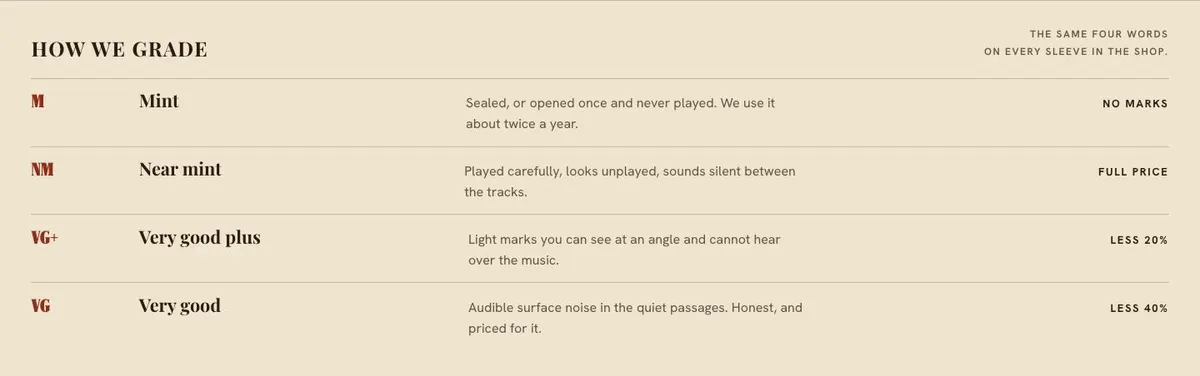
Grading is a trust section. The record example explains consistent condition terms. For another retailer, use it for the equivalent standard: how books are described, how seconds are identified, or how products are assessed. If there is no repeatable standard to explain, do not force this language into the page.
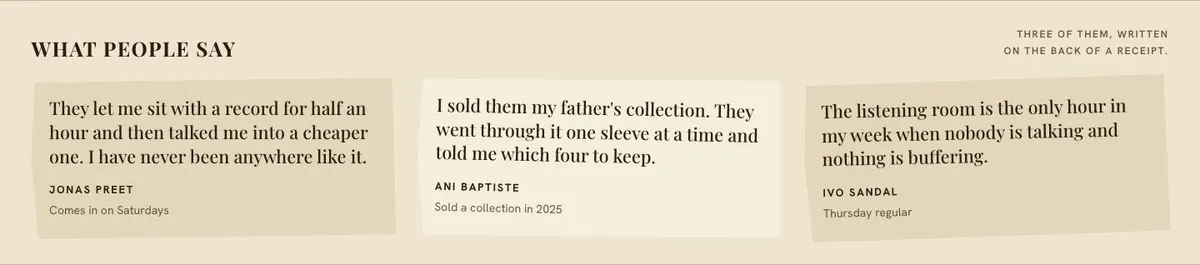
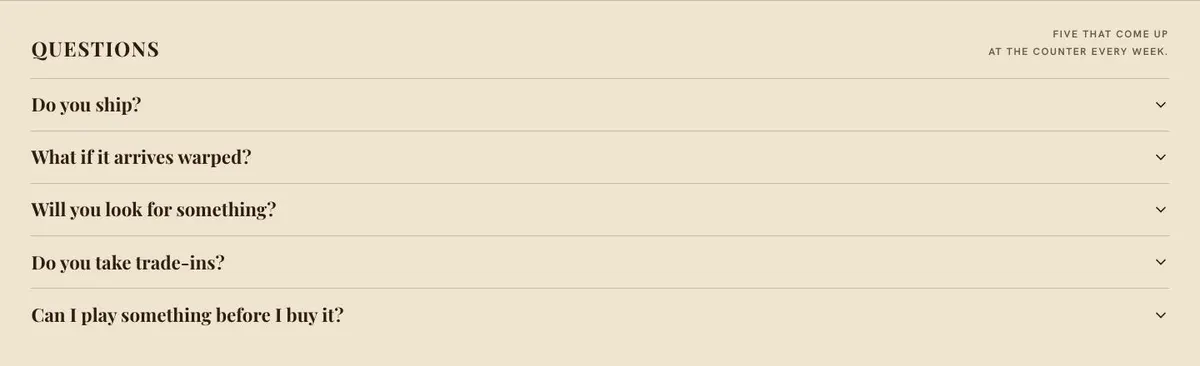
Said provides a customer quotation, while Questions gathers the recurring questions in an accordion. Together, these bands deal with reassurance without interrupting the product flow. Finally, Needle closes the page with a form and photograph. Its “Put the needle down” heading and mailing-list tone should be rewritten for the business. The form is the closing contact point; it should promise only what the business can follow through on.
Adapting the design without losing its character
This is an editorial-poster design on a light paper ground. The display typeface is Playfair Display and the body text is Hanken Grotesk. Headings are uppercase. The combination supports short, declarative headlines alongside useful product and shop copy.
There are Rust, Forest, Indigo and Plum colour schemes. Choose one that works with the goods and photography rather than choosing a colour just because it is familiar to the business. The page has a light overall ground, and the template’s visual direction depends on the relationship between paper, ink, photographs and type.
It needs 21 photographs across the full page. They appear at the opening, in browsing and product areas, alongside the stories and practical shop sections, and beside the closing form. Plan them as a set. The products should be recognisable, but the photographs also need to show the setting, the people or process behind the range, and the detail that makes the shop credible.
The alternative font pairings retain Hanken Grotesk for body copy while changing the display face to Roboto Serif or Sacramento. Use Playfair Display when the business needs a more formal editorial heading. Use another listed pairing only after checking that the product names, prices and explanatory copy remain easy to read.
Writing it for your business
Starting from this template costs no credits. A rewrite of the copy with AI costs about 20 credits. That is most useful when the brief supplies the facts the page cannot guess: what is sold, which products should lead, how prices are presented, what customers ask, and what action the business can actually support.
A good brief names the business, the audience and the immediate goal. It should identify the featured items and recent arrivals, give real wording for any grading or care standards, and state whether there are stories or in-person sessions to promote. It should also say what the closing form is for. Do not ask the rewrite to invent stock claims, customer comments, event details or product availability.
Keep the tone specific. This template works best when the copy sounds like a shop that knows its stock. Short statements work well in the opening bands. The later bands can carry the detail customers need before they decide to buy, visit or leave their contact details.
What to prepare before publishing
Begin with the product information. Choose the items for Featured and New, then prepare their names, prices and the exact information a buyer needs to distinguish them. Confirm that every buy action leads to a real purchase route.
Next, prepare the photography. The page calls for 21 images, so collect product shots as well as photographs for the hero, stories, shop guidance and closing form. Make sure the images match the actual goods and current shop rather than relying on images that imply stock or services not available.
Write the short opening promise and the Browse categories. Then decide whether Stories and Sessions reflect real content. Prepare the practical material for Counter, Care and Grading, along with a genuine customer quotation for Said. Finally, list the questions customers repeatedly ask so the accordion answers the questions that affect an order or visit.
Useful variations for nearby trades
For a bookshop, use Browse for genres, formats or staff selections. Featured can hold the core books to buy, while Grading can explain how used or collectible copies are described. Stories can introduce readings, local authors or the thinking behind the shelves, only where those are real parts of the shop.
For a coffee seller, organise Browse around the real ways customers choose coffee. Use Care for storage or preparation guidance, and use Stories to explain sourcing or roasting only where the business has those details. The Sessions band can support tastings if they happen. Otherwise it should become another truthful practical shop section.
For a general object shop, let Featured show the pieces that define the range and use New for recent stock. Counter can explain collection or visiting arrangements. Grading is most useful if condition, age or variations need clear standards; otherwise use the space for another piece of buyer guidance.
When another template fits better
If the main offer is roasted coffee rather than a broad shop range, Coffee Roastery is the closer starting point. If the page centres on one title, author or publishing moment, Book Launch is more focused.
For a shop built around children’s products, look at Childrens Toy Shop. For scent-led product sales, Luxury Fragrance Sales may be the better fit. Browse the wider ecommerce template hub when the product type or buying journey needs a different structure.
Before you publish
- Check every featured product, price and buy route.
- Replace the record-specific wording throughout.
- Use photographs of current goods and real shop activity.
- Answer the questions customers actually ask before ordering.