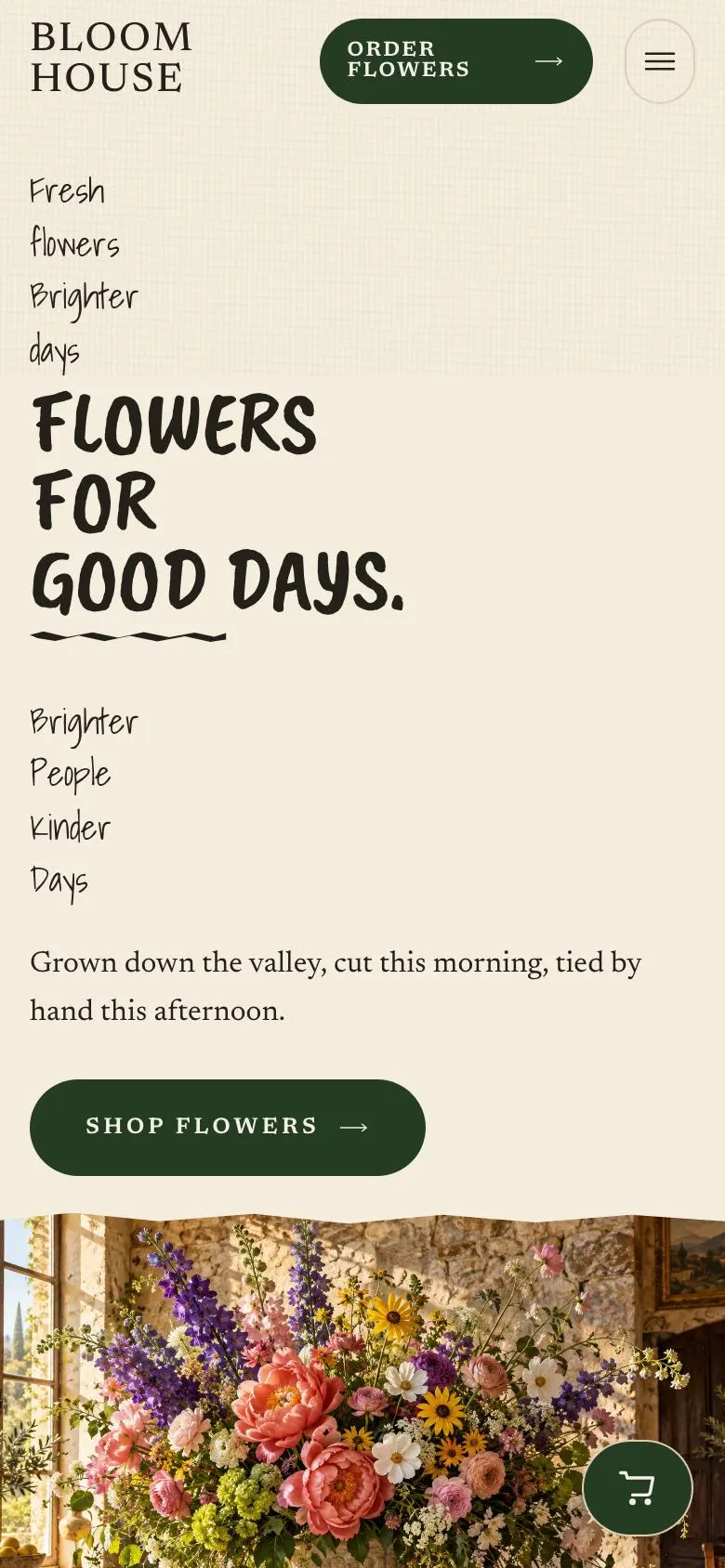
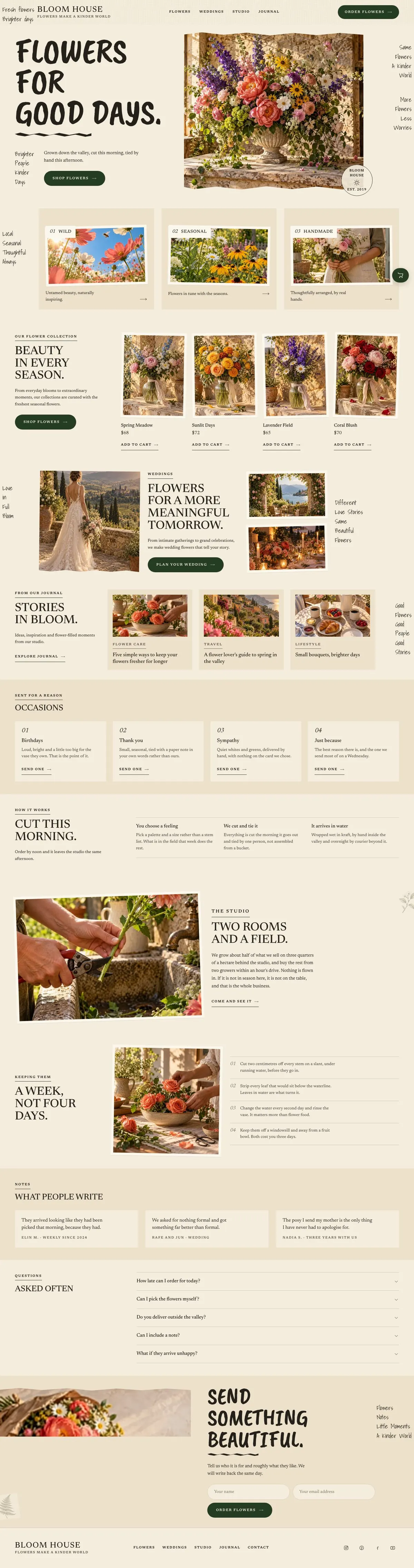
A retail page for a business that sells by season and occasion
Someone searching for a SaaS Annual Deal needs a page that makes the offer clear, gives people a reason to commit, and leads towards the next step. This design can provide the latter two through collections, supporting stories and an order route, but it is built around a florist’s retail journey rather than a software plan. It does not include a pricing comparison, an annual billing explanation or a sign-up flow for software.
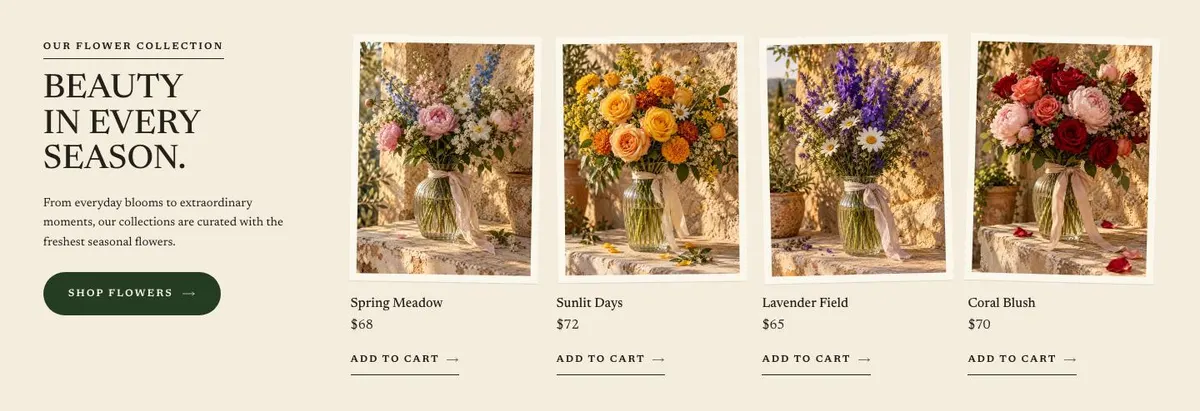
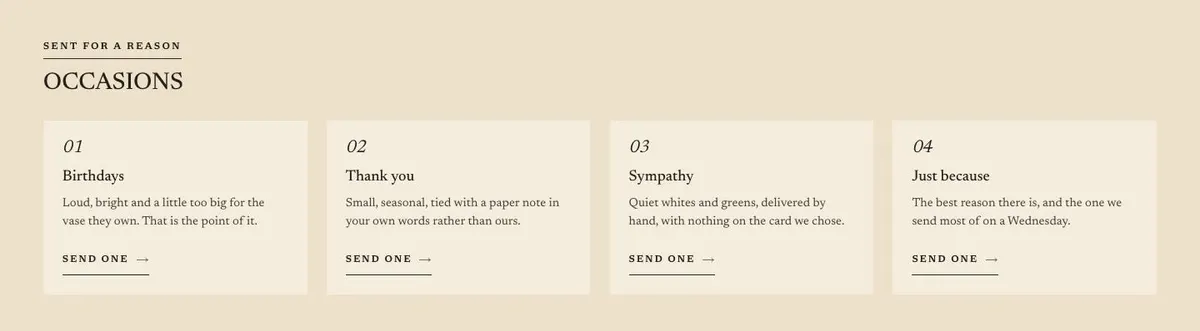
For a florist, that structure is a closer match. Flowers are bought for ordinary days, named occasions, weddings and gifts. A generic shop page can flatten those reasons into a list of products. This template gives each reason room to be shown and explained. It starts with an immediate shop prompt, then makes space for seasonal collections, wedding work, studio details, care guidance and questions before the order form.
The result is useful where the business sells both standard bouquets and more considered work. A visitor can browse what is available now, understand how delivery or ordering works, and decide whether to send an enquiry. The page does not need to pretend that every purchase has the same route. Products can sit in the collection area, while wedding and tailored requests can be directed to a separate conversation.
If the main work is wedding-led rather than day-to-day retail, the Wedding Atelier template is the more direct starting point. It is the better choice when the site needs to place wedding work at the centre rather than alongside seasonal shopping.
Adapting the visual direction
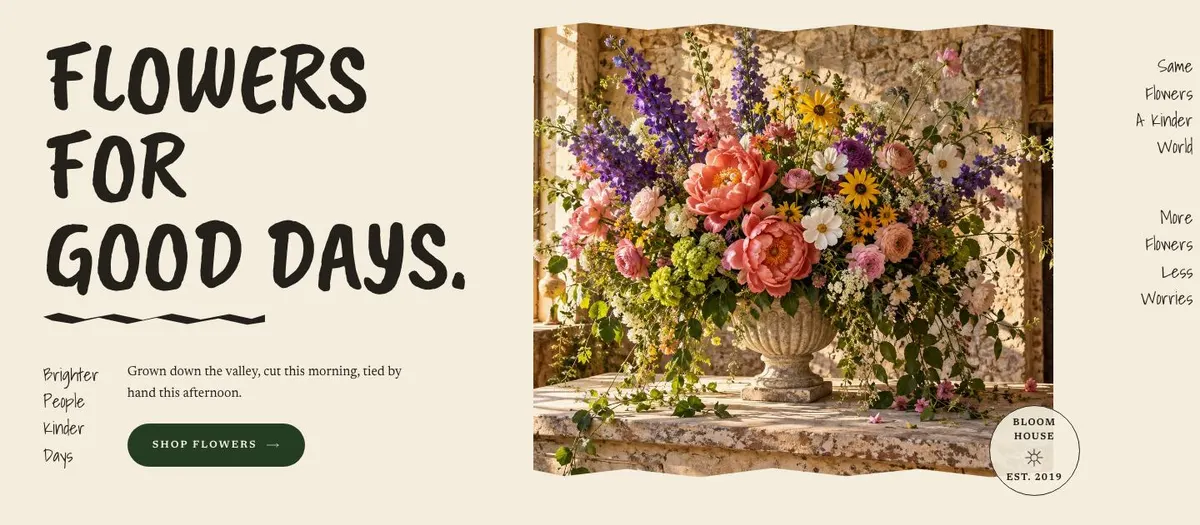
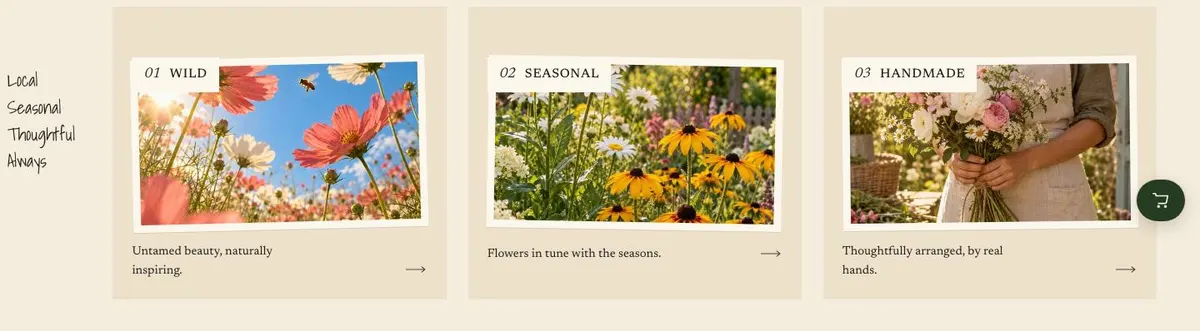
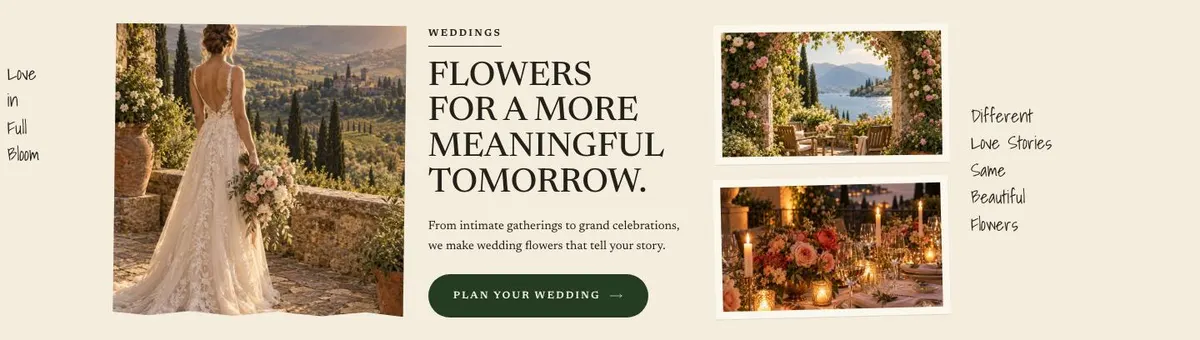
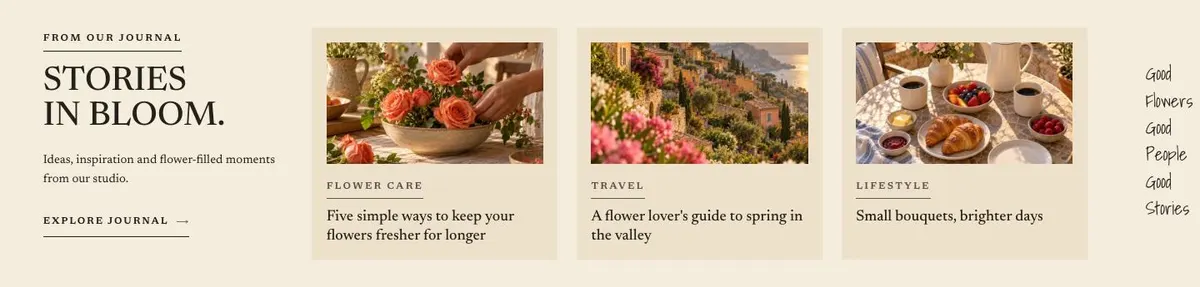
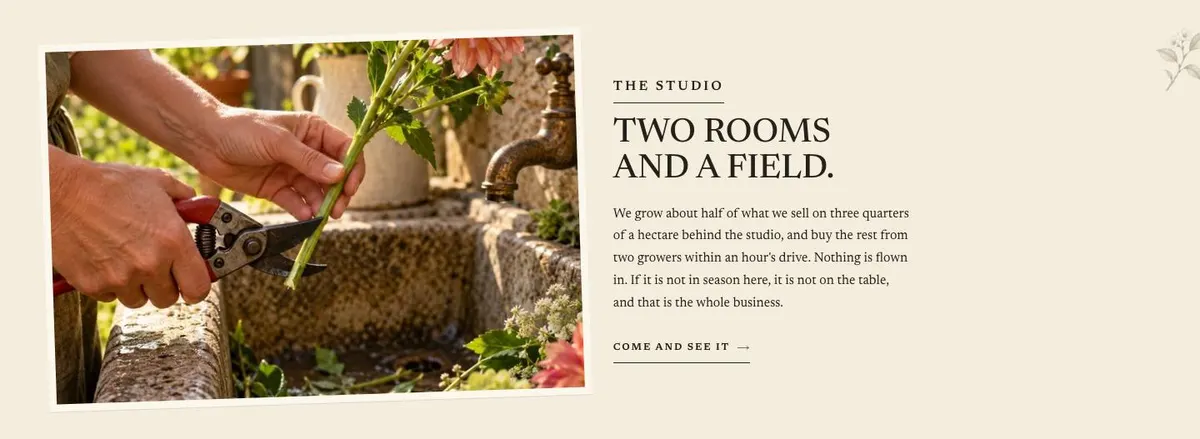
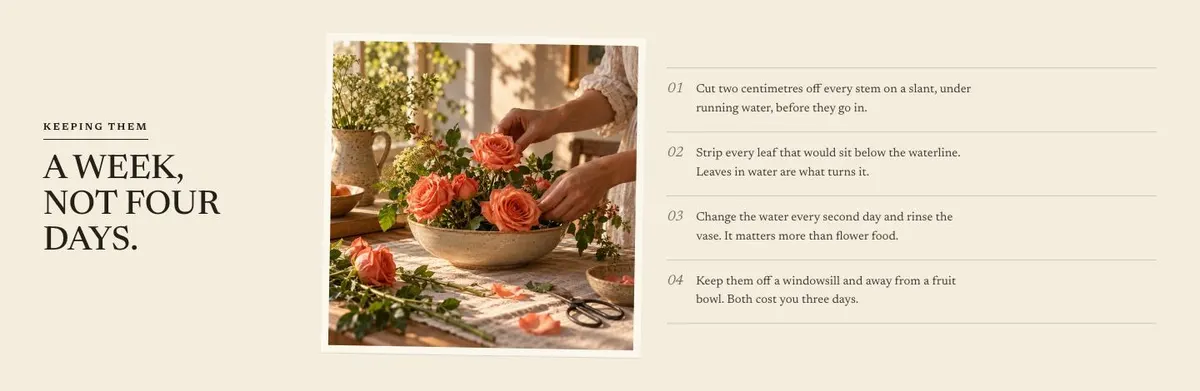
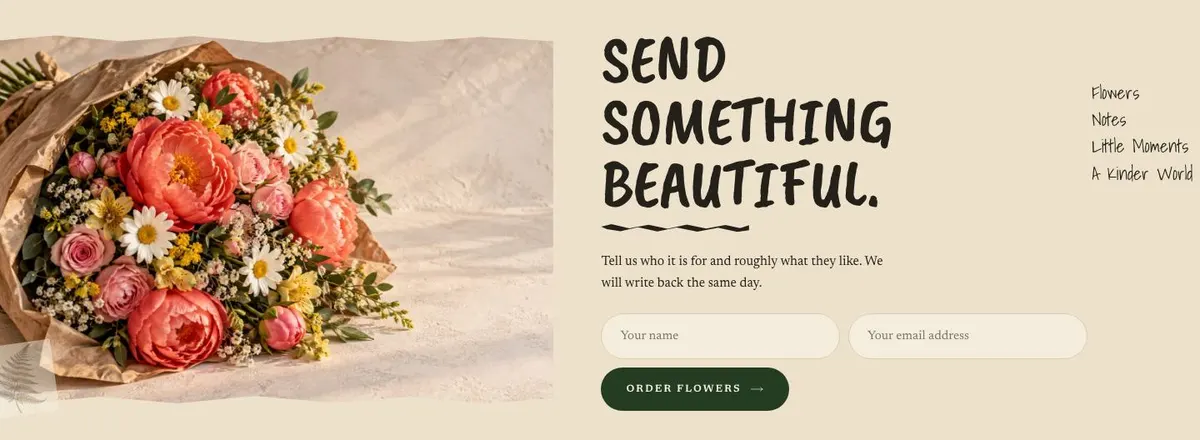
The page is light and photo-led, with an editorial collage layout. It needs generous, varied photography rather than a small set of repeated product shots. There are nineteen photographs across the page: one in the opening area; groups around the early statement, collection, weddings and journal; photographs in the studio and care sections; and two beside the order form. Plan the photography as a complete set before changing the copy.
Include finished bouquets and arrangements, but also show the work at different stages where that fits the business. The collection images need to help distinguish what is for sale. Wedding images need to show the kind of event work being offered. Studio images should support the actual story being told. The order images should make an enquiry feel connected to the work customers will receive.
Four colour schemes are available: Forest, Damson, Ink and Russet. Choose one that does not compete with the flower photography. The default pairing is Caveat Brush for display text and Newsreader for body copy. Alternatives pair Shadows Into Light or Lora with Newsreader. Keep the display face for short headings and preserve Newsreader for fuller explanations, care notes and questions.
Writing it for your business
Starting from this template costs no credits. Around 20 credits rewrites the copy with AI. A useful brief names the business, the area served, the products or arrangements it actually sells, the occasions it wants more of, and the ordering process. It should also state the facts that must not be guessed, such as delivery timing, wedding availability, prices, seasonal limits and how quickly enquiries are answered.
The AI can make the page sound consistent, but it cannot establish the business’s promises. Give it the approved wording for any delivery claim and a clear distinction between items that can be bought and work that needs a tailored order. Mention the tone required as well. This page can carry a warm, direct voice, but the words still need to sound like the florist behind them.
What to prepare first
Prepare the collection names, product prices and the destination for the shop button. Write the short opening statement, the seasonal collection introduction and the wedding description. Decide which occasions deserve mention and write the actual ordering steps, including any order cut-off that the business is prepared to publish.
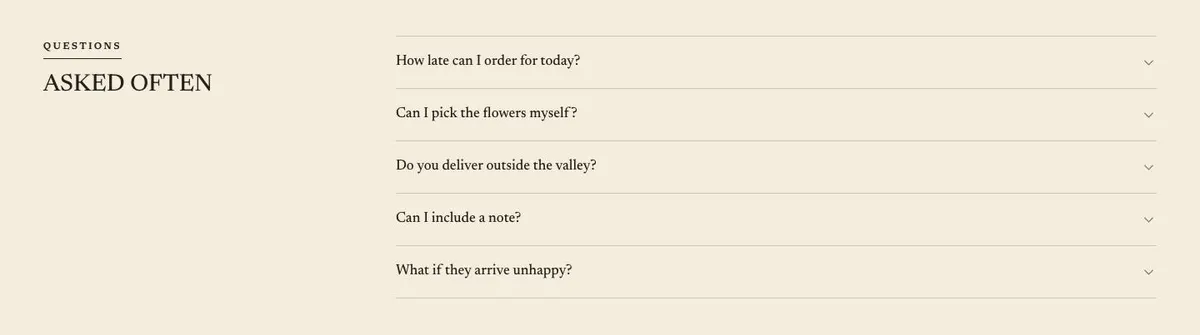
Gather the nineteen photographs as a set, then assign them to the opening, collection, wedding, journal, studio, care and order areas. Prepare a truthful studio story, four care points, one customer quotation that can be used, and the questions customers genuinely ask. Finally, write the order-form response wording and check that the team can meet it.
Variations for nearby trades
A gift shop can retain the collection and occasion structure, replacing flower language with the products it sells and using the order band for tailored gifting requests. The photography should show the range clearly enough for the shop prompt to make sense.
A wedding stationery or event gift business can make Weddings the main specialist section and use Journal for examples and ideas. It should change the order copy to describe the information needed for a proposal, rather than borrowing the florist’s wording about recipients and preferences.
A chocolate or food gift retailer can use the same seasonal retail rhythm, but needs to rewrite Care as storage or serving guidance only if that guidance is real. The Artisan Chocolate Shop template may be a closer fit for a business centred on chocolate products.
When another template fits better
For a wedding business where consultations and celebration work are the main offer, start with Wedding Atelier. It is the closer neighbouring trade when retail bouquets are not the primary reason for the site.
For a product shop built around clothing and a different kind of catalogue, see Sustainable Fashion Shop. For beauty products rather than flowers or gifts, see Herbal Skincare Shop.
For a coffee-focused retail offer, Coffee Bean Shop is the more relevant starting point. Browse the ecommerce hub for related shop templates.
Before you publish
- Check that every product price and shop destination is current.
- Replace example delivery and reply-time wording with real terms.
- Make sure the wedding route reaches the right person.
- Read every question and care point against current practice.