A seasonal retail page, not a video chat product page
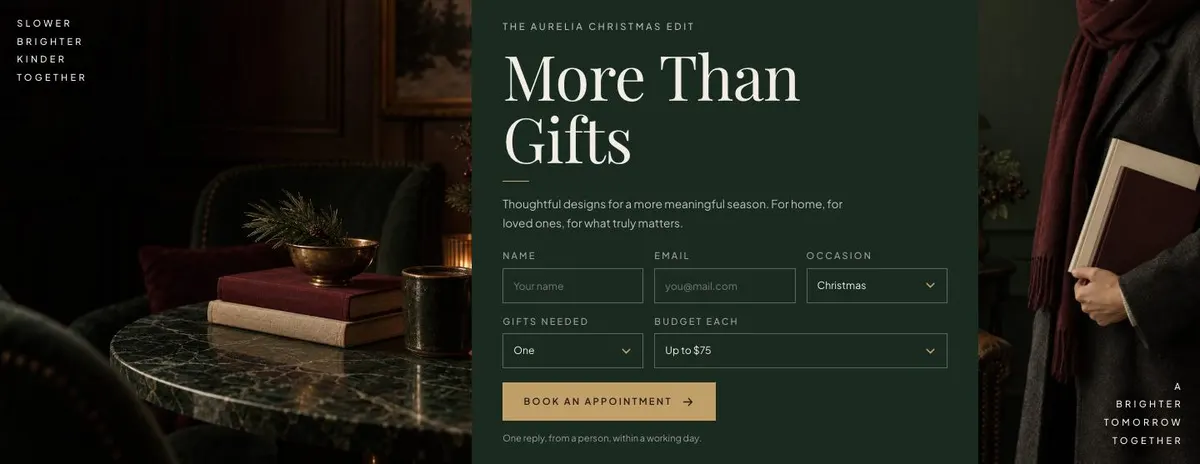
Someone searching for a Video Chat App needs a page that makes the product and its next step clear. This design can provide a composed campaign page with a prominent offer, an appointment route, an order route and a questions area. Its actual structure is for a seasonal gift or homeware sale, so it is a close visual fit only if the video chat business is presenting a time-limited offer or an assisted buying service.
For a video chat product itself, the page does not include a product walkthrough, an app-access route or bands for explaining the service in depth. Booked Demo is the closer related starting point when the goal is to arrange a conversation about a service. For a retailer, however, the structure has a clear job: make a seasonal collection feel focused, then give visitors a route to shop, ask or arrange help.
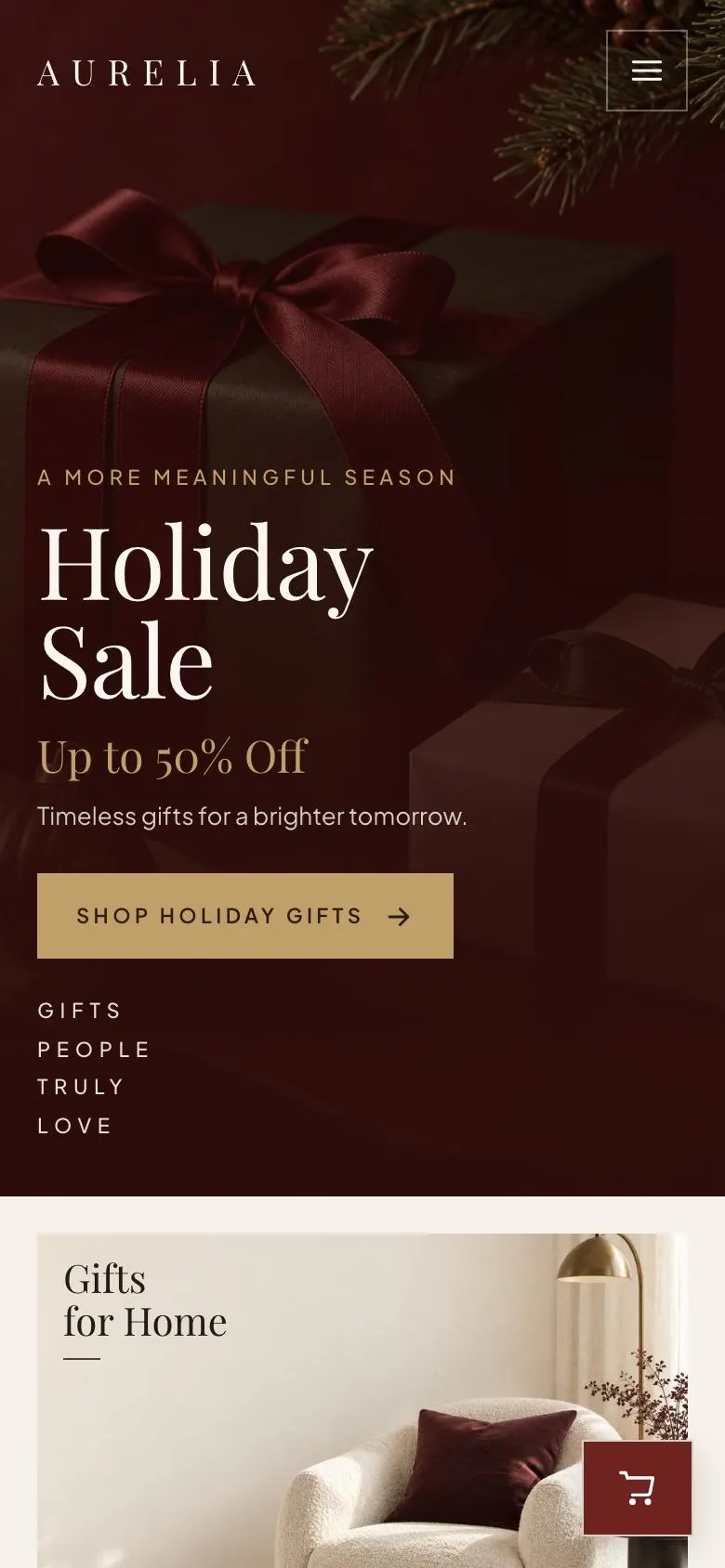
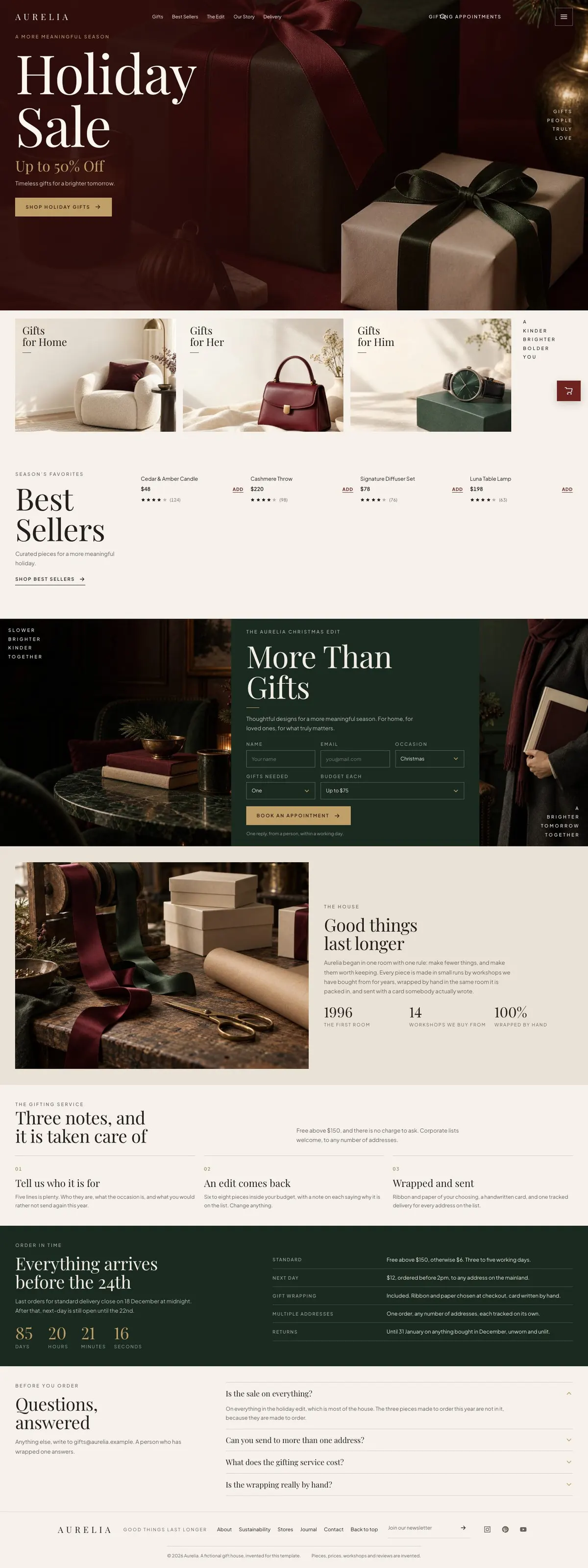
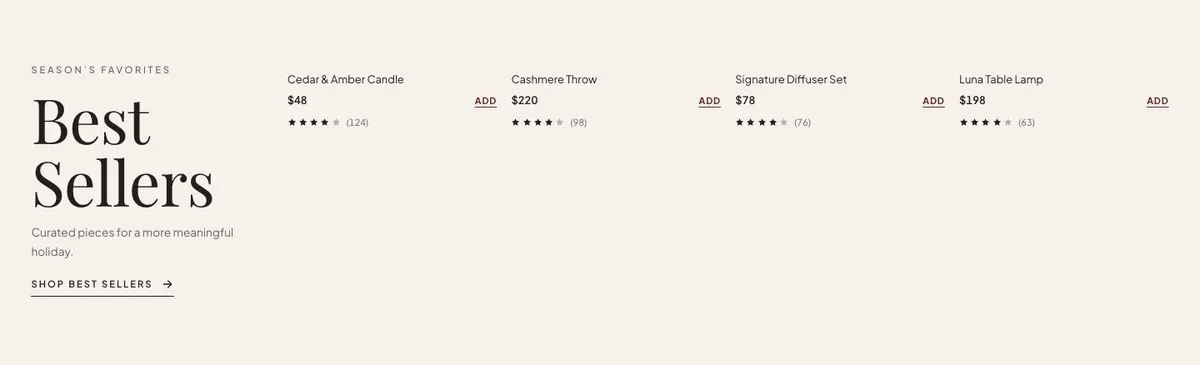
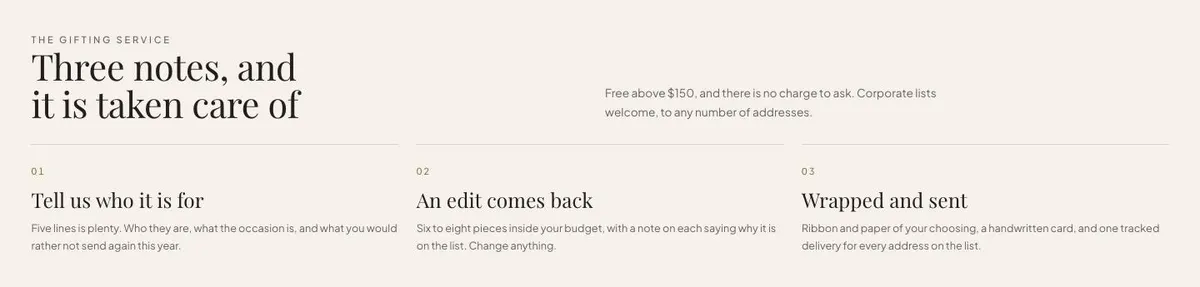
The design is built as an editorial product page rather than a general shopfront. It gives the campaign room to lead. The copy needs to be precise because the page presents a small number of ideas in sequence: the sale, the gift direction, selected products, the broader seasonal edit, the maker or business story, practical gifting support, delivery timing and answers.
Adapting the design
The available schemes are Oxblood, Forest, Brass and Ink. Choose one that fits the season and the product photography. The template uses Playfair Display for display text and Plus Jakarta Sans for body copy. The alternatives keep the same pairing with Cormorant Garamond or Prata as the display face. Use the display face for campaign language and product-world headings; keep practical details in the body face.
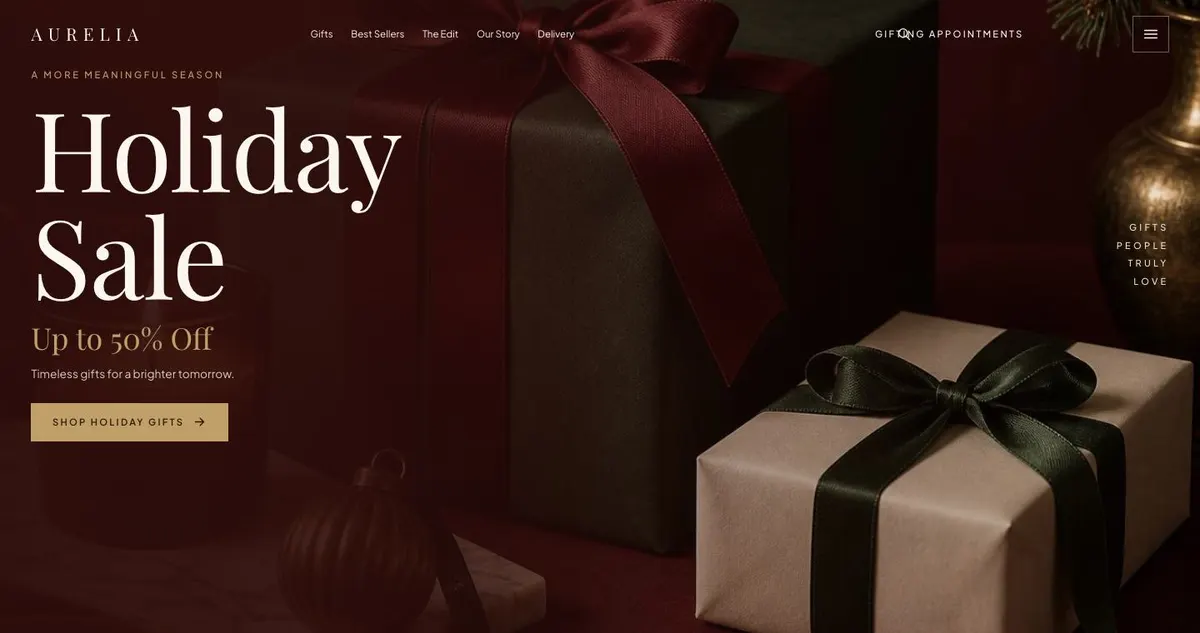
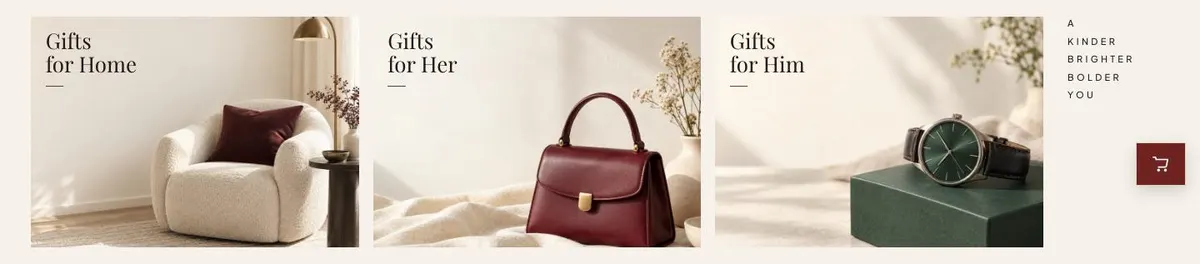
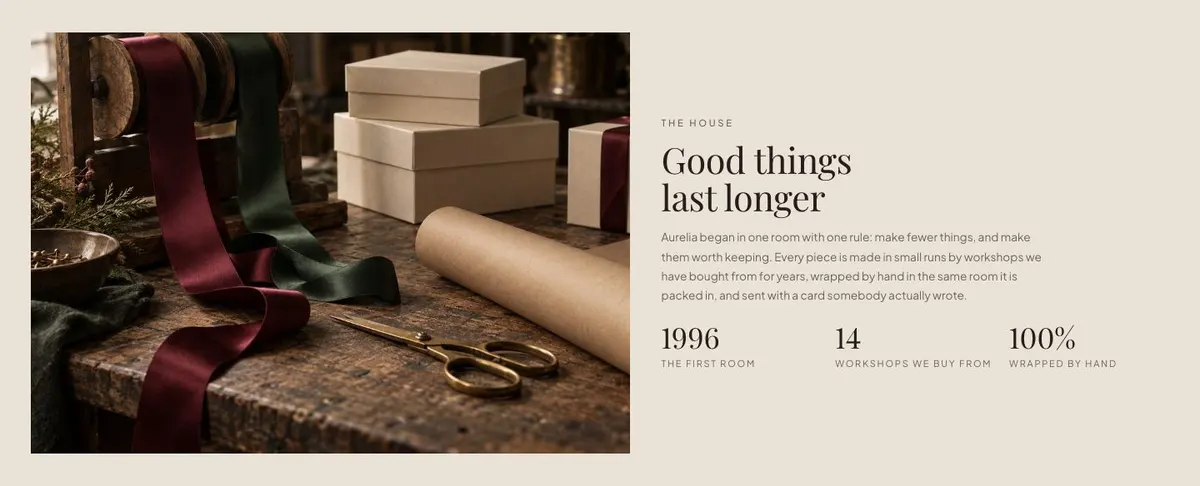
This page needs eleven photographs across the Hero, Gifts, Bestsellers, Edit and Story bands. The largest share belongs to the gift and product areas, so prepare the product images first. The Hero needs one decisive campaign image. Gifts needs a set that reads together. Bestsellers needs images for the products selected. Edit needs images that support the seasonal proposition, and Story needs one image that can carry the business account.
Writing it for your business
Starting from this template costs no credits. Rewriting the copy with AI costs about 20 credits. A useful brief names the business, the product category, the campaign dates, the offer, the products to foreground, the appointment or enquiry purpose, and the delivery promise. It should also state what must not be claimed.
Give the AI the facts it needs to retain. Include the real deadline, the real terms of any discount, the real contact route and the wording required for an order or appointment. The page has several short statements that carry operational weight. They should not be filled with general seasonal language when a visitor needs an answer.
What to prepare first
Prepare the campaign offer and the products for the Best Sellers band before working on the story. Decide whether “Book a Gifting Appointment” is appropriate; if it is not a real service, the page should not promise it. Write the gift direction, the seasonal edit copy and the business story in plain terms. Gather the eleven photographs with enough variety to separate the product, gifting and story sections.
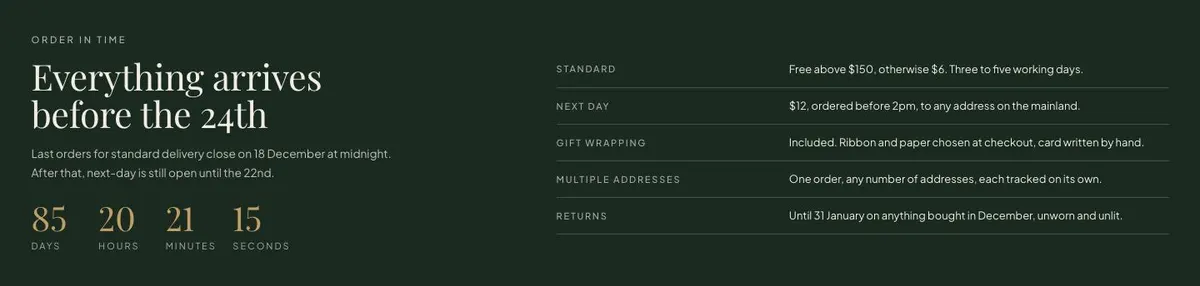
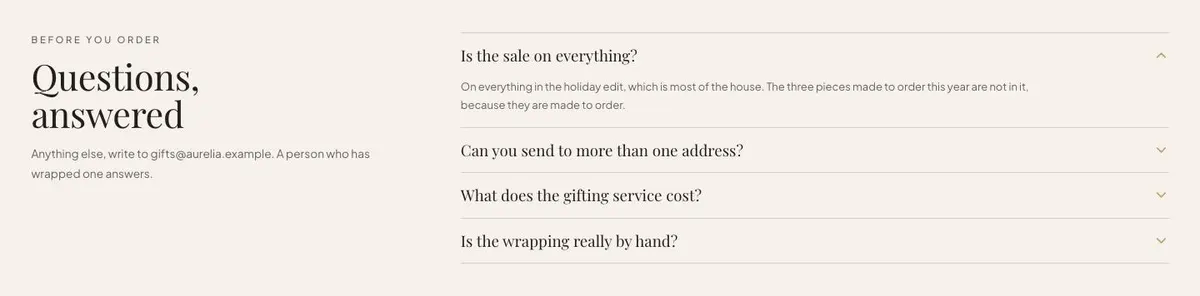
Then prepare the service information for Ritual, the delivery table and dates for Delivery, and the questions for the closing accordion. Check who handles form submissions and questions. The final page depends on these details being current, particularly where a seasonal deadline is involved.
Variations for nearby trades
A candle, fragrance or bath business can make Gifts about rooms, routines or recipients, then use Best Sellers for its seasonal core products. The Story band can explain ingredients, making or the source of the collection, provided those details are true.
A wine or chocolate merchant can use the same flow for gift boxes and seasonal selections. The delivery band becomes especially important, so its timetable must match the real fulfilment plan. A hotel or restaurant group can frame the page around seasonal gifting and use the appointment route only where it genuinely offers gift-buying support.
A jeweller or stationer can keep the page focused on a small seasonal edit. Product images should make the selection legible, while Story explains the practice behind the pieces. The page works best when the offer does not try to represent every category sold by the business.
When another template fits better
Black Friday Drop Board fits a promotion led more directly by a retail drop. Seasonal Fashion Collection is worth considering for an apparel-led seasonal range.
Campaign Promotion is a better choice for a broader campaign without this gift-led structure. Tasting Menu Bookings suits a restaurant where the central action is a booking. Browse the ecommerce template hub for other retail routes.
Before you publish
- Check that the offer and campaign dates are correct.
- Confirm that every featured product can be ordered.
- Test the appointment and question forms.
- Review the delivery table and countdown together.