A launch page for a sale with a reason to act now
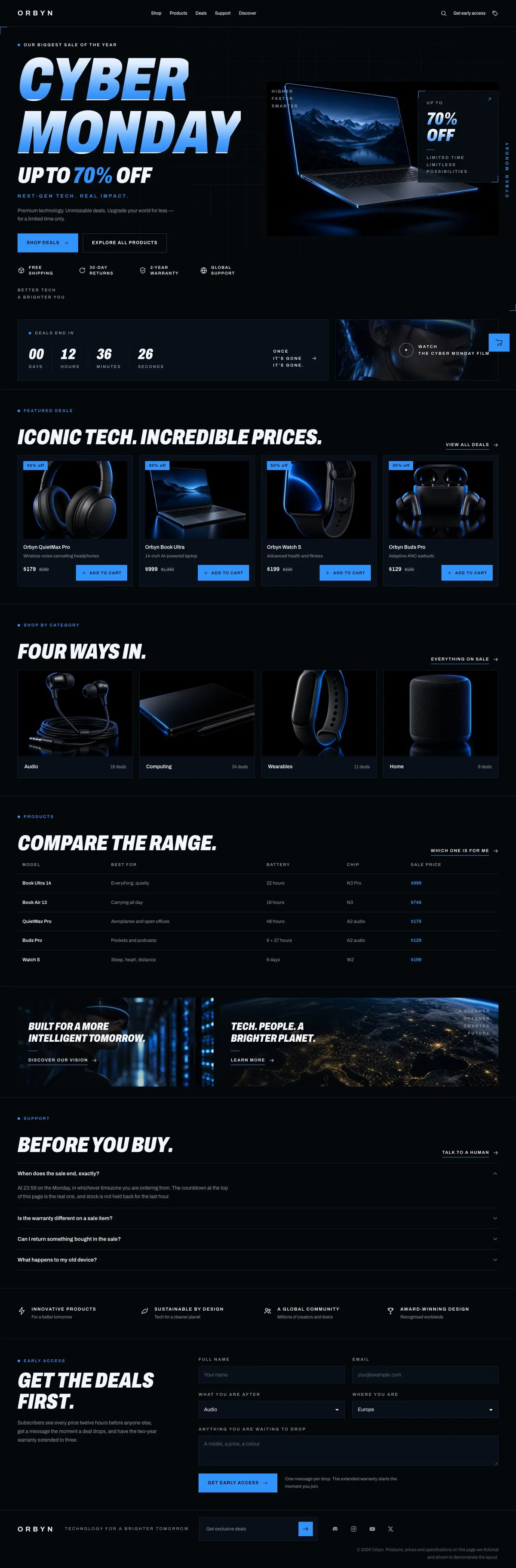
Someone searching for a Gadget Launch page usually needs more than a place to announce a reduction. They need to introduce a named event, make the offer understandable, show the products involved and give buyers a clear route towards an order. This design does that through a launch-led sequence: the sale opens first, the deadline follows, then the products, comparison details and buying questions.
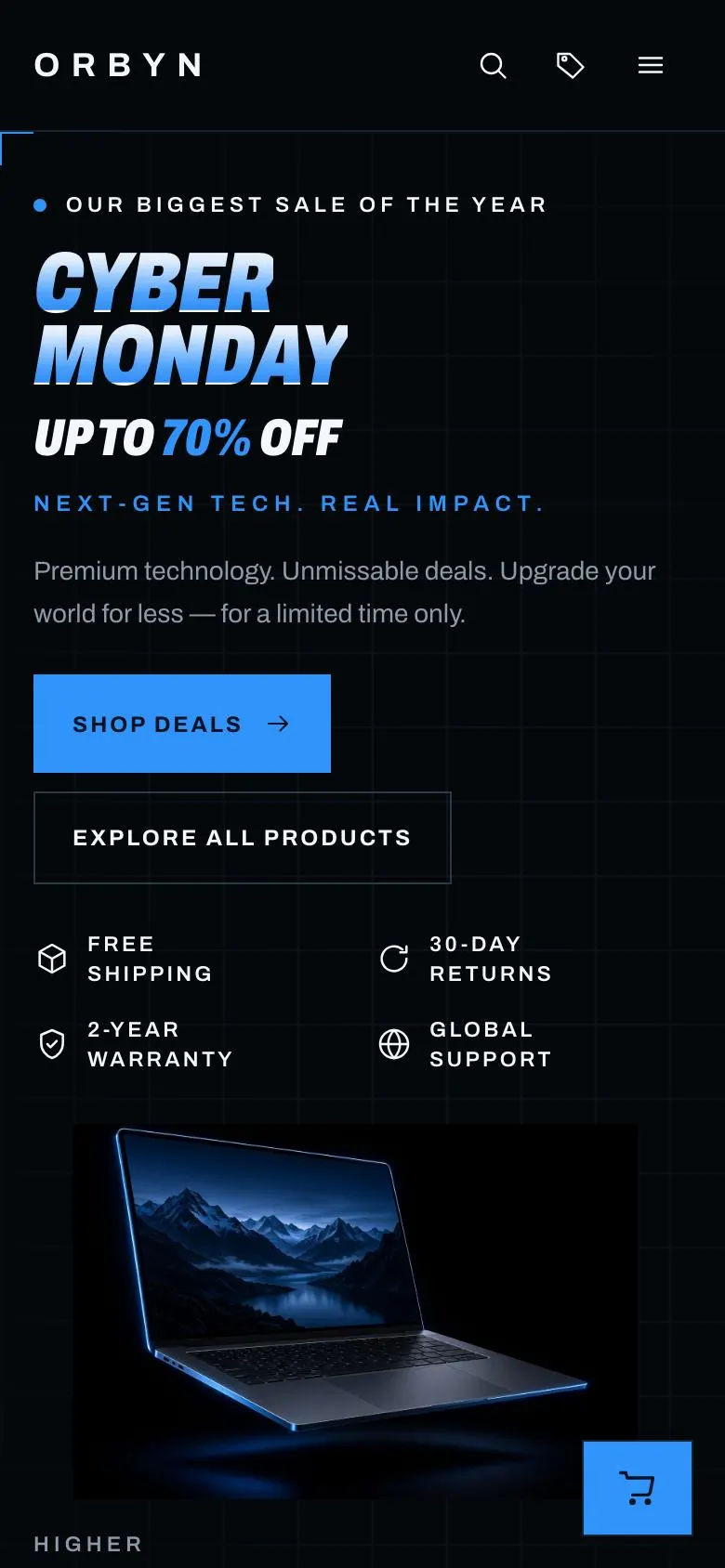
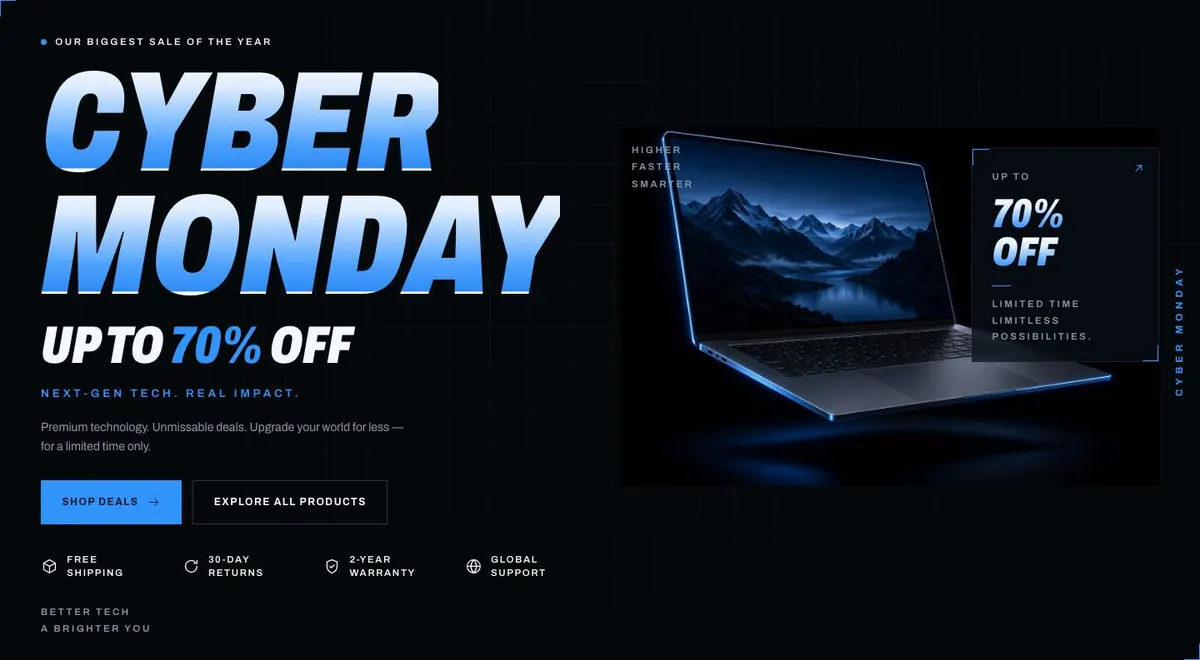
A generic shop page can make every item look equally important. That undersells a short campaign with a real end point. Here, the opening message is Cyber Monday and the offer line is Up to 70% off. Those details should be replaced with the name, date and terms of the business’s own event. The page is for a purchase, so its copy needs to make the offer, eligible products and timing plain.
The design is especially appropriate when a business has a recognisable range to put forward: consumer electronics, headphones, gaming products, hardware or technology retail. It can also work for a software promotion, provided the business can adapt the product content into a clear range and comparison. It does not create a separate account journey; the page instead concentrates on the sale, product information, support and early access.
Adapting the design
The template uses a Dark look, with the sale content set in Archivo. Its available schemes are Volt, Acid, Magenta and Amber. These choices are best treated as one part of the campaign identity, alongside product images and the wording of the event. The display and body type are both Archivo, while Space Grotesk with Archivo and Inter with Archivo are also available font options.
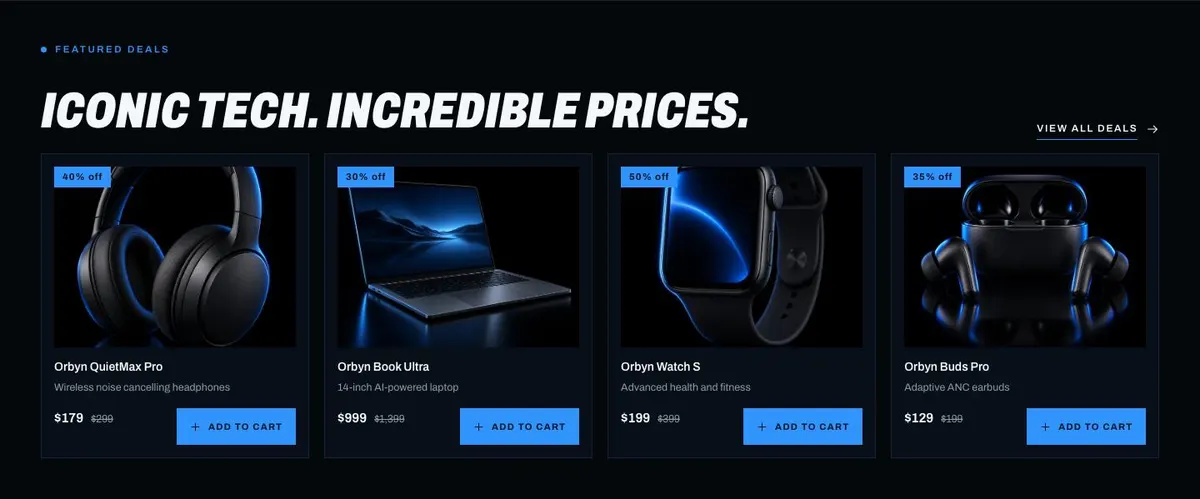
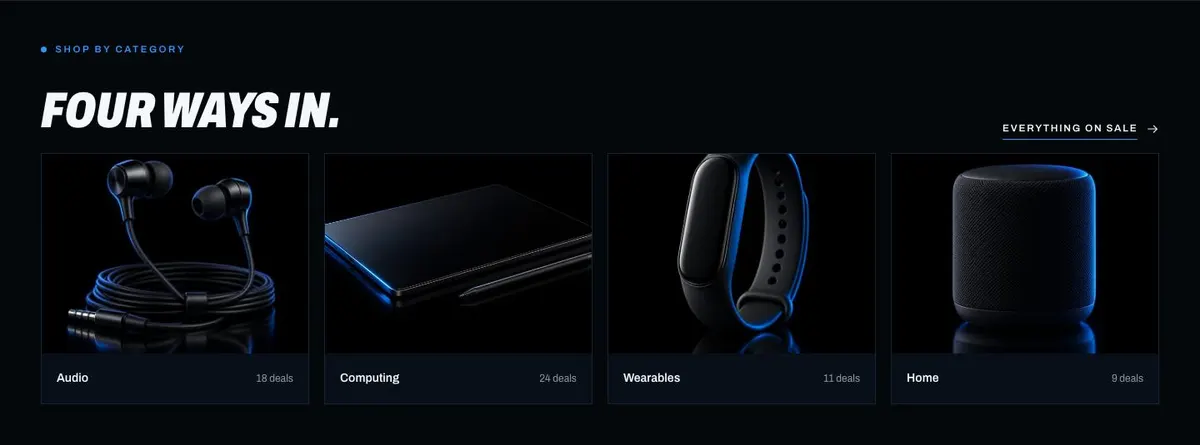
The page needs twelve photographs in total. One appears in Hero, one in Ends, four in Deals, four in Shop and two in Discover. Prepare these as a considered set rather than collecting images band by band. The hero image should carry the launch; deal images need to identify the featured products; Shop images need to support its four routes; and Discover needs imagery that can support the wider product story.
Writing it for the business
Starting from a template costs no credits. Rewriting the copy with AI costs about 20 credits. A useful brief names the business, the sale, the date it ends, the products being featured, the offer that is genuinely available and the audience being targeted. It should also explain what the buy route should prioritise and what early-access benefit, if any, can honestly be offered.
Specific source material produces more useful copy. Give the rewrite the real product names, the differences needed for the comparison table and the buyer questions for Support. If a warranty, price-first access or deal notification is not part of the business’s offer, say so in the brief and replace the supplied direction with something accurate.
What to prepare before publishing
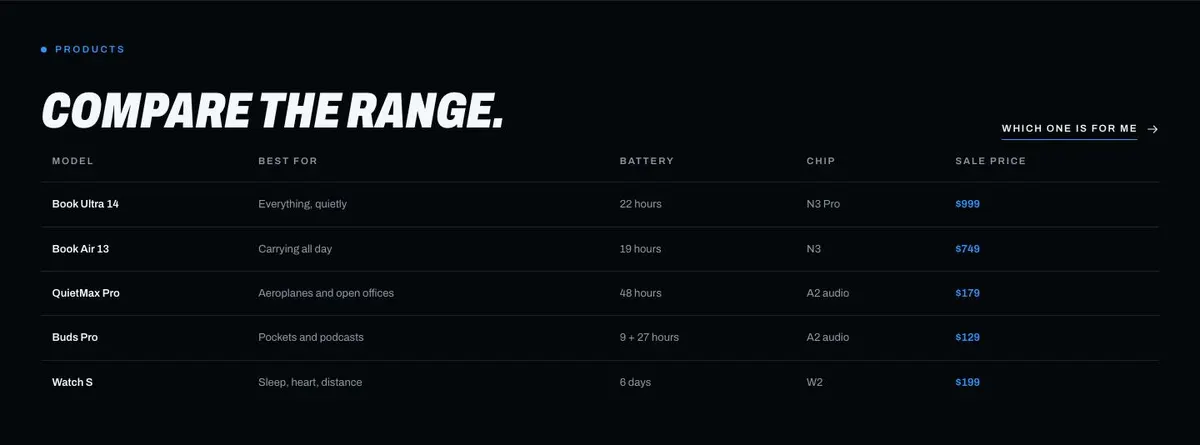
Begin with the campaign decision: its name, closing time, offer terms and the products that deserve the four places in Deals. Then prepare the four routes for Shop and the facts for the comparison table. These are the parts that make the page useful after the initial announcement has caught attention.
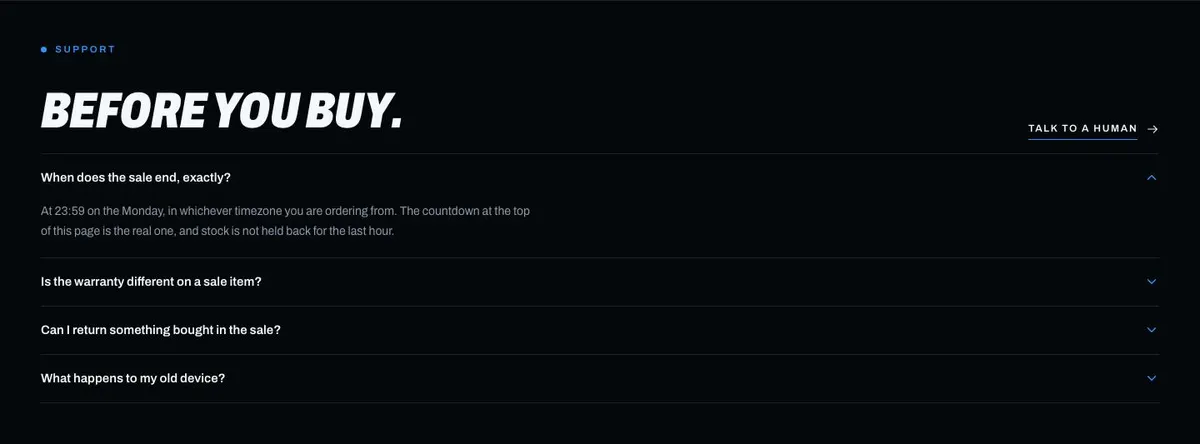
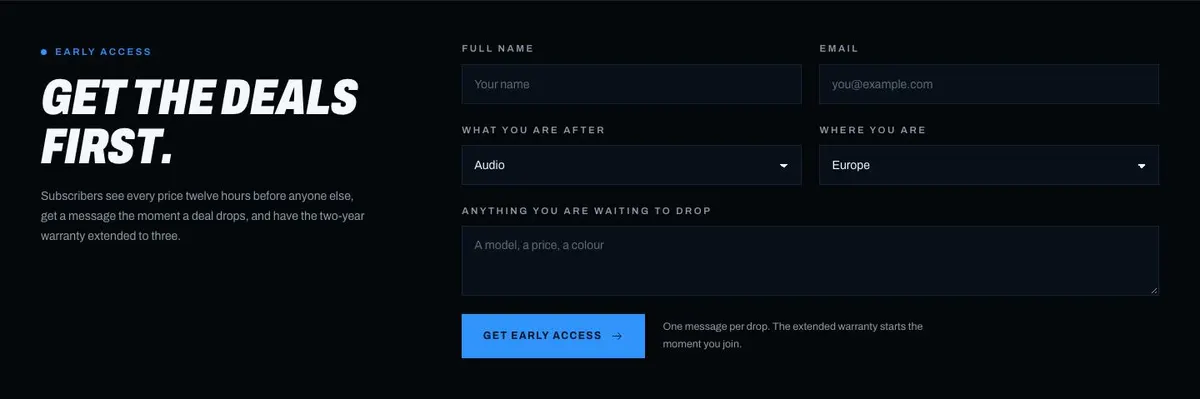
Write answers for the Before you buy accordion before working on promotional language. Buyers need those answers to be checked against the actual order process and product range. Finally, gather all twelve photographs and write the Early Access message only after the business has agreed exactly what subscribers receive and when.
Variations for neighbouring trades
An audio retailer can use Deals for its priority listening products, then make Shop’s four routes reflect how customers choose across the range. The comparison table should focus on the distinctions the retailer can state accurately, while Support should answer the questions heard before an order.
A gaming retailer can make the event name and deadline the centre of the Hero, with featured products in Deals and four familiar shopping routes in Shop. The comparison table should be reserved for products that buyers genuinely need to weigh against each other.
A hardware startup can use Discover to explain the direction behind its range, while keeping the sale terms in Hero and Ends straightforward. If there is only one product and no meaningful comparison, this page may be less suitable than a more focused product page.
When another template fits better
For a seasonal present-led campaign, consider Holiday Gift Sale, which is the closer starting point for a gift sale. For a sale centred on the date 11 November, 11.11 Flash Sale better matches that named event.
If the main requirement is a deadline-led promotion rather than a product-launch feel, see Dated Flash Sale. For a campaign aimed directly at gaming buyers, Gaming is a relevant alternative. Browse the wider ecommerce template collection for other shop formats.
Before you publish
- Check that the sale name, offer and countdown end time agree.
- Check that every featured product has accurate information.
- Check that the comparison table uses meaningful differences.
- Check that Early Access promises only benefits the business can provide.