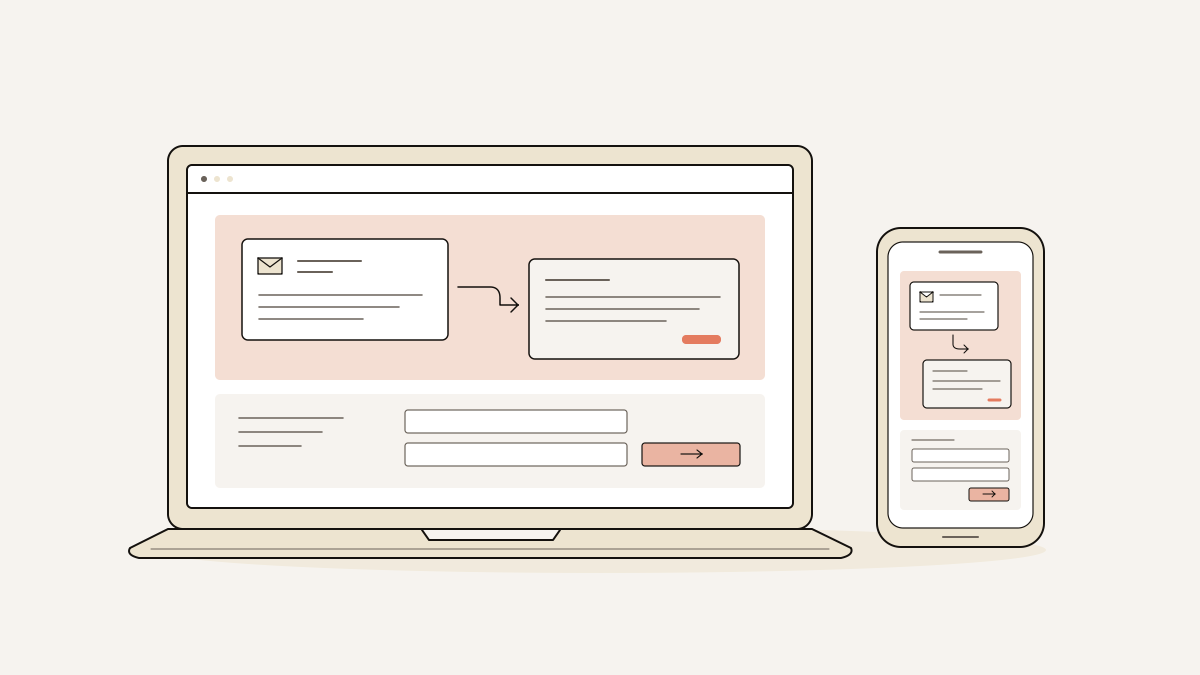
The best SaaS landing page inspirations for AI automation services show a real input and output. They compare the old workflow with the automated one and explain where a person stays in control. Those are the patterns to borrow for a page with one clear enquiry or demo-request action. Copying dark backgrounds and gradients will not do that work.
Each pattern should give buyers a demonstration they can judge and answer their doubts about handing over work. Before the page goes live, check that an enquiry reaches your inbox with the campaign that sent it.
Show the task your automation completes before asking for details
Buyers need to see the work your service produces before they give you their contact details. Show enough for them to judge whether it can handle their task.
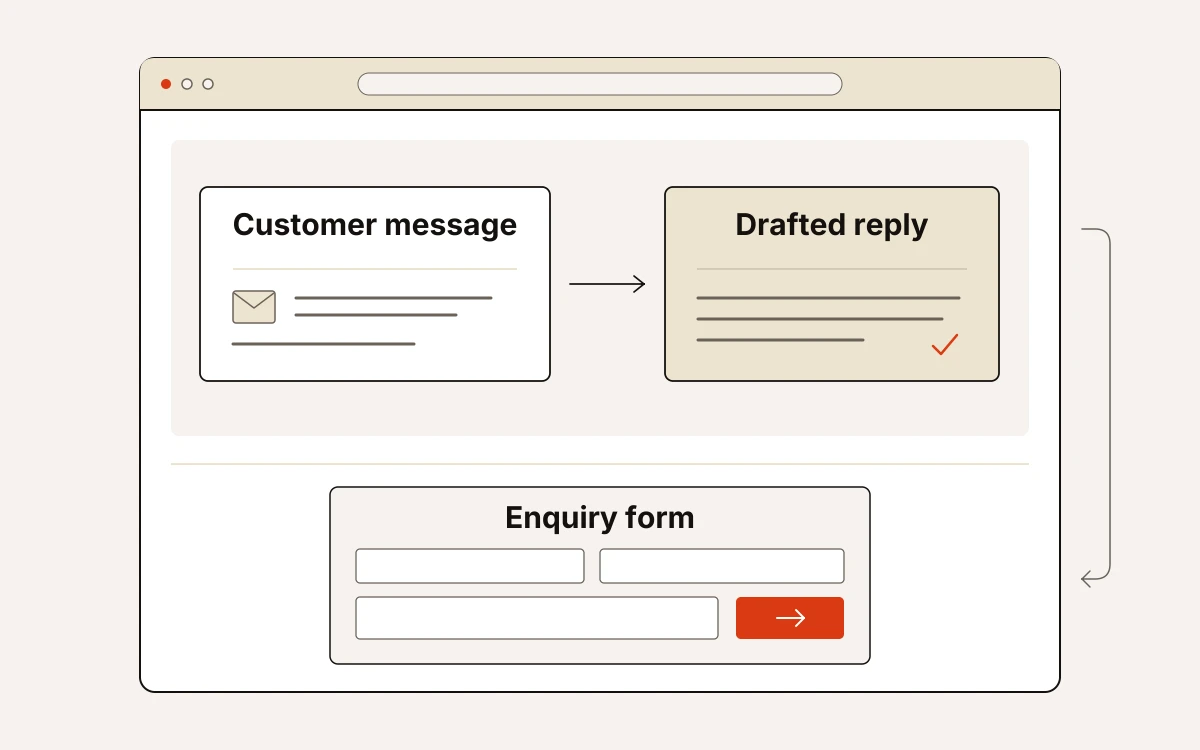
If your service drafts support replies, show the customer’s message and the proposed reply. Make clear what the support agent still needs to decide. Use a real result from your product, with private information removed.
- Put the actual message beside the reply your product generated. Buyers can check whether it answered the question and used the right facts. They can also judge whether the tone is right. The headline should describe the work performed. “Draft support replies for agent review” makes a narrower, clearer promise than “Intelligent customer service”.
- Show the customer’s steps without and with your service in two short columns. Count the steps in each based on how your service actually works. Include review and corrections in that count. Buyers can then see which tasks disappear and which remain their responsibility before requesting a demo.
- Explain what the service handles reliably and what needs checking. Show how a person controls what happens next. In the support example, make clear whether the reply is awaiting approval or has been sent. Buyers need to know this to judge whether the service fits how they approve replies.
Label the result to show what stage it has reached. A generated reply is a completed draft; the support enquiry remains unresolved. If approval is still required, say so next to the result. The buyer then knows before the sales call.
Choose page patterns that answer your buyer's doubts
Choose a page layout that answers your buyer’s next doubt. A demonstration explains the task. The design around it should help buyers decide whether they can trust your service to do it.
- If the demonstration needs explanation, show one recorded task first. For the support example, explain each step from receiving the enquiry to preparing the reply. Buyers can then follow that task without learning how to use your whole product.
- If buyers handle sensitive data, put data policies high on the page. Explain where customer data is stored and whether it is used to train AI. Name only certifications your company holds, and explain what each covers. Buyers need these details when checking whether your service meets their security needs.
- If you sell to professional services, use a light design with clear text, like a publication. For HR (human resources) or education, choose warm imagery and a human tone. For developer tools, favour technical detail and views of the product’s screens. Let what buyers need to inspect guide how you present the page. AI services do not all need a futuristic look.
- If you claim a result, place customer figures that support it beside the claim. Claims about time saved, accuracy and volume need specific figures you can back up. These should preferably come from a named customer. If you cannot support the result, describe the task completed.
- If you generate the layout with AI, spell out the design you want. Ask for a page laid out like a publication, with notes explaining the demonstration. Include a clearly labelled data-policy section in the brief. “Modern” alone gives little direction. A precise brief helps the page answer buyer questions. It also helps avoid another centred opening section, blended-colour background and grid of features.
Check the enquiry journey before you publish
Publish when a visitor can understand the task, see who approves it and send an enquiry. You should be able to trace that enquiry to its campaign. Test this on the published page, including what happens after someone sends the form.
- Read what goes into the demonstration and the result it produces, without the surrounding sales copy. The completed task should be clear. Any notes should match what the demonstration shows.
- Follow the steps to the point where a person reviews the result. The page needs to state what happens if they reject it.
- Open the page on a phone to read the demonstration, approval explanation and form. Look for results cut off by the screen, unreadable labels and controls hidden off-screen.
- Confirm there is one conversion goal, meaning one action you want visitors to take, and one enquiry form. Then submit from a campaign-tagged URL: a web address with campaign details added. The enquiry should reach the inbox with the source and campaign matching your visit.
At landflow, we record these details on the server when someone submits the form: source (where they came from), medium (the type of traffic), campaign, click ID (the code identifying the click), landing URL (the page address) and consent state (their consent choice).
Our six-check publishing quality gate checks the page before it goes live. It verifies that there is a single form and that links to sections within the page work. It also checks for licensed images hosted on your domain and a phone layout that has been inspected. The page must have a title, description and an image for shared links. Finally, the enquiry must be saved to the inbox before any tracking pixel sends data.
All 19 SaaS (software as a service) landing page templates give you a starting point. You can use them to turn these demonstration patterns into an enquiry page.