A Solar page for work that has to stand up to scrutiny
Someone searching for a Solar landing page usually needs to explain a technical offer clearly, show that the work can be delivered safely, and give a serious buyer a reason to make contact. This design does that through project detail, assurance and an enquiry route. Although the mock-up is written for civil infrastructure, it can suit a solar contractor working on civil packages, energy networks, utilities or large site works.
It is not a product catalogue or a page built around online orders. The main action is an enquiry. For a solar business, that means the page works best where the next step is discussing a scheme, its location, its value and its opening date, rather than choosing panels or buying a small installation online.
A generic page can undersell this kind of work because it leaves no room for the questions a public authority, developer or framework client may need answered. They may want to see a relevant project, understand the range of disciplines involved, and know what evidence is available before a tender conversation begins. This template gives each of those jobs a place.
For a more grid-focused starting point, Swiss Grid is a related template worth considering.
A route from project evidence to an informed enquiry
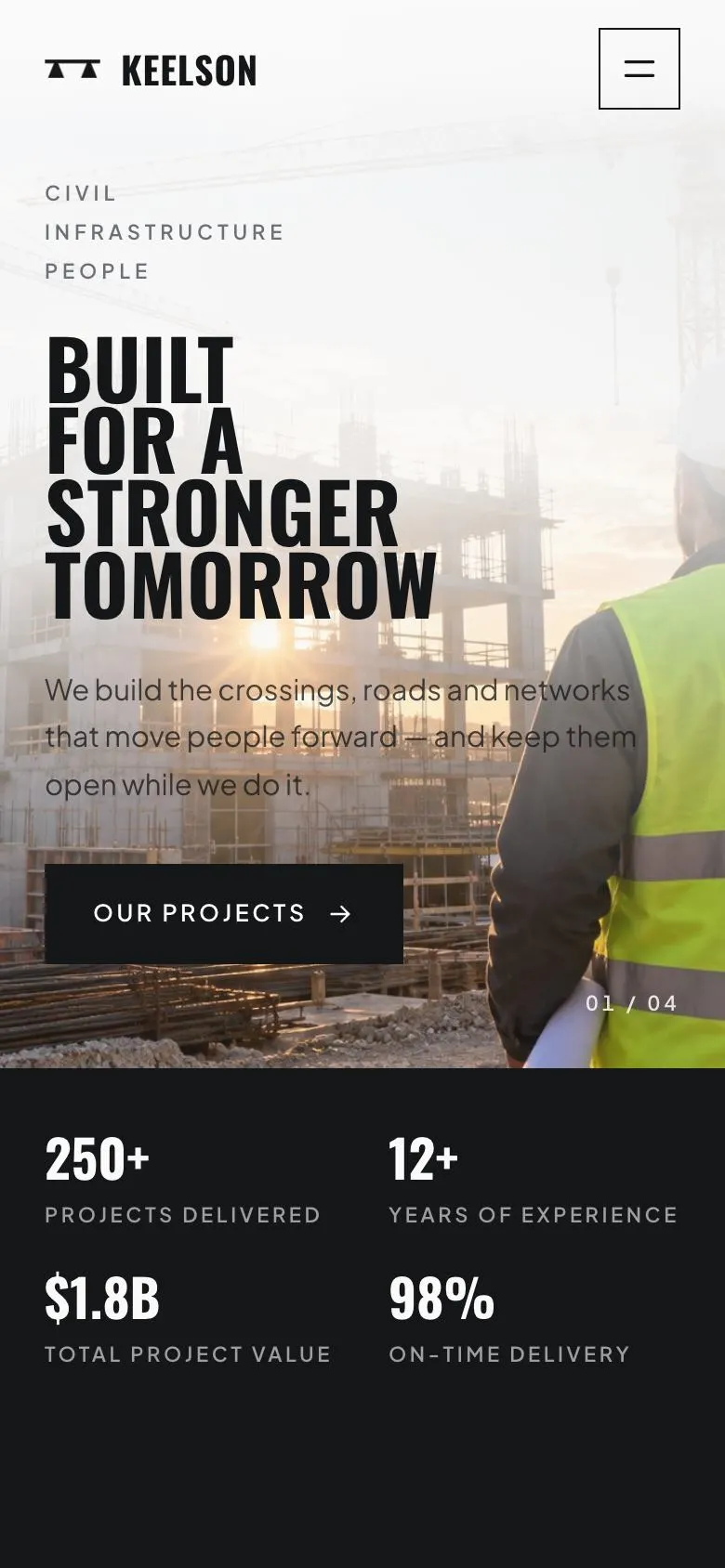
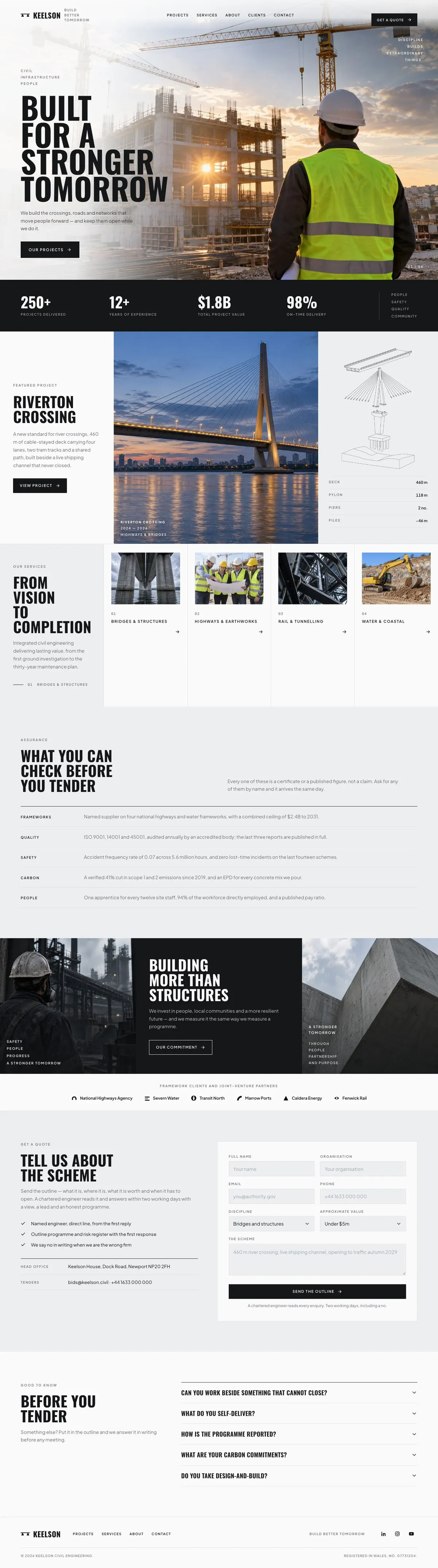
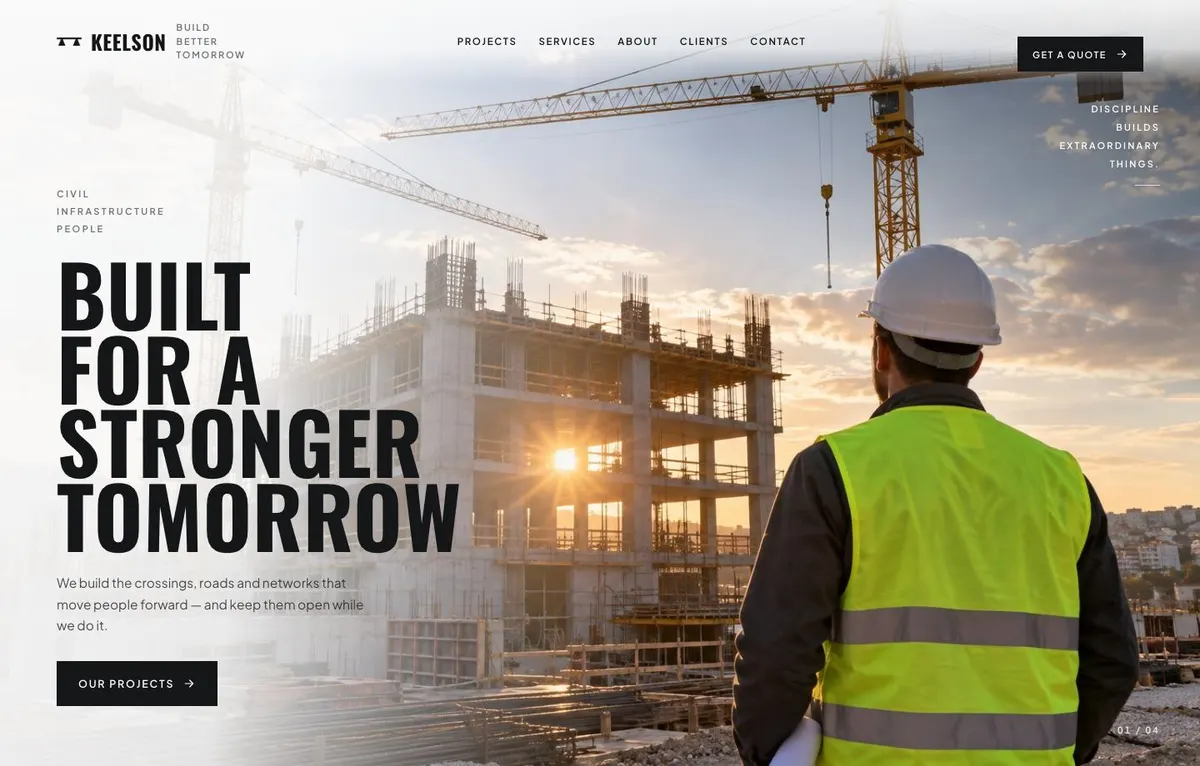
The Hero opens with “Built for a Stronger Tomorrow”. It places the main promise beside site photography and gives visitors two choices: “Get a quote” or “Our projects”. For a solar or energy contractor, the headline should state the type of work undertaken and the outcome clients can expect. The supporting line should be specific about the setting in which the firm works, especially where access, operations or existing networks must remain in service.
Numbers follows early in the page. This is the place for figures a buyer can use to form a first judgement. Use measures that the business can support and explain. The point is not to fill the band with broad claims. It is to establish a measurable record before the visitor reaches the detailed work.
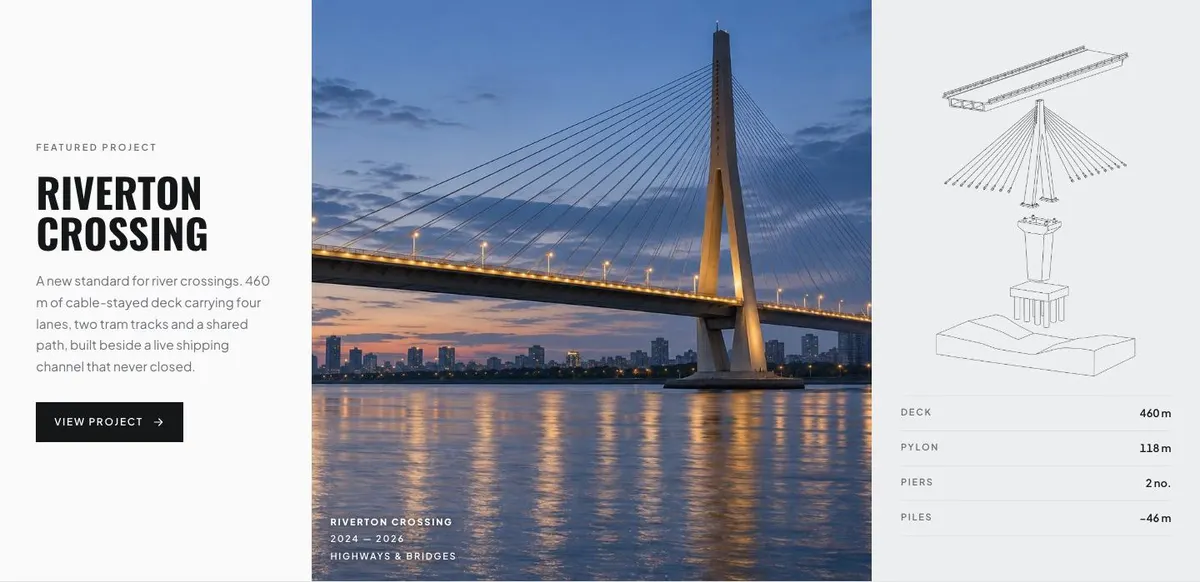
The Projects band centres on “Riverton Crossing” and shows how one scheme can carry the argument. Its existing copy describes scope, transport uses and work beside a live shipping channel. Replace that with one relevant solar, utility or civil project. Explain what was built, the constraint that mattered, and what had to keep operating while work took place. “View project” should lead to a project account that the firm is prepared to stand behind.
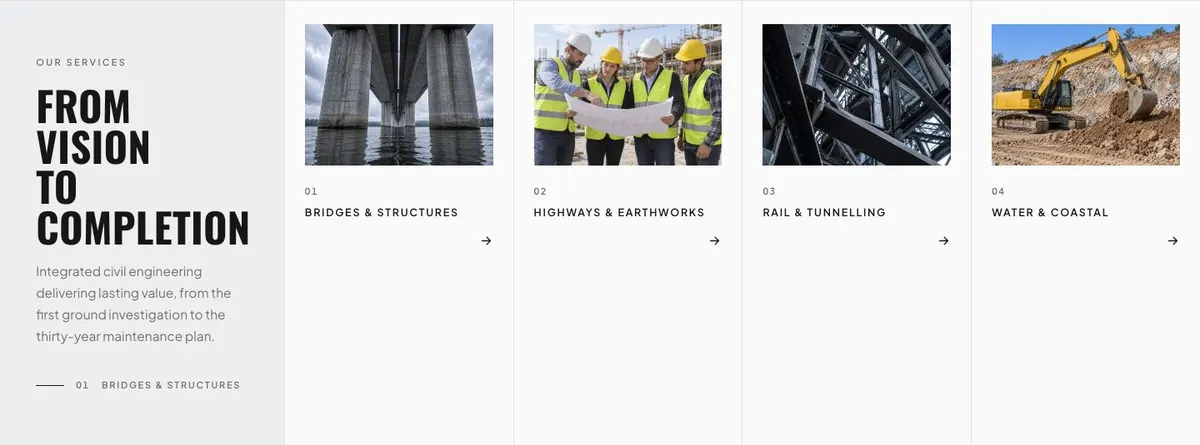
Services is headed “From Vision to Completion”. It frames integrated civil engineering from early investigation through to long-term maintenance planning. The four photo-led service areas should become the disciplines the business actually provides. A solar contractor might focus the writing on its real role within a scheme, rather than implying responsibility for every part of a project. Each service needs a short, plain description of the work and when a client would bring the firm in.
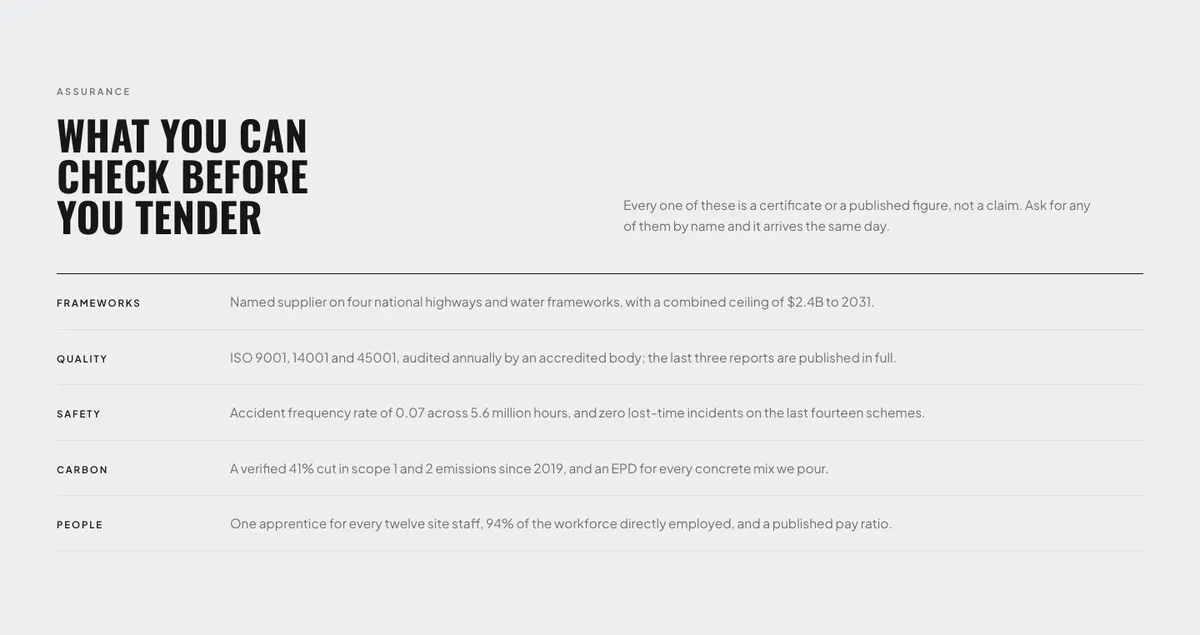
Assurance is where the page becomes especially useful for tender-led work. “What You Can Check Before You Tender” makes a clear promise: the material is a certificate or published figure, not a claim. This section needs current evidence that can be supplied when requested. Write only what the firm can document, and use the same names that appear in its certificates, reporting or published records.
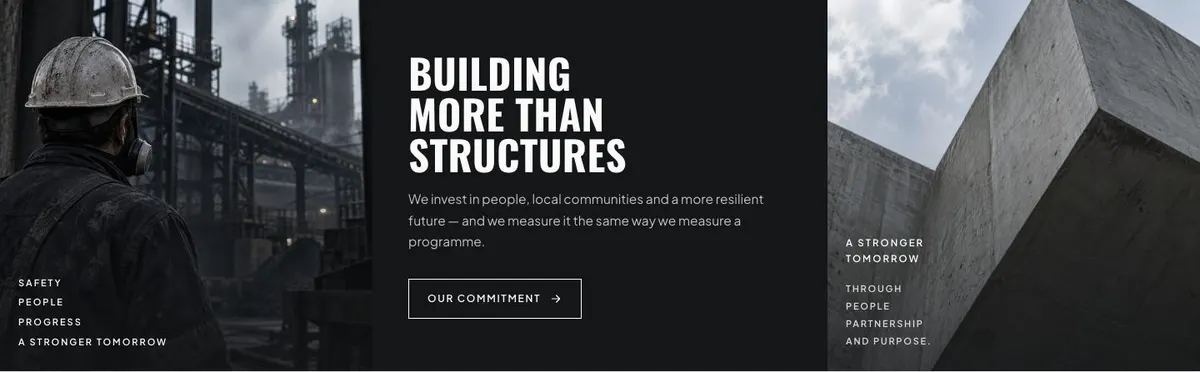
Commitment broadens the case beyond the structure itself. “Building More Than Structures” covers people, local communities and resilience, with measurement as the thread. Use it for commitments the business already measures in its work. The “Our commitment” link should lead to fuller information that exists and is kept current.
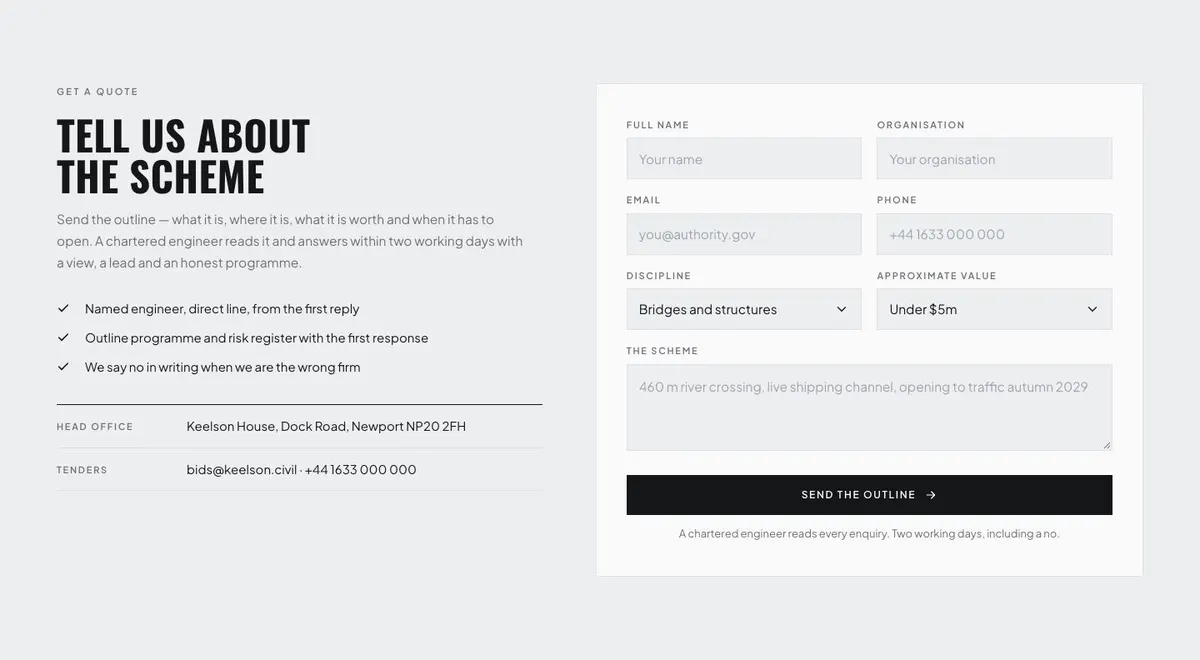
The Logos band provides room for recognised clients, partners or organisations connected with the work. Only include names and marks the business has permission to use. The Quote band then asks visitors to “Tell Us About the Scheme”. Its wording sets a practical standard: explain what the work is, where it is, what it is worth and when it must open. The enquiry should help a chartered engineer or appropriate member of the team give an initial view, lead time and programme position.
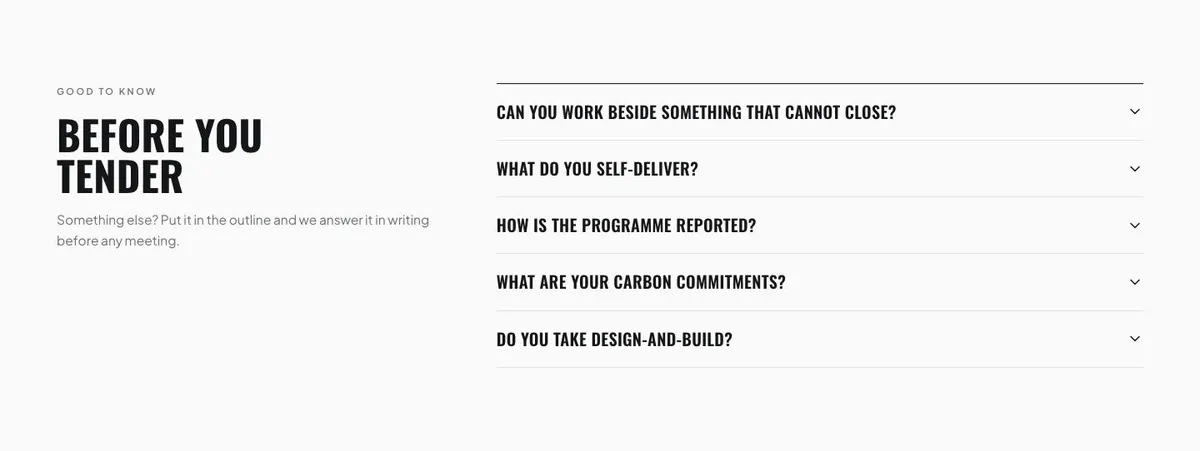
Questions closes the page with “Before You Tender”. The accordion is the right place for direct answers on self-delivery, reporting and carbon, as well as the questions the business receives most often. The final invitation is straightforward: visitors can put another point in the outline and receive an answer in writing before a meeting.
Adapting the design without changing its purpose
The template offers Ink, Steel blue, Moss and Rust colour schemes. Choose one that supports the firm’s existing identity and leaves technical information easy to read. The page is full-bleed, photo-led and editorial in approach, with uppercase headings. It is best treated as a structured project and tender page, not as a place for decorative imagery with no connection to the work.
Oswald is the display face and Plus Jakarta Sans is used for body copy. The available font pairings retain Plus Jakarta Sans for the body, with Oswald, Anton or Archivo for display text. Keep the display treatment for concise statements. Put detail, evidence and project explanation in the body copy where it can be read without effort.
The page needs 17 photographs. They appear across the Hero, Projects, Services, Commitment, Logos and Questions bands. Prepare images that support the words beside them: active sites, relevant works, disciplines and project context. Where a photograph cannot substantiate the story, a better project image is more useful than a generic replacement.
Writing it for the business
Starting from this template costs no credits. Rewriting the copy with AI costs about 20 credits. The result will be more useful if the brief identifies the exact work undertaken, the buyer being addressed, the locations covered and the type of enquiry wanted.
A good brief also names one project that can carry the Projects band, the disciplines that belong in Services, and the evidence available for Assurance. Include the language the business uses in tenders and certificates. State what cannot be claimed. This helps the rewritten page remain specific rather than making the firm sound broader than it is.
What to prepare before publishing
Write the primary headline and supporting statement first. They need to say what the firm builds or delivers, for whom, and under what operating conditions. Then prepare a full project account for the featured scheme, including its scope and the constraint that made delivery difficult.
Gather the service descriptions and the documentary material for the Assurance section. Check that each certificate or published figure is current and available to send. Prepare the commitment information only where it is measured, along with approved client or partner marks for the Logos band.
Finally, decide who reads enquiries and what response the business can honestly make after receiving a scheme outline. The page promises a view, a lead and an honest programme within two working days. Keep that wording only if the team can meet it.
Useful variations for neighbouring trades
For civil engineering, keep the structure close to the original and lead with a crossing, road, water or groundworks scheme that demonstrates delivery under constraint. The Services band should reflect the disciplines that are genuinely in-house or managed by the firm.
For an energy contractor, make the featured project about the relevant network, utility or generation-site work. Use Assurance for evidence a framework or authority can check, and make the enquiry wording clear about the scheme information needed for an initial response.
For a construction firm, focus the page on the type of infrastructure it delivers and the operating conditions it can work within. If the business needs a broader building-led alternative, review the Construction template.
When another template fits better
Construction is the closer option for a construction-led offer that does not need this infrastructure emphasis.
Swiss Grid is worth reviewing for a page centred more directly on grid work.
IT Solutions may suit a technical service business whose work is software or managed technology rather than physical delivery.
Product Design Studio is a better starting point for a design practice selling creative or product-led expertise.
Browse the professional services templates for other enquiry-led options.
Before you publish
- Check that the featured project is accurate and current.
- Confirm every assurance item can be supplied on request.
- Use photographs from relevant work and approved logos.
- Make sure the enquiry response promise is achievable.