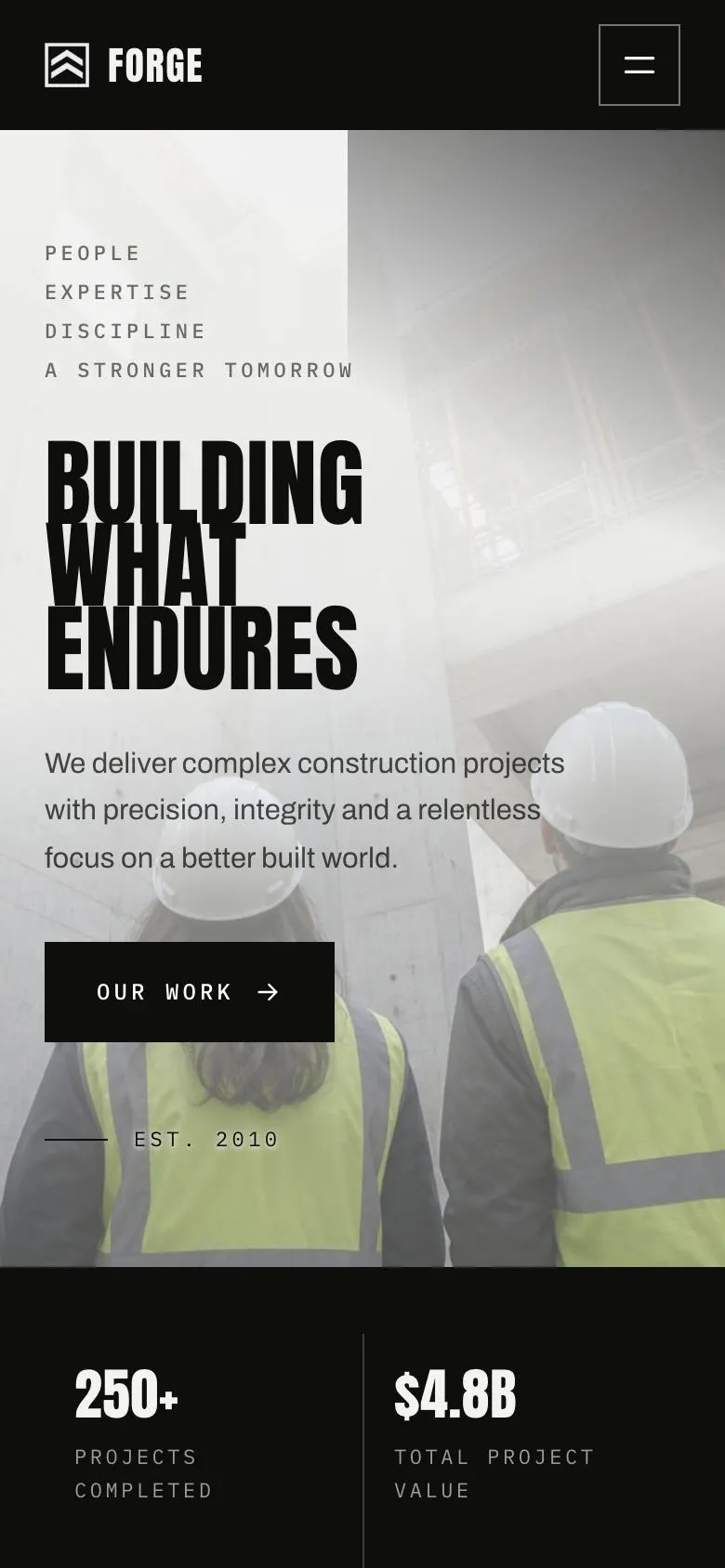
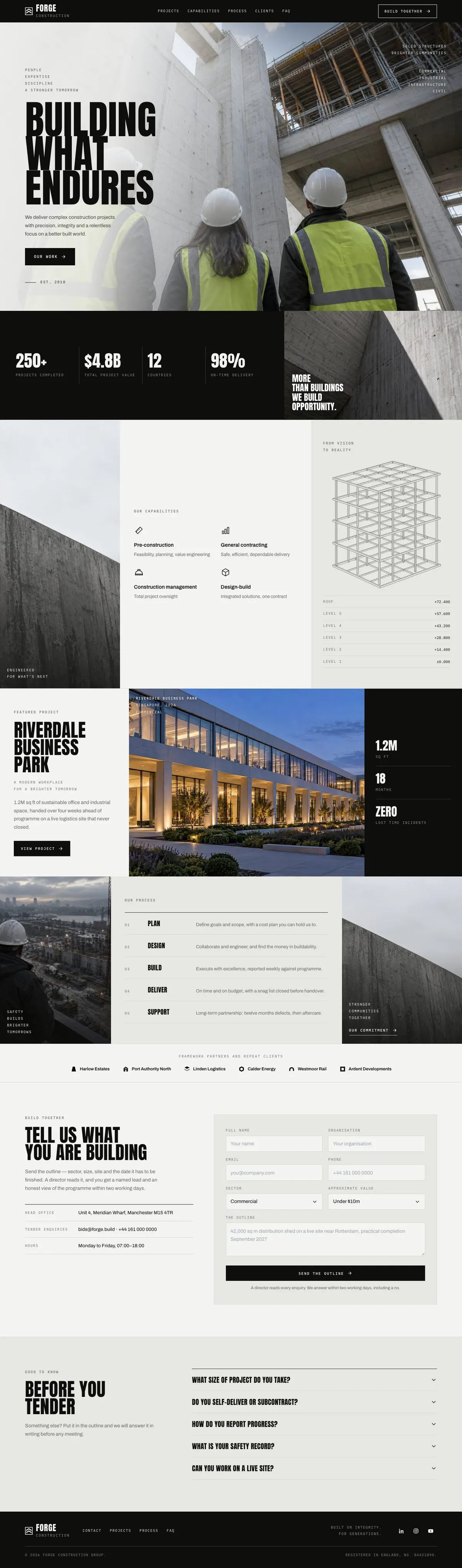
A construction page that makes the delivery case
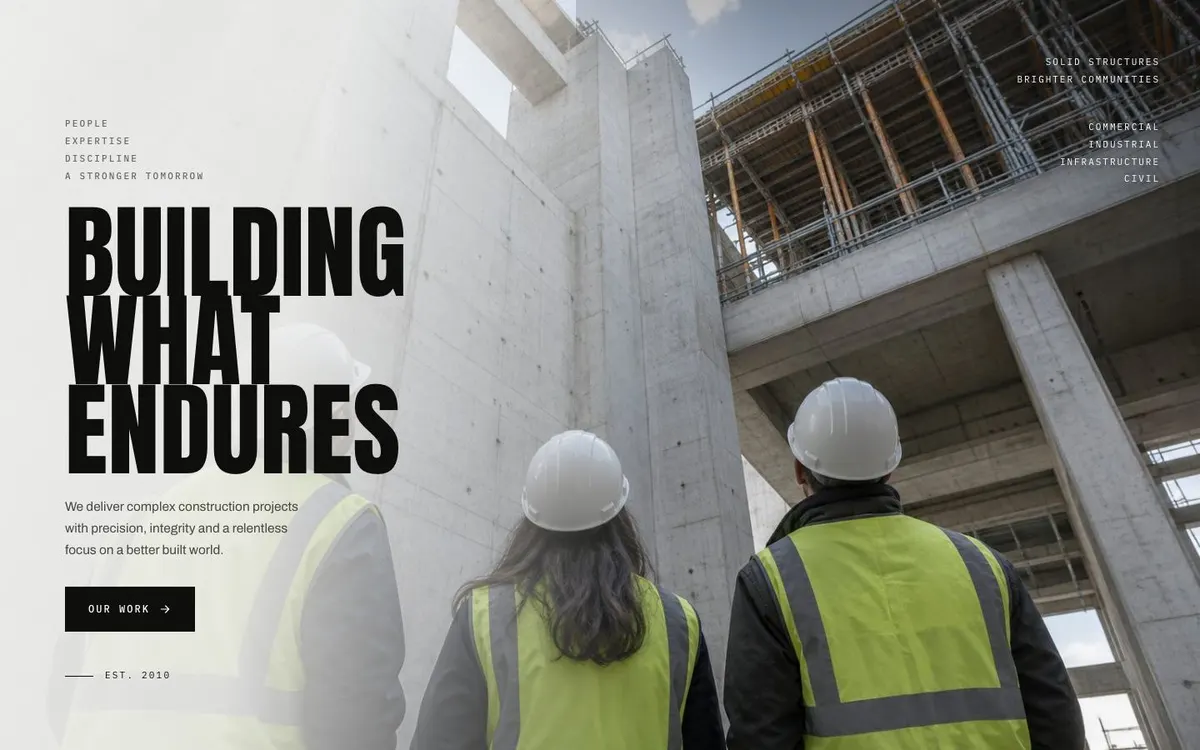
Someone searching for a Construction landing page needs more than a general company introduction. They need to see what the firm delivers, whether it can handle the scale of the work, and how an initial project conversation begins. This design is built for that argument. It opens with a site photograph and a direct statement, then moves through capability, a featured project, process, client proof and an enquiry route.
A generic services page can undersell a built-environment business because construction decisions are tied to programme, site conditions, delivery responsibility and confidence in the team. The page gives each of those subjects a place without turning the first visit into a tender document. It is a practical fit for firms whose work is judged on what has been built and how it was delivered.
The template is designed to lead to an enquiry, not to take payment or run a full tender process. If the main job is presenting completed schemes as a property portfolio, Property Development Portfolio is the closer related starting point.
Adapting the design to the business
The available colour schemes are Ink, Graphite, Rust and Steel blue. Choose one that works with the firm's existing materials and with the photographs available. The page uses Anton for display text and Archivo for body copy. Alternatives include Anton with Archivo, Oswald with Archivo, and Plus Jakarta Sans with Archivo. The heading treatment is uppercase, and the overall direction is light, photo-led, bold and editorial.
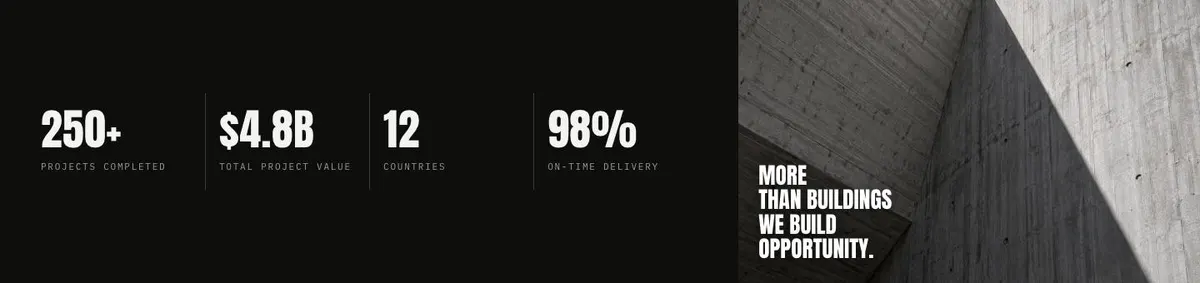
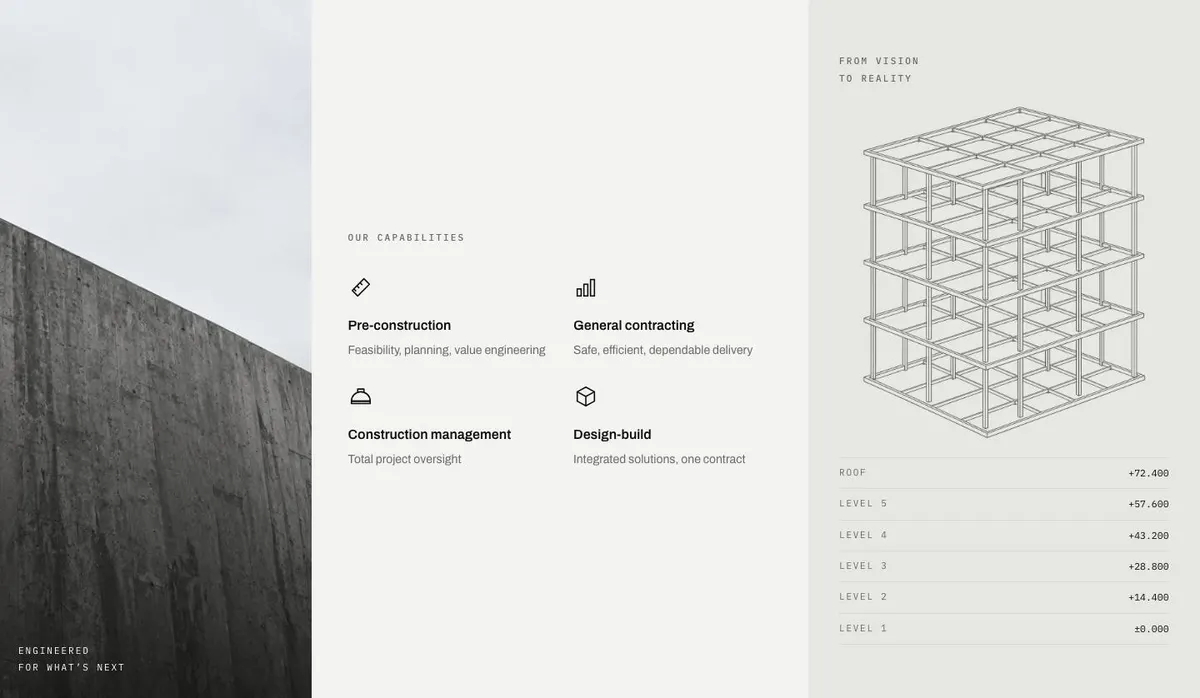
It needs fifteen photographs across the page. The first sits in the Hero. Numbers has one, Capabilities has two, Projects has one, Process has two, Logos uses six, and Questions has one. Plan those images before publishing. They need to make the claims in the text believable: a relevant site or completed work at the opening, capability imagery where disciplines are explained, and project imagery where delivery is described.
Writing it for your business
Starting from this template costs no credits. Rewriting the copy with AI costs about 20 credits. A useful brief names the business, its trade, the kind of project it wants more of and the people it needs to reach. It should also state the real evidence available for the page: capabilities, a featured job, programme details, safety information where appropriate, client names that may be shown and the response commitment for enquiries.
Give the AI facts rather than slogans. Say what the firm delivers itself if self-delivery is part of the argument. Name the sector, site type and scale that matter. Include the words a client would use when looking for that work. The result still needs checking by someone who knows the business, particularly where it refers to delivery records, reporting, safety or programme expectations.
What to prepare first
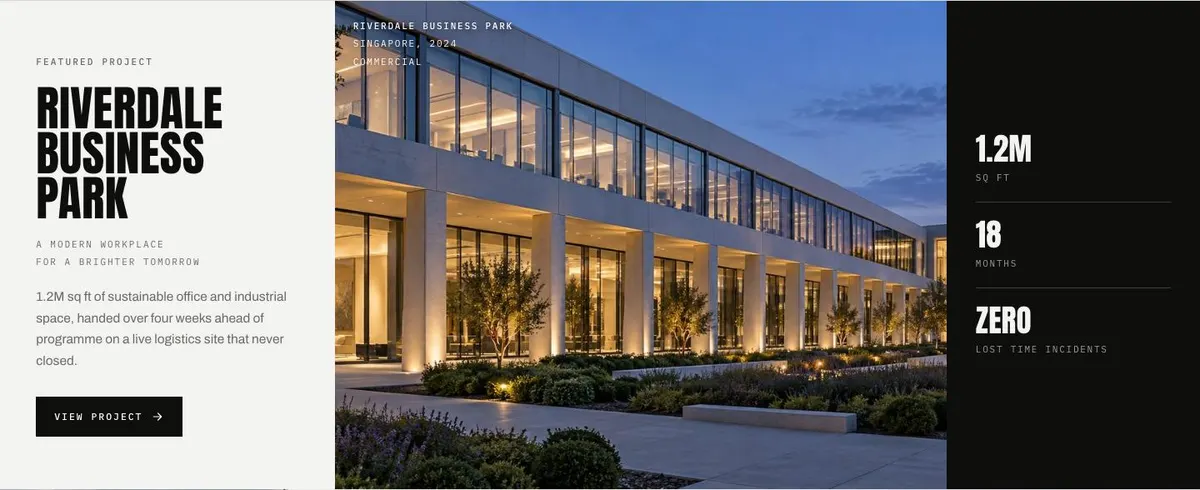
Start with the opening proposition and the Hero photograph. Then prepare the figures for Numbers and decide which capabilities need to be named. Select the one project that most closely represents the next enquiry the firm wants, and gather its approved facts, including the programme and incident record where those are to be used.
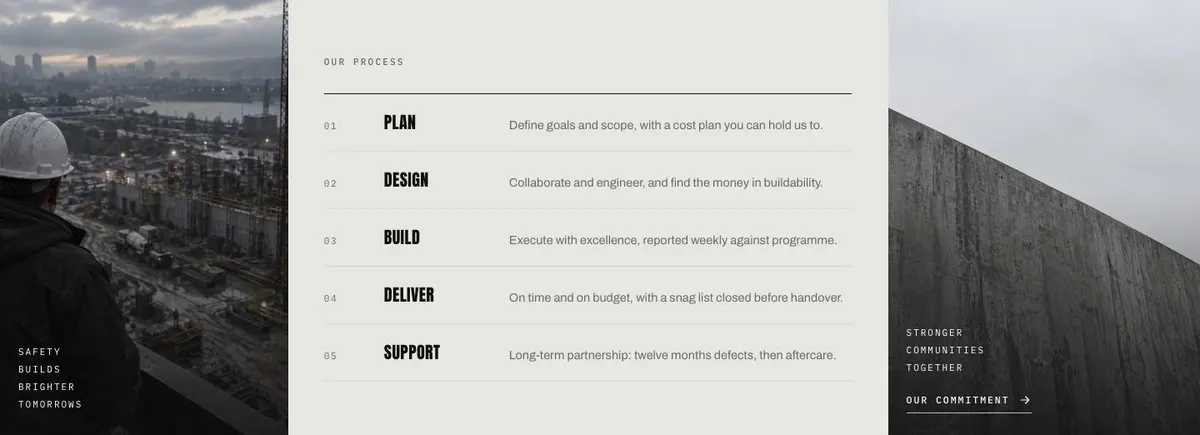
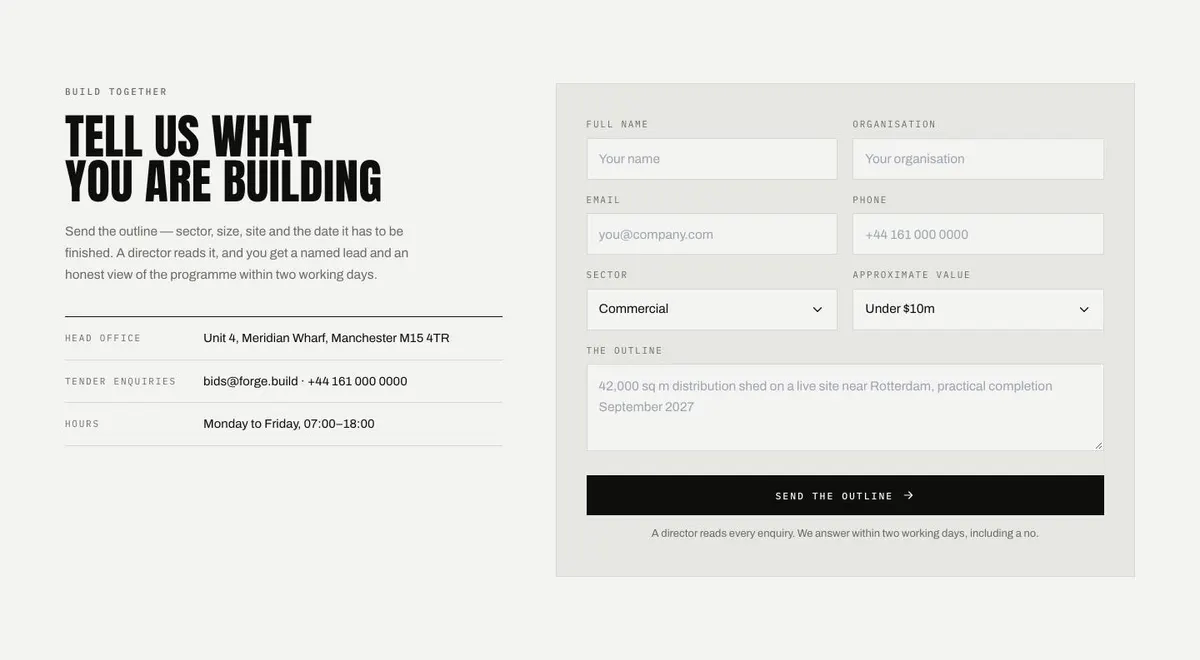
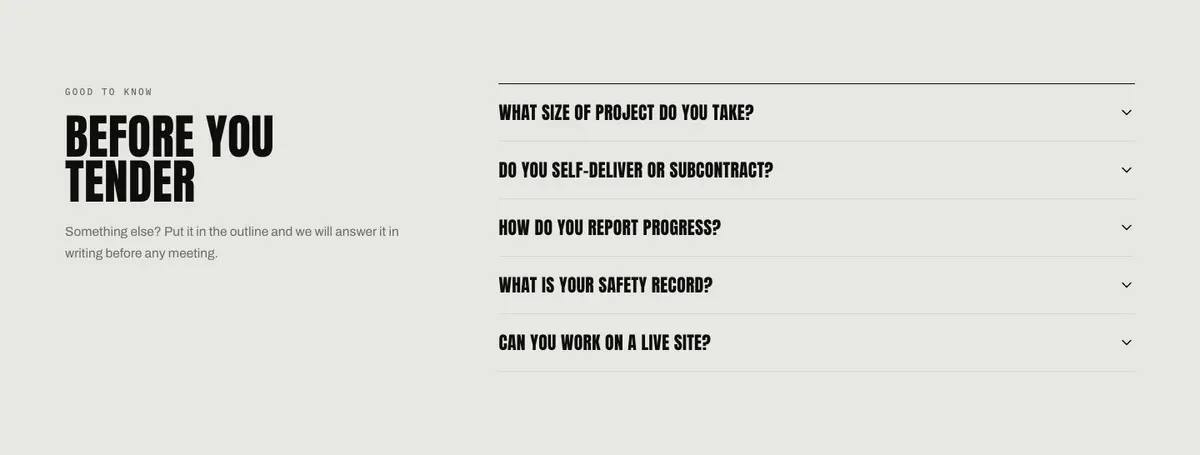
Write the five-stage process in the order the business actually works. Confirm which client logos may appear. Finally, decide what the firm wants an enquirer to send in the Build form and who will answer it. The Questions accordion should be written from the concerns heard before tender meetings, not from assumptions about what sounds reassuring.
Variations for neighbouring trades
A civil engineering or groundworks firm can use Capabilities to separate the delivery areas it wants to win, then choose a featured scheme that shows the relevant site conditions and programme. Its Process copy should describe the way the firm takes work from outline to aftercare.
A demolition business can make the delivery case through a carefully chosen project and clear answers in Questions about safety, reporting and self-delivery. It should only state records and responsibilities it can support.
A structural or architectural practice can adapt the same route around its disciplines, a representative project and its working process. The enquiry prompt should still ask for the sector, size, site and completion date because those details shape the first conversation.
When another template fits better
For energy work centred on solar, start with Solar. For grid-focused infrastructure, Swiss Grid is the nearer related option. For a development-led collection of schemes, use Property Development Portfolio. For a practice whose main offer is legal counsel rather than built work, see Counsel Practice. More options sit in the professional services template collection.
Before you publish
- Check that every figure can be supported.
- Use photographs that match the work being described.
- Make the featured project relevant to future enquiries.
- Confirm the promised enquiry response can be met.