For a product that needs an explanation before a purchase
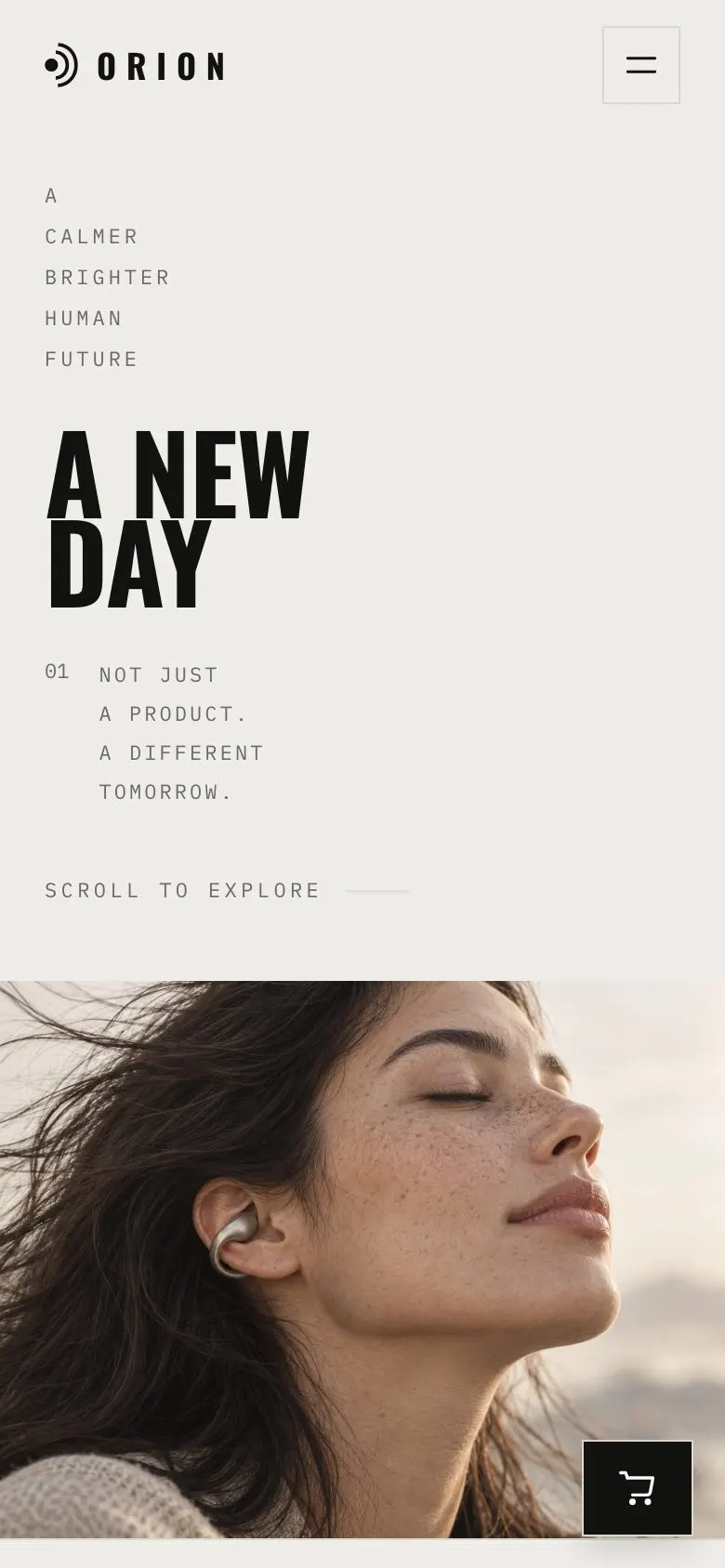
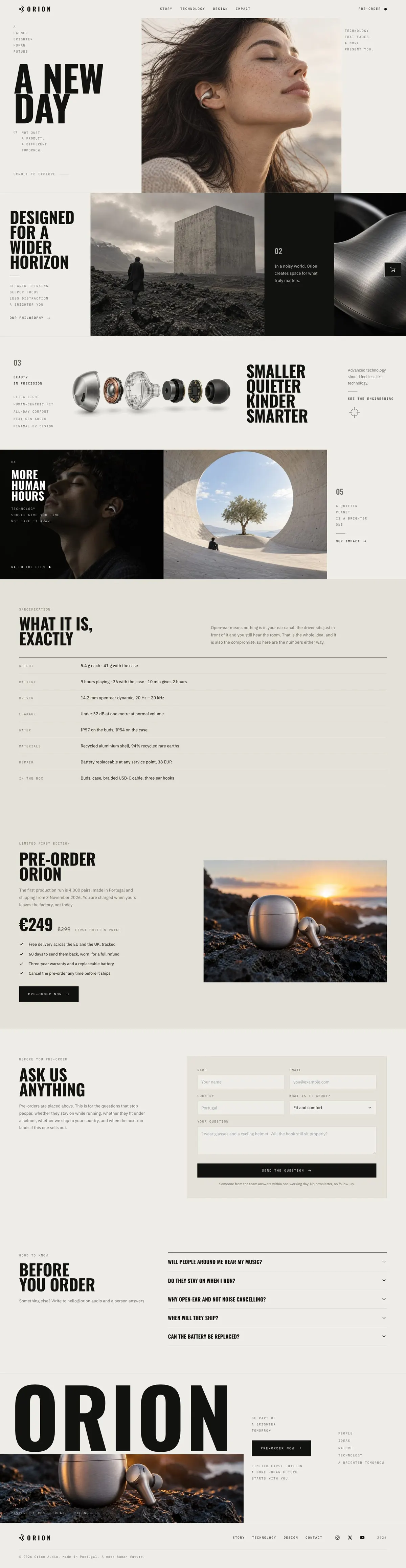
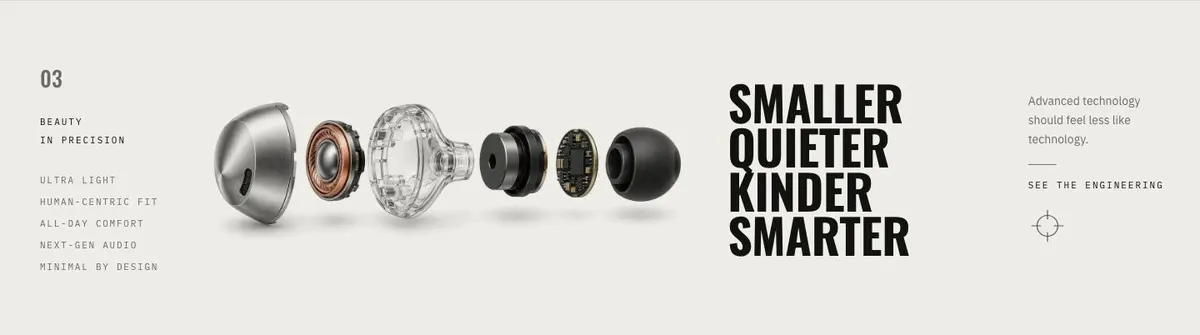
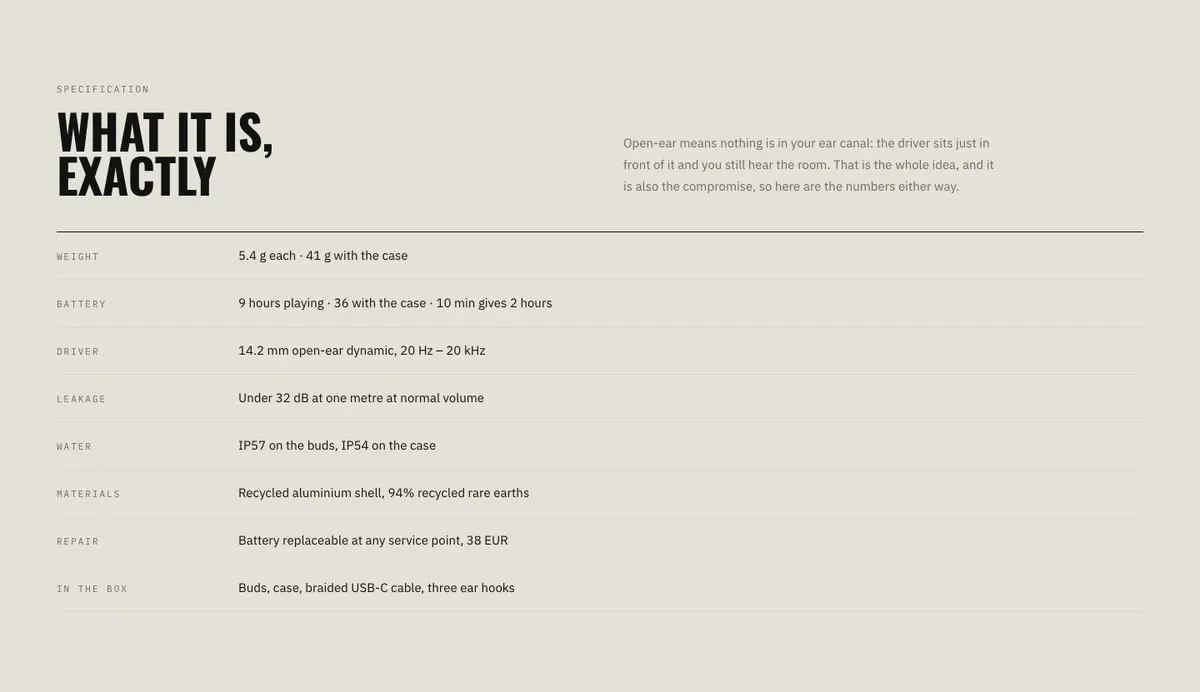
Someone searching for a Single Product Launch page needs more than a place to put a product name and a button. They need to show why one item exists, what it does, how it is made and what a buyer should expect before ordering. This design does that through an editorial sequence: a lead statement, product photographs, technical explanation, specifications, pre-order terms and questions.
A generic shop page can undersell a product that has a particular use, construction or point of view. It often treats every item alike. This template gives one launch room to make its case in stages. It is built for a hardware or consumer-product release where the buyer may need to read before committing.
The page is centred on a pre-order rather than a full catalogue journey. It includes an order route and a separate place for questions. If the launch needs a page focused more directly on pre-order timing and demand, the Pre-order Launch template is the closer alternative.
Adapting the design
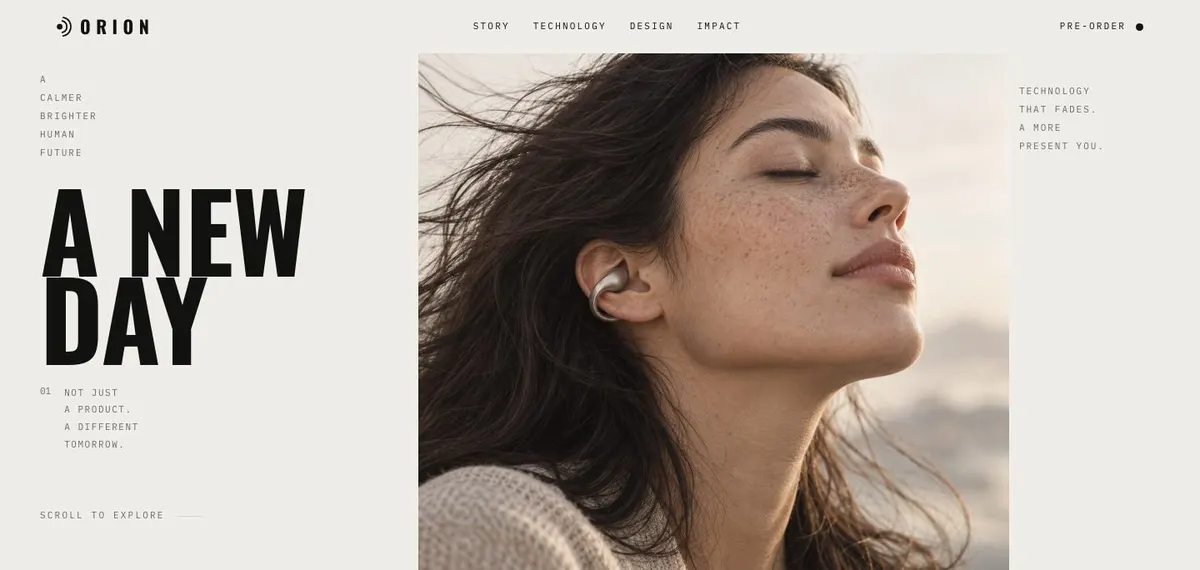
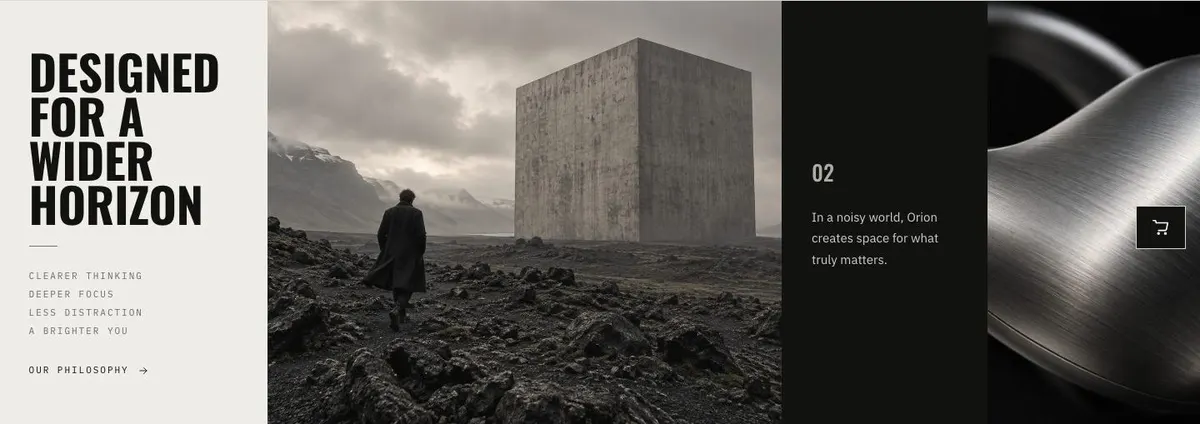
This is a light, photo-led editorial layout with minimal presentation. It uses uppercase headings, Oswald for display text and IBM Plex Sans for body copy. The available schemes are Ink, Clay, Slate and Olive. Choose the scheme after considering the product photography, rather than treating colour as a substitute for a clear product story.
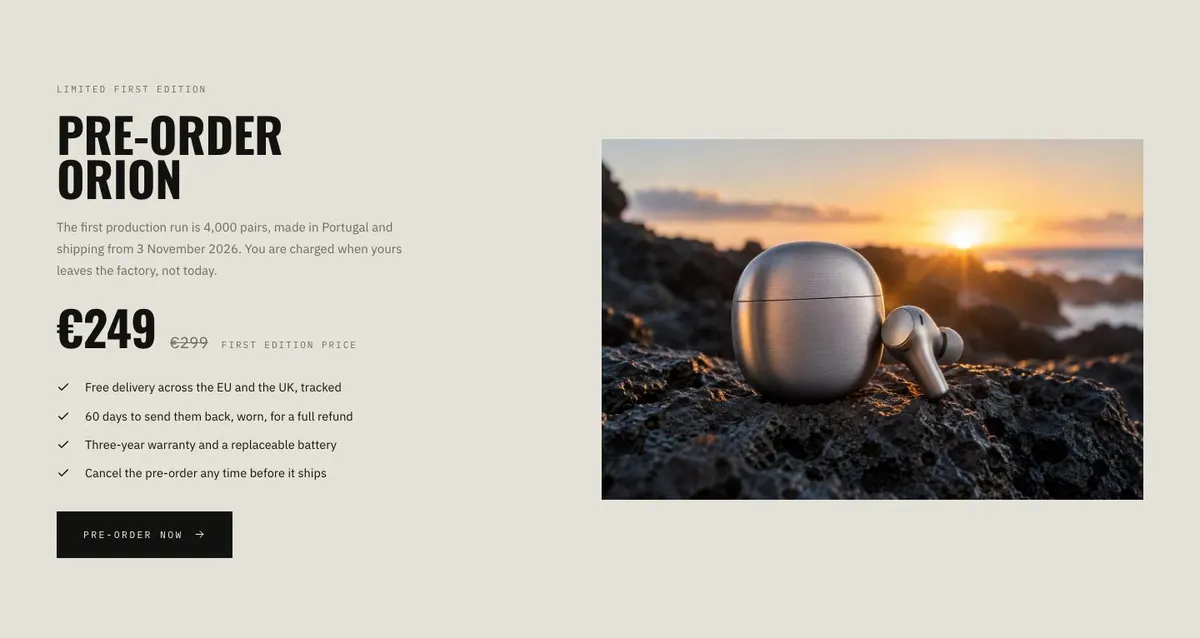
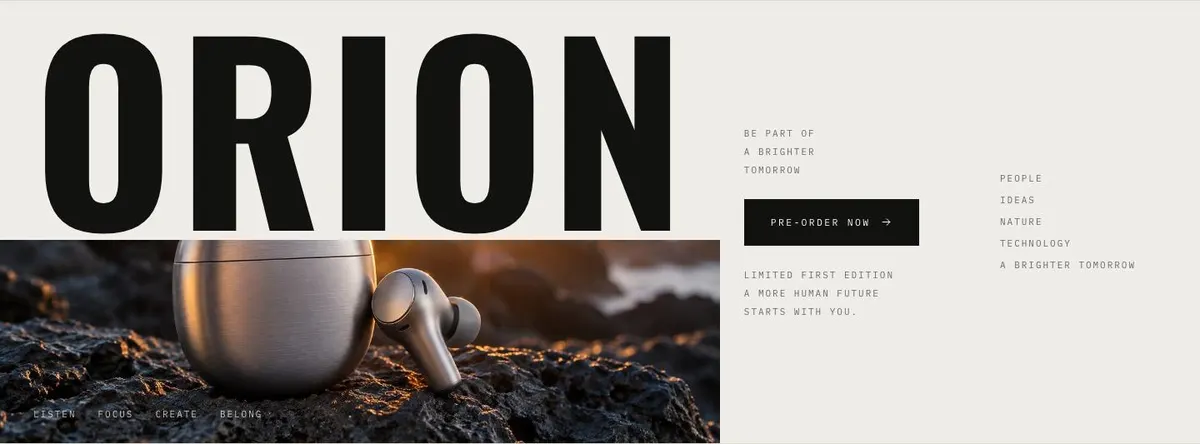
The page needs 10 photographs. Two are used in the Hero, two in Story, one in Technology, two in Impact, one in Preorder and two in the Closing band. Plan them as a sequence, not as ten unrelated product shots. The early images should establish the item and its context; the middle images should support the story and technology; the later ones should make the pre-order feel concrete.
If the default type pairing does not fit the product, the alternatives are Oswald with IBM Plex Sans, Anton with IBM Plex Sans, or Hanken Grotesk with IBM Plex Sans. Keep body copy practical. The display face can carry short declarations, but it cannot do the work of the product explanation.
Writing it for your business
Starting from this template costs no credits. Rewriting the copy with AI costs about 20 credits. A useful brief names the product, its audience, the single reason to buy, the evidence behind that reason, the real specifications and the exact pre-order terms.
It should also name the production run if one is being stated, the dispatch timing, where orders are sent from and when payment is taken. Give the AI the questions buyers actually ask. Vague direction such as “make it premium” will not provide the facts needed for Specs, Preorder, Ask or Questions.
What to prepare first
Write the opening promise in one plain sentence. Then prepare the product story, the technical explanation and a factual specification list. Gather the order terms before writing the pre-order section: availability, production information, dispatch date and charging point where applicable.
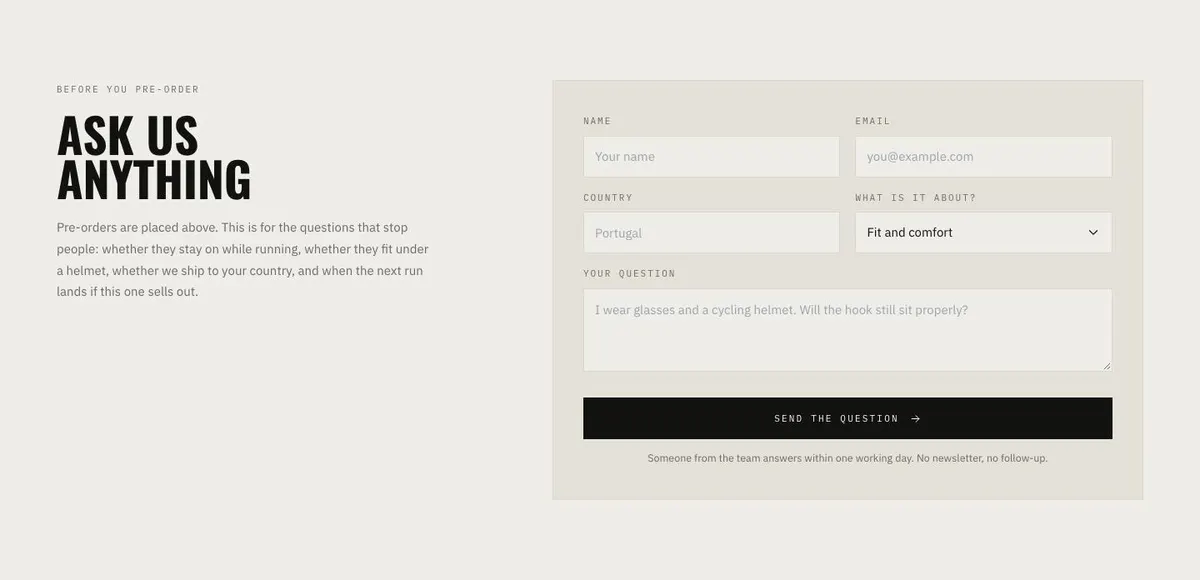
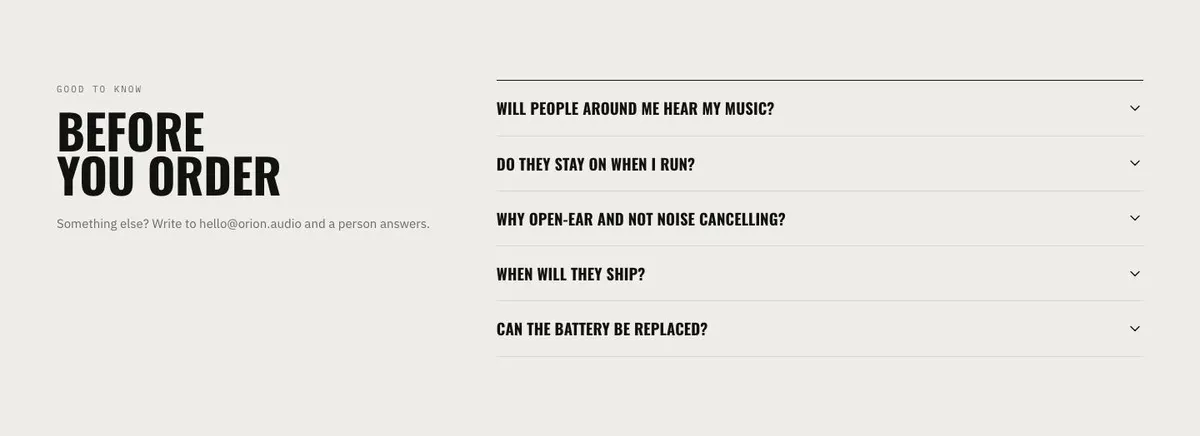
Photograph the item in the settings needed to support each stage of the story. Prepare the questions that genuinely delay a decision, along with answers that can be kept current. Finally, decide where customer questions should be handled, since the Ask form is for enquiries rather than the pre-order itself.
Variations for nearby launches
For an audio product, use Story to explain the listening situation and Specs to explain the listening approach in direct terms. Keep the questions focused on fit, daily use and delivery where those are real buyer concerns.
For a furniture piece, use the photographs to show scale, material and the room context. Technology can explain construction, while Preorder should state the real production and dispatch position.
For a skincare or supplement launch, make the product explanation precise and restrained. Use the technical section for what the formulation or product approach is, and avoid claims that cannot be supported by the business’s own information.
When another template fits better
The Pre-order Launch template fits when the main job is presenting a forthcoming release and its ordering window.
The Engineered Appliance Sales template is worth considering for an appliance where engineering is the central buying argument.
The Smartwatch Launch template is a closer starting point for a watch release.
The Electric Bike Preorders template suits an electric bicycle launch with a pre-order focus. Browse the ecommerce templates for other product-selling pages.
Before you publish
- Check that every product claim is accurate and supportable.
- Confirm the pre-order availability, dispatch date and charging terms.
- Make sure each photograph has a job in the story.
- Answer the questions most likely to stop an order.