landflow

Residence LaunchLanding page template

Views, plans and a visit enquiry

Residence Launch is for developments and places sold through a visit, using photography, plan choices, location context, developer detail and a single enquiry route to help prospective buyers decide to register interest.

11 sections 19 photos 4 colour schemes Enquiry form
Residence Launch landing page template, desktopResidence Launch landing page template on a phone
Opens ready. No credits.
01 preview

See the whole page before you start.

Switch devices, scroll the full page, or open the live demo. This is the exact layout, photos and sample text a new page starts with.

All templates
Residence LaunchProperty · 11 sections
Residence Launch template, the whole page on desktop
02 what's on the page

Every section, in the order a visitor meets it.

The headings are the demo's own sample text. Your brief, or the AI copy pass, replaces them; the structure stays.

  1. 01 / 11 Hero

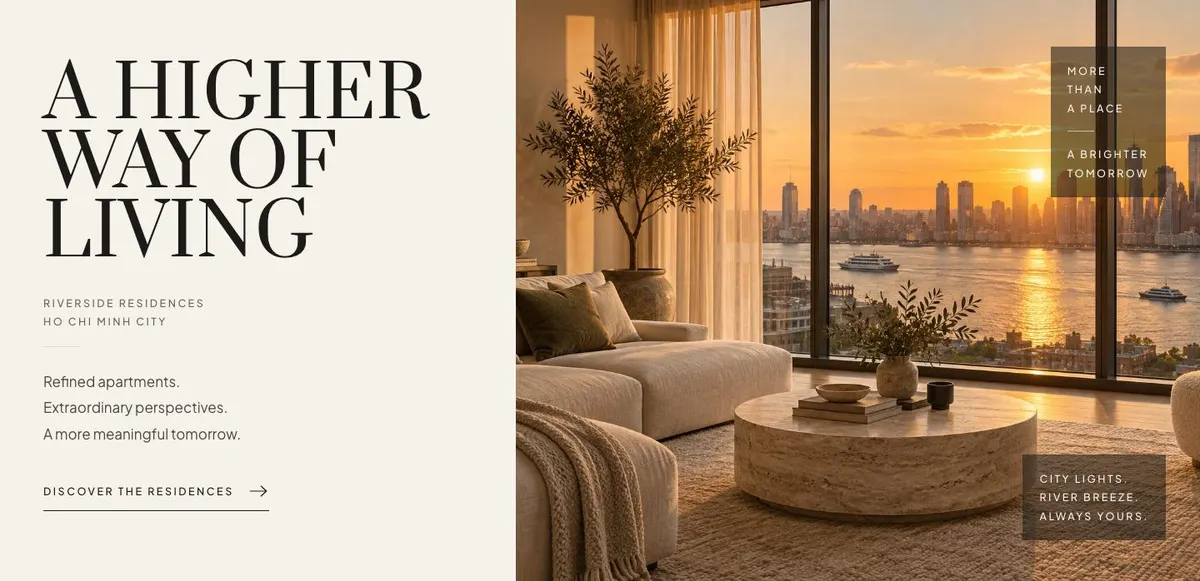
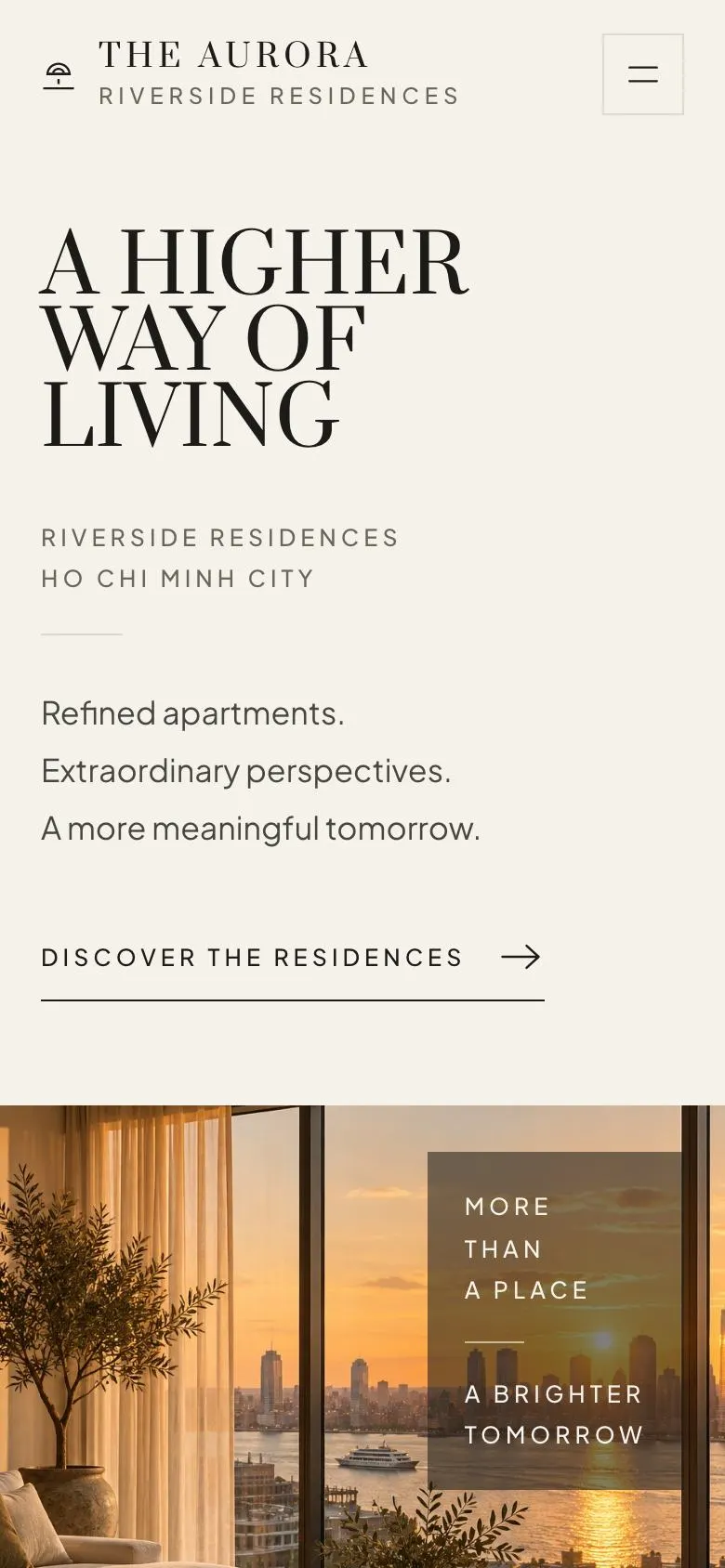
    A higher way of living

    A higher way of living introduces Riverside Residences Ho Chi Minh City; supply one accurate project photograph and ensure the lifestyle claim reflects the homes offered.

    Residence Launch template — Hero section
  2. 02 / 11 Residences

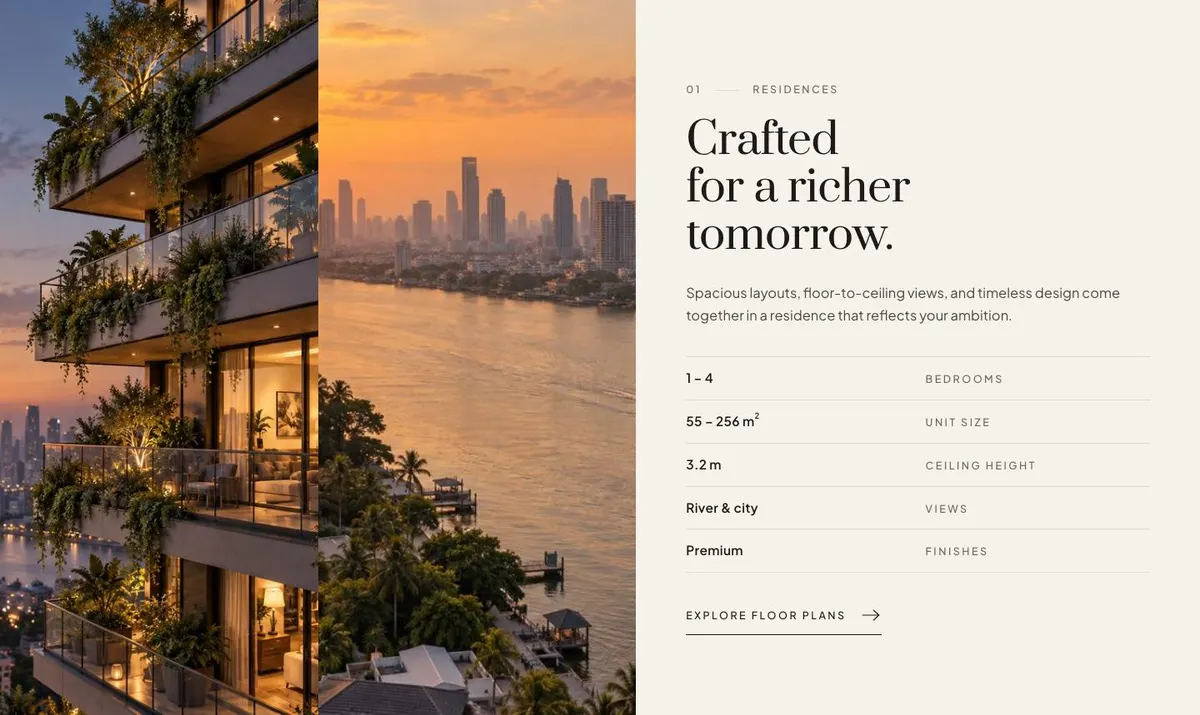
    Crafted for a richer tomorrow

    Crafted for a richer tomorrow explains the residences; provide two photographs, layout details and evidence for statements about space, views and design.

    Residence Launch template — Residences section
  3. 03 / 11 Amenities

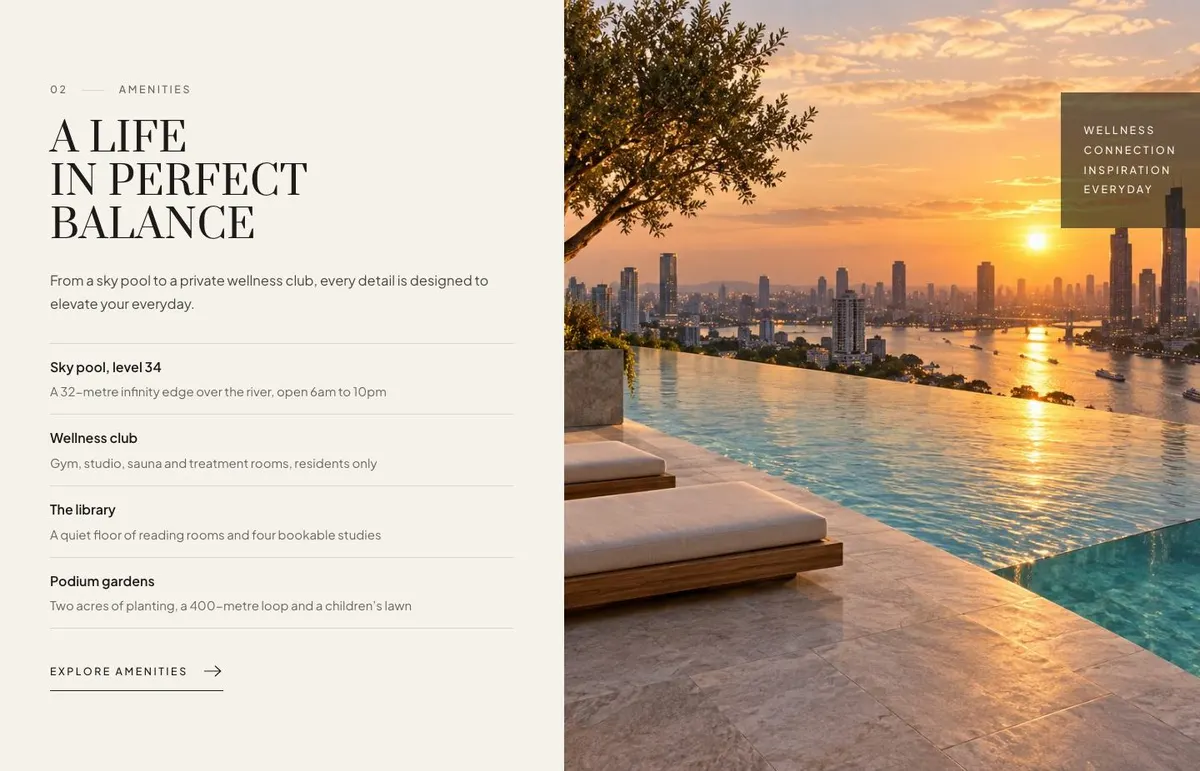
    A life in perfect balance

    A life in perfect balance lists four amenities; supply one photograph, facility details and evidence that the sky pool and wellness club are available.

    Residence Launch template — Amenities section
  4. 04 / 11 Location

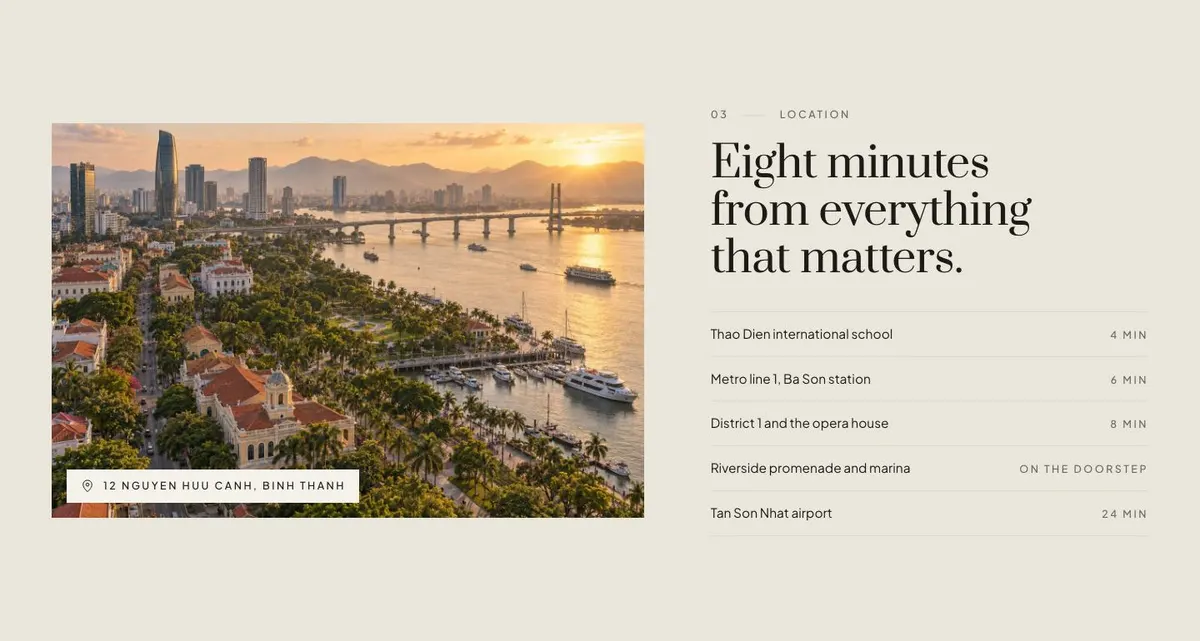
    Eight minutes from everything that matters

    Eight minutes from everything that matters needs one location photograph, named destinations and a defensible travel-time basis for the eight-minute claim.

    Residence Launch template — Location section
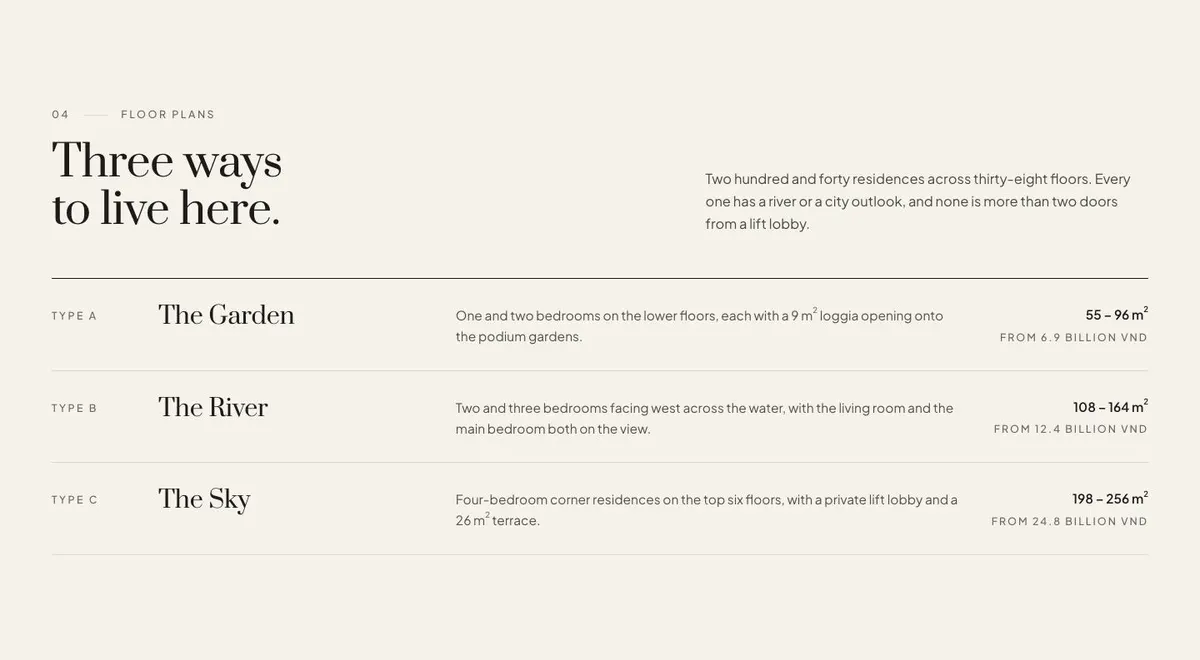
  5. 05 / 11 Plans

    Three ways to live here

    Three ways to live here compares three residence types; provide their plans and verify 240 homes, 38 floors, outlooks and lift-lobby proximity.

    Residence Launch template — Plans section
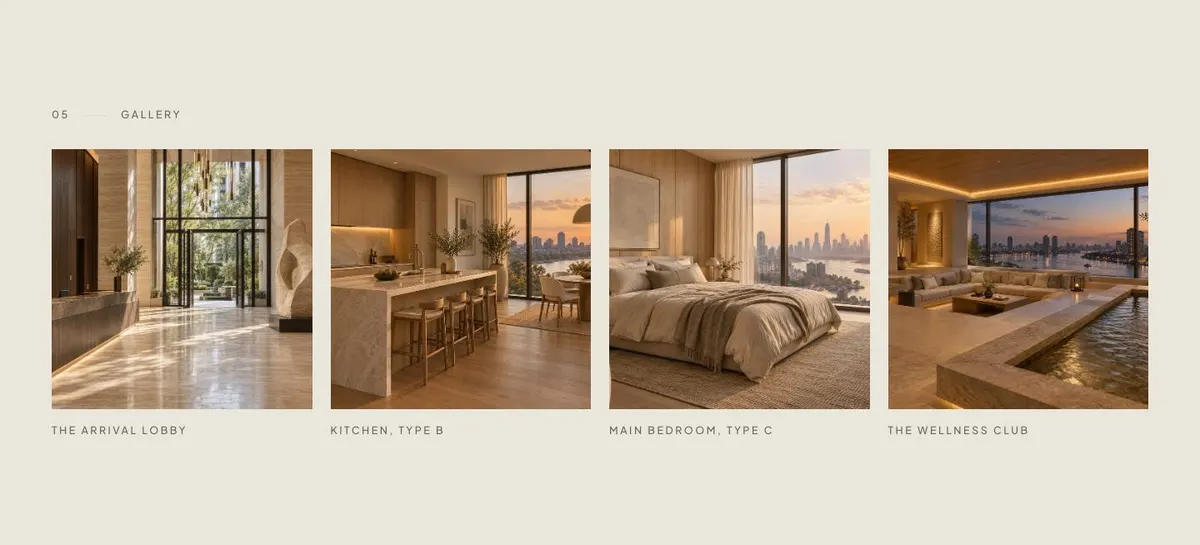
  6. 06 / 11 Gallery

    The gallery gives prospects four photographs to assess the development; supply four current images, accurate captions and permission to use them.

    Residence Launch template — Gallery section
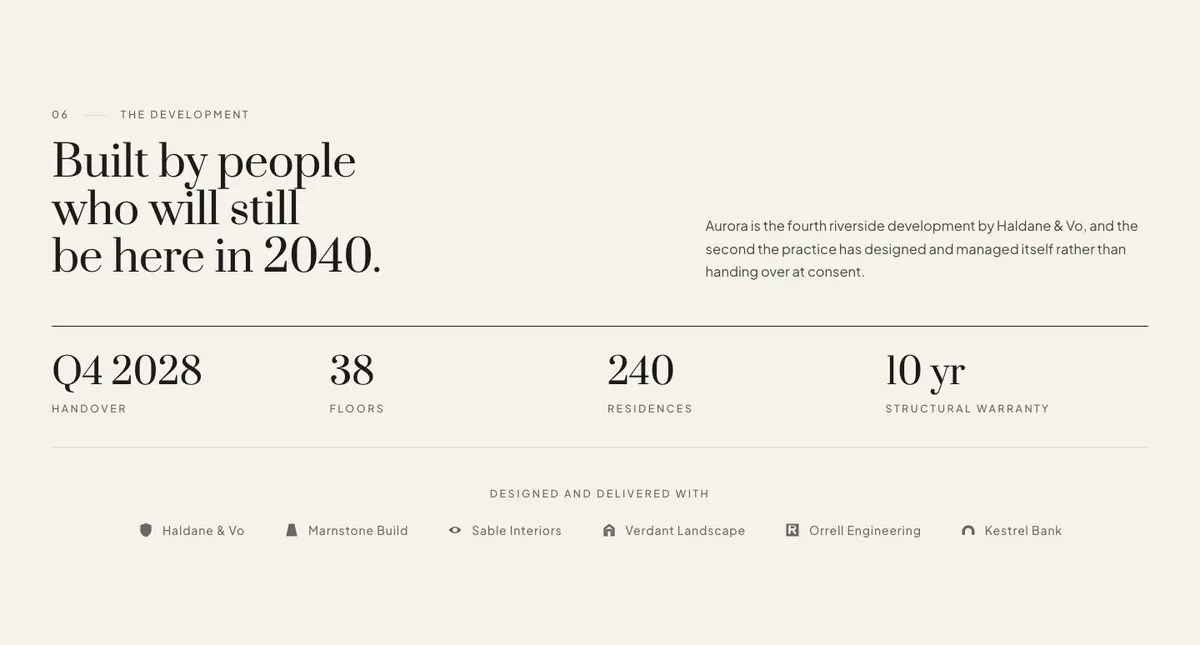
  7. 07 / 11 Developer

    Built by people who will still be here in 2040

    Built by people who will still be here in 2040 requires six photographs and evidence for Aurora’s development history, self-managed design record and 2040 commitment.

    Residence Launch template — Developer section
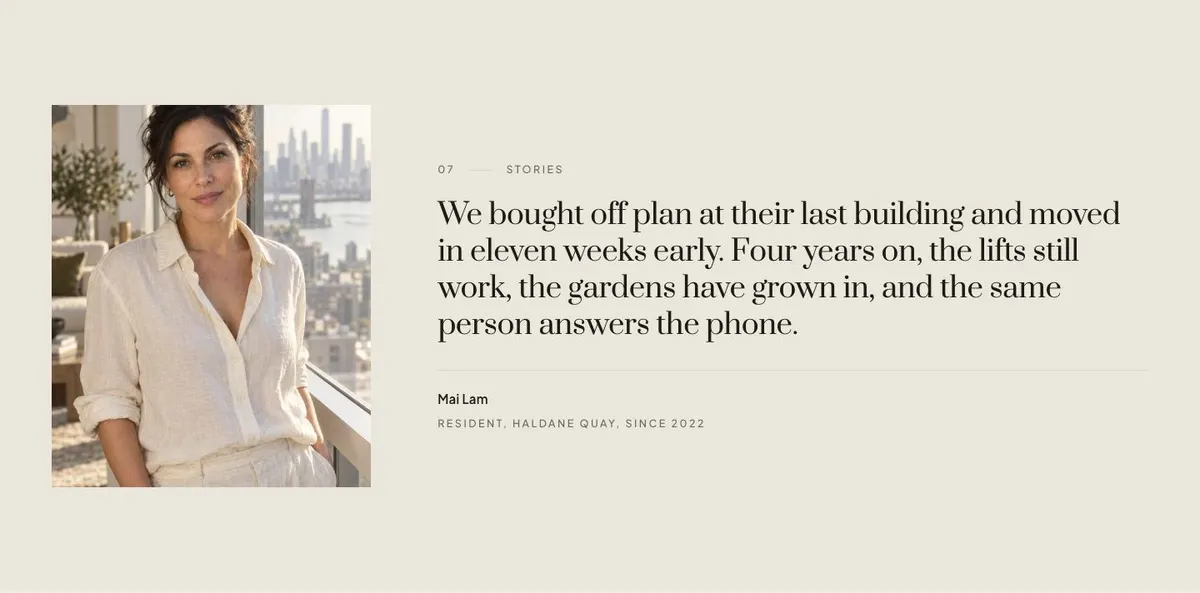
  8. 08 / 11 Stories

    Stories provides a customer perspective through one quote and photograph; supply consent, attribution and a truthful account approved by the speaker.

    Residence Launch template — Stories section
  9. 09 / 11 Questions

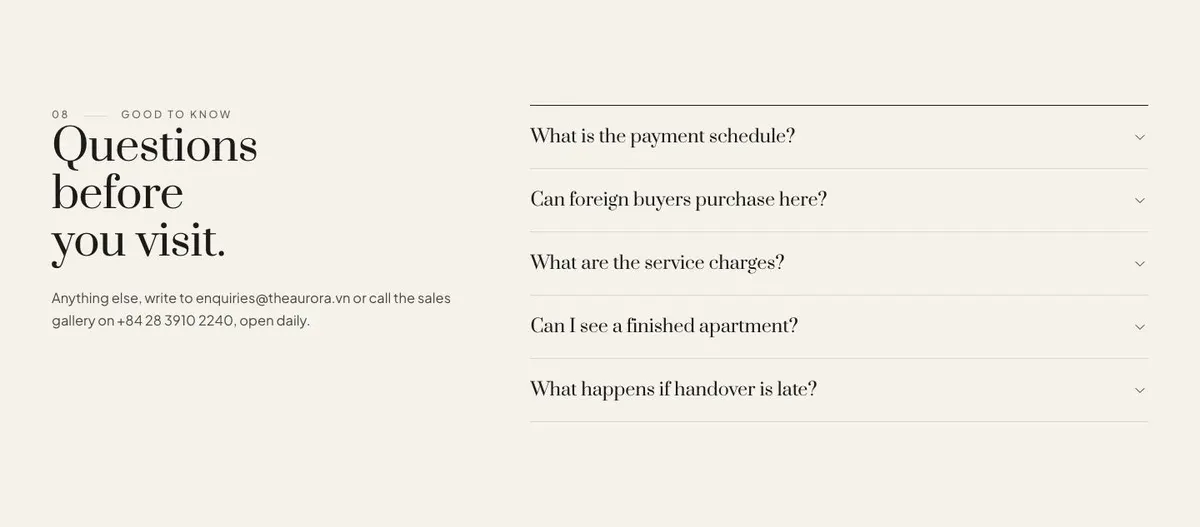
    Questions before you visit

    Questions before you visit answers common queries in an accordion; supply accurate answers, the listed email and phone number, and confirm daily opening.

    Residence Launch template — Questions section
  10. 10 / 11 Register

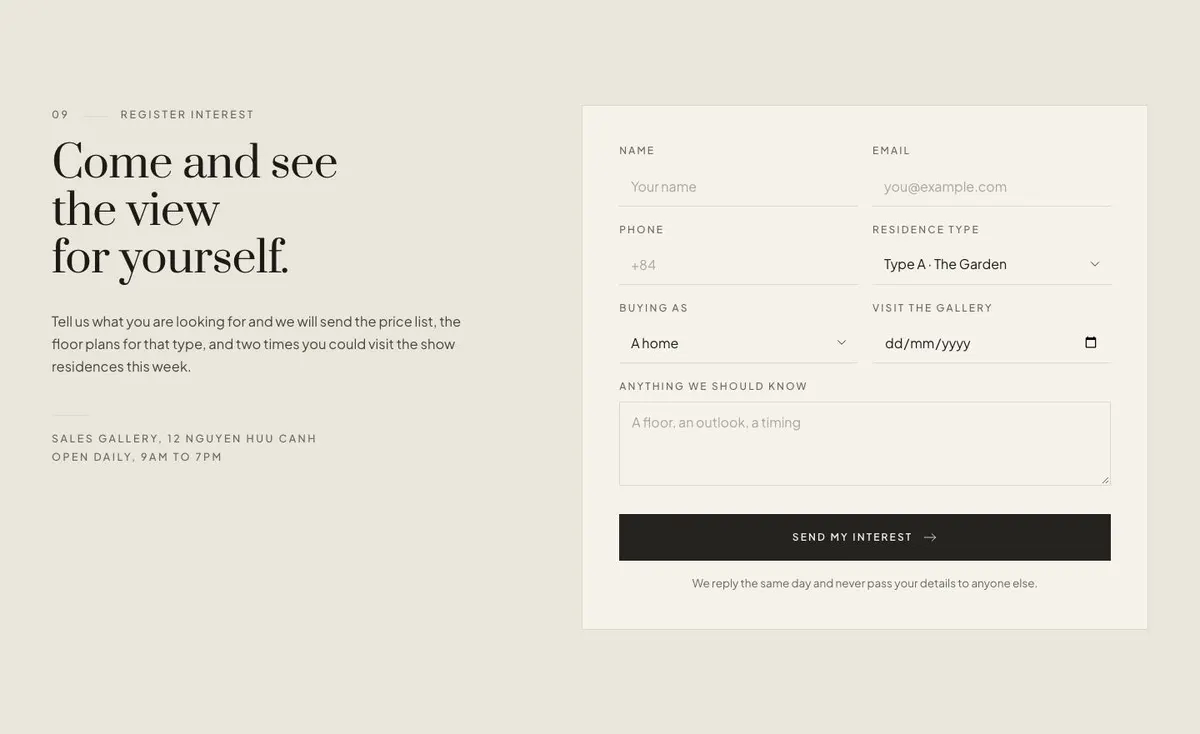
    Come and see the view for yourself

    Come and see the view for yourself collects enquiries through a form; supply required fields, current price lists and plans, plus two genuine viewing times.

    Residence Launch template — Register section
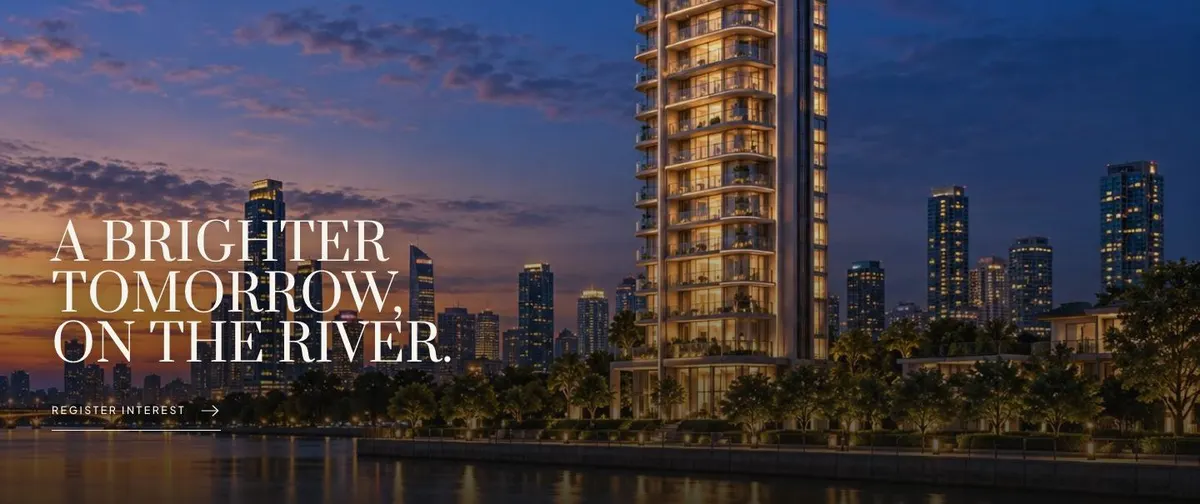
  11. 11 / 11 Closing band

    The closing band gives the page a final property impression; supply two current photographs that accurately represent the residences and permission to use them.

    Residence Launch template — Closing band section
03 the template

How this page works, and how to make it yours

A property launch page for a decision made in person

Someone searching for a Residence Launch page needs more than a general property introduction. They need a page that makes the place understandable before a viewing: what is being offered, where it is, which options exist, who is behind it and how to ask for a visit. Residence Launch is built for that job. It leads with the setting, then gives the visitor reasons to keep reading before asking them to register interest.

This is a useful starting point for a development, a villa collection, a resort, a private club, a marina, a school campus or a new clinic wing. These offers are not normally chosen from a checkout. The page has to give a prospective buyer or member enough context to take the next step. A generic business page can leave the important questions scattered or missing. Here, the sequence gives photographs, practical information and the enquiry route their own roles.

The template is centred on one enquiry form. It does not provide a changing catalogue of agency listings. For that kind of page, Property Agency Listings is the closer fit.

Adapting the design to the project

The template offers Onyx, Bronze, Deep forest and River navy colour schemes. Choose one that suits the project and its imagery rather than trying to make every photograph carry the brand. The type pairing is Prata for display text and Plus Jakarta Sans for body copy. Alternatives include Playfair Display with Plus Jakarta Sans, or Hanken Grotesk with Plus Jakarta Sans.

Photography is central to this template. It needs nineteen photographs across the Hero, Residences, Amenities, Location, Gallery, Developer, Stories and Closing band. Prepare a coherent set before publishing. The page will read more clearly if the photographs show different evidence of the offer rather than repeating the same exterior or room.

Writing it for your business

Starting from this template costs no credits. Rewriting the copy with AI uses about 20 credits. A useful brief names the offer, the location, the audience, the available plan or membership types, the facilities, the team behind it and the enquiry outcome. It should also say what is confirmed and what must not be claimed.

Good source material makes the AI rewrite more dependable. Give it the actual development name, facts about the address, the terms used by the sales team and the information a prospect receives after registering. If a handover date, payment schedule or price information needs explaining, provide the approved wording so it can be handled consistently in the relevant copy and questions.

What to prepare before publishing

Start with the material that supports a viewing decision. Write the opening description, the residence or offer description, four amenity points, location context and the three plan choices. Prepare the developer or operator statement and one genuine quote for Stories. Then write the questions people ask before they make contact, including any practical details the sales or membership team repeatedly answers.

Gather the nineteen photographs with a purpose for each placement. Confirm the contact details that appear with Questions and decide what the team will send after the Register form is completed. The form should lead to a process that exists, whether that is a price list, relevant plans, availability information or proposed viewing times.

Variations for nearby property trades

For an apartment development, make Plans the factual centre of the page. Name the unit types and use Location to explain the address in terms buyers recognise. Keep the Developer section focused on the team accountable for delivery.

For a resort, use Residences and Amenities to distinguish accommodation and shared facilities. Plans can describe stay or ownership options, while Register should make clear what enquiry the team will answer. For a private club, replace residence language with membership language and make the four amenity points reflect the member experience.

A smaller architectural project may need a closer emphasis on the design team and the limited nature of the offer. In that case, Architectural Residences Enquiries may offer a more direct starting point.

When another template fits better

Off Plan Residences is worth considering when the project needs a page specifically shaped around off-plan residence enquiries.

Architectural Residences Enquiries suits a design-led residential offer where architectural context needs to carry more of the argument.

Garden Community Residences is a closer route for a development organised around a garden community.

Cabin Rentals Direct is the better comparison for direct cabin rental enquiries rather than a residence launch.

See the wider real estate template collection for other property page types.

Before you publish

  • Check that the opening says exactly what is being offered and where it is.
  • Check that each plan or option has confirmed details.
  • Check that every photograph supports a different part of the decision.
  • Check that the enquiry team can deliver the information promised after registration.
04 questions

Before you start

Is Residence Launch only for apartment developments?
No. It can suit villas, resorts, private clubs, marinas, schools and clinic wings where the next step is an enquiry or visit. The copy and the three choices in Plans need to be adapted to the actual offer.
Will it work if there are no finished photographs yet?
It can only be published well when there is a full set of relevant photography for its nineteen image placements. If the project is not ready to show, prepare images that accurately represent what can be presented and avoid copy that implies more than is confirmed.
Can the page show every available unit?
This template has a Plans band for three offer types, not a changing agency-style listing catalogue. If the business needs to present a changing stock of individual properties, Property Agency Listings is the better starting point.
Is the form enough to handle all sales enquiries?
The template includes one Register form and supporting contact details in Questions. The business still needs a clear follow-up process for the information and viewing arrangements it says it will provide.

Start from this page.

It opens in the editor with the layout, the photographs and the sample text you have just scrolled through. Starting from a theme costs no credits.

What happens when you start
  1. The page opens in the editorwith this exact layout, its photographs and its sample text
  2. Change anything visuallyclick a heading, a picture or a colour; no code, no credits
  3. Publish in minutesto yourname.landflow.site or a domain you already own
  4. Leads arrive stampedsource, campaign and landing URL on every row, in the inbox
See the rest of this industry →