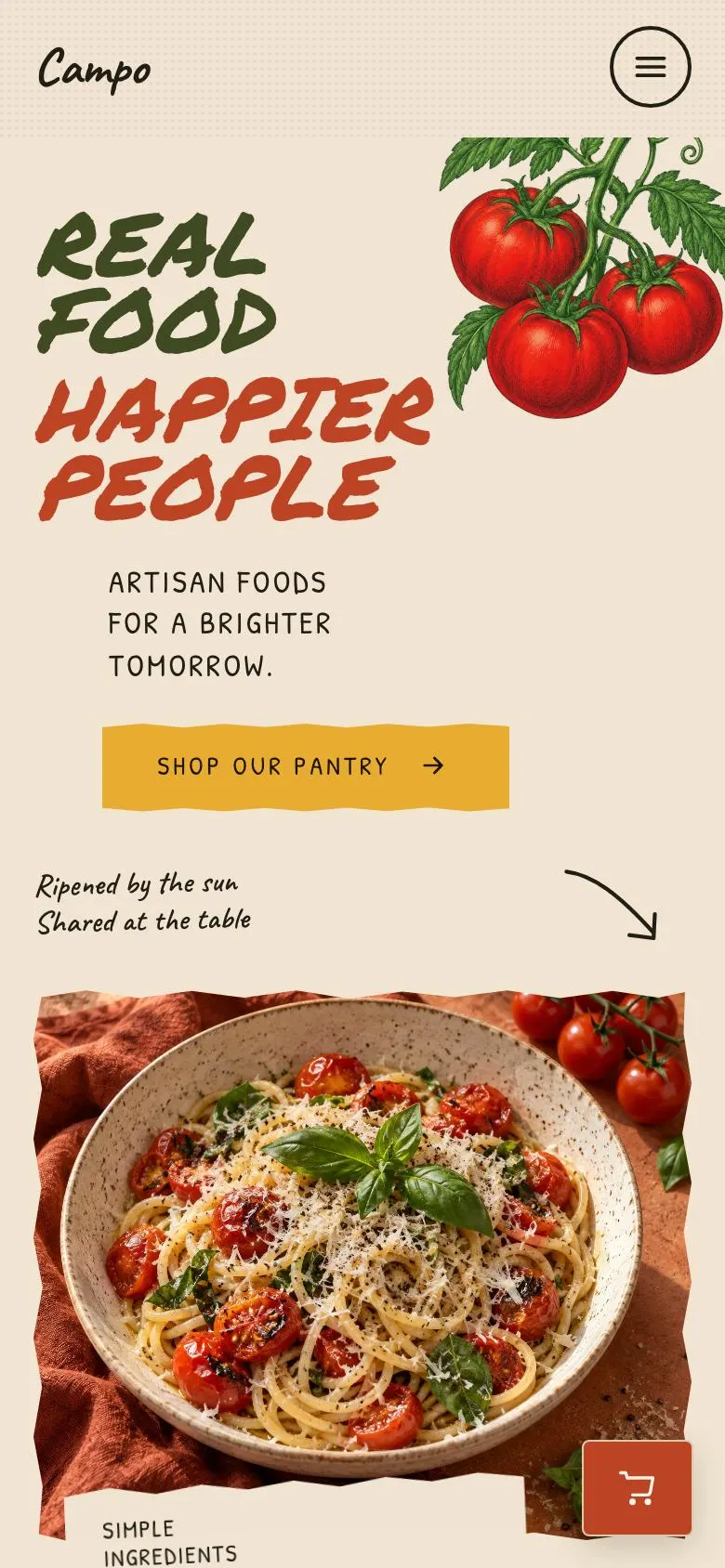
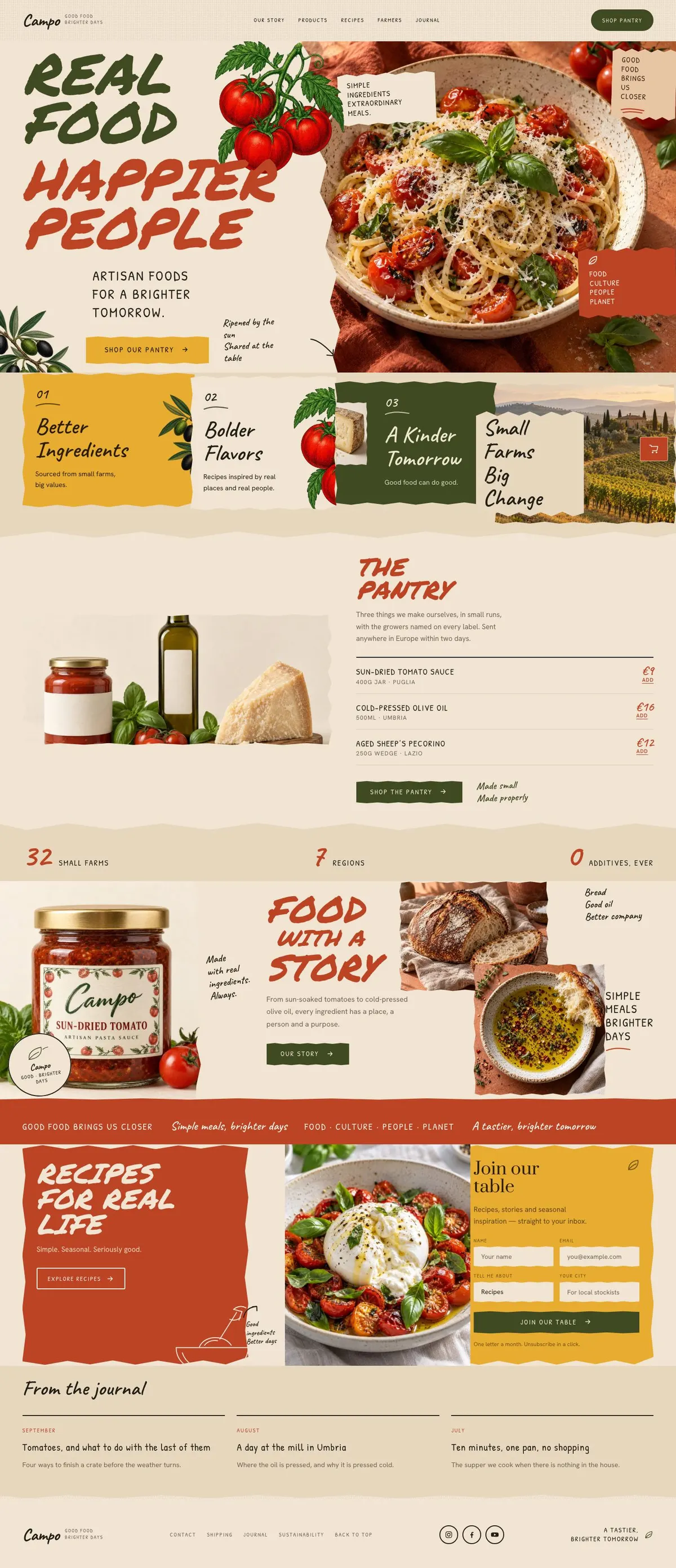
A food page for people buying with their appetite and their values
Someone searching for a Seasonal Kitchen page usually needs more than a list of things for sale. They need to show what is in season, where ingredients come from and why the business makes its products in a particular way. They also need to give visitors a clear route towards an order.
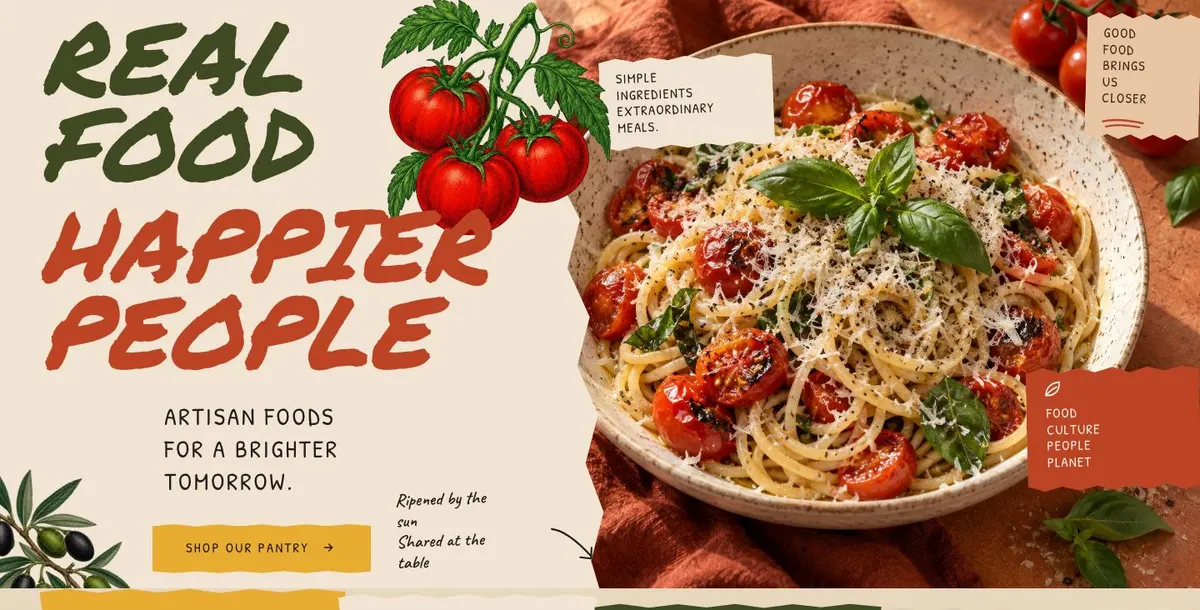
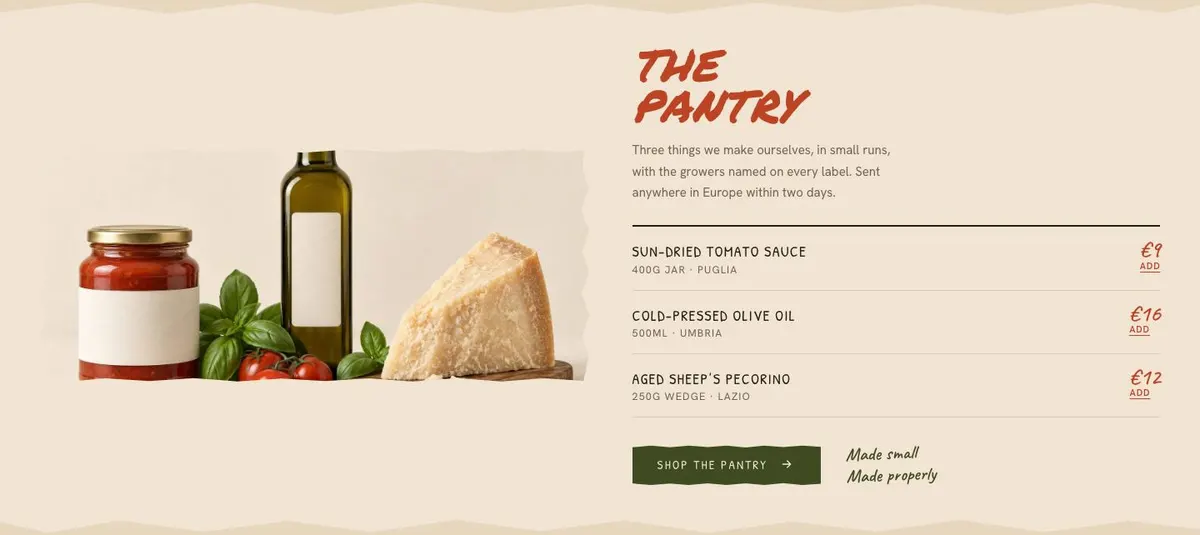
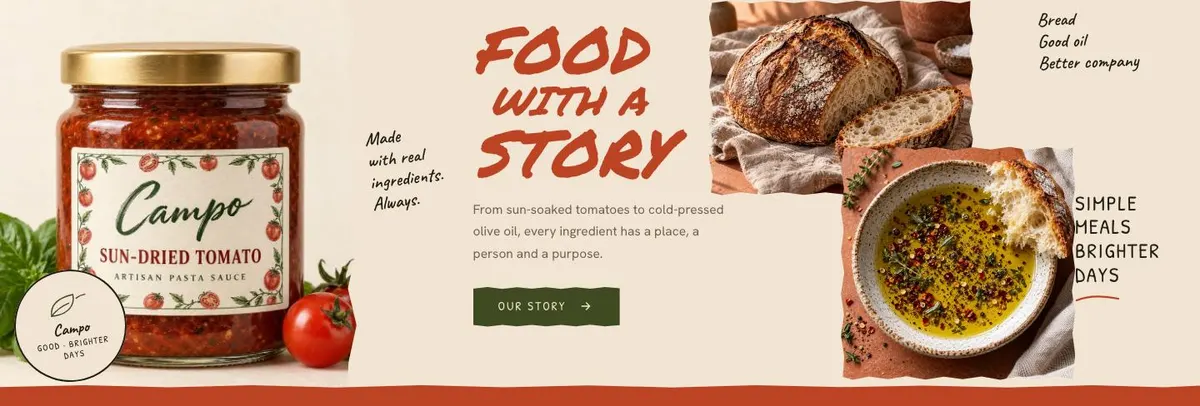
This design does that through food photography, short statements and a compact pantry section. It opens with a dish rather than a sales message, then moves through ingredients, products and the people behind them. That order works well for a food brand whose customers care about provenance before they choose what to buy.
A generic shop page can make a small producer look like it competes only on choice or price. Seasonal Kitchen gives more space to the growers, the making process and the point of view behind the range. The display type is expressive, while the supporting copy can stay plain and useful.
The template is not built around table reservations. A restaurant that needs the page to lead directly to bookings should consider Restaurant Table Bookings instead. For a food producer, bakery, farm shop or pantry label, the product-led structure is the reason to start here.
Adapting the design without losing the food-led character
Seasonal Kitchen offers the Orchard, Conserva, Sagra and Basilico colour schemes. Choose one that supports the actual packaging, ingredients and photography rather than choosing a scheme first and forcing the brand into it. The page uses a light ground, dark ink and an accent colour, so images and copy should still be easy to distinguish.
The display face is Permanent Marker and the body face is Hanken Grotesk. Permanent Marker plus Hanken Grotesk is the starting pairing. Caveat plus Hanken Grotesk and Patrick Hand plus Hanken Grotesk are alternatives. The handwritten display treatment suits short headings and statements; the body copy needs to carry the practical information about products, farms and recipes.
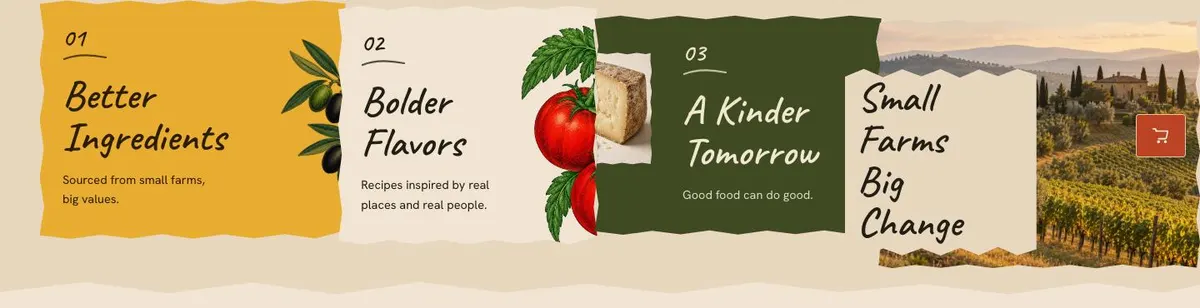
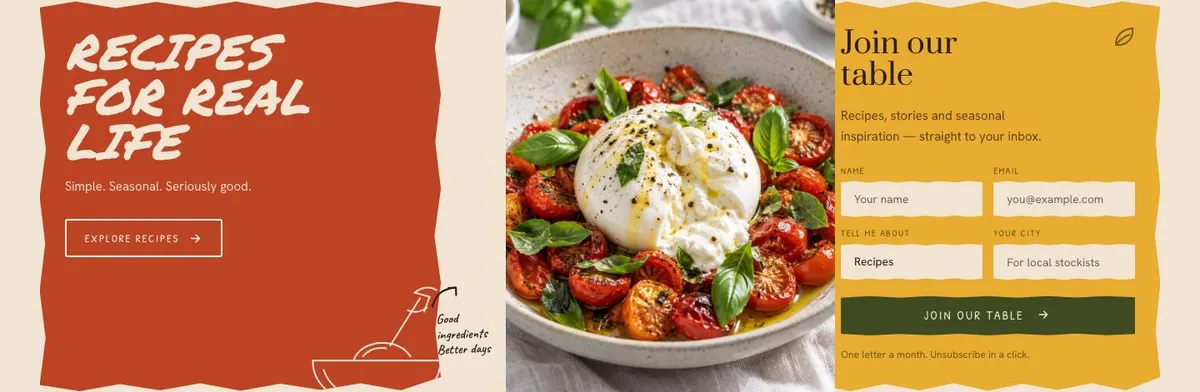
The template needs twelve photographs in total. Three appear in the Hero, four in Farms, one in The Pantry, three in Story and one in Recipes. Plan those images before writing. The page will feel more coherent when the food, suppliers and maker are photographed as parts of the same business rather than gathered from unrelated shoots.
Writing it for your business
Starting from this template costs no credits. Rewriting the copy with AI costs about 20 credits. A useful brief names the business, what it makes, the products that belong in the pantry, the suppliers it can name and the action the page should lead towards.
It should also state what must not be claimed. If the business sells only within one county, do not leave in a wider delivery promise. If it buys from several suppliers but cannot name all of them, describe the sourcing honestly. Give the AI the facts needed for the Hero, Farms, Story, recipes and journal so the rewritten page does not fall back on vague food language.
What to prepare before publishing
Write the central food belief first. Then prepare concise information about the farms, growers or makers that the business is comfortable naming. Confirm the pantry products, their prices and the order route before the buy button is made live.
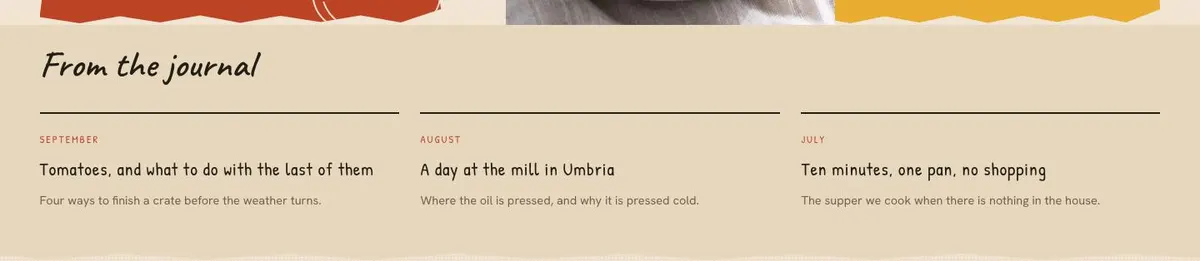
Gather photographs for the Hero, Farms, Pantry, Story and Recipes bands. Write at least one recipe destination for “Explore recipes”, and prepare the form wording for Recipes. Finally, draft the three journal items or remove any expectation that the journal will be regularly updated. The page is strongest when every section is current, not when the top half is finished and the lower content is left as sample material.
Variations for nearby food businesses
A bakery can make the Hero about the bread or bake that defines it, use Farms to introduce flour and grain suppliers, and make Recipes about serving or using the products at home. The Pantry can hold a focused selection of loaves, pastries or pantry goods where an order is available.
A restaurant can treat The Pantry as a short menu or take-home range, then use Story for the relationship between the kitchen and its suppliers. If the main action is a table booking rather than a purchase, Restaurant Table Bookings is the more direct starting point.
A coffee or tea business can use Farms for origins and producers, The Pantry for a concise range, and Recipes for brewing or serving guidance. A business centred on coffee products may prefer Coffee Bean Shop, which is closer to that offer.
When another template fits better
For a restaurant with a set menu and a booking-led goal, start with Tasting Menu Bookings. For a limited-seat dining occasion, Chef's Table better reflects that format.
For drinks made around botanicals rather than a broader pantry, see Botanical Drinks Brand. For an event where admission is the product, use Food Festival Tickets. More food-service starting points are available in restaurants.
Before you publish
- Check every farm, grower and ingredient claim is accurate.
- Confirm the pantry prices and order route are live.
- Make sure all twelve photographs belong to the current range.
- Test the recipe form and the “Explore recipes” destination.