For protection decisions that need more than a price
Someone searching for Lime Ledger needs a page that makes a protection decision feel understandable. Insurance, advice and family protection are not bought in the same way as an ordinary product. People need to know what is covered, who stands behind the offer and what will happen when they need help. This design leads with that concern rather than treating the enquiry as a quick transaction.
The demo is framed around family insurance, but the structure can also suit a broker, a health, dental or pet plan, a mortgage adviser, or a will, funeral or estate service. It gives the business room to state the protection offered, explain its approach and invite an enquiry. It does not include a payment or policy-purchase step, so it is best where the next action is a conversation or quote request.
A generic finance page can undersell this kind of work by discussing value in broad terms. Lime Ledger instead makes the decision practical. The page can show the range of cover, set out the claims approach and make a named human contact part of the offer. That matters when the reader is weighing a decision affecting their family, home, health or future plans.
A route from reassurance to an enquiry
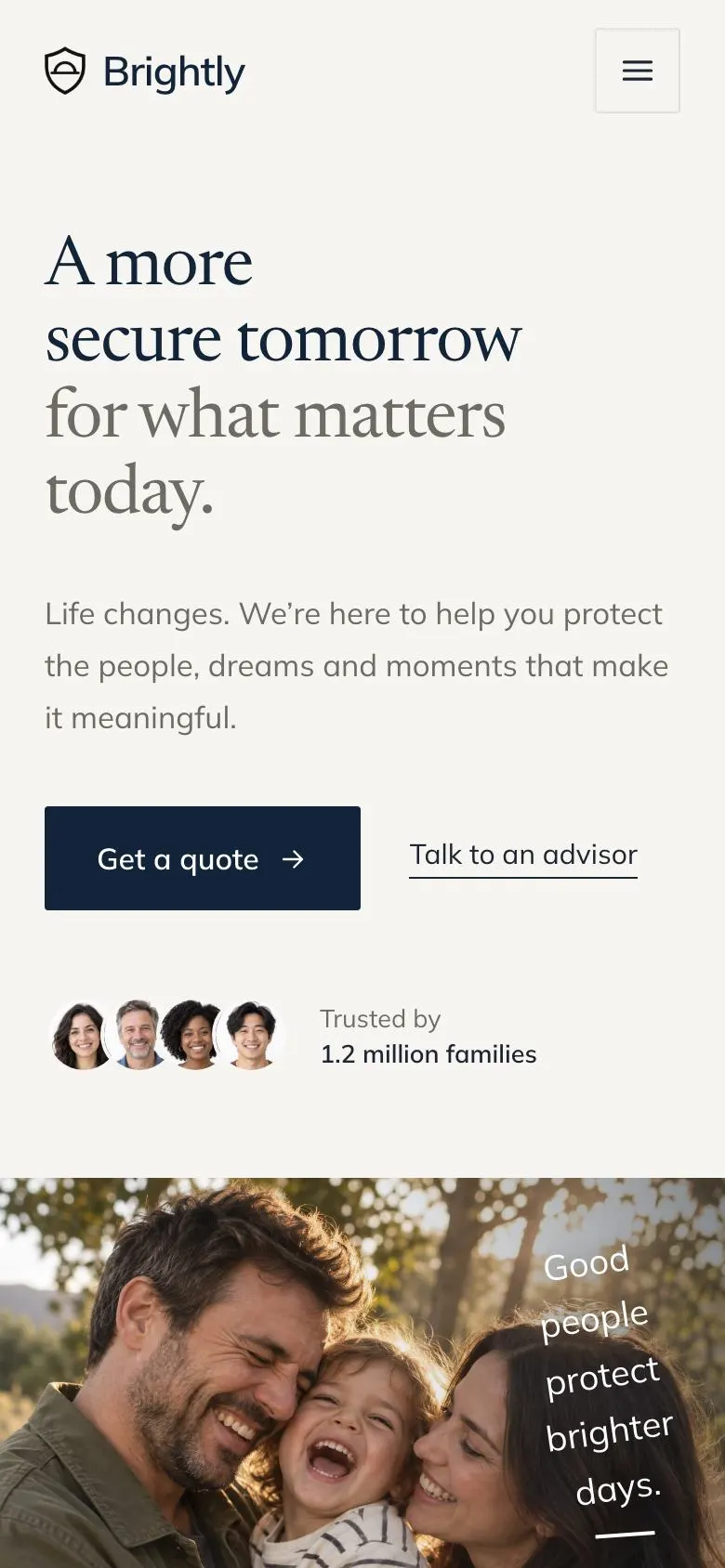
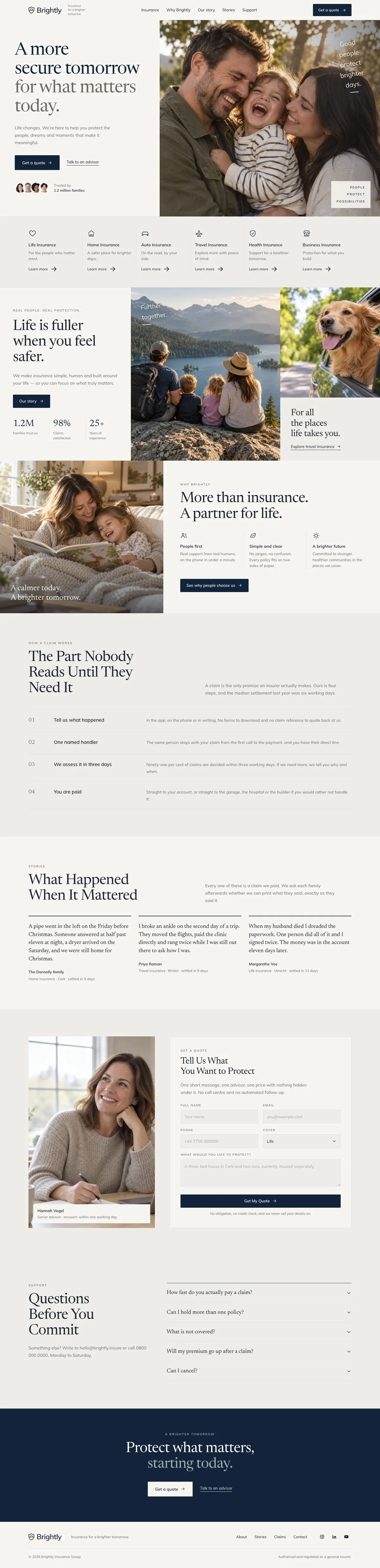
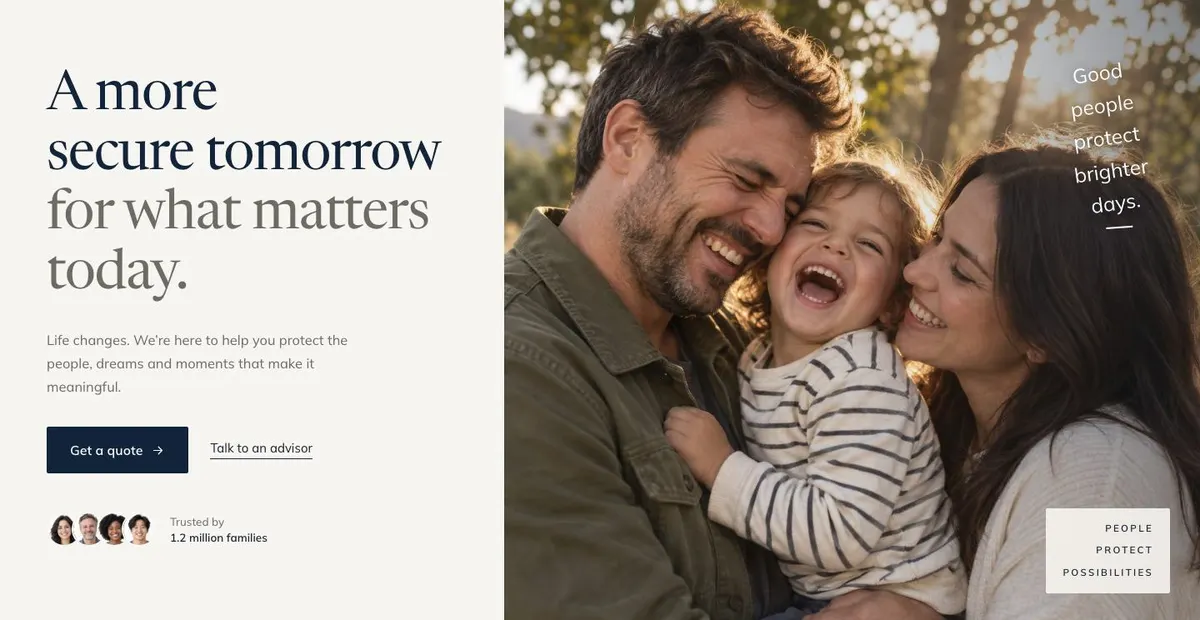
The Hero opens with “A more secure tomorrow for what matters today”. Its supporting line speaks about life changes and protecting people, dreams and meaningful moments. The opening button, “Get a quote”, gives the page a clear destination from the start. The photographs in this first band need to support the kind of life or relationship the product is intended to protect, rather than serving as general decoration.
Cover follows. This is where the business should organise its named protections or services so a visitor can quickly recognise their reason for arriving. The reference structure is built around six named products. An insurer might use the space for its cover types. A broker could use it for the areas it advises on. A health-plan provider could distinguish the plans or treatment needs it handles. Keep the names plain and make sure each one is a real offer that the business can discuss.
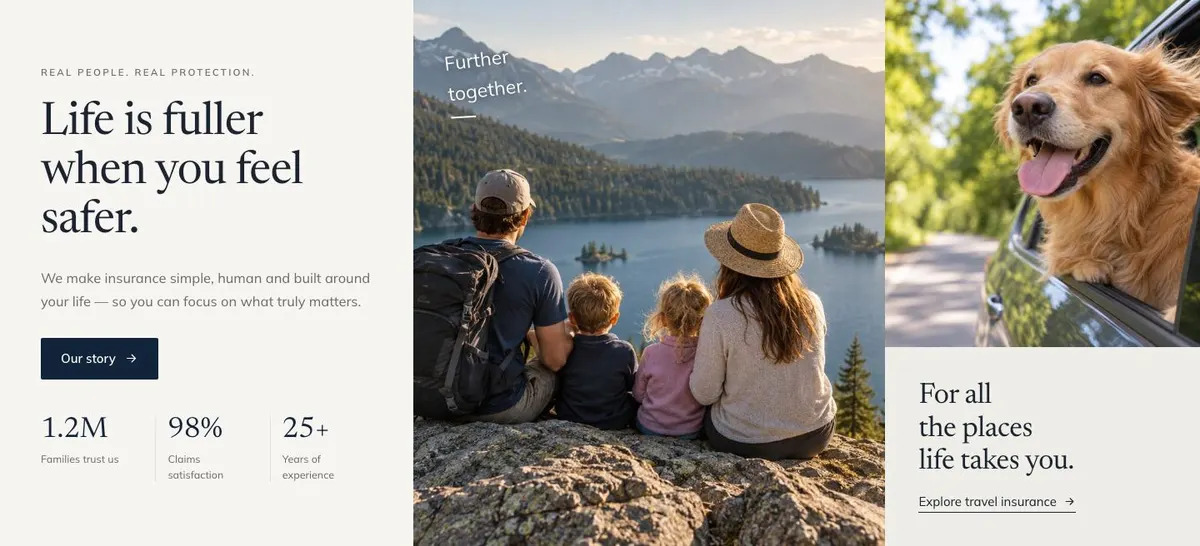
The Why band, headed “Life is fuller when you feel safer”, gives the business a place to explain its point of view. Its “Our story” link should lead to a genuine account of why the firm exists, whom it serves or how it works. The accompanying photographs should make that account specific. This is not the place for a long company history. It is the place to say what the business believes protection should feel like in practice.
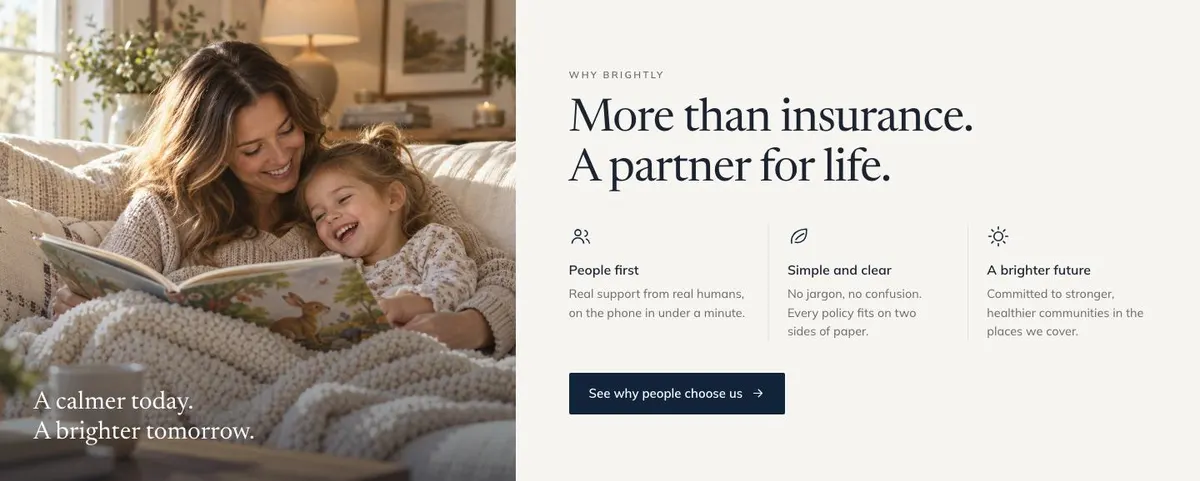
Partner then develops that argument through “More than insurance. A partner for life”. Its short list should contain the reasons a family or client would choose this provider over an alternative. For an adviser, this may be about the relationship and guidance offered. For a protection product, it may be about the support around the cover. The button, “See why people choose us”, needs a destination or message that the business can stand behind.
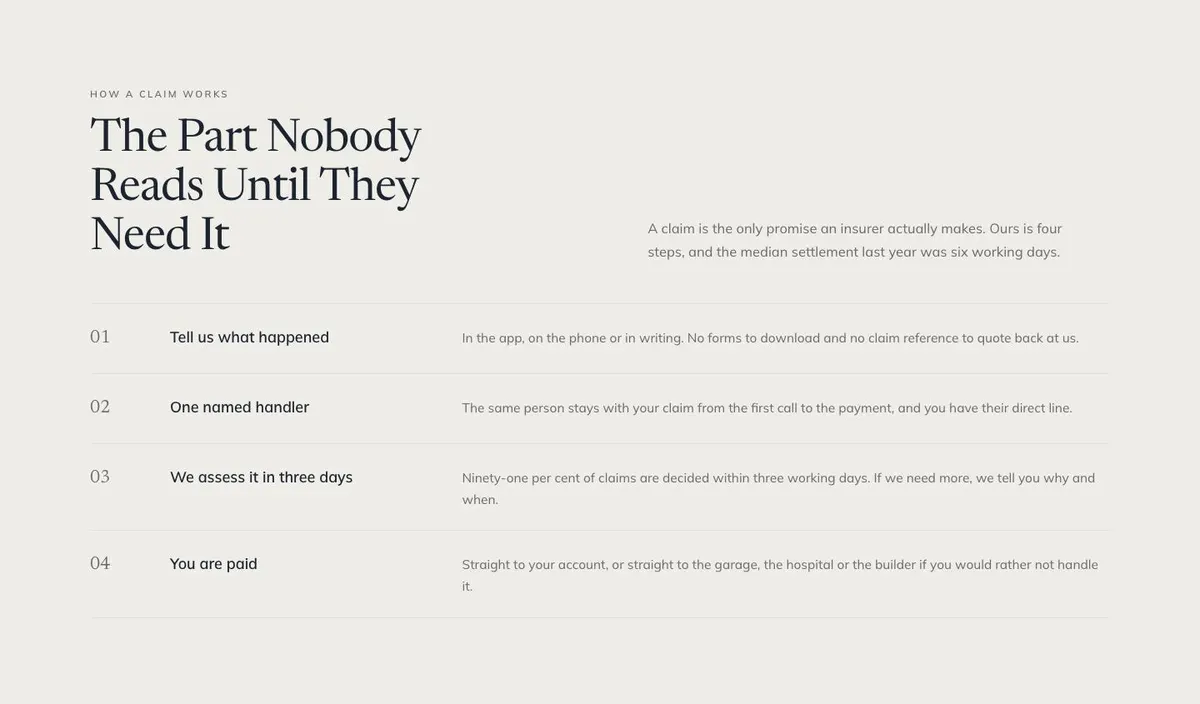
The most important proof arrives in How, under “The Part Nobody Reads Until They Need It”. The band is specifically about a claim. It sets out the process in four steps and refers to a median settlement time of six working days in the demo. Only retain a time claim if the business has sound, current evidence for it. Otherwise, explain the real stages plainly: what starts a claim, what information may be needed, who responds and how the customer is kept informed.
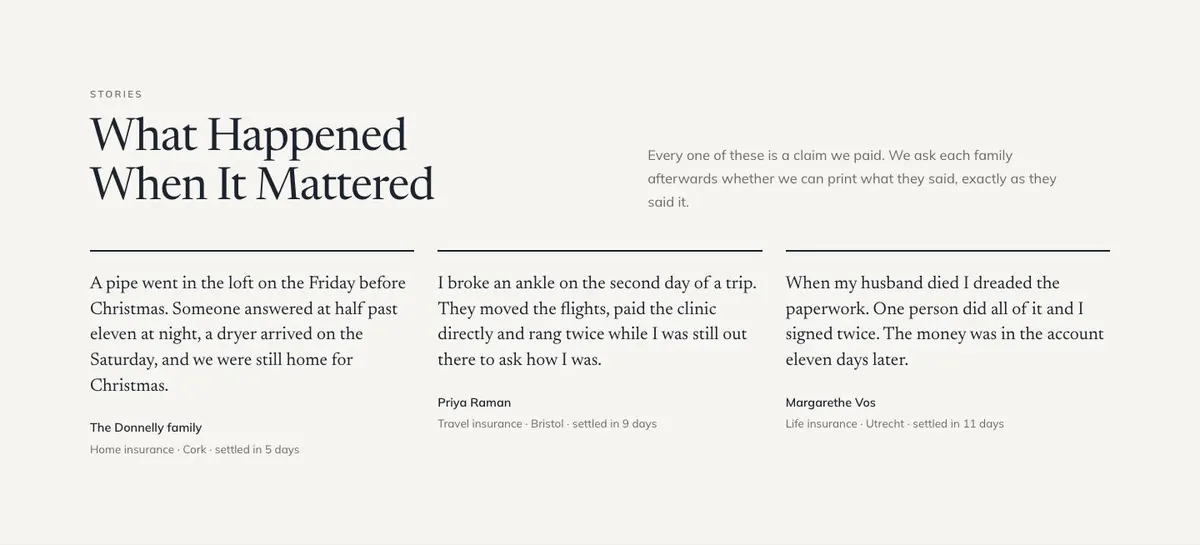
Stories follows with “What Happened When It Mattered”. It is for settled-claim accounts and customer words that have been approved for use. The demo makes a strong distinction here: these are claims paid, not vague endorsements. A business should only publish stories it can substantiate and should name the relevant product or service where appropriate. If it has no suitable claim stories, it should not invent them. Use accurate, permitted customer feedback instead, or choose a template that relies less on this type of proof.
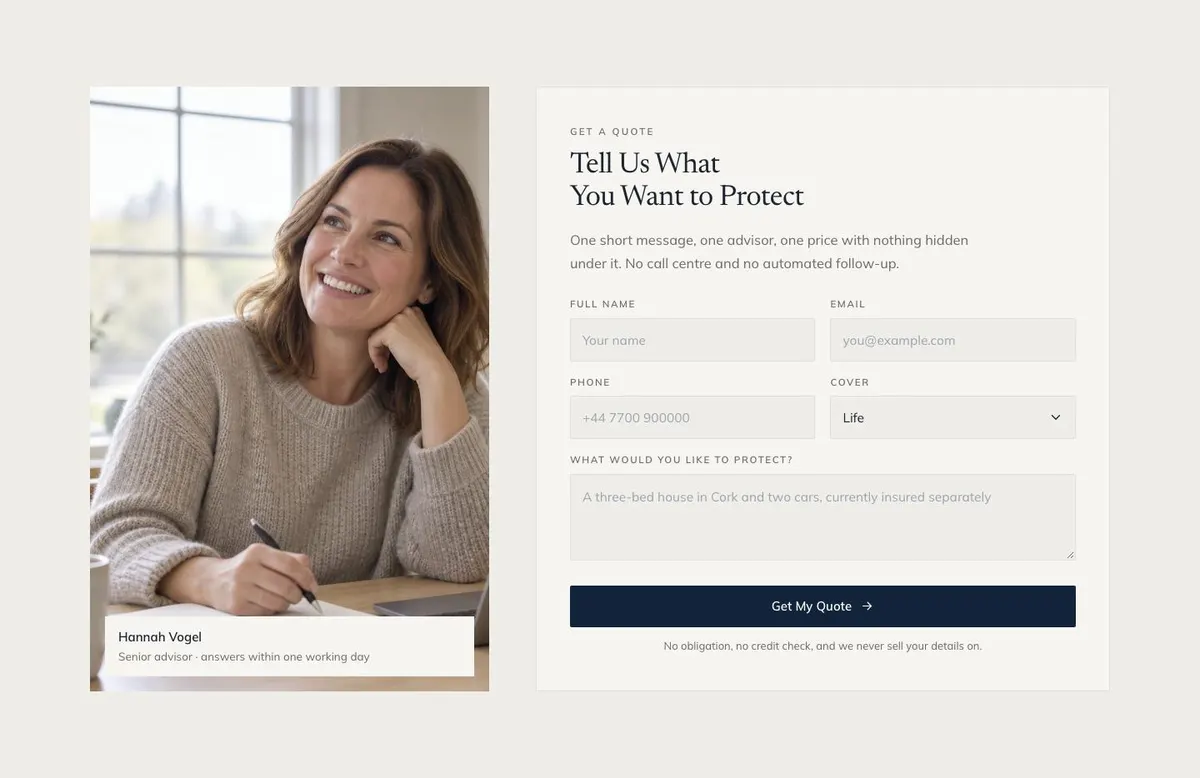
The Quote band turns that reassurance into action with “Tell Us What You Want to Protect”. It combines the enquiry form with a photograph and refers to one adviser and one price. The wording should match the real follow-up process. If enquiries go to a small advisory team rather than one person, write that plainly. The key task is to tell visitors what they should describe when they get in touch and what response they can reasonably expect.
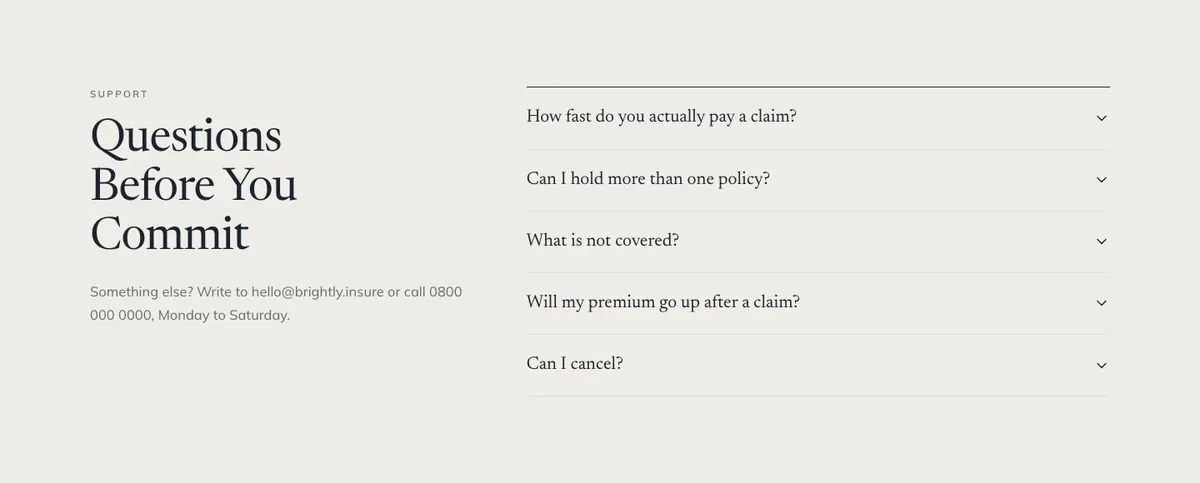
Questions provides an accordion for concerns before commitment. Its contact line includes an email address, a telephone number and stated opening days in the demo. Replace all of these with the business’s genuine contact details and availability. The Closing band returns to the protection message and repeats “Get a quote”, giving visitors a final route to the enquiry form after they have read the page.
Adapting the design without losing its purpose
Lime Ledger has Navy, Forest, Plum and Slate colour schemes. The display typeface is Newsreader and the body typeface is Mulish. The available font pairings also include Playfair Display with Mulish and Hanken Grotesk with Mulish. These choices allow the business to adjust the character of the page while retaining a clear distinction between larger statements and everyday explanatory copy.
The template needs 11 photographs in total. Five appear in the Hero, two in Why, one in Partner, one beside the enquiry area and one in the Closing band. Plan these before publishing. Use photographs that relate directly to the people, situations or support the business is talking about. The page is photo-led, so weak or unrelated images will make the copy harder to believe.
Writing it for the business
Starting from this template costs no credits. Rewriting its copy with AI costs about 20 credits. A useful brief names the business, the protection or advice offered, the audience, the areas served and the enquiry goal. It should also state the factual claims that may be used, especially anything about claims, settlement times, advisers, eligibility or pricing.
Good instructions separate evidence from aspiration. Name the real products that belong in Cover. Give the actual reasons for choosing the business for Partner. Provide an approved explanation of the claims process for How. If a story is to appear in Stories, supply the exact approved wording and any limits on what may be identified. The AI can shape clear page copy, but it cannot verify a promise the business has not provided.
What to prepare before publishing
Prepare the core protection message first: what the business helps clients protect and why that matters now. Then write the names and short explanations of the services or cover types. Gather the evidence for the claim-process section, including only timings and outcomes that are current and supportable.
Next, select the photographs for each of the page’s photo areas. Prepare an approved business story for the Why section, a clear set of partner reasons, and any permitted settled-claim stories or customer quotations. Finally, confirm the enquiry route, adviser wording, contact details, availability and the answers needed for the Questions accordion.
Useful variations for nearby trades
A health or dental plan can use Cover to separate plan types or treatment needs, while How should explain the real process for making a claim. Its photographs should reflect the people and everyday situations the plan is designed to support.
A mortgage or financial adviser can make Cover a clear list of advice areas, then use Partner to explain the working relationship. The Quote section should ask visitors to start an advice enquiry, not imply that a financial decision is automatic.
A will, funeral or estate service can keep the family-protection theme but should replace claim language where it does not apply. Use How to explain the service journey truthfully, and use Stories only where customer accounts are suitable and approved.
When another template fits better
If the main job is a quieter financial or advisory presentation, Quiet Ledger may be the closer starting point.
For a practice-led professional service, Counsel Practice is worth considering.
If proof of standards and trust is the central task, review the Compliance Trust Page.
See the wider set of finance landing page templates before choosing.
Before you publish
- Check every cover or service named is available.
- Confirm claim steps and timing statements are current.
- Use only approved customer stories and quotations.
- Test that both “Get a quote” routes lead to the enquiry process.