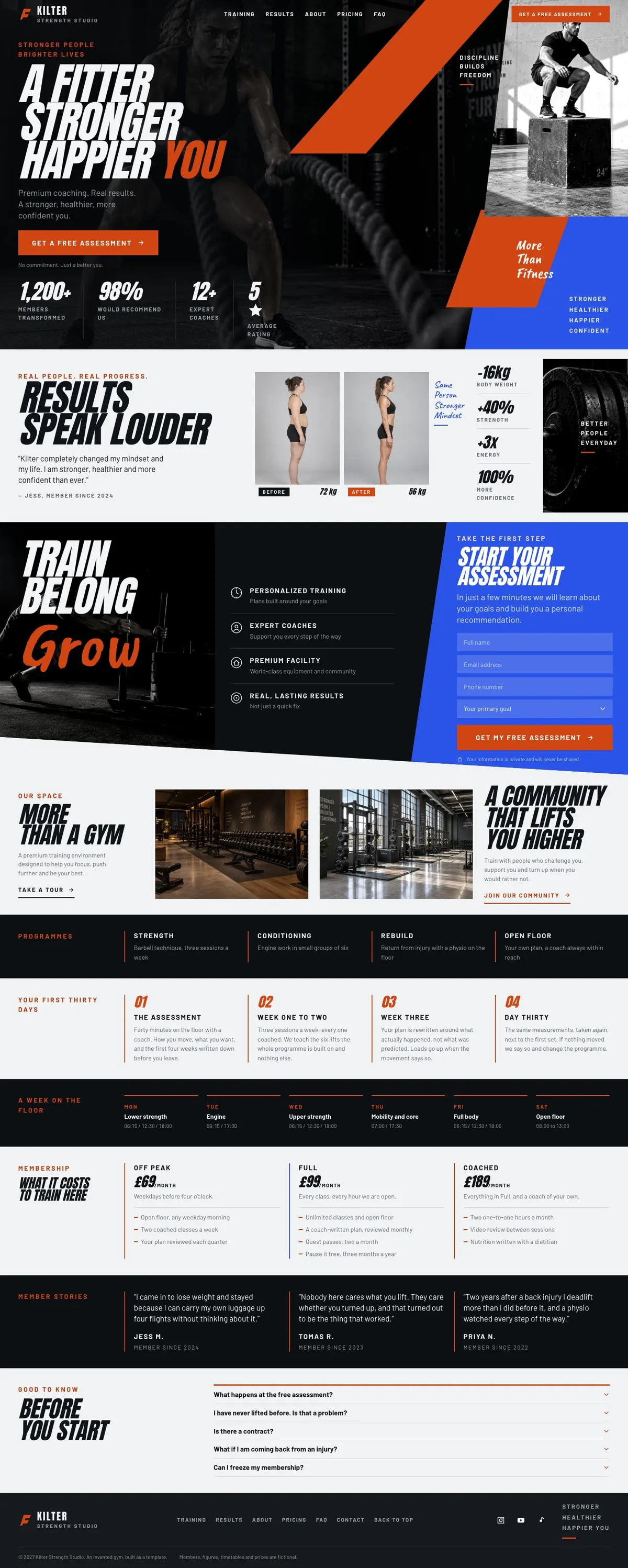
GymLanding page template
Coaching, results and assessment enquiries
For gyms, training studios and coaching businesses that need to show their environment, explain their programmes, present pricing and turn interest into an assessment enquiry.
Coaching, results and assessment enquiries
For gyms, training studios and coaching businesses that need to show their environment, explain their programmes, present pricing and turn interest into an assessment enquiry.
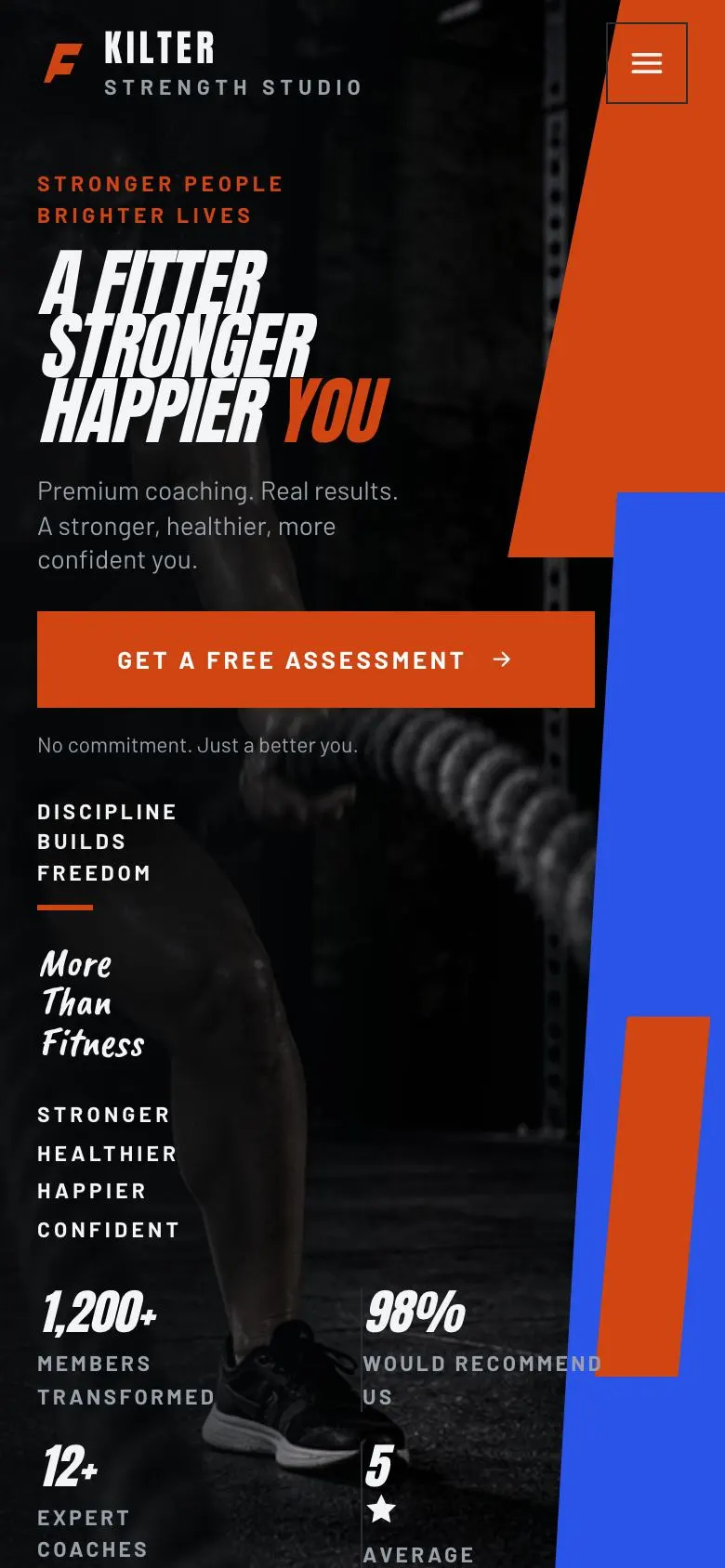
Switch devices, scroll the full page, or open the live demo. This is the exact layout, photos and sample text a new page starts with.
The headings are the demo's own sample text. Your brief, or the AI copy pass, replaces them; the structure stays.
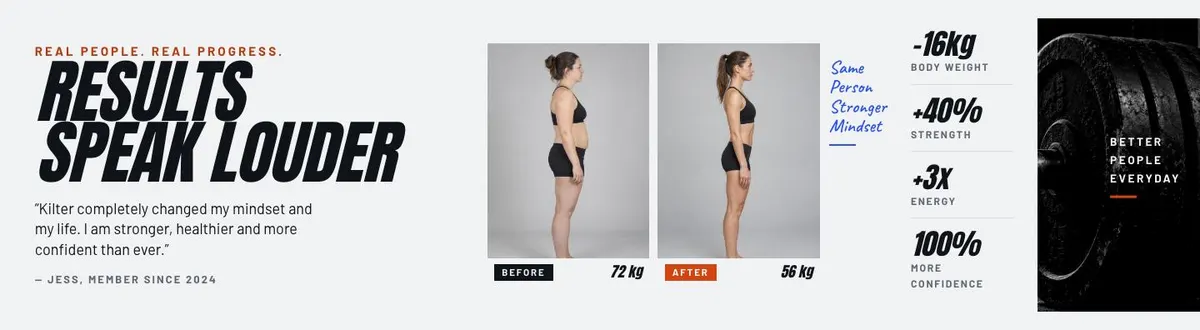
A FITTER STRONGER HAPPIER YOU
A fitter, stronger, happier you introduces the gym and its free assessment; supply two photographs, four honest benefits and claims you can substantiate.
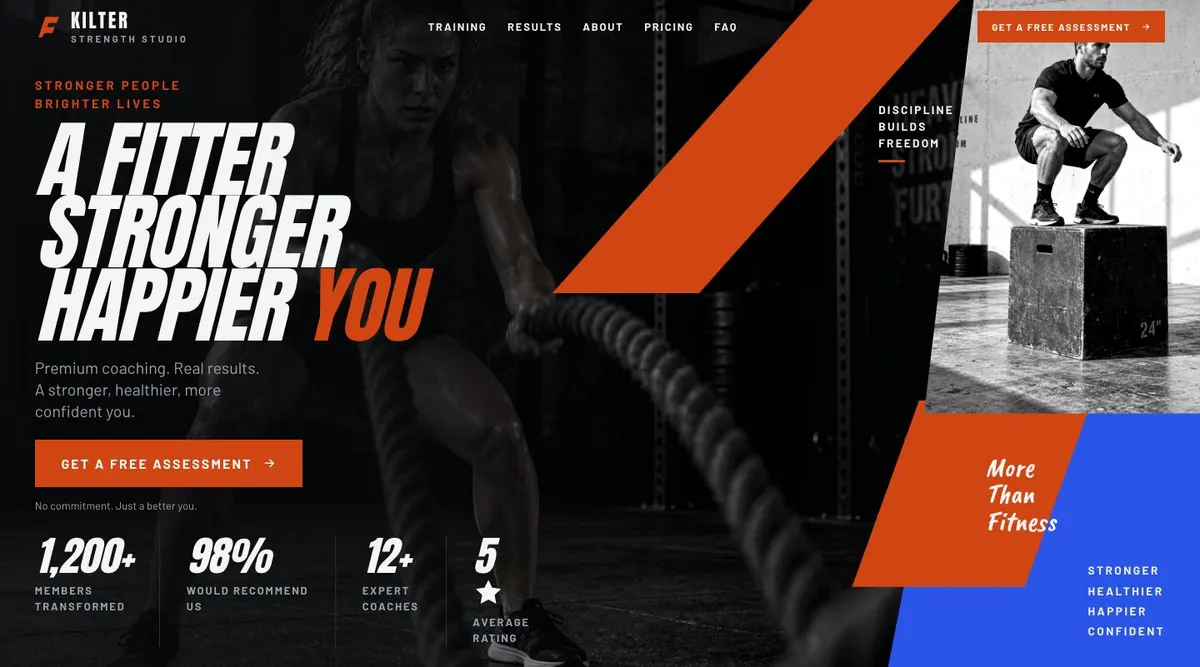
RESULTS SPEAK LOUDER
Results speak louder uses a member quote and three photographs to support outcomes; provide a genuine, authorised testimonial and images with permission.
START YOUR ASSESSMENT
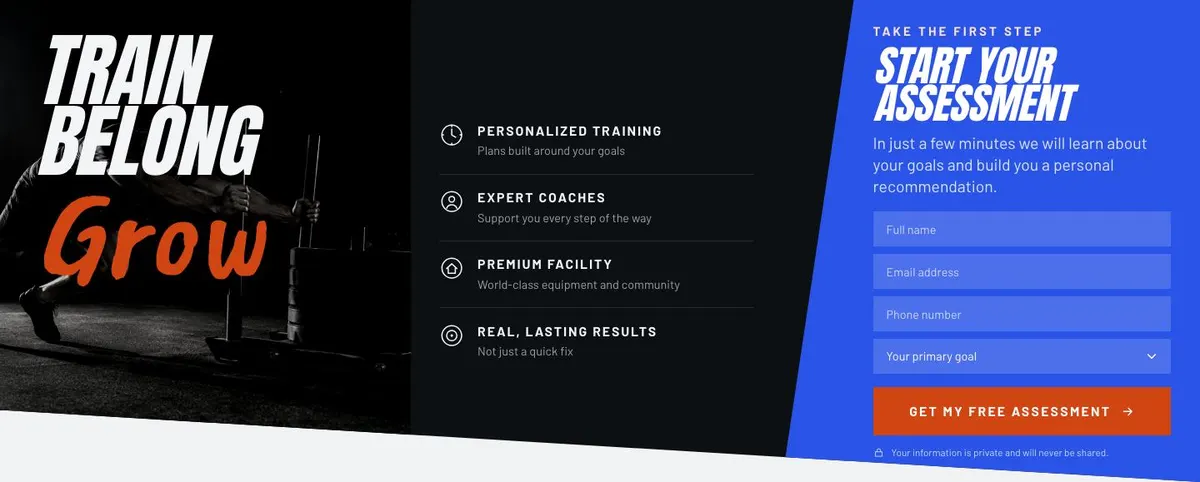
Start your assessment collects goals for a personal recommendation; provide the form questions, one photograph and four steps you will genuinely follow.
MORE THAN A GYM
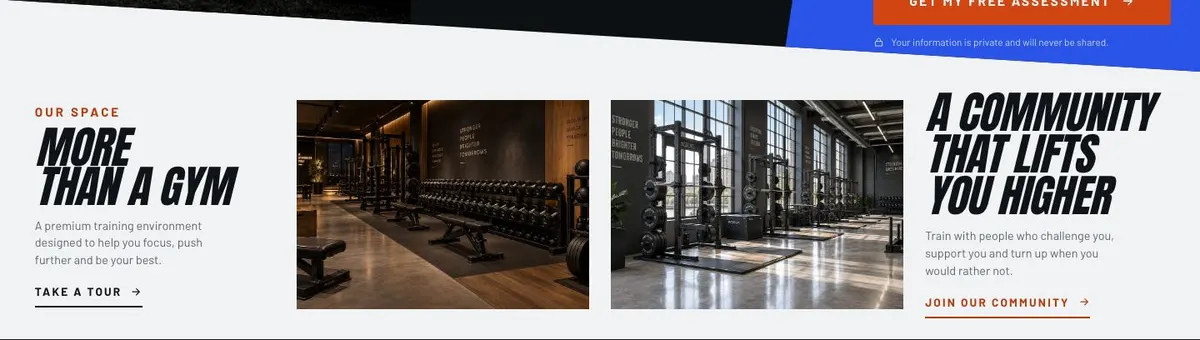
More than a gym explains the training environment; supply two photographs and wording that accurately reflects the facilities, coaching and member experience.
Programmes helps visitors compare four ways to train; provide the names, inclusions and suitability of each programme without overstating results.

Getting started sets out four steps towards joining; provide the actual process, requirements and timings a prospective member should expect.

The timetable lists six session or schedule options; supply current class names, times, availability and any booking conditions members need to know.

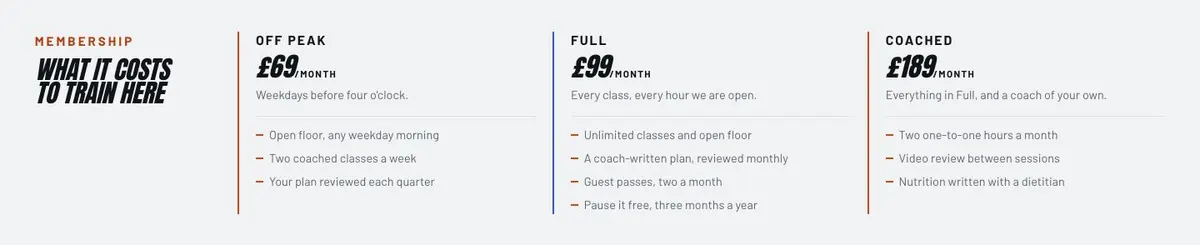
What it costs to train here
What it costs to train here explains thirteen pricing details; provide accurate fees, contract terms, inclusions and any conditions or limitations.
Member stories presents three accounts of training experience; provide genuine, permissioned testimonials and ensure any results claimed can be supported.

BEFORE YOU START
Before you start answers common questions in an accordion; supply clear, current answers about training, membership, safety and practical arrangements.

Someone searching for a Gym page needs to understand what training there feels like, what support is available and how to take the first step. A generic business page can make a facility sound interchangeable. This design gives the business room to lead with its training proposition, show the people and spaces behind it, explain the available programmes and ask for an enquiry through an assessment form.
It is intended for a place where training is part of a considered service, rather than simply access to equipment. The opening message, results, training assessment and later pricing section all need to agree on who the gym is for. A strength studio might speak about coaching and progression. A boxing club might focus on classes, confidence and technique. A performance clinic could centre its language on goals, training history and a personal recommendation.
The template does not include a separate booking journey for classes or appointments. Where a business needs the page to focus on a timed fitness campaign, New Year Fitness may be the closer fit.
The page offers Vermilion, Volt, Cobalt and Chalk colour schemes. Choose one that can be carried through the business’s own material without making the training information harder to read. The design is dark, photo-led and bold, with uppercase headings. It is best served by short, direct display copy rather than long claims.
Anton is the display face and Barlow is the body face. The available font pairings are Anton + Barlow, Caveat Brush + Barlow and Caveat + Barlow. Anton + Barlow is the practical choice when the gym needs firm, plain language. The Caveat options should only be used where their tone fits the business and the copy remains easy to read.
The template needs eight photographs. Two appear in the Hero, three in Results, one sits with the assessment in Training and two appear in Space. Plan these as one set, not as eight separate uploads. Show the kind of training being sold, people who reflect the intended membership and rooms that visitors will recognise when they arrive.
Starting from this template costs no credits. Rewriting the copy with AI costs about 20 credits. A useful brief names the business, the people it wants to reach, the training it offers, the assessment process, the programme choices and the pricing structure that can be published.
It should also state what evidence is available for Results and Stories. Give the AI approved member wording, real programme names and the questions staff hear most often. If there are limits on who can be trained, or a particular route for rehabilitation or coaching enquiries, include them. Better input keeps the page accurate and avoids generic fitness language.
Start with the central promise for the Hero and the facts that support it. Prepare a concise assessment description, including what happens after someone submits the form. Write the four programme names and the four steps in the getting-started route. Collect the timetable items and the pricing information that visitors need to compare their options.
Next, choose a real quote for Results and three member accounts for Stories. Obtain permission for any named story or photograph. Draft answers for “BEFORE YOU START”, especially questions about suitability, the assessment, programmes, timetable and prices. Finally, gather the eight photographs with enough variety to serve their different roles: opening impression, results, assessment and space.
A boxing club can keep the assessment-led structure but make the programmes about coaching formats and training levels. Its timetable should name the sessions people can join, while Results and Stories can show the progress members value.
A climbing facility can use the Space section to explain its environment and make Programmes about the ways people train there. The assessment wording should only remain if the business truly gives personal recommendations after an enquiry.
A physio or rehab practice can adapt the design around guided recovery and training support. It should replace gym-focused claims with the actual service, and make the assessment copy precise about what the practice offers. For a quieter wellbeing-led service, Still Wellness is worth considering.
Boutique Studio is a closer option for a smaller specialist training offer that should be presented as a studio rather than a broad gym. New Year Fitness suits a fitness page built around a New Year campaign.
City Marathon Race Day fits an event focused on race day rather than an ongoing membership or coaching enquiry. Performance Running Launch is the relevant alternative for a running-specific offer. Browse more options in health and fitness.
It opens in the editor with the layout, the photographs and the sample text you have just scrolled through. Starting from a theme costs no credits.