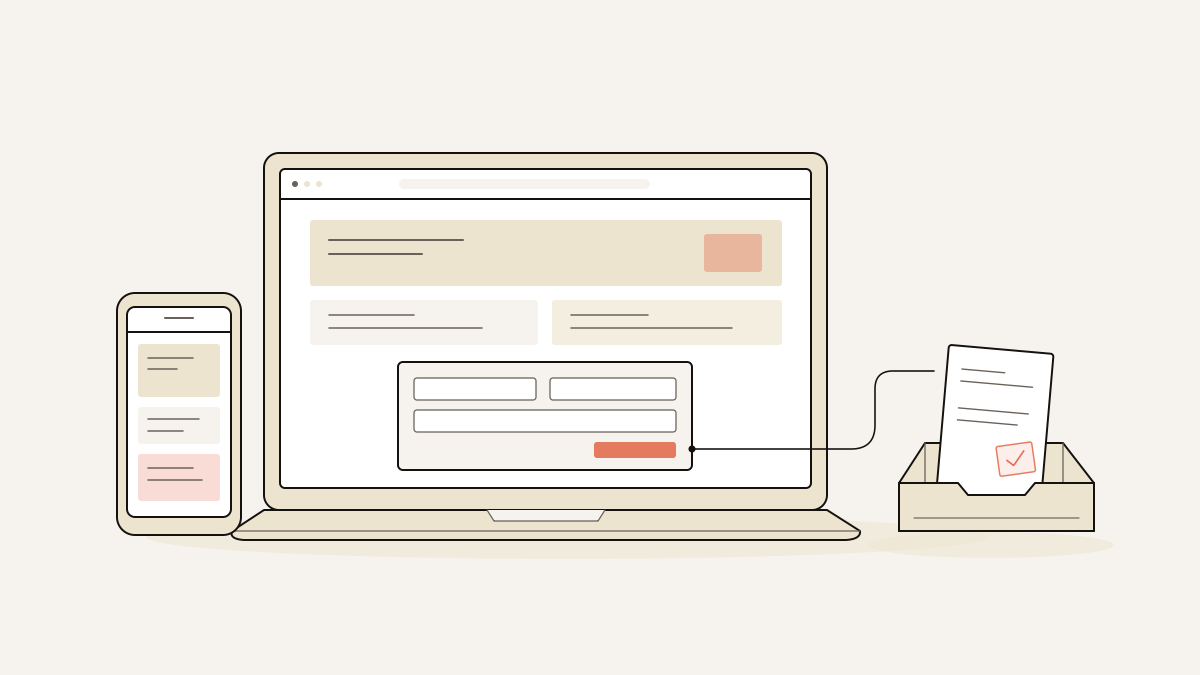
Company web page design that collects enquiries makes the offer, intended customer and next action clear, then organises the page around one enquiry form. We recommend keeping wider corporate information elsewhere: a campaign page should not have to serve customers, investors, applicants and the press equally.
Put service benefits first. Give enough company context to help the reader decide whether the offer fits, and make the enquiry action explicit. Before publishing, submit the form and confirm that the enquiry reaches the inbox with its campaign attribution. Those checks establish whether someone can enquire and whether you can tell which campaign sent them.
Company web page design: how it works for enquiries
An enquiry page should help visitors understand what the company can do, judge whether it fits their need and make contact. Each section needs to supply information they need before submitting the form.
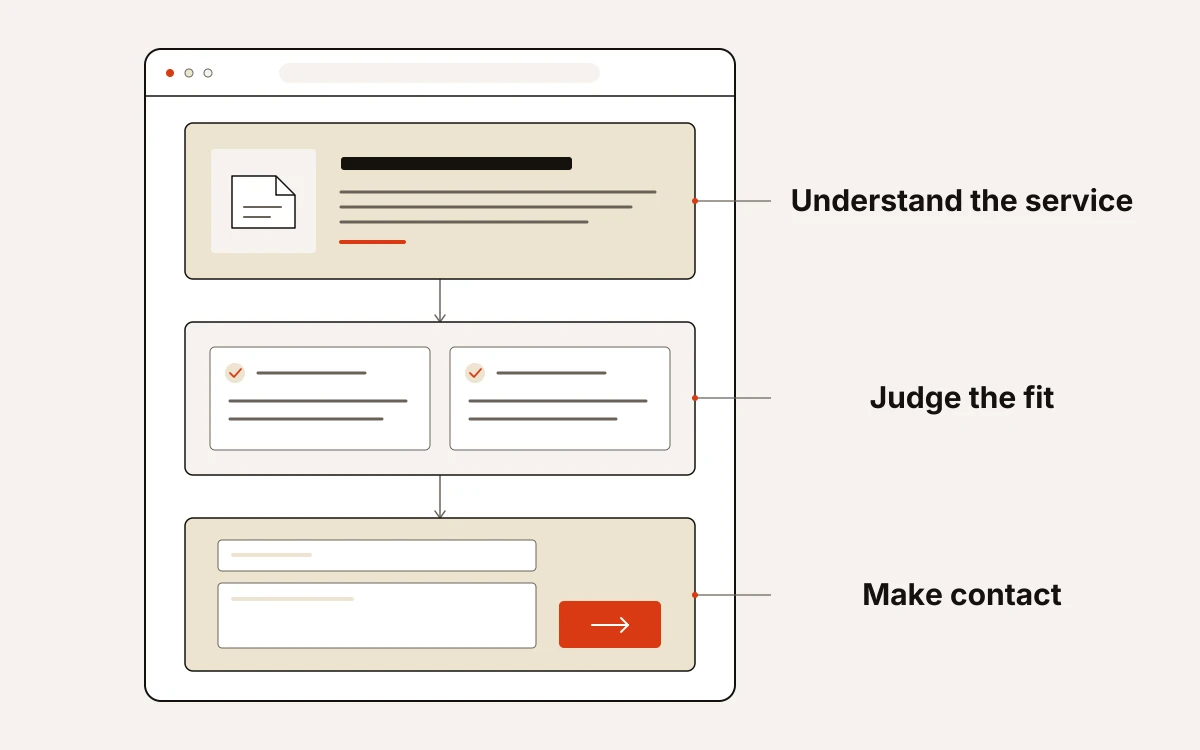
Start with a plain description of the service rather than a company slogan. Then make the important details easy to scan, so visitors can judge whether the service addresses their situation. Once they have enough information to decide, the enquiry action gives them a way to make contact.
A corporate website is the company’s wider official presence. A focused campaign page has a narrower job: turn interest in a particular offer into an enquiry. It is not a replacement for the whole site.
We build around exactly one conversion goal and one lead form per page. Use that to decide what belongs: keep content that helps the visitor decide whether to enquire; leave out anything that asks them to do something else.
Design rules that make the next action clear
We organise the page around the advertised service. Give its benefits the most visual emphasis, followed by supporting context and a clearly labelled enquiry action.
- If your services vary, foreground the advertised service. Match the main heading and opening benefits to the offer the visitor clicked. Giving every service equal space makes them search again for the reason they arrived.
- If company background dominates, shorten it. Keep the context that helps someone judge whether you can meet their needs. Move the longer company story elsewhere so service benefits remain easy to scan.
- If headings compete, give them a hierarchy. Use H1 for the page’s main offer, H2 for its main sections and H3 for supporting subsections. The structure makes the relationship between the offer, benefits and detail clear without relying on font size alone.
- If enquiry is the goal, make enquiry buttons distinct and name the action. Use size, colour and placement to separate them from supporting links. Choose wording such as “Send an enquiry” rather than “Learn more”, so visitors know what the button will do.
Choose a layout that fits your company
Choose a layout whose sections each have a clear job in explaining your offer: the service and its benefits, the context that shows you can deliver it, and the enquiry form. Our template pages state the counts and form type before you start, so you can check that you have material for every section. If a section needs material your company cannot supply, leave it out rather than filling it with generic copy simply to complete the layout.
A checklist before you publish your enquiry page
Do not publish until a test enquiry reaches the inbox with its campaign details intact. Check the page visitors use and the submission record it produces.
- Render the phone layout and inspect it. Check text, images, buttons and form fields for clipping or overlap, then check tablet and desktop layouts.
- Complete the page by keyboard. Make sure every control is reachable, focus stays visible and the form can be submitted. Test with a screen reader, and check meaningful image alt text, semantic HTML and appropriate ARIA labels.
- Submit the enquiry form. Confirm that the agreed form is the only lead form and that its submission writes to the inbox before any pixel fires. A confirmation message alone does not prove delivery.
- Follow every in-page anchor. Check that each reaches its intended destination, including buttons that lead to the enquiry form.
- Check image rights and metadata. Confirm that images are licensed and hosted on your domain, and that the page has a title, description and share image.
- Inspect the submitted lead. Confirm that source, medium, campaign, click ID and landing URL are stamped on the server at submission, alongside the consent state.
Before publication, we run six checks: form count, anchor destinations, image licensing and hosting, inspected phone rendering, metadata, and inbox-before-pixel ordering. For WordPress publishing, our Connector plugin serves the page from your domain, theme and permalink, while form submissions reach our inbox.